Quick answer
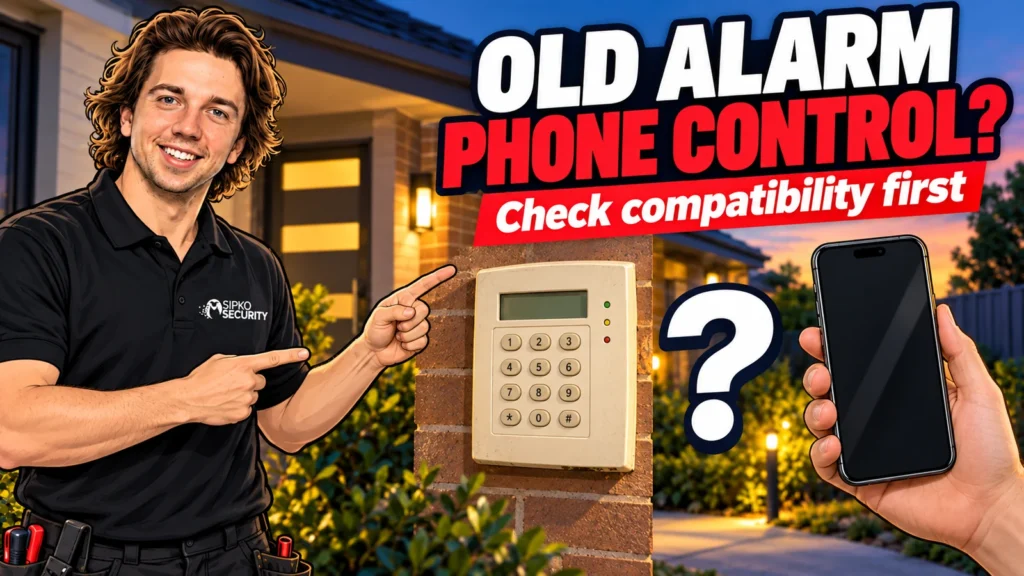
You can often control an old security alarm from your phone, but not by simply downloading an app. It depends on the control panel, its software and the communication module fitted. Some older panels can be connected with one maker approved module. Others cannot, and need a new panel.
- Do it yourself, call us if stuck
- About 15 minutes
The short version
- You can often control an old alarm from your phone, but it depends on the panel, its software and the communication module.
- There are three routes: switch on what is already fitted, add the maker module, or replace the panel.
- Bosch RSC+ needs a cloud connected module, and MyAlarm iFob needs v2.23 firmware, an IP connection and a service plan.
- An app is not monitoring. Get the panel, module and service confirmed in writing before you pay.
On this page
- The short version
- Three routes to phone control
- What the makers require: examples
- Decide what you want the phone to do
- Identify the panel before you buy
- The connection between the house and the phone
- An app is not professional monitoring
- Keep ownership and permissions clear
- Compare the full cost and the handover
- Test the result before you rely on it
- FAQ
- Sources and further reading
- Start with a compatibility check
- Recommended Solutions for This Security Issue
This guide is for Melbourne homeowners with an older alarm who want to check it, arm it or get alerts from a phone. It explains the three routes, what Bosch and MyAlarm require as examples, and what to ask before you pay. For a wider look at what an alarm app adds, see our guide to alarm systems with no app.
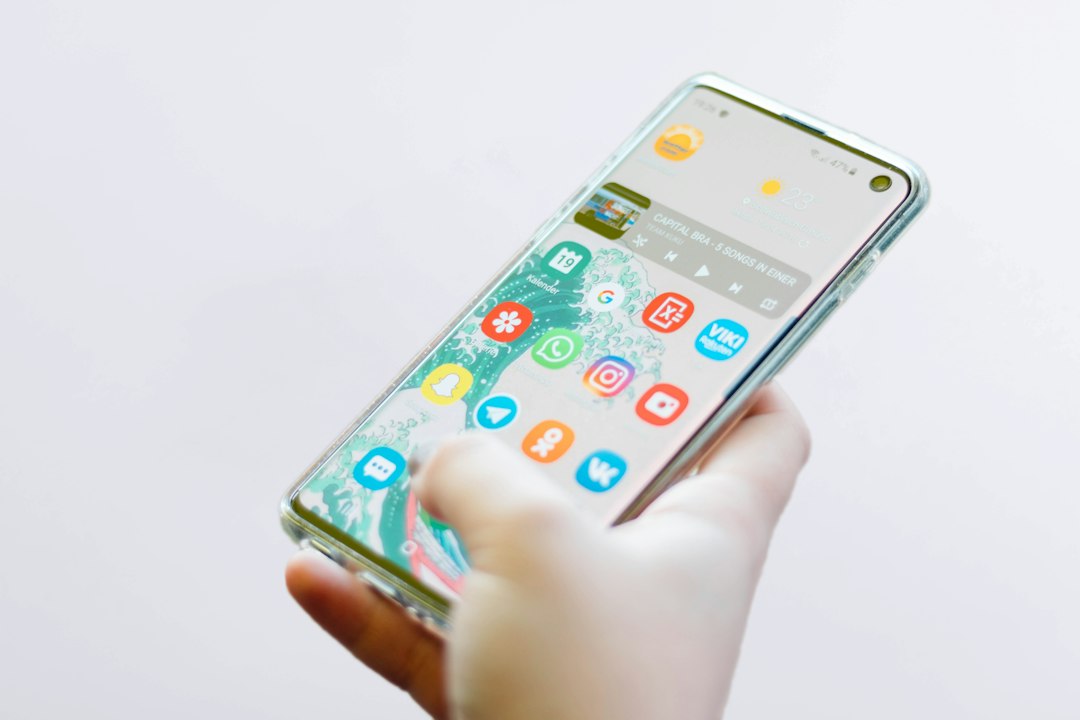
Three routes to phone control
Which route fits depends on the panel you already have. The installer should confirm it in writing before you buy anything.
The diagram is a guide, not a promise. The same-looking alarm can sit in any of the three boxes. In the third route you can often replace only the control panel and keep the sensors and wiring that are in good condition. Our guide on upgrading an old hardwired alarm explains what is usually reusable.
What the makers require: examples
These are examples from the makers, to show how specific the requirements are. They apply to those products only and do not cover every Bosch, Hills, DSC, Ness or other alarm.
| Option | What the maker says it needs | Source |
|---|---|---|
| Bosch Solution 2000 and 3000 with the RSC+ app | Bosch says the RSC+ app, its cloud connection and push notifications are free, and that the panel must include a cloud connected communications module (B426-M, B450-M or B443). The app can arm and disarm, show sensor status, bypass inputs, control up to 20 outputs and show the panel history. This leaflet is from 2017, so check the current details | Bosch RSC+ leaflet |
| MyAlarm iFob Control on Bosch Solution 6000, Solution 144 and Digiflex Vision-X | The panel must run firmware v2.23 or later (a Solution 144 needs an upgrade to Solution 6000 v2.23), have at least one IP connection option such as an Ethernet module, a WiFi keypad or a 4G radio module, and have a MyAlarm service plan through a registered installer | MyAlarm requirements |
| MyAlarm SMS Control | The system must have the integrated 2G or 3G GSM radio interface, and you need the phone number of its SIM. MyAlarm lists the Solution 144, Solution 6000 and Vision-X | MyAlarm SMS Control |
| Third party adapters | Some makers sell a communicator that adds an app to a panel from another brand. Olarm, for example, lists Paradox, IDS, Texecom, DSC, Orisec and Honeywell, but its site shows only South Africa and the UK, so ask whether it is sold and supported in Australia | Olarm |
One warning on SMS control. Telstra and Optus switched off their 3G networks from 28 October 2024, according to business.gov.au. A GSM radio that depended on 3G may no longer work, so ask the installer before you rely on it. Our guide on old alarm monitoring after the nbn covers the same kind of change for monitoring.
Decide what you want the phone to do
“Put the alarm on my phone” can mean several things. You might only want to see whether it is armed after you leave. Another household may need separate users, house and garage areas, an event history or a warning when the connection fails. Write down your two or three must-have functions first.
Receiving a message is not the same as controlling the alarm. A button that sends an arm command is less useful if you cannot tell whether the system actually armed. Ask what status comes back, what happens if a command fails, and whether an open zone or fault stops the alarm from arming. Test the real tasks, including what someone does if their phone is flat.
Check status
Does the system report its real state, or only send a command?
Receive events
Which alerts are supported, and what connection do they need?
Manage access
Can each person have their own login, and can you remove a lost phone?
Identify the panel before you buy
The keypad is the part you touch. The control panel is the equipment behind it, and the brand on the keypad does not always name the panel. Our guide what security alarm do I have explains how to photograph the keypad and confirm the panel model before you ask for a quote.
Gather the installation invoice, any service report and the manual. Photograph the keypad without showing a code being entered, and leave covers and wiring to a technician. Give the installer the full model and any software version in your records. A family name such as Bosch Solution or Hills Reliance is not a compatibility list, and hardware revisions can change what is possible.
If a previous installer left the panel locked, your installer may need to check ownership and access first, and in some cases the panel itself has to be replaced. Do not buy a second-hand module from a photo match. Ask for written confirmation of the panel, module, software version, app and service together, and who will set it up.
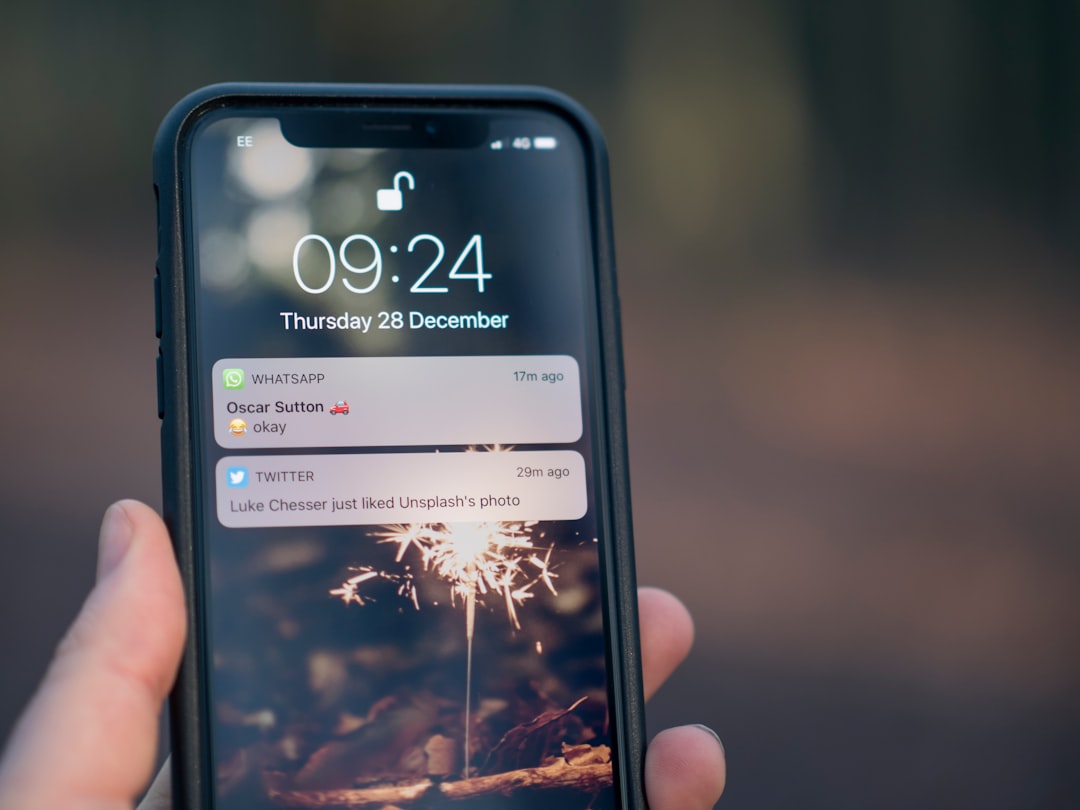
The connection between the house and the phone
The alarm needs a supported route to its remote service, and your phone needs a working connection too. That route may be Ethernet, Wi-Fi or a mobile radio fitted in the alarm. A strong signal on your phone does not prove the alarm’s own radio has good reception.
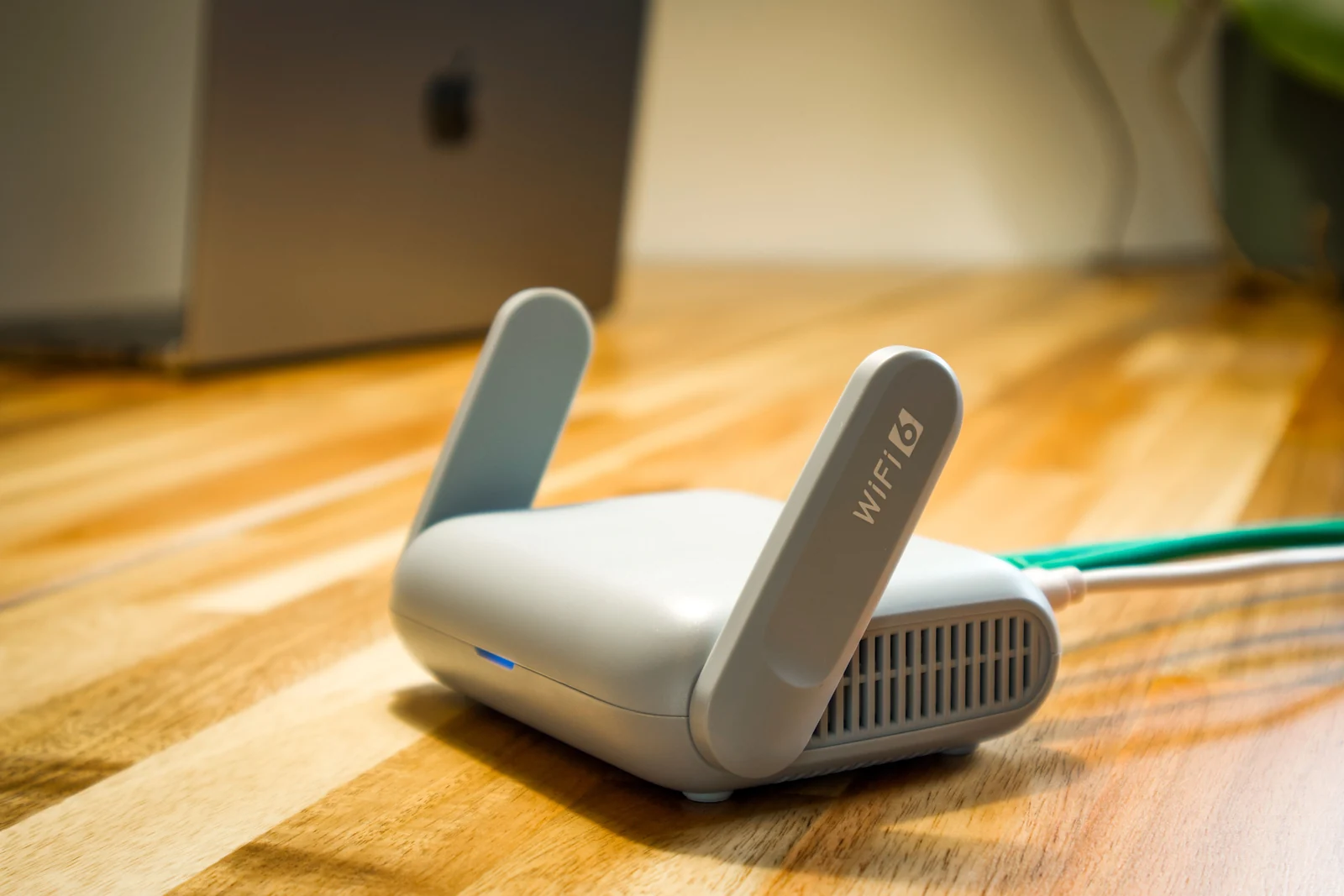
Ask which parts need your home internet and which need mains power. A battery backed alarm panel does not keep your router running in a blackout, as our guide on what your alarm does in a power outage explains. Ask how you will know when remote access is down, so you do not trust a stale screen as proof the house is protected. If the alarm still reports over an old phone line, that is a separate question, and our guide on old alarms after the nbn explains what to check.
An app is not professional monitoring
An app can make an alarm easier to use, but it does not create a monitoring centre response. A push notification only helps if it reaches a phone and someone notices and acts. If you already pay for monitoring, ask the provider how the change affects it before any work starts, and make a simple household plan for who checks an alert and who is the backup.
Keep ownership and permissions clear
The owner should know which account controls the service and how users are managed. Give each person their own access where it is supported, and give visitors and contractors only what they need. The same applies when you change phones, which our guide moving your security apps to a new phone covers.
Ask the installer to show you how to remove a user and what to do about a lost phone. Never send alarm codes, app passwords or device QR codes in a public group to get a quick opinion. Do not open router ports or fit an unverified remote switch to get remote access. That can give access with no supervision and no support.
Compare the full cost and the handover
Ask for a quote that separates equipment, labour, set-up, any ongoing app or service charge and any mobile data. Ask what happens if you change installer, stop a plan or sell the house. A free app does not prove the service behind it is free.
If the panel is very old, our guide is your home alarm too old helps you decide whether an upgrade is worth the money. For an old wired system, see upgrade versus replace for a hardwired alarm. SIPKO’s alarm takeover and upgrade overview explains the replacement route, which is an option only after your existing system has been assessed.
- Confirm the control panel and the proposed module in writing.
- List the phone functions that are included and excluded.
- Check ongoing charges and who owns the account.
- Confirm the effect on existing monitoring.
- See a successful command and a failed command demonstrated.
- Test users, alerts and normal keypad use.
- Keep a written handover and a support contact.
Test the result before you rely on it
Arrange a controlled test with the installer and any monitoring company. Check that the status on the phone matches the real system, that the right areas respond and that each user has the access you intended. Test away from your home Wi-Fi as well as inside it. Finish by asking a household member to do the everyday tasks without help. A good result is a clear routine and a clear explanation of the limits, not just a new icon on a phone.
FAQ
Eight quick answers to the questions people ask most.
Can you control an old security alarm from your phone?
Often, but it depends on the control panel, its software and the communication module. Some older panels need only one approved module. Others cannot be connected and need a new panel. Confirm the exact combination before buying anything.
Can every old alarm be connected to an app?
No. The panel, software, communication hardware and available service must all support what you want. Some systems can be upgraded, some already have the hardware, and others need a panel change.
Can I keep my existing sensors and keypad?
Possibly, depending on their condition and fit with the new equipment. Wired sensors are not automatically reusable, and a keypad may be tied to its panel family. Ask the installer what stays, what changes and why.
Is a Wi-Fi adaptor all I need?
Not necessarily. A network connection alone does not create supported alarm control. The panel still needs compatible communications, software, set-up and sometimes a service plan. Ask what status and fault reporting you will get.
Will phone control work in a blackout?
It depends on backup power and every connection in the chain. The panel battery may not power your router or internet equipment. Ask how the proposed set-up behaves in a power cut, and ask for a test.
Does an alarm app replace monitoring?
No. App alerts and a professional monitoring service are different. Confirm who receives events, who responds, and what happens when your phone cannot connect. Keep your monitoring provider involved in any change that affects reporting.
Does SMS control still work in Australia?
Only if the alarm has a GSM radio that still works on a current network. Telstra and Optus switched off 3G from 28 October 2024, so a radio that relied on 3G may need replacing. Ask your installer to test it.
Can I use a third party adapter on my old alarm?
Some are sold for certain panel brands, but check that the panel model is on the maker list, that the adapter is sold and supported in Australia, and what it costs per month. Ask your installer to confirm in writing.
Sources and further reading
- Bosch Security: Fingertip control for Solution 2000 and 3000 with RSC+ (leaflet dated 2017)
- MyAlarm: customer account requirements for iFob Control
- MyAlarm: SMS Control
- Olarm: the Olarm app and communicators
- business.gov.au: The 3G network is closing down
The product details above are examples from the makers and apply to those products only. Requirements change, so confirm them for your panel before you buy. The three routes, the checklists and the advice on ownership are our own guidance from upgrading alarms. Last checked 15 October 2026 by Sergi Sipko, licensed security installer, Security Adviser and Equipment Installer Licence Z47-808-30S.
Start with a compatibility check
Collect your panel model and choose the phone functions that would help your daily routine. SIPKO’s homeowner maintenance and support service can assess your existing equipment and explain a supported path. The best result is the simplest solution that does what you need and can be looked after properly.

Update history
- 15 October 2026: Rewrote with a three-route diagram, a table of what Bosch and MyAlarm require, the 3G warning for SMS control, third party adapters, more FAQ answers and sources.
- 5 October 2026: First published.
Did this fix it?
Good to hear. If we saved you a call, a short Google review helps other Melbourne homes find honest advice.
Leave a Google reviewLet us take a look. Tell us what you found and a licensed installer will help you find the cause.
Get a free quote or call 0406 432 691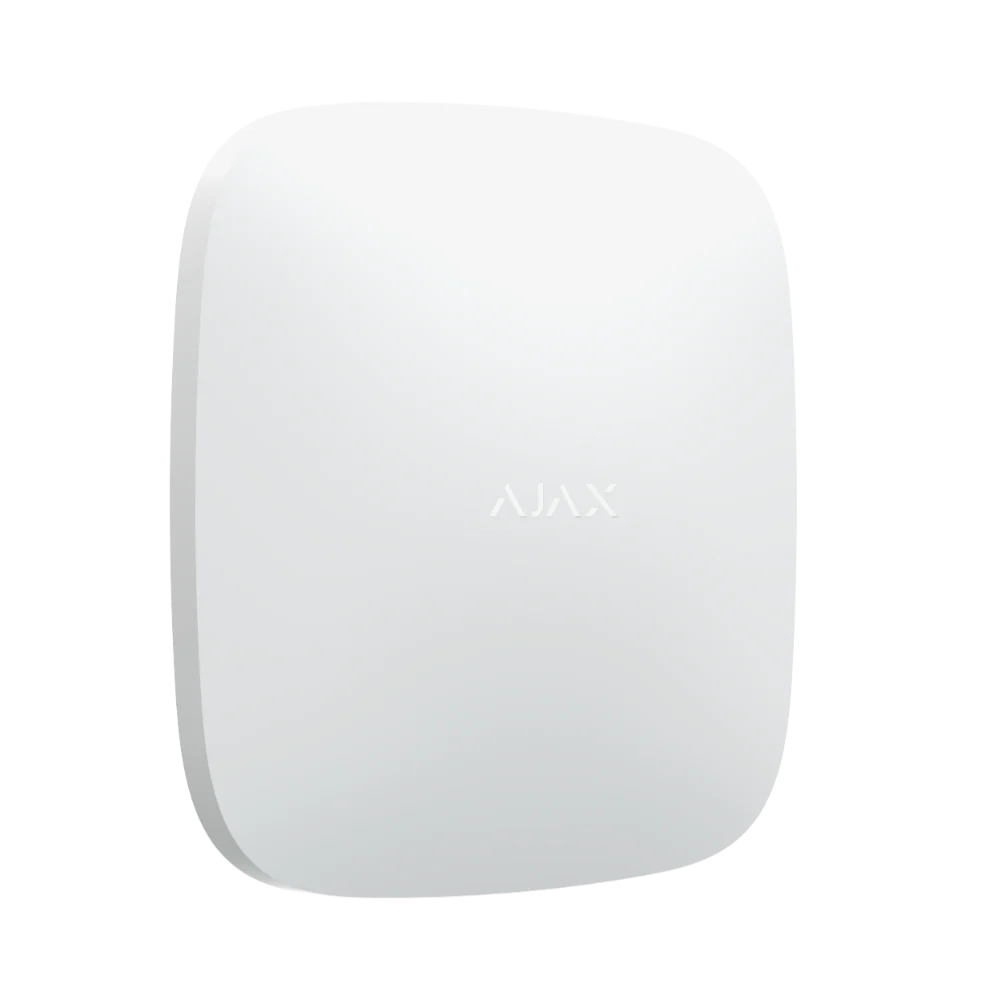 Featured Ajax product
AJAX Hub 2 Plus
The advanced security panel at the heart of an Ajax system. It connects up to 200 devices.
See the Ajax system →
Featured Ajax product
AJAX Hub 2 Plus
The advanced security panel at the heart of an Ajax system. It connects up to 200 devices.
See the Ajax system →
- Licensed and insured
- Licence Z47-808-30S
- Melbourne and Mornington Peninsula
- Free onsite quote
Google reviews
What Melbourne customers say




Local help from SIPKO
SIPKO Security
Get your free onsite quote
Tell us about your property. A licensed installer will get back to you with a clear, honest answer.
- Licensed and insured
- Melbourne and Mornington Peninsula
- Mon to Sat, 8am to 6pm
The quote form opens as you scroll here.