
Vivotek Camera Repair, Maintenance & Installation Melbourne VIC
Professional Vivotek security camera repair, maintenance, and installation services for residential, commercial, and retail properties across Melbourne VIC. SIPKO Security diagnoses and fixes failing Vivotek systems, provides preventative maintenance to keep cameras working reliably, and installs new Vivotek security solutions with expert site design, camera placement, and network configuration. Fast troubleshooting, genuine parts, and technical support you can depend on.
Same-Day Troubleshooting & Repair
Quick diagnosis of Vivotek camera failures, network issues, and system problems. Same-day repairs with genuine parts and honest pricing.
Preventative Maintenance Plans
Regular system checks, firmware updates, lens cleaning, and performance optimization. Keep your Vivotek cameras working reliably year-round.
Professional Installation & Setup
Complete Vivotek camera system design, installation, network configuration, and remote access setup for new or upgraded systems.
24/7 Technical Support
Ongoing support, system monitoring, and troubleshooting by phone. We keep your cameras working when they need to be working.
Schedule Vivotek Service
Call 0406 432 691 or complete the form to request Vivotek camera repair, maintenance, or installation.
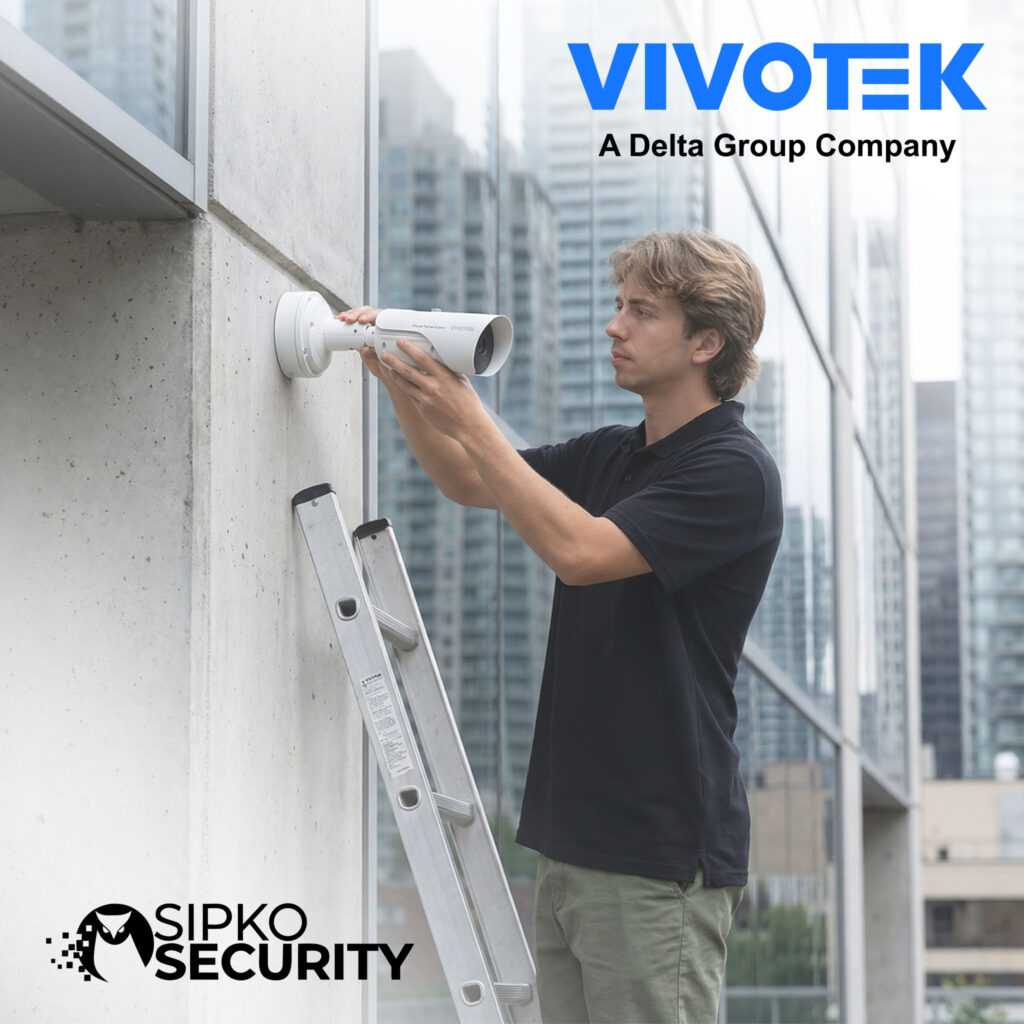
Common Vivotek Camera Problems We Fix
Vivotek systems are reliable, but like any equipment, things break or drift out of alignment. Here are the problems we diagnose and fix regularly.
Camera Feed Loss
NVR can’t see the camera or feed drops intermittently. Usually a network issue, but could be a failing camera.
Fix AvailableBlurry or Low-Quality Footage
Video is pixelated, out of focus, or resolution seems degraded. Often a lens or network bandwidth problem.
Fix AvailableRecording Not Working
NVR isn’t recording or footage isn’t saving. Could be storage full, configuration issue, or disk failure.
Fix AvailableRemote Access Broken
Can’t view cameras from phone or laptop. Network config issue, port forwarding problem, or firewall blocking.
Fix AvailableNight Vision Issues
IR footage is too bright, too dark, or IR is completely off. Could be IR setting, camera failure, or lens problem.
Fix AvailableSystem Outdated or Slow
Firmware is old, NVR is sluggish, or system feels unstable. Needs firmware update, hard disk check, or repair.
Fix AvailableWhy Choose SIPKO for Vivotek Repair & Maintenance
We specialize in Vivotek systems. No jack-of-all-trades shop, no upselling repairs you don’t need, just honest technicians who know these cameras inside and out.
We Know Vivotek Systems
We specialize in Vivotek. Not a shop that does everything. We’ve installed, repaired, and maintained hundreds of Vivotek systems across Melbourne.
Same-Day Diagnosis
Bring it in, we’ll tell you what’s wrong and what it costs before we fix anything. No surprises, no hidden fees.
Genuine Parts Only
We use genuine Vivotek components. No knockoff sensors, no sketchy replacements. If it needs a part, it gets the right part.
Don’t Oversell Repairs
If it’s a $20 cable, we tell you it’s a $20 cable. We don’t push unnecessary upgrades or repairs you don’t actually need.
Local Melbourne Knowledge
We know what works in Brighton, Bayside, and across Melbourne. Salt air, wind, humidity—we’ve seen it all and we know how to spec systems that handle it.
12-Month Support Included
After repair, we monitor your system for free for 12 months. Any issues that pop up from the work we did—we fix it at no extra cost.
Honest About Limitations
Some cameras can’t be fixed. We’ll tell you upfront if it’s beyond repair or if replacement makes more sense than fixing it.
Real Technicians, Not a Call Center
You talk to someone who actually installed and repairs Vivotek systems. Not a script reader. We can answer your questions and help you understand what’s happening with your system.
Vivotek Repair & Maintenance Process
From the moment you contact us to the 12 months of support after repair, here’s exactly what happens.
Initial Consultation
We listen to what’s happening with your system. What went wrong? When did it start? Have you tried anything already?
System Diagnosis
Full testing of the camera, NVR, network, and wiring. We identify exactly what’s broken or misaligned.
Quote & Approval
We tell you what we found, what it costs to fix, and what we recommend. You approve before any work starts.
Repair or Maintenance
We perform the repair or maintenance. Genuine parts, proper technique, no shortcuts. You watch or go grab coffee.
Testing & Verification
Full testing before you leave. Camera streams, NVR records, remote access works, playback is smooth. Everything works.
Documentation & Support
You get a report of what we did. We monitor your system for 12 months. Any issues from our work—we fix it free.
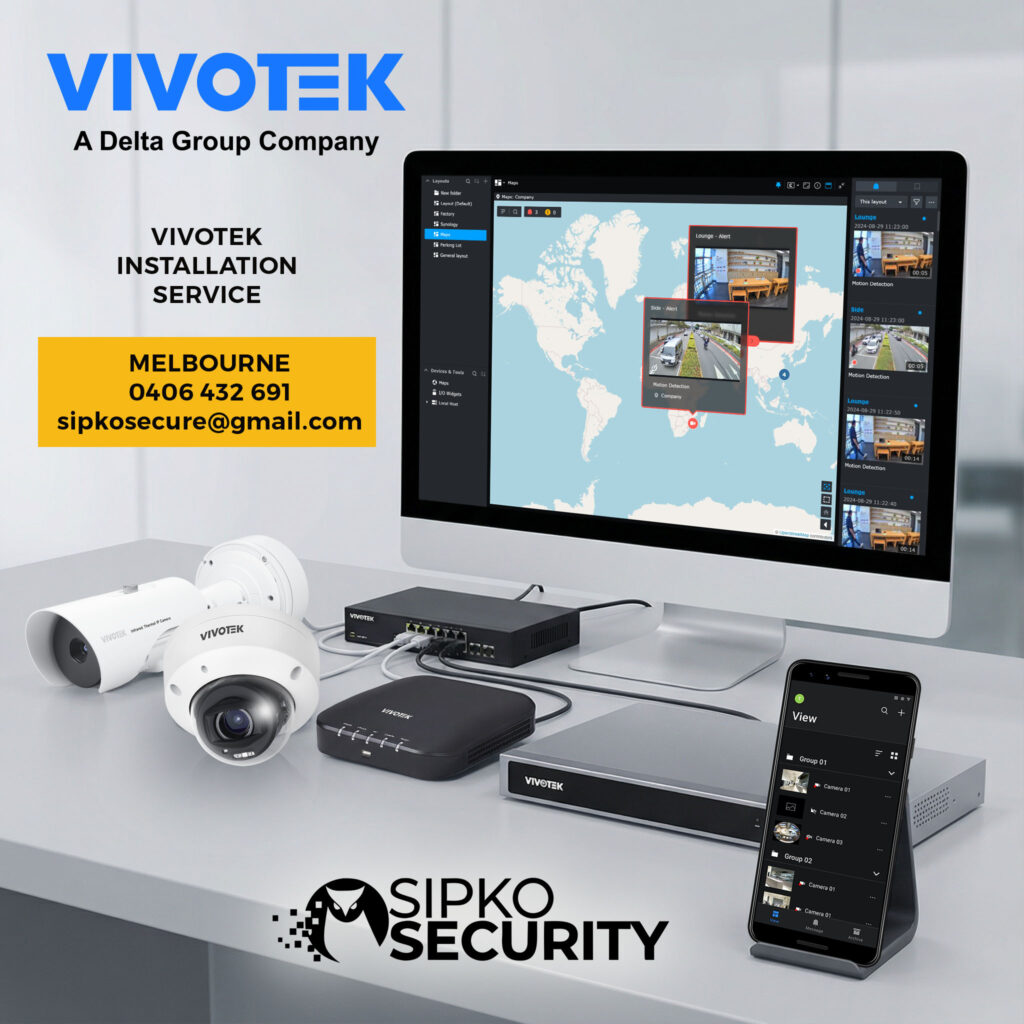
New Vivotek System Installation Melbourne
Not just selling you cameras. We design a system that works for your property, install it properly, and leave you with something that actually works.
Site Survey & Design
We walk your property, identify what needs coverage, and design a system that actually covers blind spots instead of just looking good.
Optimal Camera Placement
Height, angle, and positioning matter. We mount cameras where they actually see what’s happening, not where they’re easy to install.
Professional Cabling
Clean cable runs, proper shielding, no shortcuts. We route cables so they’re protected and the system runs reliably.
NVR Setup & Configuration
NVR installed, configured, and tested. Storage optimized, recording quality set right, and everything talking to each other.
Remote Access Setup
Your phone, laptop, or tablet can view cameras remotely. We configure it securely so you can actually use it without calling us for help.
Testing & Training
Full system testing before we leave. We show you how to use it, how to adjust settings, and what to do if something goes wrong.
When to Repair vs When to Replace Older Vivotek Hardware
Not every Vivotek fault needs a new system. In many cases, a service visit, hard drive replacement, camera cleaning, PoE repair, firmware check or recorder reset is enough. Replacement becomes more sensible when the equipment is too old, unstable or no longer gives usable footage.
Repair Usually Makes Sense When
- Only one or two cameras are faulty
- The recorded image is still useful
- The recorder and cabling are mostly stable
- The issue is power, storage, focus, network or setup related
Replacement May Be Better When
- Several cameras keep failing
- The recorder is old or unreliable
- Footage quality is no longer useful
- Repair costs are becoming close to an upgrade
Not Sure Which Way to Go?
If it is unclear whether repair or replacement is the better option, a service visit is the safest first step. We can explain whether repair, partial upgrade or new Vivotek installation is the practical next step.
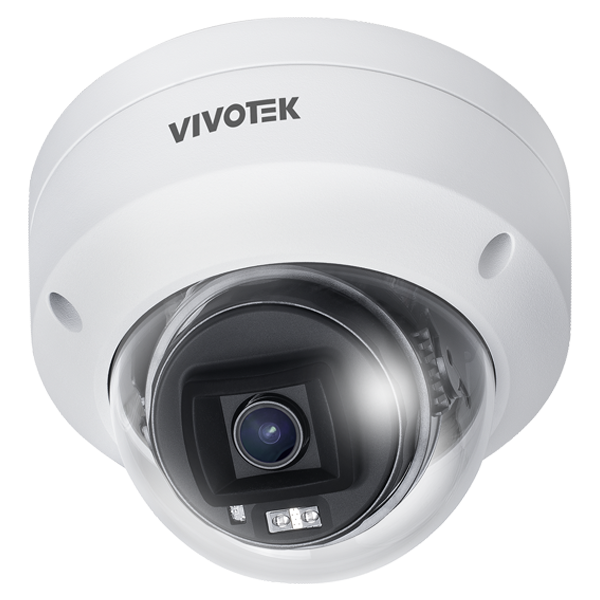
Vivotek or Ajax Cameras?
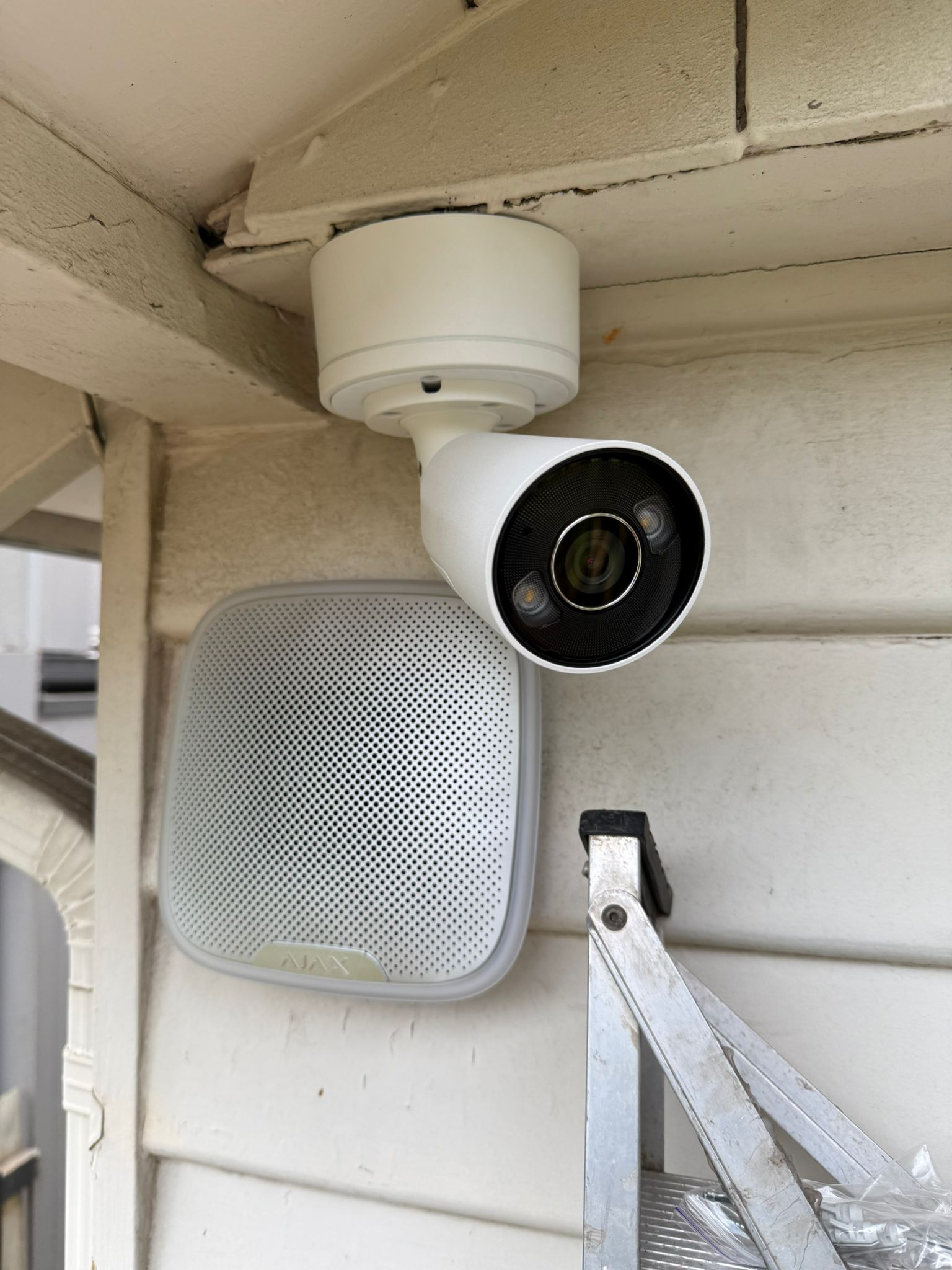
Vivotek may remain the stronger option for a conventional IP camera network with dedicated recording and specialised surveillance functions. Ajax cameras should also be considered when a customer wants video, intrusion alerts and security events presented through one Ajax environment. SIPKO can assess the number of cameras, recording duration, network infrastructure and required alarm integration before recommending the most practical system.
Vivotek Repair & Installation Across Melbourne
We service Vivotek systems across Melbourne—from the eastern suburbs to the west. Same technicians, same expertise, same honest approach everywhere we go.
Eastern Suburbs
Brighton, Bayside, and surrounding areas. We know the salt air challenges and spec Vivotek systems that handle coastal conditions.
Western Suburbs
Footscray, Williamstown, and west. Fast response times, same-day service available, and Vivotek expertise across residential and commercial properties.
CBD & Inner Melbourne
City, Southbank, and inner suburbs. We repair and install Vivotek systems for commercial, retail, and residential properties across the CBD area.
Vivotek Repair & Installation FAQ
How quickly can you diagnose a Vivotek problem?
Usually same day. We’ll come out, test the system, identify the issue, and give you a quote before any work starts.
Can you fix older Vivotek models?
Yes. We service current and older Vivotek systems. If it can’t be fixed, we’ll tell you honestly and explain replacement options.
Do you offer emergency same-day service?
Yes, within reason. Call us if your system goes down and we’ll get to you as quickly as possible.
What warranty do you provide on repairs?
We guarantee our work for 12 months. If the issue we fixed comes back within that time, we fix it free.
How long does a full Vivotek installation take?
Depends on the system. Small 4-camera setups typically take 1-2 days. Larger systems take longer. We’ll give you a timeline during the design phase.
Can you upgrade my existing Vivotek system?
Yes. We can add cameras, upgrade the NVR, improve networking, or do a partial replacement if some components are failing.
What if my Vivotek system keeps losing network connection?
We diagnose the cause—usually WiFi, cabling, PoE power, or NVR configuration. We fix the root cause, not just the symptom.
Do I need 24/7 monitoring with Vivotek?
No. Most of our customers just use local recording and view footage when needed. Monitoring is optional and depends on your needs.
What Customers Say




Vivotek Installation Gallery
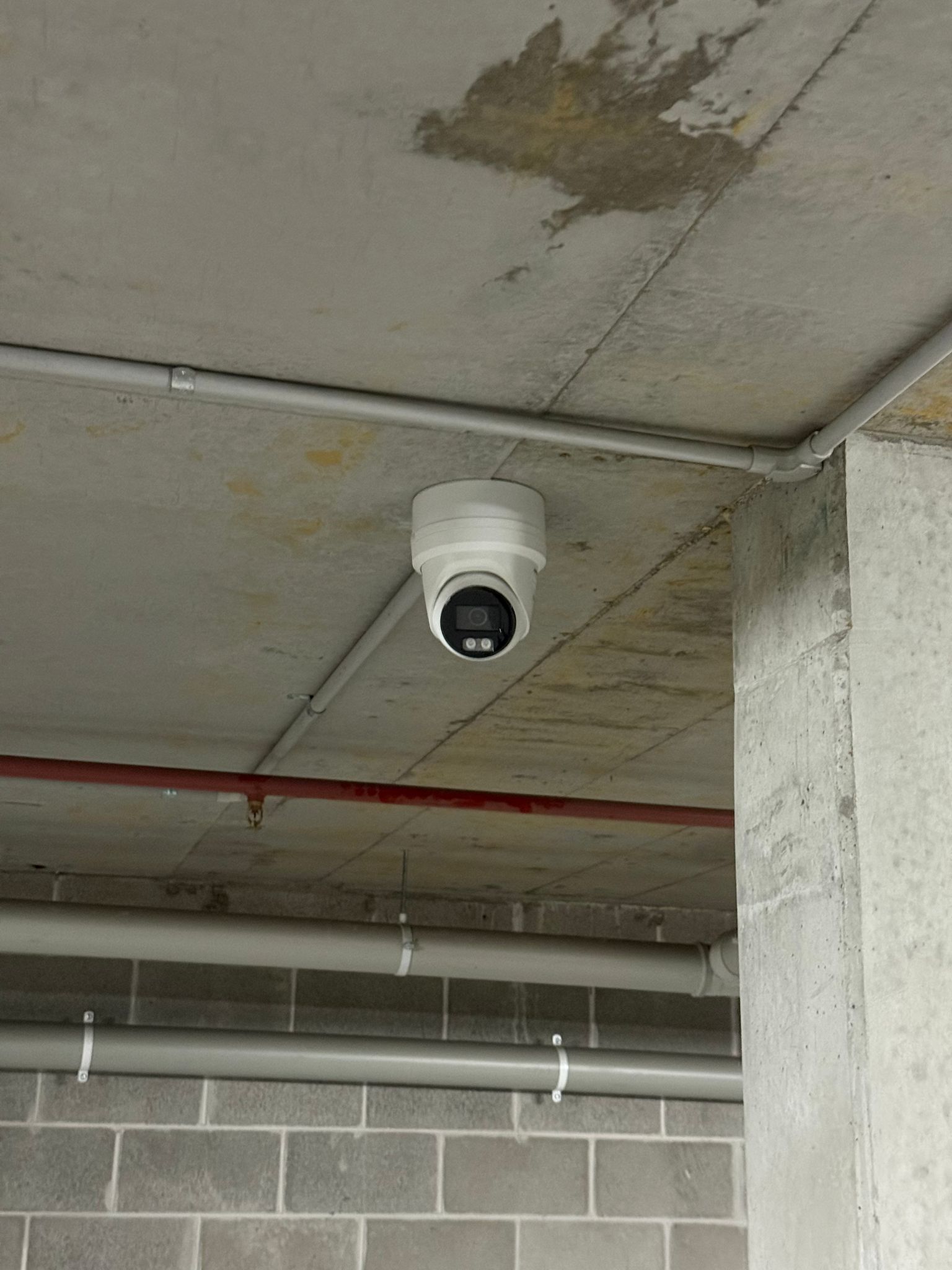
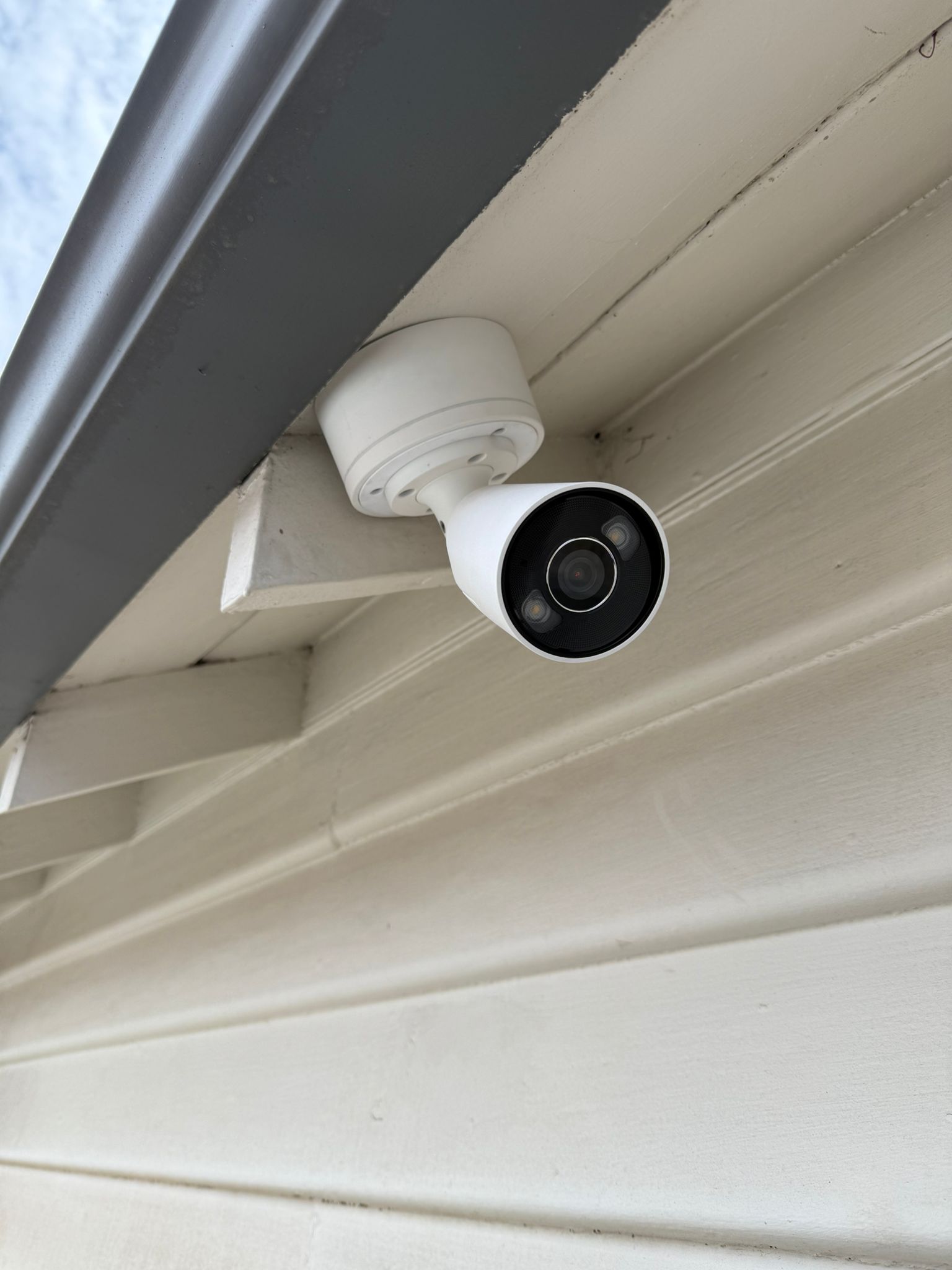
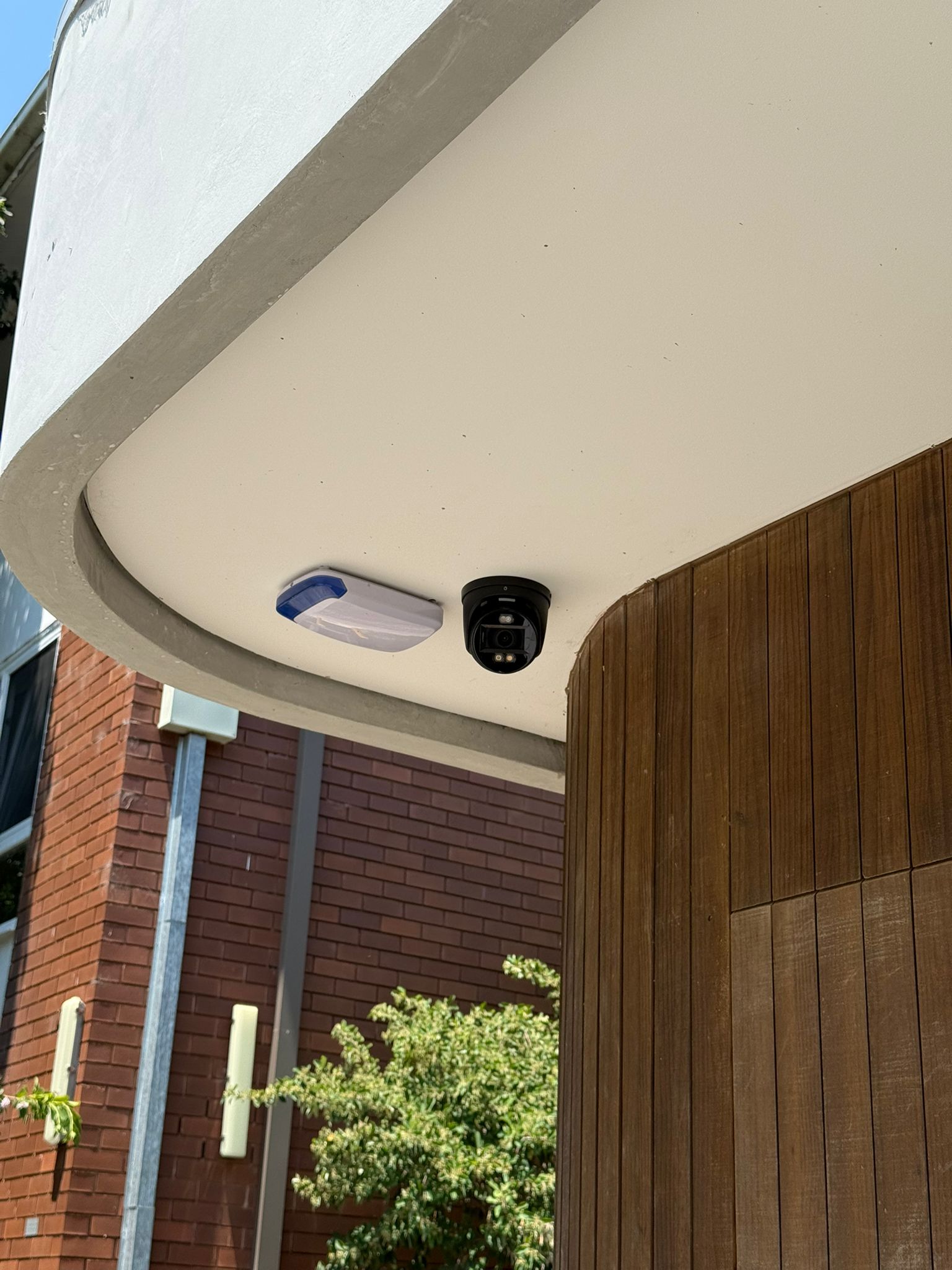
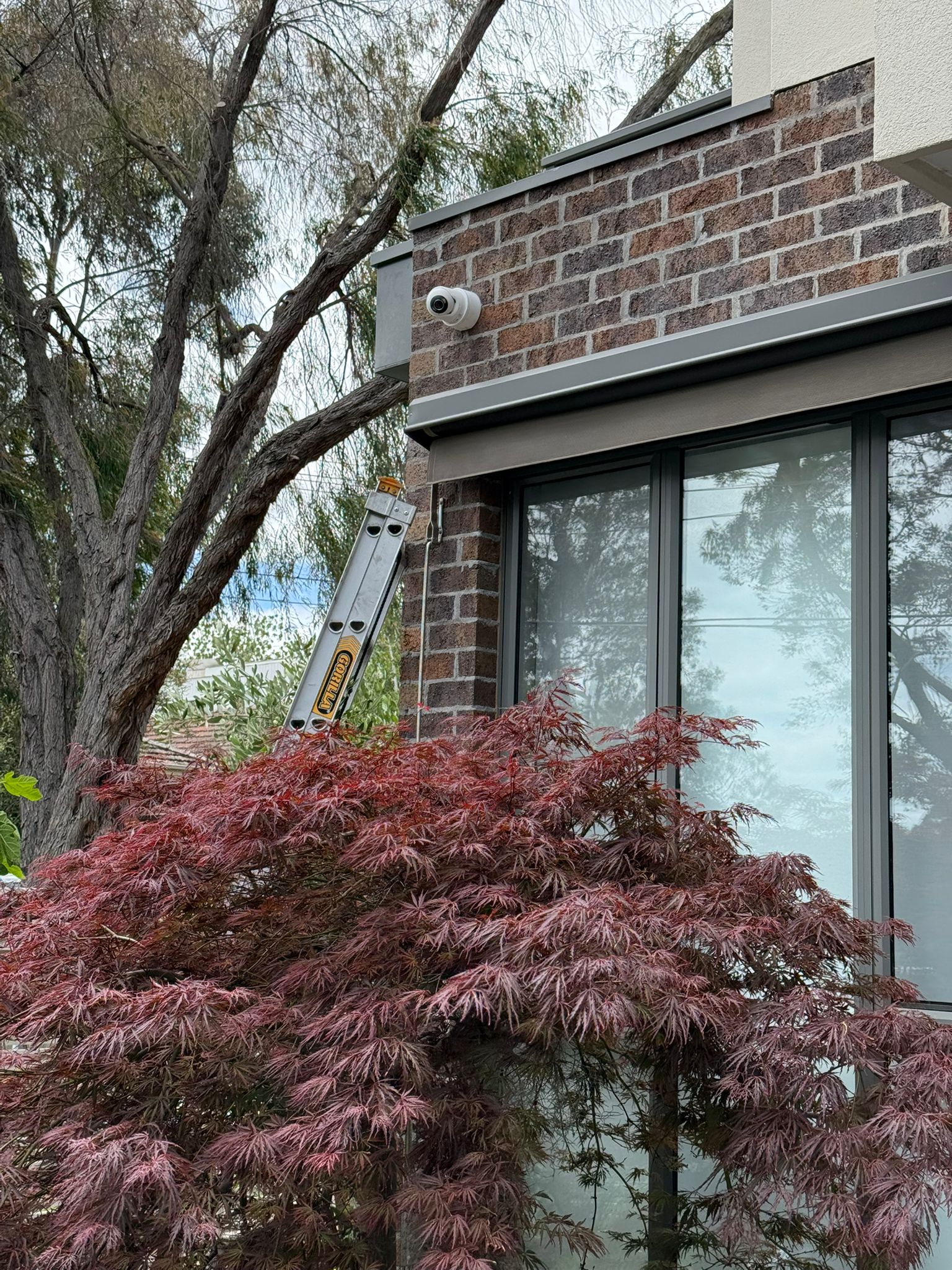
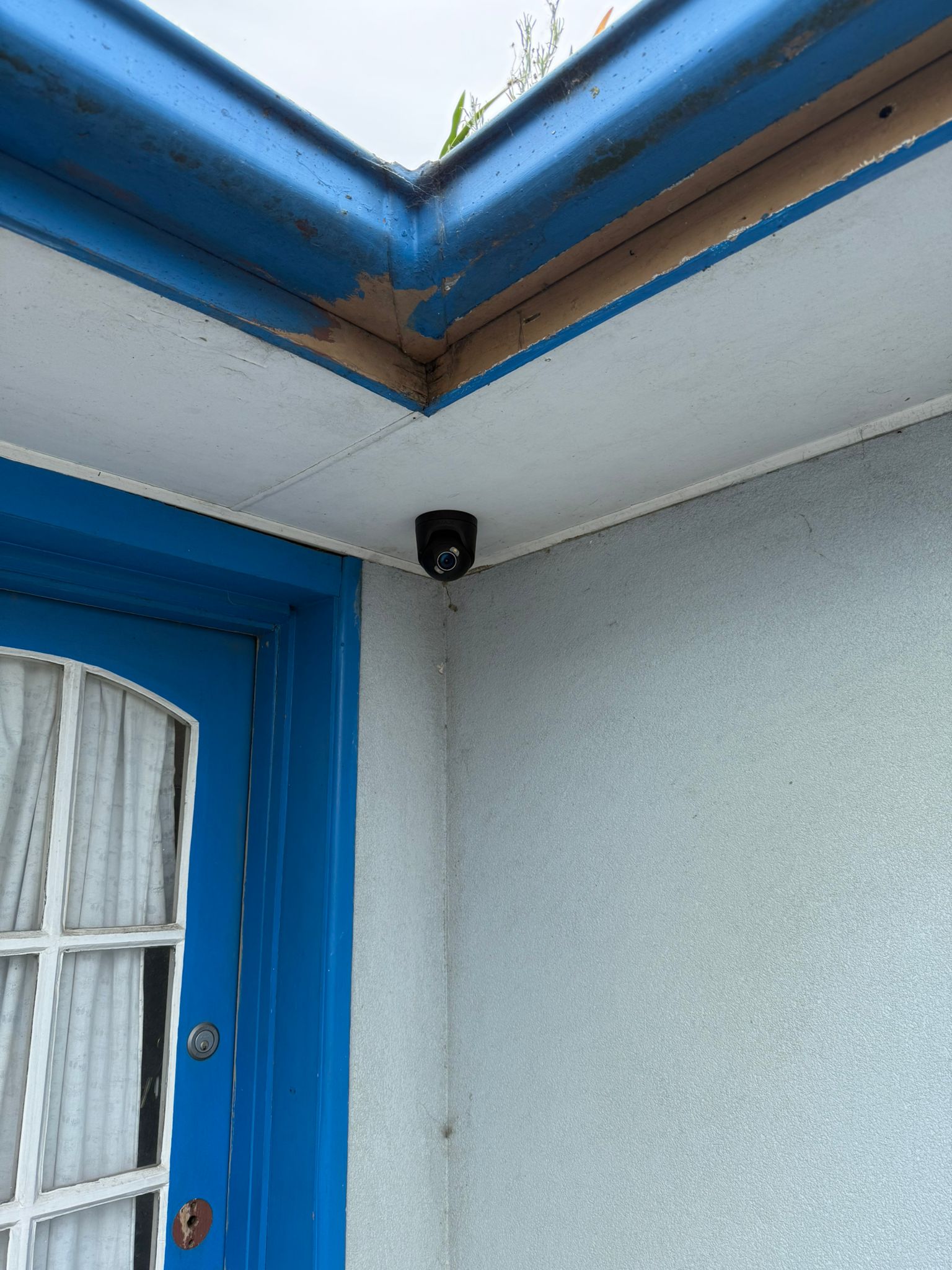
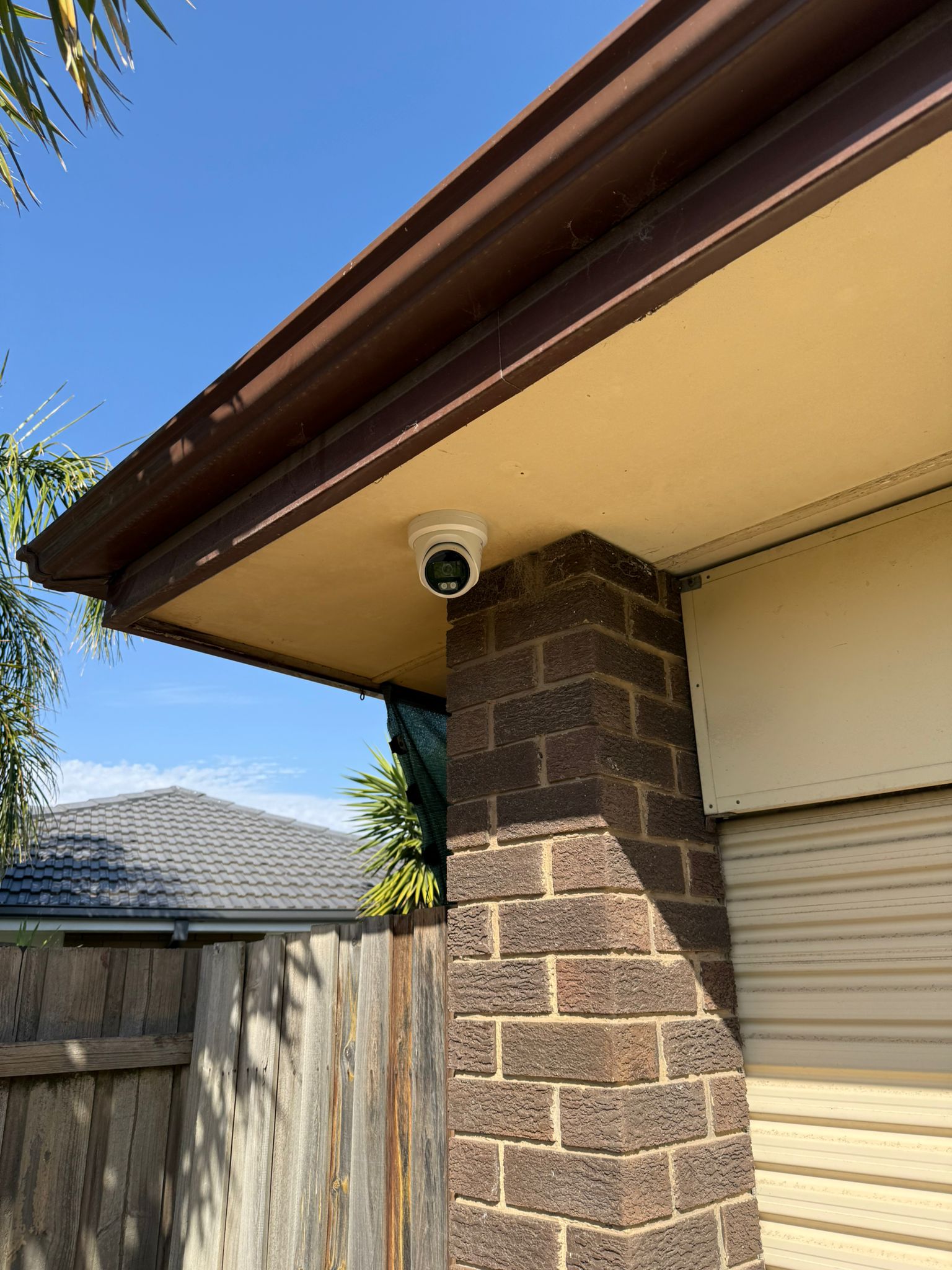
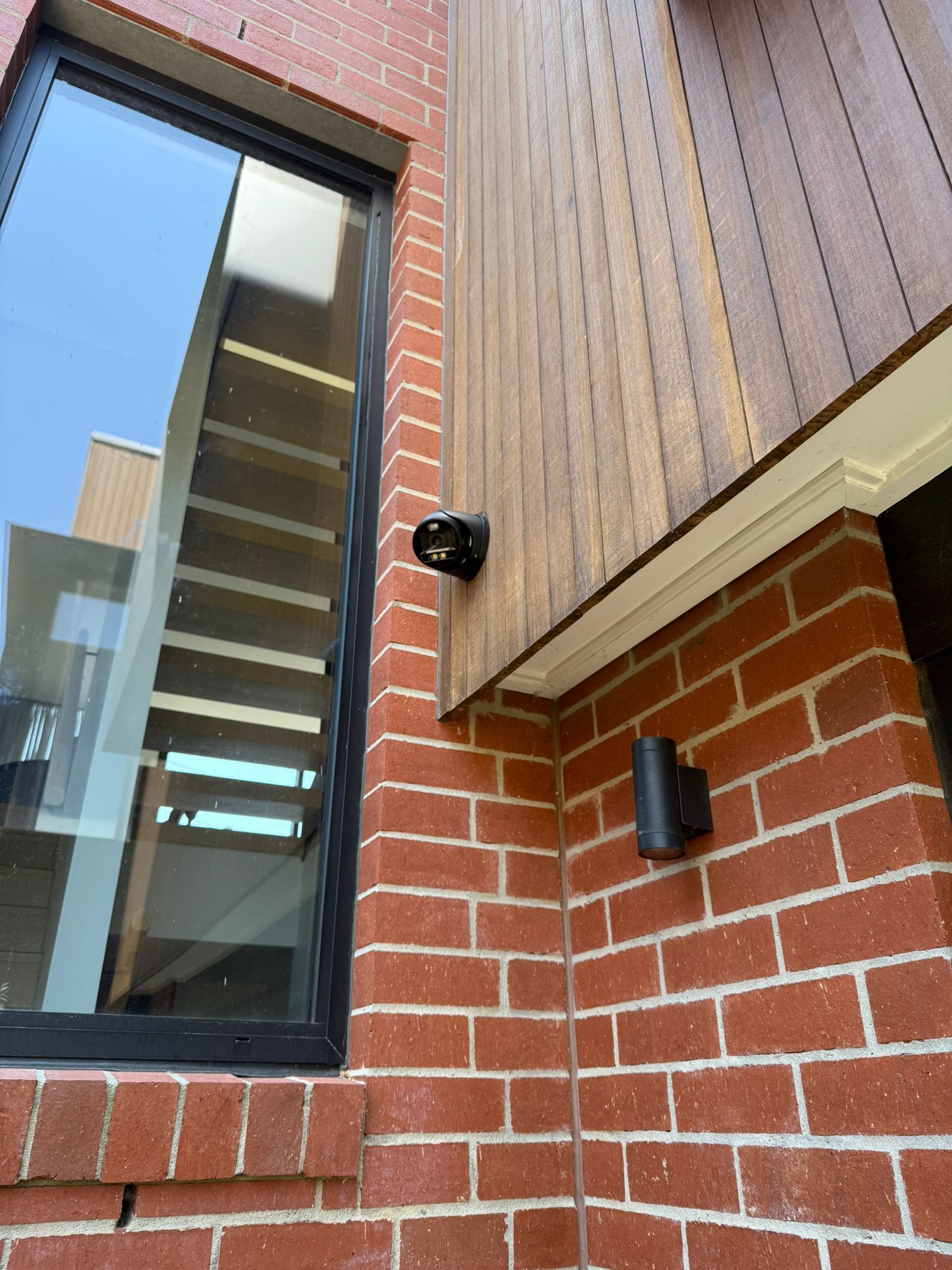
See real examples of SIPKO Security Vivotek camera installations and repairs across Melbourne properties.
Ready for Vivotek Repair, Maintenance or Installation?
Get professional Vivotek service from Melbourne technicians who know the systems. No guessing, no overselling. Just honest work.