
Uniview (UNV) CCTV Repair in Melbourne
Uniview CCTV repair Melbourne for existing UNV systems that need repair, servicing or fault diagnosis. SIPKO Security helps restore cameras, NVR recording, playback, remote viewing, storage and app access without replacing the whole system unnecessarily.
This service is for owners who already have a Uniview or UNV CCTV system and it is not working properly. We check cameras, NVR recording, playback, remote access, EZView, storage, PoE, network stability and image quality before recommending the next step.
The issue may be one offline camera, a black screen, weak night footage, an NVR not recording, missing footage, short retention, hard-drive problems, export faults, a router change or user access that needs cleanup. The first step is practical fault finding, not pushing a full replacement.
Fault finding for existing UNV systems
We diagnose camera dropouts, weak footage, recorder instability, storage issues, remote access confusion and early warning signs before they become larger CCTV failures.
NVR, playback and storage support
We check NVR behaviour, hard-drive health, recording continuity, playback speed, retention settings, export reliability and storage warnings.
EZView and remote viewing recovery
We help restore app access, live view, remote playback, device visibility, notifications, user permissions and safer day-to-day control.
Repair-first advice
We explain what can be repaired, what should be secured, what needs replacement and when maintenance is better value than starting again.
SIPKO Security focuses on the system you already have. If the cameras, NVR, storage, app access or network path can be restored, we will explain that repair path clearly before recommending replacement.
Book a Uniview Repair or Maintenance Visit
Call 0406 432 691 or complete the form and we will contact you. Tell us whether the issue is with a camera, recorder, hard drive, storage, remote access, network stability, night image quality, user permissions or a wider system that needs servicing in Melbourne.
Existing Uniview CCTV System Not Working Properly?
A UNV system can look partly functional while important features are already failing. Cameras may appear online, but recording, playback, remote access, storage retention or night footage may not be dependable when you need evidence.
Symptoms we commonly diagnose
The problem may show up as a camera fault, app fault or recorder fault, but the real cause is often somewhere in the chain between camera, cable, PoE, NVR, storage and network access.
- Cameras offline, black screen or intermittent video
- No recording, missing footage or playback gaps
- EZView not working or app not showing cameras
- Poor night image, blurry footage or weak detail
Why diagnosis matters first
Replacing equipment too early can waste money if the real fault is a drive, connector, PoE supply, router change, user setting or recording schedule. We check the system properly before advising what should happen next.
- NVR noisy, slow, freezing or difficult to search
- Remote access lost after internet or router changes
- Short retention or hard-drive warning messages
- Old users, shared access or unclear permissions
Signs Your UNV System Needs Repair or Servicing
These issues usually mean the cameras, recorder, hard drive, network path, app access and footage retrieval process should be checked. They do not always mean the whole system needs replacement.
The cause may be the camera, PoE power, cabling, a switch port, water damage, unstable network equipment or a connector that has deteriorated over time.
Camera StabilityMissing playback can point to HDD decline, recorder settings, indexing problems, short retention, failed schedules or storage that needs urgent review.
Recorder HealthDirty lenses, glare, moisture, IR reflection, weak exposure settings or poor camera angle can reduce identification value after dark.
Night PerformanceRemote viewing may fail after modem swaps, router changes, user-account confusion, permission issues or cloud connection problems.
Remote AccessUNV Camera Repair
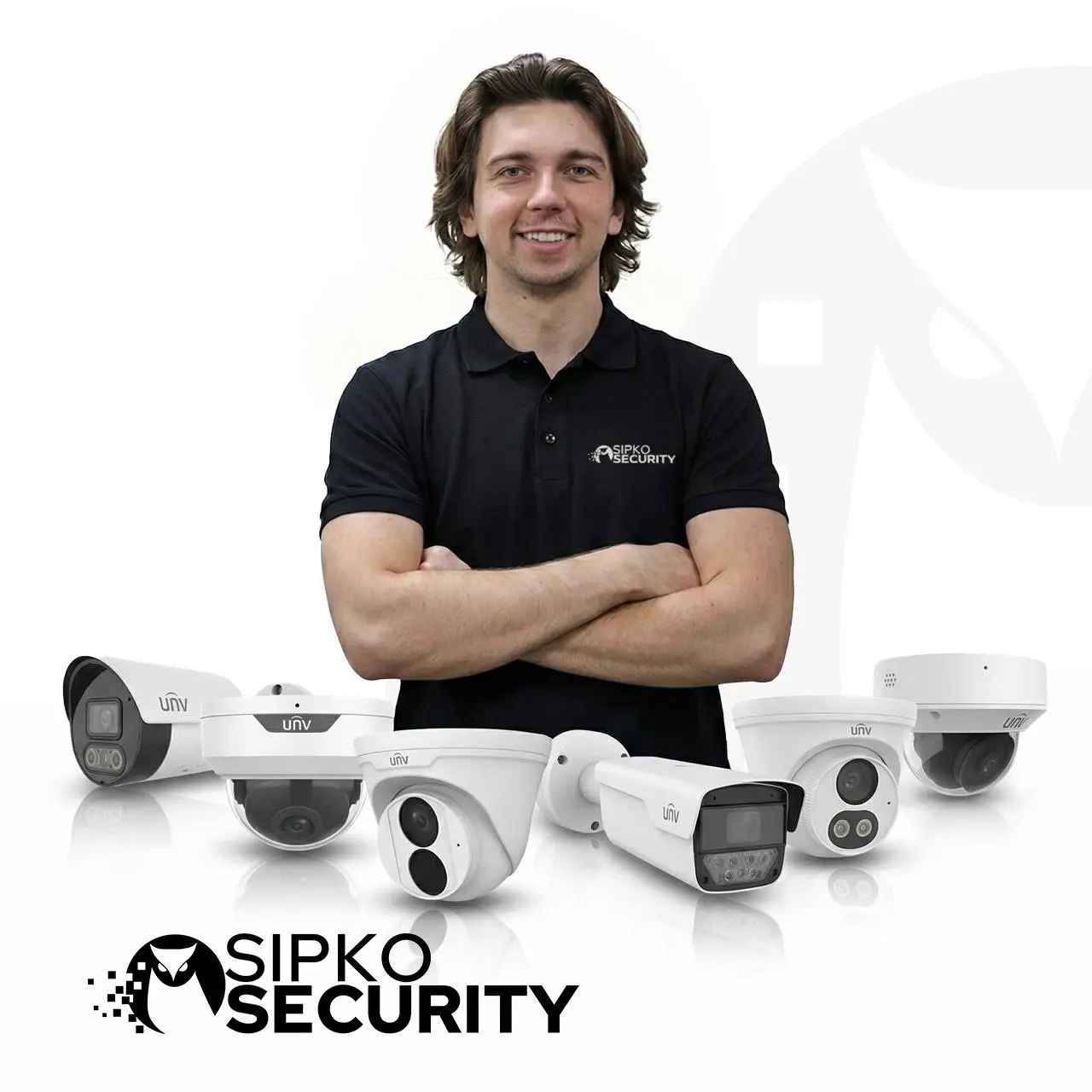
Uniview camera repair Melbourne support is for existing cameras that are offline, showing a black screen, producing blurry footage, losing night detail or dropping in and out. SIPKO Security checks the camera and the power, cable, PoE and network path behind it.
Black screen or no live view
We check whether the fault is caused by the camera, NVR channel, PoE power, cable damage, connector failure, switch port or network configuration.
Offline camera or unstable signal
We inspect intermittent feeds, weak signal, port issues, water-affected connections, damaged cabling and devices that disappear from the system.
Blurry image or soft detail
We review focus, lens condition, dirty covers, moisture, compression settings, angle and whether the camera still captures usable evidence.
Poor night vision
We check IR reflection, glare, nearby surfaces, exposure settings, lens contamination, camera placement and whether the night image can be improved.
PoE and cable issues
Many camera faults are caused by power, ports, cable runs, connectors, switches or network changes. We check the infrastructure behind the camera.
Selective repair advice
If a camera can be recovered, we explain the repair path. If it cannot, we explain replacement only after the fault has been confirmed.
Camera symptoms can be misleading. A black screen, offline feed or poor image may be caused by the camera itself, but it may also come from PoE, cabling, NVR settings or network changes.
Uniview NVR, Playback & Storage Repair
Uniview NVR repair Melbourne support is important when the recorder is not recording, playback is missing, retention is too short, the hard drive is failing, export does not work or footage is slow to search.
NVR not recording
We check recording schedules, channels, storage allocation, overwrite settings, event recording rules and whether the recorder is saving footage continuously.
Missing footage and short retention
We inspect hard-drive capacity, retention settings, overwrite behaviour, recording mode, compression settings and whether the system is keeping enough usable footage.
Hard drive and recorder faults
We review HDD warnings, storage decline, recorder alarms, noisy or slow recorder behaviour and signs that the drive or recorder needs attention.
Slow playback and export problems
We test playback speed, search behaviour, indexing, export reliability and whether footage can be retrieved quickly when an incident needs review.
What a Maintenance Visit Should Check
A proper UNV maintenance visit should confirm whether the system can record, retain, search, export and protect footage in real conditions. Looking only at live view is not enough.
Where Repair-Focused Maintenance Adds the Most Value
Routine servicing is especially useful where CCTV supports property safety, staff access, deliveries, after-hours review, incident reporting or insurance-related evidence.
EZView & Remote Access Support
Many repair calls are really about remote viewing. The cameras may still record locally, but the owner may not be able to see live view, load playback, receive useful alerts or manage access safely.
EZView not working
We help when live view, playback, device visibility or remote connection stops working inside EZView. Our EZView guide is a useful starting point.
Remote viewing after internet changes
Modem swaps, router updates, ISP changes and new network layouts can break remote access even when cameras still record to the NVR locally.
User access cleanup
We review old users, shared logins, mixed admin access, staff permissions and mobile devices that should no longer have access.
Notifications and alert fatigue
We tune event settings where alerts are too noisy, missing useful activity or no longer matched to the way the property is used.
Repair or Replace?
If repair is no longer practical, we can recommend a replacement camera or recorder, but the first step is always fault finding and honest maintenance advice. The decision should be based on footage quality, recorder health, storage condition, access requirements, site coverage and ongoing fault history.
Best when the existing system still has a useful core
Maintenance is often the right choice when the camera layout still works, the recorder can be stabilised and the main issues are storage, settings, access or a few weak devices.
- The camera positions still cover the right areas
- The NVR and storage can be stabilised
- Most faults are maintenance-related
- You want better value from equipment already installed
Best when a part is no longer reliable
Replacement may be better when image quality is no longer acceptable, recorder reliability is poor, repeat faults keep returning or the property now needs different coverage.
- Important areas are not captured clearly
- Repeat faults keep coming back
- The recorder or drive is no longer dependable
- A cleaner system path will reduce long-term risk
If diagnosis shows that replacement is the sensible path, you can view UNV cameras and NVR options for a new installation. This step belongs after the fault has been checked, not before.
When Replacing Uniview with Ajax May Make Sense
A functioning Uniview system should not be replaced only because it is older. Repair remains appropriate when the recorder, cameras and existing coverage still meet the property’s needs. Ajax cameras should be considered when faults continue returning, remote access is difficult to maintain or the customer wants cameras and intrusion detection within one Ajax environment. SIPKO can compare repair cost with the practical value of replacement.
Maintenance Beyond Basic Camera Repair
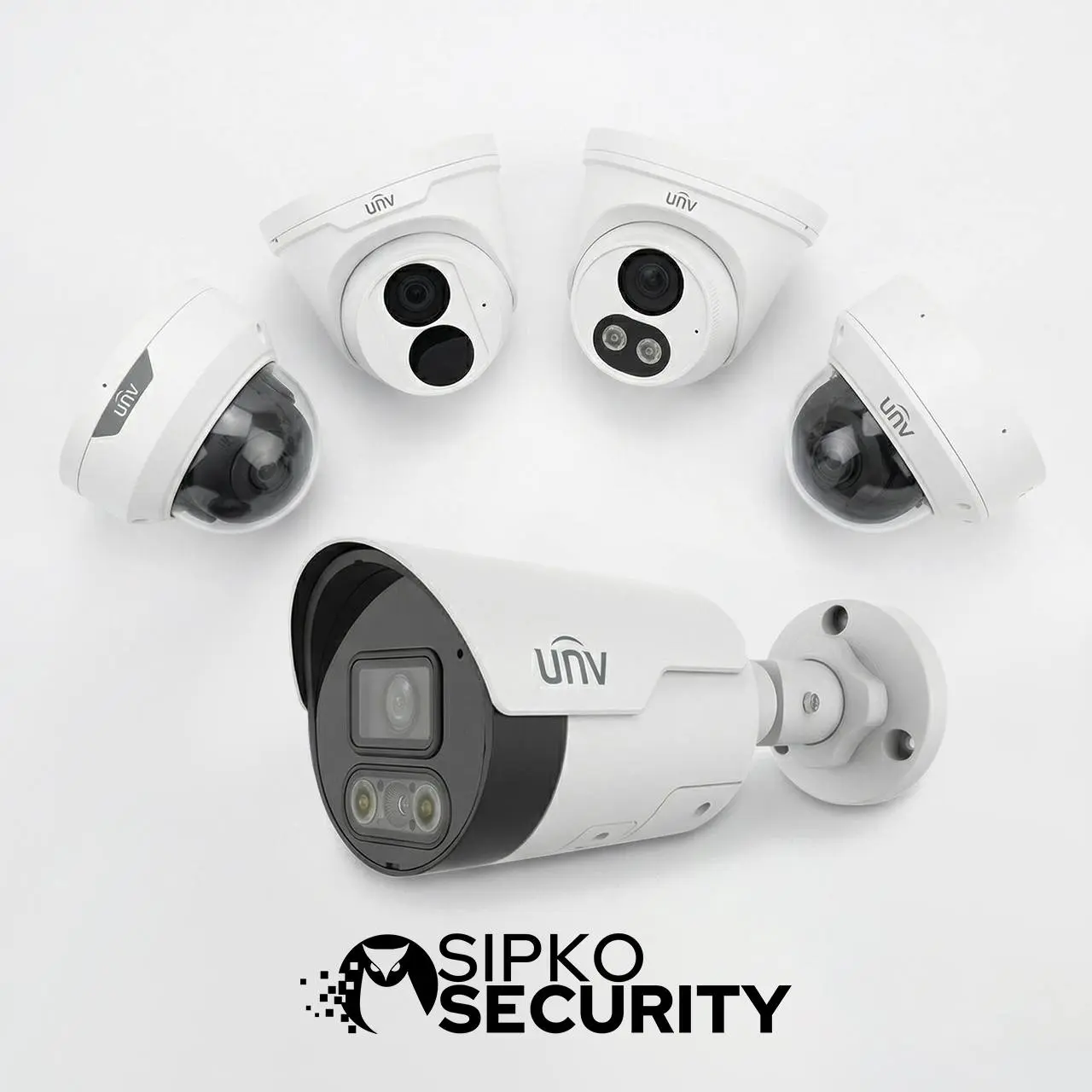
Good maintenance improves the way the whole system performs: recorder health, playback, image quality, user access, alerts, export readiness, storage retention and incident review. For many Melbourne sites, the biggest improvement comes from correcting the neglected parts around the cameras rather than replacing all equipment.
Recorder and playback checks
We confirm whether the recorder is storing, retaining, searching and exporting footage the way the owner expects.
App access and user cleanup
We help sort out confusing remote access, old users, weak notification logic, shared logins and everyday usability issues.
Preventive servicing
Preventive maintenance reduces repeat faults by finding quieter problems before they become major recorder, access or footage issues.
Why Existing UNV Systems Still Need Proper Maintenance
A CCTV system can provide strong image quality, practical NVR recording, remote access, event features and reliable surveillance across homes and businesses. Like any security system, it becomes less dependable when storage is ignored, settings drift, lenses get dirty, users are not managed, remote access becomes messy or camera positions are not reviewed after property changes. This is especially important for offices, warehouses, retail sites and mixed-use properties where CCTV supports daily operations as well as security.
Stronger image quality over time
Servicing helps keep cameras sharp, usable at night and aligned with the areas that matter most.
More dependable recorder performance
Maintenance reduces the risk of discovering too late that playback, retention or export has not been working.
Easier day-to-day use
A maintained system is easier to view remotely, search, export from and manage across the right users.
Less hidden risk
Maintenance helps reduce silent failures, unmanaged users, weak storage and surprises when footage is needed.
Maintenance Makes the System Easier to Own
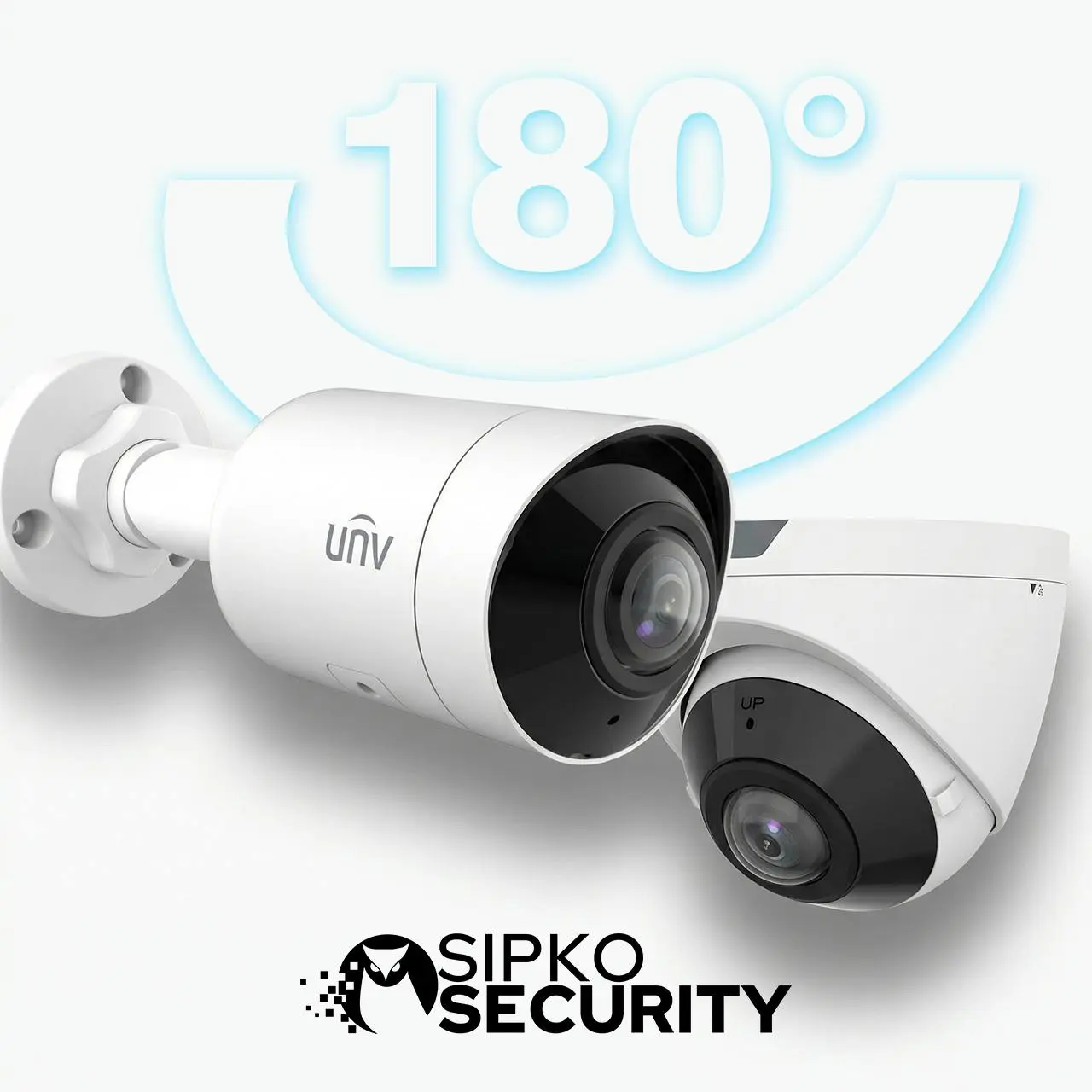
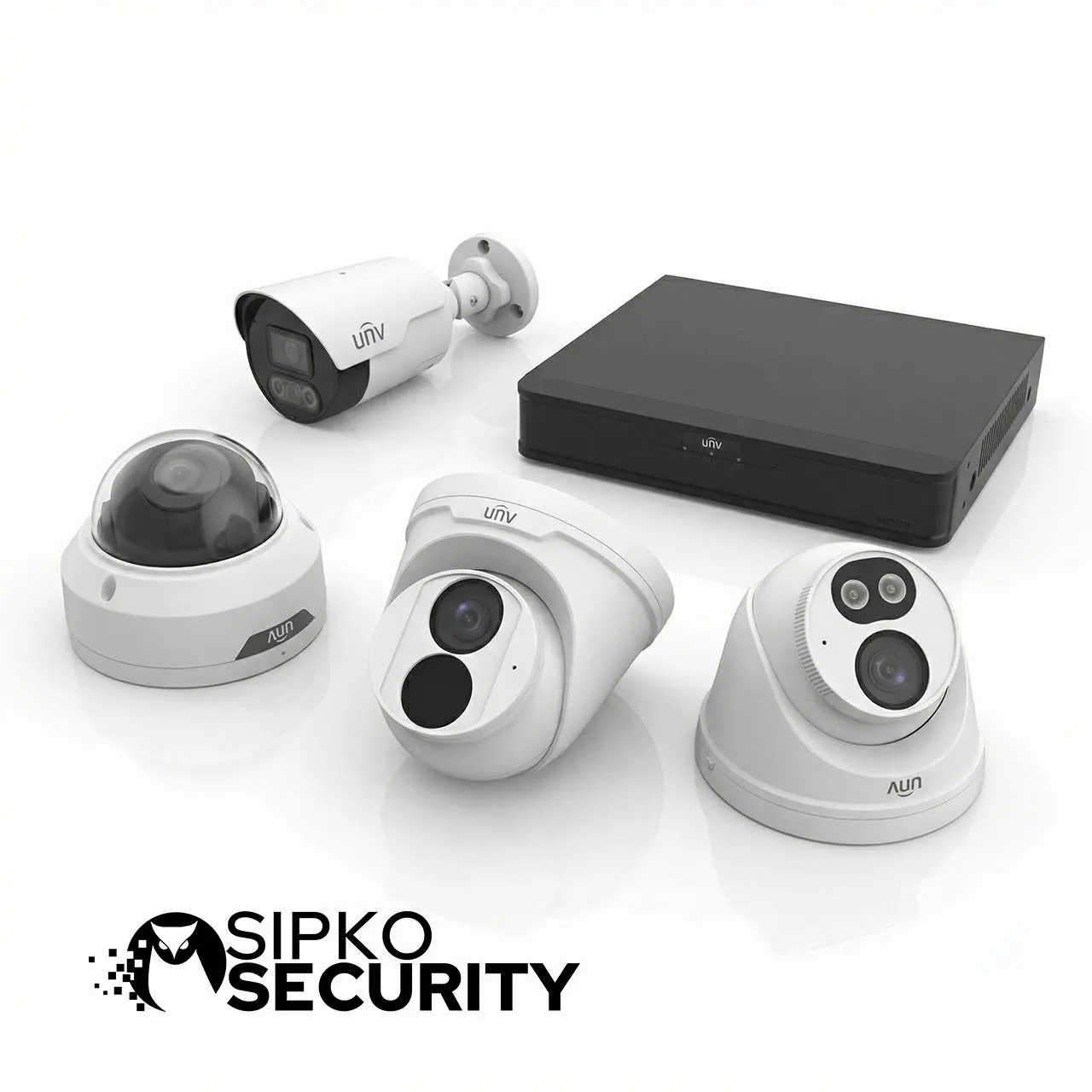
Proper maintenance improves both the technical and practical side of a CCTV system. Owners can confirm whether the recorder is storing enough footage, staff can regain reliable remote access, alerts can become more useful, cameras can cover key points more clearly and user permissions can be organised again. This matters for family homes, retail sites, warehouses, offices and commercial buildings.
Easier footage review
Incidents can be searched, reviewed, exported and shared with less confusion and less wasted time.
Fewer repeat nuisance faults
Servicing helps reduce the cycle of app, recorder, camera and alert problems returning without the real cause being fixed.
Better readiness after an incident
When something happens, the system should be ready to provide usable footage, not create new uncertainty.
Our Repair and Maintenance Process
We check what the system should be doing, what it is actually doing and where the gap is coming from before recommending the next step.
Understand the current setup
We identify the cameras, recorder, storage, app access, users and the areas the system is meant to protect.
Request fault diagnosis →Inspect cameras and image quality
We check clarity, angle, night detail, lens condition, IR behaviour, housing and whether the camera view still suits the site.
Warning signs →Test recorder and storage
We review playback speed, retention, recording continuity, export behaviour, indexing and HDD condition.
Storage guide →Check access, app and notifications
We test live view, remote playback, user permissions, device visibility, notifications and app reliability.
EZView help →Repair the real weak point
Where the system is recoverable, we address the real cause rather than masking the symptom temporarily.
Book a visit →Tune settings and access
We clean up users, schedules, alerts, event behaviour, recording settings and access permissions.
Office security guide →Explain what should happen next
You know what failed, what was repaired, what still needs attention and whether maintenance or replacement makes sense.
Read FAQ →Plan future maintenance if needed
For higher-use homes and commercial sites, we help create a predictable servicing path instead of waiting for another failure.
Ask about ongoing support →Repair and Maintenance Options in Melbourne
These options are for existing Uniview and UNV systems that need clear fault diagnosis, camera checks, recorder servicing, storage review, access cleanup and repair-focused support. For a new system, see Uniview CCTV installation in Melbourne. If the system was inherited or the main issue is authorised access and reconfiguration, use Uniview CCTV takeover and reconfiguration.
Essential Health Check
Best for homes and smaller sites where the system still works but reliability has started to slip.
- Camera image and night-quality review
- Recorder, storage and retention check
- Basic app and remote access review
- Clear repair or maintenance recommendation
Fault Find + Recorder + App Recovery
Best for homes and businesses where the system has become unreliable and needs structured diagnosis.
- Camera diagnosis for black screens, weak night footage, soft detail, unstable feeds and dropouts
- NVR, hard drive, playback, indexing, retention and export troubleshooting
- EZView, user access, remote playback and notification cleanup
- PoE, cable, port, connector and network-path checks
- Advice on what to stabilise, replace, secure or leave alone
Commercial Recovery Plan
Best for larger homes and commercial sites that need stronger structure, cleaner footage handling and an ongoing maintenance path.
- Multi-camera site review across recorders, cameras, access, storage and playback
- Export, retention and incident review process assessment
- Staff access, shared users, remote viewing and permission cleanup
- Guidance on staged improvement, selective replacement or wider site coordination
- Maintenance planning to reduce reactive callouts
Tell us the real symptom: weak night image, camera offline, NVR issue, missing playback, export problem, EZView trouble, old user access, notification noise or general loss of trust in the current system. We will recommend a practical repair or maintenance path based on the site condition.
Preventive Servicing Is Usually Cheaper Than Reactive Repair
Preventive maintenance helps catch recorder decline, weak image performance, dirty optics, drifting settings, bad retention, unmanaged users and remote-access issues before they become urgent.
Camera image and lens review
We inspect clarity, focus, dirt, glare, moisture, field of view, night behaviour and whether footage is still useful.
Recorder and drive checks
We review recorder behaviour, storage health, playback stability, retention logic, export process and warning signs.
Network and PoE stability review
We inspect the infrastructure behind the cameras where small port, cable, connector or power issues can create larger symptoms.
App access and user cleanup
We make sure the right people have the right access and that remote viewing is not becoming a security gap.
Coverage and risk-point review
We reassess entries, yards, gates, driveways, loading zones and internal areas that need reliable CCTV coverage.
Future maintenance planning
For sites that depend heavily on CCTV, we help build a cleaner servicing path instead of waiting for repeat failures.
Useful supporting pages include our CCTV storage guide, EZView troubleshooting guide, and office security guide.
A reliable CCTV system is not measured only by live view. It should record consistently, keep enough footage, allow fast playback, export evidence cleanly, protect access properly and remain usable for the people who depend on it.
What Clients Say
Clients usually mention clear advice, practical fault finding and CCTV systems that feel dependable again after proper servicing.




Many UNV problems can be diagnosed by checking the recorder, HDD status, camera image quality, network path, EZView access and user permissions first. Replacement makes sense only when repair or stabilisation is no longer practical.
Frequently Asked Questions — Uniview Repair and Maintenance in Melbourne
Clear answers about camera problems, CCTV servicing, playback issues, remote access, recorder faults, storage health, user permissions and ongoing maintenance.
No. This service is mainly for existing Uniview cameras, UNV cameras, NVRs and wider CCTV systems that need repair, maintenance, storage review, access cleanup or clearer fault diagnosis.
It usually includes camera image checks, night-performance review, NVR and HDD inspection, playback testing, retention review, EZView or remote-access checks, user cleanup, event-setting review and export testing.
Yes. A camera can be online and still produce poor footage. We check focus, glare, bad angle, dirty optics, moisture, IR reflection, night exposure and other image-quality problems.
Yes. We handle recorder faults including HDD warnings, storage decline, export errors, short retention, missing playback, recorder alarms and search or indexing problems.
Yes. We help with EZView live view problems, broken remote playback, unstable app access, device visibility issues, account confusion and remote viewing failures after router or internet changes.
Yes. We support homes, offices, retail sites, warehouses, larger houses and mixed-use properties across Melbourne suburbs.
Yes. If that camera covers an entry, driveway, yard, loading point, work zone or high-risk area, one weak device can reduce the value of the whole CCTV system.
No. Many older systems are still worth maintaining if the camera layout is useful and the main issues are recorder health, settings drift, user access or a few weak components.
Yes. For this service we focus on Uniview and UNV systems, but many faults involve the wider CCTV environment: cabling, switches, routers, storage, access control and user management.
Higher-use homes and commercial sites usually benefit from at least an annual check, and more often where CCTV supports staff, stock, deliveries, after-hours access or incident reporting.
Yes. Network changes are one of the most common reasons a working CCTV system suddenly fails on the remote side. We help recover access and check that the system still records locally.
Yes. We support homes and businesses across Melbourne suburbs where a UNV system needs repair, fault diagnosis, recorder checks or maintenance.
Sometimes, but not blindly. Firmware, ports, passwords, users and app connections should be reviewed carefully so the system becomes safer and more stable without creating new compatibility problems.
Live view and recording are not the same thing. A camera may show live video while the recorder, hard drive, schedule, retention setting or playback index is failing.
