
Bosch Solution 6000 Alarm Installation Melbourne
SIPKO Security installs, replaces and upgrades Bosch Solution 6000-IP alarm systems for Melbourne homes, townhouses, offices, warehouses, retail sites and small business premises. Many clients search for “Bosch Solution 6000”; for new expandable alarm and access-control projects, SIPKO quotes the Solution 6000-IP platform and confirms the exact panel, modules, keypads and communication options before installation.
Quick answer: Bosch Solution 6000-IP is best for properties that need a structured wired or hybrid alarm with expandable zones, separate areas, user permissions, keypad control, sirens, monitoring readiness and app/remote options when the required IP module, Wi-Fi keypad, MyAlarm service setup and network access are included. SIPKO reviews existing wiring, old detectors, siren output, keypad position, backup battery condition and false-alarm risk before recommending reuse, replacement or a full upgrade.
Request Bosch Alarm Assessment
Call 0406 432 691 or send your property details below.
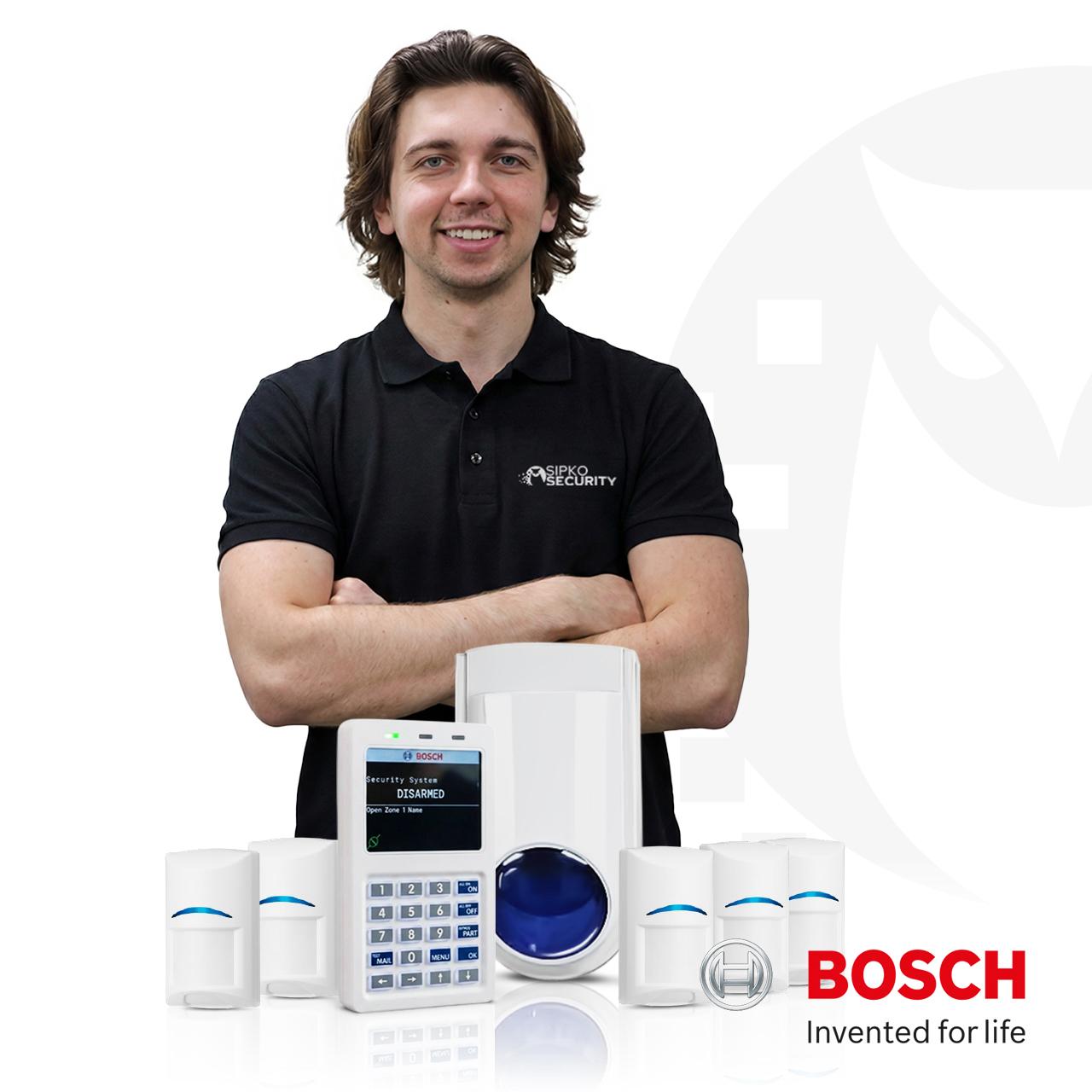
Bosch Solution 6000 Installation You Can Trust
SIPKO has installed and maintained Bosch Solution 6000-IP systems across Melbourne since 2008. We’re not panel resellers—we’re trained installers who understand how Bosch alarms work in real Melbourne homes, offices and warehouses.
Certified Bosch Installer
We’re verified by Bosch for Melbourne installations. Every job includes programming, testing and practical user training before we leave.
Local Melbourne Experience
We know Brighton, Bentleigh, Bayside and beyond. We understand local building codes, council approvals and the unique security needs of each area.
Honest Site Reviews
Before quoting, we review your property, existing wiring, detector positions and false-alarm risk. We tell you what can be reused and what needs replacement.
Homes, Offices, Warehouses
We install Bosch systems for residential properties, commercial offices, retail sites and small businesses. Every type has different security priorities.
After-Sales Support
Questions after installation? We provide practical support for battery replacement, sensor adjustment, monitoring setup and system troubleshooting.
Monitoring & App Ready
We configure systems for 24/7 professional monitoring or MyAlarm app control. Communication requirements are clear before installation.
How SIPKO Installs Bosch Solution 6000-IP
A Bosch alarm installation should not finish when the keypad lights up. SIPKO confirms the scope, installs the hardware, programs zones and users, tests devices and outputs, then explains the system in practical terms before completion.
Site Review & Planning
We visit the property, map entry points, assess existing wiring, check detector positions and identify any cable damage or old sensors that need replacement. We confirm the scope and answer questions before any work starts.
Hardware Installation
We install the Bosch Solution 6000-IP panel, keypads, detectors, sirens and communication modules. Wiring is tested for continuity and proper termination. Power and backup batteries are connected and verified.
Programming & Configuration
We program zone names in plain language, set entry/exit delays, define user codes, configure areas (if needed), set arming modes and schedule reporting options. The system is configured for your property’s specific needs.
Device Testing & Walk-Test
Each door contact, motion sensor and siren is tested. We walk the property while armed to confirm all zones trigger correctly. Battery levels are checked and backup power is verified.
App & Monitoring Setup
If included in your scope, we configure the IP module, set up MyAlarm app access or connect to your monitoring provider. We test remote arming, push notifications and event reporting before leaving.
Practical User Training
We show you how to arm/disarm, explain what each zone represents, demonstrate emergency procedures and explain what to do if the alarm triggers. You leave the appointment confident using the system.

Bosch Solution 6000 Installation Price: What Affects the Quote
SIPKO prices Bosch Solution 6000-IP projects after reviewing the property, because the same panel can be a simple upgrade in one building and a multi-area alarm, access-control and monitoring-ready system in another. The quote should clearly separate equipment, labour, cabling, programming, monitoring/app setup and any excluded third-party service fees.
Panel, Keypad and Existing Wiring Reuse
A simpler job may involve replacing an older alarm panel, reusing serviceable cabling, installing a new keypad, naming zones properly and testing existing door contacts or PIRs. Cost changes if old detectors, sirens, battery, tamper circuits or damaged cables need replacement.
Best for: older wired alarms that still have usable cable paths and a limited number of devices.Homes, Townhouses and Larger Residential Sites
Residential pricing depends on the number of entry points, garage doors, internal motion detectors, keypad positions, sirens, wireless range, pet movement, night arming and whether the owner wants app-style control through compatible communications hardware.
Best for: homes needing more structure than a small wireless kit.Office, Retail, Warehouse and Small Business
Commercial quotes are affected by staff entry routines, roller doors, stockrooms, reception, restricted rooms, separate areas, user permissions, opening/closing procedures, after-hours siren response and whether alarm events need reporting to a monitoring provider.
Best for: sites where staff access, lock-up routines and stock protection matter.App, Monitoring and Access-Control Options
App and remote features require the correct IP module or Wi-Fi keypad, reliable network access and account setup. Monitoring may also require a provider account, communication path testing and ongoing third-party fees. Access-control items such as readers, doors and credentials should be listed separately.
Best for: clients who need remote arming, event notifications, doors or monitored alarm reporting.When Bosch Solution 6000-IP Is the Right Alarm System
Bosch Solution 6000-IP is normally selected when the site needs more than a basic alarm panel: multiple areas, wired and wire-free device options, user permissions, keypad or token operation, access-control potential and a serviceable layout for future changes.
Homes Needing More Than a Basic Alarm
A larger home may need garage protection, rear sliding door contacts, entry delay, perimeter arming, internal PIRs, external siren, backup battery review and a keypad position that fits the normal entry routine. SIPKO looks at cable paths, detector angles, pets, false-alarm history and how the family wants to arm the system at night.
Townhouses and Multi-Level Properties
Townhouses often need different treatment for the garage, ground-floor entry points, rear doors and upper-level living areas. Bosch Solution 6000-IP can be useful when the owner wants perimeter protection while inside, garage control as a separate area or a second keypad near the entry point used every day.
Offices and Professional Suites
Offices may need reception, meeting rooms, server cabinets, staff doors, cleaners’ access and manager-only areas handled separately. SIPKO can program areas and user permissions so staff can open and close the workplace without giving every user the same level of control.
Warehouses, Retail and Small Business
Commercial sites usually need practical protection around roller doors, rear laneway entries, stockrooms, showroom areas, office doors and staff entrances. The design should also define who opens, who closes, who receives alarm events and whether monitoring or app control is part of the approved scope.
What Is Included in Bosch Solution 6000-IP Alarm Installation
The scope is confirmed before work starts. A complete installation should cover the real alarm chain: panel, modules, cabling, detector placement, zone naming, area planning, keypad position, siren output, communication path, app or monitoring requirements, testing and client training.
Panel, Keypads and Programming
SIPKO can install the Bosch Solution 6000-IP panel, keypads, user codes, area names, zone names, entry and exit delays, chime options, time schedules and daily operating settings. The system is programmed so the owner or manager can understand which door, room or area triggered an event.
- ✓Control panel and keypad installation
- ✓Zone names, area names and user permissions
- ✓Entry delay, exit delay, chime and arming modes
Wired and Hybrid Device Layout
Bosch Solution 6000-IP supports wired and wire-free device planning when compatible modules and devices are selected. SIPKO tests whether existing alarm cables still behave correctly, whether old detector positions still make sense and whether any PIRs, reed switches, tampers or siren wiring should be replaced instead of reused.
- ✓Existing wiring, loop and zone behaviour review
- ✓Motion, reed switch, garage and perimeter planning
- ✓Reuse-or-replace recommendation before approval
Sensors, Sirens, Battery and Output Testing
The installation can include internal motion sensors, door contacts, garage reed switches, vibration or specialty detectors, internal sirens, external siren and strobe outputs. SIPKO also checks battery condition, siren response and device-by-device walk testing so the system is not only powered on, but actually responding correctly.
- ✓Detector placement based on real entry paths
- ✓Internal/external siren and strobe checks
- ✓Walk test, battery review and alarm output confirmation
Monitoring, MyAlarm and Remote Control Options
App-style control and remote functions depend on the selected Bosch communications hardware, such as an IP module or Wi-Fi keypad, plus reliable network access and MyAlarm or other approved service setup. If monitoring is required, SIPKO confirms whether the job includes only monitoring-ready configuration or full connection with a monitoring provider and ongoing service fees.
- ✓IP module or Wi-Fi keypad requirement clarified
- ✓MyAlarm/app setup and user access explained
- ✓Monitoring provider, account and fees separated from installation
Bosch Solution 6000-IP Specs That Matter Before Installation
Capacity numbers are useful only when they are read correctly. “Up to” means the final limit depends on panel configuration, compatible modules, firmware, wiring method, device type and the design approved for the property.
Wired or Wireless Zones
Zones are the individual alarm inputs such as rear door, garage reed, warehouse PIR or office motion. SIPKO names zones in plain language so the owner can understand alarm events without guessing from a number.
Limitation: final zone count depends on expansion hardware and configuration.Separately Controlled Areas
Areas allow different parts of the site to be armed or disarmed separately. This can help with a home garage, office reception, warehouse floor, staff entry or restricted room.
Limitation: more areas are useful only when users can operate them confidently.Door and Access-Control Capacity
Bosch Solution 6000-IP can support integrated access-control planning for suitable doors, readers and credentials. Door control should be quoted separately from basic alarm installation.
Limitation: locks, readers, credentials and door hardware affect the final scope.PIN, Token, Key Fob and User Management
User capacity matters for offices, warehouses, cleaners, managers and changing staff. SIPKO can set up practical user groups and explain who should manage users after completion.
Limitation: user management rules should be agreed before staff are added.Siren, Strobe and Programmable Outputs
Outputs can be used for sirens, strobes, gates, lights or other controlled responses when designed correctly. SIPKO confirms what each output does and tests it during commissioning.
Limitation: the panel has 5 on-board outputs; expansion is module-dependent.MyAlarm, iFob, IP and Network Access
App control, notifications and remote operation require compatible communications hardware, network availability and account/service setup. SIPKO confirms this before quoting so app access is not assumed by mistake.
Limitation: third-party services and mobile/data plans may add ongoing charges.How the Bosch Solution 6000-IP Security Layer Fits Together
A good installation is not just a panel on the wall. SIPKO designs the alarm around the way the property is entered, used, locked up and managed after hours.
Entry Points
Front door, rear door, garage, roller doors, staff entry, reception and restricted rooms are mapped first.
Zones and Areas
Doors, PIRs and selected spaces become clear zones; larger properties can be split into areas for practical arming.
Users and Keypads
Keypads, codes, tokens, remotes and access permissions are planned around real opening and closing routines.
Reporting and Response
Sirens, app control, MyAlarm, monitoring-ready reporting and follow-up actions are included only when agreed in the scope.
Common Bosch Solution 6000-IP Installation Scenarios
A useful quote should explain the site problem, what is checked and what changes the final design. These examples show how SIPKO approaches Bosch alarm projects without treating every property as the same panel-and-sensor package.
Family Home with Garage and Rear Entry Risk
Problem: the owner wants better protection around the garage and rear sliding door. On site, SIPKO reviews garage reed switch position, rear perimeter coverage, PIR angle, siren visibility, battery condition and whether night arming should protect the perimeter while people move inside. The solution may be a separate perimeter mode with clear zone names such as Garage Door, Rear Slider and Hall PIR.
Multi-Level Townhouse with Old Alarm Wiring
Problem: the old keypad works but several zones no longer report properly. SIPKO reviews cable continuity, old detector age, zone labels, panel location, tamper behaviour and whether the garage needs its own area. Serviceable wiring can be reused, but unreliable PIRs, weak batteries or poor reed switch positions should be replaced before connecting them to the new panel.
Office with Staff, Reception and Manager-Only Areas
Problem: staff need daily alarm access, but not everyone should control every part of the workplace. SIPKO reviews the front entry, rear exit, server/storage room, cleaners’ access, user groups and lock-up routine. The system can be programmed so staff can secure normal work areas while restricted rooms remain under manager control.
Warehouse or Small Business with Roller Doors
Problem: the business needs after-hours coverage for roller doors, office entry, warehouse floor and stock storage. SIPKO reviews high-bay detector suitability, door contact positions, siren placement, false-alarm risk from heat or movement, communication path and who receives alarm events. The final zone plan should make lock-up simple for staff.
Bosch Solution 6000-IP Features That Matter in Real Installations
The value of Bosch Solution 6000-IP is the way zones, areas, users, doors, outputs, keypads and communications can be planned together. Capacity alone does not make a good installation; the system must match the building and the people using it.
Wired or Wireless Zone Planning
SIPKO maps doors, windows, motion detectors, garage points, stockrooms and office areas into understandable zones. A clear zone list matters when an owner receives an alarm event after hours and needs to know whether it came from a rear door, stockroom or warehouse PIR.
Separate Control for Different Parts of a Site
Areas can be useful for a home garage, office reception, warehouse floor, staff entry or restricted room. The goal is practical control, not unnecessary complexity: users should be able to arm the part of the site they are responsible for without affecting the rest of the property.
User Codes, Tokens and Access Responsibility
For commercial sites, user management matters when staff change, cleaners need limited access or managers need stronger control. SIPKO can explain how codes, tokens, key fobs and access responsibility should be managed after installation.
Keypad Locations and Daily Operation
A keypad should be placed where people actually enter and leave. A townhouse may need a keypad near the garage; an office may need one near the staff door. Poor keypad placement leads to rushed entry delays, accidental alarms and staff avoiding proper arming.
Alarm Reporting and Monitoring Readiness
Monitoring is not just a checkbox. The communication path, module, provider account, reporting format, test procedure and ongoing fees must be agreed before installation. SIPKO can prepare and test the reporting path when monitoring is included in the approved scope.
Remote Control Where Hardware Supports It
MyAlarm, iFob-style control, push notifications and remote operation require compatible IP or Wi-Fi hardware, network access and service setup. SIPKO clarifies this during quoting so the client understands what is included and what is handled by a third-party service.
How SIPKO Installs Bosch Solution 6000-IP
A Bosch alarm installation should not finish when the keypad lights up. SIPKO confirms the scope, installs the hardware, programs zones and users, tests devices and outputs, then explains the system in practical terms before completion.
Site Review and Existing System Check
SIPKO reviews property layout, entry points, old panel, cable paths, PIRs, reed switches, sirens, battery, keypad location, app expectations, monitoring needs and access-control requirements.
Written Scope and Equipment Plan
The quote identifies the Bosch panel, keypads, sensors, sirens, modules, communications, monitoring/app requirements, reuse of existing wiring and devices that should be replaced.
Installation and Programming
The system is installed and programmed with clear zone names, area names, delays, user codes, siren outputs, chime settings, communication options and any agreed access-control functions.
Testing and User Training
SIPKO performs walk testing, confirms keypad and siren operation, checks agreed reporting/app functions, reviews arming and disarming, and records any limitations or follow-up work.
Review → Design → Install → Test → Train
Why Order Bosch Solution 6000-IP Installation from SIPKO
A dependable alarm installation depends on correct licensing, clear scope, honest limitations and proper testing. SIPKO gives clients enough information to understand what is being installed, what is reused and what must be checked before approval.
Existing Wiring and Device Review
Before carrying old devices into a new Bosch panel, SIPKO reviews alarm cabling, zone behaviour, detector age, tamper condition, keypad placement, siren wiring and backup battery status. This avoids unnecessary rewiring while also avoiding the risk of keeping sensors that may cause false alarms.
- ✓Existing zones reviewed before reuse
- ✓Old sensors, sirens and battery assessed
- ✓Panel, keypad and communication location reviewed
Clear Bosch Solution 6000-IP Scope
The written scope should separate equipment, labour, cabling, detectors, sirens, keypads, IP/Wi-Fi modules, MyAlarm/app setup, monitoring preparation, access-control items, testing and training. This lets the client compare the quote without guessing what is included.
- ✓Equipment and labour explained
- ✓App, monitoring and third-party fees clarified
- ✓Limitations and exclusions stated before work
Licence Details and Victoria Police Register
SIPKO lists Security Adviser & Equipment Installer details Z47-808-30S, Cable Registration T58117 and ABN 59 562 030 481. Before approving work, clients can verify current private security licence or registration status in the Victoria Police Public Register by searching the business name or licence/registration number and checking that the authorised activity matches the work being performed.
- ✓Victoria Police Public Register
- ✓Check licence/registration type, number and expiry date
- ✓Confirm Security Adviser / Security Equipment Installer activity
Commissioning and Practical Training
After installation, SIPKO tests agreed zones, keypad operation, sirens, user codes, arming modes, outputs, app functions or monitoring reporting where included. The client receives practical training focused on daily use, alarm response and future user management.
- ✓Walk test and siren/output test
- ✓User code and keypad operation review
- ✓App, monitoring or access-control notes where included
Common Bosch Alarm Installation Mistakes to Avoid
Most problems after an alarm upgrade come from weak planning: old detectors reused without testing, vague zone names, poor keypad locations, weak batteries, missing communication details or no clear user training.
Keeping Old Sensors Without Testing Them
A PIR or reed switch can look fine and still create false alarms or fail to trigger cleanly. Existing devices should be tested before they are connected to a new Bosch Solution 6000-IP panel.
Programming Zones as Generic Numbers
“Zone 4 alarm” is not useful to a business owner at midnight. Clear names such as Rear Door, Warehouse PIR or Garage Reed make the system easier to understand and faster to respond to.
Ignoring Siren, Battery and Tamper Issues
A panel replacement can still leave problems if the old siren, battery, tamper wiring or external strobe is not tested. These parts affect real alarm performance and should be included in commissioning.
Assuming App Control Is Automatically Included
Remote control depends on the selected IP module or Wi-Fi keypad, network access and MyAlarm or other service setup. It should be listed in the quote instead of being assumed after installation.
What Bosch Alarm Clients Say
Real feedback from Melbourne homeowners and businesses who’ve had SIPKO install or service their Bosch Solution 6000-IP systems.




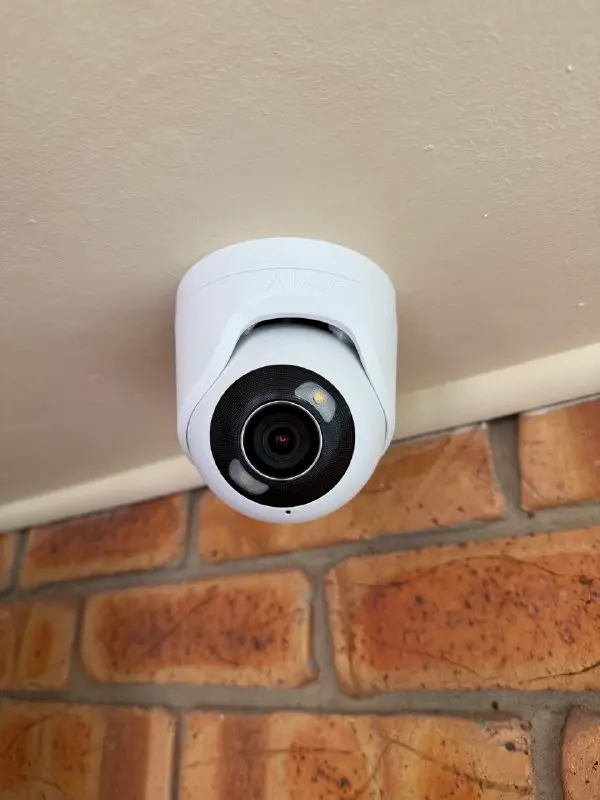
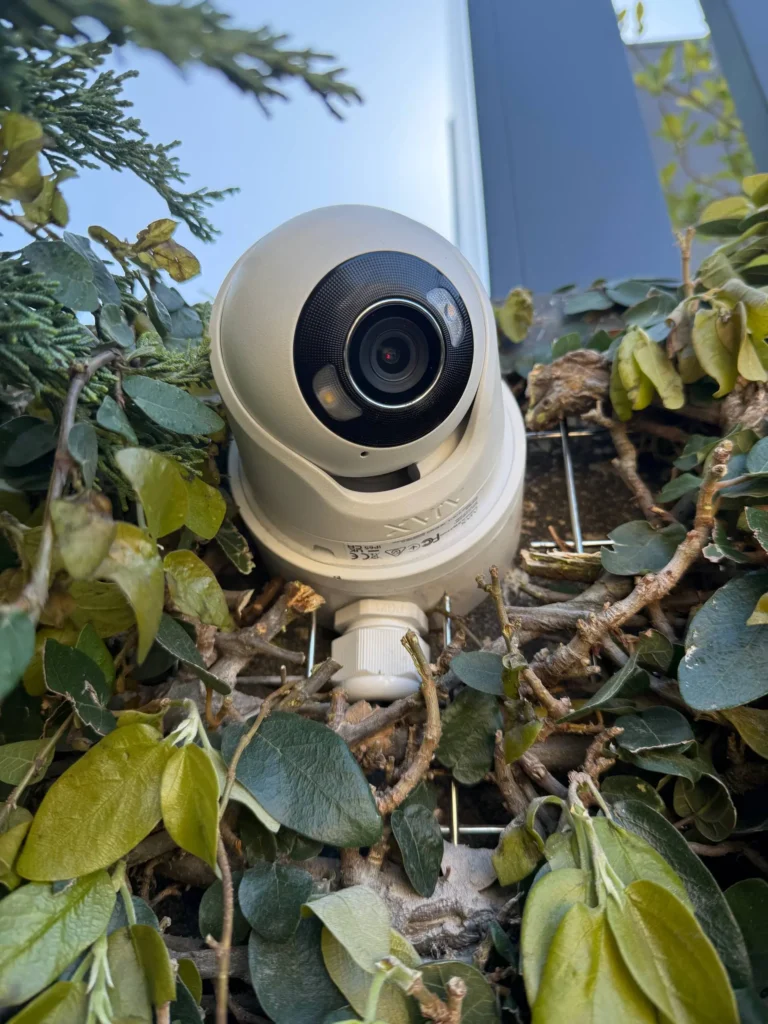
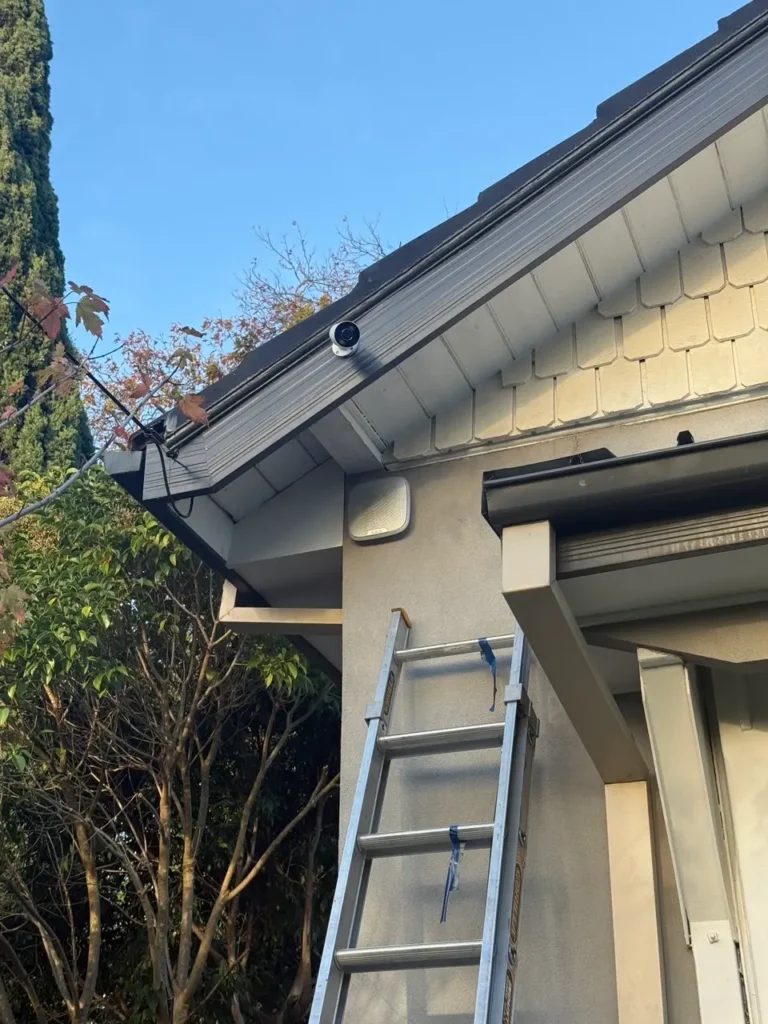
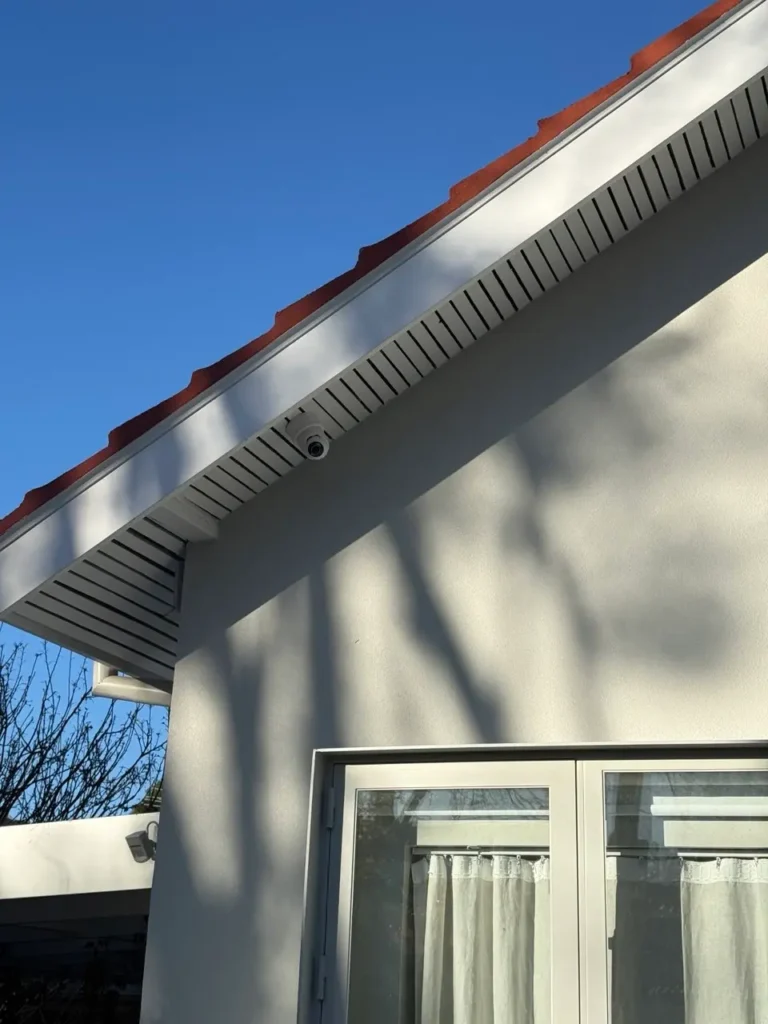
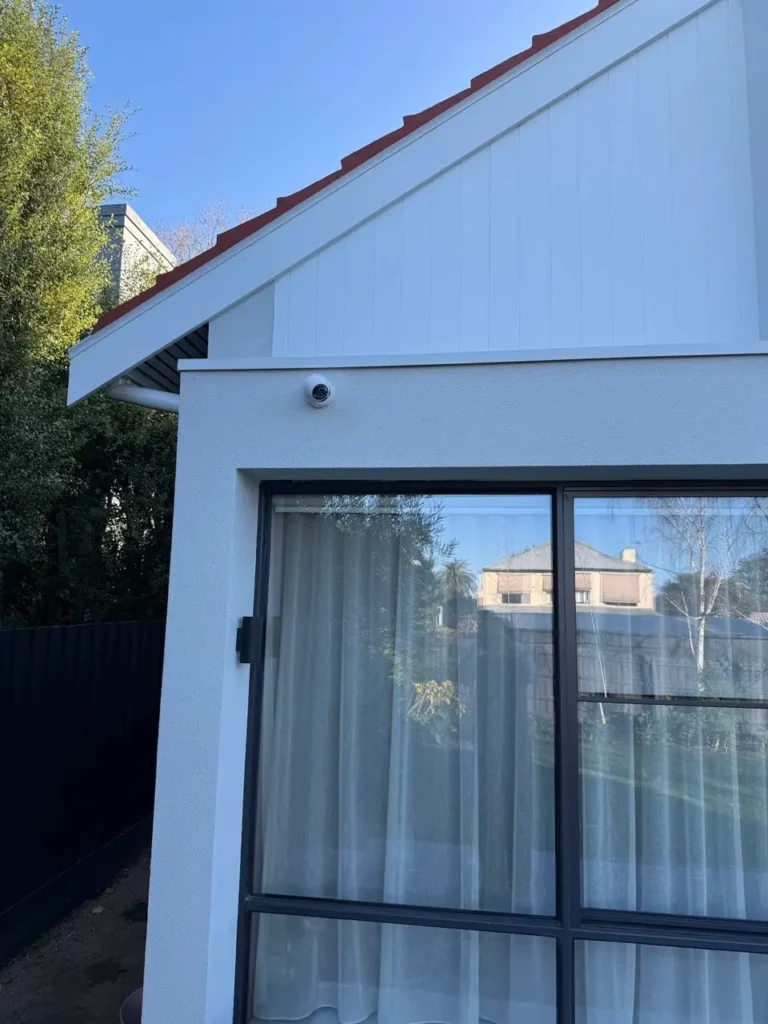
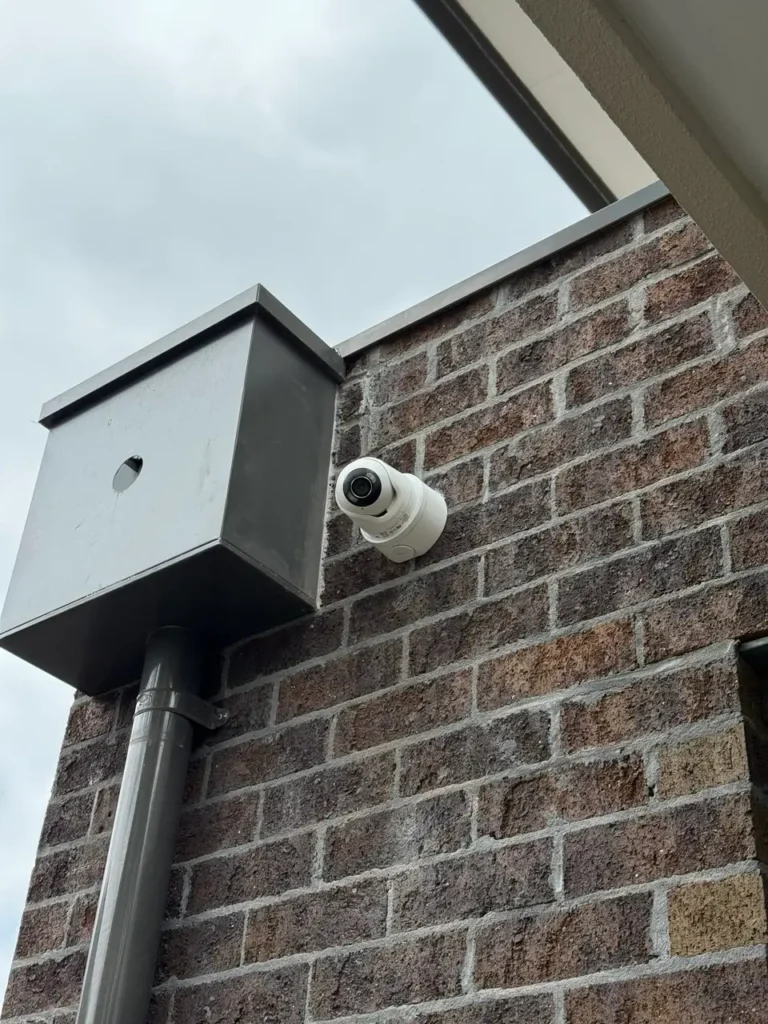
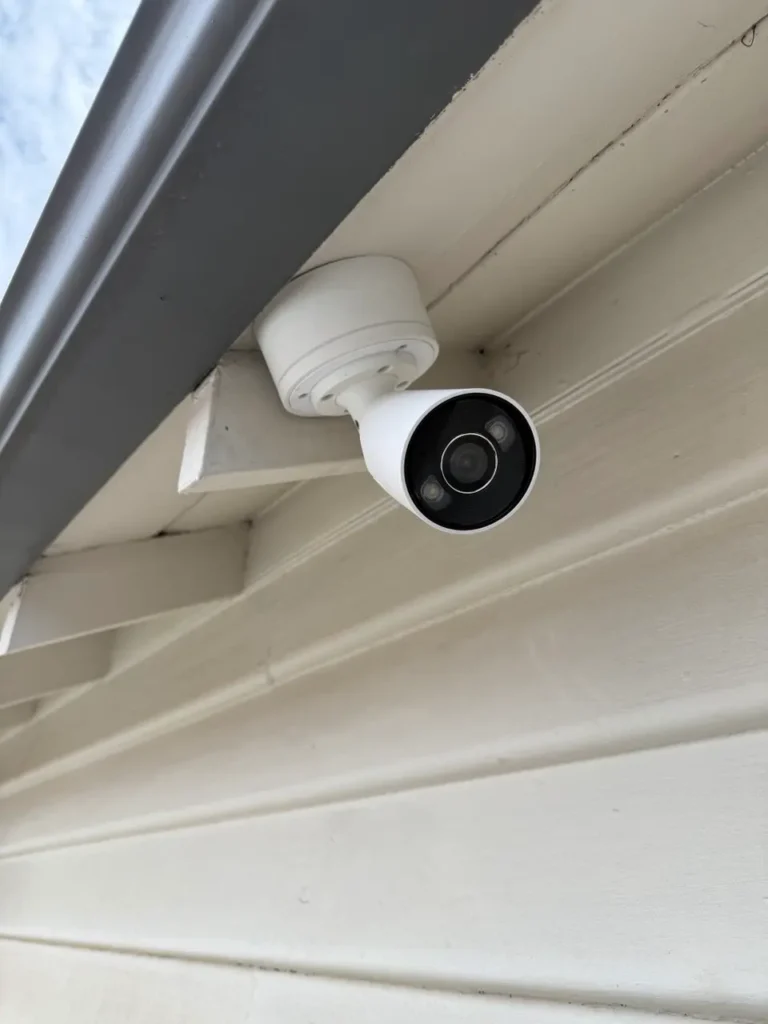
Bosch Solution 6000 Installations in Melbourne
View recent Bosch alarm installation projects from homes, offices and businesses across Melbourne
Bosch Solution 6000 Installation Across Melbourne
SIPKO installs Bosch Solution 6000-IP systems across Melbourne’s inner suburbs, bayside areas and surrounding regions. We understand local council approvals, building codes and the specific security challenges each area faces.
Bayside Suburbs
Brighton, Bentleigh, Sandringham, Beaumaris and Black Rock. Salt air and coastal wind require marine-grade equipment and sensor tuning.
Inner Melbourne
Elsternwick, Armadale, South Yarra, Prahran and surrounding inner suburbs. Modern apartments, heritage homes and small businesses need flexible alarm designs.
South Eastern Suburbs
Caulfield, Murrumbeena, Moorabbin and Carnegie. Residential areas with family homes needing reliable perimeter protection and keypad control.
Business & Retail
Offices, shops and warehouses throughout Melbourne need multi-area alarms, access control integration and monitoring-ready configuration.
Free Onsite Quote Process
For Melbourne installations, we review your property in detail before quoting. We check existing alarm infrastructure, assess cable conditions, evaluate false-alarm risk and confirm council or building approvals needed. Call 0406 432 691 or use the form above to start the process.
Related SIPKO Alarm and Security Services
Use this page when the main requirement is Bosch Solution 6000-IP installation or upgrade. These related services may be more suitable when the property needs CCTV, access control, alarm maintenance or a broader security design.
Alarm Systems Melbourne
For clients comparing Bosch, Ajax and other alarm options before choosing the right system for a home or business.
Security Alarm Maintenance Melbourne
For existing alarm systems that need fault checks, battery replacement, siren testing, false-alarm investigation or user/programming cleanup.
Security Camera Installation Melbourne
For properties that need video coverage around entries, driveways, warehouses, office doors, retail counters or external access points.
Access Control Installation Melbourne
For offices, warehouses and commercial sites that need controlled staff access, doors, readers, credentials or alarm/access coordination.
Bosch Solution 6000 Installation Questions
Practical answers for Melbourne homeowners, office managers and small business owners planning a Bosch Solution 6000-IP alarm installation, replacement or upgrade.
How much does Bosch Solution 6000 installation cost in Melbourne?
Who installs Bosch Solution 6000 alarms for SIPKO?
Can SIPKO upgrade an old Bosch alarm to Bosch Solution 6000-IP?
Can existing alarm wiring be reused?
Does Bosch Solution 6000-IP support app or remote control?
Can Bosch Solution 6000-IP be connected to monitoring?
How many zones, areas, doors and users can Bosch Solution 6000-IP support?
How long does Bosch Solution 6000 installation take?
When is Bosch Solution 6000-IP not the best option?
How do I book Bosch Solution 6000 installation in Melbourne?
Book Bosch Solution 6000-IP Installation in Melbourne
Send your property details or call SIPKO Security. We can review your existing alarm wiring, recommend the right Bosch Solution 6000-IP configuration, install the panel, keypads, sensors, sirens and communication options, then test and explain the system for daily use.