
Security System Maintenance in Melbourne — CCTV, Alarm & Intercom Support
You go to check yesterday’s footage after hearing something outside, and the app opens fine — but there’s nothing useful there. Or the alarm won’t arm properly and keeps flashing the same fault on the keypad, and nobody’s touched it in months.
A system that was installed correctly two or three years ago doesn’t stay correct forever on its own. Batteries weaken quietly in the background. A camera lens collects a season’s worth of dust and cobwebs. Firmware falls a few versions behind. None of it looks broken from the outside — the app still opens, the panel still lights up — until the one day you actually need the footage, the alert, or the door release, and it isn’t there.
SIPKO provides security system maintenance in Melbourne for CCTV, alarm and intercom systems, whether we installed them or not. One technician checks all three where a property has them, rather than three separate call-outs for one house. If a maintenance visit turns up something more specific than routine servicing — a particular brand’s known fault, a recorder issue, a panel that needs replacing rather than repairing — we say so plainly and point you to the right next step instead of running up a bill on a job that won’t actually fix it.

What drives the cost of security system maintenance in Melbourne
There isn’t a single number that covers this honestly, because a one-camera apartment setup and a five-system commercial site with CCTV, alarm and intercom combined aren’t the same job. Pricing depends on the system — how many devices, which brands, whether it’s a routine service or there’s already a known fault — so the honest answer is: tell us what’s installed and we’ll quote from there. Here’s what actually moves the number:
- Number of devices & systems
- A single alarm panel service is a shorter visit than a property running CCTV, alarm and intercom together.
- Routine service vs fault repair
- A scheduled annual check is a simpler, more predictable job than diagnosing an intermittent fault that only shows up sometimes.
- Age & brand of the equipment
- Some brands hold parts and firmware support longer than others; older or discontinued gear can mean a repair-vs-replace conversation partway through the visit.
- Access & site complexity
- A straightforward house is quicker than a strata building with shared access points, or a property with cameras spread across a large yard.
- Parts needed on the day
- Batteries, sensors or a lens replacement are usually straightforward; a panel or recorder swap is a bigger job, and we’ll always confirm cost before doing it.
- First visit vs repeat client
- If we installed the system originally, we already know the layout; a system we didn’t install takes a bit longer to survey first.
We quote after finding out what’s actually installed — never a number pulled out of thin air before we’ve seen the system.
Our security system maintenance process in Melbourne
Most of the faults we get called out for weren’t caught early because nobody was looking until something stopped working.
Tell us what’s installed
Brand, system type (CCTV, alarm, intercom, or a combination), and what prompted the call — routine service or a specific issue.
On-site inspection
We go through each system methodically: cameras, recorder, alarm panel, sensors, intercom hardware, and how they’re all actually being used day to day.
Service, repair, or honest redirect
Routine parts — batteries, lens cleaning, firmware updates, settings corrections — are handled on the spot.
Test & explain
Every function tested before we leave: recording and playback, alarm arming and alerts, intercom audio/video and door release, app access from your phone.
Cleaning a lens or replacing a battery is the easy part. Catching the thing that would have failed next month is the actual job.
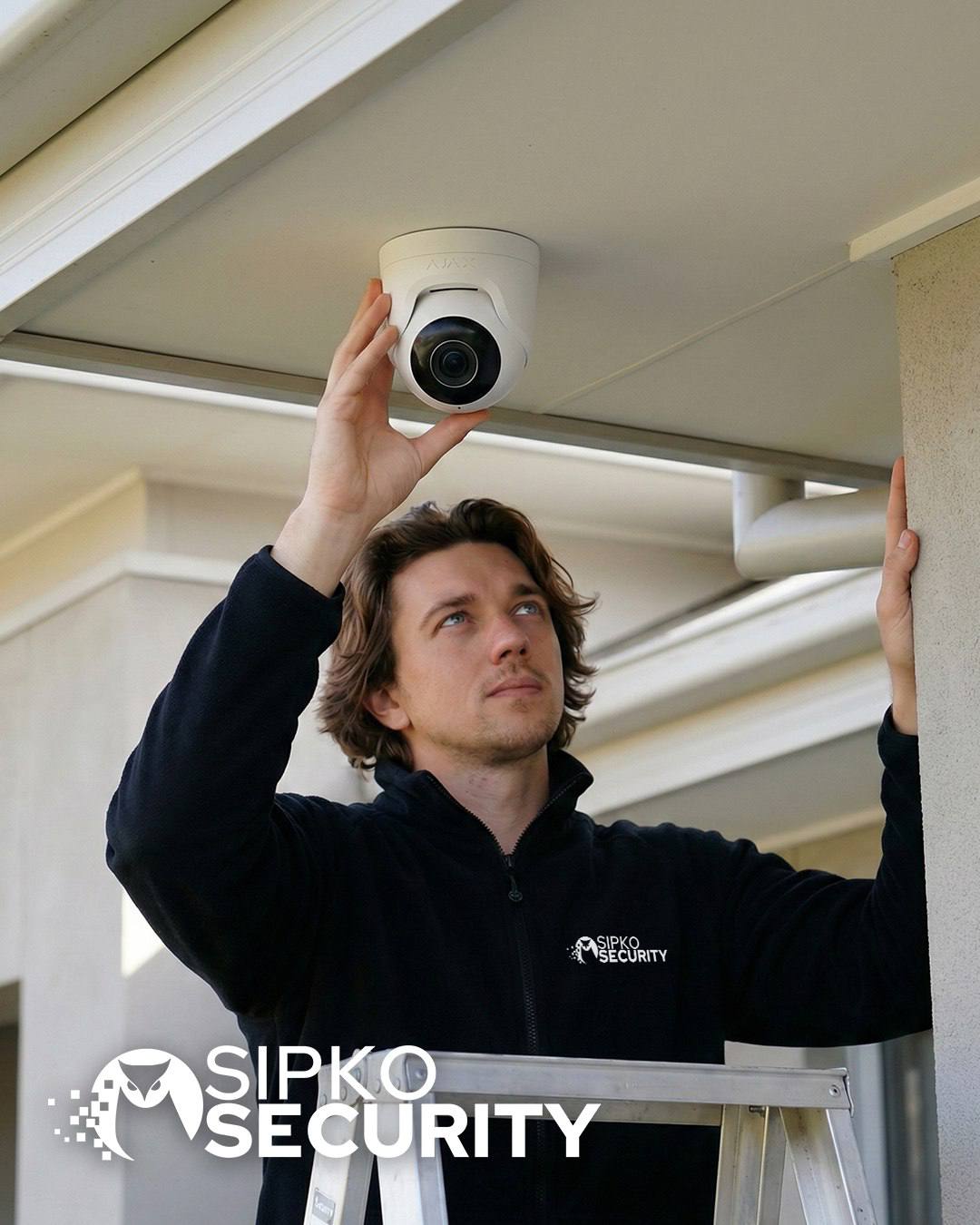
CCTV, alarm and intercom maintenance in Melbourne
One technician, one visit, whichever combination of systems your property actually has — rather than three separate call-outs for one house.
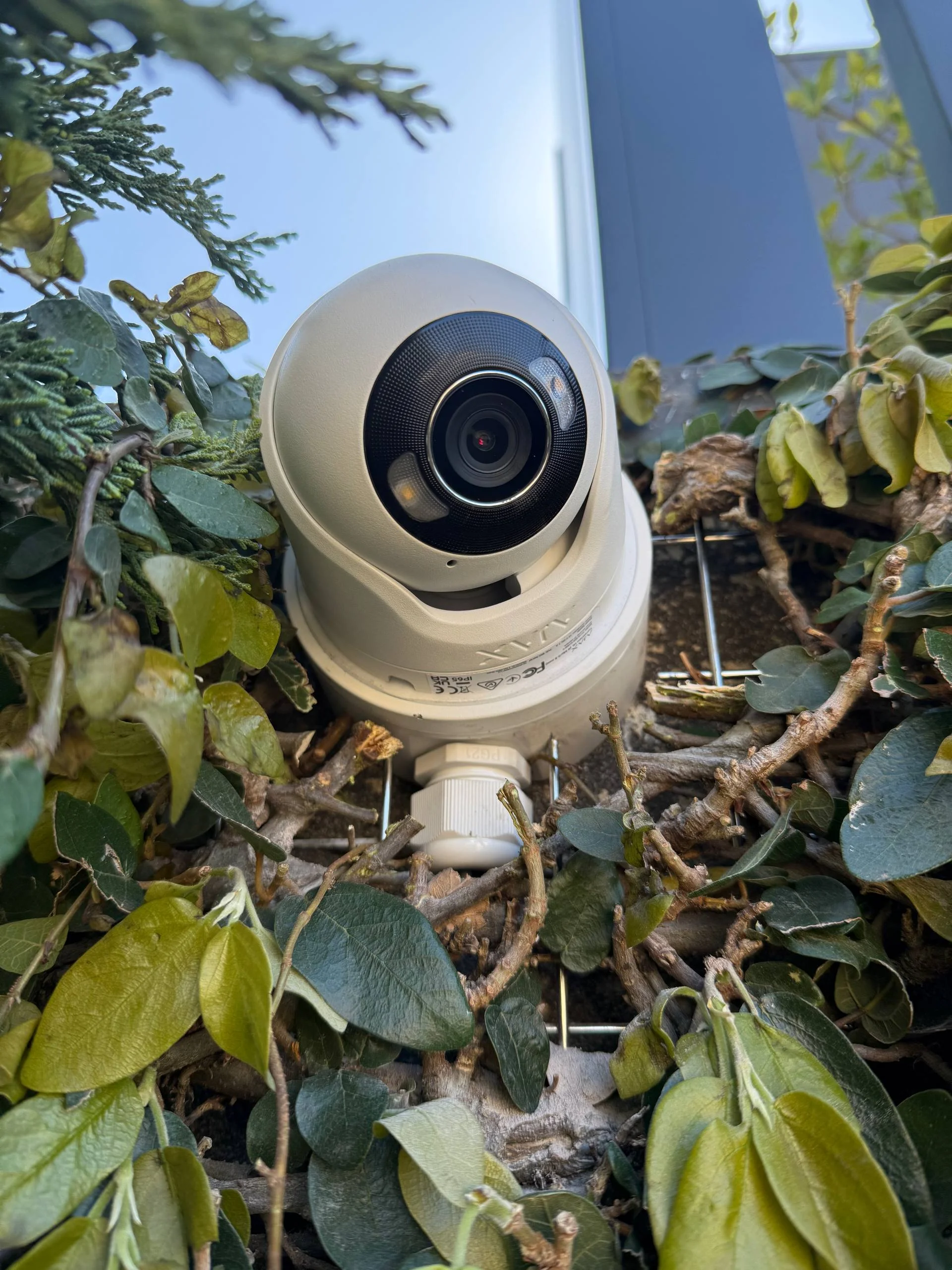
More than checking the live view still opens. We check image quality and camera angles, recorder storage health and whether footage is actually being saved, playback reliability, remote app access, and firmware where it’s relevant. A camera that looks fine on the app can still be recording nothing useful.
Focused on the parts that most often cause trouble: backup batteries, sirens, sensors, keypads, user codes, and general panel and zone health. A weakening backup battery is one of the most common reasons an older alarm starts misbehaving after a power blip.
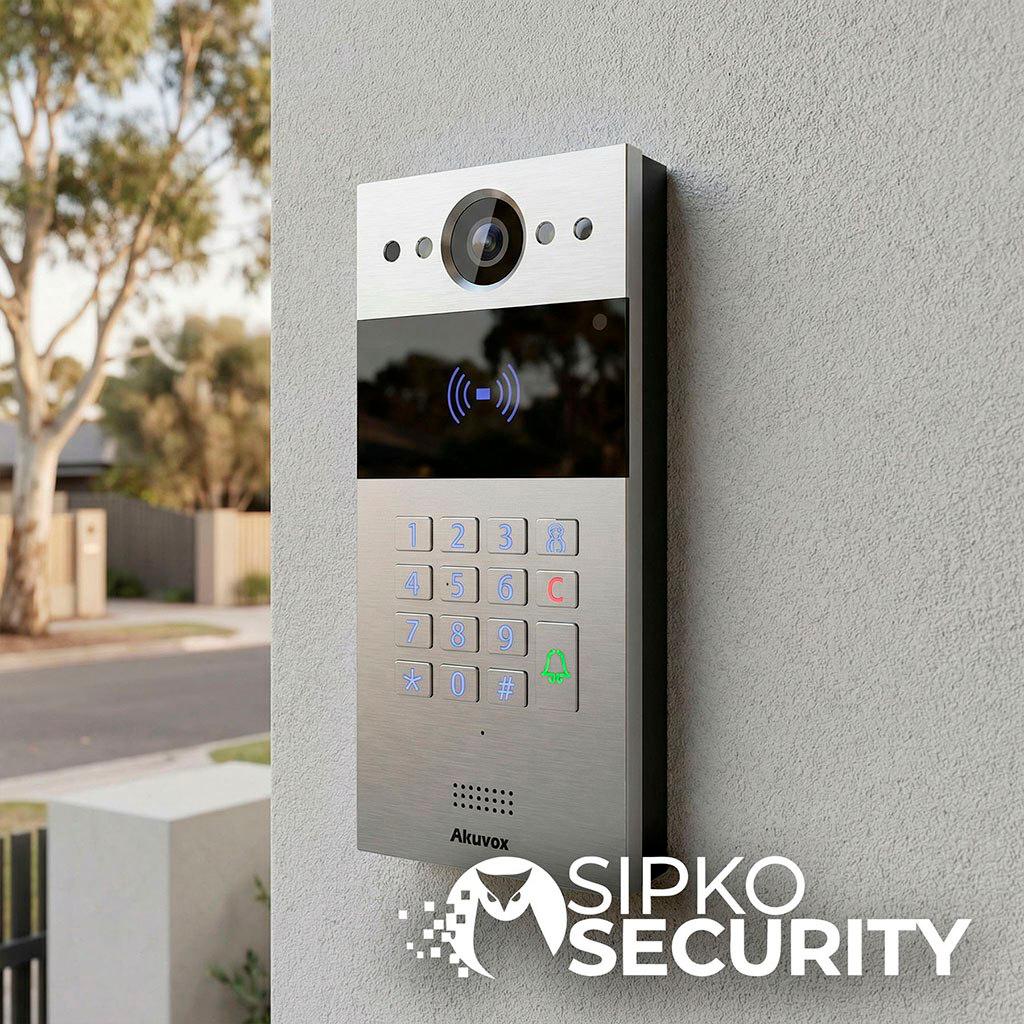
Covers audio and video clarity, call button and door/gate release reliability, and monitor and app connection. An intercom that rings but doesn’t reliably release the door isn’t doing its one essential job.
Sometimes a visit shows the issue is more specific than general servicing — tied to a particular recorder, alarm panel, intercom monitor, or a known fault with a specific brand. In that case we’ll point you to the right repair option rather than running a routine service that won’t fix it — for example Hikvision camera repair, Dahua CCTV repair, Bosch alarm repairs, Ajax alarm repair, or Hikvision intercom repair, depending on what the visit turns up.
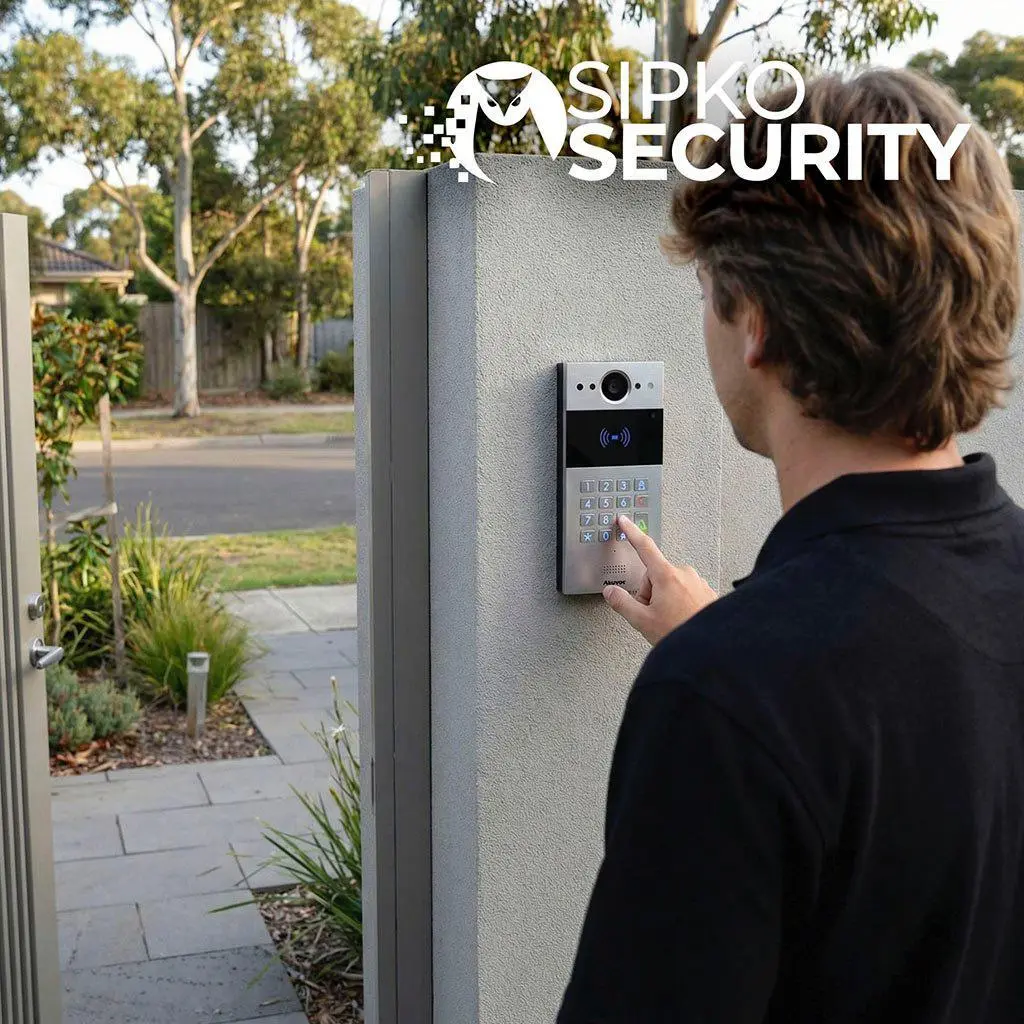
Security system maintenance across Melbourne
We service CCTV, alarm and intercom systems across Melbourne — but what actually changes between areas isn’t coverage, it’s what tends to go wrong first.
Established properties with systems often installed years ago by a different company entirely; the first job is usually working out what’s actually there before servicing it.
Coastal salt air accelerates corrosion on outdoor camera housings and exposed wiring faster than inland properties ever see.
Newer growth-corridor builds where systems went in fast during construction; early servicing catches rushed installation shortcuts before they become real faults.
A mix of older houses and newer units, often with shared or strata-managed access systems that need coordinated servicing across multiple owners.
Larger family homes running CCTV, alarm and intercom together; keeping three systems working in sync is the main maintenance challenge here.
Shared building access and body-corporate-managed systems mean troubleshooting often has to work around building access rules, not just the equipment itself.
Wherever you’re based, the visit itself works the same way — a proper check of what’s installed, honest advice on service versus repair, and everything tested before we leave.
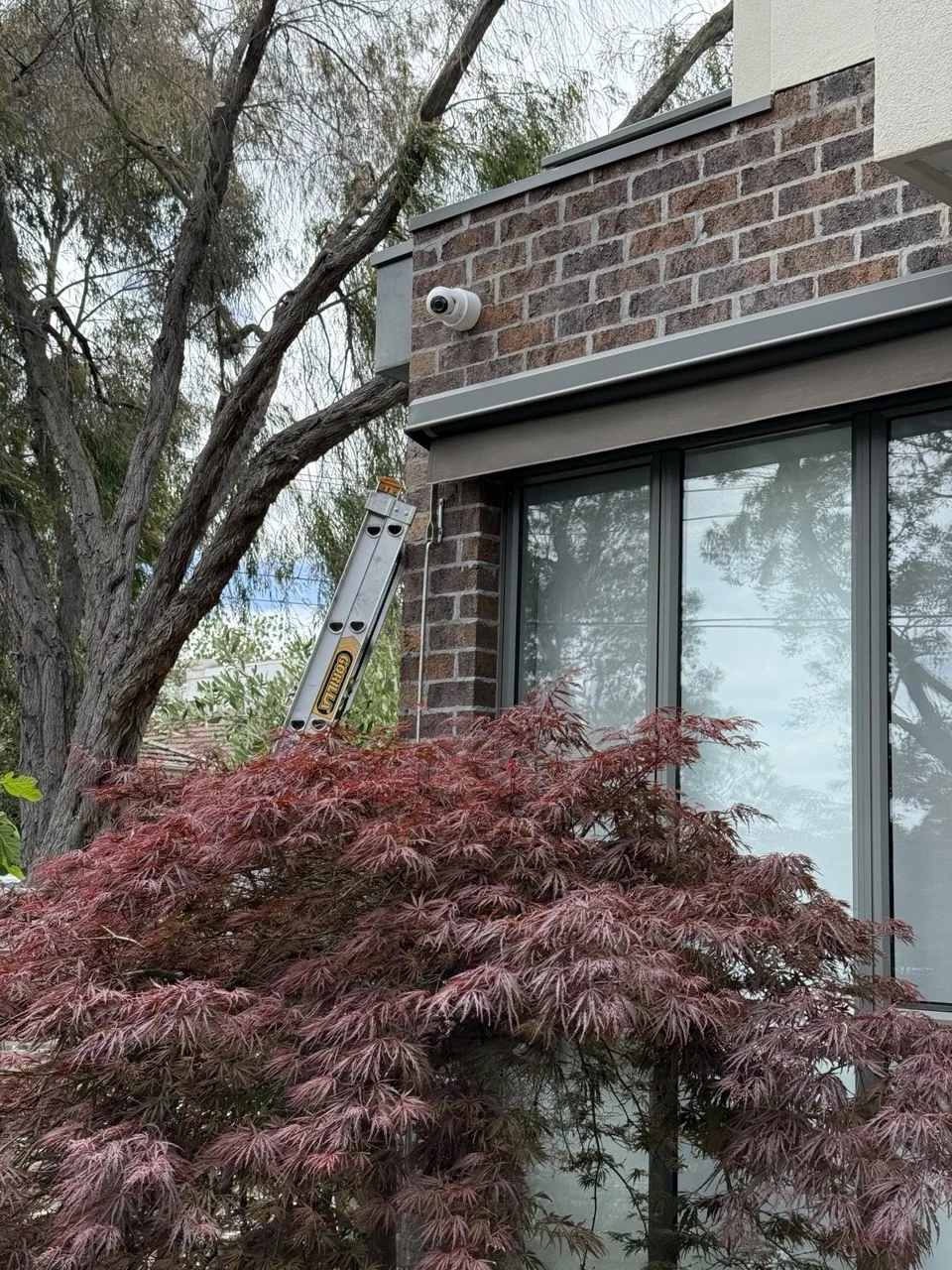
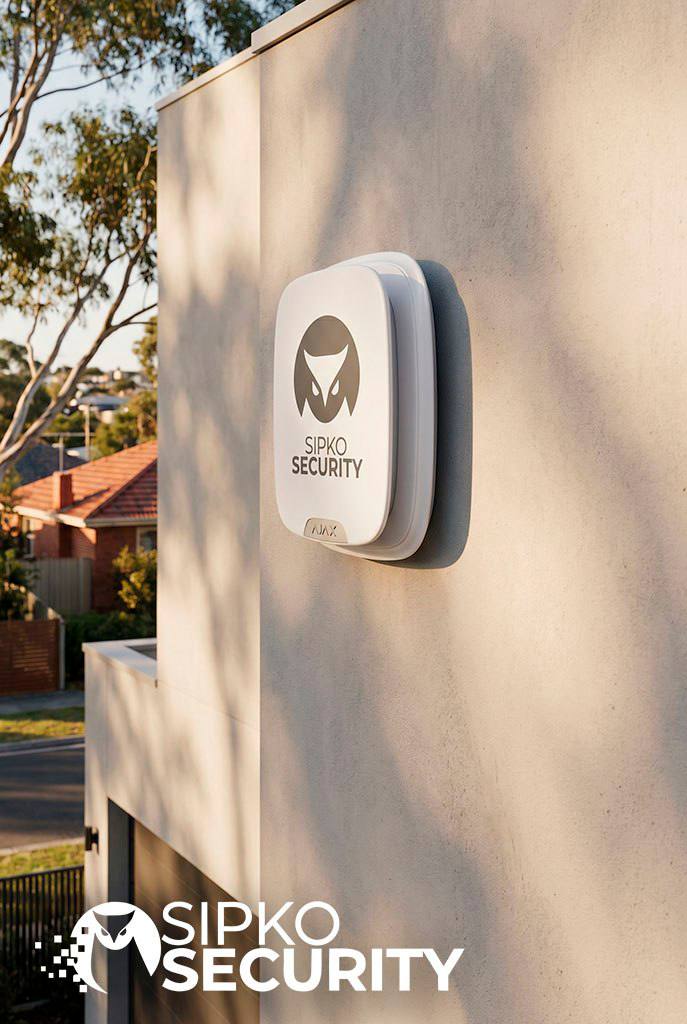
Security system maintenance visits around Melbourne — see the work
Photos are easy to fake. Ours aren’t — every visit in the gallery below is a system we’ve actually inspected, serviced or repaired.
What our clients say
Real feedback from Melbourne homeowners and businesses who’ve had their systems serviced or repaired by SIPKO.




Security system maintenance in Melbourne — FAQ
Everything you need to know about cost, scheduling, and what a visit actually covers.
How much does a maintenance visit cost?
How often should I get my system serviced?
Can you service a system you didn’t install?
Do you check CCTV, alarm and intercom in one visit?
What if the issue turns out to be more than routine maintenance?
Will maintenance fix false alarms?
Can you check if my system still works properly after an NBN or internet change?
Do you replace parts during a maintenance visit?
How long does a typical maintenance visit take?
A security system is only as good as its last check-up — the footage that’s actually saved, the alarm that actually arms, the door that actually releases when it should. CCTV, alarm and intercom maintenance across Melbourne, checked properly and explained honestly.
Free assessment. Transparent quotes. Available Monday–Sunday 8am–6pm.