
Ajax Outdoor Security for Melbourne Residential Properties
SIPKO Security designs and installs Ajax outdoor security systems in Melbourne for driveways, side gates, rear access, garages, sheds and detached storage areas. Detector type and mounting position are selected after checking the access route, vegetation, pets, mounting surface, radio signal and distance from the Ajax hub.
An outdoor system can combine movement detection, Ajax app alerts, photo verification, StreetSiren and optional connection to a professional monitoring service. For complete home alarm planning, see Ajax alarm installation in Melbourne .
Coverage based on access routes
Driveways, side paths, gates and rear approaches are assessed separately so each detector covers a defined route.
Detector selection and testing
Mounting height, sensitivity and direction are checked against pets, vegetation, shared paths and normal outdoor movement.
Photo or video verification
Selected gates, garage approaches and rear entries can use event-based photo verification or separately planned CCTV.
StreetSiren and app notifications
Siren position, available alarm settings and user notifications are configured for the property and surrounding area.
Possible equipment: outdoor motion detectors, photo-verification detectors, door contacts and StreetSiren.
Checked before installation: mounting position, radio signal, vegetation, pets, access patterns and required arming groups.
Outdoor protection is planned as part of the wider alarm system rather than as a separate collection of sensors. Camera angles and recording requirements can be reviewed through the CCTV surveillance guide .
Schedule an Outdoor Security Site Assessment
Call 0406 432 691 or complete the form and SIPKO Security will contact you.
Ajax Security for Garages, Sheds and Rear Access
A detached garage or shed may require a different combination of devices from the main house because construction materials, distance and access patterns affect the design.
Depending on the site, protection may include a door contact, internal movement detection, an outdoor approach detector, photo verification or a separate arming group. Radio signal must be checked at the proposed device positions before equipment is finalised.
See the dedicated page about Ajax security for garages, sheds and storage units .
- Door, window and internal movement coverage for detached structures
- Separate assessment of the driveway, side gate and rear approach
- Group and Night Mode settings based on how the property is used
For whole-home system design, visit Ajax alarm installation in Melbourne . Optional escalation is explained on the Ajax monitoring with video verification page.
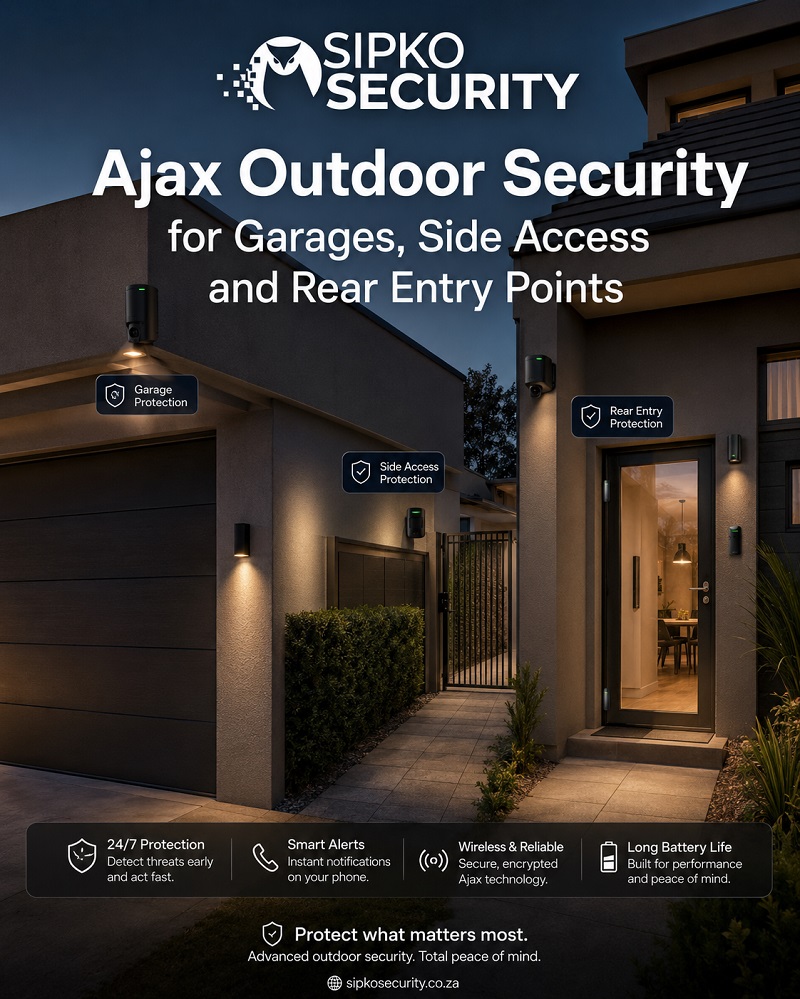
How Outdoor Ajax Coverage Is Planned
Each outdoor zone is planned around a specific route rather than applying the same detector pattern to the entire property.
SIPKO checks mounting height, detector direction, vegetation, pets, reflective surfaces, shared access and radio signal. Installed zones are then walk-tested along the routes they are intended to cover.
- Defined zones for the driveway, front path and garage approach
- Separate treatment of gates, rear lanes and narrow side paths
- Signal checks, detector walk tests and StreetSiren positioning
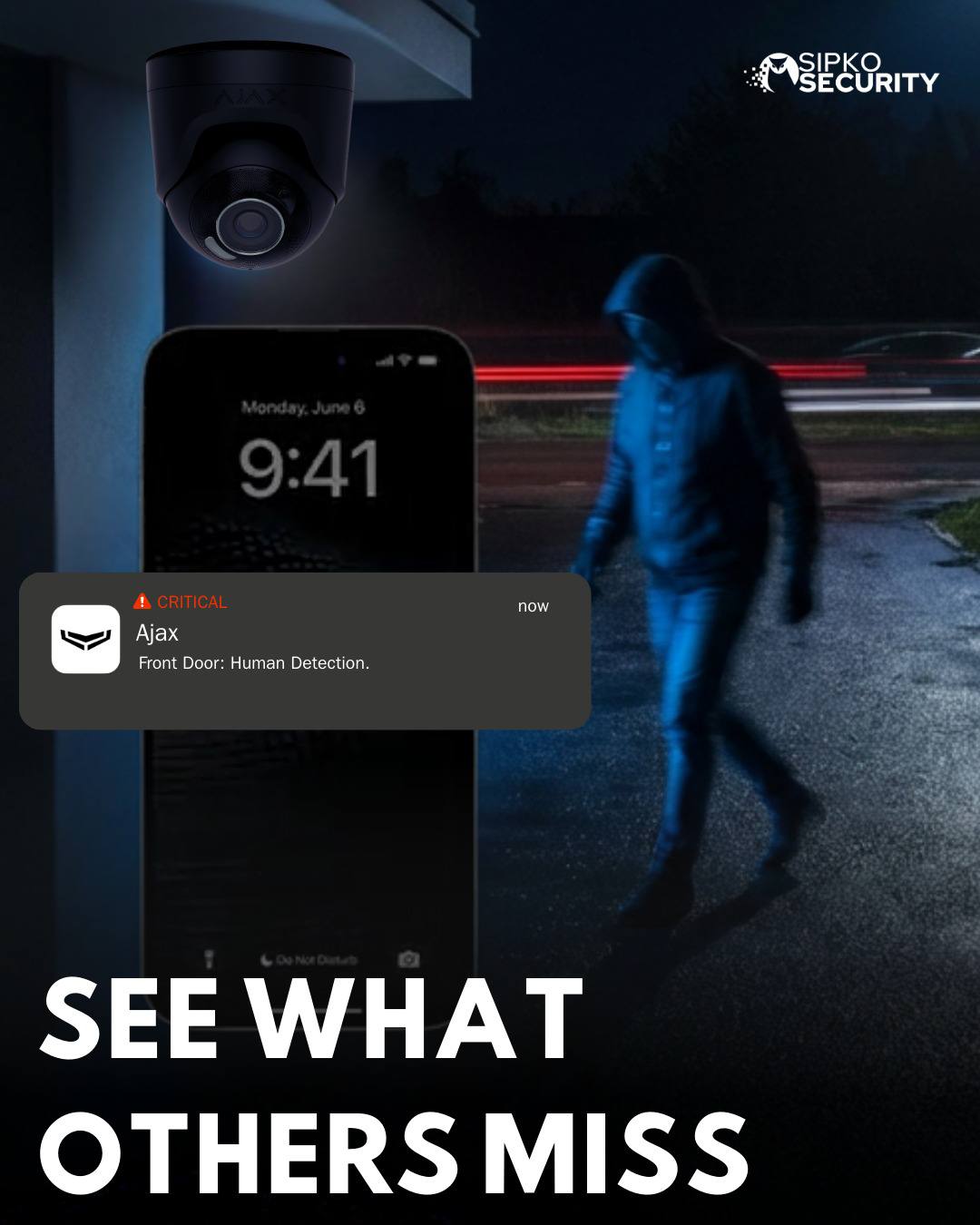
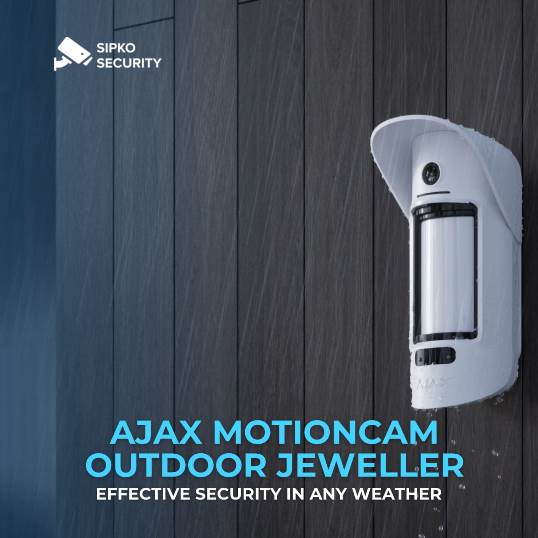
Choosing and Positioning Ajax Outdoor Detectors
Detector choice depends on the width of the route, required detection distance, mounting surface and movement expected around the property.
Open areas and narrow paths do not use the same detection pattern. Curtain-style coverage may suit a side gate or corridor, while a wider detector may suit a driveway or rear yard. Final selection follows the device instructions and an on-site assessment.
- Mounting height and direction set for the selected device
- Detection pattern matched to route width and travel direction
- Walk tests and review of vegetation, pets and shared movement
For larger blocks or detached buildings, radio performance is tested at the proposed device position. Where extended coverage is required, SIPKO may specify an Ajax ReX 2 range extender .
Photo Verification and CCTV for Outdoor Alerts
An outdoor alarm event can be supported by Ajax photo verification or by a separately planned CCTV system.
Photo verification is event-based and is intended to help assess an alarm trigger. CCTV is better suited where continuous recording, wider views or later footage review is required. The two options should be selected according to the purpose of each location.
For driveway recording, gate views and wider entry coverage, review the CCTV surveillance guide .
SIPKO Security can configure the Ajax system for connection to a professional monitoring service. Monitoring fees, escalation contacts, operator procedures and response arrangements are separate from the Ajax equipment and installation quote. See Ajax monitoring with video verification for the available workflow.
Ajax System Starting Configurations
These configurations show examples of equipment that can be used as a starting point. They are not fixed-price monitoring plans. The final hub model, device quantities, outdoor detectors, range extension and monitoring connection are confirmed in the written quote after the property layout and radio signal have been assessed.
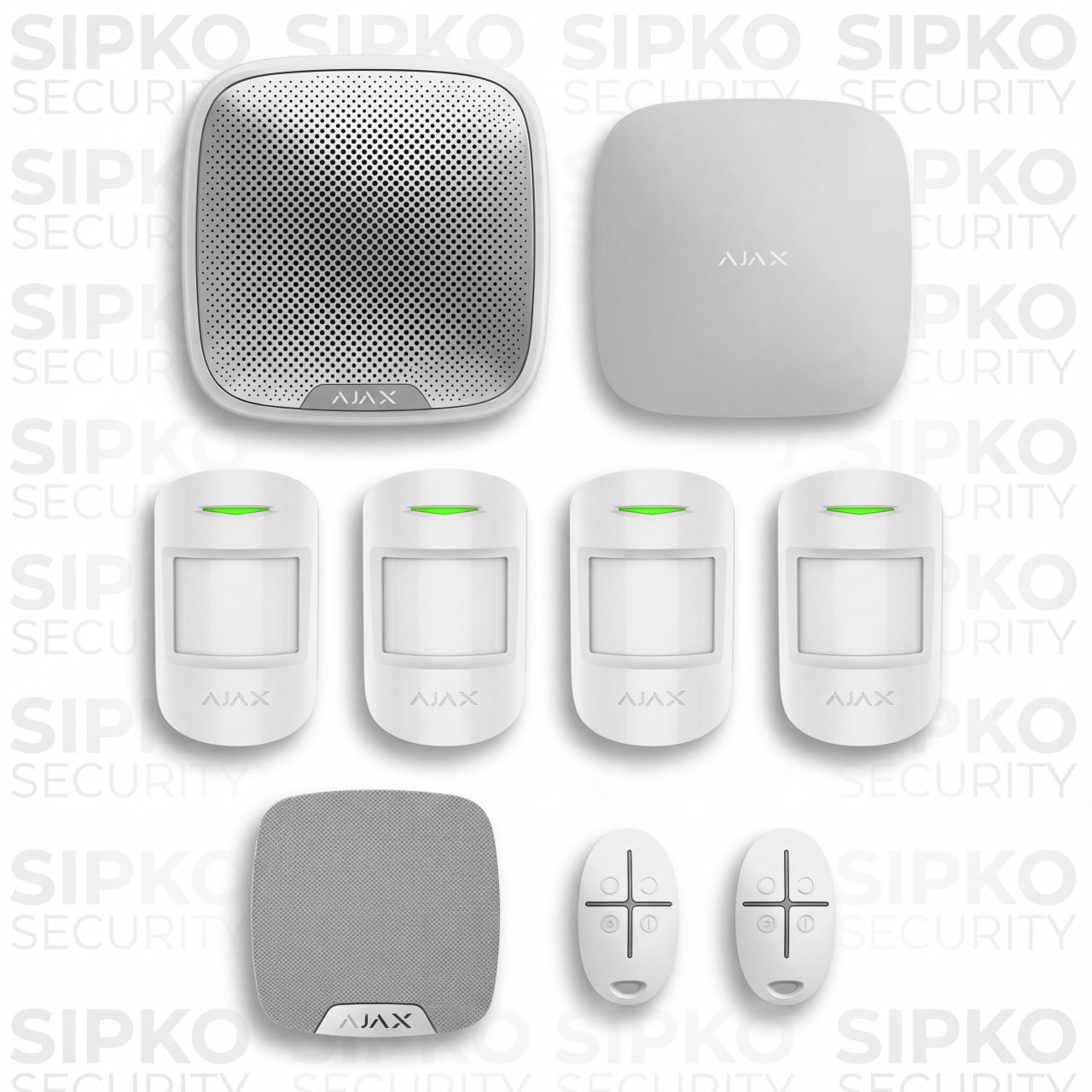
Home Alarm Base with Outdoor Siren
A base indoor alarm configuration with HomeSiren, StreetSiren and app control. Outdoor detectors are added only where the site assessment requires them.
- 1 x Ajax hub — model and communication options confirmed in the quote
- 4 x MotionProtect
- 1 x HomeSiren
- 1 x StreetSiren
- 2 x SpaceControl key fobs
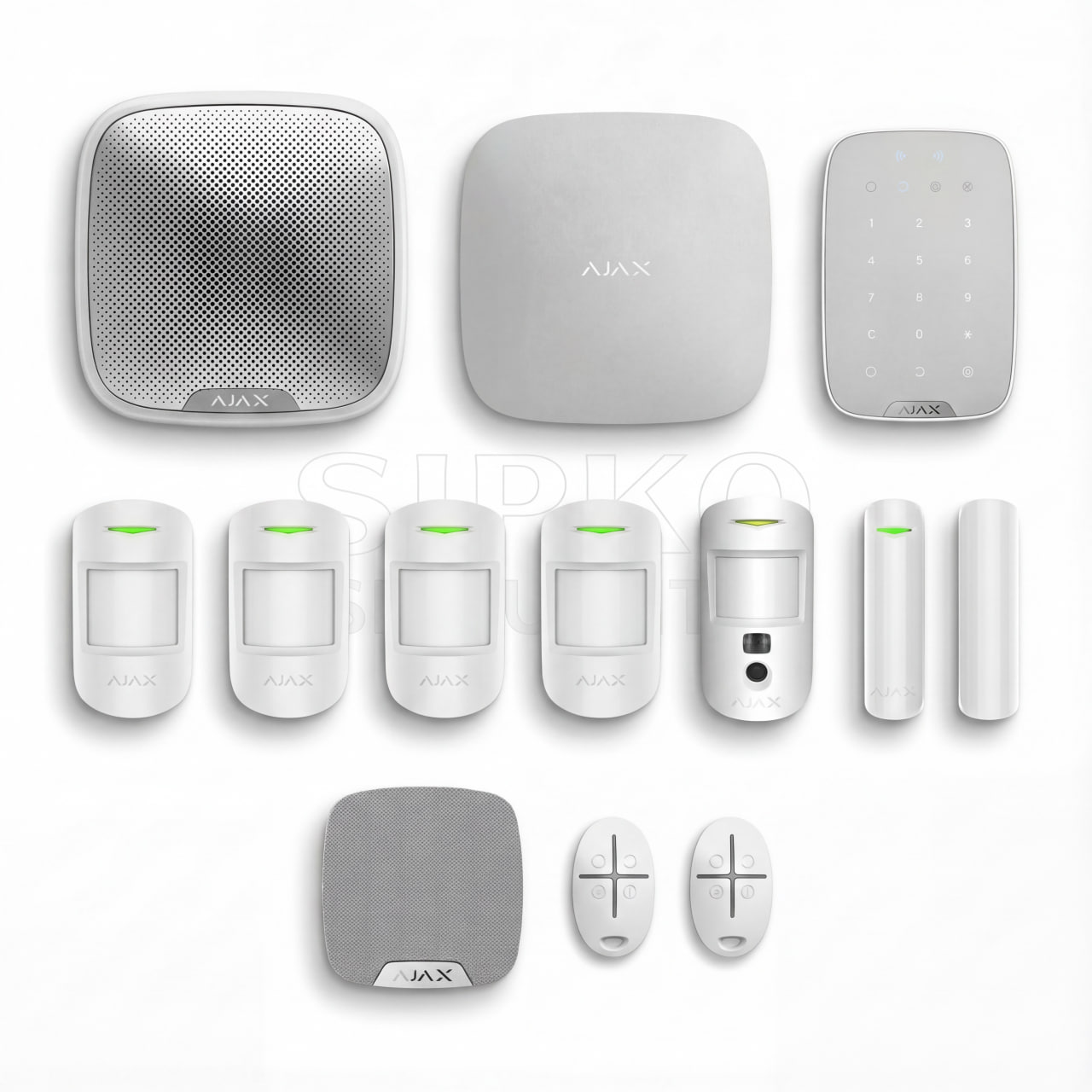
Entry and Garage Verification Setup
Adds entry contacts, KeyPad control and MotionCam photo verification. Garage or outdoor approach detection is selected separately for the property.
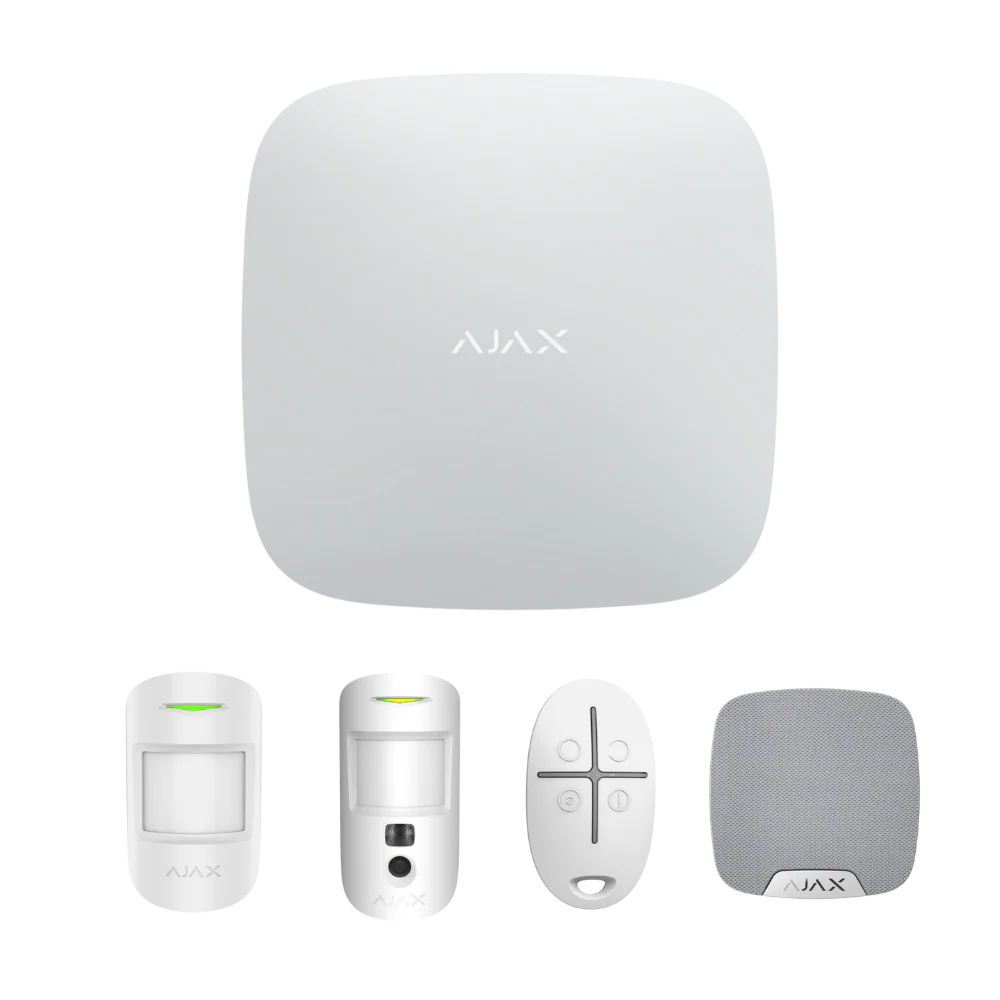
- 1 x Ajax hub — model and communication options confirmed in the quote
- 1 x KeyPad
- 2 x DoorProtect
- 4 x MotionProtect
- 1 x MotionCam
- 1 x HomeSiren
- 1 x StreetSiren
- 2 x SpaceControl key fobs

Detached Building and Perimeter Setup
Includes MotionCam Outdoor devices for selected perimeter zones and can be extended for a detached garage, shed or larger block after signal testing.
- 1 x Ajax hub — model and communication options confirmed in the quote
- 1 x KeyPad
- 2 x DoorProtect
- 2 x MotionProtect
- 2 x MotionCam
- 2 x MotionCam Outdoor
- 1 x HomeSiren
- 1 x StreetSiren
- 2 x SpaceControl key fobs
Send the property type, main access points and details of any detached garage or shed. SIPKO will confirm which equipment belongs in the base alarm and which outdoor devices require an on-site assessment.
Ajax Outdoor Security Installation Process
The installation process covers access-route assessment, device selection, radio checks, mounting, walk tests, app configuration and user handover.
Site Walk and Access Route Assessment
SIPKO records the driveway, side access, gates, rear approach, garage, shed and any shared or regularly used outdoor areas.
Device Selection and Zone Plan
Each location is matched to a detector pattern, mounting position and arming group. Normal movement, pets and vegetation are considered before installation.
Installation to Device Requirements
Devices are installed on suitable surfaces and positioned according to the selected product instructions, site exposure and service-access requirements.
Signal Checks, Walk Tests and Tuning
Radio signal, detector response, sensitivity and notifications are checked at installed positions and along the routes the devices are intended to cover.
App Setup, Night Mode and User Access
SIPKO names each zone, configures notifications, applies user permissions and explains how selected outdoor areas behave in Night Mode.
View complete Ajax installation →Handover and Monitoring Options
The handover covers arming, event review, battery alerts and fault notifications. Monitoring is arranged separately from the equipment and installation quote.
View monitoring options →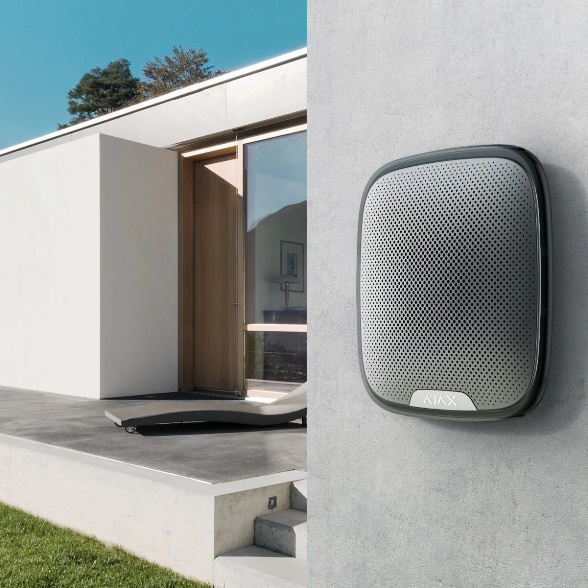
Outdoor Sirens for Alarm Indication
Ajax StreetSiren provides an audible and visible alarm indication when a configured event occurs.
SIPKO configures the available siren settings and selects a mounting position that suits the building, device requirements and surrounding area.
- Mounting position selected for the building and main approach
- Available sound and alarm-duration settings configured in the system
- Additional siren coverage considered only where the layout requires it
Ajax Planning for Large Blocks and Detached Buildings
Larger blocks require additional radio checks, separate arming decisions and a clear plan for areas used after the main house is armed.
Check signal at every detached area
Signal is tested at the garage, shed, gate and proposed detector positions. An Ajax ReX 2 range extender may be specified where the layout requires it.
Separate house and outbuilding arming
A garage or shed may require a separate group so it can remain armed or be accessed independently of the house. Night Mode behaviour is agreed during setup.
Review zones after property changes
Outdoor zones should be checked after landscaping, fence changes, building work or repeated nuisance alarms. Vegetation must not obstruct the detector view.
Document installed zones
The handover should identify each installed device, its app zone name, the route it covers and any area that must remain clear.
Typical Outdoor Zones and Suitable Ajax Functions
A typical design separates the front approach, driveway, side access, rear entry and any detached structure. Each zone can then use the detector pattern, verification method and arming behaviour suited to that location.
Driveway and Front Approach
A driveway or front path can use outdoor movement detection. CCTV may be added where continuous recording is required.
Side Access and Narrow Paths
A narrow access route may suit curtain-style coverage when the mounting position and direction of travel allow it.
Gate and Rear Entry
A gate or rear entry can combine a contact, outdoor detector or photo verification depending on the structure and required event record.
Night Mode and User Access
Night Mode can keep selected outdoor or entry zones armed while agreed indoor areas remain available for normal movement.
For whole-system design, see Ajax alarm installation in Melbourne . Monitoring and escalation options are described on the Ajax monitoring with video verification page.
Request an Ajax Outdoor Security Site Assessment
Selected Melbourne Service Areas
Selected service areas for Ajax alarm installation, outdoor detection and related residential security work.
Recent Ajax Outdoor Security Installations
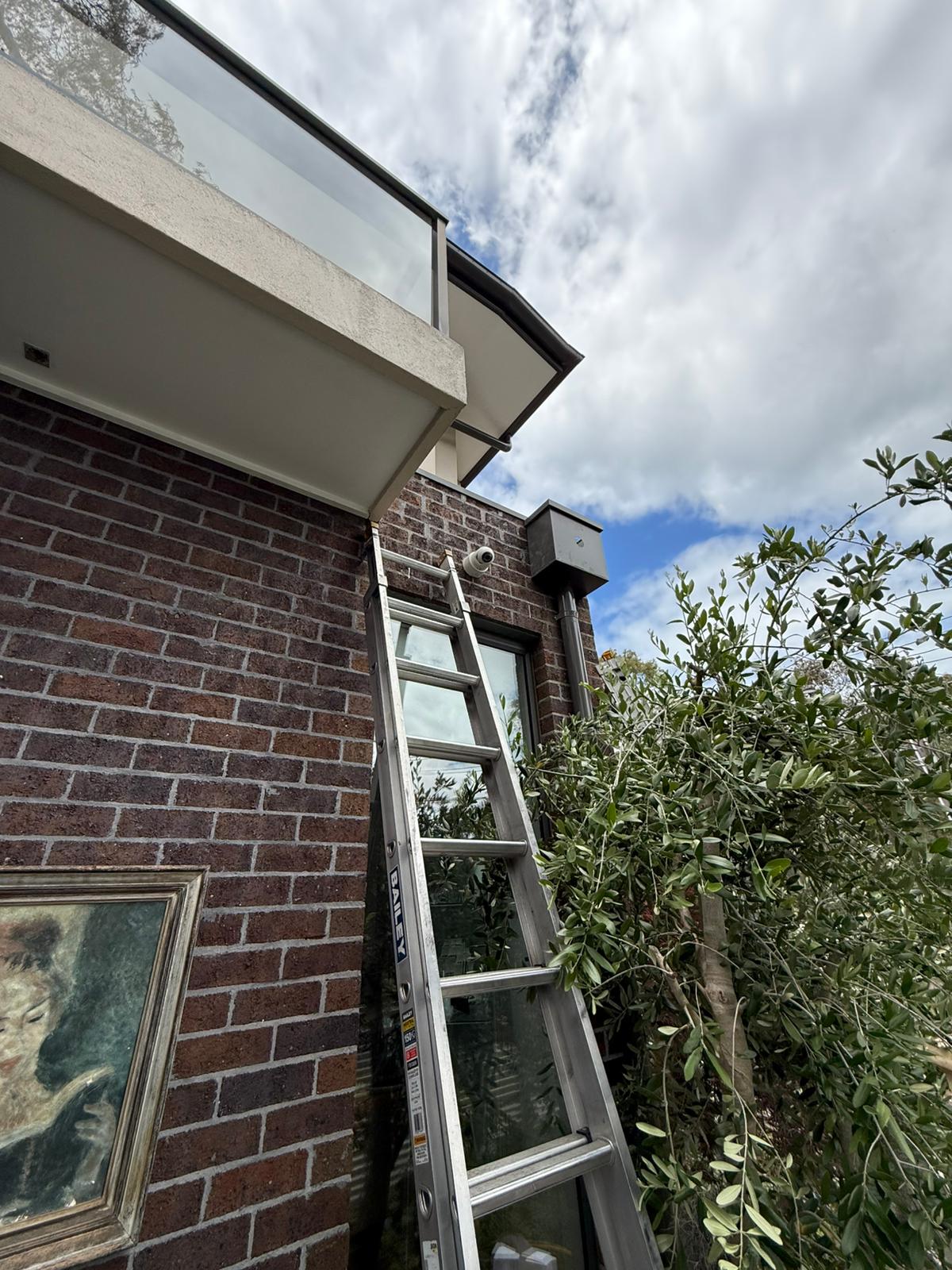
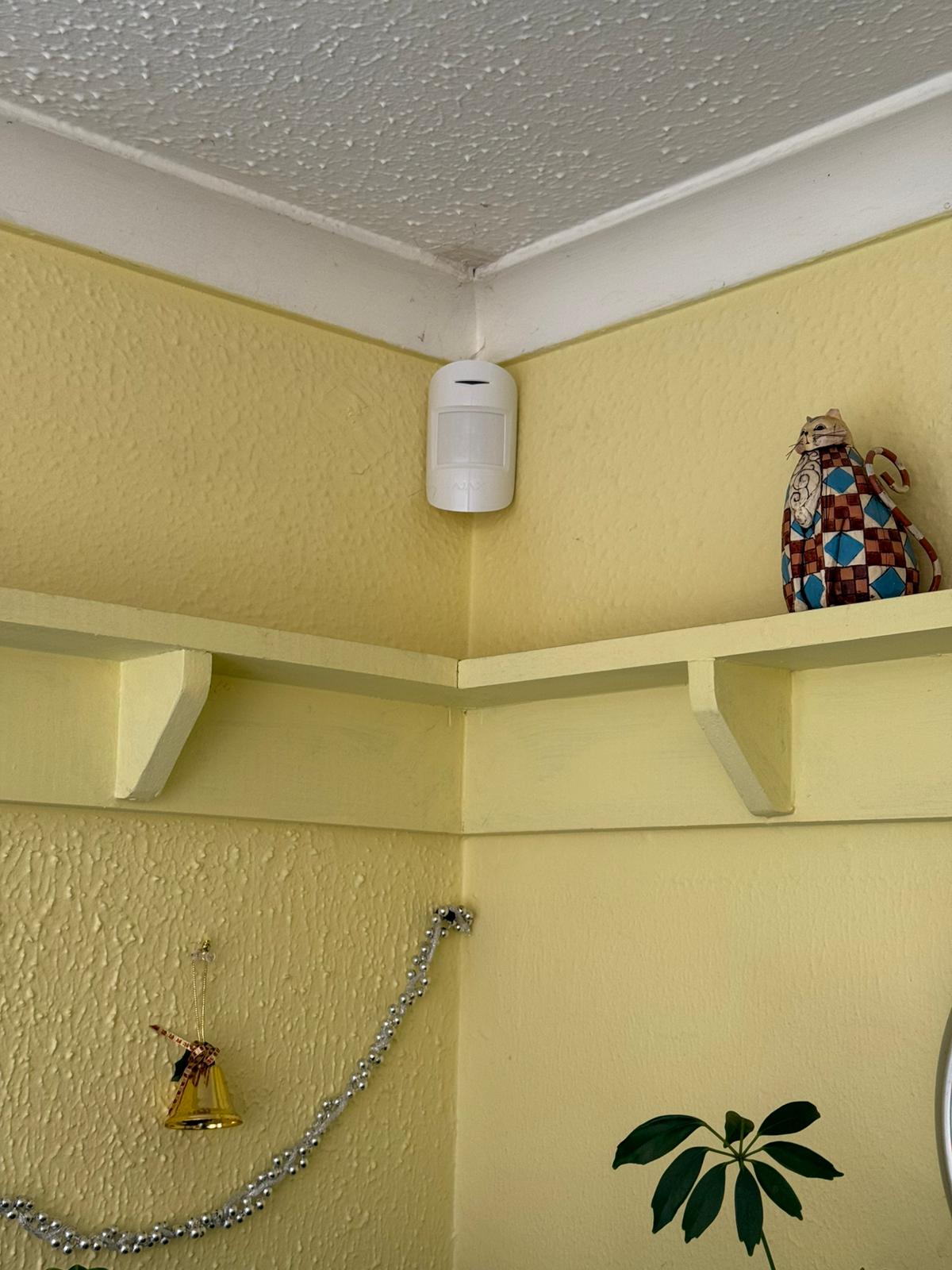
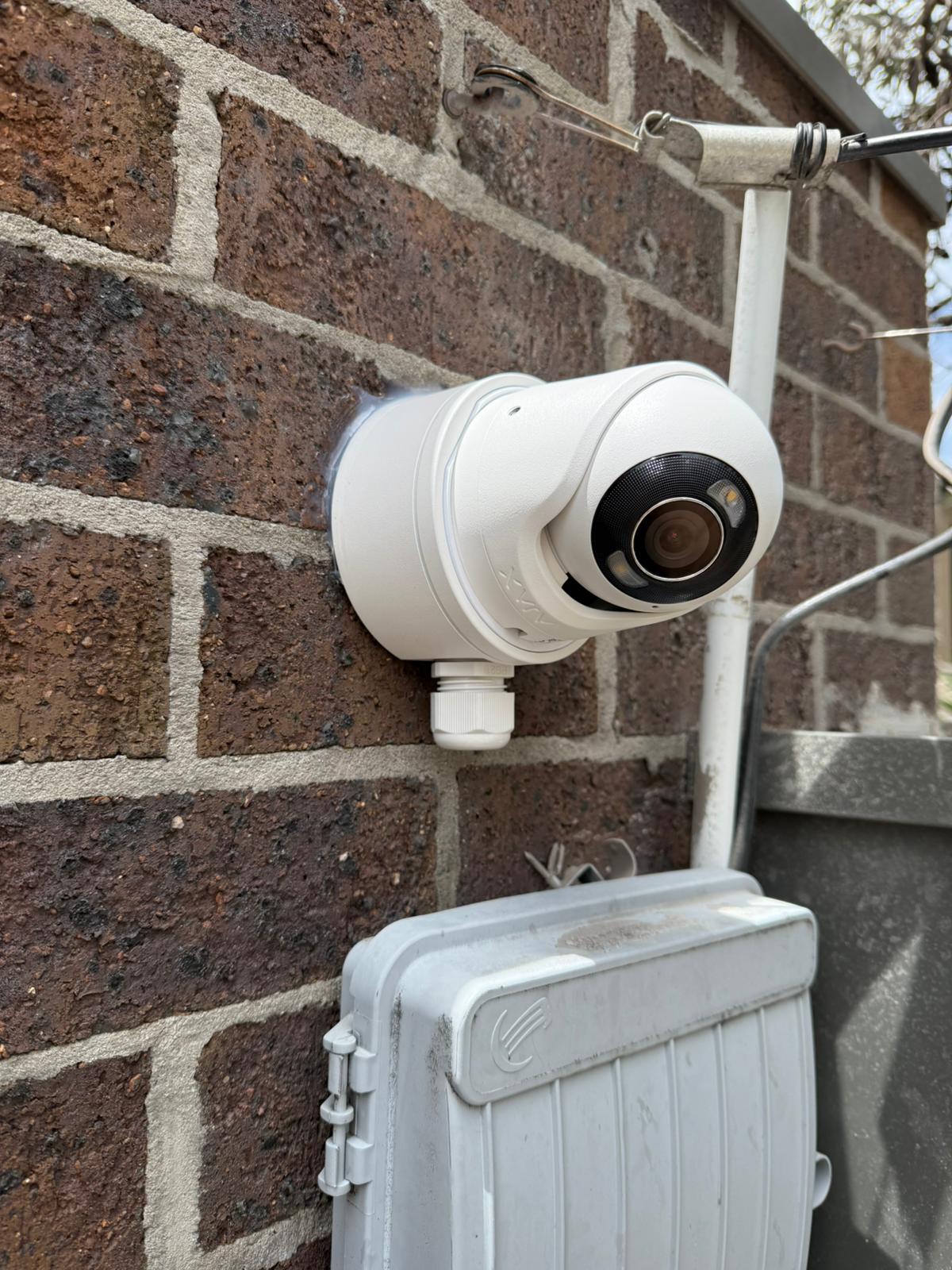
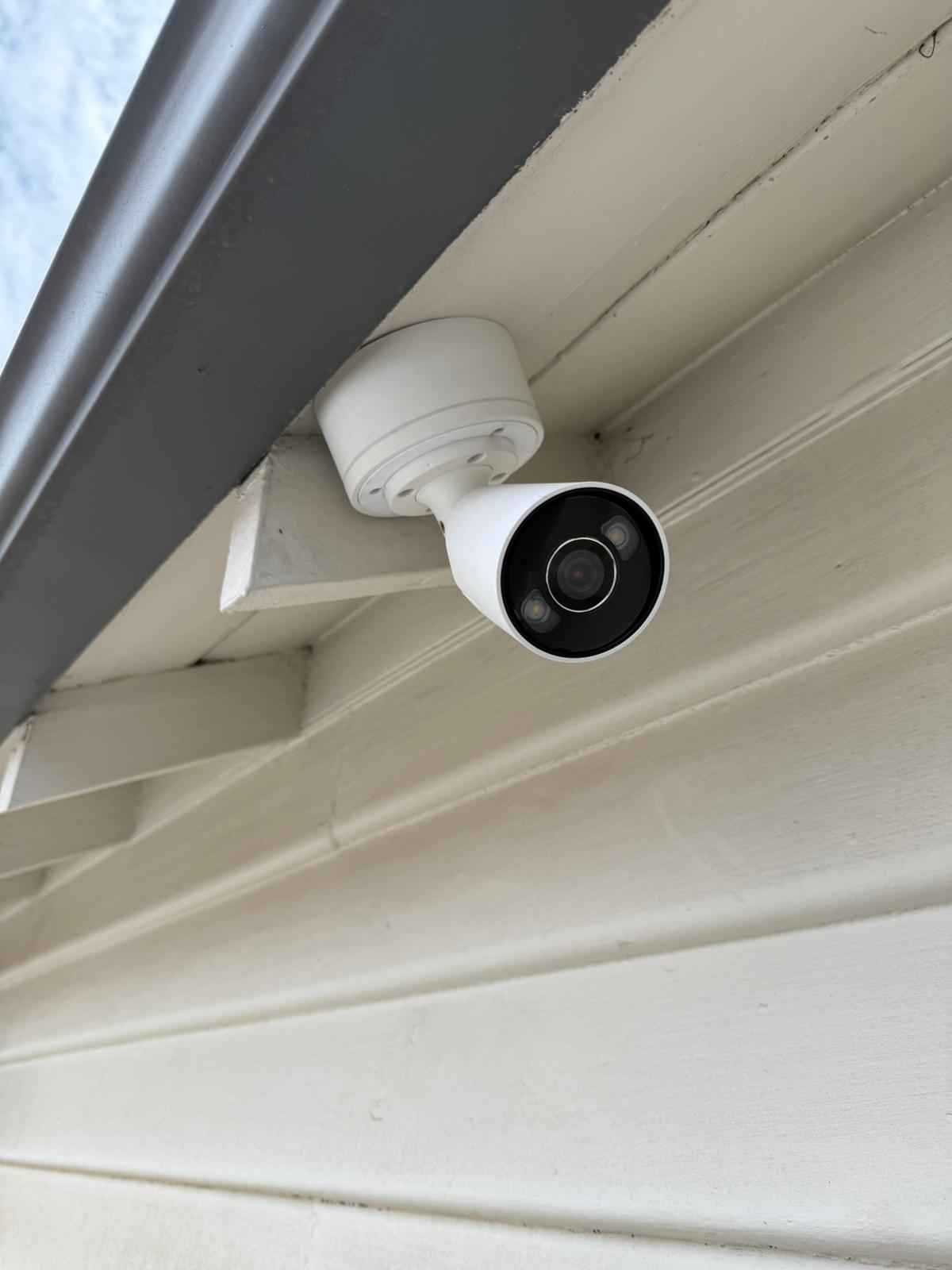
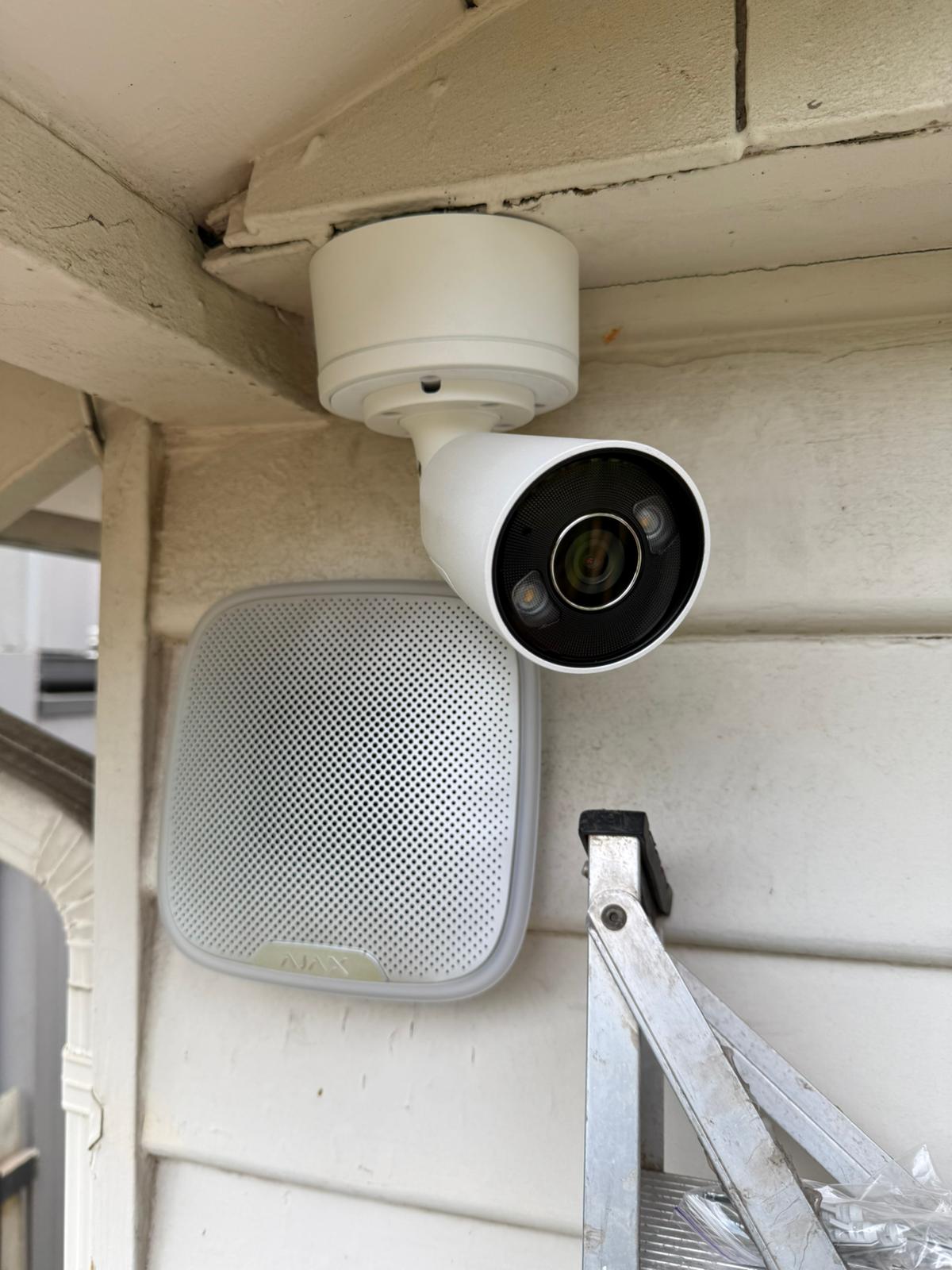
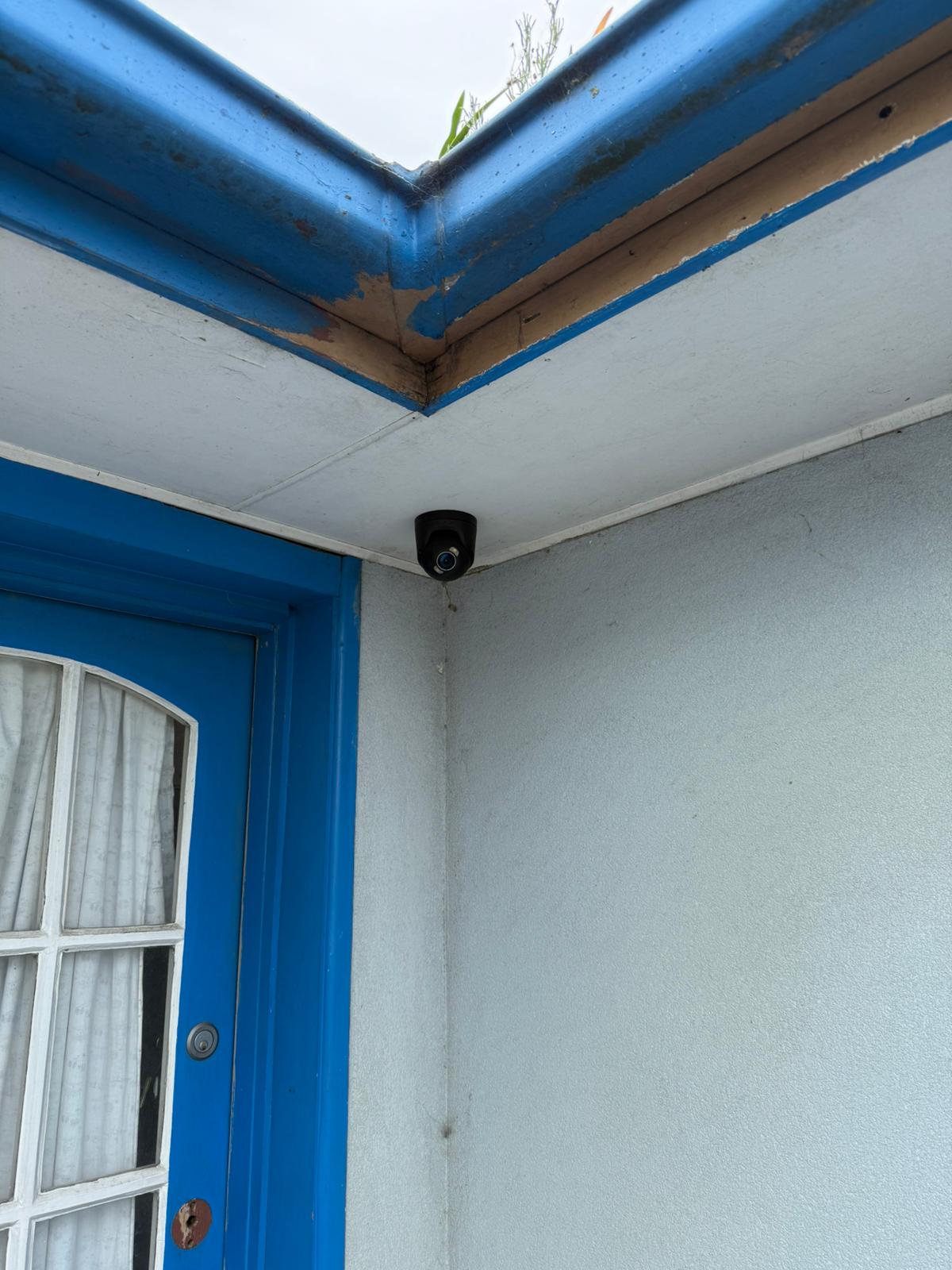
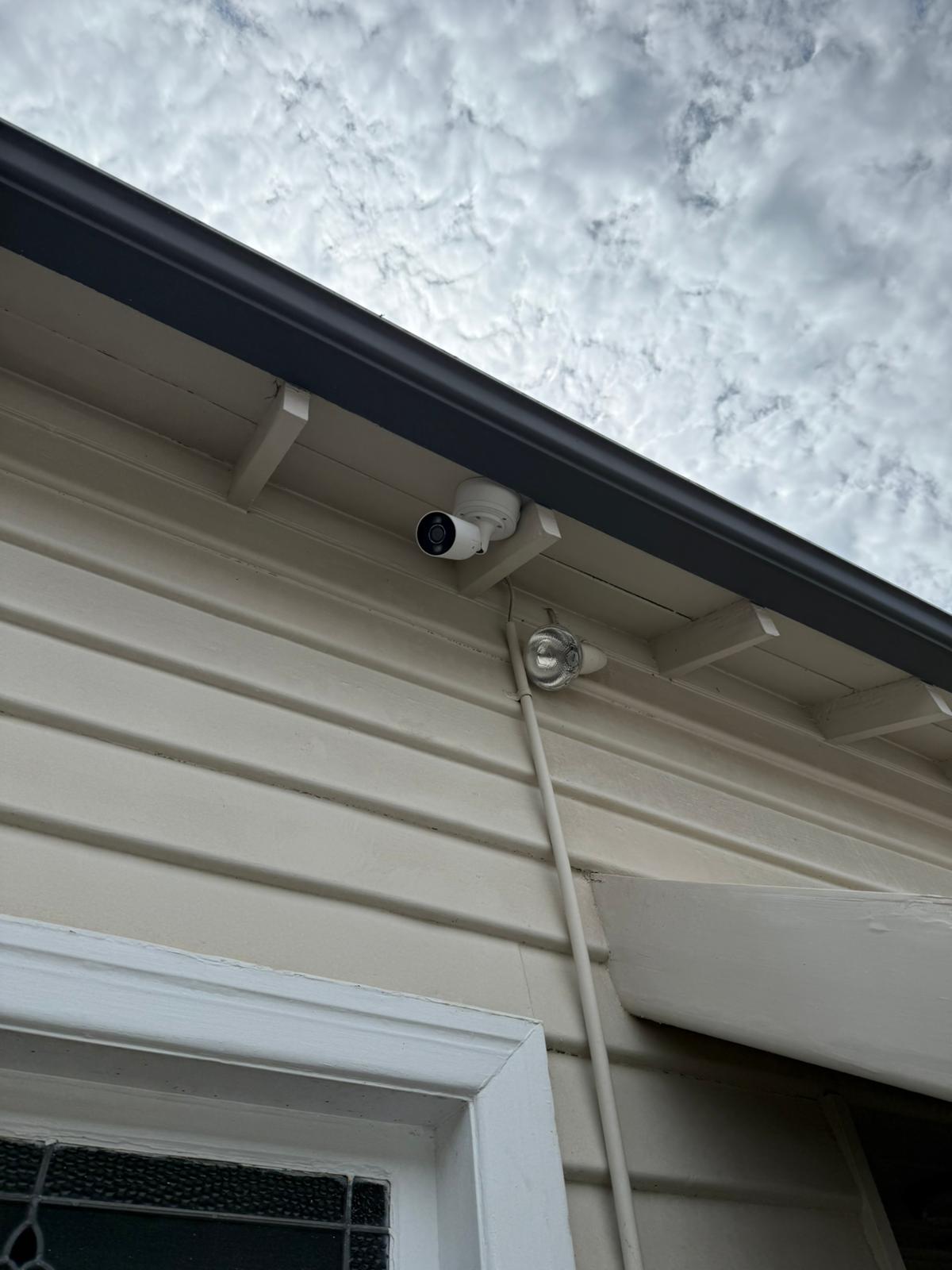
Selected installation photos showing outdoor device positions, entry coverage and completed Ajax work.

What Our Clients Say




Frequently Asked Questions About Ajax Outdoor Security
Answers about covered areas, nuisance-alarm reduction, detached buildings, event handling and radio range.
Typical zones include the driveway, side gate, rear approach, garage, shed and detached storage. The final device and position depend on the route, mounting surface, vegetation, pets and radio signal.
SIPKO selects the detector pattern and mounting position for the route, then completes walk tests and sensitivity checks. Vegetation, shared paths and normal pet movement are reviewed before handover.
It can, where the hub, device compatibility and system configuration support the required grouping. Access requirements and radio signal should be checked before the arrangement is proposed.
Configured users receive an Ajax app event. Depending on the installed devices and settings, the event may also activate StreetSiren, include photo verification or be transmitted to the professional monitoring service connected to the account. Monitoring fees and response procedures are covered by a separate monitoring agreement.
No. Walls, metal structures, terrain, distance and hub position affect radio performance. Signal should be tested at the proposed device locations before a range extender is specified.