
Quick answer
Yes, in most homes the alarm keeps working for hours in a blackout, because the panel and sensors have their own batteries. Your router usually does not, so the app and alerts can stop. Ajax lists up to 14 to 16 hours of backup battery for its Hub 2 models.
- Do it yourself, call us if stuck
- About 10 minutes
The short version
- The panel and wireless sensors have their own backup batteries, so local protection can keep working in a blackout.
- Your router normally has no battery, so the app and push alerts can stop even while the alarm still works.
- Ajax lists up to 14 to 16 hours of backup for its Hub 2 models. Other brands differ, so ask for the figure for your own system.
- Ask whether your alarm has a mobile SIM path that is switched on, and have it tested.
On this page
- The short version
- Will my alarm work in a power outage?
- What keeps working in a blackout, and what stops
- How long will the backup battery last in a blackout?
- What the nbn battery does and does not cover
- What to do during an outage
- Check everything after the power returns
- Questions to ask your installer
- When an upgrade makes sense
- FAQ
- Sources and further reading
- Get your outage plan checked
- Recommended Solutions for This Security Issue
This guide explains what a security alarm does in a power outage. It is for Melbourne homes and small businesses, and it shows what keeps running, what stops, and what to ask your installer before the next storm. It does not replace the manual for your own system, because every brand and model is different.
Will my alarm work in a power outage?
An alarm is not one device. It is a chain of jobs: sensors notice something, a panel decides what it means, a siren makes noise, and a connection tells your phone or a monitoring company. Each link can have its own power. A blackout may stop one link and leave the others running.
That is why “my alarm is offline” does not mean “my alarm is off”. Your phone app shows whether it can reach the alarm. It does not show whether the sensors and siren still work.
The siren still sounds
Check the panel, the sensors and the siren. They run on batteries, so they usually carry on.
The app says offline
Check your router and your internet. The alarm may be fine, but the path to your phone is down.
You get no alerts
Check whether the panel has a mobile SIM that is switched on. Without one, alerts need your router.
What keeps working in a blackout, and what stops
The diagram shows the usual set-up. Green means it has its own battery. Red means it plugs into the wall and stops unless you add backup. Amber means it only works if there is a path to the alarm. The dotted line is the one way an alarm can still reach your phone while your router is off.
Ajax describes this on its own page about how an Ajax system works in a power outage. The hub switches to its backup battery. Range extenders switch to their built-in battery. Wireless devices keep running on the batteries inside them. Automation and smart home devices that need mains power stop. Other brands work in a similar way, but the times and details differ.
| Part of the system | Has its own battery? | What happens in a blackout |
|---|---|---|
| Wireless sensors and sirens | Yes | Keep working on their own batteries |
| Alarm panel or hub | Yes, a backup battery | Keeps working for hours (Ajax lists 14 to 16 hours for Hub 2 models) |
| Mobile SIM in the panel | Uses the panel battery | Can still send alerts, if the SIM is fitted, active and has signal |
| Your router and modem | Not normally | Switch off, so Wi-Fi and wired internet stop |
| nbn connection box | Only if a battery unit was fitted | Runs for up to about 5 hours on a fibre connection with a battery |
| Cameras and recorder | Not normally | Stop recording unless they have backup power (Ajax says its NVR needs external power) |
Here is an example. Your alarm connects to the internet only through your router. The power goes out at 6 pm. The sensors and siren keep working, and the panel runs on its battery. But the router is off, so your phone app cannot reach the panel and you get no push alerts. If the panel also has a working mobile SIM, it can still send alerts. This is why the SIM question matters so much.
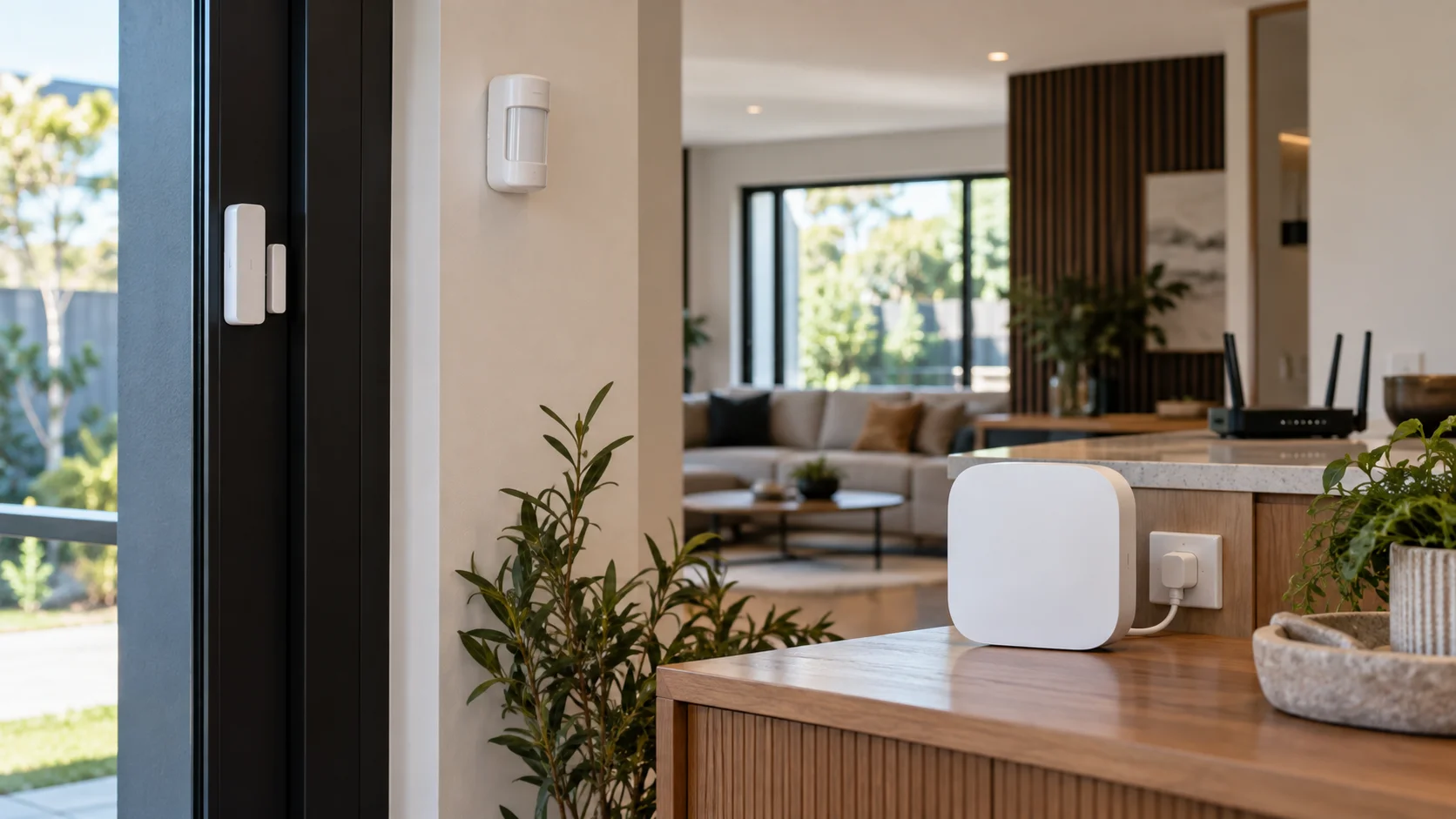
Ajax lets you choose when it tells you about a power cut. You can get the alert straight away, or only if the power stays off for a set time between 1 minute and 1 hour. A short delay stops a stream of alerts from a flickering supply. Check that the alert reaches you through a path that still works during the outage.
How long will the backup battery last in a blackout?
There is no number that fits every alarm. Brand, model, battery age and how busy the system is all change the answer. Always ask for the figure for your own panel.
For Ajax, the maker’s page gives “up to” times: 16 hours for Hub 2 (2G), 14 hours for Hub 2 (4G) and 15 hours for Hub 2 Plus. Superior hubs list up to 60 hours, depending on the battery. These times assume the hub is disarmed, no detector is triggered and only the mobile channel is in use. In a real home they can be shorter, and a battery loses capacity as it ages.
Ajax also has a Battery Power Saver setting. It can stretch a Hub 2 to up to 70 to 100 hours depending on the model. The cost is that the hub turns off its mobile, Ethernet and Wi-Fi connections until something happens, so your phone cannot see it in the meantime. Ajax also notes that turning it on means the system no longer meets EN 50131 Grade 3. If you need Grade 3, read our guide to Grade 3 security alarms.
Our free Ajax battery life estimator covers the batteries inside Ajax sensors, sirens and keypads. It is a different question from how long the hub lasts in a blackout, so use the maker’s figure for the hub.
What the nbn battery does and does not cover
Many people think the nbn battery keeps the whole internet running. It does not. On a fibre to the premises connection, nbn says its battery back-up gives emergency power to the nbn connection box for up to approximately five hours. Your own router is a separate box that plugs into the wall, so it still goes off unless it has its own backup power.
nbn also says that from June 2024 it no longer supplies a power supply unit with a battery. If you want one, ask your phone and internet provider. Other nbn connection types, such as fibre to the node, are not covered by that battery page. Ask your provider what applies at your address.
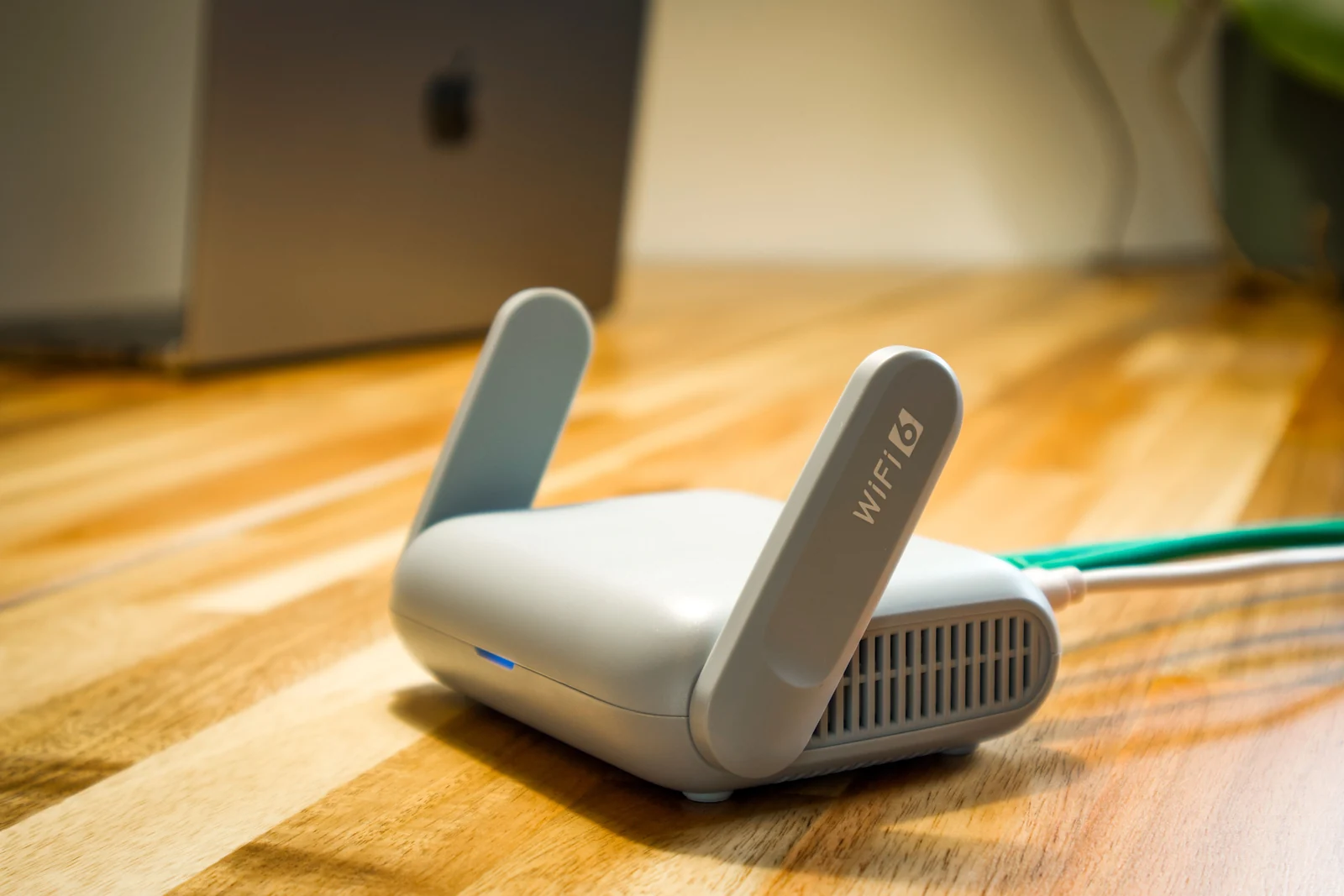
nbn does not give advice on specific alarms. Its page on security alarms and the nbn tells you to call your alarm provider and ask whether the alarm will work during a blackout on the nbn. One of its suggested questions is whether your alarm will be able to dial out during a power outage. Ask it exactly as written.
If your question is more basic, such as whether an alarm needs Wi-Fi at all, read can a home alarm work without Wi-Fi or internet. For how the sensors and panel talk to each other, see how wireless alarm systems work.
What to do during an outage
A quick list for the night of the outage
Do
- Put your safety first and use a torch.
- Write down the time and the exact message on the keypad.
- Check whether it is the mains, the broadband, the Wi-Fi or just your phone.
- Use your keypad or fob if it is working normally.
- Follow your monitoring company’s instructions for faults.
- Save your phone battery.
Don’t
- Open the alarm panel or touch the wiring.
- Factory reset the panel or the router as a first step.
- Keep switching the mains power off and on.
- Let three family members all troubleshoot at once.
- Store alarm codes on a note next to the keypad.
Keep a local way to arm and disarm the alarm that does not need your phone, such as a keypad or a key fob. Make sure everyone in the home knows how to use it. A flat or lost phone should not leave you locked out of your own alarm.
If you see signs of electrical damage, water, overheating or a burning smell, stay clear and get help. That is a job for an electrician, not an app. An alarm technician and an electrician may each be needed to get the system back to normal.
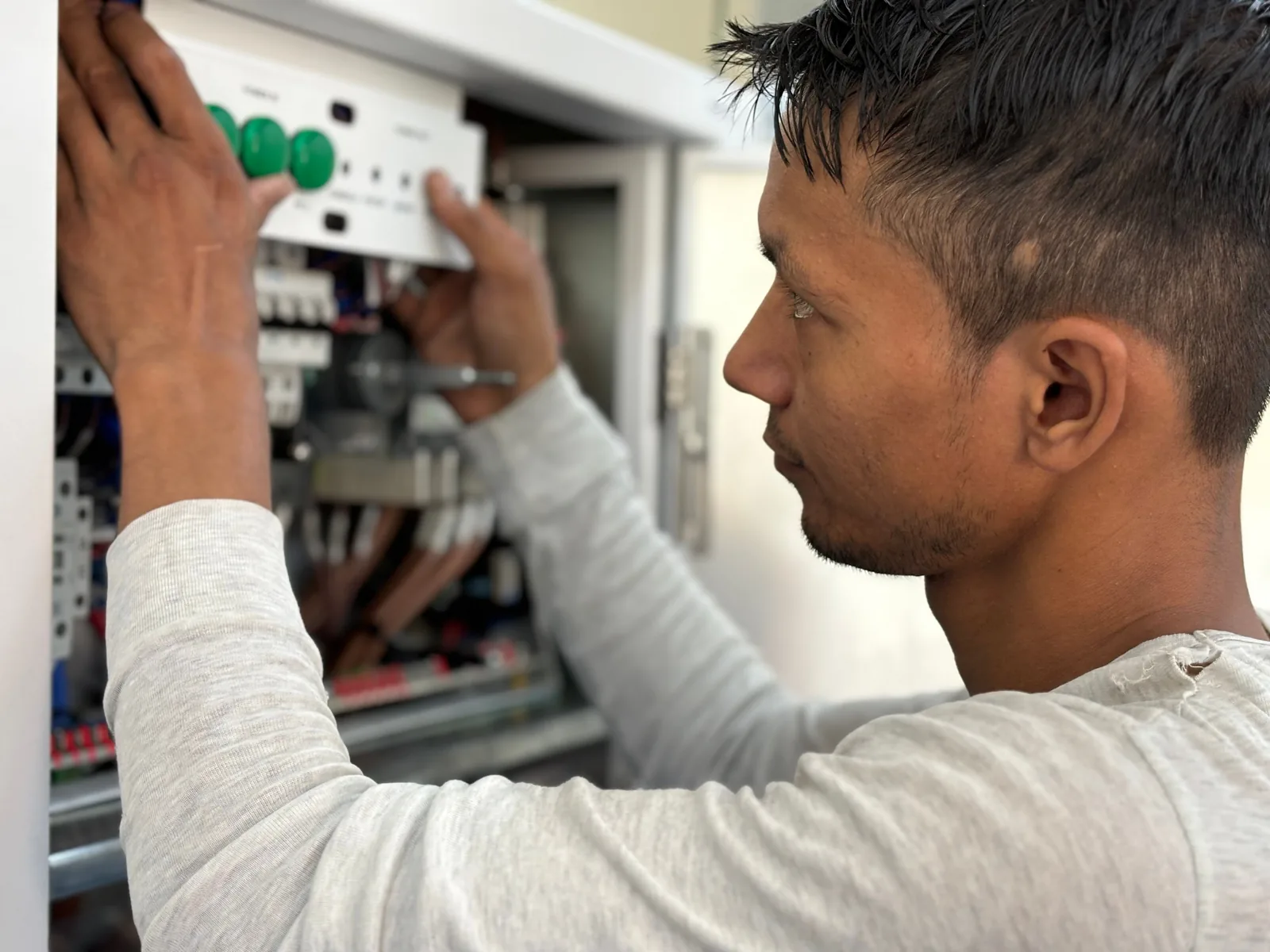
Keep your installer’s phone number and your monitoring account details somewhere other than the alarm app. Agree in advance who will call the company, so the household does not try conflicting fixes.
Check everything after the power returns
Give the equipment time to start up and reconnect. Then check for faults, the armed state and any device that still shows as unavailable. A message saying “service restored” does not prove every part has recovered.
- Look at the keypad or app for any fault or low battery message.
- Confirm the alarm is in the state you expect, armed or disarmed.
- Check that each sensor and the siren show as connected.
- If you have monitoring, ask the company to run a test signal.
- Test your phone alerts without setting off a real alarm.

A backup battery that has been drained may need time to recharge. If a fault message stays on, have it assessed. Do not keep cutting the mains power to see whether the battery has improved. nbn gives the same advice for its own battery: it says avoiding turning the main power on and off helps the battery last. If a device stays unavailable after everything else is back, our guide to Ajax devices showing offline helps you tell that fault apart from a blackout.
If the keypad keeps beeping after the power returns, the right fix depends on the brand. Read what the message means before you reset anything. We have fault guides for Bosch alarm beeping and the DSC PowerSeries trouble light.
Questions to ask your installer
A good handover explains what keeps running locally, what may stop, and how to use the system without the app. “It has a battery” is not enough detail. Ask these questions and write down the answers:
- Which parts of my system have backup power, and for roughly how long?
- What happens to my app and alerts if the router loses power?
- Do I have a mobile SIM path, is it switched on and who pays for it?
- Can you run a test of the backup and show me the result?
- When was each battery fitted, and when should it be checked or replaced?
- Who receives the fault alert, and what if that person is away?
Write the answers for a power cut, a broadband failure and a low battery warning as three separate notes. Also show any house sitter or relative how to use the keypad. They may not know that the local controls still work when the app does not.
When an upgrade makes sense
Start with the gap you need to close. A worn backup battery needs a test and a replacement. An alarm that depends on the router alone may need a mobile SIM path. A home that relies only on the phone may just need a keypad and a short lesson.
Compare quotes on the functions they keep running, not on the number of batteries. Ask about ongoing charges, which services are supported and how it is maintained. Ask whether backup for the router and the nbn connection box is part of the quote or a separate job. Powering the router does not fix a failed panel battery, and a new panel does not fix a router with no backup.
FAQ
Eight quick answers to the questions people ask most.
Will my alarm still sound in a blackout?
It usually can. The panel, the wireless sensors and the siren have their own batteries, so they can carry on. Check the backup battery condition with your installer, because an old battery may not last as long as the maker’s figure.
Will my alarm app still work during a blackout?
Only if the alarm can still reach your phone. Your router goes off with the power, so the usual Wi-Fi path stops. A panel with a working mobile SIM can still send alerts. If the power is on and only your internet is down, our guide on alarms without Wi-Fi or internet covers that case.
How long does an alarm backup battery last in a blackout?
It depends on the brand, the model and the battery age. Ajax lists up to 14 to 16 hours for its Hub 2 models and up to 60 hours for Superior hubs, under its own test conditions. Ask for the figure for your system.
Will I get an alert when the power goes out?
Only if the panel can still send one. Ajax says users and the monitoring company are told about a power outage, and you can set the alert to be instant or delayed from 1 minute to 1 hour. During a blackout the panel still needs a working connection, such as a mobile SIM, to reach you.
Does the nbn battery keep my alarm online?
Not by itself. On a fibre connection, nbn says its battery powers the nbn connection box for up to approximately five hours. Your router is separate and plugs into the wall. Ask your alarm provider whether the alarm can still dial out during a blackout.
Will a SIM keep my app and monitoring working?
Only if the panel has a SIM, an active plan, mobile signal at your address and a setup that uses it. Ask your installer to confirm app access and monitoring separately. A SIM slot on its own proves nothing.
Do my cameras keep recording in a blackout?
Not unless they have backup power. Ajax says its NVR works only with external power, and its cameras use external power or PoE, so the site needs a backup power source for them. An alarm battery does not power your cameras.
Should I reset everything when the power comes back?
No. A routine factory reset is not recommended. Check the status, follow the manual for your model and have any fault that stays on looked at. A reset can erase the setup that took time to get right.
Sources and further reading
- Ajax Systems: How an Ajax system operates in case of a power outage (source of the hub backup times, Battery Power Saver figures, the delay setting and the NVR and camera notes)
- nbn: Battery back-up information (source of the five hour figure and the June 2024 change)
- nbn: Security alarms and the nbn network (source of the questions to ask your alarm provider)
Ajax figures are the maker’s “up to” times for its own hubs under its stated test conditions. Other brands will differ. The nbn figure applies to fibre to the premises with a battery unit fitted. The router and example points are our general explanation, not a promise for your system. Last checked 13 October 2026 by Sergi Sipko, licensed security installer, Security Adviser and Equipment Installer Licence Z47-808-30S.
Get your outage plan checked
If you are not sure what your alarm does in a blackout, ask SIPKO for a security system maintenance review. We check the backup batteries, the communication path and the router dependency, and give you a short written plan. If you want your system watched around the clock, see our alarm monitoring service.

Update history
- 13 October 2026: Rewrote in plain English with Ajax and nbn figures and sources, a diagram, a table, an outage checklist and more FAQ answers.
- 6 October 2026: First published.
Did this fix it?
Good to hear. If we saved you a call, a short Google review helps other Melbourne homes find honest advice.
Leave a Google reviewLet us take a look. Tell us what you found and a licensed installer will help you find the cause.
Get a free quote or call 0406 432 691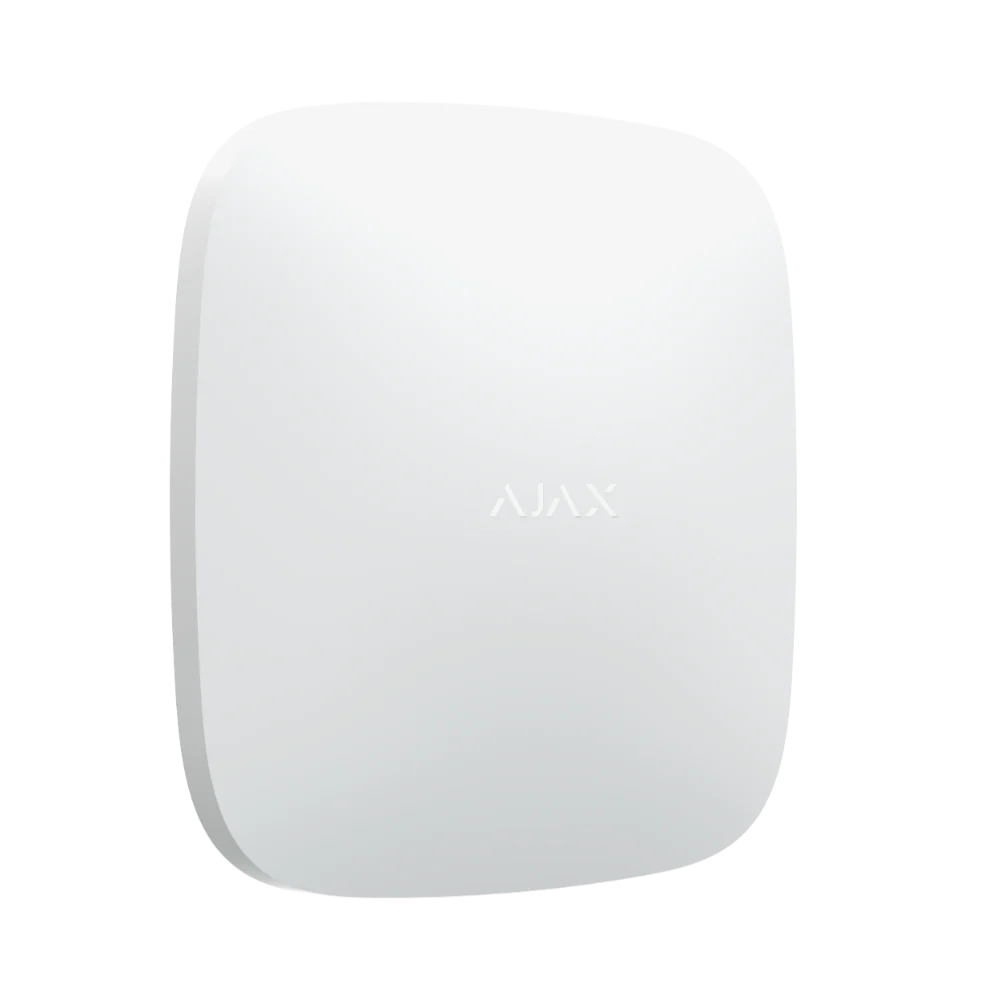 Featured Ajax product
AJAX Hub 2 Plus
The advanced security panel at the heart of an Ajax system. It connects up to 200 devices.
See the Ajax system →
Featured Ajax product
AJAX Hub 2 Plus
The advanced security panel at the heart of an Ajax system. It connects up to 200 devices.
See the Ajax system →
- Licensed and insured
- Licence Z47-808-30S
- Melbourne and Mornington Peninsula
- Free onsite quote
Google reviews
What Melbourne customers say




Local help from SIPKO
SIPKO Security
Get your free onsite quote
Tell us about your property. A licensed installer will get back to you with a clear, honest answer.
- Licensed and insured
- Melbourne and Mornington Peninsula
- Mon to Sat, 8am to 6pm
The quote form opens as you scroll here.