
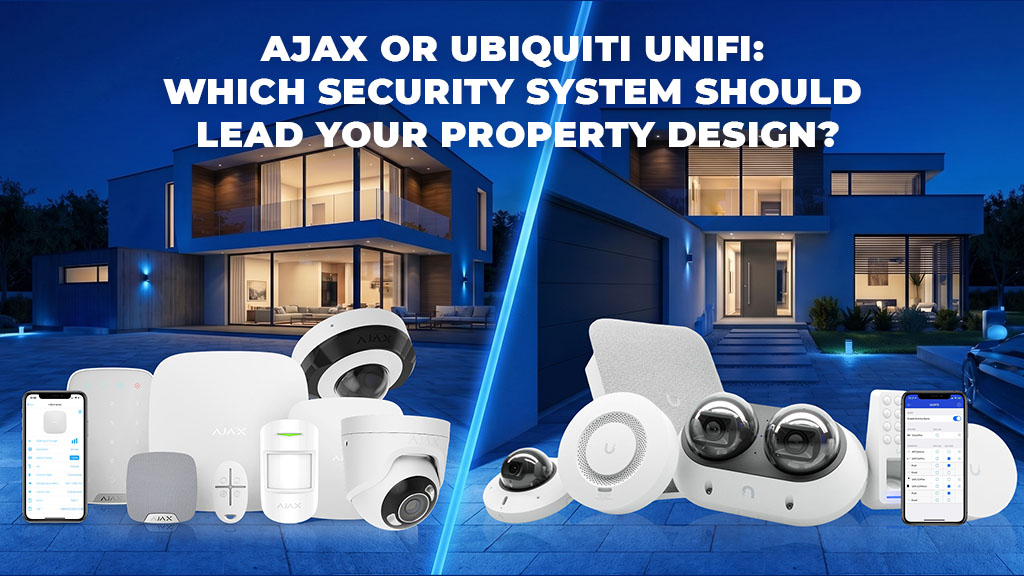
Ajax vs Ubiquiti UniFi | Alarm, CCTV, apps and system design for Melbourne homes and businesses
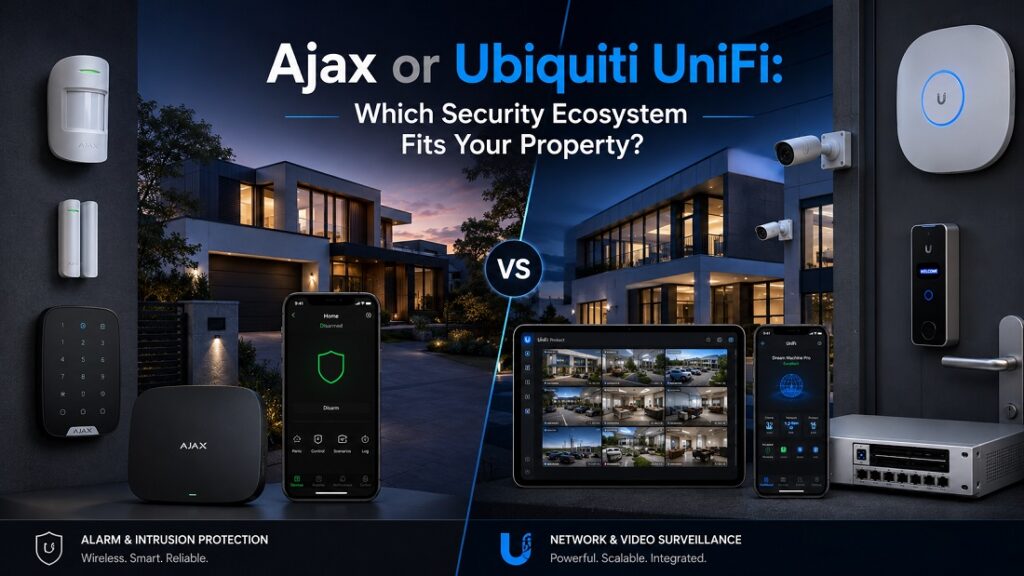
Ajax is the more direct fit when dedicated intrusion protection is the priority. It is built around door and window contacts, motion detection, security modes, sirens, panic functions, user permissions and alarm events. Ajax also now has its own cameras, IndoorCam products, NVRs and video scenarios.
UniFi Protect is the more natural fit when the project is mainly CCTV, local recording and network infrastructure. It combines IP cameras, local storage, remote viewing, detection zones, supported AI detections and video management with the wider UniFi ecosystem.
Both can be used on the same property. Ajax can provide dedicated intrusion protection while UniFi Protect handles CCTV. Alternatively, an Ajax-only design can combine intrusion and native Ajax video when its camera and recording options meet the project requirements.
Comparison scope: this guide compares the systems by function rather than by brand preference: intrusion protection, CCTV, apps, notifications, users, installation, storage, scalability and property type.
Last reviewed: 2 September 2026. Camera features, AI functions, recording options, firmware capabilities and device limits can change, so the final specification should be checked against current manufacturer documentation.
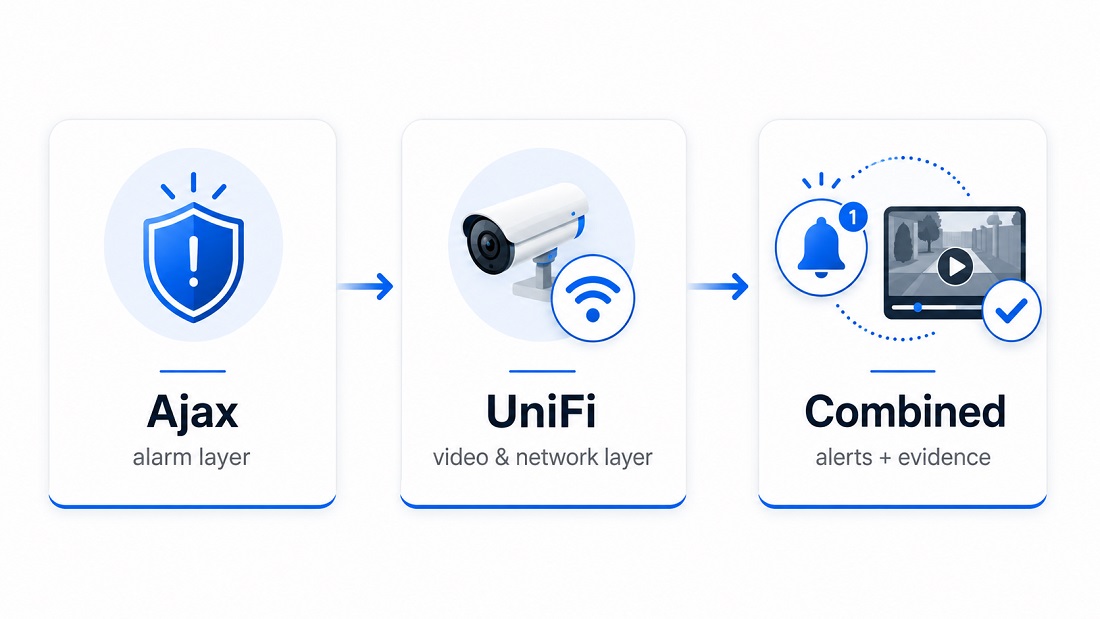
The practical distinction: Ajax is a security-first ecosystem with dedicated intrusion functions and native video. UniFi Protect is a camera-focused platform closely connected to UniFi network infrastructure.
Dedicated contacts, detectors, sirens, keypads, security modes and alarm events, with native cameras, NVRs and video scenarios available in the same ecosystem.
IP cameras, local recording, video detections, storage management and central camera control, with UniFi Network providing the supporting network environment where required.
Ajax can handle dedicated intrusion events while UniFi Protect handles CCTV. Direct integration between the two should not be assumed or required for them to perform complementary roles.
Before choosing equipment: define what must trigger an alarm, what needs to be recorded, how long footage should be retained, who needs access and what action should follow a real event.
1. How to Approach the Ajax vs UniFi Decision
Ajax and Ubiquiti UniFi overlap in some areas, but they are not identical security platforms. Ajax developed around dedicated security and intrusion functions. UniFi Protect is primarily a video-surveillance platform within the wider UniFi networking ecosystem.
The first question should therefore be what the property actually needs the system to do. A homeowner worried about rear-door intrusion has a different requirement from a warehouse operator who needs twenty-four-hour video recording across loading areas.
For intrusion protection, identify the doors, windows, garages, rooms or perimeter areas that need to create a dedicated alarm. For CCTV, identify the places where recorded video must provide useful context or identification. Then consider users, cabling, storage, network capacity and the required response.
2. Ajax vs UniFi: The Real Difference
Ajax is a dedicated security ecosystem with native video. It supports door and window contacts, motion detectors, sirens, keypads, panic devices, security modes, user permissions and professional monitoring connections where a compatible monitoring arrangement is configured. Its current range also includes Ajax cameras, IndoorCam products, NVRs and video scenarios.
UniFi Protect is a video-surveillance platform. It provides local recording, camera management, playback, detection zones, remote access and supported AI detections. It can operate alongside UniFi switches, gateways and Wi-Fi infrastructure, which can be useful on sites already using the UniFi ecosystem.
UniFi Alarm Manager can create notifications and supported automations from camera, AI and system events. That should not be confused with the architecture of a conventional intrusion alarm using dedicated contacts, detectors, sirens and armed security states.
3. Practical Ajax vs Ubiquiti UniFi Comparison Table
This comparison focuses on the functions that affect real installations rather than declaring one brand the overall winner.
| Planning factor | Ajax | Ubiquiti UniFi |
|---|---|---|
| Primary role | Dedicated security and intrusion platform with native video and automation. | Network ecosystem with UniFi Protect providing CCTV, local recording and video-event management. |
| CCTV | Ajax IP cameras, IndoorCam, NVRs, live view, archive and supported AI/video-event functions. | Protect cameras, local recording, playback, detection zones, supported AI detections and central camera management. |
| Traditional intrusion alarm | Dedicated contacts, motion detectors, sirens, keypads, panic devices, security groups and arming modes. | Protect can create video and system alerts, but it is not the direct equivalent of a purpose-built intrusion alarm panel. |
| App management | Security modes, alarm events, users, supported automation and Ajax video can be managed within the Ajax environment. | Protect manages live and recorded video, detections and camera settings; wider UniFi administration covers the associated UniFi environment. |
| Notifications | Security, device and video events, with monitoring-station delivery available in compatible monitored configurations. | Push, email and supported automation or webhook workflows based on camera, AI and other UniFi events. |
| Users and permissions | Security permissions plus configurable access to supported camera live view, archive, downloads, sound and other video functions. | Role and application permissions with configurable administrative and video access. |
| Installation | Can combine wireless Jeweller devices, wired security hardware and network-connected video products. | Permanent multi-camera systems commonly involve Ethernet, PoE, switches, console/NVR hardware and network planning. |
| Video storage | Storage depends on the selected Ajax camera/NVR architecture and supported storage configuration. | Local storage with configurable recording and retention through compatible UniFi consoles and NVR hardware. |
| Professional monitoring | Supports connection to compatible CMS and monitoring providers. Availability depends on the provider, hub and configured monitoring method. | Protect provides notifications and automations but should not be assumed to provide conventional monitored intrusion-alarm functionality. |
| Scalability | Security and video capacity depends on the selected hub, NVR and device architecture. | Camera and storage capacity depends on console/NVR hardware, camera load, recording settings and retention. Larger deployments can use UniFi multi-NVR management. |
4. Which System Fits Different Property Types?
Homes
For a house, first separate intrusion protection from CCTV. Doors, rear sliding entries, garage access and accessible windows may need dedicated detection. Driveways, entrances, side paths and yards may need recorded video.
Ajax can provide the intrusion layer and, where its video range suits the site, CCTV as well. UniFi Protect becomes especially relevant when the property needs a larger camera system, detailed local recording or already uses UniFi network infrastructure.
Apartments and townhouses
Apartments and townhouses can have additional constraints around common property, neighbouring areas, shared driveways, cable routes, privacy and owners corporation requirements.
A dedicated intrusion system may solve the main risk where external camera placement is limited. Where CCTV is appropriate, the angle should capture the required private area without recording more shared or neighbouring space than necessary.
Shops, offices and warehouses
Commercial sites commonly need both event detection and recorded evidence. A shop may need after-hours protection at the rear entry and stockroom while also recording the entrance and counter. An office may need intrusion protection after closing plus cameras at access points. A warehouse may require roller-door detection, yard cameras, loading-area coverage and substantial recording retention.
Ajax is directly suited to dedicated security zones and alarm states. UniFi Protect is suited to camera-heavy environments where recording, search and network infrastructure form a large part of the project.
5. Property Planning Examples
6. When Not to Choose by Brand First
7. Alarm Events and Video Verification
Dedicated intrusion detection and video surveillance answer different questions.
An intrusion system answers: has a protected security point or zone generated an alarm?
Video answers: what is visible before, during or after the event?
Ajax can connect these functions within its own ecosystem. Current Ajax video scenarios can use compatible cameras or NVR channels to record or provide video associated with detector alarms. Ajax also supports video-detection scenarios with compatible devices and configurations.
UniFi Protect can generate its own camera and AI-based events. These can be useful for supported person, vehicle, face, licence-plate and other detections depending on the camera and supporting AI hardware.
8. Installation, Cabling and Reliability Checks
Many Ajax intrusion devices communicate using the Jeweller radio protocol, which can reduce the amount of new alarm cabling required in a finished property. Ajax also supports wired security equipment, while its cameras and NVRs have their own power and network requirements.
UniFi Protect is generally more infrastructure-dependent on multi-camera projects. Camera models, Ethernet routes, PoE capacity where applicable, switch locations, console or NVR hardware and storage should be planned together. Not every UniFi camera uses PoE, so the selected camera model should determine the final cabling design.
What should be checked before installation?
- Protected entries: doors, windows, garages, storage areas and restricted rooms.
- Camera views: driveway, entrance, counter, loading bay, side access, yard or garage.
- Image conditions: night lighting, glare, reflections, backlight and vehicle headlights.
- Cabling: roof or wall access, Ethernet routes, PoE requirements and recorder position.
- Network: switch capacity, remote access and network reliability.
- Storage: recording mode, resolution, available capacity and required retention.
- Users: owners, family, staff, contractors and installers.
- Response: who receives the alarm or video notification and what happens next.
For a dedicated intrusion project, see Ajax alarm installation in Melbourne. For Ajax-native video, see Ajax CCTV installation in Melbourne. For broader camera projects, see professional CCTV installation in Melbourne.
9. Questions to Answer Before Choosing
10. Cost and Ownership Factors
The useful cost comparison is the price of a complete system that solves the same requirement, not the retail price of one detector or camera.
Ajax cost factors can include the selected hub, number and type of intrusion devices, sirens, keypads, wired or wireless architecture, cameras, NVR/storage and any compatible professional monitoring arrangement.
UniFi cost factors can include camera count, camera type, cable routes, PoE switching, console or NVR hardware, storage, recording settings, retention requirements and any network upgrades needed for the deployment.
11. When Ajax and UniFi Belong Together
Ajax and UniFi can be installed on the same property when each platform has a clear role.
Ajax can provide the dedicated intrusion layer: protected openings, security detectors, arming modes, sirens, panic functions, users and compatible alarm monitoring.
UniFi Protect can provide a separate CCTV layer: IP cameras, local recording, video detections, playback and video-management infrastructure.
This approach can suit a home, shop, office or warehouse that requires conventional intrusion protection but also has substantial CCTV or existing UniFi infrastructure. It is not automatically better than an Ajax-only alarm and CCTV system; the correct choice depends on the required cameras, storage, network environment and operating workflow.
12. Simple Decision Guide
13. Common Mistakes Before Choosing
- Treating Ajax as an alarm-only ecosystem and ignoring its current native video products.
- Treating UniFi camera or AI alerts as equivalent to conventional intrusion-alarm logic.
- Adding cameras where dedicated door, window or zone detection is actually required.
- Installing CCTV without defining what the footage must identify or prove.
- Ignoring night lighting, glare, reflections, backlight and mounting height.
- Ignoring cable routes, PoE requirements, switching and storage capacity.
- Assuming every Ajax installation is completely wireless.
- Assuming every UniFi Protect camera has identical connectivity or AI capability.
- Giving more users administrator or archive access than necessary.
- Failing to test notifications, recording, playback and alarm events after installation.
14. Final Recommendation
Choose Ajax when dedicated intrusion protection is the primary requirement. Ajax is purpose-built around security devices and alarm states, while its current video ecosystem allows CCTV to be added without necessarily introducing another platform.
Choose UniFi Protect when CCTV, local video recording and network infrastructure are the primary requirements. It is built around camera management, recording, retention and supported visual detections.
Use both when there is a clear reason to separate intrusion protection from the CCTV platform. The correct design depends on what must be detected, what must be recorded, the available infrastructure and the response required after a real event.
15. Manufacturer Sources
Product capabilities and software features can change. These primary manufacturer resources should be checked when specifying exact hardware.
- Ajax video surveillance: https://support.ajax.systems/en/video-surveillance/
- Ajax video scenarios: https://support.ajax.systems/en/manuals/videoscenarios/
- Ajax video privacy and permissions: https://support.ajax.systems/en/privacy-settings-managing-access-to-video-devices/
- Ajax CMS connection via SIA DC-09: https://support.ajax.systems/en/how-to-use-sia-for-cms-connection/
- Ajax IndoorCam manual: https://support.ajax.systems/en/manuals/indoorcam/
- UniFi Protect overview: https://help.ui.com/hc/en-us/articles/27878858632599-Getting-Started-with-UniFi-Protect
- UniFi Protect AI detections: https://help.ui.com/hc/en-us/articles/360058867233-UniFi-Protect-Cameras-AI-Detections-and-Facial-Recognition
- UniFi Protect storage and retention: https://help.ui.com/hc/en-us/articles/29393161732119-Managing-Storage-and-Retention-in-UniFi-Protect
- UniFi Alarm Manager: https://help.ui.com/hc/en-us/articles/27721287753239-UniFi-Alarm-Manager-Customize-Alerts-Integrations-and-Automations-Across-UniFi
FAQ: Ajax vs Ubiquiti UniFi
There is no universal winner. Ajax is more directly designed for dedicated intrusion protection, while UniFi Protect is focused on CCTV, local recording and video management. Ajax can also provide native CCTV when its camera range suits the property.
Yes. Ajax has native cameras, IndoorCam products and NVR hardware. Supported configurations can combine video with security events and Ajax video scenarios.
Not where conventional intrusion protection is required. UniFi Protect can generate camera, AI and system events, but that is different from dedicated contacts, intrusion detectors, sirens and armed security modes.
Yes. Ajax can provide dedicated intrusion protection while UniFi Protect provides a separate CCTV platform. They can perform complementary roles without assuming direct integration between the two systems.
Review intrusion points, required camera views, day and night lighting, cable routes, PoE requirements, storage retention, network capacity, user permissions and the response expected after a real security event.

