
Security Camera Installation in Elwood for Streets Where Heritage Rules Change Block by Block
Stand on certain Elwood streets and you can feel the line before you know exactly where it runs. One side has to stay almost exactly as it was — a verandah, a roofline, an original window can't change without council sign-off. The other side carries the suburb's daily traffic: cyclists heading for the Bay Trail, families walking to the beach, neighbours cutting through to Ormond Road on a Saturday morning. Few suburbs combine a protected streetscape with this much casual foot traffic moving directly past it.
That mix isn't an accident of geography — it's how Elwood was built. Interim and permanent heritage overlays cover specific pockets, including parts of Tiuna Grove, while the next block can carry no protection at all. A house with a heritage-listed façade can sit two doors from a 1930s block of flats free to be renovated however its owners choose. For anyone planning security camera installation in Elwood, this isn't background detail — it changes where a camera can be mounted, and how much of the daily foot traffic passing a property actually needs to be accounted for.
SIPKO Security provides security camera installation in Elwood with systems planned around protected façades, the steady flow of people passing along the Bay Trail and Ormond Esplanade, and the interwar flats tucked between heritage homes — not a single template applied regardless of which side of the street, or which side of a heritage boundary, a property sits on.

CCTV Installation in Elwood
A protected street is usually pictured as a quiet one — slower change, fewer disruptions, less coming and going. In Elwood, that picture only holds for half the equation. The same overlay that keeps a heritage façade intact does nothing to slow the people walking past it. Ormond Road, the Bay Trail and the streets leading to the beach carry a steady flow of cyclists, dog walkers and beachgoers that has very little to do with how many people actually live on a given block. Security camera installation in Elwood usually starts by separating these two questions — what protects the property, and what's actually moving past it — because they call for different decisions.
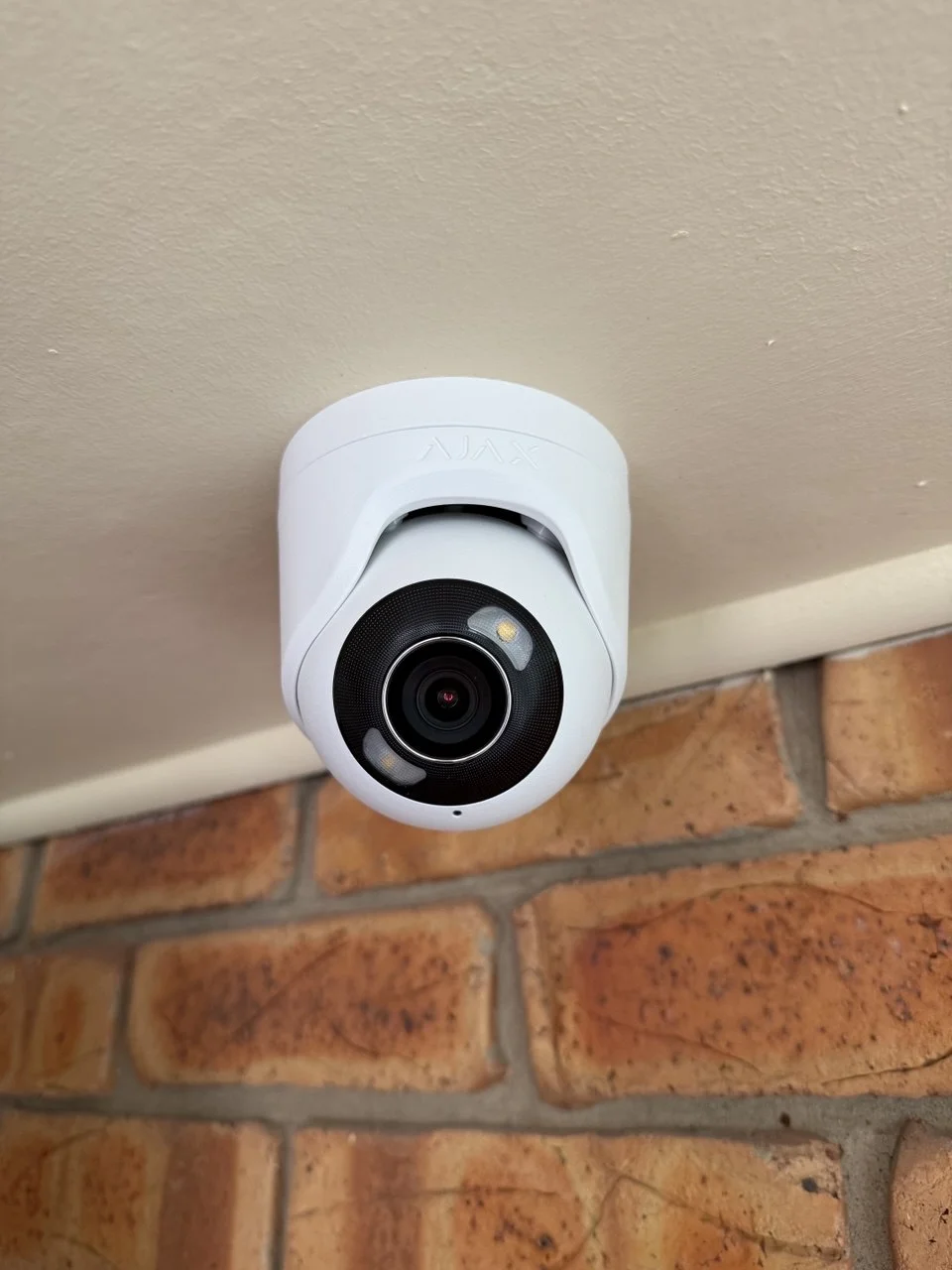
Port Phillip Council has applied interim and permanent heritage overlays to several pockets across Elwood, including parts of Tiuna Grove, restricting changes to street-facing façades, rooflines and other original details. A camera on a protected property generally needs to work with existing fixtures — eaves, downpipes, established mounting points — rather than the façade itself. A house on the same block but outside the overlay carries none of those restrictions, so establishing which side of that line a property falls on is typically the first step, before any equipment is chosen.
Elwood was also one of the first parts of Melbourne to see multi-storey flat buildings, through the 1920s and 1930s, and a number of those blocks still stand among the suburb's houses today. For a unit inside one, coverage is usually centred on the resident's own front door rather than the building's shared stairwell, lobby or letterbox area, since common spaces are typically managed by the owners corporation rather than an individual resident. Anything extending into those shared areas generally needs sign-off first — a different process to a standalone heritage house.
Properties closer to the canal, Point Ormond or the Ormond Esplanade foreshore sit directly in the path of that daily flow. Salt air and direct bay exposure affect equipment durability over time, and the Bay Trail brings a steady stream of cyclists and walkers past front boundaries well beyond what the resident population alone would generate — heaviest on weekends and through summer. Camera positioning here is usually planned around clear coverage of entry points along that frontage, rather than the occasional foot traffic a quieter inland street might see.
Security Camera Systems & CCTV Solutions for Elwood Properties
Security camera system installation in Elwood is shaped less by personal preference than by which side of a heritage boundary a property sits on — and how much of the suburb's daily foot traffic actually passes its front door. A protected façade two doors from the Bay Trail has almost nothing in common, practically speaking, with an interwar flat tucked on a quieter inland street, even though both can sit within a few hundred metres of each other.
What unites them is the need for a system that's simple to check without requiring specialist knowledge of where an overlay boundary runs or how busy a particular stretch gets on a Saturday. Many Elwood owners manage their property at a distance for part of the year, or share a building with several other units, so footage needs to be clear and quick to review on a phone, whatever the property type.
- Heritage-overlay houses where mounting can't alter protected façade details.
- Interwar flats and apartment blocks needing individual front-door coverage.
- Properties near the canal, Point Ormond or the foreshore facing salt air and heavy foot traffic.
- Homes managed remotely for part of the year needing footage that's easy to check from a phone.
For a property inside one of Elwood's interim or permanent heritage overlays, planning generally starts with identifying which façade elements are protected, then working out camera positions — often using eaves or existing fixtures — that avoid those elements entirely rather than seeking a variation.
Coverage in a 1920s or 1930s flat building is usually centred on a resident's own front door, since stairwells, lobbies and shared letterbox areas typically fall under the owners corporation rather than an individual unit's system.
What We Protect in Elwood
Pockets of Elwood, including parts of Tiuna Grove, carry interim or permanent heritage overlays protecting street-facing façades, rooflines and original detailing — streets that also see some of the steadiest foot traffic in the suburb, as people pass on their way to the beach, the village strip or the Bay Trail. A camera planned around those protections still needs to make sense of who's actually moving past, not just what's allowed to change.
Elwood was one of the first parts of Melbourne to see multi-storey flat buildings, through the 1920s and 1930s, and many still stand among the suburb's houses today. A camera on a unit's own door gives a resident a consistent record of who's approaching, independent of the building's shared spaces or who else lives in it.
Properties directly on Ormond Esplanade, beside the canal or near Point Ormond face the heaviest weekend and summer crowds in the suburb, along with constant salt-air exposure from the bay. Coverage here is built around entry points facing that frontage, with equipment suited to handle both the exposure and the volume of people passing within metres of a front door.
CCTV Systems We Install and Support
Choosing a CCTV platform matters less than whether it suits the property it's protecting — and how much daily foot traffic actually passes that property's front door. For a heritage-overlay house, that usually means equipment mounted without touching a protected façade. For an interwar flat, it means a system built around a single front door. Our security camera installers in Elwood work across heritage-overlay houses, interwar flats and foreshore-facing properties, recommending platforms that stay simple to check remotely no matter which category a property falls into.
A question that comes up once camera coverage has been discussed is what happens when someone isn't just walking past, but stops. On a street where a heritage façade sits two doors from a steady stream of cyclists and beachgoers, distinguishing the two isn't always obvious from footage alone — that's where an alarm earns its place.
Cameras provide the record. Alarms provide the moment of awareness. Our cctv installers in Elwood often combine the two so that an alert at a side gate, window or shared entry can be verified immediately using footage, rather than discovered well after the fact.
This pairing tends to matter most for owners managing a property at a distance for part of the year, or for flats where a shared entry sits outside any one resident's direct line of sight — particularly on streets where a constant flow of passers-by makes it harder to notice the one person who actually stops.
Elwood clients tend to reach out for fairly specific reasons — a heritage façade that needs careful mounting, or a front door that sees more passing foot traffic than the street behind it. It's rarely a generic request for "a camera system."
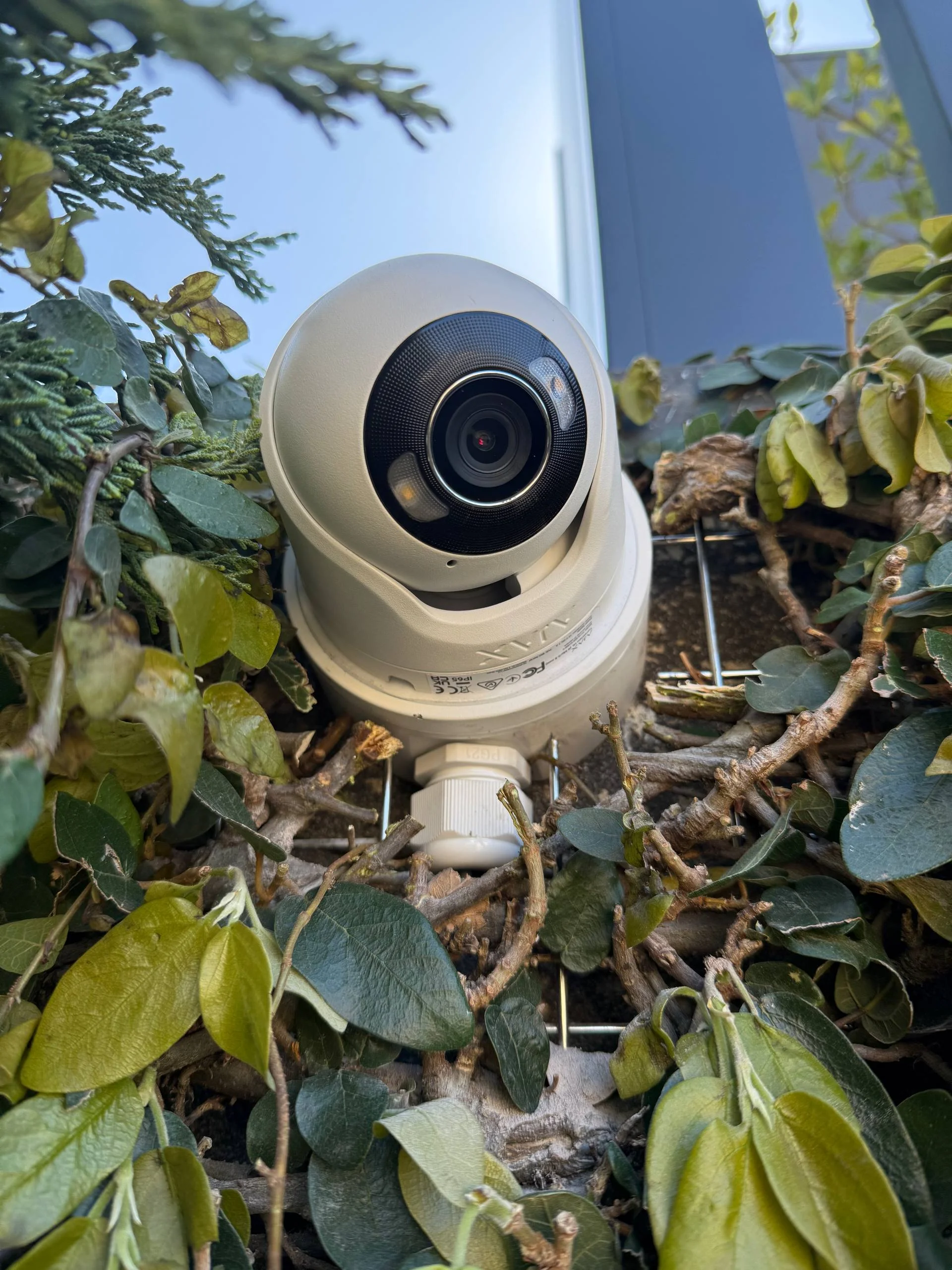
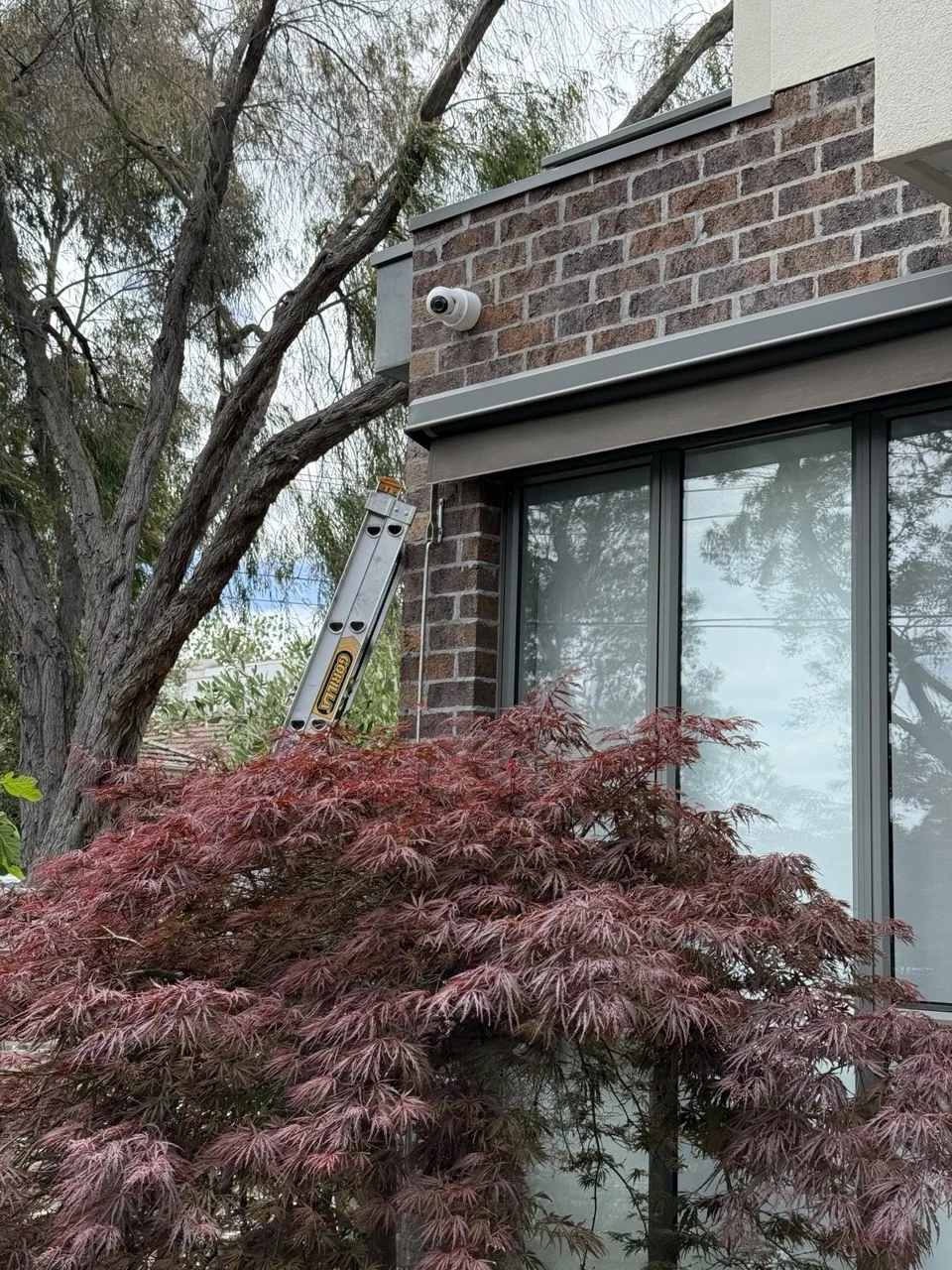
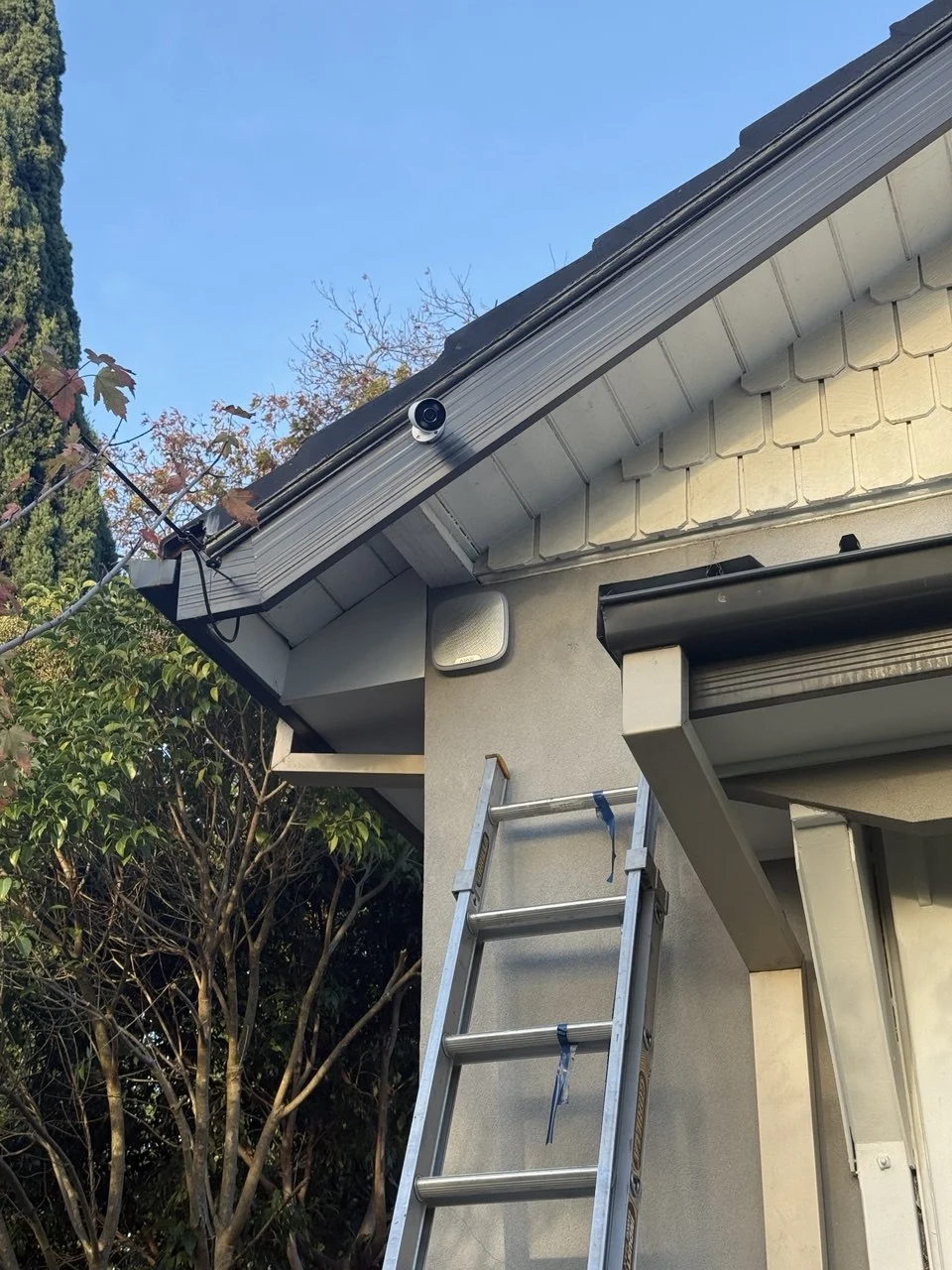
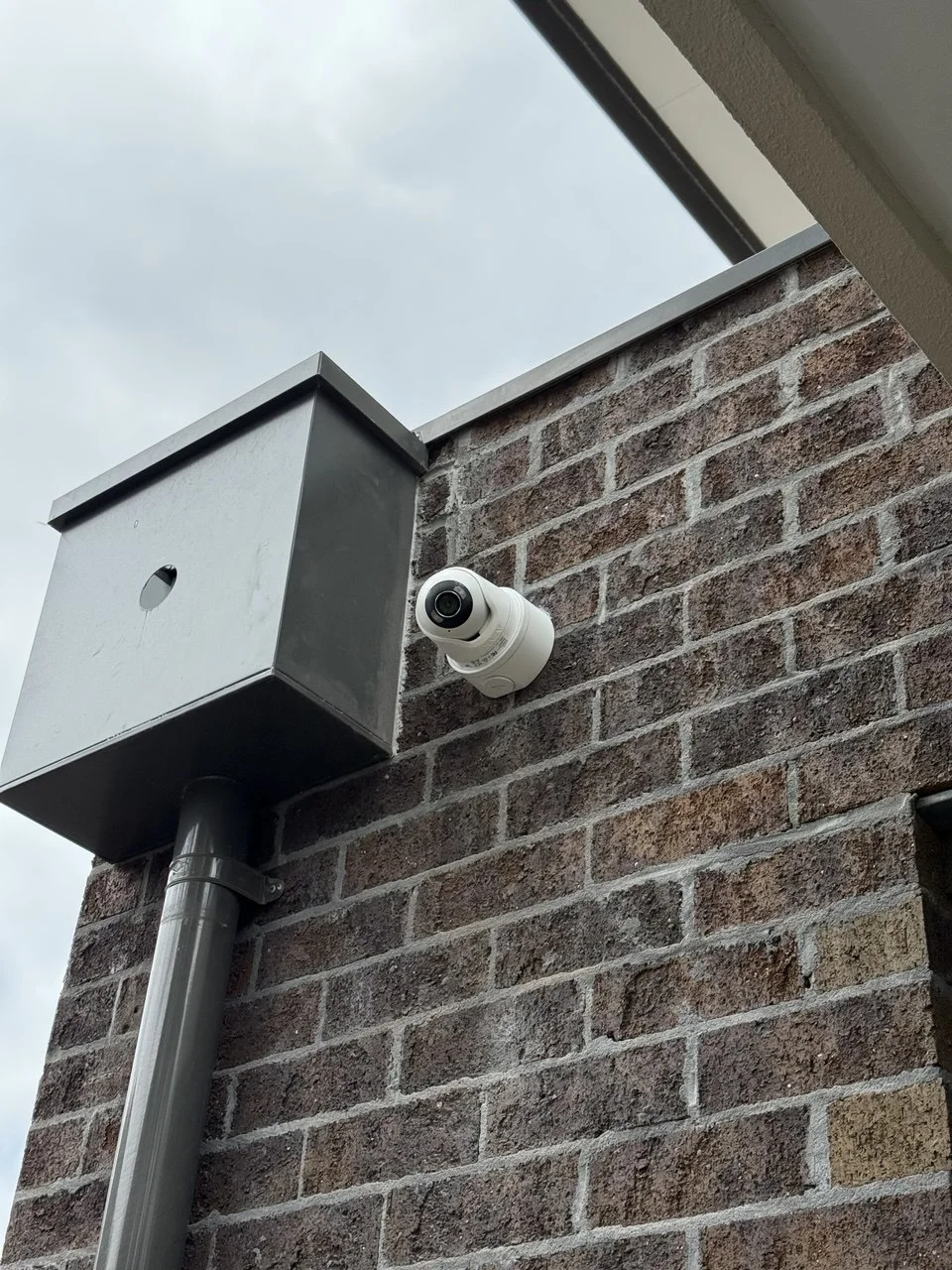
The reviews below reflect installations across that range, from protected houses near Tiuna Grove to flats a short walk from the canal and the beach.




Comparing two Elwood properties on the same street can mean comparing a protected façade that can't be touched with a 1930s flat block carrying no such restriction at all — part of why CCTV planning here rarely follows a single template.
Areas We Service Around Elwood
SIPKO Security provides CCTV and security camera installation across Elwood and neighbouring Melbourne suburbs, where heritage overlays, interwar flats and foreshore exposure often call for different approaches to camera planning.
Frequently Asked Questions
Common questions about security camera installation, CCTV system costs, camera placement and alarm integration for Elwood properties.
How much does security camera installation cost in Elwood?
What affects the cost of CCTV installation in Elwood?
How many cameras do most Elwood properties need?
Can CCTV be installed on a heritage-overlay street in Elwood without affecting protected features?
Can CCTV be installed at the entry of an interwar flat or apartment block?
Does CCTV planning account for salt air and foot traffic near the canal or foreshore?
Can CCTV be integrated with alarm systems?
No two Elwood streets carry quite the same mix of protection and passing traffic.
For some owners, that means a heritage façade where camera mounting has to work around what can't be touched, on a street busy with cyclists and beachgoers all weekend. For others, it's a single front door in a 1930s flat building, or a foreshore property handling salt air and a constant stream of Bay Trail traffic. The right setup depends entirely on which of these a specific property actually is.
If you're considering security camera installation in Elwood, SIPKO Security can assess the property — heritage-overlay house, interwar flat or foreshore frontage — and recommend coverage that actually fits it.