0406 432 691
Mon–Sat 8am–6pm
Licensed & Insured
Free Onsite Quote
Melbourne & Mornington Peninsula

Ajax Security Hub for Alarms, Cameras and Support in Melbourne

Use this page as the SIPKO Ajax Security Hub for Melbourne. It helps you choose the right Ajax service page before requesting a quote: new alarm installation, CCTV camera and NVR planning, monitoring preparation, repair, takeover, upgrade advice or system comparison.

New Ajax alarm

Start with the Ajax alarm installation page if you need a new system, device plan, installation quote, app setup and handover.

Ajax CCTV cameras and NVR

Use the Ajax CCTV camera installation page for cameras, Ajax NVR planning, recording method, storage choice, playback setup and compatibility checks.

Repair or takeover

Use the Ajax alarm repair page or takeover guide for offline devices, access transfer, battery warnings, old users and existing-system checks.

Monitoring or comparison

Use the monitoring page for response options, or the comparison section below if you are choosing between Ajax and another system.

This hub is not a replacement for the main Ajax installation landing page. It is a navigation and explanation page for Melbourne customers who need to choose the correct Ajax service before contacting SIPKO.

Request an Ajax site assessment

Call 0406 432 691 or complete the form and SIPKO will contact you.

Which Ajax Service Do You Need?

This page is the Ajax Security Hub for Melbourne. It does not replace the dedicated Ajax alarm installation page. It helps you choose the correct SIPKO page for installation, CCTV cameras, NVR planning, repair, takeover, monitoring or system comparison.

  • New alarm installation: use the installation page for hubs, detectors, sirens, keypads, app setup and handover.
  • CCTV camera setup: use the Ajax CCTV camera installation page for cameras, Ajax NVR planning, viewing angles, playback and recording method.
  • Existing system support: use the Ajax alarm repair page for offline devices, batteries, access problems and sensor faults.
  • Takeover: use the takeover guide for admin access, old users, device ownership and previous-owner cooperation.
  • Monitoring discussion: use the monitoring page for self-monitoring, video verification and professional response pathways.

Ajax Cost and Quote Factors

Ajax pricing is confirmed after the site is checked. The quote depends on the property layout, device list, camera/NVR requirements and whether the job is a new install, upgrade, repair or takeover.

  • property size, access points and risk areas;
  • number of detectors, contacts, sirens, keypads, remotes and cameras;
  • Ajax NVR model, storage target and recording method;
  • self-monitoring, video verification or professional monitoring requirements;
  • Wi-Fi/Ethernet reliability, cabling difficulty and possible reuse of existing equipment.

Need a new Ajax alarm?

Use: Ajax Alarm Installation in Melbourne.

SIPKO checks: entry points, hub location, sensors, sirens, users and handover needs.

View Ajax installation

Need cameras or recording?

Use: Ajax CCTV Camera Installation.

SIPKO checks: camera count, viewing angles, Ajax NVR model, storage method, network path and camera compatibility.

View Ajax CCTV setup

Existing Ajax system has issues?

Use: Ajax Alarm Repair in Melbourne.

SIPKO checks: offline devices, batteries, signal strength, app access and sensor condition.

View Ajax repair

Moved into a property with Ajax?

Use: Ajax System Takeover.

SIPKO checks: admin access, old users, previous-owner cooperation, device list and monitoring status.

Read takeover guide

Need monitoring or verification?

Use: Ajax Monitoring and Video Verification.

SIPKO checks: alert flow, video verification, monitoring provider requirements and response expectations.

View monitoring options

Comparing Ajax with another system?

Use: Ajax comparison pages.

SIPKO checks: wiring, wireless range, app needs, device availability and long-term support.

View comparisons
Ajax is often suitable for Melbourne homes, townhouses, apartments, small offices, retail stores and light commercial sites. For larger sites, complex access control, high camera counts, long cable runs, metal structures or strict compliance requirements, SIPKO may recommend a different camera/NVR design or a hybrid security layout instead of an Ajax-only setup.

Trust, Licensing and Monitoring Responsibilities

Security work should be clear about who installs the system, who configures app access, who provides monitoring and what the customer can verify before engaging a provider.

Licensing and verification

In Victoria, customers can use the Victoria Police Public Register to check current private security licence or registration holders by name or licence/registration number. SIPKO can explain which security activity is being performed and what details the customer can verify before work starts.

Check the Victoria Police Public Register

Who does what

  • SIPKO: property review, Ajax device planning, installation, configuration, testing and handover.
  • Customer: confirms authorised users, access permissions, response contacts and priorities.
  • Monitoring provider: handles professional monitoring only when a monitoring service is arranged and active.
  • Ajax service pathway: may be involved for Ajax Services, Cloud Storage activation or subscription management.
Self-monitoring The owner or manager receives app alerts and decides what action to take.
Video verification Event video or camera footage helps review what triggered an alert before escalation.
Professional monitoring A monitoring provider follows agreed response rules when a monitoring service is active.
Response pathway The plan defines who is contacted, when escalation happens and what information is available.
Video verification

Video Verification for Incident Review

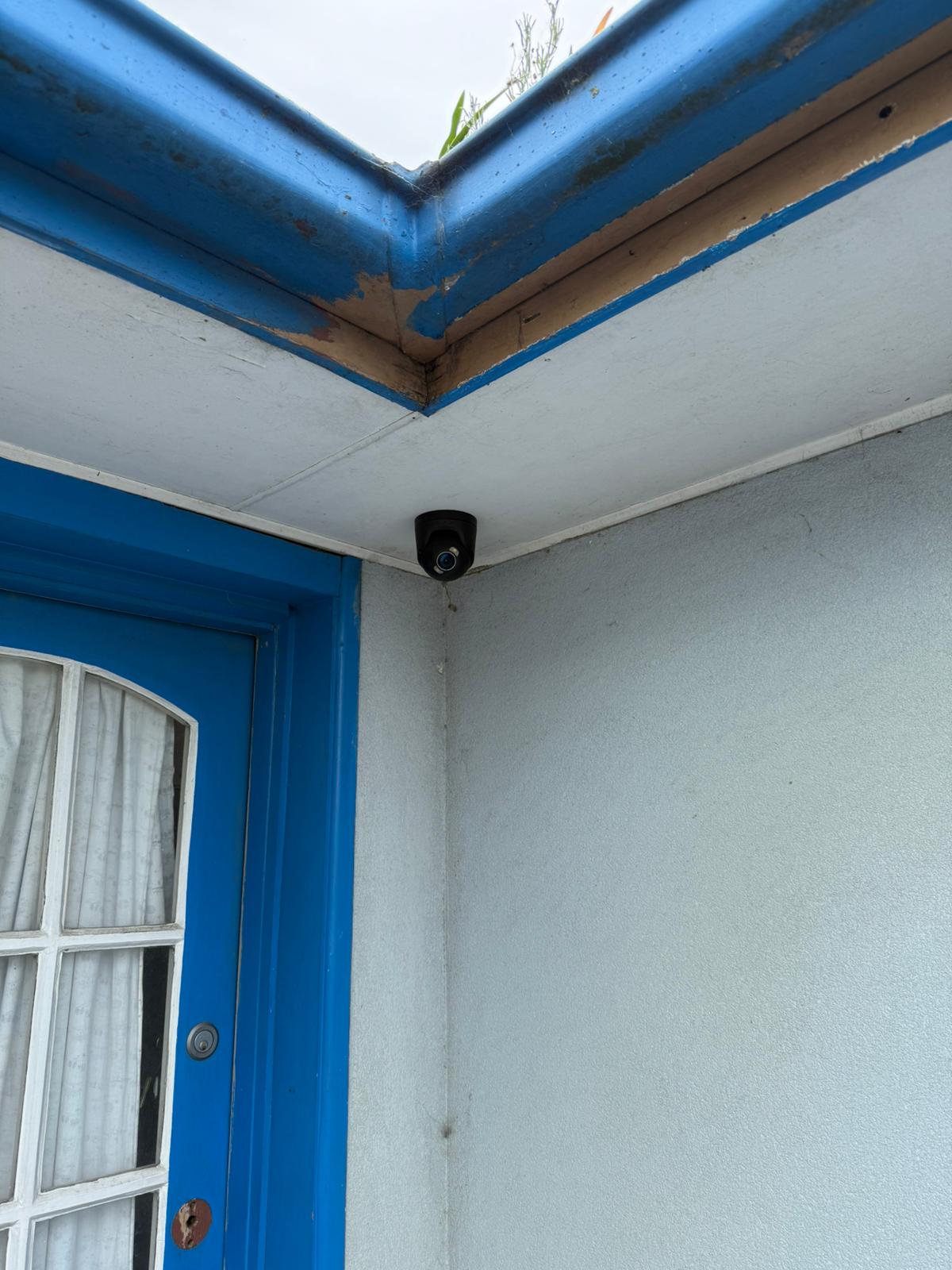
Ajax cameras can help owners confirm what happened at doors, driveways, side access, garages and rear yards. The useful result is not just a camera feed, but clear event review from the areas where incidents usually start.

Where it helps: front doors, side paths, rear entries, garages, driveways, deliveries and after-hours access points.

What SIPKO checks: camera angle, glare, night view, detection zones, notification rules, app access and playback during handover.

  • Faster review of activity around entry points
  • Fewer avoidable alerts from pets, trees and passing movement
  • Clearer event history for incidents, deliveries and access checks
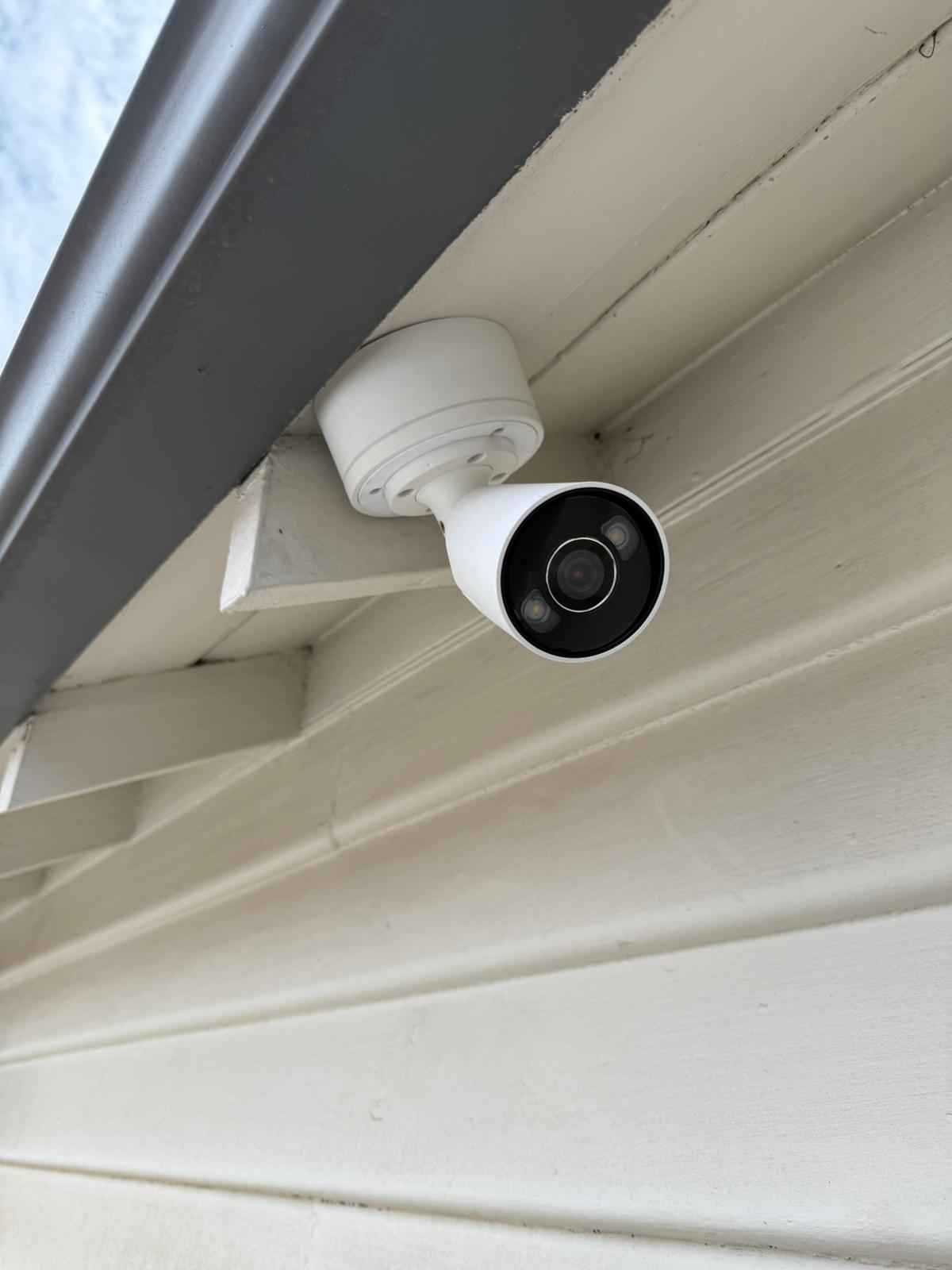
Ajax video verification and alert setup for a Melbourne property
Ajax camera system with recording and storage options
Storage options

Local Recording, Cloud Storage and Privacy

Recording should be planned around what you actually need to review: alarm events, driveway activity, deliveries, after-hours access or a longer local archive.

Ajax Cloud Storage: Ajax Cloud Storage is designed for event video recordings from compatible Ajax video surveillance products. Availability, archive depth, activation method and pricing depend on compatible hardware, the selected Ajax service plan, local availability and the customer, dealer or service pathway used for activation.

Local recording: an Ajax NVR or another suitable recorder may be better where longer retention, continuous local archive, local display output or reduced reliance on cloud-only features is required. SIPKO explains the recording method, user access and expected behaviour during setup.

Privacy planning: camera placement, app permissions and recording scope should be reviewed so the system focuses on useful security areas rather than unnecessary private spaces.

NVR and cameras

NVR, Camera Compatibility and Upgrade Planning

Ajax can be used for new camera setups or upgrades from some existing IP camera systems. The correct design depends on the exact recorder model, camera count, storage target, network quality and camera compatibility.

NVR model matters: Ajax NVR options differ by channel count, hardware generation, PoE/HDMI availability and storage configuration. The exact recorder model should be confirmed before quoting or promising a specific archive, camera count or output option.

Compatibility check: reuse of existing cameras depends on the camera model, firmware, network path, stream settings, authentication and protocol support such as ONVIF or RTSP. ONVIF or RTSP support can help, but the camera still needs to be checked before reuse is recommended.

Upgrading from older security cameras? SIPKO can check what can be reused and where a new Ajax-based or hybrid camera setup is the safer option.
Ajax NVR and camera installation planning for a Melbourne property

What SIPKO Checks Before an Ajax Recommendation

A reliable security system is not just a device list. Before the system is finalised, SIPKO checks the property layout, entry points, signal paths, device placement, recording behaviour, app access and response requirements.

Entry points and risk areas

Front doors, driveways, side gates, rear yards, garages and internal access points are reviewed so sensors and cameras cover useful locations, not just convenient mounting spots.

Hub, signal and network

Hub location, wireless range, possible interference, Wi-Fi or Ethernet stability, siren placement and any range-extender requirement are checked before final placement.

Recording and notifications

Recording mode, retention target, detection areas and notification rules are configured to keep alerts useful and playback practical for the owner or manager.

User access and handover

Users, permissions, arming routines, live view, playback and basic export steps are explained before the job is completed.

Need an Ajax plan for your property? SIPKO can inspect the layout and recommend the right alarm, camera, storage and support path before quoting the work.

When Ajax Is Suitable and When Ajax-Only May Not Be Enough

Ajax can be a strong fit for many Melbourne properties, but the correct design depends on layout, building materials, network reliability, access points and response requirements.

Ajax is often suitable for

  • homes, townhouses, apartments and small offices;
  • retail stores with front entry, back room and after-hours alert needs;
  • clinics or small commercial sites with staff-only areas;
  • properties needing app control, user permissions and flexible wireless installation;
  • sites where cameras, doorbells or perimeter devices can be planned within range and network limits.

Ajax-only may not be enough for

  • large sites with long cable runs, high camera counts or complex network zones;
  • strict access-control projects with many doors, users or compliance requirements;
  • warehouses with metal structures, weak radio paths or detached areas without reliable network coverage;
  • sites requiring deep video archive, redundant storage or advanced video management;
  • projects where a hybrid alarm, camera or access-control layout is safer than one platform only.
Placement planning

Recommended Camera Placement for Common Melbourne Layouts

Most residential incidents begin around predictable access routes. Camera placement should be planned around identification, approach visibility and blind-spot reduction, not only the widest view.

  • Front door or porch angle for face-level identification
  • Driveway view for vehicle movement and approach visibility
  • Side gate and side path coverage for hidden access routes
  • Rear yard and garage approach coverage when the site allows it
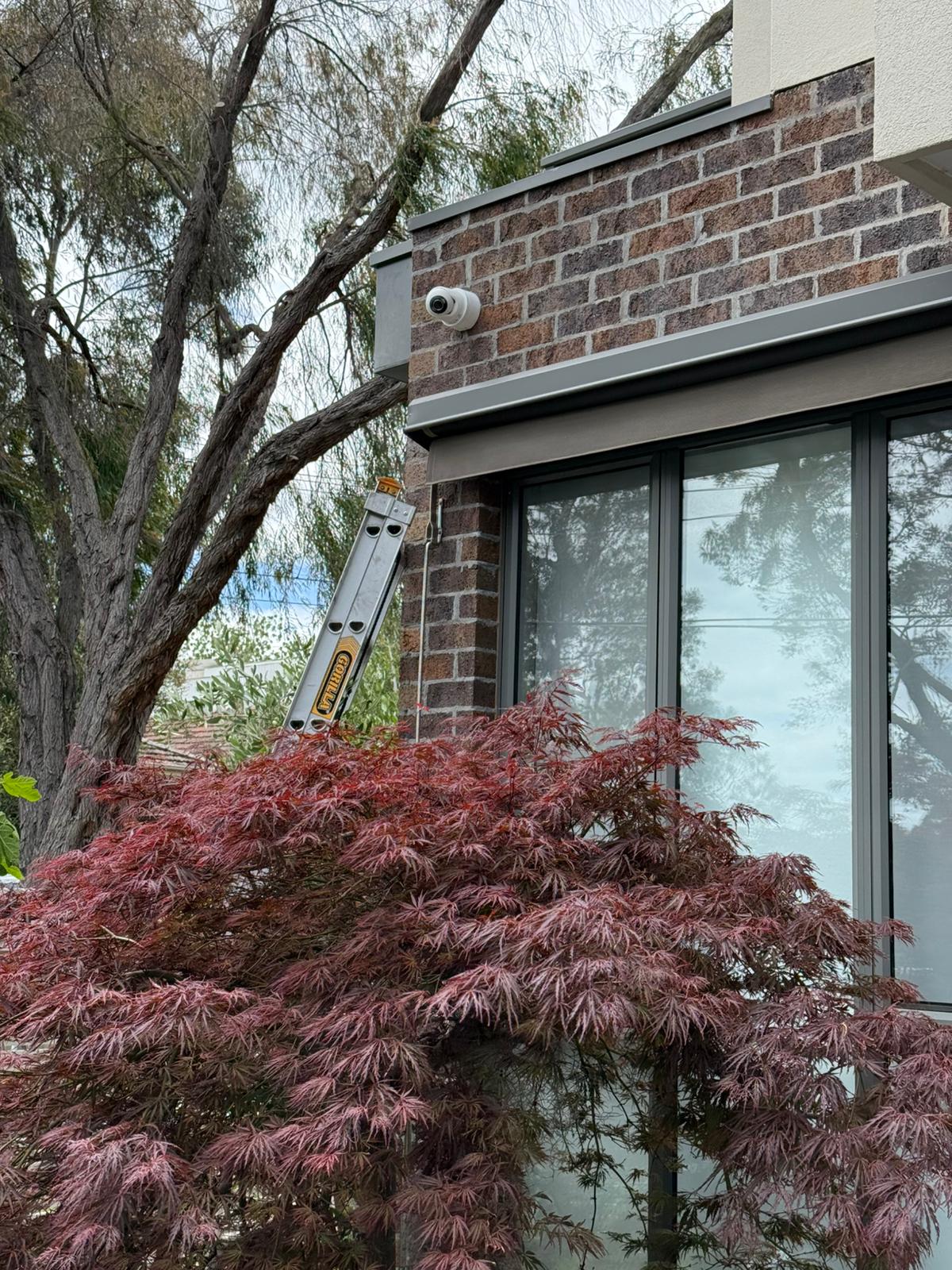
Ajax camera placement planning for Melbourne home security
Ajax security setup planned for reliable performance in Melbourne conditions
Internet and backup

What Happens During Internet Dropouts

Internet dropouts affect remote access, push notifications, cloud features and monitoring pathways differently from local alarm behaviour or local recording. During handover, SIPKO explains what continues locally, what pauses and what resumes after the connection returns.

Router location, Ethernet availability, Wi-Fi quality, recorder placement and the choice between local recording and cloud-dependent features are important for homes with detached garages, long side paths or weak router coverage.

  • Local recording versus cloud-dependent features
  • Router placement and network path stability
  • Recovery behaviour after internet service returns

How Ajax Installation and Support Works

SIPKO starts with the site conditions, confirms the correct service path, completes the agreed work, tests the system and explains daily use.

1

Service path

SIPKO confirms whether the job is a new installation, CCTV camera/NVR plan, repair, takeover, monitoring discussion or upgrade.

Request a site check
2

Layout review

Access points, existing wiring, router position, signal paths, layout and key risk areas are reviewed before the device plan is confirmed.

View installation options
3

Device and recording plan

Hubs, detectors, cameras, sirens, keypads and recording options are matched to the site rather than chosen as a generic kit.

View CCTV planning
4

Installation or support

Devices are mounted, repaired, reconfigured or checked according to the agreed scope, then tested before customer handover.

View Ajax repair
5

Access and alerts

User roles, arming routines, notification logic, detection areas, live view and playback are configured where relevant.

Discuss app setup
6

Handover and support

The customer is shown how to arm, disarm, review events, manage users and understand internet-dropout behaviour.

Request follow-up support

Ajax Alarms, Cameras, Doorbells and Monitoring Options

Ajax can combine alarms, cameras, doorbells, perimeter devices and monitoring preparation when the site conditions, device range and response plan make it practical.

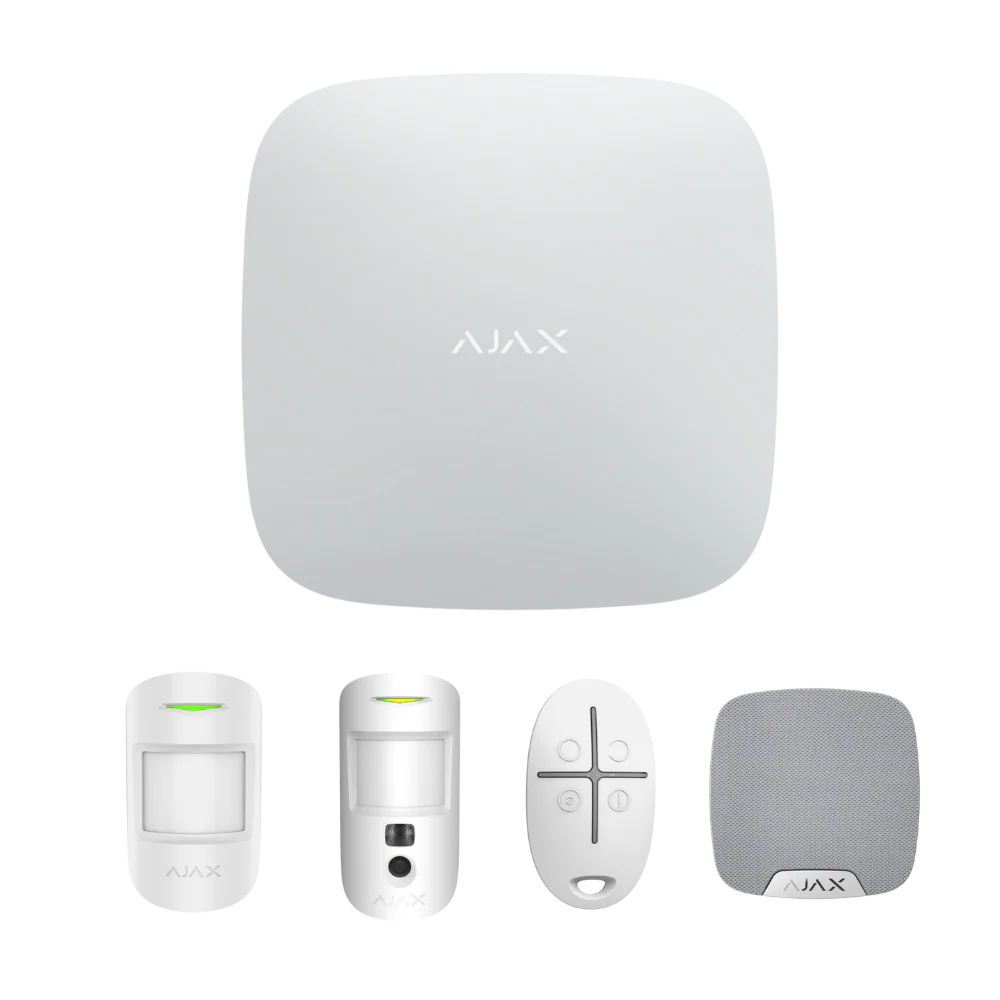
Ajax security system installation in Melbourne by SIPKO Security
Ajax alarm, camera and app setup Installation, monitoring preparation, repair and support

Home alarm systems

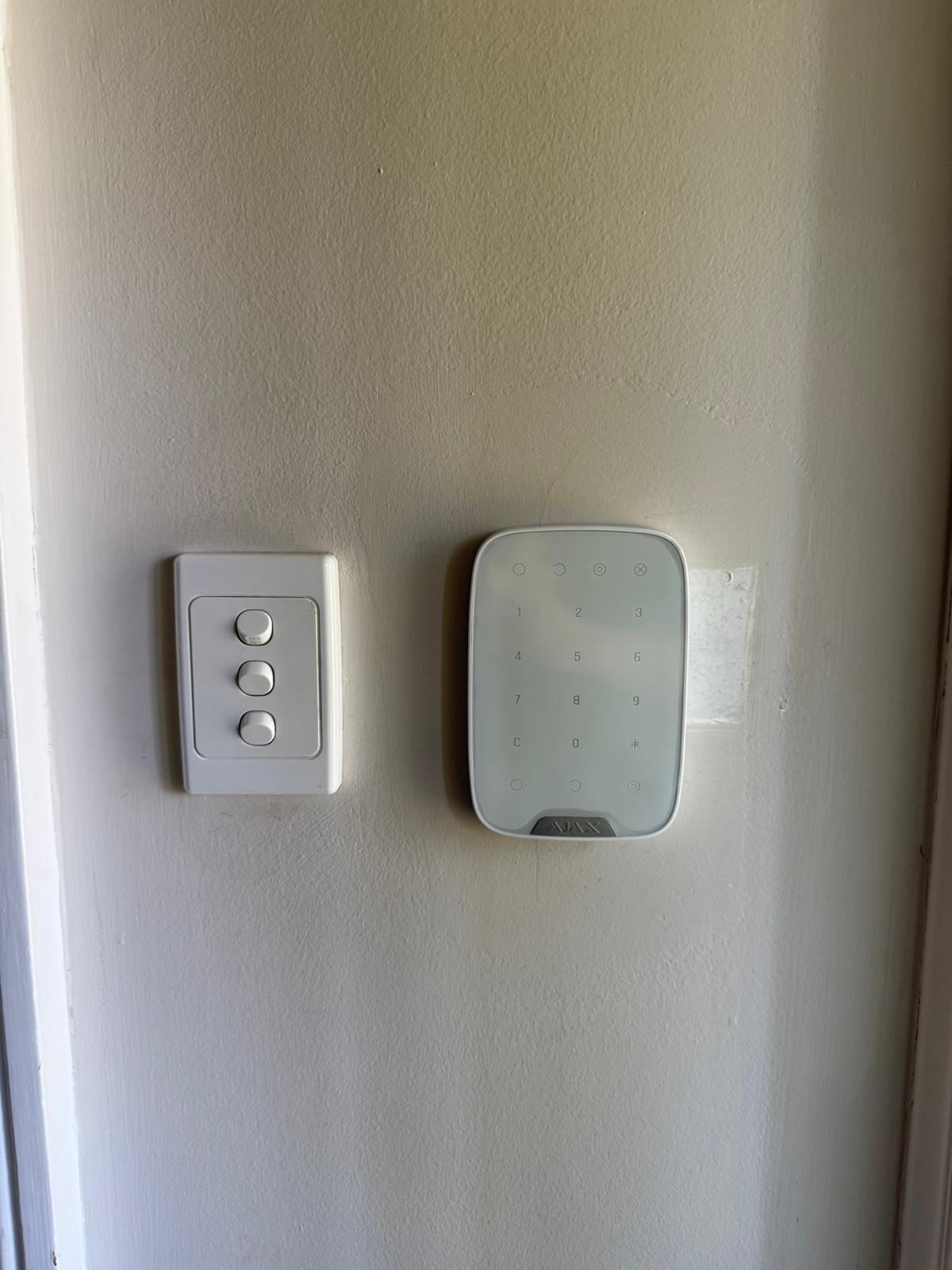
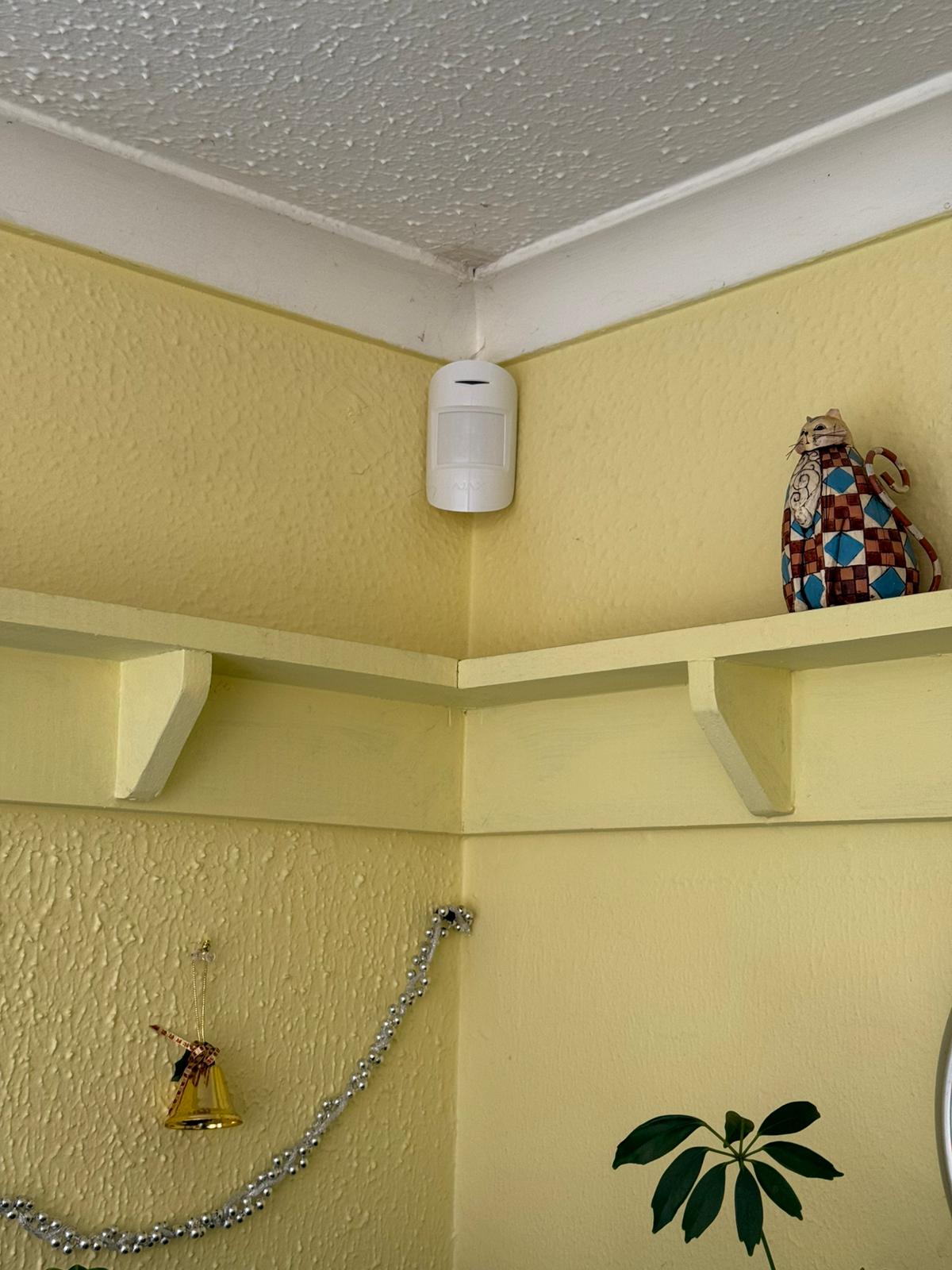
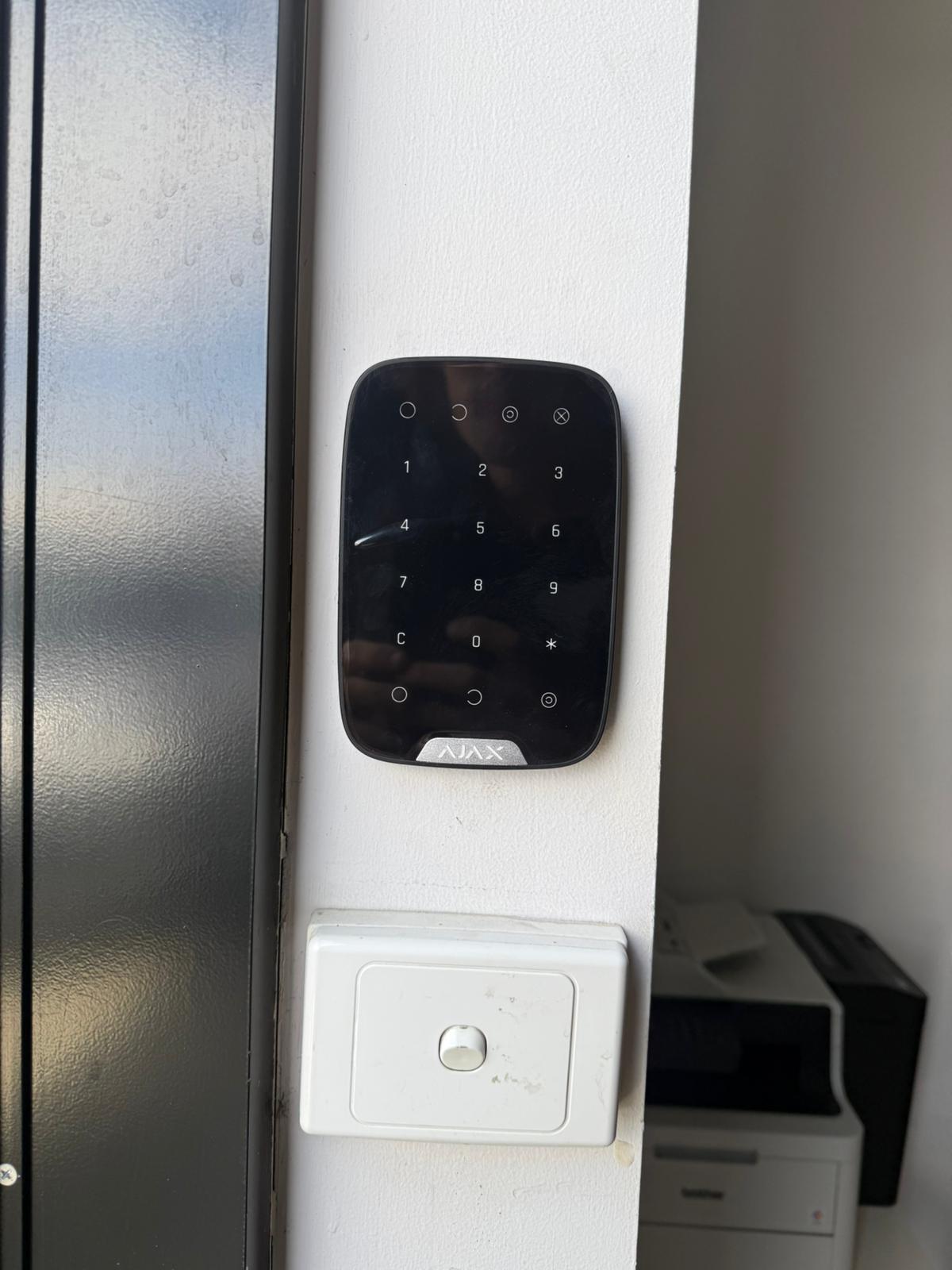
Motion detectors, door contacts, sirens, keypads and app control configured around household routines and entry points.

Perimeter protection

Side gates, courtyards, garages and rear approaches planned for earlier warning when the property layout allows it.

Smart doorbells

Doorway verification for visitors, deliveries and front-door activity with notification settings adjusted during setup.

Monitoring-ready setup

If active response is required, SIPKO explains what is handled by the system, the customer and the monitoring provider.

During the site visit, SIPKO confirms the device list, camera positions, app users, recording method and whether self-monitoring or professional monitoring is required.

SIPKO support

New Systems, Repairs and Takeovers

SIPKO can help with a new Ajax installation, changes to an existing setup or a takeover after moving into a property with Ajax already installed.

For new systems: SIPKO checks the layout, explains any limitations, installs the selected devices and configures app access before handover.

For existing Ajax systems: support can cover access transfer, device faults, battery warnings, sensor alignment, notification changes, camera positions and upgrade questions.

Tell SIPKO whether you need a new system, repair support, app access help or takeover advice.
SIPKO Security Ajax installation and support in Melbourne
Ajax setup examples

Common Ajax Setups for Melbourne Properties

These examples show common quoting directions. Final device count, placement, storage and monitoring needs are confirmed only after the property has been checked.

Essential
Ajax alarm installation setup for small Melbourne properties

Small Home or Apartment

A starting point for apartments, units and smaller homes that need intrusion detection, siren deterrence and app-based arming.

Apartments Small homes
  • Hub and app setup
  • Motion and entry detection
  • Internal and external siren options
Perimeter
Ajax perimeter protection setup for larger Melbourne properties

Larger or Higher-Risk Site

A stronger direction for properties with side access, detached garages, rear entries, storage areas or wider boundaries.

Larger homes Perimeter focus
  • Outdoor detection options
  • Camera coverage for side and rear access
  • Monitoring preparation if required
These are examples, not fixed templates.

Device count, placement, storage, monitoring needs and app access are confirmed after checking the property. This helps avoid missing important areas or adding devices that do not improve the result.

Ajax Security Hub Melbourne

Ajax Installation, Repairs, CCTV Cameras and Monitoring

This section separates the main Ajax service pages so visitors can move to the correct page: installation, product selection, CCTV camera setup, repair, takeover, monitoring, sector use cases or platform comparisons.

Ajax Support Coverage Across Melbourne

SIPKO supports Ajax installation, alarm servicing and security camera setup across selected Melbourne areas. Contact us if your suburb is not listed.

Want to confirm coverage for your suburb or building type? Call 0406 432 691.

What Our Clients Say

Frequently Asked Questions: Ajax Security in Melbourne

Practical answers about Ajax installation, camera compatibility, storage, internet dropouts, app access and support.

It is a central page for SIPKO Security’s Ajax installation, camera, monitoring, repair, takeover, upgrade and comparison resources in Melbourne. Use it to choose the correct service page before requesting a quote.

Use the Ajax Alarm Installation in Melbourne page if you need a new system, device selection, installation quote, app setup, testing and handover.

Sometimes. Compatibility depends on the camera model, firmware, network setup, stream settings, authentication and whether the camera supports suitable protocols such as ONVIF or RTSP. This should be checked before reuse is recommended.

Not always. Ajax Cloud Storage is designed for event video recordings from compatible Ajax video devices. Some properties are better served by local NVR recording when longer retention, continuous archive, local display output or reduced cloud reliance is required.

It depends on the selected Ajax NVR model. Ajax NVR options differ by channel count, hardware generation, PoE or HDMI availability and storage configuration, so the exact recorder should be confirmed before quoting.

Behaviour depends on the final configuration. Local alarm functions or local recording may continue in some setups, while remote app access, push notifications, cloud features or monitoring pathways can be affected. This should be explained during handover.

Yes, but the process depends on admin access, previous-owner cooperation, device ownership, user permissions, monitoring status and the condition of the installed devices.

Yes. User permissions can be configured so household members, staff, carers or property managers have appropriate access without sharing one login.

Self-monitoring means the owner or manager receives app alerts and decides what action to take. Professional monitoring involves a monitoring provider following agreed response rules. Video verification can support either pathway.

Contact SIPKO Security or call 0406 432 691. SIPKO will ask about your suburb, property type, current system, internet setup and main security concerns before recommending installation, repair, takeover, monitoring or upgrade support.