
Uniview Security Camera Installation
in Melbourne for Homes & Businesses
SIPKO Security designs and installs Uniview security camera systems in Melbourne — planning each system around what actually needs to be seen, how large the installation needs to be, and where individual scenes benefit from Uniview’s specific camera technologies.
A Uniview system is planned as one system, not a collection of separate cameras. The views that need coverage determine the camera type and positioning; the size of the installation, recording requirements and room for future expansion determine the recorder, storage and network design; and Uniview technologies such as LightHunter, ColorHunter and Tri-Guard are then selected only where a particular scene actually benefits from them.
Uniview’s Range, Planned Around Your Property
Uniview’s range covers a wide span of camera types and recorder capacities — the catalogue below reflects that range. The right starting point isn’t picked from the catalogue first; it follows from what the property actually needs to see, how the system needs to be sized, and where a specific Uniview technology genuinely helps a particular scene.
UNV Security Camera Catalogue for Melbourne Properties
Browse Uniview and UNV security cameras, NVRs and recorder options for new CCTV installations in Melbourne. This catalogue is for property owners comparing camera styles, recorder sizes, storage retention and installation requirements before choosing a system for a home, retail store, clinic, office, warehouse or yard. Use the filters to view cameras and NVRs, then request a quote for UNV cameras supplied and installed in Melbourne.
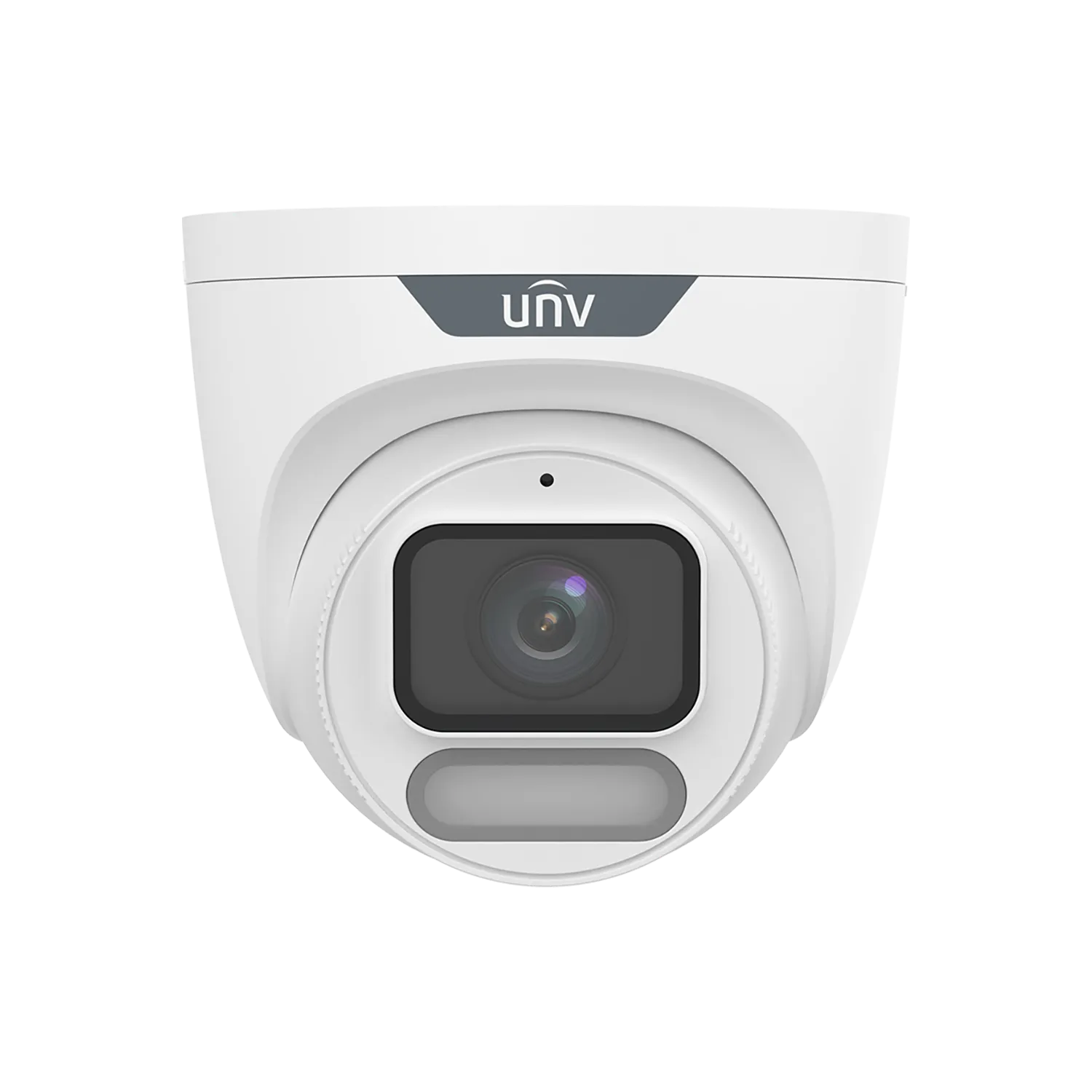
UNV IPC3628LE series is an 8MP fixed eyeball camera with ColorHunter and Wise-ISP technology for 24/7 full-colour images.
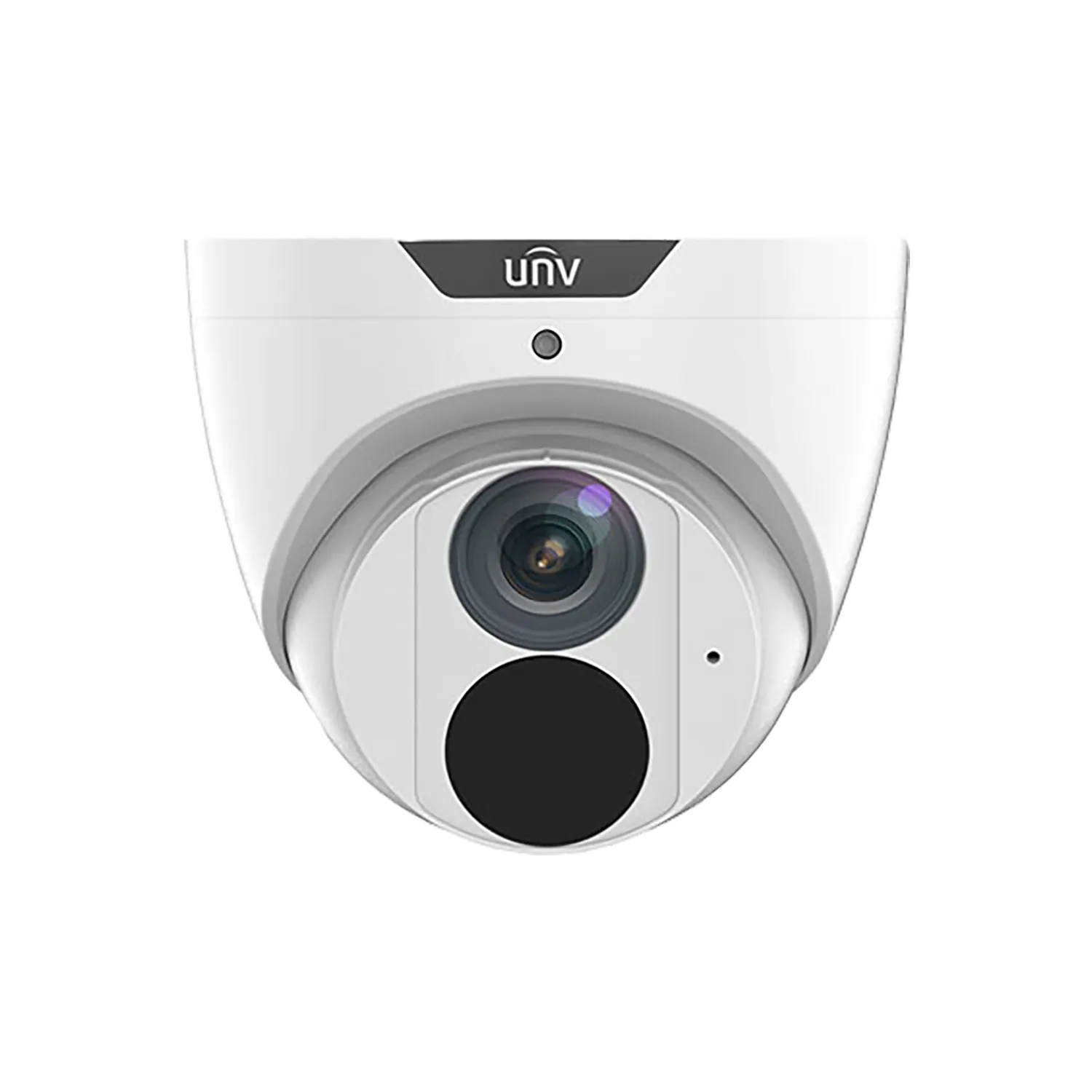
8MP fixed eyeball camera with Easystar low-light technology (0.005 lux colour), 2.8mm or 4.0mm lens, Ultra 265/H.265, 30m smart IR, built-in mic, IP67 metal housing.
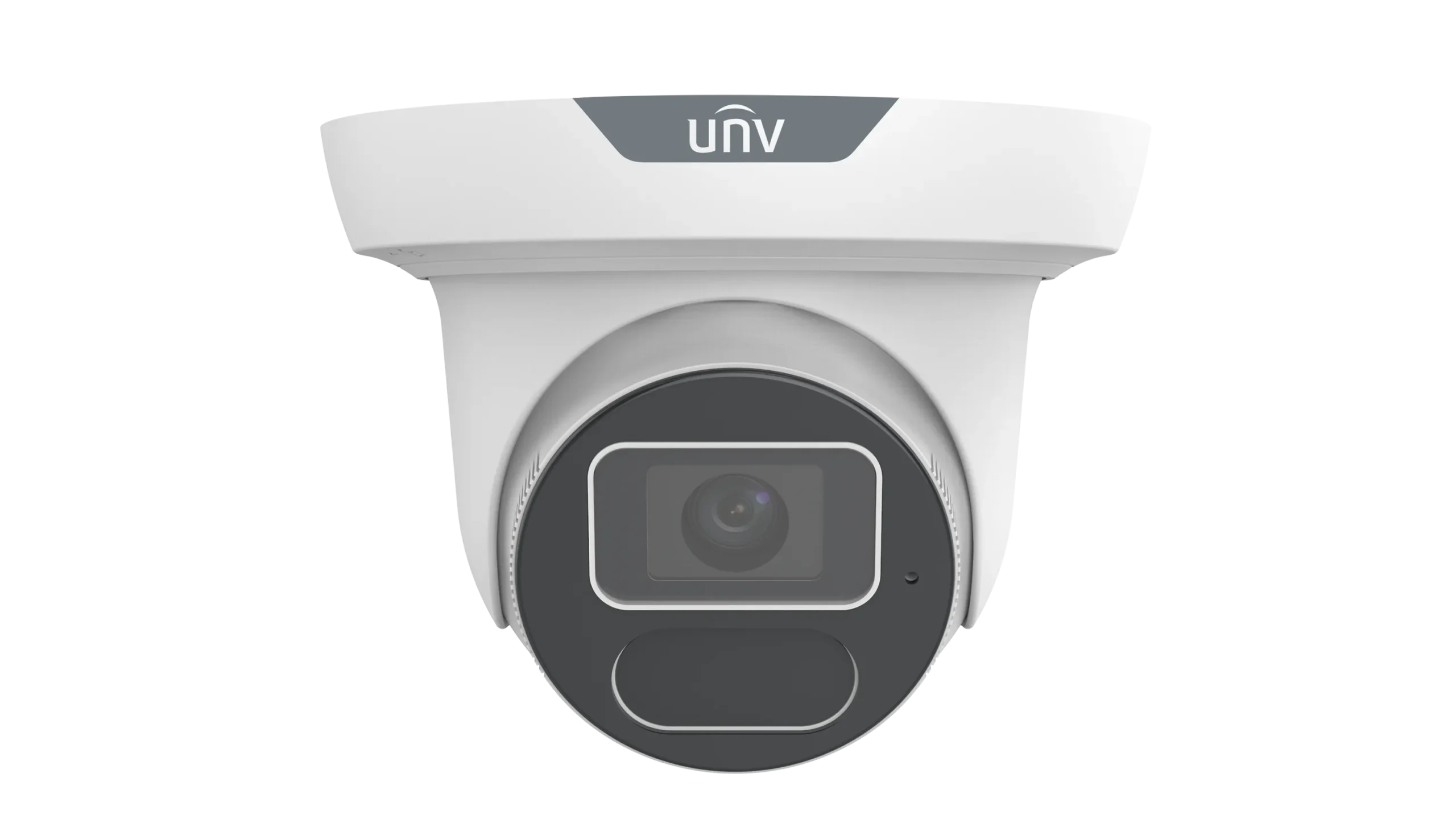
UNV IPC3618SS series is an 8MP turret camera with LightHunter technology for 0.002 lux colour sensitivity.
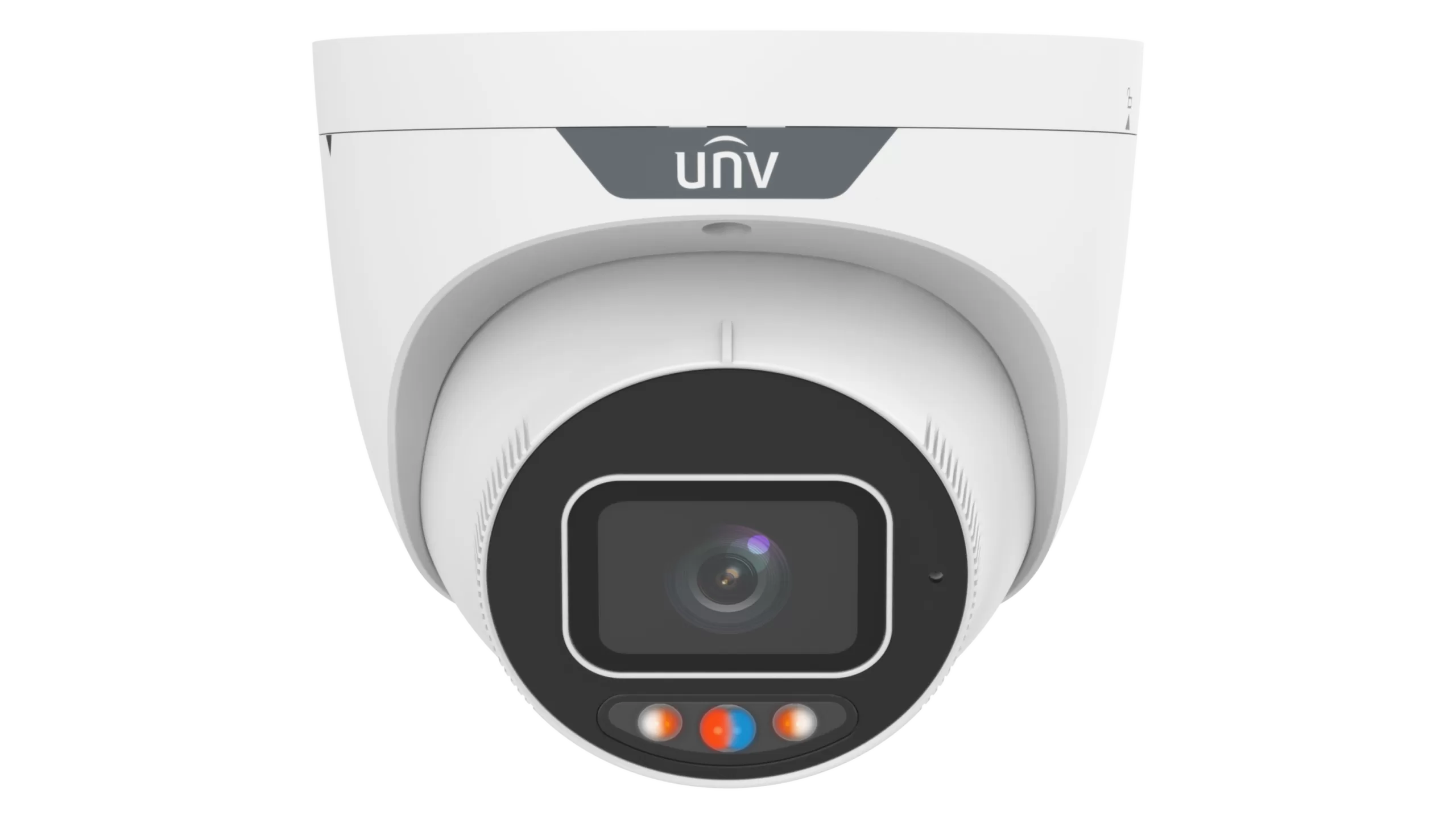
UNV IPC3638SS series is an 8MP eyeball camera with F1.0 super-aperture for 0.001 lux colour sensitivity.
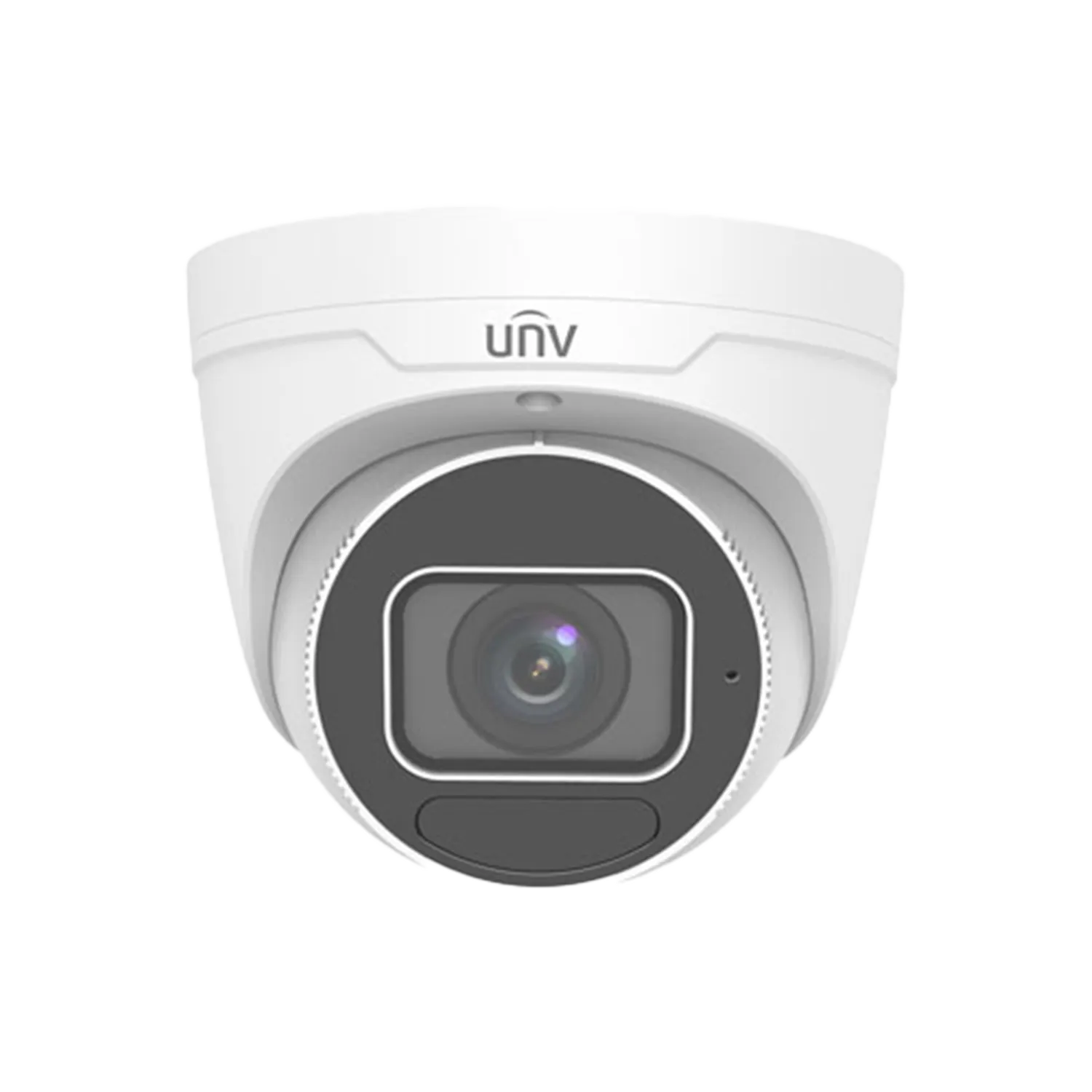
8MP motorized zoom (2.8-12mm) eyeball camera with LightHunter IR, built-in mic, smart intrusion prevention (human/vehicle classification).
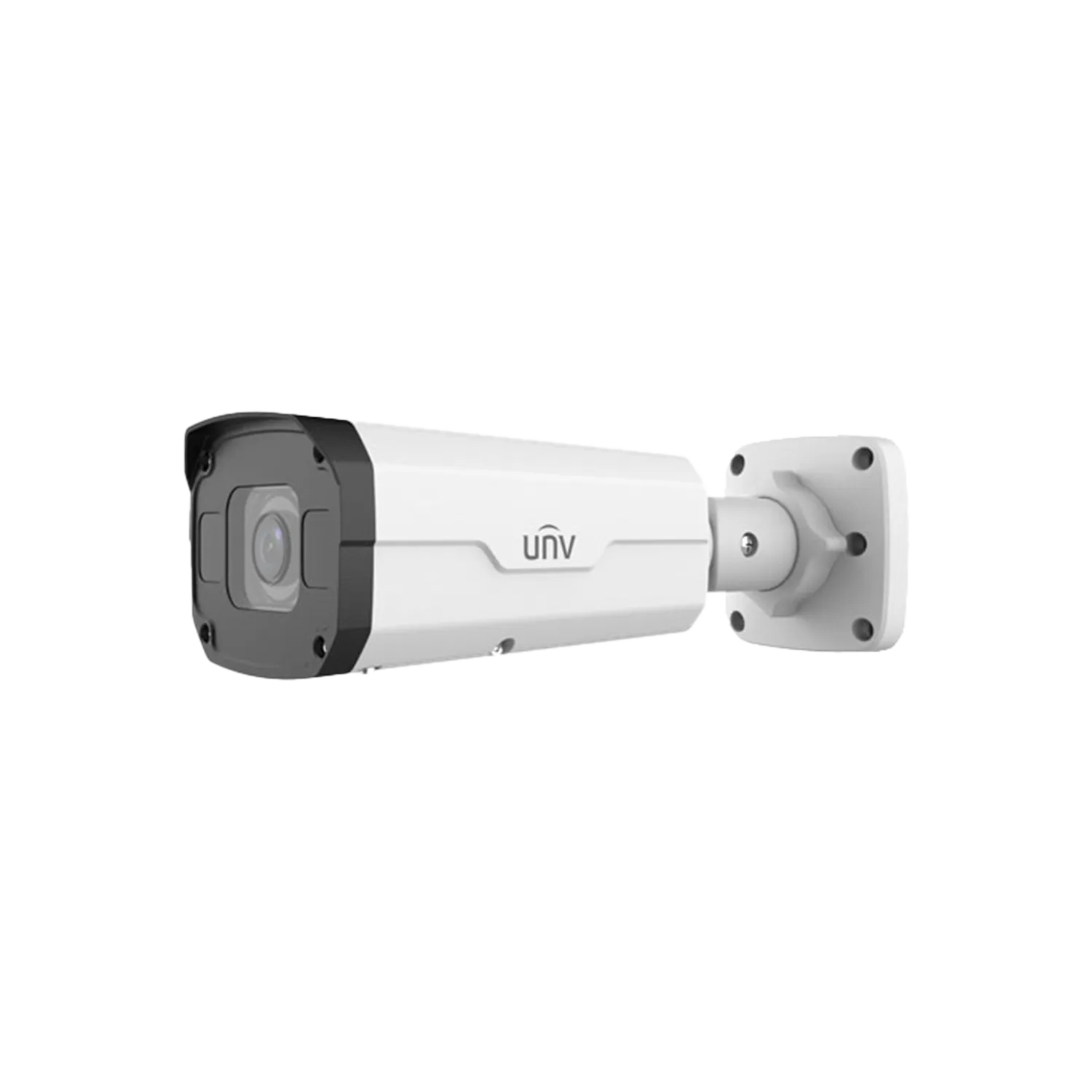
UNV IPC2328SB-DZK-I0 is an 8MP bullet camera with LightHunter technology for exceptional low-light performance (0.0025 lux).
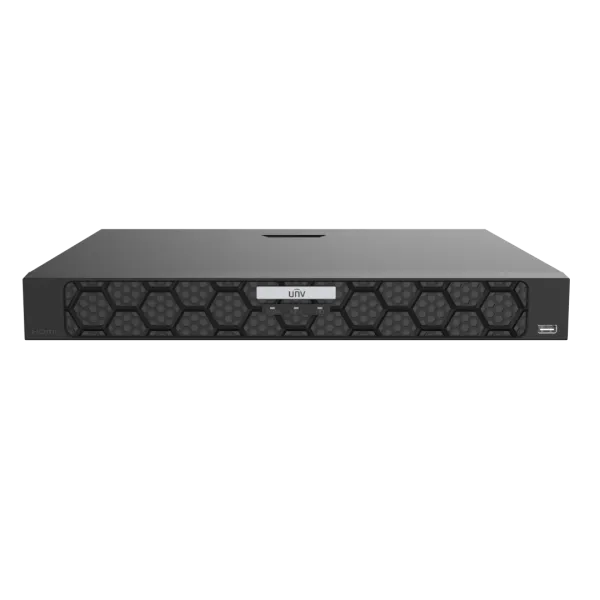
4-channel and 8-channel 1U PoE NVR with Ultra H.265/H.265/H.264, up to 16MP recording, 4K HDMI output, built-in PoE (802.3af/at), smart analytics (face, vehicle, intrusion, people counting), ANR, and cloud upgrade.
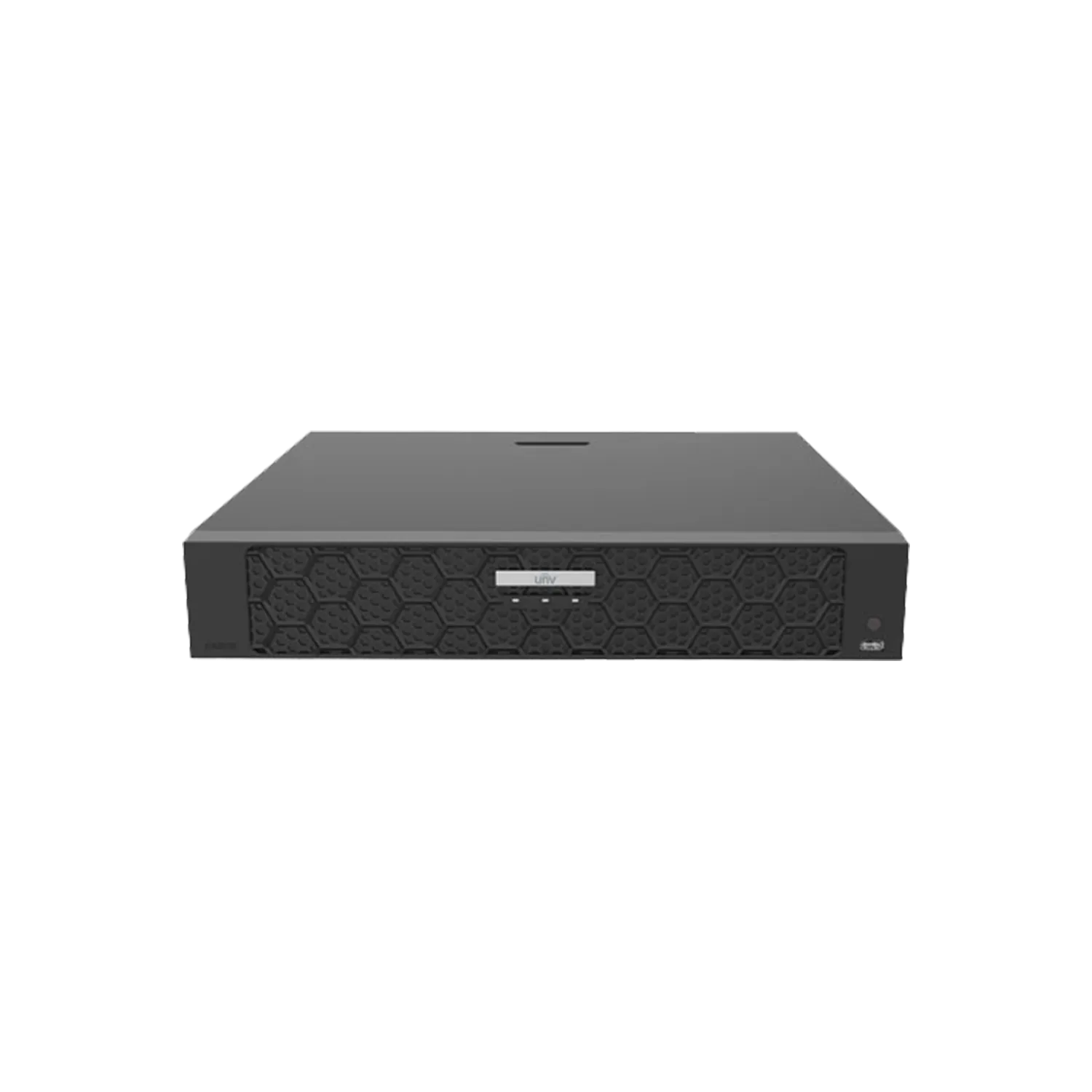
UNV NVR504-32B-P16 is a 32-channel 1U PoE NVR with 16 independent PoE ports (802.3at/af, total 150W).
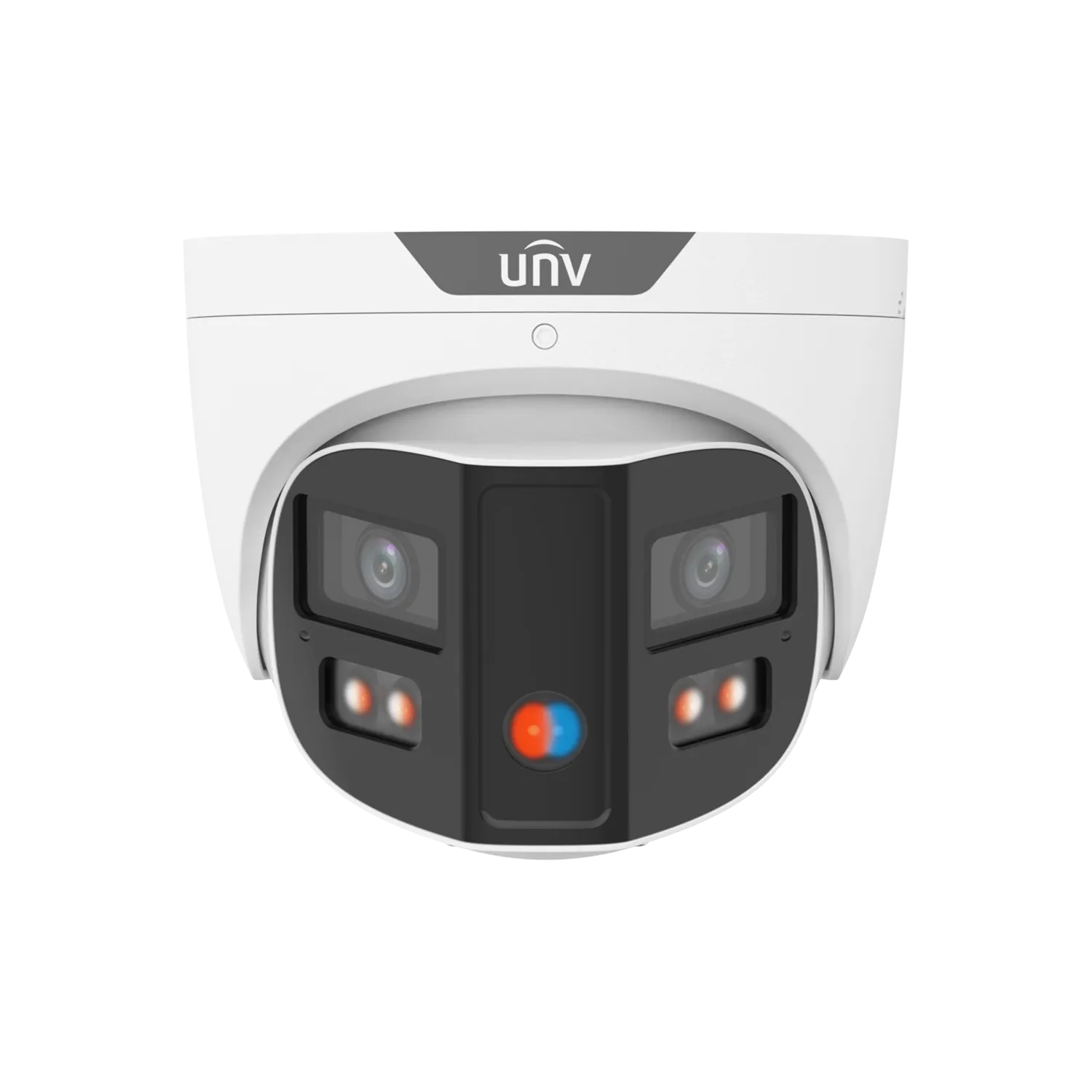
8MP 180° panoramic turret camera with ColorHunter, dual-lens splicing, red/blue warning light and built-in speaker.
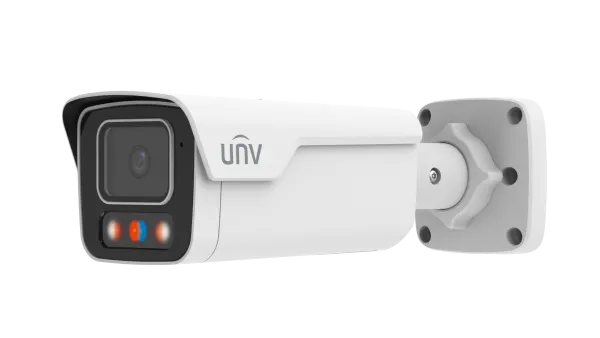
8MP (4K) fixed bullet network camera with dual-light illumination (Smart IR + warm light up to 40 m), built-in mic and speaker for audible warning, red/blue warning lights.
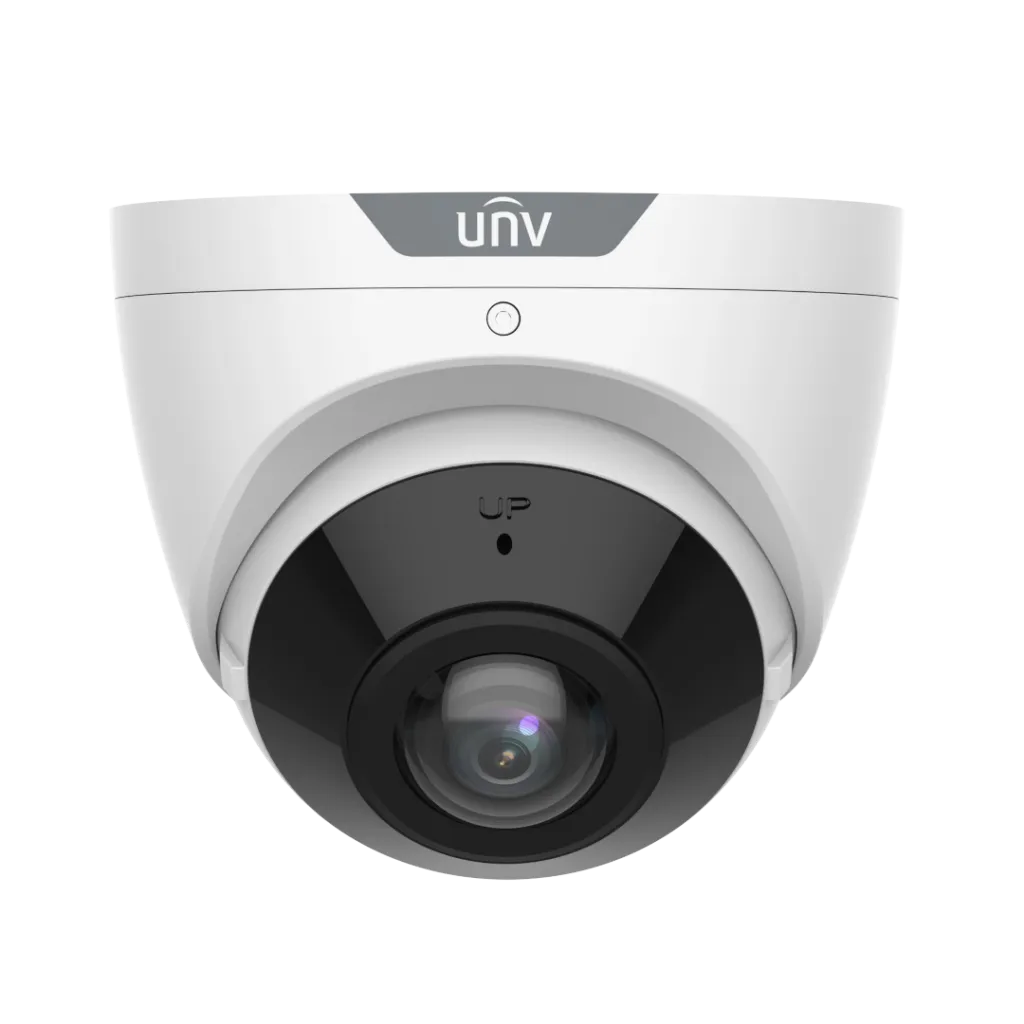
UNV IPC3608SB-ADF16KM-I0 is an 8MP fixed eyeball camera with a 180° horizontal field of view, 1/2.7″ CMOS, smart IR up to 20m, built-in microphone.
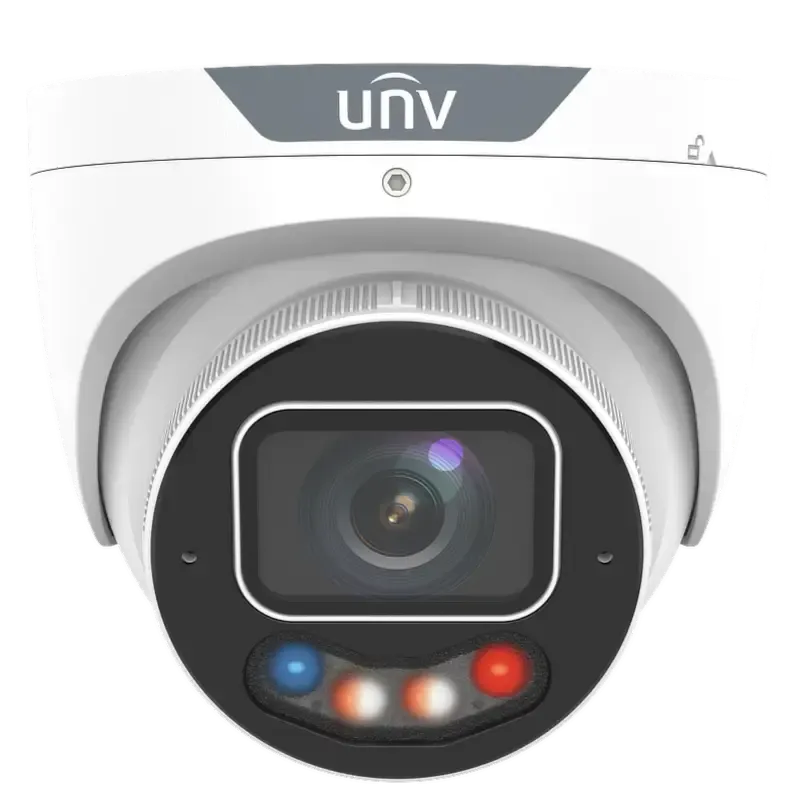
8MP turret camera with ColorHunter and Wise-ISP for 24/7 full-colour images. 1/1.2″ CMOS, F1.0 aperture, warm light up to 30m, smart intrusion prevention with human/vehicle classification, people counting, IK10/IP67.
UNV IPC3638SE-ADZKMC-WP-I1 is an 8MP turret camera with 1/1.8″ CMOS, F1.2 motorized lens, Colorhunter full-colour technology.
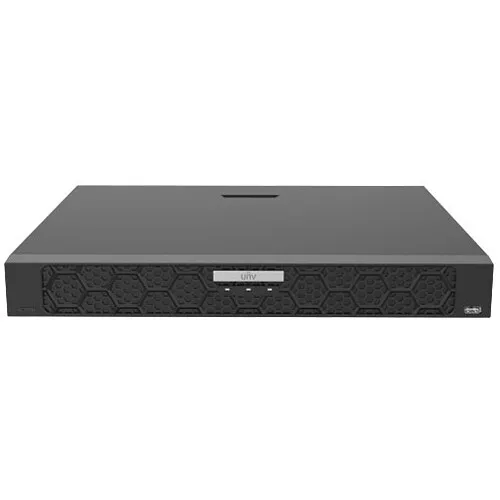
UNV NVR502-16E-IM-G is a 16-channel 1U network video recorder supporting Ultra H.265/H.265/H.264, up to 32 MP resolution, dual Gigabit Ethernet, smart analytics (face, LPR, metadata), 2× SATA up to 24 TB each, and NDAA compliant.
Planning a Uniview System Around the Property
A Uniview installation is planned in three parts, in this order.
What Needs to Be Seen
Entrances, driveways, gates, shopfronts, yards and other priority areas each have their own requirements — viewing distance, angle and lighting determine the camera type and lens, not the other way around.
How Large the System Needs to Be
Camera count, recorder channel capacity, PoE/network capacity and storage are sized to the confirmed system — including realistic room for cameras added later, rather than designed only for what’s needed on day one.
Where Technology Helps a Scene
Once the views and the system size are confirmed, individual cameras are matched to Uniview’s specific low-light or detection technologies where a scene genuinely calls for them.
Choosing Uniview Technology for Each Scene
Uniview offers more than one approach to low-light imaging and detection, and they aren’t the same technology under different names.
LightHunter
Designed to improve image usability in low ambient light through the camera’s optical and imaging design. On supported models, it can provide usable low-light imaging without the visible supplemental lighting used by ColorHunter. Exact performance depends on the camera model and available light.
ColorHunter
Designed for colour imaging in very low light, with supported models using supplemental warm light where required. Exact low-light performance and lighting behaviour depend on the camera model. It can suit scenes where retaining colour information after dark — such as clothing or vehicle colour — is important.
Tri-Guard
Combines detection (classifying human and vehicle movement to help reduce irrelevant alerts), ColorHunter colour imaging, and an active light-and-audio deterrent response in one camera. Available deterrence modes and imaging behaviour depend on the specific model. Suits locations where a visible response to an event matters — a gate, a rear access point, a commercial perimeter.
Available detection, low-light and deterrence functions depend on the specific camera and, where relevant, the recorder it’s paired with.
Recording, Storage & Remote Access
Recording & Storage
Recording capacity follows from the confirmed system — camera count, resolution, recording mode and how long footage needs to stay recoverable all affect the NVR and storage required. There’s no fixed retention period that applies to every property.
Remote Access
Uniview’s mobile apps provide live view, playback, notifications and device sharing on supported configurations. SIPKO confirms which app and access setup fits the system during commissioning, and configures the required user access at handover.
Already Have a Uniview System?
Existing Uniview cameras and recorders are checked for model, firmware and capacity before deciding what can be kept and what needs replacing. Some equipment can be retained and extended; some can’t, depending on age, condition, and what the new part of the system needs to do. This is assessed on site — not assumed either way in advance.
Homes, Businesses & Larger Sites
Homes & Townhouses
Front entry, driveway, garage, side access and backyard are common priorities, with the camera and low-light approach matched to what’s actually needed at each point.
Retail & Offices
Entrances, reception, customer areas, staff doors and storage areas can be planned around incident review and controlled access.
Warehouses & Larger Sites
Larger sites can involve more entry points, longer sightlines and a mix of fixed cameras with PTZ where wider or controllable coverage is useful. Recorder, network and storage capacity are sized around the confirmed camera layout, with expansion allowance included where it is actually needed.
Installation Process
1) Site Survey
Reviewing the required views, lighting, mounting positions, recorder location and cable routes.
2) System Design & Quotation
Camera types, lenses, recorder capacity and storage matched to the confirmed requirements, with future expansion considered where relevant.
3) Cabling & Network Setup
PoE cabling and network capacity installed to support the confirmed system.
4) NVR & Recording Configuration
Recording schedules, storage and camera streams configured and checked.
5) Scene-Specific Configuration
Detection zones and, where fitted, low-light or deterrence features adjusted for each camera’s actual scene.
6) Testing, App Setup & Handover
Live view, playback and remote access tested and demonstrated before the job is signed off.
Frequently Asked Questions
How many Uniview cameras do I need for my property?
What’s the difference between LightHunter and ColorHunter cameras?
What does a Tri-Guard camera actually do?
Can Uniview cameras help reduce irrelevant motion alerts?
How long can Uniview NVR footage be stored?
Can I view Uniview cameras on my phone?
Can I add more cameras to my system later?
Can existing Uniview equipment be reused if I’m upgrading?
What information do you need for a Uniview CCTV quote?
Plan Your Uniview Security Camera Installation in Melbourne
Tell SIPKO what needs to be covered and how the property will use the system. We’ll plan the camera views, determine the recorder and storage capacity required — including room to grow where relevant — and select Uniview technology such as LightHunter, ColorHunter or Tri-Guard only where a specific scene actually benefits from it.