
Security Camera Installation in Melbourne for Homes and Businesses
Melbourne isn’t one property type repeated across the map. A security camera installation in Melbourne might mean a driveway camera on a quiet street in the outer suburbs, a shared entry system for an apartment tower in the inner city, or a loading-bay setup for a warehouse near the port. What counts as “enough coverage” changes with the property, not with a postcode alone.
SIPKO Security installs, upgrades and repairs CCTV systems for residential and commercial properties across greater Melbourne — from single-camera home setups to multi-site commercial systems with centralised recording and remote access for every location. Cameras themselves rarely fail; what actually determines whether footage is useful when it matters is everything around them — placement, cabling, recorder capacity, storage and remote access, planned and tested as one system rather than assembled piece by piece.
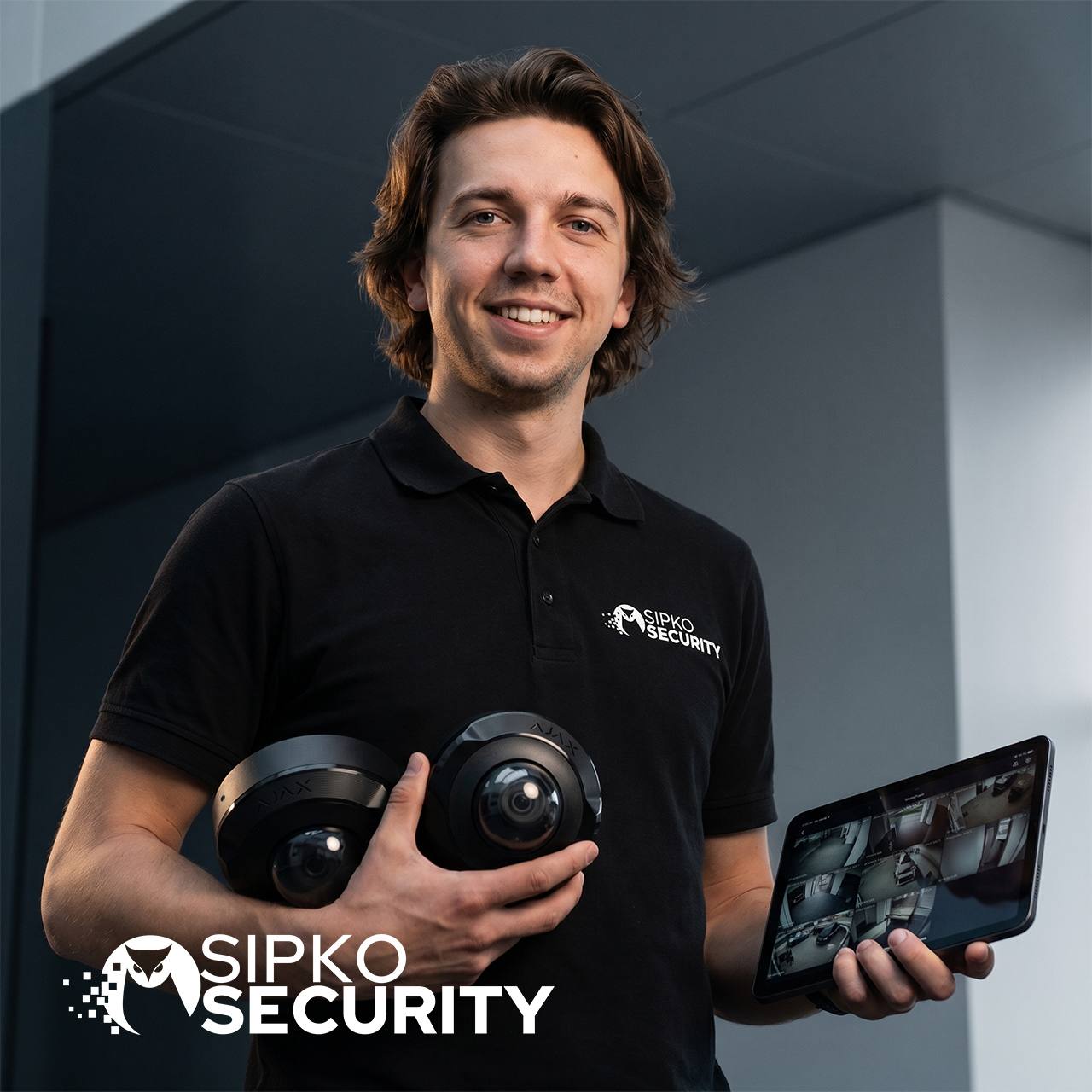
CCTV Installation in Melbourne
A common assumption about CCTV installation is that most properties look roughly the same — a house with a front door, a driveway and a back gate. Across Melbourne, that assumption breaks down quickly. Inner-city properties are increasingly apartments and townhouses with shared entries and body corporate rules; middle-ring suburbs are a mix of standalone homes and infill units; outer suburbs still have larger blocks, longer driveways and more standalone housing stock. A system that works well for one doesn’t necessarily transfer to another.
This is why cctv installation in Melbourne usually starts with identifying what kind of property is actually being covered — residential or commercial, standalone or shared, new build or established — before any camera, recorder or cable route is decided.
For a standalone home, planning typically centres on entrances, driveways and side access. For an apartment or townhouse, it’s more often the unit’s own door, a balcony facing the street, or — with body corporate approval — shared building access points. For a commercial site, coverage depends heavily on the type of business: a retail shop needs different angles to a warehouse or an office.
SIPKO Security works across all of these property types, adjusting the plan to the site rather than applying one fixed package everywhere.
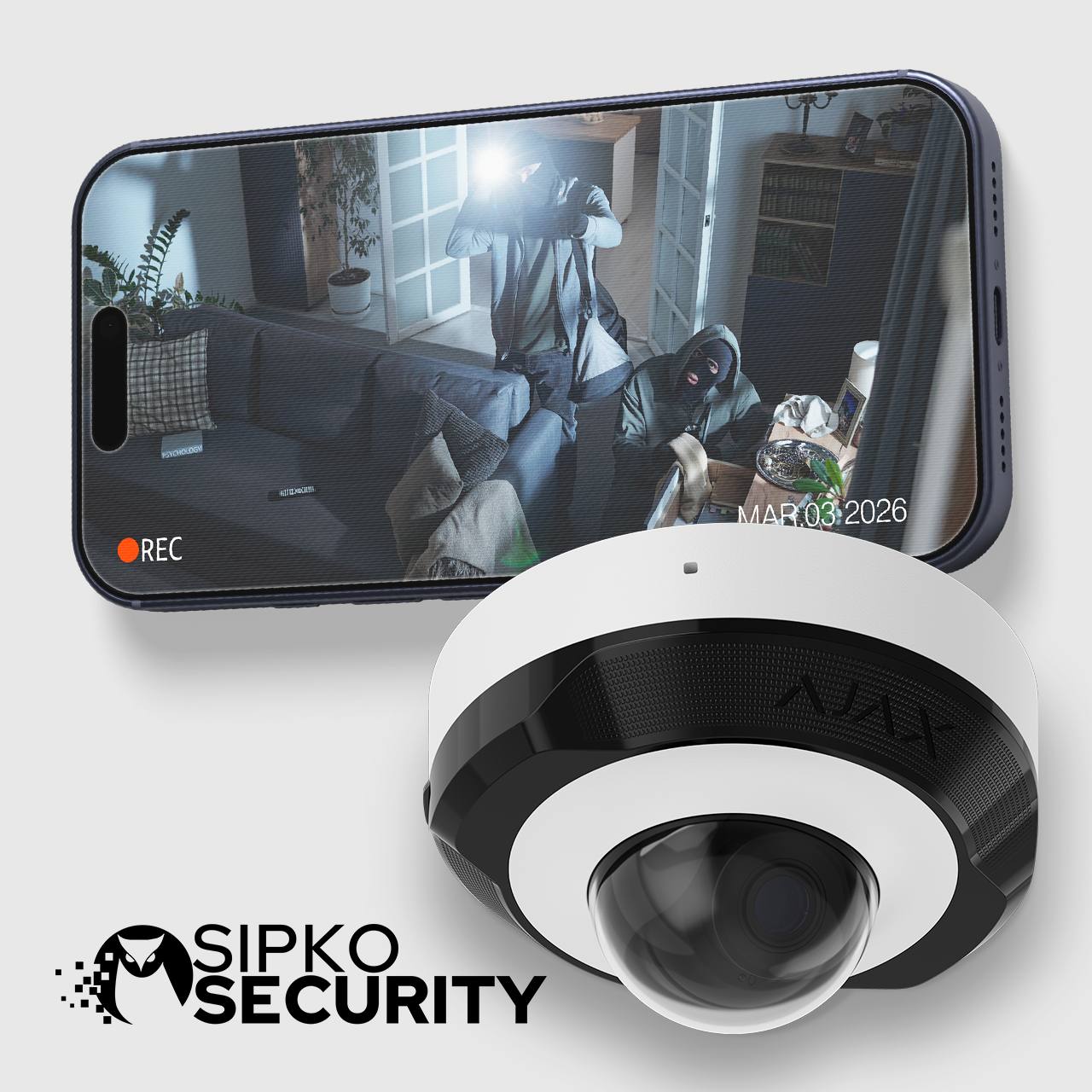
Security Camera System Installation in Melbourne
Choosing the right platform for a security camera system installation in Melbourne starts with what the footage needs to achieve and how long it needs to remain available — not with a preferred brand chosen in advance. A small residential setup checked occasionally on a phone has very different requirements to a commercial system that needs weeks of retention, multiple authorised users and a dedicated recorder.
- New CCTV installation for a home or business.
- Expanding an existing system to cover new areas or blind spots.
- Repairing or replacing cameras, recorders or storage.
- Taking over and reconfiguring a system installed by someone else.
- Setting up or restoring remote viewing on mobile and desktop.
For properties that need dependable local recording, multiple cameras and longer retention, wired systems with a dedicated recorder remain the standard choice for both homes and commercial premises.
For smaller residential jobs where a handful of cameras and simple app access matter more than a larger recording system, Wi-Fi cameras can be a practical, lower-cost option — without replacing a full CCTV system where one is genuinely needed.
What We Protect Across Melbourne
Melbourne’s property mix changes from one part of the city to another — which is exactly why camera planning shouldn’t be identical everywhere. Here’s how SIPKO approaches the property types we work with most.
Front door, driveway, garage and side access are the usual starting points, with camera angles planned to avoid unnecessarily recording neighbouring properties.
Coverage generally centres on a unit’s own entry, with anything extending into shared corridors or lobbies requiring body corporate approval first.
Reception, staff entrances and storage areas are typical, while ordinary workspace areas are usually left out of the plan.
Entry, counter and stockroom coverage support incident review without turning the shop floor into a surveillance zone.
Loading bays, roller doors and stock areas often need wider fields of view, longer cable runs and extended storage.
Entrances and cash-handling areas are common priorities, balanced against staff and customer privacy.
Reception and external entrances are usually covered, while treatment rooms and consultation spaces are deliberately excluded.
Site gates, equipment storage and temporary power all need planning for systems that may need to relocate as the project progresses.
What Affects a Melbourne CCTV System Design
Camera quantity is confirmed only after the required coverage, identification distance, cabling and storage period have been reviewed — not before.
Positions and lens choice are matched to entrances, movement paths and the identification distance each area needs.
Daylight, backlight and low-light conditions affect whether footage stays useful when it matters most.
Roof access, wall cavities and existing cabling are checked before any installation work begins.
The NVR or DVR is matched to camera count, resolution and the number of days footage needs to remain available.
Router, network and authorised users are configured and tested as part of handover, not left for later.
Camera angles are planned to avoid recording neighbouring properties or areas that aren’t relevant to the security purpose.
For a detailed breakdown of storage and retention, see CCTV storage explained: how many days you actually need.
CCTV Installers in Melbourne — Platforms We Work With
As CCTV installers in Melbourne, SIPKO selects a platform based on what the property and the footage actually need — not by defaulting to one brand for every job.
A camera records what happened. An alarm tells you it’s happening. On their own, each does half the job — together, an alert can be verified immediately using footage instead of being discovered after the fact.
This pairing matters most for properties that aren’t monitored constantly in person — rental properties, commercial sites after hours, or homes where owners travel. SIPKO can plan CCTV and alarm systems to work together from the start, or add camera verification to an existing alarm setup. See our alarm installation services across Melbourne for more.
How SIPKO Completes CCTV Installation in Melbourne
Address, photos and current equipment (if any) confirm whether it’s a new install, repair, expansion or full takeover, so the right approach is set before a site visit is even booked.
Mounting surfaces, existing wiring, power and cable routes are checked in person, so cable or access problems aren’t discovered halfway through installation.
Entrances, work areas, blind spots and privacy-sensitive zones are reviewed together, so gaps are caught on paper, not after the cameras are already mounted.
Cameras, recorder and storage are matched to lighting, distance and required retention, so the system doesn’t run out of capacity the moment it’s actually needed.
A clear proposal covering equipment, camera count, work involved and any known limitations, so there are no surprises between the quote and the finished job.
Cameras, cabling, recorder and network access are installed and tested, including low-light checks where practical, so image quality is confirmed on site rather than assumed from a spec sheet.
Recording, playback and remote access are tested — including mobile access over mobile data, not just the property’s own Wi-Fi — so remote viewing actually works the day it’s needed, not just during setup.
What Affects CCTV Installation Cost in Melbourne
An indicative price for a 4-camera CCTV system is AUD $2,690 including GST — a planning guide, not a fixed quote for every property. The final price depends on:
- Number and type of cameras
- Resolution and image detail required
- Cable length and access (roof, ceiling, external runs)
- Recorder channel capacity
- Storage and retention period
- Condition of any existing cabling or equipment being reused
For the full breakdown, see How much does a CCTV system really cost in Melbourne.
Professional CCTV and Security Camera Installations Across Melbourne
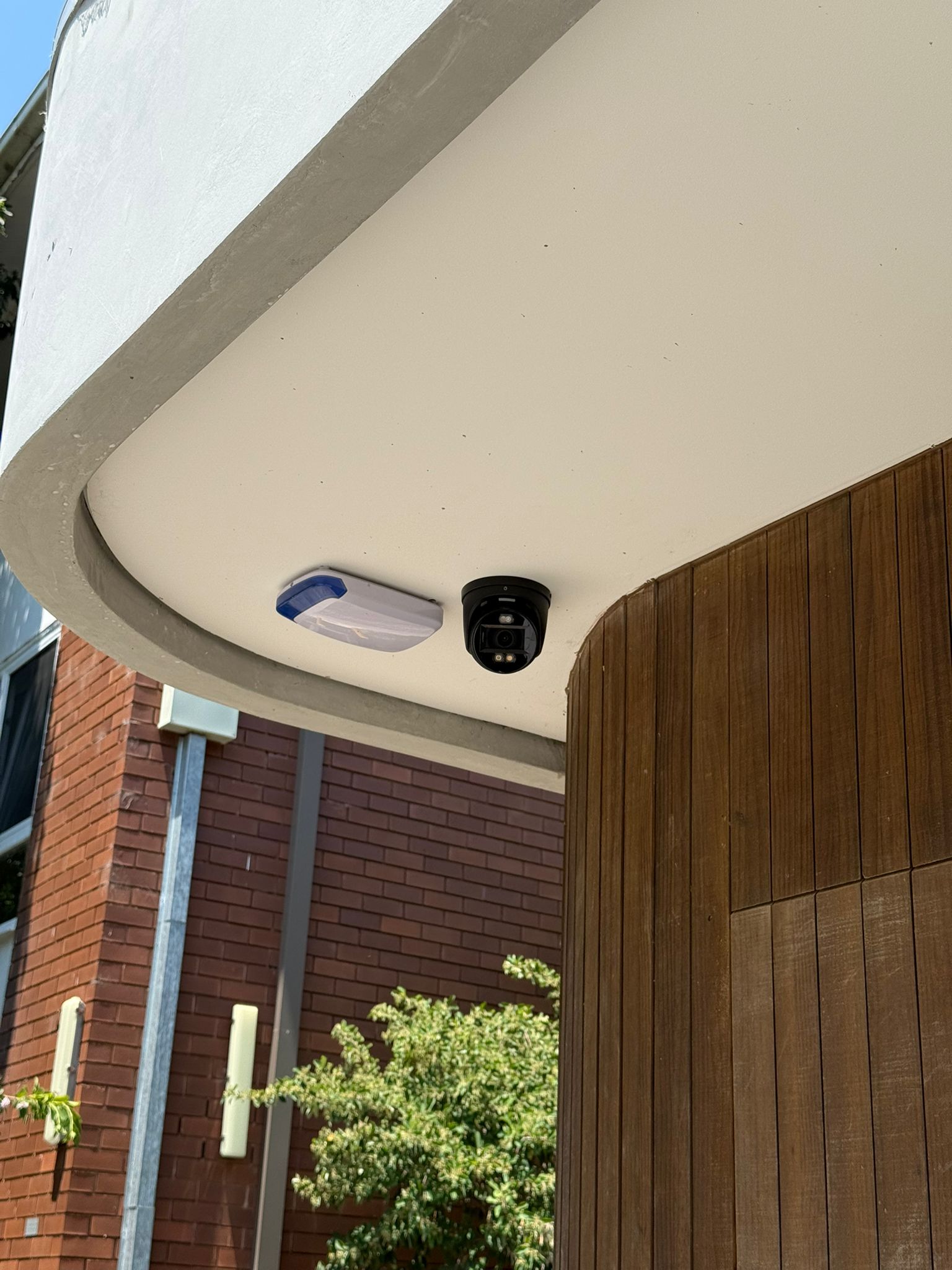
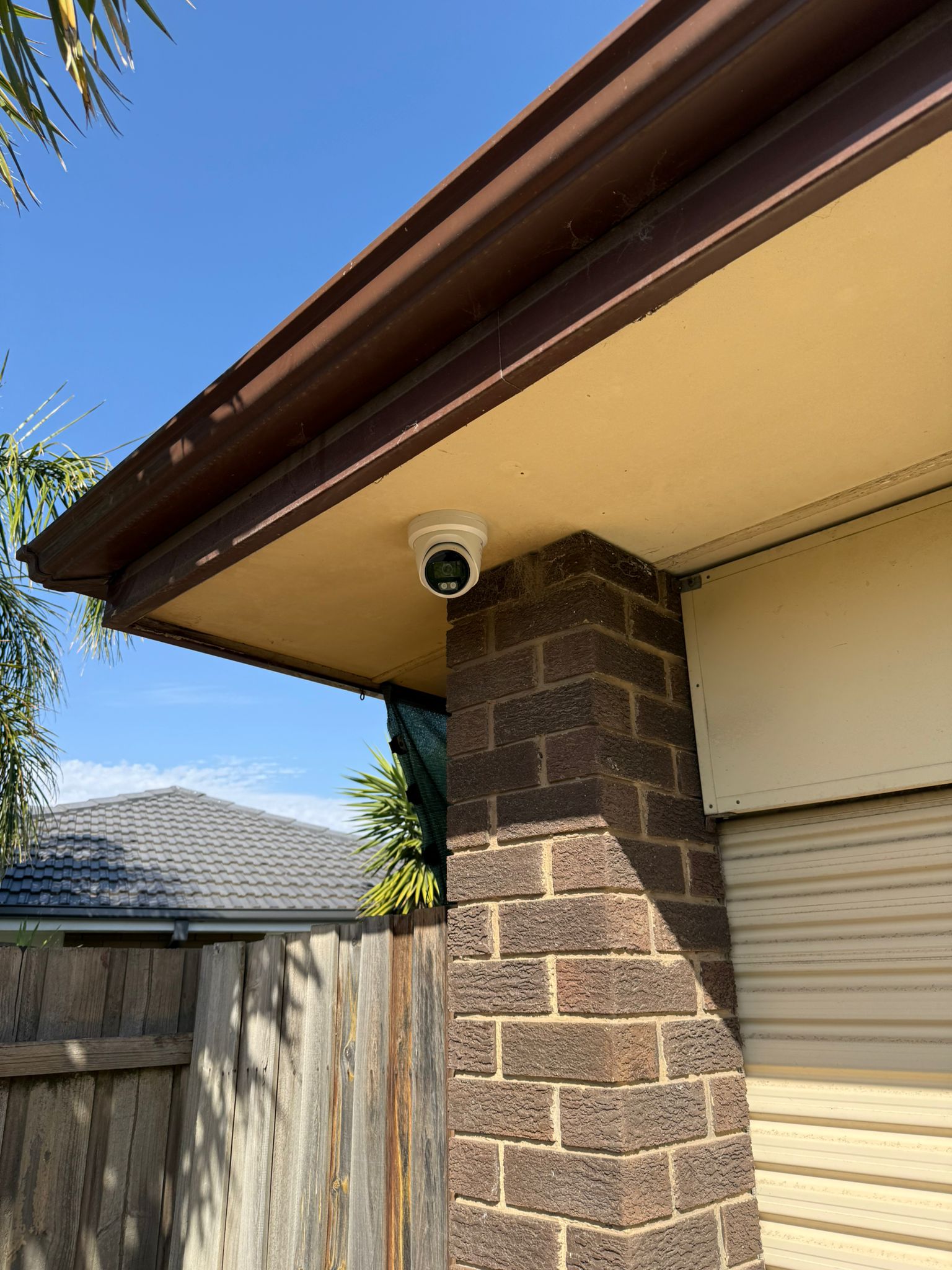
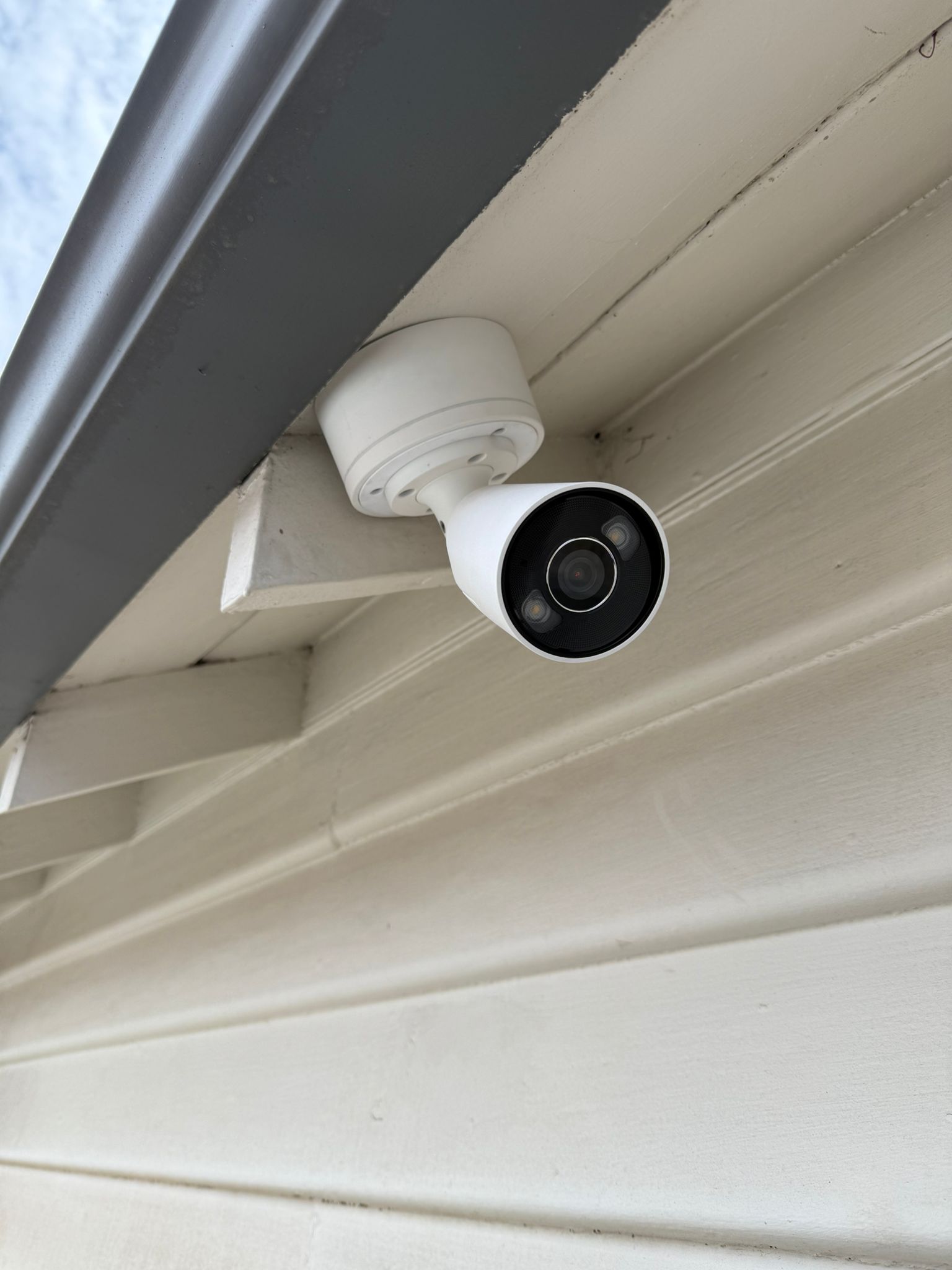
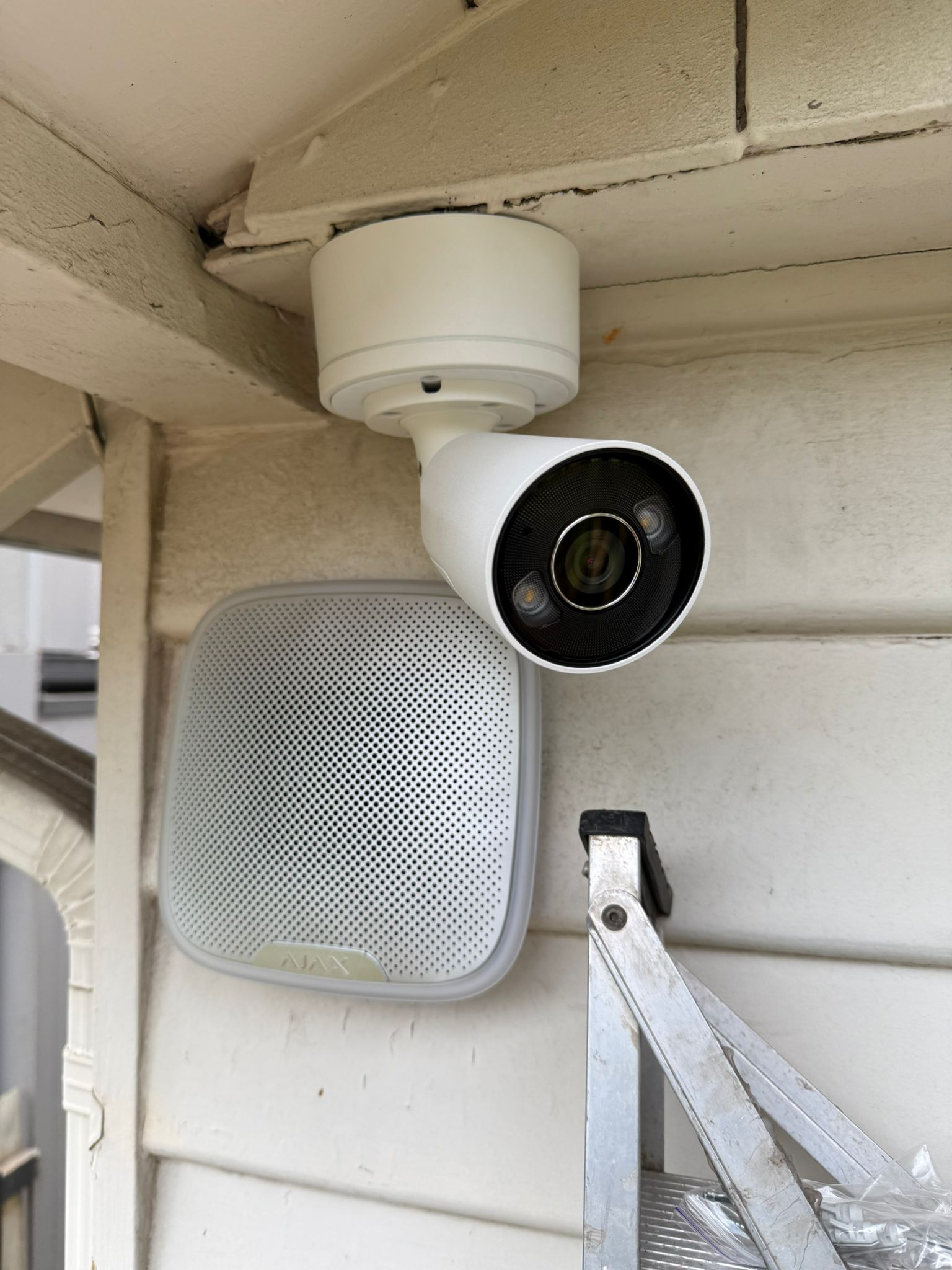
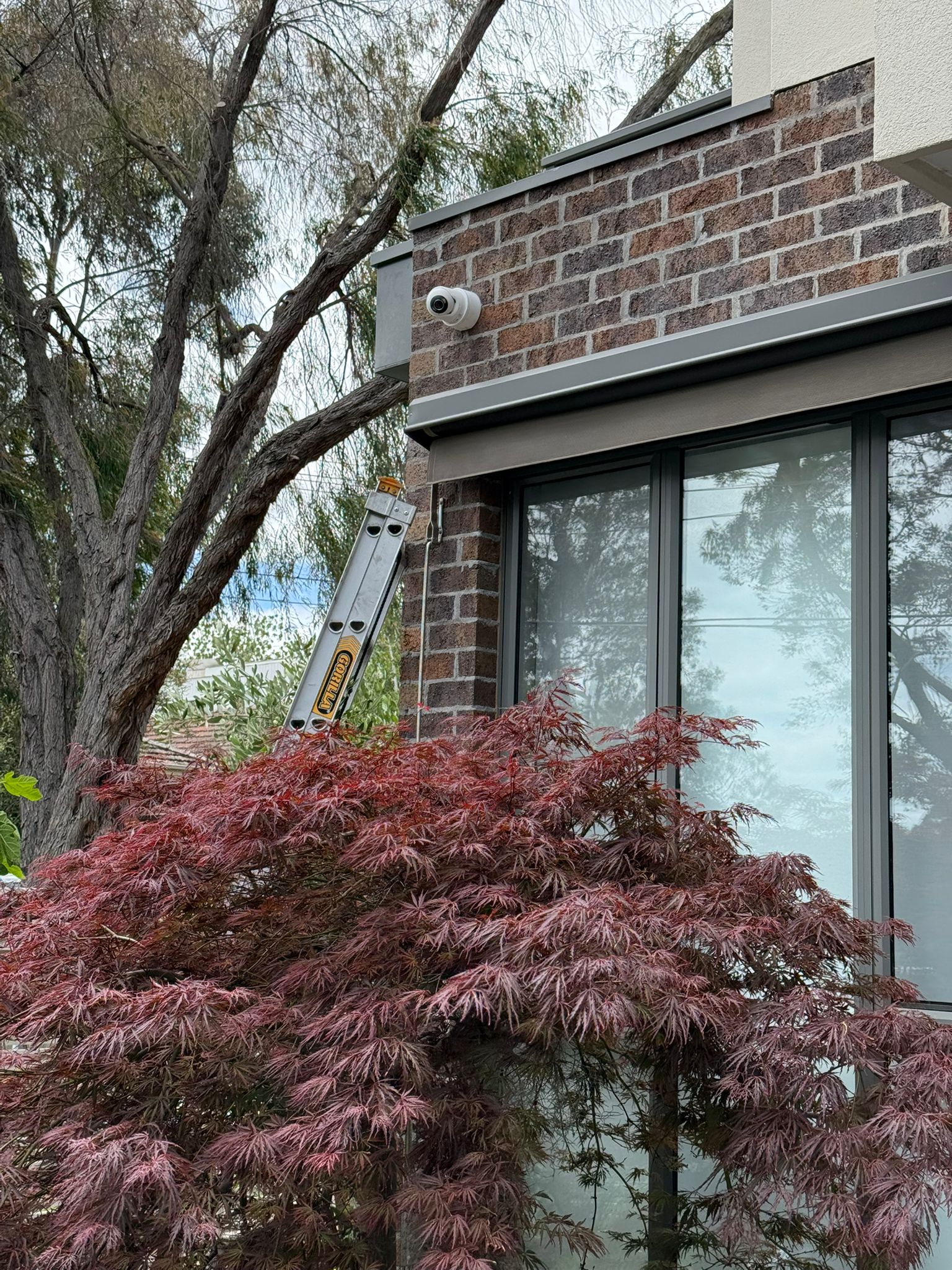
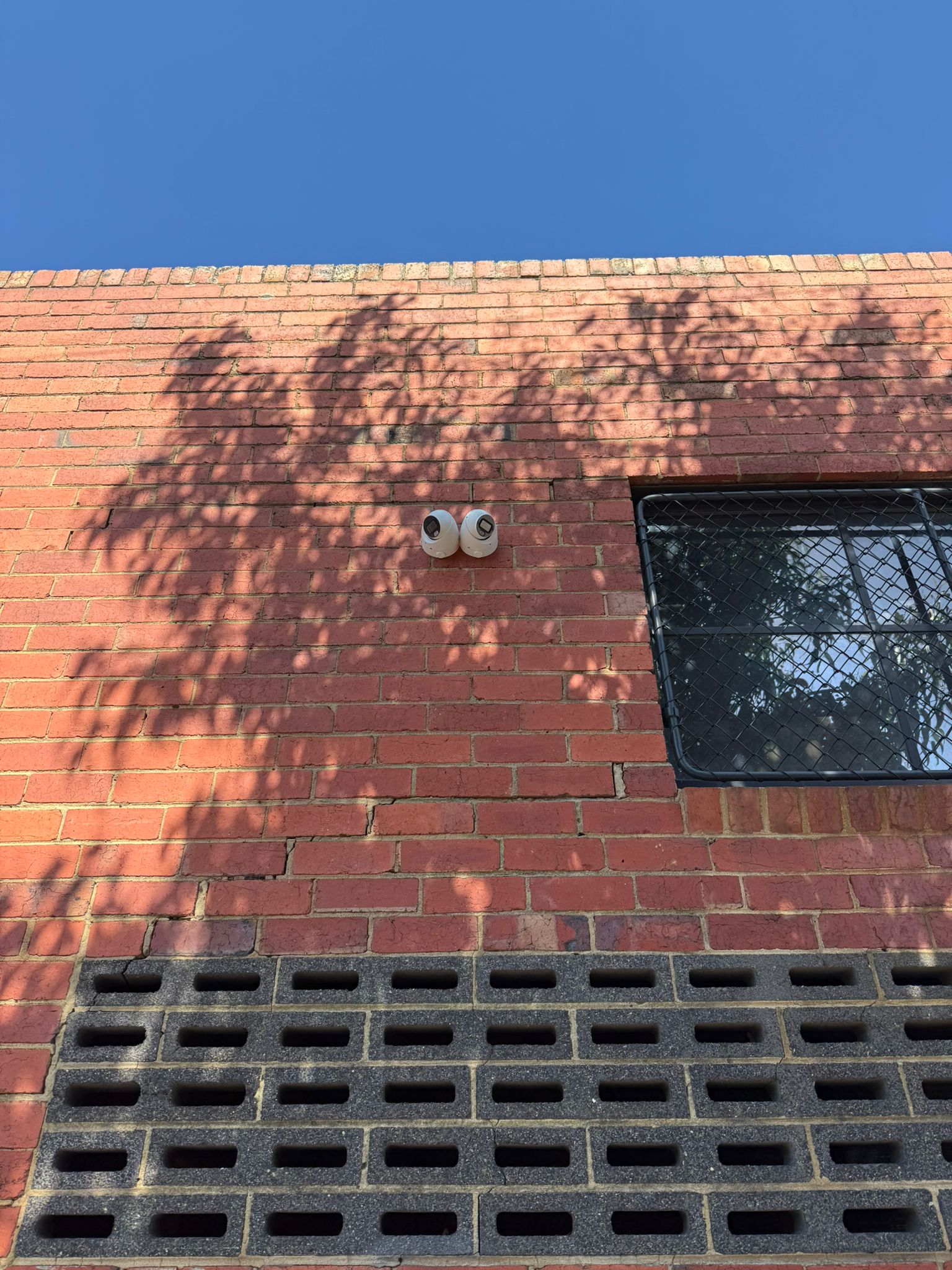
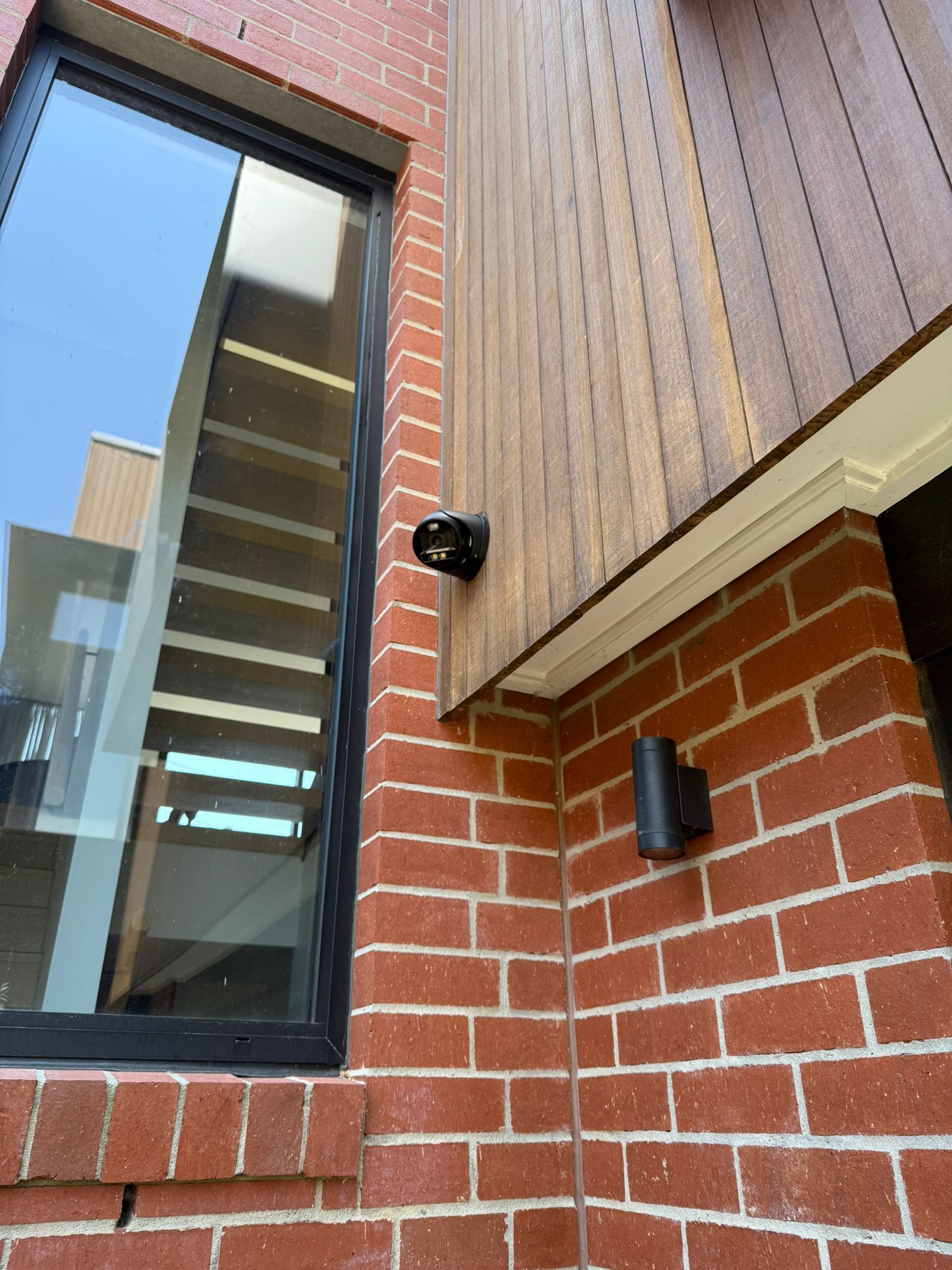
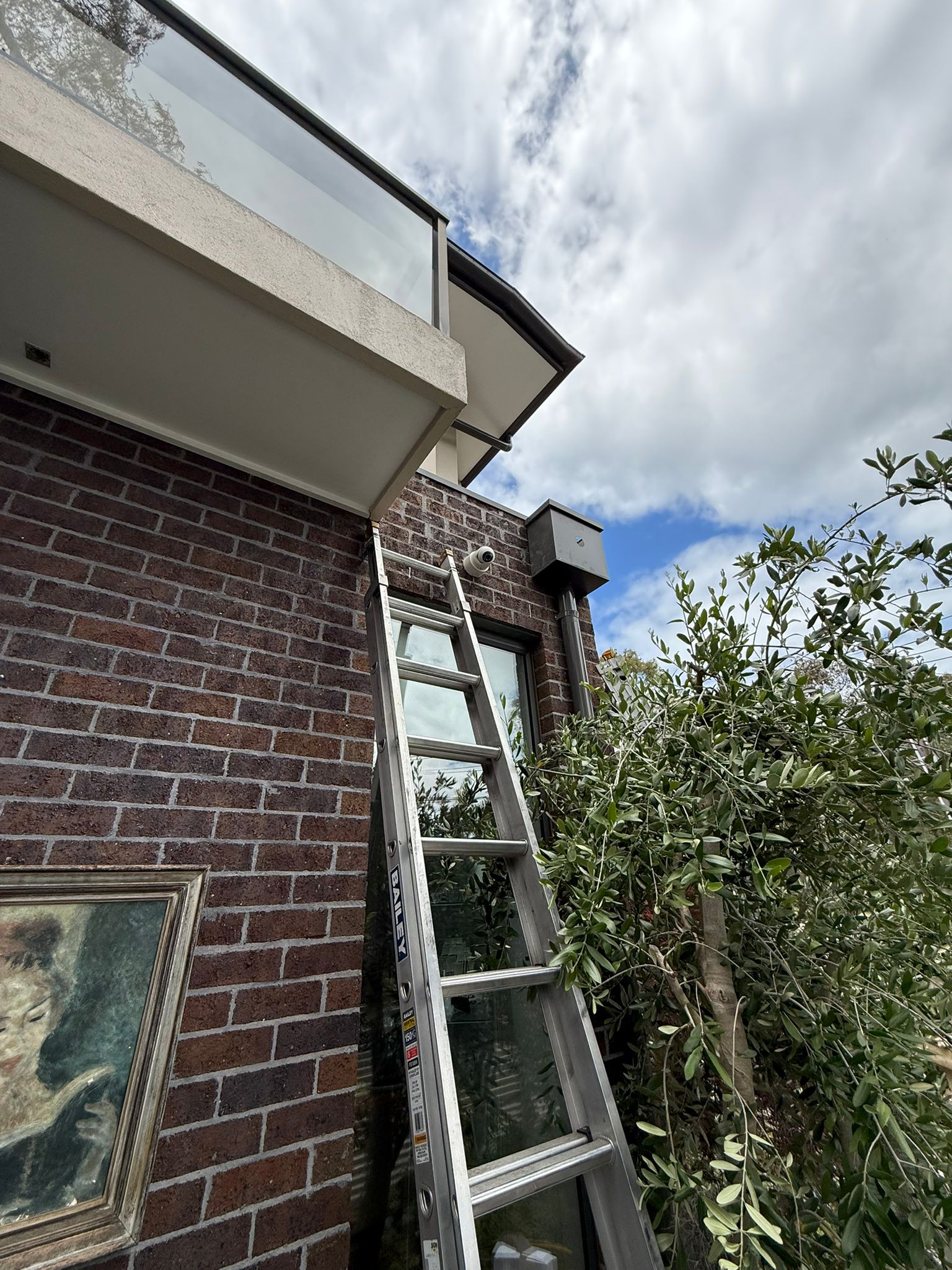
View examples of camera mounting, cabling and completed security camera installations carried out by SIPKO.
What Our Customers Say
Feedback from Melbourne residential and commercial customers who have used SIPKO for security installation, repair and system upgrades.




Areas We Serve Across Melbourne
SIPKO installs CCTV for homes and businesses across metropolitan Melbourne. A few of the areas we work in most:
CCTV and Security Camera Installation Melbourne FAQ
Answers about camera quantity, cost, remote access, apartments and licensing.
How much does security camera installation in Melbourne cost?
What’s included in a security camera system installation in Melbourne?
Are your security camera installers in Melbourne licensed and insured?
How long does CCTV installation in Melbourne take?
Can I get home security camera installation in Melbourne for an apartment or unit?
How do I choose between CCTV installers in Melbourne?
Can existing cables or cameras be reused?
Can cameras be viewed remotely?
This page describes SIPKO’s CCTV and security camera installation, recorder setup, remote viewing, fault diagnosis and system upgrade services for residential and commercial properties across Melbourne.
Cable Registration: T58117
Last reviewed: 31 August 2026
A good CCTV system isn’t just the right cameras — it’s placement, cabling, recorder capacity, storage and remote access planned as one system and tested before handover, not assembled piece by piece. If you’re considering security camera installation in Melbourne, SIPKO Security can assess your property, plan coverage that fits how it’s actually used, and prove the system works before we leave.