
Ajax CCTV Installation Melbourne
Ajax Cameras, NVR, Recording and Remote Viewing
SIPKO Security installs Ajax CCTV systems in Melbourne for homes and businesses. Standard Ajax CCTV installation starts from AUD $3,690, while Ajax Superior CCTV installation starts from AUD $7,000.
We design the camera views, Ethernet and PoE, Ajax NVR or compatible microSD recording, authorised app access and system handover around the site. Standard TurretCam, BulletCam and DomeCam Mini systems are available, as well as the higher-spec Ajax Superior HLVF range.
Ajax CCTV Installation
Ask for the camera count, recording method and any optional equipment to be specified in your written quote.
Remote Viewing
We configure authorised users for live view and playback in supported Ajax apps.
Recording and Ajax NVR
Compatible cameras can record to microSD, while Ajax NVR provides centralised recording for multi-camera systems.
Handover includes live view, playback and authorised app access.
Alarm and Video Integration
Ajax cameras and compatible alarm devices can work in the same ecosystem when you need both video and intrusion alerts.
Request an Ajax CCTV Assessment
Call 0406 432 691 or send us your CCTV requirements.
Ajax CCTV Site Assessment: What We Check
Before quoting, SIPKO checks the camera views, cable routes, PoE/network capacity and recording setup so the system is designed around the site rather than a generic camera count.
For photos of earlier Ajax security installations, see the Ajax installation photo gallery. The camera layout and equipment for your property are agreed after a site assessment.
Camera Views
Entrances, driveways, gates, garages, rear access, reception areas, stockrooms and other priority locations are reviewed before camera positions are confirmed.
Ethernet and PoE
Cable routes, suitable network equipment, PoE requirements and practical mounting locations are checked before installation.
Recording and Access
The recording method, storage requirement, remote access and authorised users are confirmed before final commissioning.
Camera Placement and CCTV Coverage Planning
Camera placement starts with the scene you need to identify: a person at an entrance, a vehicle on a driveway, a gate, reception area or stock room. Viewing distance, lighting and mounting height determine the camera position and field of view.
Homes
Residential systems commonly prioritise access points and areas where visitors, vehicles or deliveries need to be reviewed.
- Front entrance and gate
- Driveway and garage approach
- Side and rear access
Businesses
For businesses, camera positions typically cover customer access, staff routes, stock areas and external entry points.
- Reception and public entry
- Stockroom access
- Rear and service entrances
Remote Review
Authorised users can review live or recorded footage when the system is configured for remote access.
- Live camera viewing
- Recorded footage playback
- Visual context around security events
Ajax Camera Options
TurretCam, BulletCam and DomeCam Mini cover the standard Ajax camera range used on this page. SIPKO matches the camera format to the mounting point, viewing distance and lighting. For higher-spec projects, Superior TurretCam HLVF, Superior BulletCam HLVF and Superior DomeCam HLVF add motorised varifocal P-Iris optics, hybrid illumination, AI object recognition and built-in audio.
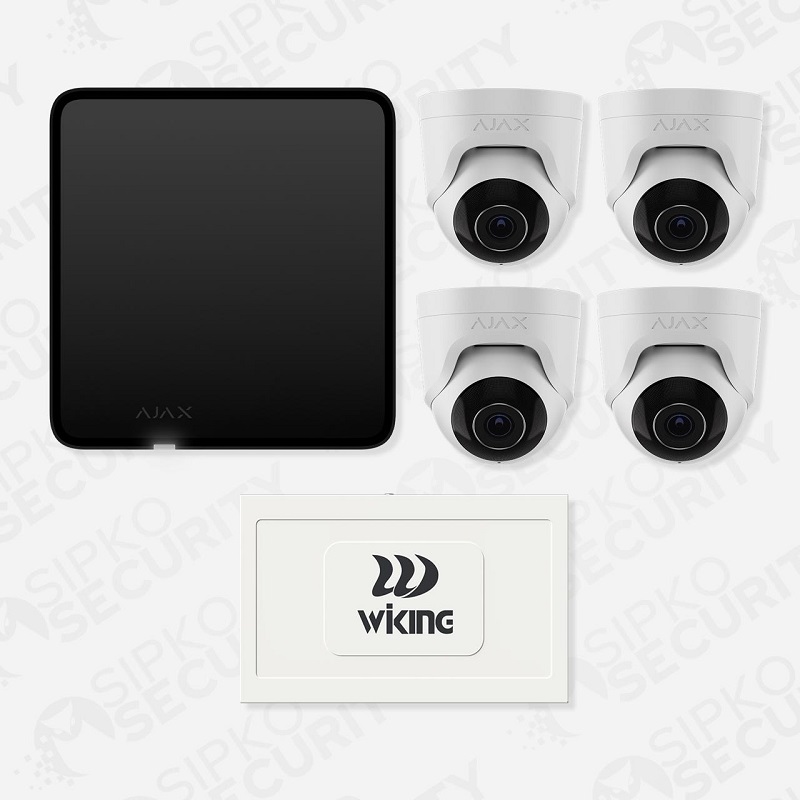
Ajax TurretCam
A compact turret camera for entrances, eaves and exterior walls where the installer needs flexible aiming without a prominent bullet-style body.
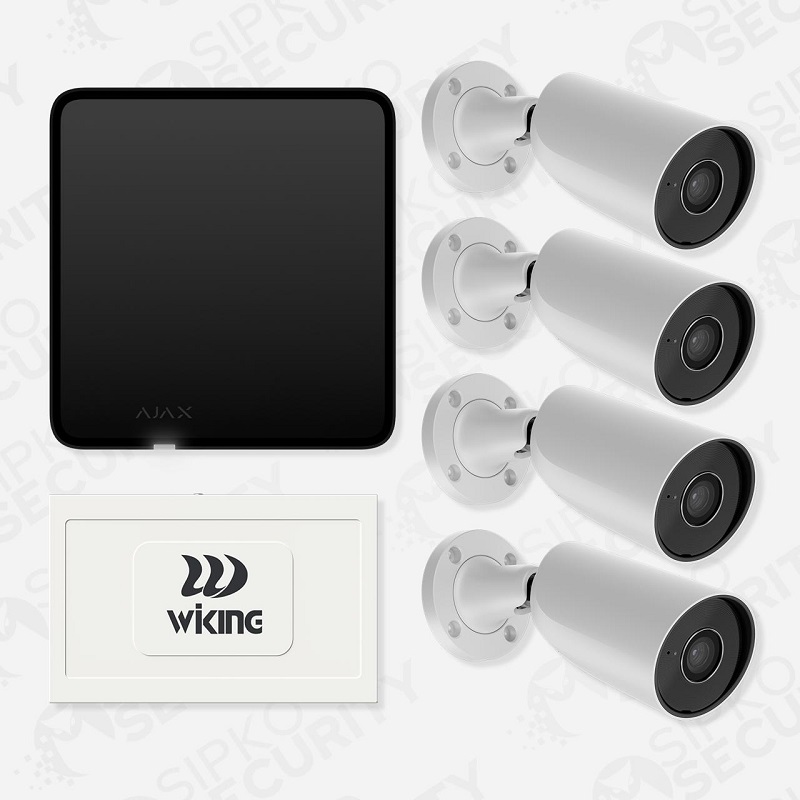
Ajax BulletCam
A directional camera suited to driveways, gates and perimeter runs where the viewing direction is clear and the camera needs to look along a defined line of sight.
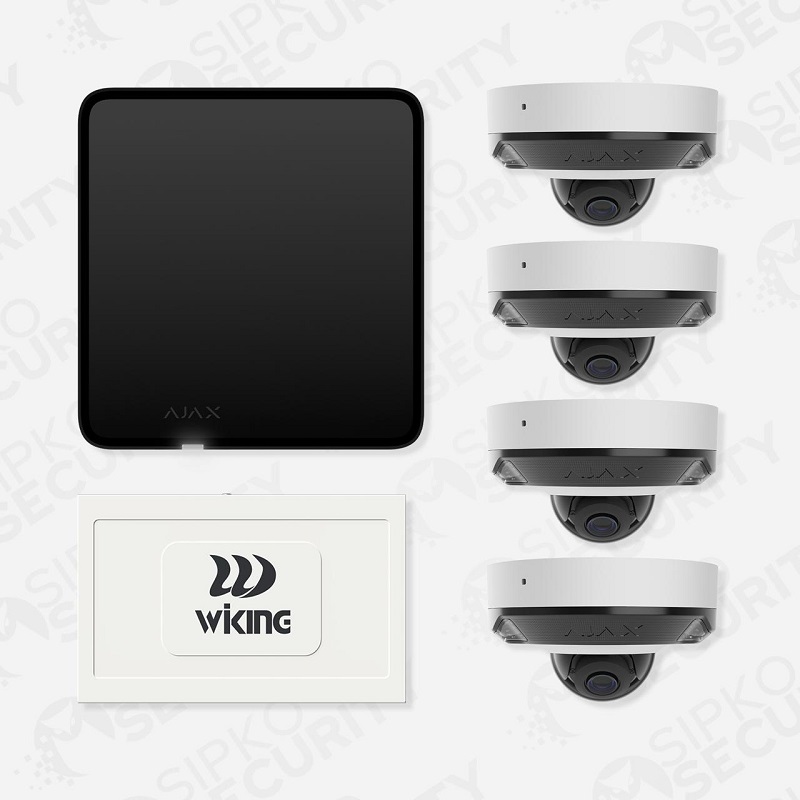
Ajax DomeCam Mini
A compact dome-style camera for entrances, reception areas and sheltered locations where a lower-profile enclosure is preferred.
Need a Higher-Spec Ajax CCTV System?
For projects requiring more advanced optics, hybrid illumination, two-way audio and a premium Ajax video setup, SIPKO can specify Superior TurretCam HLVF, Superior BulletCam HLVF or Superior DomeCam HLVF as part of a Superior CCTV installation.
Ajax Superior CCTV Installation in Melbourne
Ajax Superior is the higher-spec option for sites that need more control over framing and low-light coverage. SIPKO installs Superior TurretCam HLVF, Superior BulletCam HLVF and Superior DomeCam HLVF for residential and commercial CCTV projects in Melbourne.
Superior HLVF cameras combine motorised varifocal P-Iris optics, hybrid IR and white-light illumination, AI-powered object recognition, built-in microphones and speaker, and Ajax video integration. See the official Ajax Superior TurretCam HLVF product information.
Professional Ajax Superior CCTV design, installation, NVR setup, app configuration and system handover. Final scope and pricing are confirmed after the site assessment.
Request Ajax Superior Quote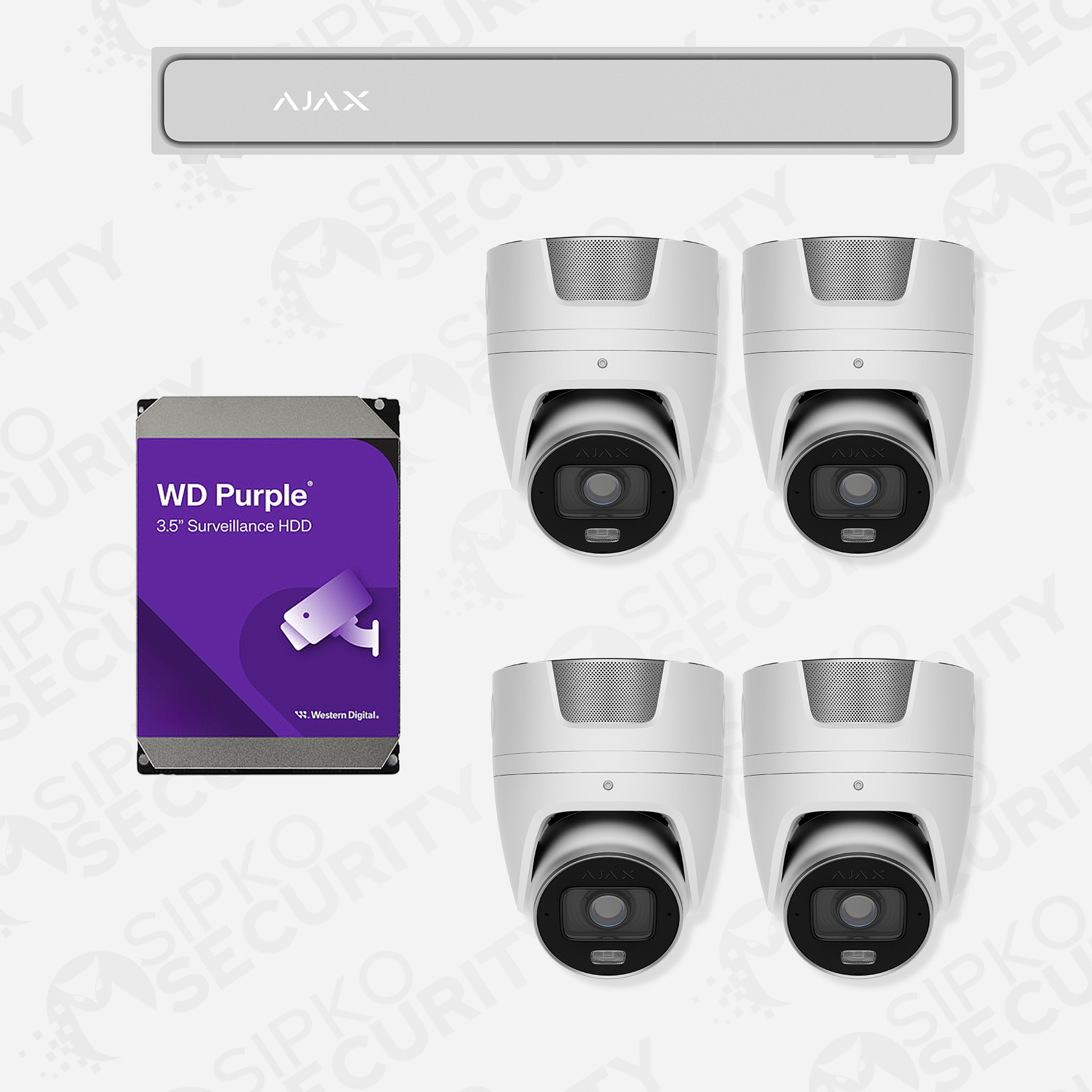
Superior TurretCam HLVF
Best suited to entrances, driveways and exterior corners where the installer needs to fine-tune the frame after mounting.
- Motorised varifocal P-Iris lens
- Hybrid IR and white-light illumination
- AI-powered object recognition
- Built-in audio
- Ajax NVR and app integration
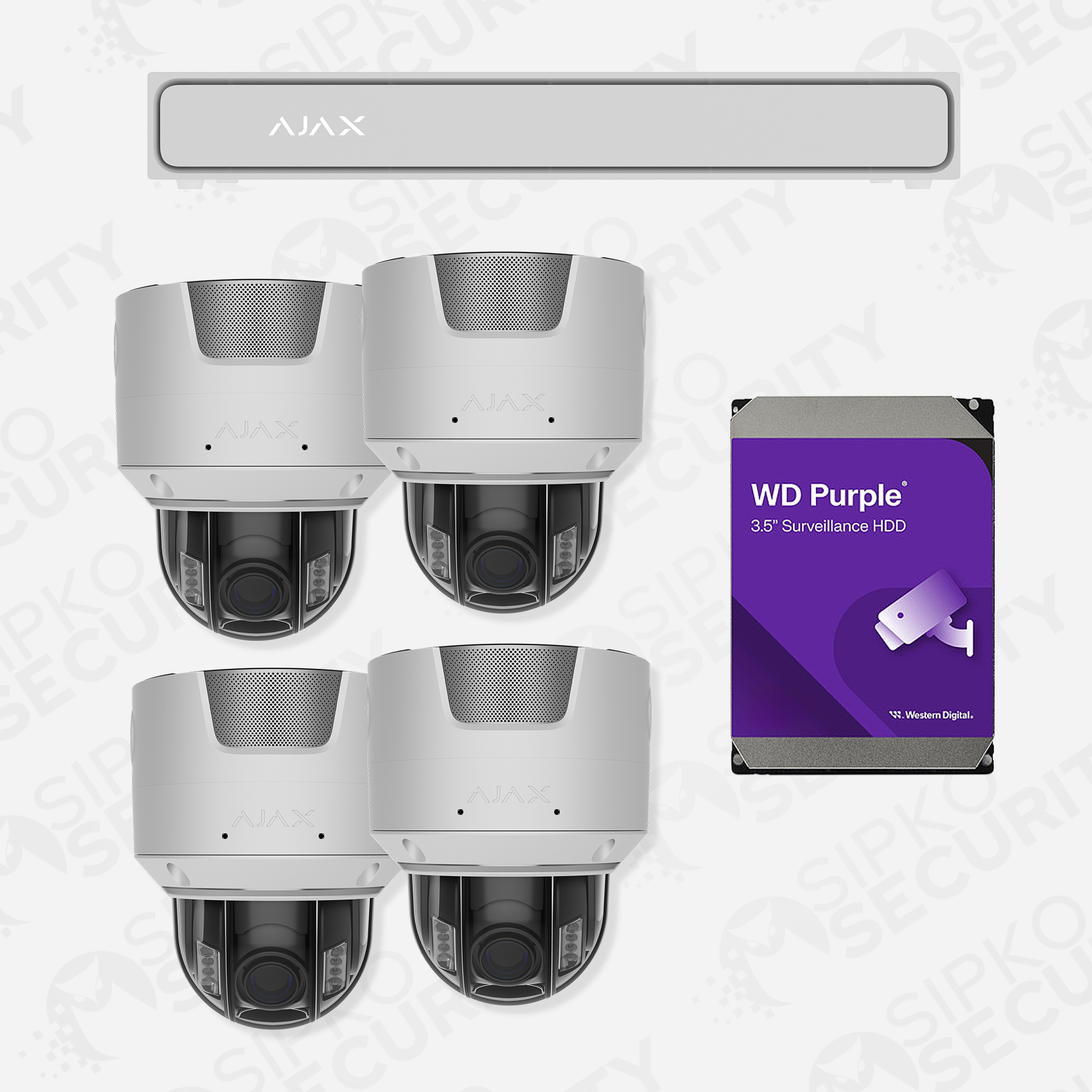
Superior DomeCam HLVF
Useful at entrances, reception areas and other locations where a compact dome form factor is preferred.
- Motorised varifocal P-Iris lens
- Hybrid illumination
- AI-powered object recognition
- Built-in audio
- Ajax NVR and app integration
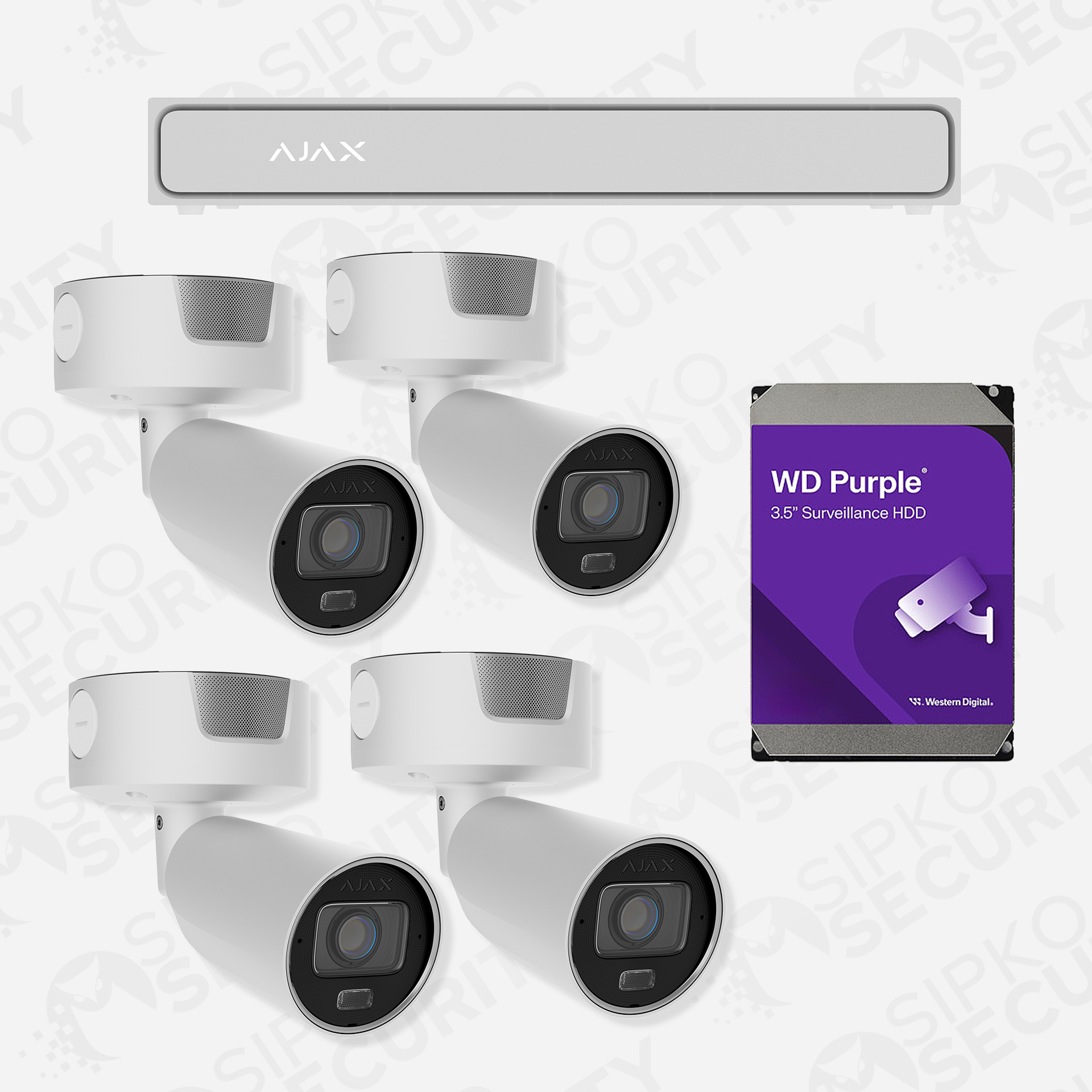
Superior BulletCam HLVF
A strong fit for gates, approaches and perimeter views where the camera points along a clearly defined line of sight.
- Motorised varifocal P-Iris lens
- Hybrid illumination
- AI-powered object recognition
- Built-in audio
- Ajax NVR and app integration
Standard Ajax CCTV vs Ajax Superior CCTV
Two camera lines for different coverage needs. Installation pricing is confirmed after a site assessment.
| Standard Ajax CCTV | Ajax Superior CCTV |
|---|---|
| From AUD $3,690 | From AUD $7,000 |
| Standard Ajax camera line | Superior HLVF line |
| Standard residential and commercial jobs | Premium and higher-spec projects |
Which Ajax CCTV Line Is Right for Your Property?
- Normal residentialStandard Ajax CCTV is a practical starting point for entrances, driveways, garages and side access where fixed camera views suit the site.
- Larger residentialPlan the number of views and recording storage first. Standard may cover general areas, while Superior HLVF is worth considering for longer or more demanding views.
- Premium/commercialConsider Superior HLVF where motorised varifocal framing, low-light performance and higher-spec optics matter. NVR capacity and retention still need separate planning.
These are starting prices, not fixed camera bundles. Check the written quote for the number and models of cameras, cabling and labour, PoE/network hardware, NVR and HDD or microSD if required, optional extras and whether GST is included. Do not assume every item is covered by the advertised starting price.
Recording, Storage and Playback
Supported Ajax cameras can record to compatible microSD cards. For centralised multi-camera recording, Ajax NVR is the cleaner option. Storage is sized around camera count, resolution, frame rate, bitrate and the footage-retention target.
Supported camera models can use compatible microSD storage where local recording suits the project.
Ajax NVR provides centralised recording for projects that use a multi-camera recorder configuration.
Camera count, resolution, frame rate, bitrate and recording behaviour determine the storage size.
Live and recorded views are checked as part of system handover.
Combining Ajax CCTV with an Ajax Alarm
Ajax CCTV and Ajax alarm devices do different jobs. Cameras provide live video and playback; alarm devices detect intrusion and trigger alerts. They can work in the same Ajax ecosystem when both are needed.
Need Cameras and Recording?
This service covers Ajax camera installation, CCTV coverage, recording, Ajax NVR and remote viewing.
View Ajax cameras and NVR →Need an Ajax Alarm as Well?
SIPKO scopes door contacts, motion detectors, sirens and other intrusion devices through the Ajax alarm installation service.
Ajax alarm system installation in Melbourne →When Ajax CCTV Is a Good Fit
Ajax CCTV is a good fit when the site already uses Ajax, needs a manageable camera count and wants straightforward app access and playback. High camera counts, specialist analytics or complex video management may be better served by a dedicated CCTV platform.
Typical Ajax CCTV Projects
- The property already uses Ajax or plans to use the Ajax ecosystem.
- The camera count and coverage fit within an Ajax video system.
- Remote viewing and straightforward playback are important.
- Ethernet can reach each camera location.
- Cameras may complement compatible Ajax alarm devices.
More Complex Video Requirements
Sites with high camera counts, specialised analytics, complex video management or demanding recording requirements may be better suited to a dedicated CCTV platform.
Ethernet, PoE and Existing Network Equipment
Existing Cat5e/Cat6 runs and PoE switches may be reusable after testing. SIPKO checks cable condition, PoE budget, switch capacity and recorder placement before relying on existing infrastructure.
Existing Ethernet
Existing cable routes are tested before we include them in the installation.
PoE and Switching
We verify PoE budget and switch capacity against the selected cameras.
Recorder Location
Recorder location is chosen around network access, cable routes and future service access.
Ajax CCTV Installation and Handover
After the coverage plan is approved, SIPKO mounts the cameras, tests the cabling, configures recording and authorised app users, then verifies live view and playback before handover.
Site Review and Design
- Confirm the areas that need video coverage.
- Review mounting positions, lighting, cabling and network access.
- Choose the Ajax camera line and model — TurretCam, BulletCam, DomeCam Mini or Superior HLVF — from the viewing distance, lighting, mounting position and field of view.
Installation and Testing
- Install cameras according to the approved coverage plan.
- Configure recording, remote access and authorised users.
- Check live views and recorded playback before handover.
What Affects Ajax CCTV Installation Cost?
Before approving an installation, check that the proposed camera views and target footage-retention period match your needs. The quote should distinguish equipment, cabling, labour and any excluded network or access work.
Camera Quantity
Camera count follows the views you need, not a generic package size.
Installation Conditions
Mounting height, cable access and site layout affect installation requirements.
Recording
Recorder and storage size follow the camera models and target retention period.
Existing Infrastructure
Existing cabling and network equipment are assessed before reuse is included in the quote.
Ajax CCTV Installation FAQ
Quick answers on Ajax CCTV installation cost, camera choices, recording, remote access and Ajax alarm integration in Melbourne.
Do you install Ajax CCTV in Melbourne?
Which Ajax cameras can SIPKO Security install?
AJAX Professional Catalogue in Melbourne.
Can Ajax cameras record without an Ajax NVR?
Can Ajax CCTV be combined with an Ajax alarm?
Ajax Alarm System Installation Melbourne.
How much does standard Ajax CCTV installation cost in Melbourne?
How much does Ajax Superior CCTV installation cost in Melbourne?
How do I request an Ajax CCTV quote?
Plan Your Ajax CCTV Installation in Melbourne
Tell SIPKO which areas you need to see and how long you want footage kept. We will scope the camera models, cable routes, PoE, NVR/storage and app access for either a standard Ajax CCTV system or Ajax Superior installation.
