
Church and Synagogue Security Systems Melbourne
SIPKO designs and installs CCTV, alarm and panic-button systems for churches, synagogues, community centres, halls and associated offices across Melbourne.
A typical system may include cameras, door contacts, motion detectors, separate alarm areas, recording, panic buttons and connection to a compatible professional monitoring service.
The proposed equipment is selected around the building, existing infrastructure and operating requirements. The design is not restricted to Ajax or any other single manufacturer. Our church security systems are planned around service times, shared halls, restricted rooms and the site’s after-hours routine.
Entry and side doors
Door contacts, cameras and suitable entry delays for public access, staff access and after-hours arming.
CCTV and alarm together
Camera views and alarm zones planned from the same assessment so alerts relate to the correct area.
Panic and duress buttons
Fixed or portable devices for reception areas, offices, event coordinators and people working alone.
Monitoring-ready setup
Alarm signals prepared for nominated contacts or a compatible monitoring provider and agreed response procedure.
Security planned around normal community use
A community building may be open to the public during a service, used by a small office team during the week and empty overnight. The alarm and CCTV design needs to work across all three conditions. When considering access control systems for churches and synagogues, distinguish door-entry permissions from alarm-user permissions and confirm what the existing door hardware can support.
Main entrances, side doors and office access can use different camera views, user permissions and alarm delays.
Offices and storage rooms can remain protected while another part of the property is still in use.
Caretakers, cleaners and administrators can have named access rather than sharing one permanent code.
Zone names, permissions and arming routines are configured so new staff can use the system correctly.
Entrances, offices, halls, storage rooms and car parks
Each part of the property needs a different combination of detection, recording and user access.
Main entry doors
Identification camera views, door contacts and suitable entry delays for services, appointments and community programmes.
Public entry and foyerSide and rear doors
Protection for doors used by staff, deliveries, kitchens, event teams or after-hours contractors.
Staff and delivery accessCar parks and approaches
Coverage for vehicle entrances, pedestrian routes, rear lanes and the paths leading back to the building.
Vehicle and pedestrian routesStorage rooms
Door contacts, motion detection or cameras where equipment, archives, supplies or valuable items are stored.
Restricted after-hours areasHalls and event spaces
Flexible coverage for regular services, classes, functions, meetings and higher-attendance event days.
Regular and event-day useOffices and reception
Alarm zones, reception camera views and panic buttons for administrators, clergy, volunteers and lone workers.
Staff and visitor contact pointsCameras and alarm detection working from the same plan
CCTV shows what is happening in an area. The alarm detects a configured event and reports it. Planning both together provides better information for staff or a monitoring provider. A security camera setup for synagogues is planned around entrances, approach routes and shared spaces, with access to recordings limited to authorised users.
Entrance identification views
Cameras are positioned for useful facial and clothing detail, not only a distant overview of the entrance.
Day and night checks
Camera views are reviewed for backlighting, shadows, glare and low-light conditions around entrances and car parks.
Relevant alarm zones
Door contacts, motion detectors and other suitable sensors are assigned to clearly named areas.
Recording and retention
Storage is calculated from camera count, resolution, recording mode and the required retention period.
Security arrangements for services and larger gatherings
Higher attendance changes how entrances, halls, car parks and restricted rooms are used. Event-day settings should be prepared before visitors arrive.
Confirm the doors in use
Identify the public entrance, staff doors, delivery access and exits that must remain secure from outside.
Review car park coverage
Check whether overflow parking or changed pedestrian routes affect existing camera views.
Assign temporary access
Give coordinators the access they need without sharing permanent administrator credentials.
Nominate alert contacts
Confirm who receives alarm or panic-button alerts and who is responsible for responding.
Protect restricted rooms
Offices, archives and storage rooms can remain armed while public areas are open.
Complete the closing procedure
Check side doors, remove temporary access and arm the required areas after the event.
Storage rooms, archives and valuable items
Ceremonial items, records, audiovisual equipment, tools and supplies may need protection beyond the external building alarm.
Archives and documents
Door contacts and internal detection for rooms containing historical or administrative records.
Equipment storage
Protection for sound equipment, computers, tools, furniture and event supplies.
Cabinets and displays
Selected cabinets may use contacts, vibration detection or dedicated camera coverage where appropriate.
Corridors, classrooms, halls and courtyards
CCTV can support supervision and incident review in common areas, but it does not replace safeguarding procedures, training or suitable staff supervision.
Corridor sightlines
Review corners, stair entries and routes between halls, classrooms and external areas.
Classrooms and activity rooms
Wide room views can cover entrances and activity zones while respecting areas where privacy is expected.
Courtyards and outdoor areas
Cameras can cover gates, pathways and external programme areas included in the agreed scope.
Panic and duress buttons for staff and volunteers
Panic devices can provide a discreet way to send an alert from reception, offices, halls or car parks. The destination depends on the system configuration and any monitoring service in place.
Fixed panic buttons
Suitable for reception desks, offices, meeting rooms or known staff positions.
Portable panic devices
Suitable for event coordinators, clergy, caretakers or volunteers moving between different areas.
Documented alert routing
The setup confirms who receives the signal and what action is expected after activation.
From the walkthrough to staff handover
The quotation can be prepared for direct approval, staged work or a grant application. Equipment, labour and covered areas are listed clearly.
Property walkthrough
Review doors, car parks, halls, offices, storage rooms, network availability and existing equipment.
Coverage and response design
Define camera views, alarm areas, panic-button positions, users and alert recipients.
Itemised quotation
Separate essential work, additions, optional upgrades and monitoring-related requirements.
Installation and testing
Install, label and test cameras, detectors, alarm areas, permissions and alert routing.
Staff handover
Explain daily arming, event-day access, panic devices, recordings and alert handling.

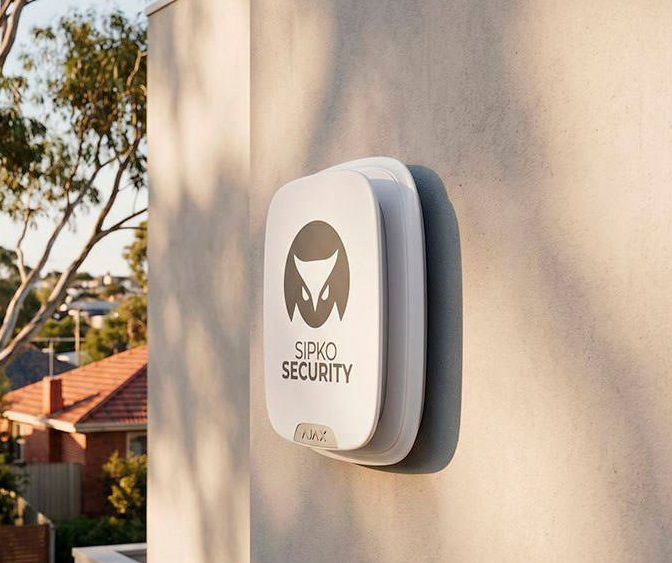
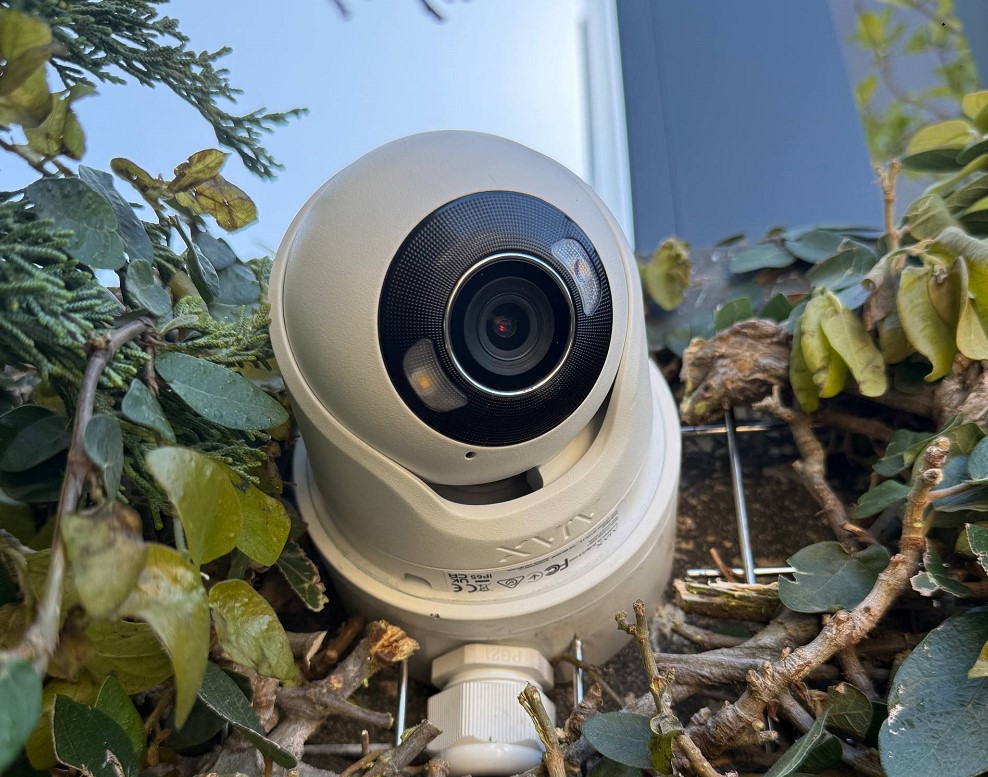
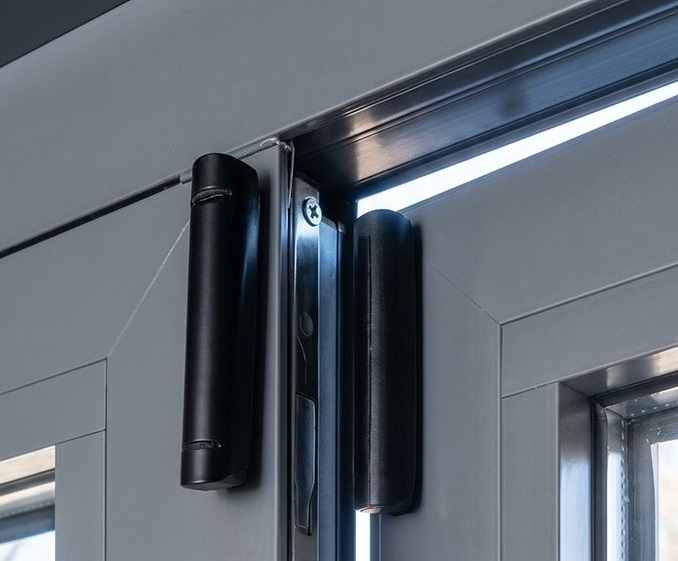
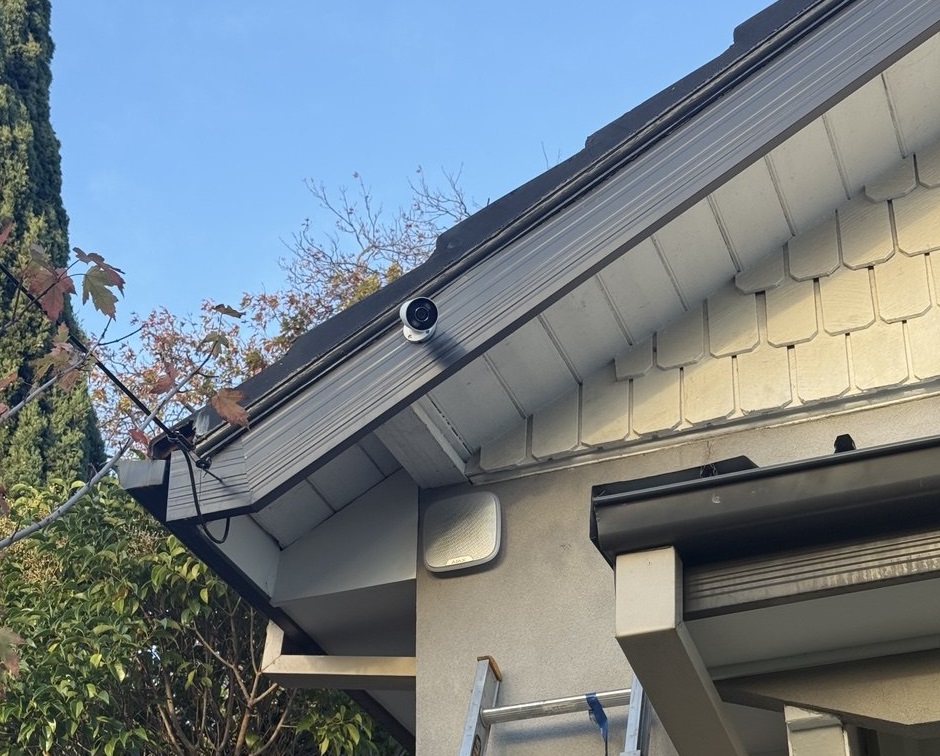
Security systems installed by SIPKO in Melbourne
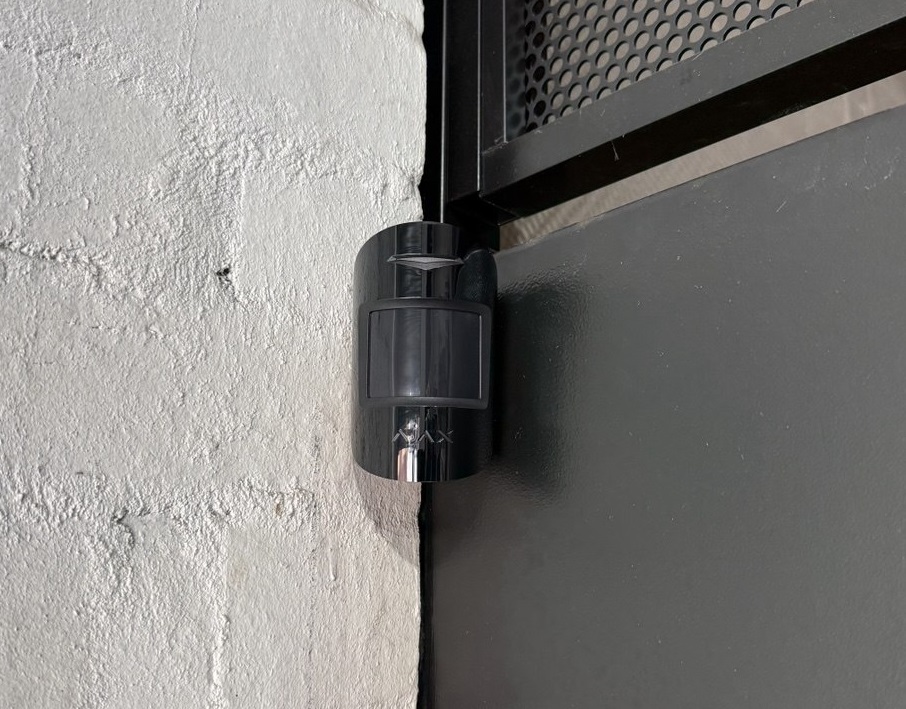
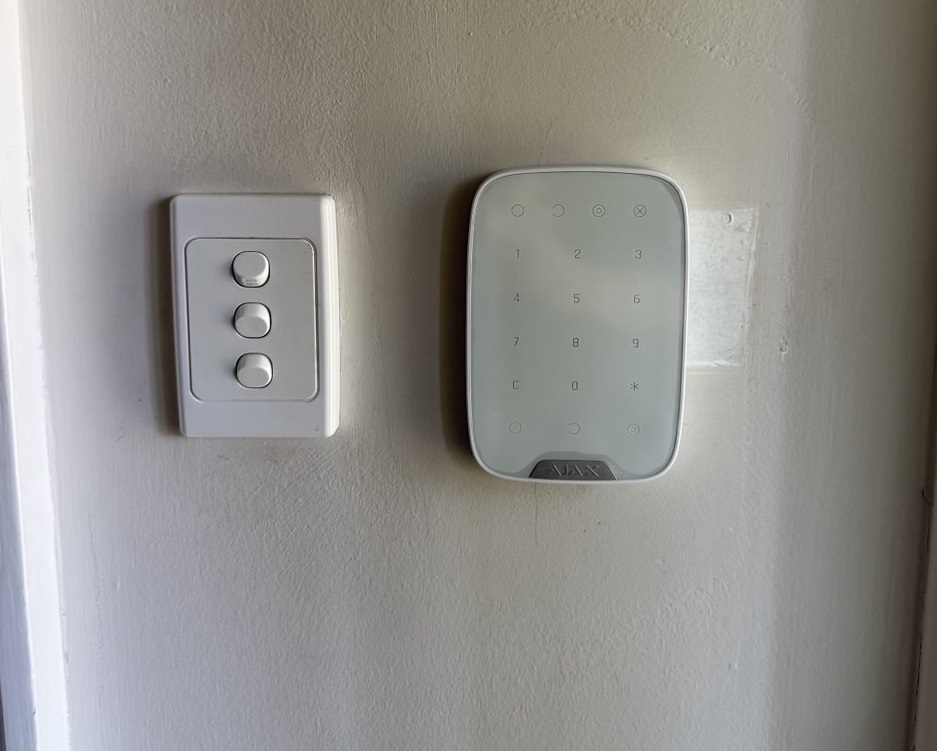
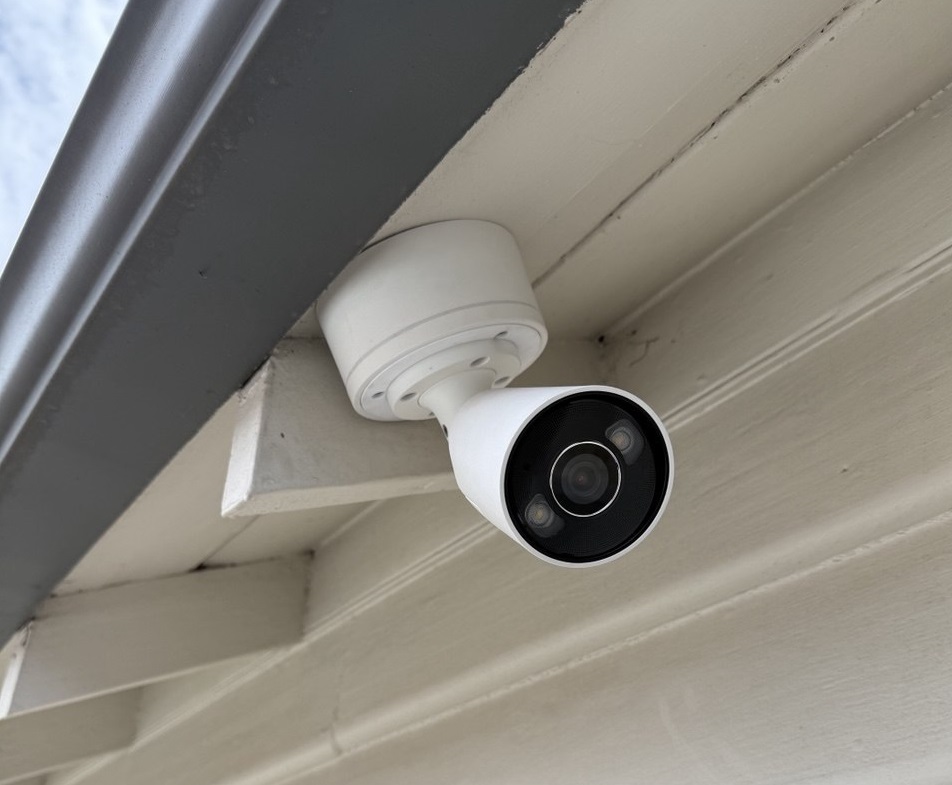
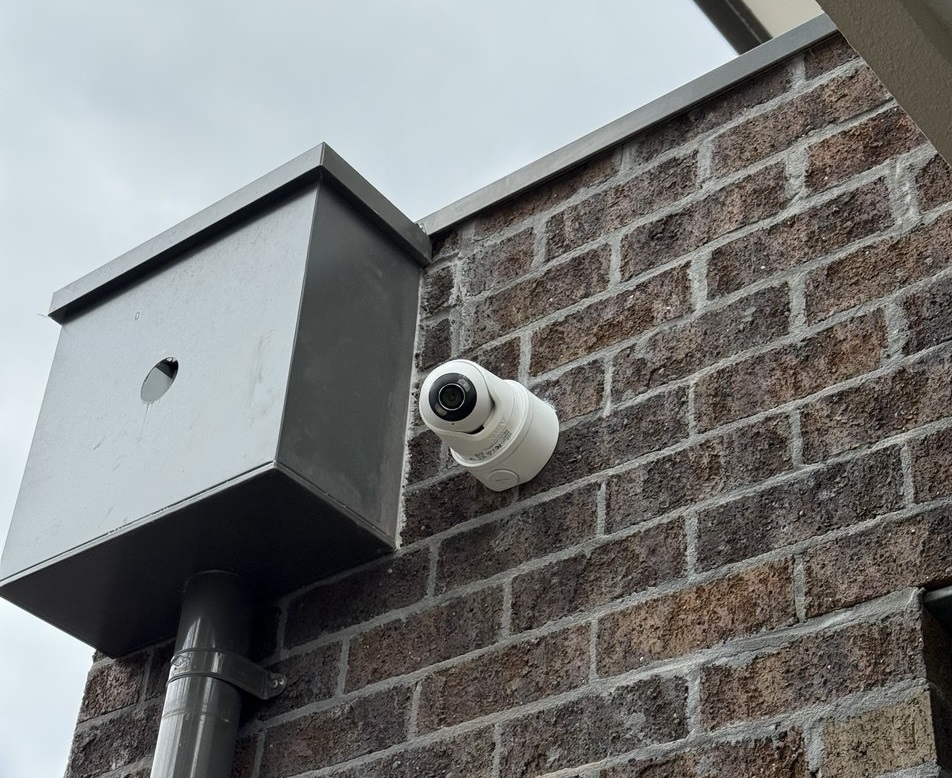
Examples of alarm, camera and smart security work completed by the SIPKO team.
What Our Clients Say
Recent Google reviews from SIPKO Security customers across Melbourne.




Church and synagogue security FAQs
Answers about CCTV, alarm areas, panic buttons, professional monitoring, existing equipment and grant quotations.
Can CCTV and the alarm system be designed together?
Yes. Camera views, alarm zones, users and notification paths can be planned during the same assessment. Integration depends on the selected equipment and whether video verification or monitoring is required.
Can side doors and storage rooms remain armed separately?
Often yes. A suitable alarm can divide the building into separate areas so offices or storage rooms remain armed while a hall or foyer is still in use.
Where should panic or duress buttons be installed?
Common positions include reception desks, offices, meeting rooms and event coordination points. Portable devices can suit staff moving between halls, entrances and car parks.
Does a panic button automatically contact police?
Not by default. The destination depends on the alarm configuration, nominated contacts and monitoring service. Routing is confirmed and tested during commissioning.
Can existing cameras or alarm equipment be retained?
Yes, where the existing equipment remains reliable, suitable for the required coverage and compatible with the proposed work.
Can SIPKO provide a quote for a grant application?
Yes. SIPKO can provide an itemised quotation describing the proposed equipment, installation work and areas included in the project.
Professional installation with a clean finish
Camera, alarm and panic-button positions are selected around the building layout and normal use of the property.
Plan security around your building and community
Arrange an assessment for a church, synagogue, community centre, hall, school office or associated property in Melbourne.
