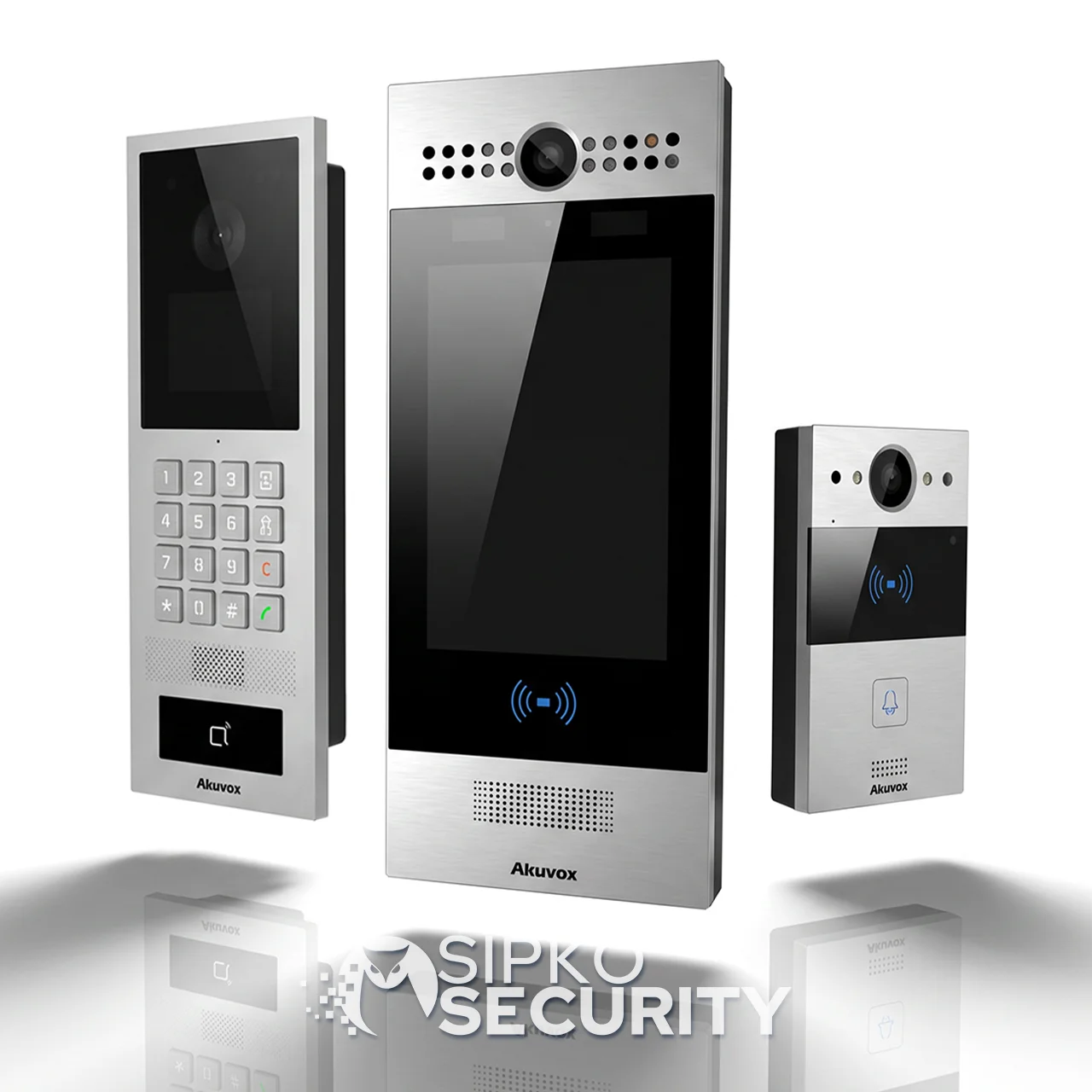
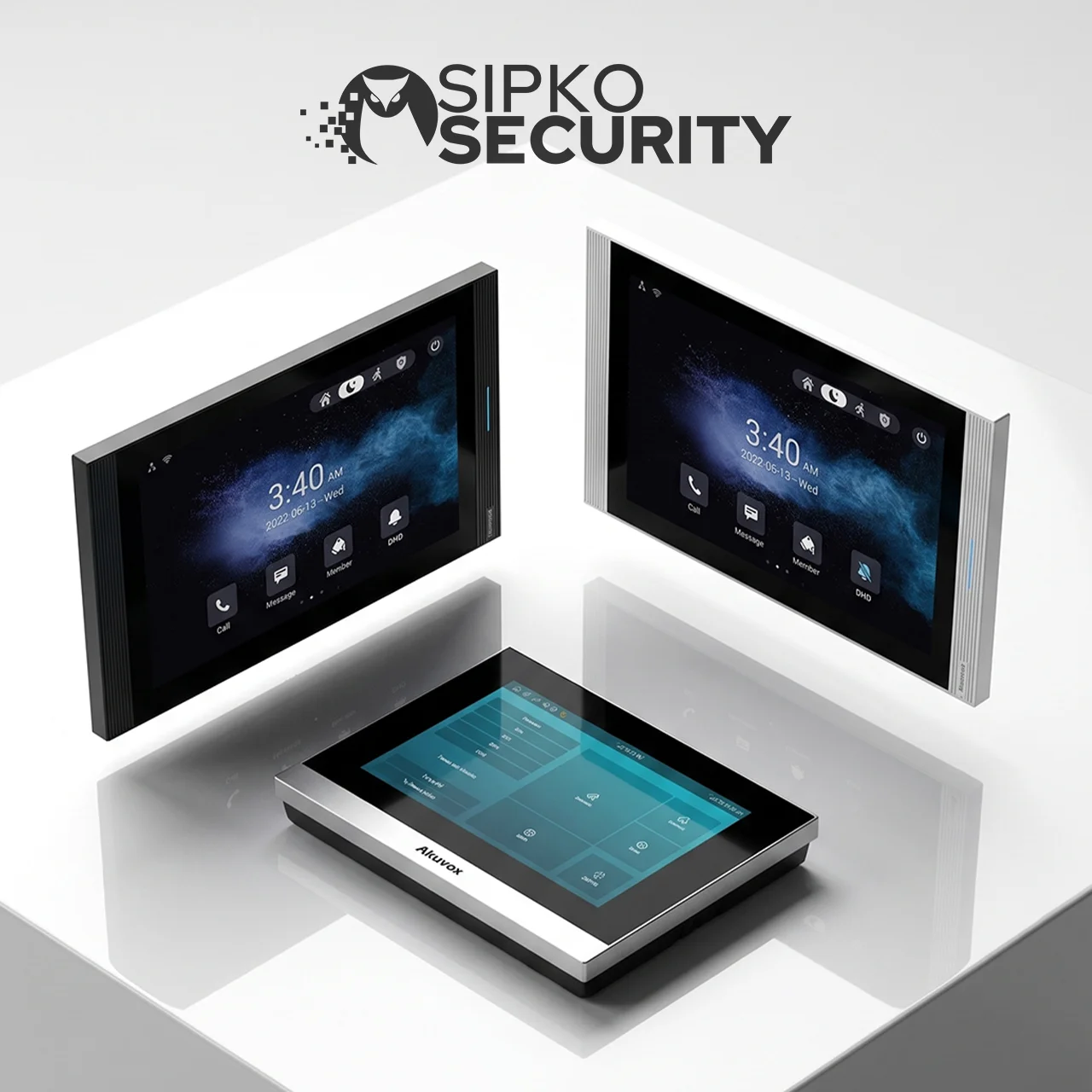
Residential Video Intercom Installation in Melbourne
Hikvision Residential Video Intercom Installation in Melbourne
Enhance Your Home Security with a Hikvision Smart Video Intercom System
See who’s at the door in crisp 1080p. Control gates and electric strikes. Manage family, guests, and tradies safely — with a Hikvision DS-KV or DS-KD series video intercom professionally installed in Melbourne by SIPKO Security.
Who it’s for
Instead of “hoping it’s a delivery” or opening the door blindly, you get a simple Hikvision-powered visitor workflow: the outdoor DS-KV station rings your indoor monitor or Hik-Connect app, you verify on 1080p video, then unlock only when you choose. Ideal for everyday deliveries, after-school arrivals, and scheduled trades.
Answer from inside or remotely via Hik-Connect
Talk to visitors on your Hikvision indoor monitor (DS-KH series) or the Hik-Connect app — handle missed calls and respond when you’re busy, without running to the door.
Safe access for family, guests & tradies
Hikvision’s “verify then unlock” relay output gives you a controlled entry flow for day-to-day life — not just a door chime.
Works with gates and door locks
Hikvision DS-KV stations include a built-in relay output — add secure electric strike or gate motor control for front doors and driveways without extra hardware.
Built for real homes (and strata)
Hikvision’s DS-KV8213 (2-button) and DS-KD modular lobby panels support multi-user setups, indoor screens, and a cleaner experience than “doorbell-only” solutions.
2-wire or IP/PoE — Hikvision supports both
Hikvision DS-KV series runs on 2-wire for retrofits with minimal disruption, or IP/PoE for new builds and structured cabling — we choose the right path for your property.
Get a Free Hikvision Intercom Quote
Call +61 406 432 691 or complete the form and we will contact you.
Recommended Hikvision intercom setups by property type
Choose the right Hikvision DS-KV or DS-KD configuration based on how people actually enter your property — front doors, gates, shared lobbies, driveways, and resident access methods.
Houses — Single Home
Houses
Single home entry setup
- Front door
- Side gate
- Driveway — pedestrian or vehicle access
- Hikvision DS-KV8113 outdoor station + DS-KH indoor monitor + Hik-Connect mobile app
- Built-in relay output for electric strike or gate motor — no extra controller needed
- 1080p wide-angle camera with IR night vision for after-dark identification
Families, deliveries, and remote answering when you’re away or busy at home.
Installing a doorbell-only solution first — then discovering there’s no clean path to integrate a lock, gate, or garage access later.
Townhouses, Duplexes & Small Unit Blocks
Shared access, multiple residents, and regular courier flow — visitors need to reach the right person quickly, without buzzing every unit.
Two approaches depending on your layout
- Multi-unit outdoor panel — when multiple residences share a single entry point
- 1–2 door stations + multiple users — when entries are split (front door + gate)
- Each resident gets their own call button and indoor monitor or mobile app
- Visitors reach the right unit directly — no shared screen, no confusion
Shared access + multiple residents + courier flow — visitors should reach the right person quickly, without “buzzing every unit”.
Each unit has its own call button on the outdoor panel. Visitors select the right resident — no shared screen, no accidental buzzing of neighbours.
Each resident unlocks only their own door or gate — no one else can release your entry. Works with electric strikes and gate relays.
Residents can answer from an indoor screen or the mobile app — useful when working from home or away during a delivery window.
CCTV at the driveway + gate control so you can confirm vehicles and manage access at the boundary before anyone reaches the front door.
Apartments & Strata
Visitor routing, building manager needs, and access logging — security that stays simple for residents while giving management full visibility.
Lobby panel with full resident directory
- Lobby panel + resident directory for clear unit routing
- Fobs, cards, or PIN access for residents — no keys to lose
- Door strike + gate relay where applicable
- Building manager access to logs and remote unlock
- Each resident answers and unlocks independently via monitor or app
Visitor routing + building manager needs + logging — access should be secure while staying simple for residents.
Visitors select a unit from the directory — calls go directly to that resident’s monitor or phone. No shared screens, no confusion at the entrance.
Residents enter without calling — fob, card, or PIN at the lobby door. Credentials can be added or revoked instantly without changing locks.
Every entry event is timestamped and stored. Building managers can review who accessed the lobby and when — useful for incidents and compliance.
Replacing an outdated panel without a downtime plan. A proper upgrade keeps entries working while hardware is swapped — with resident communication and staged cutover when needed.
Book a site visit and we’ll recommend the right Hikvision DS-KV or DS-KD model for your property.
We assess your entry points, existing wiring, and access workflow on-site — then give you a clear Hikvision recommendation with a fixed quote before any work begins.
Hikvision video intercom vs smart doorbell: what’s the real difference?
A smart doorbell is mainly alerts. A Hikvision video intercom is a complete entry system — dedicated wiring, DS-KH indoor screens, multi-user Hik-Connect app, and proper electric strike / gate relay control built in.
Video Intercom — Melbourne Install
Good for basic alerts. Not designed for multi-user, multi-entry, or lock/gate control.
A proper entry system — dedicated wiring, 1080p DS-KV station, DS-KH monitor, Hik-Connect app, and built-in relay for strikes and gates.
Hikvision wiring options: 2-wire vs IP/PoE — how to choose
Hikvision DS-KV series supports both wiring methods. The right path depends on your property type, existing cable runs, and how much you want to expand later.
IP / PoE
Hikvision DS-KV series on IP/PoE — ideal for new builds or structured cabling. A single Cat5e/6 cable carries power and data to the outdoor station, supports longer runs, and scales to DS-KD lobby systems and additional Hikvision cameras.
2-Wire
Hikvision DS-KV series on 2-wire — perfect for retrofits. Runs on a simple two-conductor cable, reusing existing paths where possible. Ideal when disruption needs to be kept to a minimum in established Melbourne homes.
Pulling IP in older homes without a plan can mean extra patching and messy routes. A quick check of your entry and switchboard prevents rework before it starts.
We’ll confirm the best wiring path for your property — no obligation.
Wiring Assessment — Melbourne
The Hikvision Intercom Installation Process — Step by Step
No surprises on the day. Here’s exactly what happens from first contact to a fully working Hikvision system.
Single-entry residential jobs are typically done start to finish in a single visit.
All cable runs are concealed or conduit-run. We leave the site clean and tidy.
You leave knowing how to use every feature — app, monitor, unlock, and user management.
How Your Hikvision Residential Video Intercom System Works
A Hikvision intercom works best as a secure routine: the DS-KV outdoor station rings, you verify on 1080p video, then unlock via the DS-KH monitor or Hik-Connect app. Here are the safety scenarios we configure.
Temporary access, then auto-revert. Ideal for deliveries and cleaners.
Access allowed only on set days and hours — no “always-on” entry.
Notify → verify on video → unlock with confirmation.
Disable that user’s mobile key and re-issue access quickly.
Event history for rings and unlock actions (where supported).
Hik-Connect PIN / fobs / mobile keys
Match Hikvision access credentials to the site — shared lobby entries vs private doors. Mix and match PIN, fob, card, and Hik-Connect mobile key per user and location.
We’ll walk you through the right Hikvision DS-KV or DS-KD configuration, access methods, and Hik-Connect setup for your property.
Contact usPricing factors for a Hikvision DS-KV / DS-KD intercom install
Most Hikvision intercom installs in Melbourne start from $1,250 + GST. The final quote depends on the model series, site layout, wiring method, and access workflow.
House vs strata / shared entry — complexity and scope differ significantly.
Door, gate, garage — each additional point adds hardware and wiring.
Retrofit vs new build — existing cable paths can reduce or increase labour.
Number of indoor screens and user profiles configured.
Electric strike, maglock, or gate motor relay — each has its own requirements.
PoE needs, cable lengths, and stable LAN availability on site.
Mobile, PIN, fobs / cards — and the number of permission profiles required.
Neat mounting or conduit runs if required by the site.
Hikvision DS-KV8113 door station + DS-KH indoor monitor + Hik-Connect app + electric strike unlocking.
Hikvision DS-KV8213 (2-button) + gate station + multi-user Hik-Connect + practical courier/visitor workflow.
Hikvision DS-KD modular lobby panel + resident directory + fobs/PIN + gate + shared doors (admin handover included).
Hikvision Video Intercom Technology — What You’re Getting
Hikvision — Melbourne Install
The DS-KV outdoor station delivers crisp 1080p colour video with wide-angle lens and IR night vision — identify visitors clearly at any time of day, even in Melbourne’s low-light winters.
Hikvision DS-KV stations use echo-cancellation and noise reduction — talk to guests, couriers, or contractors clearly from your DS-KH indoor monitor or phone.
Hikvision’s Hik-Connect app lets you see visitors in live 1080p, receive push notifications, speak two-way, and trigger the door relay — from anywhere in the world on iOS or Android.
Every Hikvision DS-KV station includes a built-in relay output — pair directly with electric strikes, smart locks, or gate controllers for seamless “verify then unlock” entry.
Hikvision DS-KV stations are IP65-rated — built to handle Melbourne’s rain, summer heat, and cold winters for dependable year-round performance at your entrance.
Why Choose SIPKO Security for Your Hikvision Video Intercom Installation
All Hikvision DS-KV and DS-KD installations are performed by certified professionals — safe, efficient, and fully compliant setup of your intercom, relay wiring, and Hik-Connect configuration.
From a single DS-KV8113 at the front door to a full DS-KD lobby system with CCTV, access control, and Hik-Connect management — tailored precisely to your property and Hikvision ecosystem.
Competitive rates with clear inclusions — Hikvision DS-KV/KD hardware, cabling, relay wiring, and Hik-Connect setup all itemised. No hidden costs.
Melbourne homeowners rate us for punctual installs, tidy cabling, and dependable Hikvision hardware — reflected in consistent 5-star feedback.
Fast technical help, Hikvision firmware updates, Hik-Connect re-configuration, and preventative maintenance keep your DS-KV or DS-KD system running smoothly year after year.
Common Installation Mistakes — and How We Avoid Them
These are the issues that cause “intercom not working after install” calls. We plan around every one of them before a single cable is run.
IR washout from direct afternoon sun makes the camera image white and unusable — visitor can’t be identified.
We assess sun angle at the time of site visit and position or shade the station to eliminate glare before mounting.
Wi-Fi signal drops between the router and outdoor station cause call failures, lag, and missed visitor notifications.
We use wired IP/PoE or 2-wire runs rather than relying on Wi-Fi — stable, independent of router placement.
Exposed cable on external walls degrades in UV and heat, gets chewed by pests, and looks unprofessional — often fails within 2 years.
All external runs are conduit-protected or concealed in the wall cavity — neat, durable, and built to last.
Mismatched voltage between the intercom relay output and the electric strike causes the lock to fail, buzz constantly, or burn out.
We verify strike specs before ordering and wire a correctly rated power supply — tested under load before handover.
System installed but Hik-Connect not set up — residents can’t answer remotely and miss the main benefit of the intercom.
App setup, user accounts, and push notifications are configured and tested on every device before we leave the site.
Too high and the camera points at the sky. Too low and it captures torsos only — neither gives a usable face image for identification.
We mount at the correct eye-level height (1.4–1.6m) and test the live camera view before final fixing.
Site visit → cable path confirmed → hardware matched to the site → tested end-to-end before handover. No callbacks, no rework.
Hikvision Intercom Models We Install in Melbourne
Use this to self-identify which Hikvision DS-KV or DS-KD series fits your property before calling — single entry, multi-unit, or a full IP lobby system.
Tell us your entry points and property type — we’ll confirm the right series and configuration before quoting.
What typically changes after a Hikvision video intercom is installed
These are common scenarios based on how residents generally use a Hikvision DS-KV or DS-KD system. Individual results will vary depending on property type, setup, network conditions, and how the system is configured.
No way to answer the door remotely — couriers leave without completing the drop.
No visual verification before unlocking — a common concern for households with children or elderly residents.
Letting someone in means physically walking to the gate or door every time.
No way to check who rang or when — useful for households managing tradies or shared access.
Physical keys given to cleaners, tradies, or guests can’t be easily cancelled if circumstances change.
Visitors arriving while you’re out have no way to reach you — or you have no way to let them in safely.
The Hik-Connect app notifies you when someone rings the DS-KV station — see 1080p video, speak two-way, and trigger the relay to unlock remotely.
See the visitor clearly on the DS-KH monitor or Hik-Connect app before deciding to open — a simple habit that adds a real layer of control to every entry.
Electric strike or gate relay lets you release entry without leaving the room — or from across town.
A timestamped history of who rang and when — useful for households managing regular visitors or shared access (where supported by the system).
Mobile keys, fobs, and PIN codes can be disabled instantly — no locksmith required.
Let in a tradie, accept a delivery, or check on an arrival — all from your phone, wherever you are.
Hikvision Intercom Maintenance & Longevity
A Hikvision DS-KV or DS-KD system is a long-term fixture — not a set-and-forget device. Here’s what to expect over the first five years, and how SIPKO Security supports you through it.
- Hikvision firmware updates: Hikvision releases periodic DS-KV/KD firmware updates — we apply them to keep your system secure and compatible with the latest Hik-Connect app versions.
- Lens cleaning: Outdoor camera lenses accumulate dust, spider webs, and grime — a clean lens makes a real difference to image quality.
- Battery backup check: The indoor monitor and any UPS supply should be tested to confirm they hold charge during a power interruption.
- Strike/relay test: Electric strikes and gate relays have mechanical wear — periodic testing catches issues before they cause a lockout.
Firmware updates patch vulnerabilities and keep the app connection stable — an unpatched system can develop compatibility issues as the platform evolves.
Outdoor stations exposed to Melbourne’s weather benefit from periodic seal checks and lens cleaning — small tasks that extend the life of the unit significantly.
A strike that’s starting to wear, a battery that’s losing capacity, or a cable seal that’s cracking — all easier and cheaper to address early than after a failure.
We support the systems we install — firmware, hardware, and access management. Get in touch to arrange a maintenance visit.
Book a service visitWe’re available after handover for Hikvision firmware updates, Hik-Connect access changes, DS-KV/KD hardware faults, and system expansions as your property or household needs change.
Frequently asked questions
Common questions about residential video intercom installation in Melbourne. If yours isn’t here, get in touch directly.