
Video intercom installation in Melbourne — smart door entry for homes and businesses
Most people don’t think about their intercom until the moment they’re standing in the shower and someone’s leaning on the buzzer, or a courier’s already walked off with the parcel because nobody could see who was actually at the gate. That’s usually the moment someone decides a doorbell isn’t enough anymore.
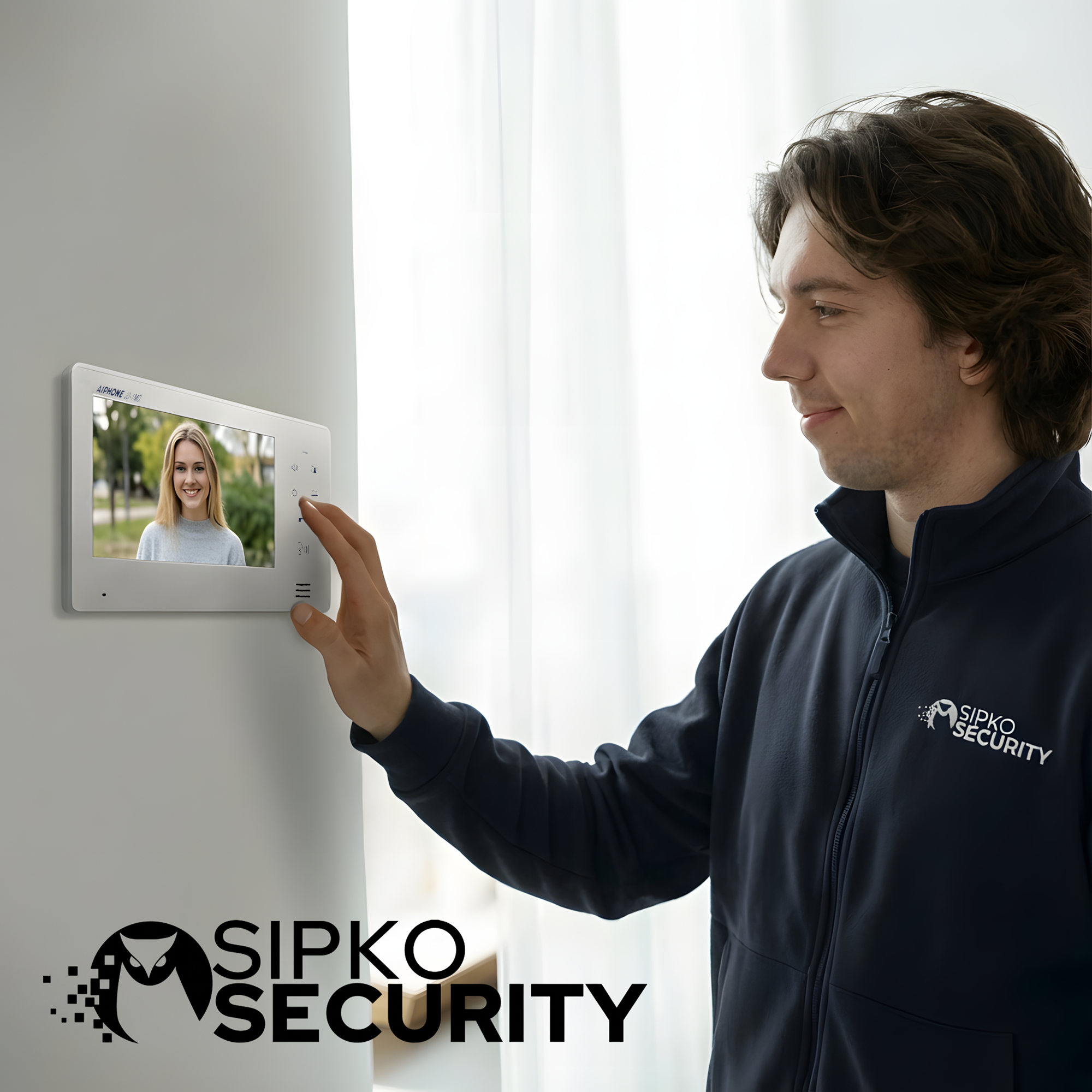
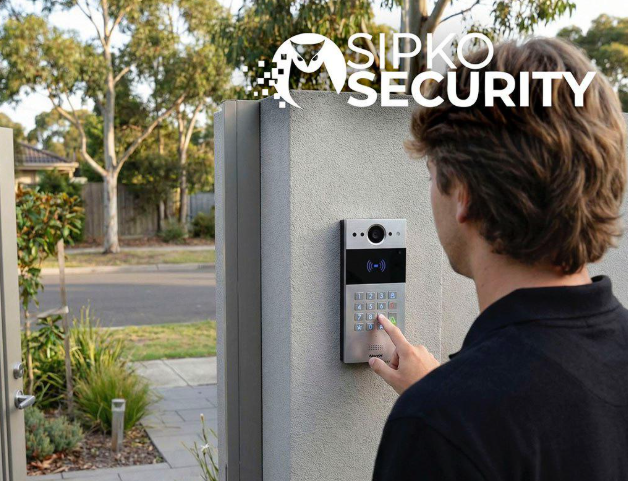
The hardware rarely lets people down — a decent door station and a monitor will work fine on day one. What lets people down is everything around it: a panel mounted where glare washes out the picture at 4pm, wiring that was never run properly so the app drops calls half the time, a system nobody explained, so it just gets left on the factory ringtone and ignored. SIPKO handles video intercom installation in Melbourne with all of that accounted for: a door station positioned where it actually catches a face, a monitor and app that stay in sync, and a handover where you actually know how to use it before we leave.
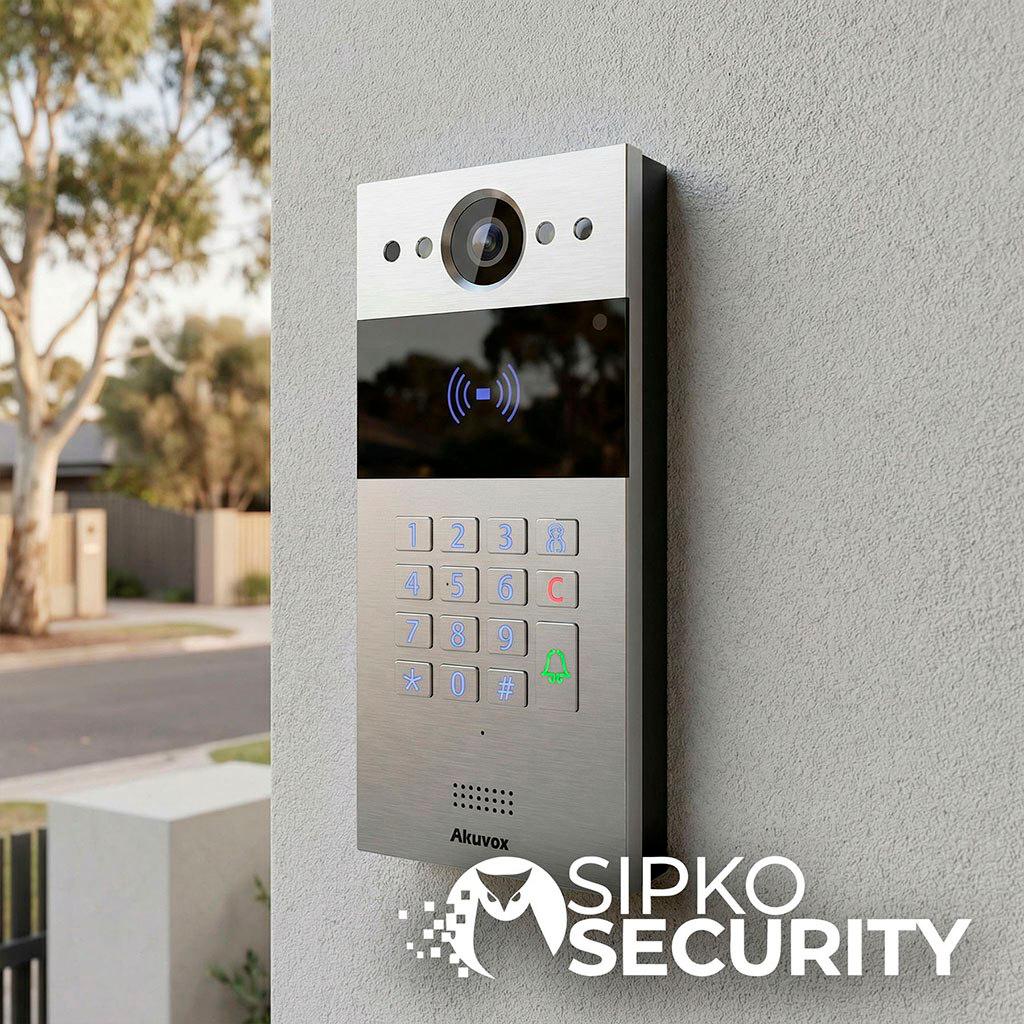
We install complete video intercom systems for houses, townhouses, apartments and small businesses across Melbourne, working with Hikvision, Akuvox and Aiphone hardware depending on the property and what it needs to integrate with. If you’re comparing video intercom installers in Melbourne, the real difference usually isn’t the brand on the panel — it’s whether you can actually see and hear whoever’s at the door, clearly, the first time, not after three attempts and a firmware update.
What drives the cost of video intercom installation in Melbourne
The number people ask first — how much does this actually cost — depends on more than the panel itself, because a single front door setup and a multi-entry property with a gate need completely different scopes. Video intercom installations with SIPKO start from approximately AUD $1,250 including GST for a single door station and indoor monitor. Here’s what actually moves the price from there:
- Number of door stations
- A single front door is the base job. Adding a side gate, driveway entrance or rear access each adds its own station and wiring run.
- Indoor monitor count
- One monitor covers most homes. Multiple monitors — kitchen and bedroom, for example — mean more cabling and more configuration.
- Wired vs wireless
- Wired suits new builds or homes with existing conduit. Wireless suits retrofits where running new cable would mean cutting into finished walls.
- Gate or lock integration
- Pairing the intercom with an electric strike or gate relay for remote unlocking is its own line item, separate from the base intercom.
- Multi-unit or shared entries
- Apartments and strata buildings with a shared lobby panel need a different setup than a single-residence front door — usually a multi-tenant panel with individual unit calling.
- Existing system removal
- Replacing an old wired doorbell or intercom is quoted separately, and we can sometimes reuse existing cabling if it’s still in good condition.
We quote upfront after a site visit, and that number doesn’t move once the job starts.
Our video intercom installation process in Melbourne
Most of the intercom problems we get called out to fix weren’t caused by the panel itself — they were caused by something that was never checked on day one. Four steps, every time, with the checks built into the step where they actually matter.
Site survey & layout plan
We look at how people actually arrive at the property — front door, gate, driveway, shared lobby — and design the layout around that, not a generic single-button setup. You get a written plan and an upfront quote before anything starts.
Door station & monitor installation
The outdoor unit is mounted where it actually captures a clear, unglared view of whoever’s standing there, and the indoor monitor is positioned somewhere you’ll actually glance at it.
Wiring & connection
Cabling run cleanly through walls, roof or conduit for wired setups, or a stable wireless link configured for retrofits.
App setup, testing & handover
The system connected to the app, calling configured to your phone, and a full walkthrough — answering, viewing, unlocking, adding extra users if needed.
Mounting a panel to a wall is the easy part. Whether it actually reaches your phone with a usable picture is what decides whether you use it — or go back to just shouting through the door.
Video intercom solutions for every property type
A single front-door setup that works for a house doesn’t fit an apartment building with forty units sharing one entry, and a system sized for a shop doesn’t need what a warehouse loading dock needs. Select a property type below to see how we approach each one.
Home & townhouse video intercoms
Front door coverage as standard, with side gate or driveway stations added where there’s a second entry point people actually use. In townhouses, shared walls and tighter access mean cable runs are planned around what can and can’t be drilled into, without leaving a gap at the one entry a visitor actually uses.
- Front door station as standard
- Optional side gate or driveway station
- Indoor monitor and app calling
- Cable runs planned around shared walls
- Gate or lock integration where needed
- Mobile app answer & unlock
Apartment & strata video intercoms
Shared lobby panels with individual unit calling, so visitors reach the right resident without buzzing every unit in the building. Anything touching common property or building wiring goes through body corporate approval, and we help with that process if needed.
- Shared lobby panel with unit calling
- Individual unit door coverage
- Strata-compliant installation
- Body corporate approval support if needed
- App access for individual residents
Office & retail video intercoms
Entry buzzer with call routing to reception or a staff phone, so visitors and deliveries are screened before the door unlocks. Useful for controlling who gets past a locked front door during business hours without someone permanently stationed there to answer it.
- Entry buzzer with call routing
- Reception or staff phone answering
- Visitor and delivery screening
- Locked-door access control
- Remote unlock for staff
Warehouse & multi-entry video intercoms
Coverage for loading docks, staff entries and gated vehicle access, often with more than one door station tied to a single monitor or app, so different entry points can be managed from one place rather than several separate systems.
- Loading dock and staff entry coverage
- Gated vehicle access
- Multiple door stations, one system
- Centralised monitor or app control
- Scalable for larger sites
Video intercom installation across Melbourne & Mornington Peninsula
We cover Melbourne’s inner suburbs, eastern suburbs, bayside, western and southern suburbs, and the Mornington Peninsula — but the layout changes more than the coverage does. A shared apartment lobby in the inner suburbs needs a multi-unit panel and calling logic that a freestanding house never has to deal with. Further out, longer driveways and separate gate entries mean the intercom often has to cover two access points instead of one, and coastal properties need door stations that hold up against salt air and direct sun without the picture washing out by mid-afternoon.
Wherever you’re based, the process stays the same: the door station goes where it actually catches a usable picture, the wiring or wireless link is tested for reliability, and the app is confirmed working on your phone before we leave. The layout changes with the property. The standard the work gets checked against doesn’t.
Video intercom installations across Melbourne — see the work
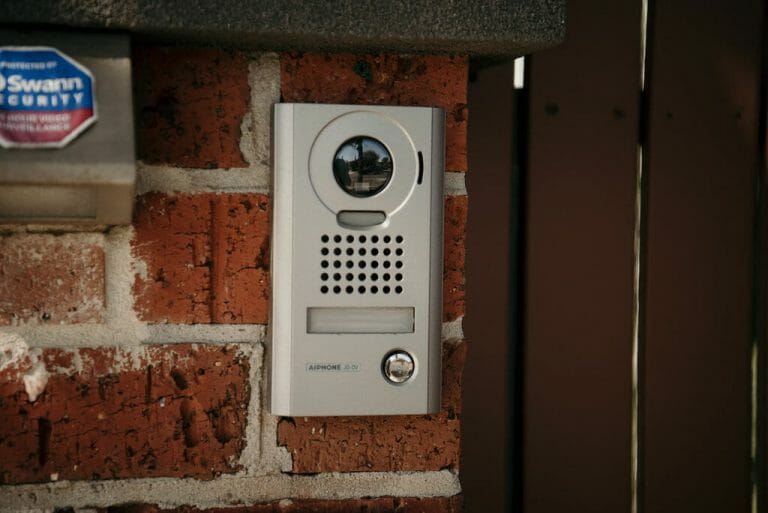
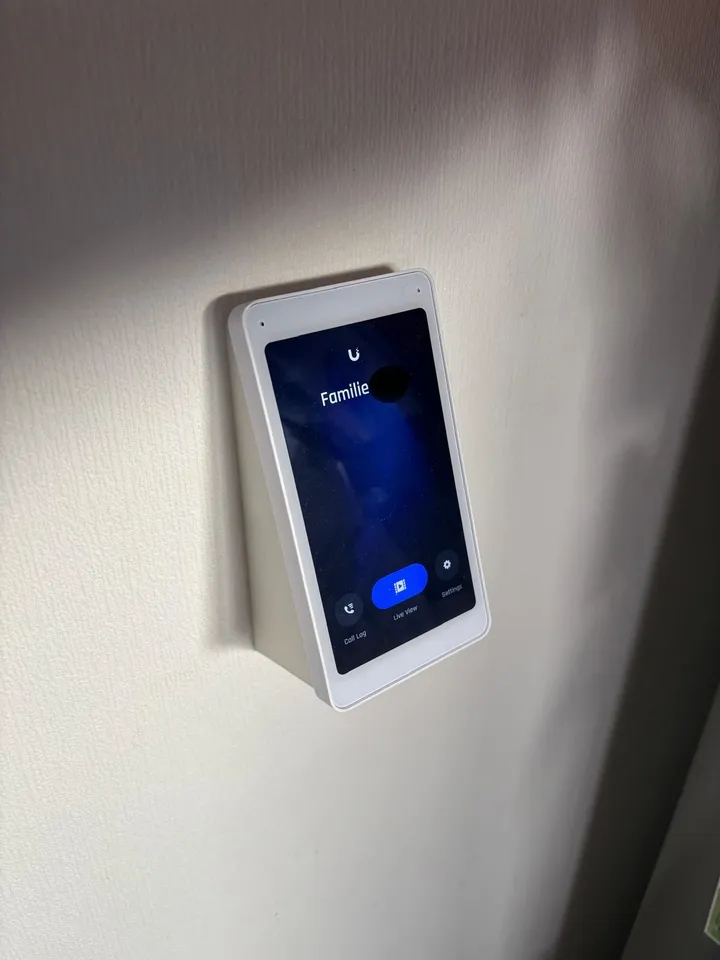
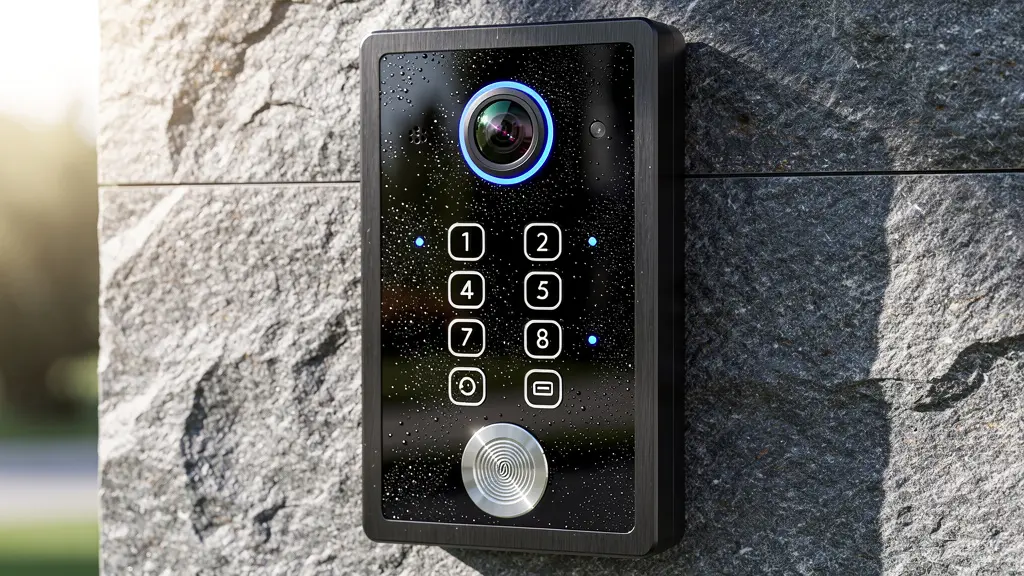
Photos are easy to fake. Ours aren’t — every install in the gallery below is a property we’ve actually wired, configured and handed over.
What our clients say
Real feedback from Melbourne property owners and businesses who trusted us with their video intercom installation.




Video intercom installation Melbourne — FAQ
Everything you need to know about installation, monitors, apps and support.
How much does video intercom installation cost in Melbourne?
Can I use my phone instead of an indoor monitor?
Will it work with my existing gate or electric lock?
Do you install in apartments and strata buildings?
Is a video intercom better than a smart doorbell?
Can I add more monitors or door stations later?
How long does installation take?
What happens if the internet or Wi-Fi goes down?
What if something stops working after installation?
A video intercom isn’t worth much if you can’t actually see who’s there or the call never reaches your phone. Door station positioned properly, wiring or connection tested, a walkthrough before we leave: video intercom installation in Melbourne done the way it should have been the first time.
Free site assessment. Transparent quotes. Available Monday–Sunday 8am–6pm.