
Hikvision CCTV Repair Melbourne
SIPKO Security provides Hikvision CCTV repair in Melbourne for existing systems with camera, recorder, storage, cabling, PoE, network, Hik-Connect and remote-viewing faults. We handle Hikvision camera repair and Hikvision NVR repair without assuming the whole system needs replacement.
If you need a Hikvision CCTV technician in Melbourne, tell us the symptom first: camera offline, black screen, NVR not recording, recorder beeping, missing playback, poor night footage, Hik-Connect not working or remote access lost after a router change.
Camera offline / black screen
Camera, cable, PoE, recorder channel and network faults can all cause a lost image.
NVR / recording fault
Recording, playback, storage state, HDD condition and recorder warnings can be checked separately.
Hik-Connect not working
Platform access, recorder connectivity, device sharing, app permissions and network settings may all be involved.
Diagnose before replacing
We isolate the failed part first, then decide whether repair, component replacement or a new system is the practical path.
Book Hikvision Repair
Call 0406 432 691 or send the form. Tell us your Melbourne suburb, how many cameras are affected and whether the problem involves live view, recording, playback, Hik-Connect or remote access.
Common Hikvision CCTV Faults
A symptom does not identify the failed component by itself. A Hikvision camera not working can be caused by the camera, cabling, PoE, recorder channel, addressing or network path, while missing footage can be a recording or storage problem even when live view still works.
Camera offline or black screen
We check the camera, connection, PoE/power, cabling, recorder channel and network path before deciding that the camera itself has failed.
Hikvision NVR not recording
Recording schedules, channel status, recorder time, HDD/storage state and system warnings are checked separately from live view.
Recorder beeping / HDD fault
Beeping can be linked to storage or another configured exception. The warning should be identified before assuming the hard drive alone is the cause.
Hik-Connect not working
We can check recorder connectivity, Platform Access status, network settings, authorised sharing and app-side access. See security camera app troubleshooting.
PoE or cabling issue
A failing PoE port, switch, injector, connector or cable can cause repeated dropouts, restarts or a completely missing camera channel.
Poor night image
Lens condition, IR reflection, nearby surfaces, spider webs, camera position, lighting and image settings can all reduce usable night footage.
Missing playback
We check recording status, schedules, recorder time/date, channel history and storage availability before concluding that footage is unavailable.
Remote access lost after router change
A new router, ISP, gateway or local network configuration can interrupt remote viewing even while cameras continue to work locally.
Notification problems
Event configuration, notification schedules, recorder connectivity, Platform Access and app permissions may all affect push alerts.
If the Hikvision camera shows a black screen or the channel has disappeared, see Hikvision not showing video troubleshooting.
Camera, NVR and Infrastructure Diagnostics
We follow the signal and access path instead of guessing from the symptom. The diagnostic sequence can cover the camera through to the app, with the failed stage isolated before repair or replacement is recommended.
What a service visit can check
- Camera status, live image and night performance
- Recorder channel status, recording and playback
- HDD/storage state and recorder exceptions
- PoE ports, power path, connectors and cabling
- IP addressing, gateway/DNS and local connectivity
- Hik-Connect / Platform Access and authorised sharing
- Event and notification configuration
- Footage search and export where available

Camera offline
What we checkCamera response, PoE/power, cable path, connector, recorder channel and IP/network reachability.
Next stepRestore the failed connection or replace only the failed camera/component if required.
NVR not recording
What we checkRecording schedule, channel record status, storage/HDD state, recorder time and active exceptions.
Next stepCorrect settings, storage or recorder fault depending on what the diagnostics show.
Hik-Connect not working
What we checkNetwork path, gateway/DNS, Platform Access state, authorised device sharing and app permissions.
Next stepRestore connectivity or authorised access without changing working cameras unnecessarily.
Recorder beeping
What we checkActive recorder exception, HDD/storage status, video loss and other configured warning conditions.
Next stepFix the underlying exception rather than silencing the warning without diagnosis.
Missing playback
What we checkRecording timeline, schedule, channel selection, time/date consistency and storage availability.
Next stepRestore future recording where possible and identify whether historical footage actually exists.
Notifications not arriving
What we checkEvent rules, notification linkage/schedule, app permissions, recorder connectivity and Platform Access.
Next stepCorrect the event or delivery path and test notification behaviour after changes.
Hikvision NVR Repair: Recording, HDD and Playback Faults
For Hikvision NVR repair in Melbourne, live view and recording need to be treated as separate functions. A recorder can show cameras live while storing nothing useful, retaining fewer days than expected or generating a storage exception.
Common recorder symptoms
- NVR or DVR beeping
- HDD not detected or reporting an error
- Playback missing for specific dates or cameras
- Only some channels are recording
- Retention is shorter than expected
- Video export fails or cannot find the requested period
Recorder checks
- Recording schedule and channel status
- Recorder time/date and playback timeline
- HDD/storage state and available capacity
- Active system exceptions and warning source
- Camera-to-recorder connectivity
- Whether the recorder itself is still reliable to keep
Missing footage limitation: repairing the recorder can restore future recording, but it cannot guarantee recovery of footage that was never recorded, has already been overwritten or was lost because of failed storage. Diagnostics can check whether the requested period is still available on the recorder.
For retention planning, see the CCTV storage guide. For a hot or noisy recorder, see the NVR overheating and loud fan guide.
PoE, Network and Remote-Access Problems
If a Hikvision camera goes offline intermittently or remote viewing stops after a router or ISP change, the camera itself may still be healthy. The fault can sit anywhere between PoE, cabling, the recorder, the local network and Platform Access.
PoE faults
We check whether the camera has a stable power/data path and whether the port, switch, injector, connector or cable is causing dropouts.
Network faults
IP addressing, gateway/DNS, recorder connectivity and local network changes can interrupt communication even when hardware is still working.
Router or ISP changed
Local viewing may continue while remote access fails. Network and Platform Access settings need to be checked before cameras are replaced.
For a dedicated app and remote-viewing troubleshooting path, see Security Camera App Not Working Melbourne.
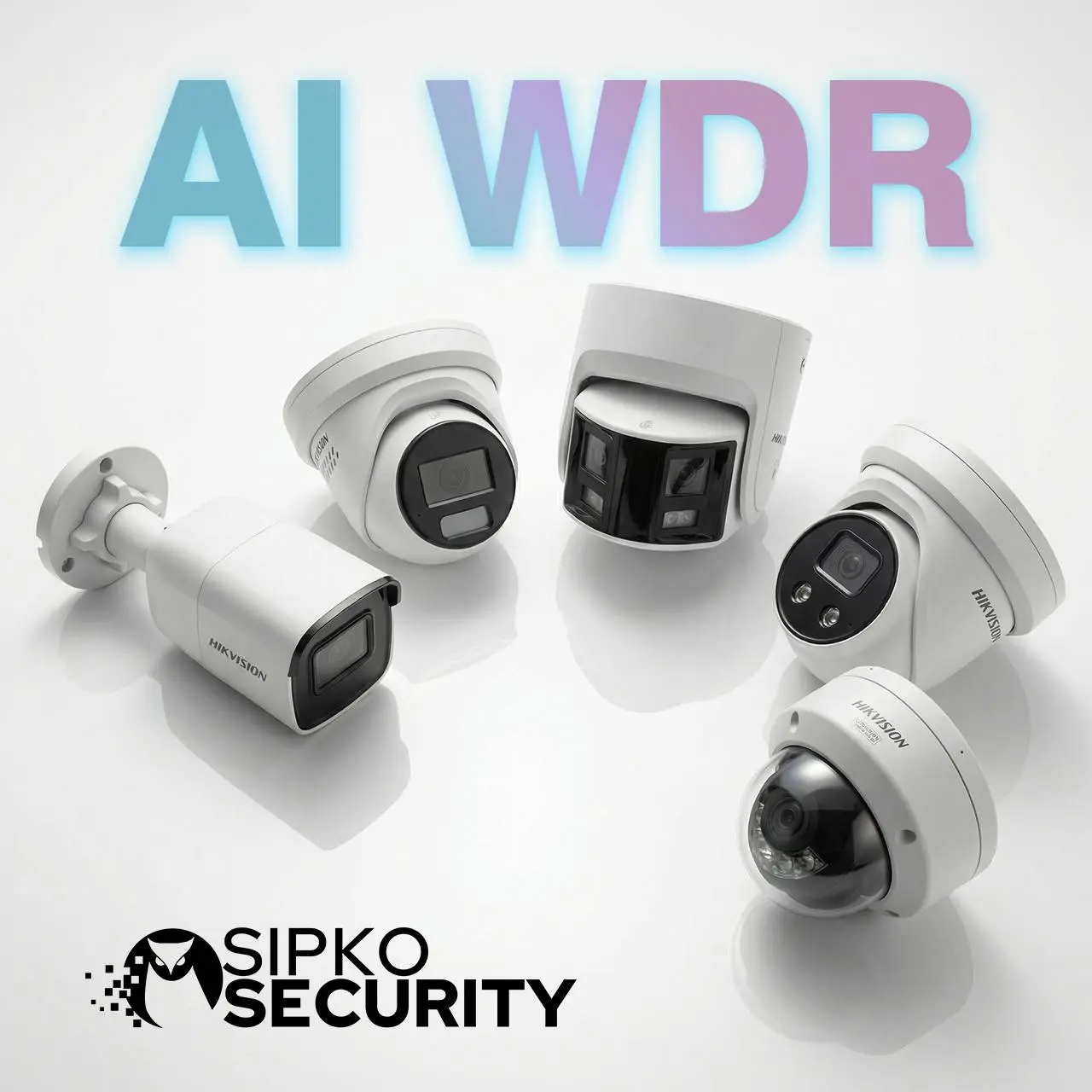
Hikvision Camera Repair for Poor Night Footage or Camera Failure
Poor night image does not by itself prove that the whole CCTV system needs replacing. The affected camera, lens condition, infrared reflection, nearby surfaces, position, lighting and image configuration should be checked first.
Night-image checks
- Infrared glare or reflection
- Dirty, damaged or weathered lens/dome
- Spider webs or nearby objects reflecting IR
- Poor camera position or inadequate ambient lighting
- Image settings and night mode behaviour
- Ageing or failed camera hardware
See CCTV night vision troubleshooting in Melbourne for a dedicated night-image fault guide.
Lost Hikvision Password or Authorised Access?
Password, account-binding and user-access problems are handled as an authorised access task, not as a generic camera fault. The available recovery path depends on the device, current account state and what ownership/access can be verified.
Access issues we can assess
- Local recorder login no longer available
- Authorised owner cannot access Hik-Connect
- Old users or sharing need to be reviewed
- Recorder or device appears tied to a previous account
- Credentials need to be updated after ownership change
Authorised access only. Password reset, account unbinding or ownership-transfer steps are carried out only for the owner or an authorised representative. Some devices or account states may require the official Hikvision recovery/unbinding process rather than an on-site settings change.
Bought a Home with an Existing Hikvision CCTV System?
If a Hikvision CCTV system was left by a previous owner, SIPKO can identify the installed equipment, check whether it is still serviceable and help establish authorised control where the device and account state allow it.
System takeover can include
- Identify cameras, NVR/DVR and network equipment
- Check live view, recording, playback and HDD/storage state
- Review current authorised users and sharing
- Change credentials where technically supported and authorised
- Connect or reconfigure Hik-Connect where possible
- Restore remote access after router or ISP changes
Coverage and future use
- Check camera coverage and obvious blind spots
- Identify failed or unreliable individual devices
- Keep compatible serviceable equipment where practical
- Add or replace individual devices where appropriate
- Recommend a new system only when the existing platform is no longer a practical fit
Ownership and access limitation: restoring control is subject to ownership/authorisation verification and the technical state of the recorder, cameras and Hik-Connect account. Some password or account-binding cases must follow the official Hikvision recovery or unbinding process.
When Repair Makes Sense — and When Replacement Is Better
The decision depends on the failed component, reliability of the remaining equipment, image quality, compatibility, required coverage and whether the existing recorder and network architecture still suit the site.
Repair usually makes sense when
- Only one or two cameras are affected
- The recorder needs storage or configuration work
- The fault is PoE, cabling, networking or remote access
- The remaining cameras and recorder are reliable
- Existing image quality and coverage are still suitable
Replacement or a new system may be better when
- Multiple hardware faults are appearing across the system
- The recorder or storage subsystem is no longer reliable
- Image quality or night performance is inadequate
- The existing equipment cannot support required coverage or features
- Compatibility limits make repeated component-level fixes impractical
If replacement is the practical path, review current options in the Hikvision professional catalogue in Melbourne.
Need Hikvision CCTV Repair in Melbourne?
Tell us what has stopped working, how many cameras are affected and whether the issue involves live view, recording, playback, storage, Hik-Connect, PoE, networking or remote access.
What SIPKO Security Clients Say
Customer reviews about security-system installation, servicing and support in Melbourne.




Hikvision CCTV Repair FAQs
Short answers to common questions about Hikvision camera, NVR, storage, access and remote-viewing faults.
Yes. SIPKO Security provides Hikvision camera repair in Melbourne for offline cameras, black screens, PoE/cabling faults, poor night images and failed individual cameras, while checking the recorder and network path where relevant.
An offline Hikvision camera can be caused by the camera, PoE/power, cabling, connector, recorder channel, IP addressing or network path. The failed stage should be isolated before the camera is replaced.
Yes. Hikvision NVR repair can involve recording schedules, channel status, recorder time, HDD/storage state, exceptions and recorder reliability. Live view working does not prove that footage is being stored.
A router or ISP change can interrupt recorder connectivity, gateway/DNS or Platform Access while the CCTV system still works locally. Those network and authorised-access settings can be checked before any camera replacement is considered.
SIPKO can identify the installed equipment, check cameras, recording, storage and network access, and help establish authorised control where ownership can be verified and the device/account state allows it. Some password or account-binding cases require the official Hikvision recovery or unbinding process.
Not necessarily. A single camera, hard drive, PoE port, cable, network or configuration fault may be repairable while the remaining equipment stays in service. Full replacement is considered when reliability, compatibility, image quality or coverage makes repeated repair impractical.
Tell us your Melbourne suburb, what has stopped working, how many cameras are affected, whether live view still works and whether the problem involves recording, playback, beeping, storage, Hik-Connect, remote access or notifications.