

Ajax Monitoring with Video Verification in Melbourne
24/7 Ajax alarm monitoring in Melbourne starts at $49/month including GST. Photo-verified monitoring is $69/month, while the $89/month Premium plan offers video-assisted alarm review with eligible Ajax camera systems. SIPKO installs and connects the equipment; Intelligent Monitoring Solutions (IMS) provides professional monitoring.
Configured alarm signals are received by the professional monitoring centre and handled according to the response instructions agreed for the property.
MotionCam can send still photos when a detector triggers. Supported cameras can also provide video for operator review with an approved monitoring setup.
Authorised Ajax users keep app access and notifications while nominated contacts can be included in the agreed monitoring response process.
Professional Ajax Monitoring Plans
Choose alarm monitoring, MotionCam photo verification or video verification for a compatible Ajax system.
24/7 Alarm Monitoring
Alarm monitoring · SIM included
Setup: compatible Ajax hub, reliable communications and agreed alarm response instructions.
IMS receives and assesses Ajax alarm events around the clock, then follows your property’s contact and escalation instructions.
- Alarm monitoring: Included, 24/7
- Photo verification: Not included
- Video verification: Not included
- Response level: Alarm assessment and agreed contact/escalation procedure
Month-to-month monitoring · No lock-in. Equipment and installation are separate.
Request Monitoring SetupMonitoring + Verification
Alarm + photo verification · SIM included
Setup: compatible Ajax hub and MotionCam devices enabled for image transmission; monitoring-centre configuration required.
Adds alarm-related still photos from a compatible MotionCam, giving IMS operators more information when an intrusion alert arrives.
- Alarm monitoring: Included, 24/7
- Photo verification: Included with compatible MotionCam devices
- Video verification: Not included; requires a separate compatible video setup
- Response level: Photo-assisted assessment and agreed contact/escalation procedure
Month-to-month monitoring · No lock-in. Equipment and installation are separate.
Request Monitoring SetupPremium Monitoring
Alarm + supported photo/video verification
Before activation, SIPKO checks the Ajax hub, camera models, video access and network connection. Any camera limits or extra setup charges are confirmed in your quote.
For an approved camera setup, IMS can review supported video alongside an alarm event. SIPKO confirms camera access and the exact service scope before activation.
- Alarm monitoring: Included, 24/7
- Photo verification: Available with compatible configured MotionCam devices
- Video verification: Available with compatible configured camera/video integration
- Response level: Video-assisted assessment and agreed contact/escalation procedure
Month-to-month monitoring · No lock-in. Equipment and installation are separate.
Request Monitoring SetupAll prices include GST · Month-to-month · No lock-in
Operator actions follow the agreed response instructions for the property. Police, emergency-service or guard attendance is not automatically included unless specifically arranged.
Professional monitoring is delivered through SIPKO Security’s Australian monitoring partner, Intelligent Monitoring Solutions (IMS). IMS operates professional Australian monitoring infrastructure, including A1/R1A-graded monitoring centres. See IMS Ajax monitoring information .
SIPKO Security
- system design
- installation
- commissioning
- customer setup
- monitoring integration
- ongoing technical service
IMS
- professional monitoring centre
- operator monitoring
- alarm verification workflow
- photo/video verification workflow where configured
What Happens When a MotionCam Detector Is Triggered?
When a supported Ajax MotionCam detects movement during an armed intrusion event, it can send still photos with the alarm. An IMS operator can review those photos when photo verification is included in the monitoring setup.

The Detector Activates
A compatible MotionCam detector identifies movement while the protected area is armed and captures event images according to its model and settings.
The Hub Sends the Alarm
The Ajax hub sends the alarm and available photo-verification data through the configured communication channels.
The Event Is Reviewed
Where photo verification is included, the operator can review available event images together with the detector name, event type and instructions for the site.
The Response Instructions Are Followed
The operator follows the agreed contact and escalation instructions for the property.
What SIPKO Configures Before Monitoring Is Connected
Before handover, SIPKO checks how the hub communicates, labels the detectors, confirms app permissions and tests the instructions used when an alarm reaches IMS.
Hub and Communication Check
The hub model, available network paths, cellular communication and backup battery condition are checked before connection.
Zone and Device Names
Detectors are assigned clear location names so alarm events are easier to interpret.
App Users and Permissions
Owners, managers, family members or staff receive access appropriate to their role.
Verification Setup
Compatible MotionCam and camera devices are configured for the areas and events where visual verification is required.
Contact and Escalation Order
Nominated contacts and site-specific instructions are recorded according to the selected monitoring service.
Connection and Event Testing
Alarm communication, app notifications and configured verification features are checked before handover.
Already Have an Ajax System?
If you already have an Ajax alarm system, SIPKO Security can assess the existing hub, communication paths, user access and compatible detectors or cameras, then help connect an eligible system to professional monitoring. Photo and video verification depend on installed equipment and approved configuration; you do not need to purchase a new system simply to request a compatibility check.
Need only mobile backup, without a monitoring plan? See our separate Ajax SIM activation and renewal service. SIM connectivity is already included in the $49 and $69 monitoring plans listed above, subject to eligibility.
Need a New Ajax System?
Monitoring plans do not include Ajax equipment or installation. If you need a new alarm, replacement system or hardware package, use the installation service or Ajax Package Builder.
Monitoring and Event Documentation
Where available, Ajax event history, MotionCam images and monitoring records can provide additional documentation about an alarm event.
- MotionCam images can add visual context to supported intrusion events.
- Authorised users can review available Ajax events in the app.
- IMS may maintain separate monitoring and contact records under its applicable retention policies.
- Monitoring does not automatically create an insurance discount or guarantee claim approval.

What You Need to Connect an Existing Ajax System
Your installed alarm may be suitable for monitoring without a full replacement. These are the details that help SIPKO assess it.
1. Your Ajax Hub Model
Check which Ajax hub you own and whether it is operating normally. SIPKO will confirm that its communication options support the requested monitoring service.
2. System Administrator Access
Have an authorised administrator available to approve access and review detector names, users and permissions. You should not share your account password.
3. Connectivity and Verification Equipment
Tell us whether the hub uses internet and cellular backup, and whether you have MotionCam detectors or Ajax cameras. SIPKO checks which verification features can be enabled.
Request Ajax Monitoring Setup
SIPKO can assess an existing Ajax system or design a new installation and prepare it for the appropriate professional monitoring plan.
Ajax Systems Installed by SIPKO Security
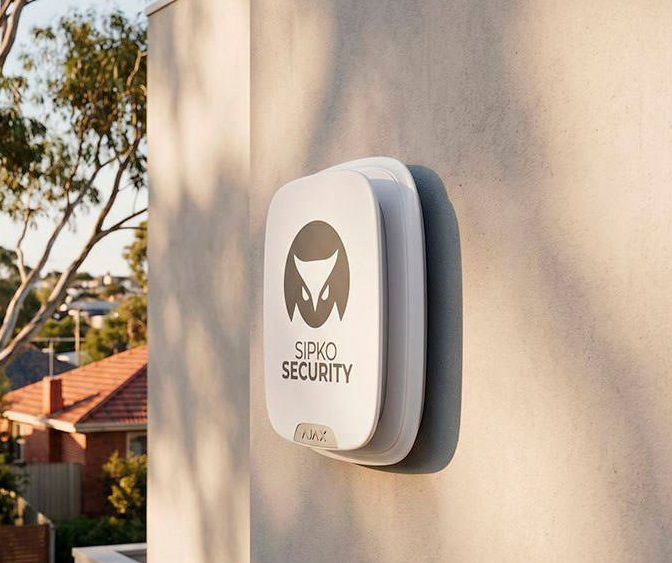
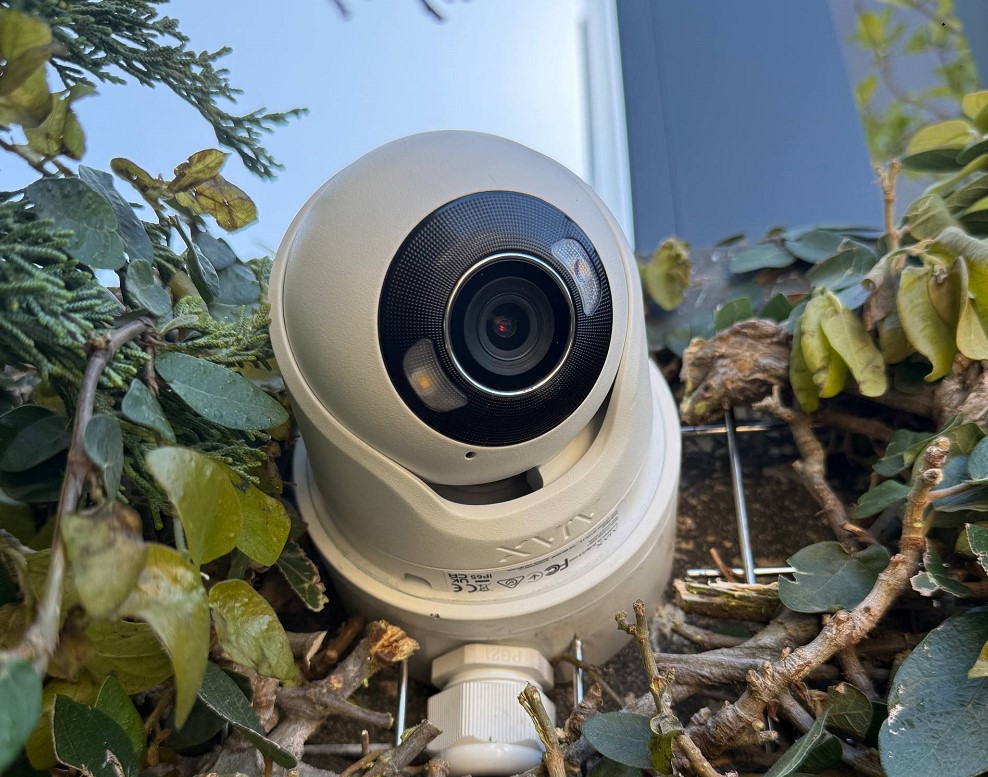
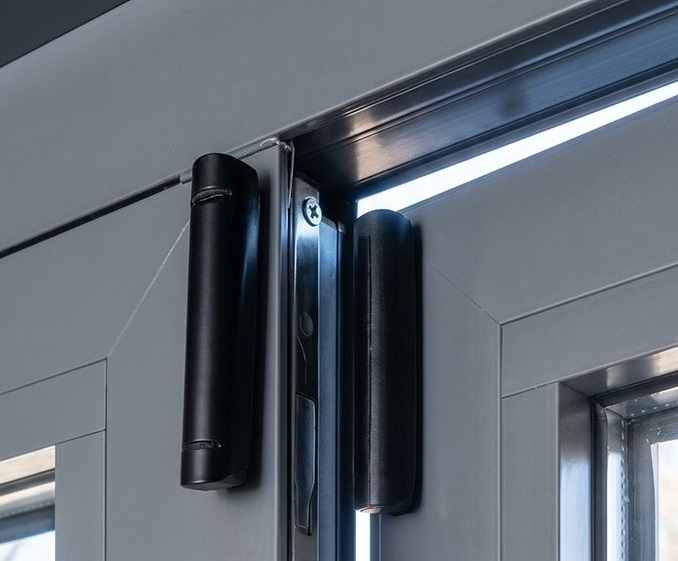
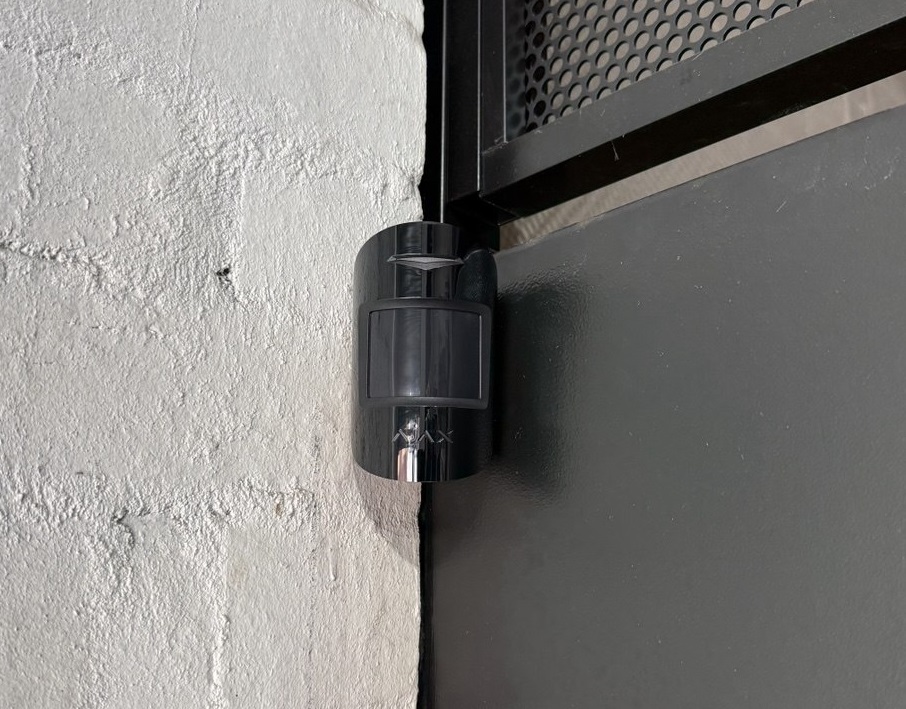
Examples of Ajax alarm and security work completed for Melbourne properties.




Frequently Asked Questions
Pricing, verification, existing systems and what happens when an alarm reaches the monitoring centre.
How much does professional Ajax monitoring cost in Melbourne?
24/7 alarm monitoring starts at $49/month. Monitoring with MotionCam photo verification is $69/month, and Premium Monitoring with eligible video verification is $89/month. Prices include GST and plans are month-to-month. Equipment and installation are separate.
What is the difference between photo and video verification?
Photo verification uses alarm-related images from compatible Ajax MotionCam detectors. Video verification lets operators review supported camera footage when the video system is approved and connected to monitoring. MotionCam photos are not the same as a live camera video feed.
Can SIPKO connect my existing Ajax alarm to monitoring?
Often, yes. SIPKO first checks the hub model, internet and cellular communication, account access, detectors and any MotionCam or cameras. We then confirm the contact list, test event transmission and explain any equipment changes needed. Request an existing-system assessment.
Who monitors my alarm, and what happens when it is triggered?
SIPKO Security installs, connects and supports the Ajax equipment. Intelligent Monitoring Solutions (IMS) provides the professional monitoring centre. Operators assess the information available for the alarm and follow the response instructions agreed for your property. Police, emergency-service and guard attendance are not automatically included.
Are the SIM, installation and setup included in the monthly price?
The $49 and $69 plans include a SIM, subject to a compatible hub and cellular coverage. Ajax hardware, installation and any required upgrades are separate. SIPKO will confirm commissioning costs, Premium plan SIM arrangements and equipment compatibility before activation.
Is Ajax monitoring month-to-month?
Yes. The monitoring plans shown here are month-to-month with no lock-in. Your service agreement sets out the monitoring provider, payment and cancellation arrangements, and the response procedure for your property.
What happens if the property’s internet connection goes down?
A supported Ajax hub may continue sending alarms over its configured cellular connection if the internet fails. This requires an active, correctly configured cellular path and usable network coverage. SIPKO checks the communication and backup arrangements before monitoring starts.
What if my existing alarm system is not Ajax?
We can discuss monitoring options for other compatible alarm brands. See alarm monitoring and response services in Melbourne for the general monitoring service.
Not sure which plan fits your setup? We can check your existing Ajax equipment before you choose a monitoring plan.
Discuss Your Monitoring Requirements
Tell us whether you have an existing Ajax system, need a new installation or require monitoring for another alarm brand.
