
Security Camera Installation in Glen Iris for Homes Built Around Staying
Glen Iris is a suburb where people tend not to leave. The streets between Gardiners Creek and Burke Road have some of Melbourne's highest owner-occupancy rates, and the predominant age group sits in the 50s — people who bought here when the children were young and are still here now. When a Glen Iris family outgrows the house, the usual answer isn't to find a bigger suburb. It's to knock down and rebuild on the same block, or extend out the back, or add the storey that was always the plan. The suburb stays the same. The house changes.
This shapes what a camera is actually doing on a Glen Iris property. A street where the same families have lived for fifteen or twenty years has a very stable picture of normal — same cars, same neighbours, same rhythm of morning and evening. When something doesn't fit that picture, a camera catches it. A long-term resident often doesn't, not because they're inattentive, but because a familiar street stops looking like somewhere something could happen.
SIPKO Security provides security camera installation in Glen Iris for properties at every stage of that staying: the established home that hasn't changed in a decade, the property currently mid-knockdown-rebuild where the brief has temporarily shifted from settled house to active worksite, and everything in between — including the school-precinct streets in the south of the suburb where the daily rhythm adds its own layer to camera planning.

CCTV Installation in Glen Iris
Most of Glen Iris was built for families intending to stay, and most of it still works that way. Home security camera installation in Glen Iris tends to reflect that: properties here are typically larger than inner-city equivalents, often with a rear yard, a side gate, and a driveway that runs alongside the house rather than in front of it. The camera brief is usually about covering more points of entry, not fewer.
The school precinct in the southern part of the suburb — Sacré Cœur, Korowa Anglican Girls' School, and the Caulfield Grammar Malvern campus sit within a few blocks of each other near High Street — creates a distinct daily rhythm. School mornings, afternoon pickup, and evening quiet follow each other reliably. Security camera system installation in Glen Iris for properties in this part of the suburb needs to account for that rhythm: a system calibrated to work within it rather than against it, so that routine school traffic doesn't generate constant alerts while genuine access events still register.
A portion of Glen Iris properties are currently mid-knockdown-rebuild or major extension — typically families who chose to stay in the suburb and rebuild in place rather than move on. During that period the property brief changes: rear access is open, trades are rotating, and the usual logic of who belongs here is temporarily suspended. A camera setup for a property mid-build looks different from one planned for a finished, settled home, even if the address is the same.
Cable runs, mounting positions and system scope all depend on what the property actually looks like at the time of installation. CCTV installation in Glen Iris starts with understanding which stage the property is at — established and stable, school-precinct street with a predictable daily pattern, or active build — before any equipment is chosen.
Security Camera Systems & CCTV Solutions for Glen Iris Properties
Security camera system installation in Glen Iris is shaped by where a property sits in the Glen Iris story. A home that's been in the same family for fifteen years has a very different brief from one currently being rebuilt — even if they're on the same street.
What most Glen Iris properties share is a stable residential character. The suburb isn't high-turnover, and the streets are quiet. Footage needs to be easy to review, and alerts need to mean something — which requires a system set up around the specific rhythms of the property, not a generic template.
- Front doors and driveways on established family homes.
- Side gates and rear yard access on larger blocks.
- Properties near the school precinct where daily patterns affect how a system should be calibrated.
- Homes mid-knockdown-rebuild where temporary access arrangements need coverage.
- Remote viewing setup for owners who travel regularly.
The majority of Glen Iris properties are owned outright or held long-term. Camera planning here starts with the front entry and driveway, then works back through any side or rear access. The property is settled, the brief is stable, and the system is being installed for the long term.
The cluster of independent schools in Glen Iris's southern section generates consistent foot and vehicle movement on school days. For homes on these streets, a well-calibrated system distinguishes between that predictable background and genuine access events — which requires understanding the specific street and the times that matter.
What We Protect in Glen Iris
The large share of Glen Iris homes that have been in one family for a decade or more have a settled, predictable character. The camera's role here is to provide a consistent record of entry and access activity — particularly useful when the owners travel, and relevant for rear gates or side entries that aren't visible from the street and don't get checked in passing.
The streets around Sacré Cœur, Korowa and the Caulfield Grammar Malvern campus carry a predictable pattern of school-day movement. A camera records everything, not just the exceptions — and that complete record is what allows an owner to identify a genuine access event against the background of routine school traffic when reviewing footage.
When a Glen Iris family chooses to rebuild rather than relocate, the property goes through a period where the usual access logic doesn't apply. Rear access is open, trades are rotating, and who is legitimately on site changes week by week. Camera coverage during this stage is about maintaining oversight while the site is open — knowing the family intends to stay on the same block on the other side of it.
CCTV Systems We Install and Support
For a Glen Iris property that will be owned for another decade, the platform underneath the camera matters. Our security camera installers in Glen Iris work with systems designed to stay practical and easy to maintain over the long term — not just straightforward to install on the day.
A question that comes up regularly for long-term Glen Iris owners is what happens when they're away. The suburb's quiet, familiar character is exactly what makes it easy to be absent with confidence — but it also means that an event at the front door or rear gate is less likely to be noticed by a passing neighbour than it would be on a busier street.
CCTV installers in Glen Iris often combine camera coverage with alarm systems so that an alert can be verified immediately using footage. For a family that travels regularly, that combination means something actually happens at the point of the alert — not on a footage review days later.
The same logic applies when a property is mid-build: rotating trades and open rear access benefit from both systems working together.
Glen Iris clients tend to reach out with a specific situation — an established home that's never had cameras, a property on a school-precinct street, or a build currently underway. The reviews below reflect installations across those different stages.
The feedback tends to focus on whether the system works the way it was described — which, for a suburb where owners plan to stay for the long term, matters more than it might elsewhere.




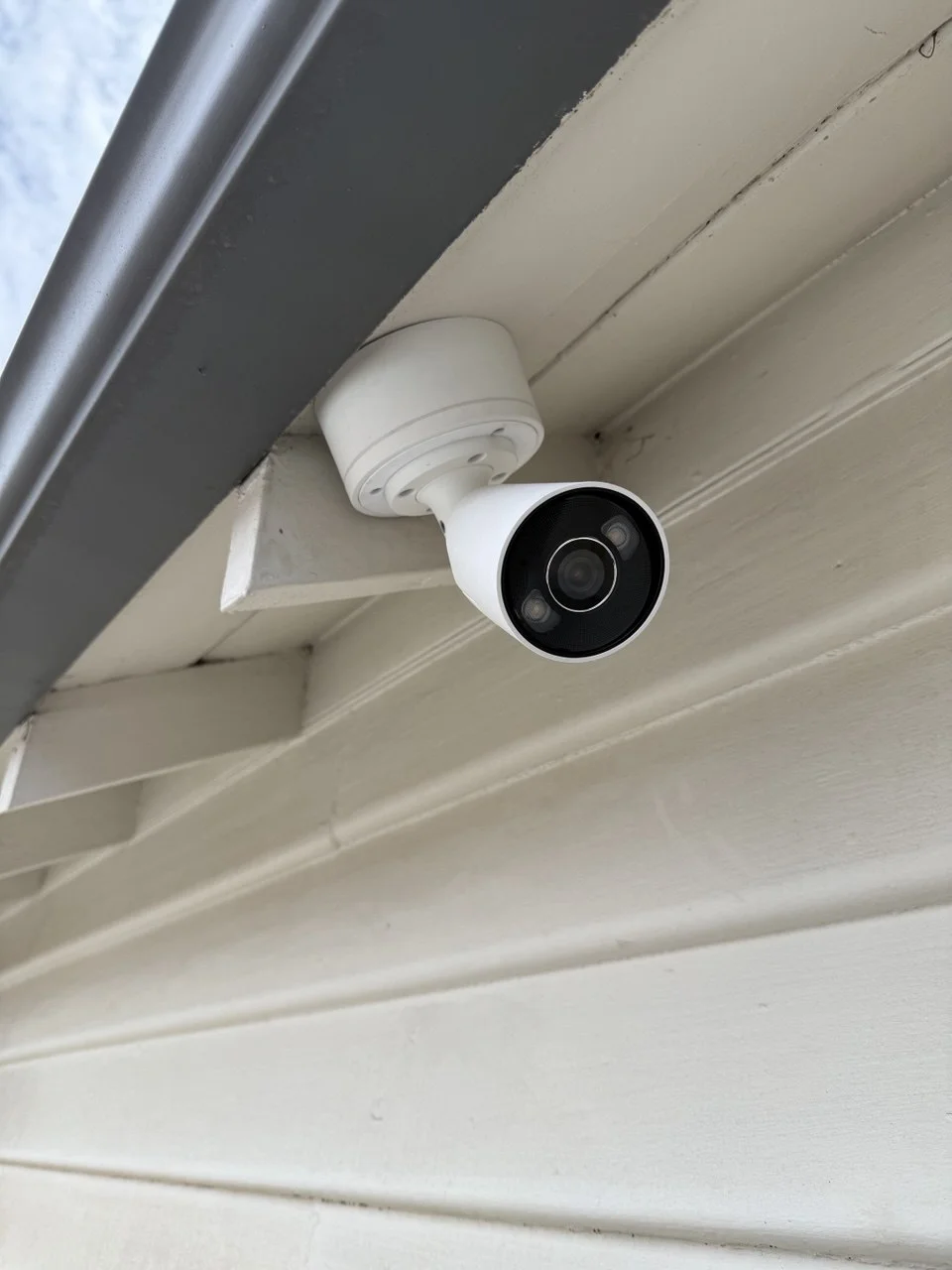
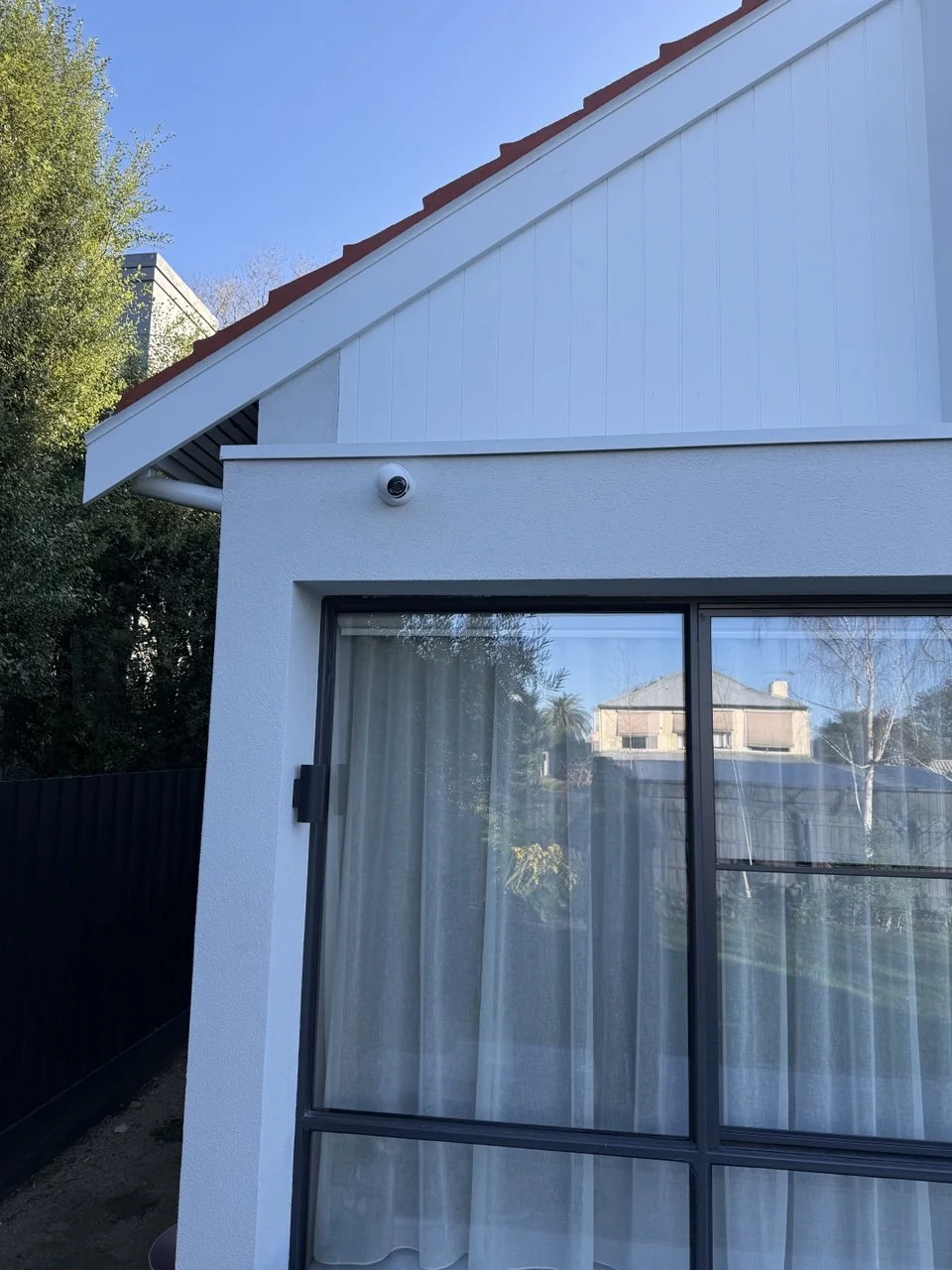
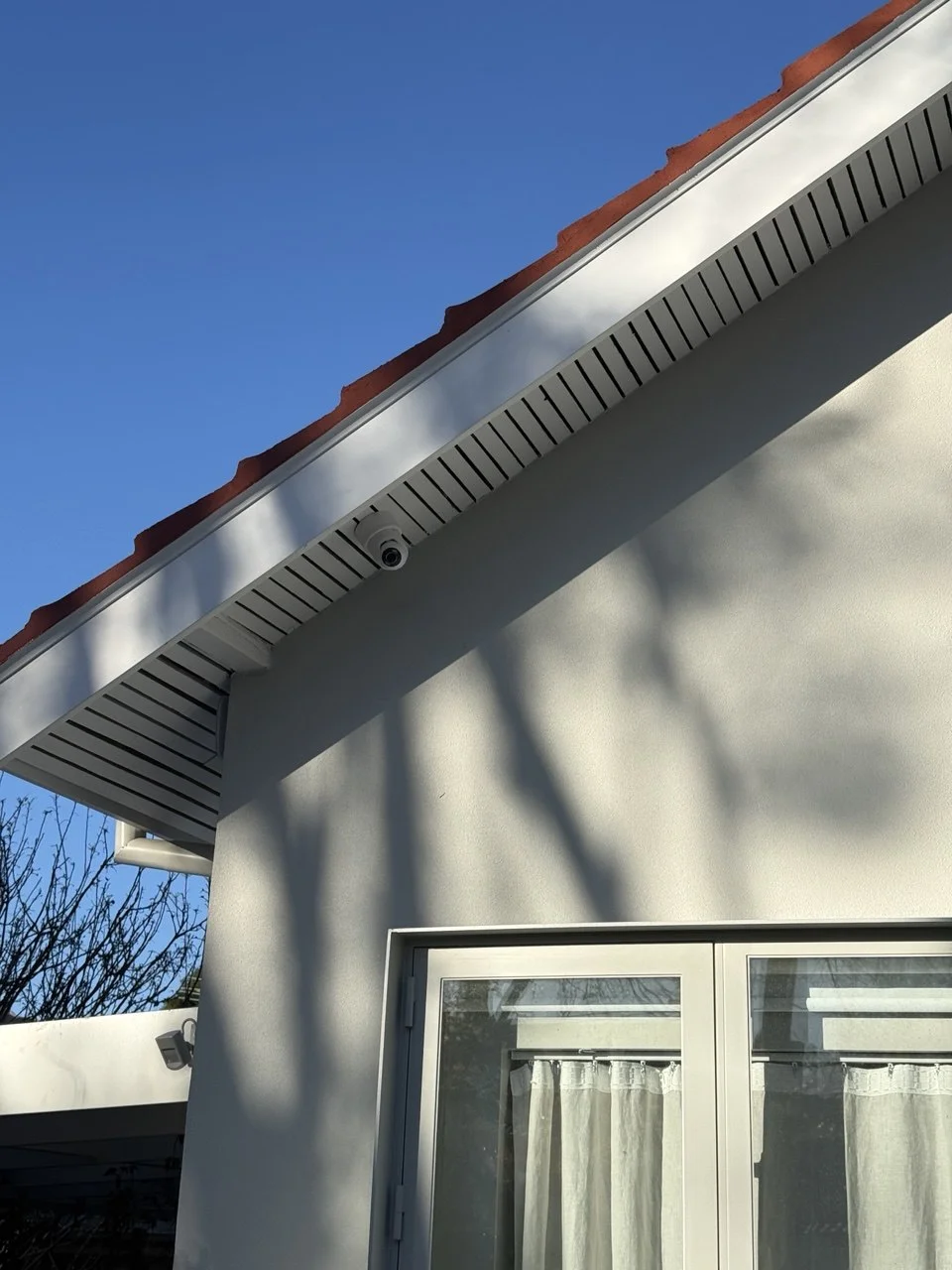
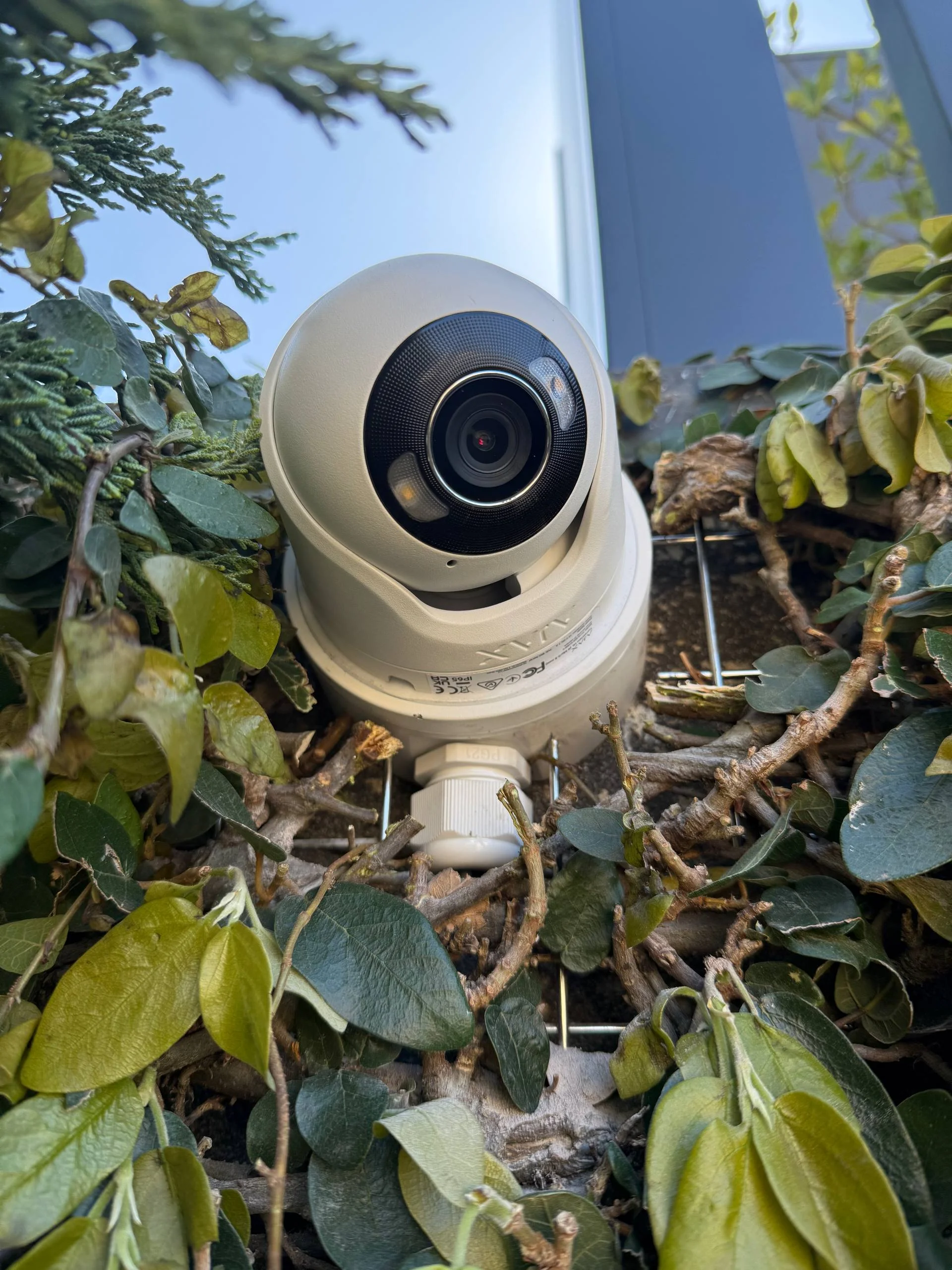
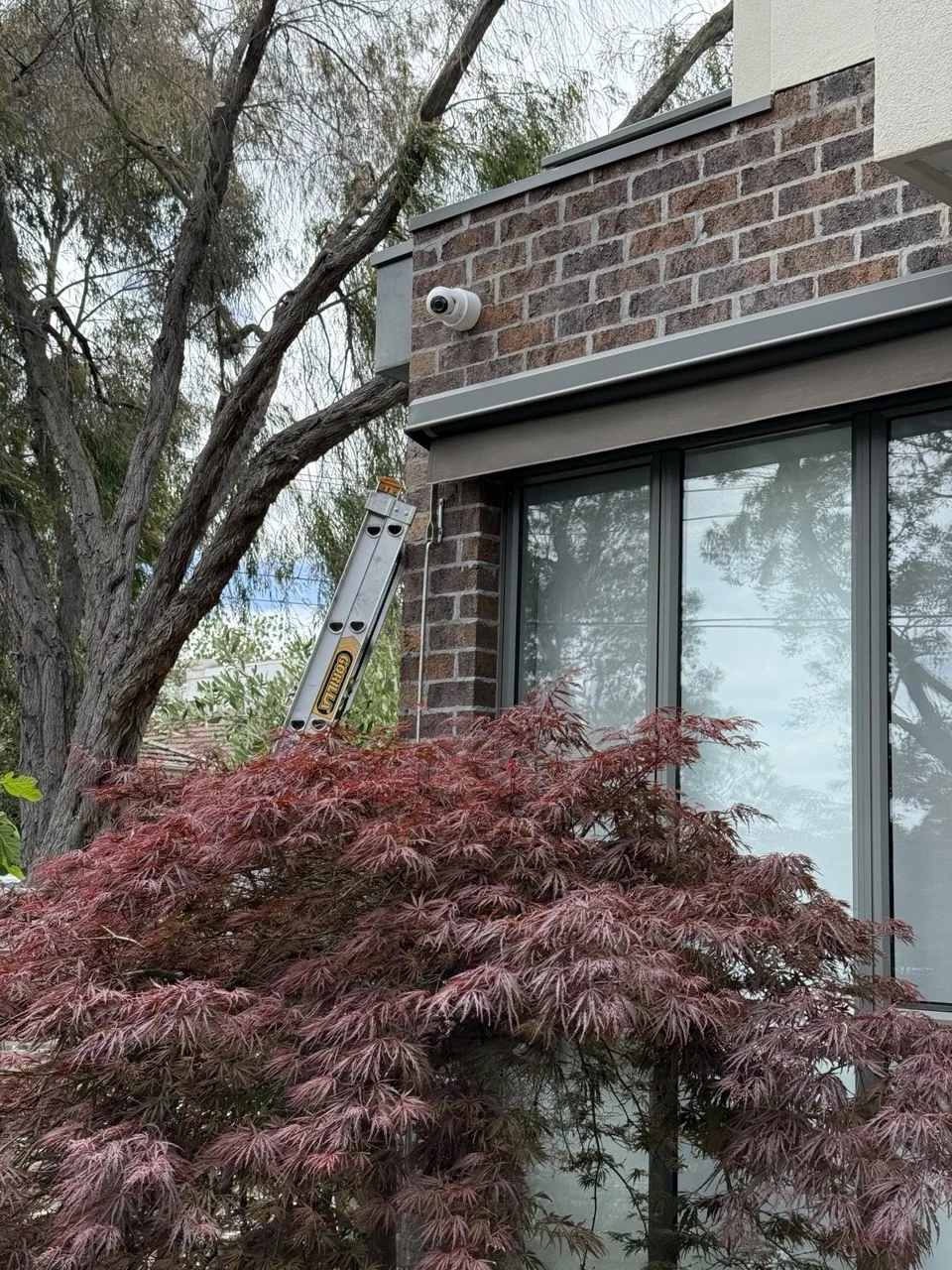
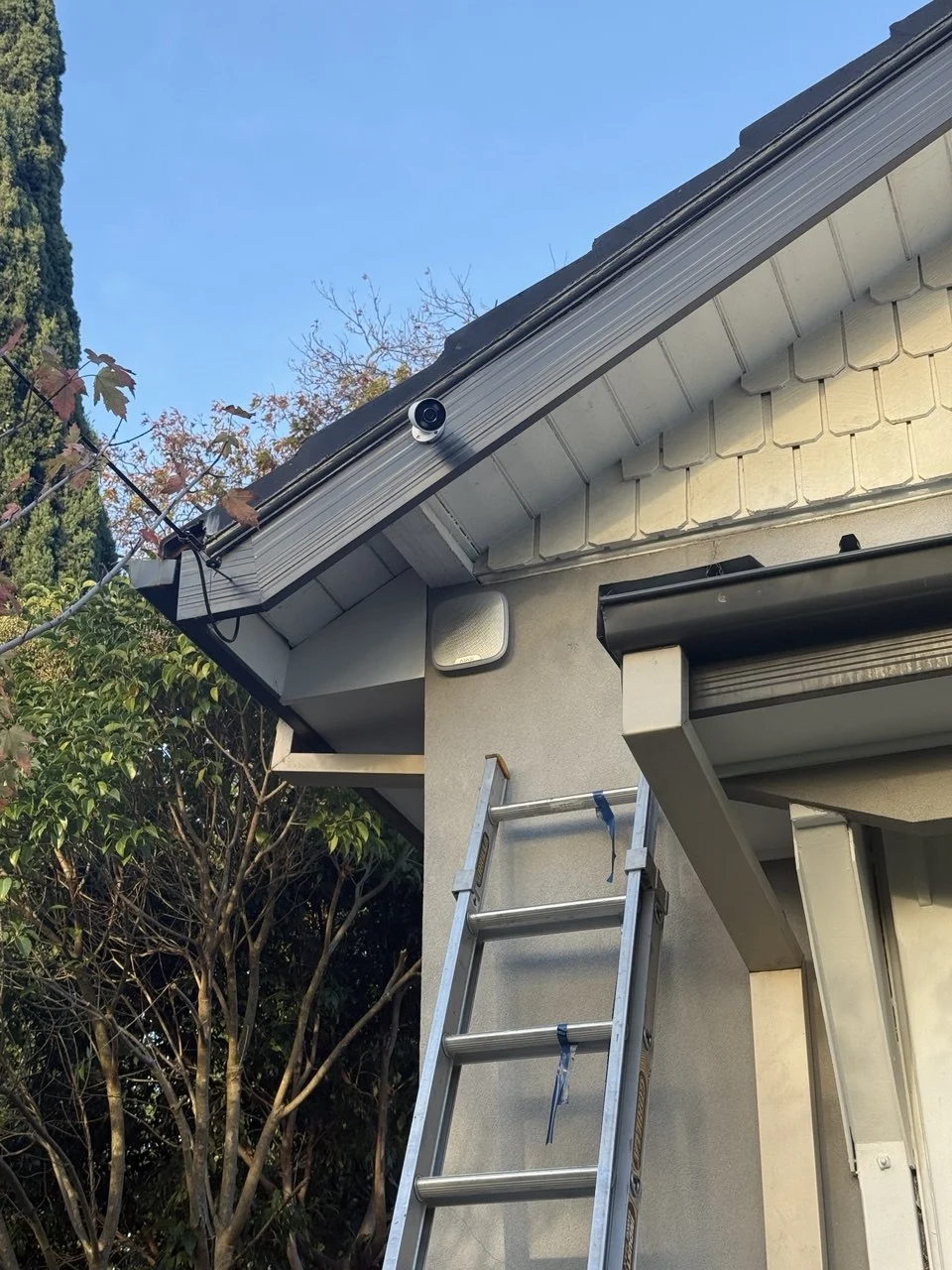
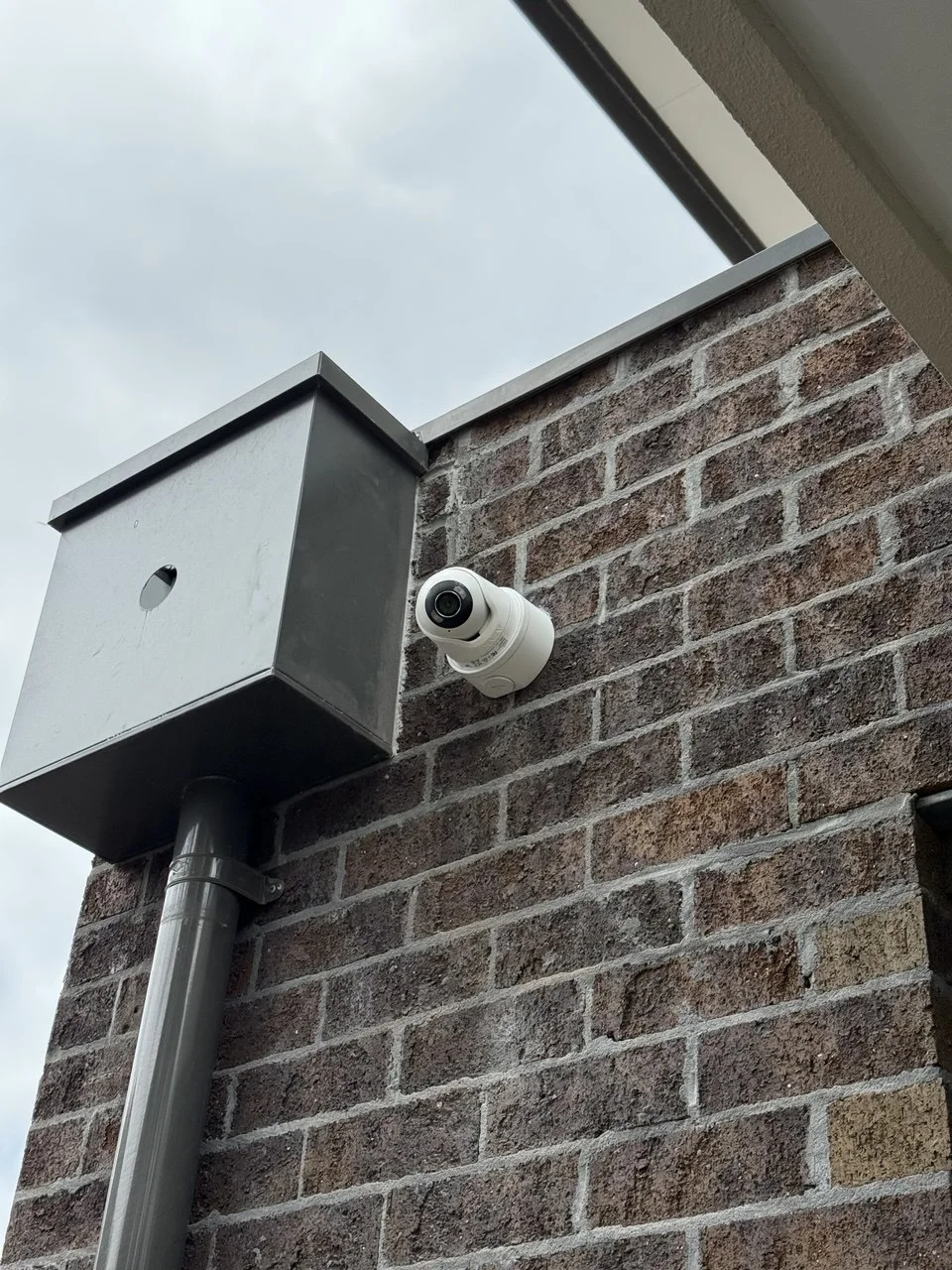
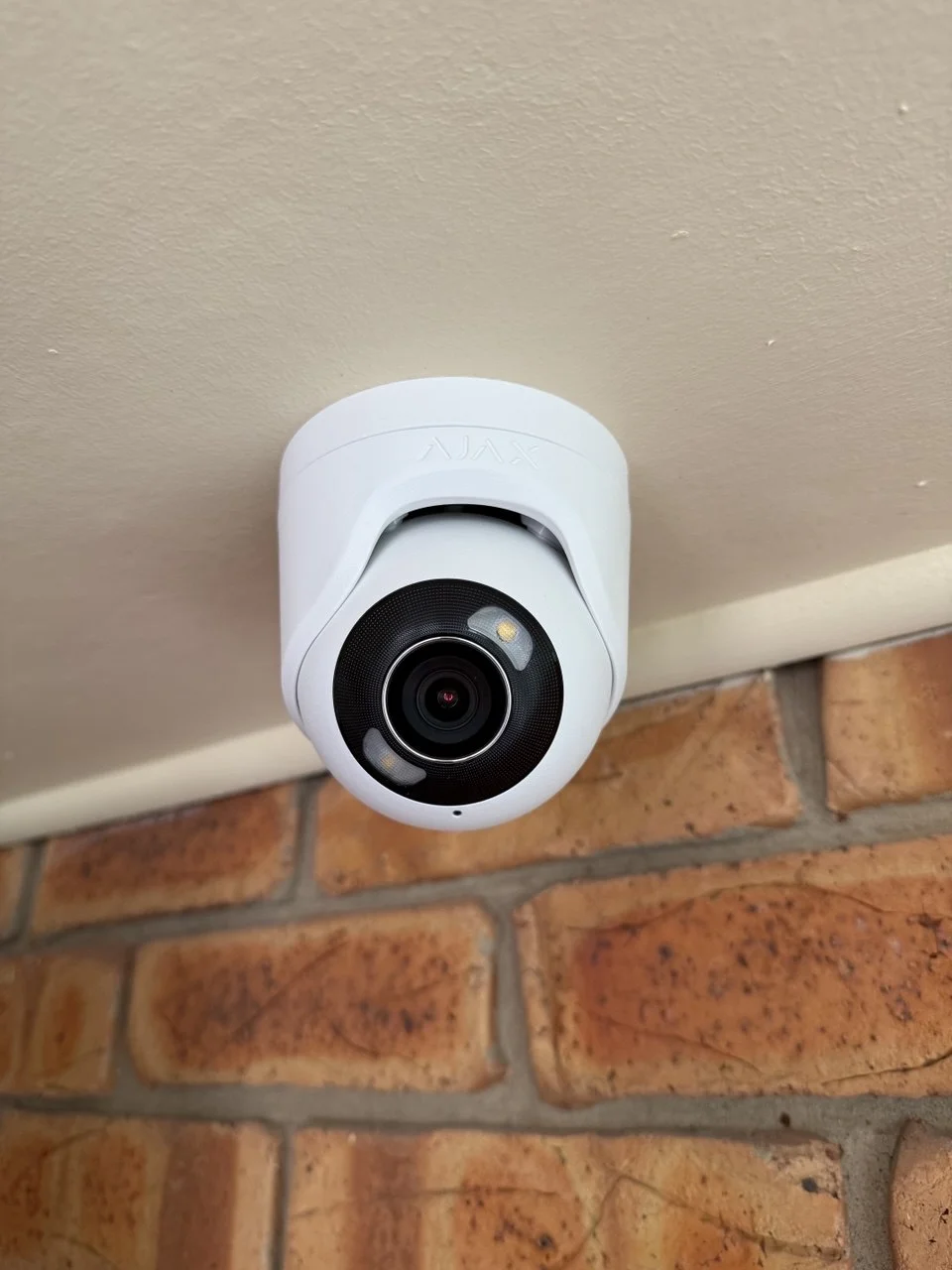
Glen Iris properties vary considerably in layout — a 1960s brick house on a generous block looks nothing like a recently completed knockdown rebuild on a subdivided lot nearby. Recent installation examples reflect both ends of that range.
Areas We Service Around Glen Iris
SIPKO Security provides CCTV and security camera installation across Glen Iris and the surrounding suburbs, where established residential properties, school-precinct streets and active development sites each call for a different approach to camera planning.
Frequently Asked Questions
Common questions about security camera installation, CCTV system costs, camera placement and alarm integration for Glen Iris properties.
How much does security camera installation cost in Glen Iris?
What affects the cost of CCTV installation in Glen Iris?
How many cameras does a typical Glen Iris property need?
Does the school precinct affect how a camera system should be set up?
Do I need council approval to install security cameras in Glen Iris?
Can CCTV be installed during a knockdown rebuild or major extension?
Can CCTV be integrated with an alarm system in Glen Iris?
Glen Iris properties don't follow a single template — because the suburb itself doesn't. An established home on a long-held block has a settled brief and needs coverage planned around its full perimeter. A home near Sacré Cœur or Korowa sits on a street with a daily rhythm a well-configured system should work within. A property mid-knockdown-rebuild has a temporarily different brief, one that reflects a family choosing to stay and build rather than move on.
For owners who plan to be here for the long term — which is most of Glen Iris — it's worth getting the system right from the start.
If you're considering security camera installation in Glen Iris, SIPKO Security can assess the property and recommend coverage that fits how the home actually works — now, and at whatever stage comes next.