
Alarm Keypad Repair, Replacement & Compatibility in Melbourne
If you have an older or existing alarm keypad that is beeping, difficult to read, unresponsive, showing a fault or simply unfamiliar, SIPKO Security can help identify the keypad and the alarm panel behind it. We check the model, compatibility, wiring and condition of the existing system before recommending repair, keypad replacement or any wider alarm upgrade.
Identify Your Existing Keypad
Not sure whether you have Bosch, Ness, Hills, DSC, Paradox or another system? We can use the keypad, control-panel label and system configuration to identify what is installed before discussing replacement parts.
Check Keypad Compatibility
Alarm keypads are not universally interchangeable. A replacement needs to match the control panel, system generation, keypad bus and programming requirements. We check compatibility before another keypad is supplied or installed.
Repair Keypad Faults
Dim displays, worn buttons, communication faults, power problems and warning messages do not automatically mean the entire alarm has failed. We diagnose the keypad and panel together before replacing equipment.
Replace Only What Is Necessary
If the keypad is beyond economical repair, SIPKO can check whether a direct replacement, another keypad supported by the existing panel or a broader alarm-system upgrade is the most practical option.
Get Your Keypad Checked
Call 0406 432 691 or complete the form and we will contact you.
Common Alarm Keypad Types We Assess and Replace
Melbourne properties still use many generations of wired, wireless, LED, LCD and touchscreen alarm keypads. The important question is not simply which keypad looks newer, but whether the keypad is compatible with the control panel already installed at the property.
Wireless Keypads
Wireless keypads can be useful where running new cable is impractical, but they must be supported by the matching alarm hub or wireless receiver.
- No new keypad cable where supported
- Battery-powered options
- Proximity or code access on selected systems
- Compatibility checked before installation
LED & LCD Keypads
Traditional hardwired keypads remain common in Melbourne homes and businesses. Many are still perfectly usable when the panel, wiring and replacement parts remain serviceable.
- Physical buttons and status LEDs
- LCD fault and zone information
- Existing cable may often be retained
- Panel generation must be confirmed
Touchscreen Interfaces
A touchscreen may provide clearer zone information and easier daily control, but it cannot normally be added to an old panel unless that exact panel supports the interface.
- Clear visual system status
- Easier user navigation
- App-linked platforms where supported
- May require a panel upgrade
Why Melbourne Clients Call SIPKO About Existing Keypads
A keypad problem may originate in the keypad itself, but it can also come from the panel, system power, wiring, communication bus or programming. We check the existing alarm before recommending parts or replacement.
Keypad & System Assessment
We identify the keypad, control panel and system generation before deciding whether the fault can be repaired or another keypad can be used.
Repair Before Replacement
If a reliable existing alarm only has a keypad, wiring or power fault, repairing the affected component can be more sensible than replacing the entire system.
Replacement & Programming
Where a compatible replacement is available, SIPKO can install and configure the keypad so user codes, zones, areas and daily functions operate correctly.
Local Melbourne Keypad Support
SIPKO works with existing alarm systems across Melbourne, including older keypads that may need identification before a repair decision can be made.
Keypad Replacement Depends on the Existing Panel
These interface styles illustrate the main replacement paths. The final choice depends on what the existing control panel supports, whether replacement parts are still available and whether the rest of the alarm remains worth retaining.
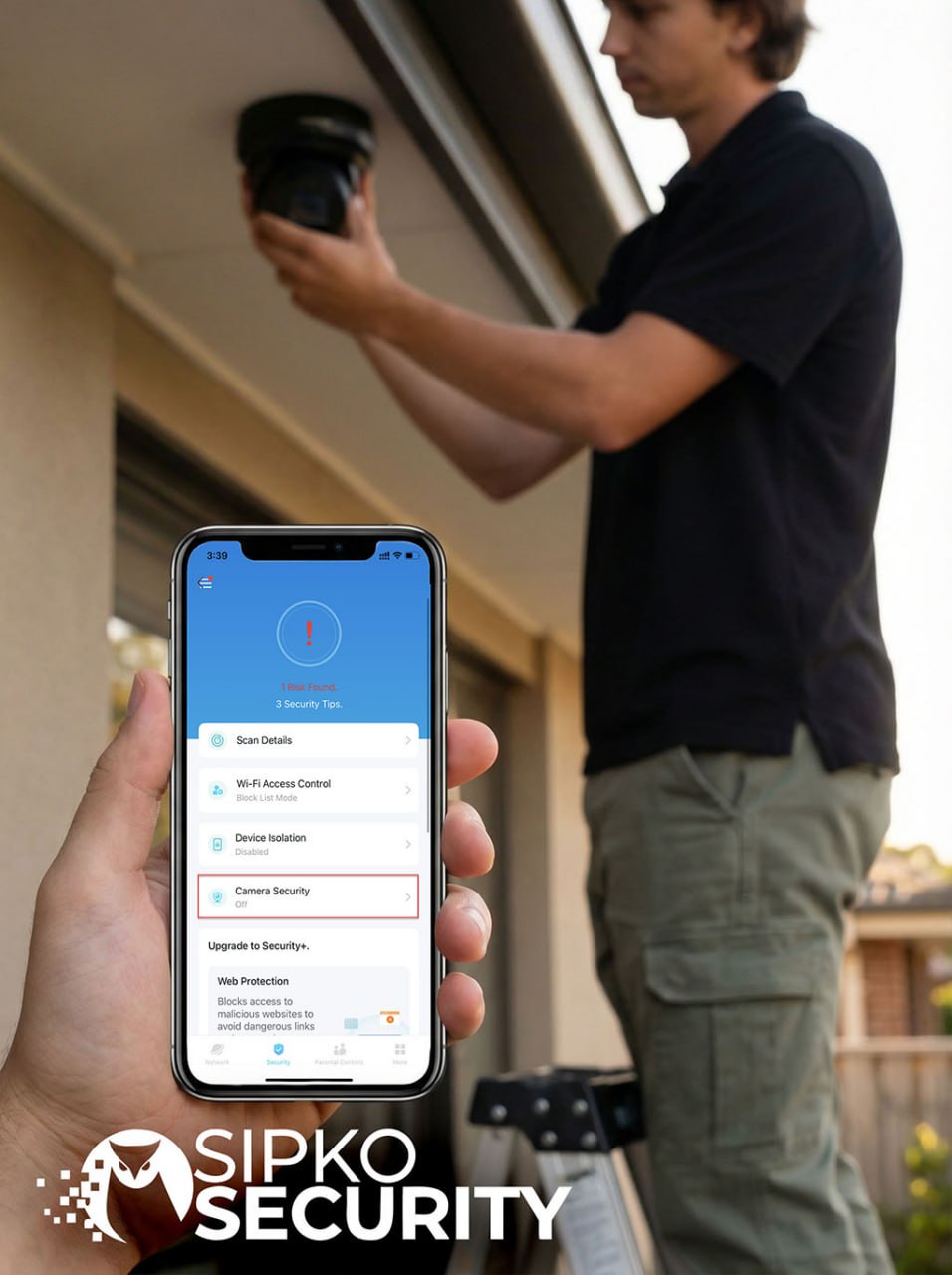
Touchscreen Interface
A modern touchscreen can simplify daily control where the alarm panel specifically supports it. On older systems, changing to a touchscreen may require more than replacing the wall keypad.
- ✓ Clear zone status
- ✓ Easier navigation
- ✓ Compatibility assessment first
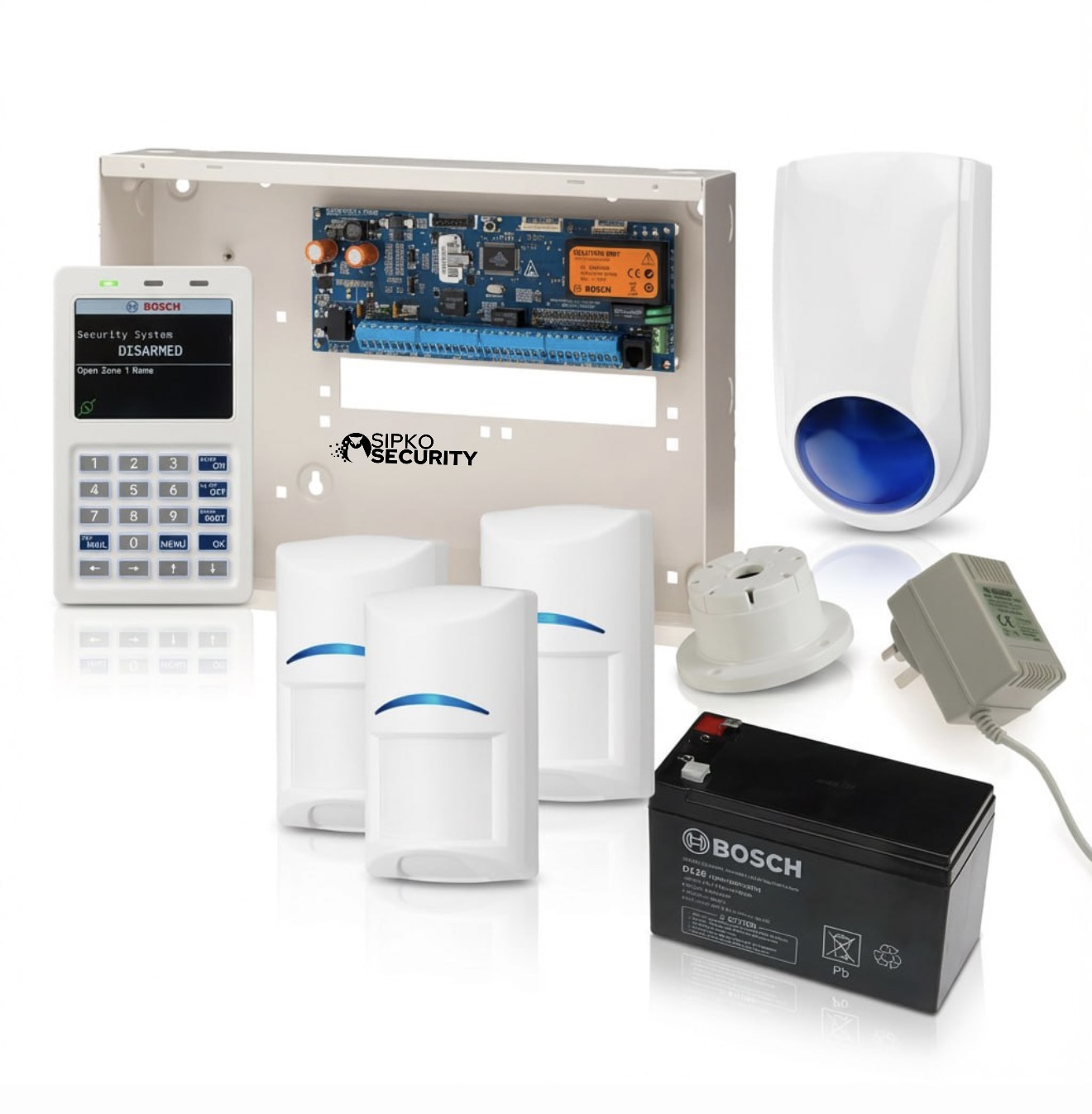
Tactile LED / LCD Keypad
Traditional wired interfaces remain a practical choice for many existing systems. Where the panel and keypad family are compatible, existing cabling can often continue to be used.
- ✓ Physical control buttons
- ✓ Existing cable reuse where suitable
- ✓ Panel and keypad model matching

Wireless Keypad
Wireless keypads can avoid new cable runs, but they are not universal. The keypad must communicate with a supported hub or receiver belonging to the same compatible alarm platform.
- ✓ Flexible placement where supported
- ✓ Battery-powered options
- ✓ System-specific communication
Alarm Keypad Repairs and Replacement in Melbourne
Beeping, a blank or dim display, unresponsive buttons and persistent fault messages can have several causes. SIPKO checks the keypad together with the alarm panel, power supply, communication bus and relevant zones before deciding what actually needs to be repaired or replaced.
Keypad Fault Diagnosis & Repairs
A keypad fault can originate in the keypad itself, its wiring, the data bus, system power or the main alarm panel. We isolate the cause first so a working keypad is not replaced unnecessarily.
- ✓ Keypad power and communication checks
- ✓ Display and button fault diagnosis
- ✓ Wiring and terminal inspection
- ✓ Fault-message investigation
Compatible Keypad Replacement
Where the existing alarm panel supports another compatible keypad, an ageing LED, LCD or damaged keypad may be replaced without changing the entire alarm. Compatibility and parts availability must be checked for the exact system first.
- ✓ Existing panel identification
- ✓ Compatible replacement selection
- ✓ Keypad addressing and programming
- ✓ Full function test after replacement
Backup Battery & Keypad Beeping
A weak alarm-panel backup battery is a common cause of trouble warnings and keypad beeping, but it is not the only cause. Power loss, communication faults, open zones and tamper conditions can produce similar symptoms, so the displayed fault should be checked before parts are replaced.
Repair the Cause, Not Just the Symptom
Replacing a keypad will not solve a failing power supply, damaged cable, communication fault or control-panel problem. The wider system should be checked whenever the same keypad fault keeps returning.

Your Alarm Keypad Specialist in Melbourne
Existing alarm systems are not all the same. A keypad that looks simple on the wall may depend on a specific panel generation, data bus, addressing method and programming configuration. SIPKO assesses the installed equipment before recommending a replacement.
Melbourne Service
Support for homes and businesses across Melbourne, including older installations where the keypad model is not immediately obvious.
Diagnosis Before Parts
We first establish whether the problem is the keypad, panel, wiring, power supply, communication bus or programming.
Repair, Replacement or Upgrade
The recommendation depends on the actual condition of the installed system rather than the age or appearance of the keypad alone.
Keypad Compatibility Starts With the Alarm Control Panel
The keypad is only the user interface. The main control panel determines which keypad family, communication method, zones, partitions and expansion features can actually be used.
Wireless Hub Systems
Wireless keypads must be enrolled into a compatible hub or receiver. A keypad from another ecosystem generally cannot simply be paired to an unrelated existing alarm.
- ✓ Hub-specific communication
- ✓ Device enrolment required
- ✓ Battery and signal checks
- ✓ Expansion depends on platform
Traditional Wired Panels
Bosch, Hills, Ness, DSC and other wired systems may use specific keypad buses and model families. Replacement depends on the exact control panel, not the brand name alone.
- ✓ Panel model identification
- ✓ Keypad bus testing
- ✓ Address and area programming
- ✓ Existing cable assessment
Modern Control Platforms
If the old panel cannot support the interface, mobile control or expansion the property now needs, replacing the panel may eventually become more practical than continuing to modify the old platform.
- ✓ Modern keypad options
- ✓ App control on supported platforms
- ✓ Individual user management
- ✓ Easier future expansion
Alarm Keypad Brands & Legacy Systems
SIPKO works with many alarm brands found in older Melbourne homes and businesses. Exact keypad compatibility and replacement-part availability depend on the control-panel model, system generation and installed hardware, so the equipment is confirmed before a replacement is recommended.
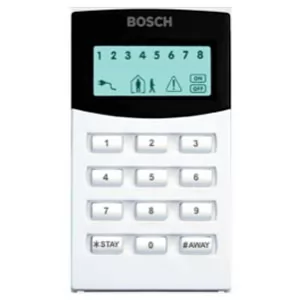
Bosch Alarms
Support for Bosch alarm panels and compatible keypad families, subject to the exact model and generation installed.
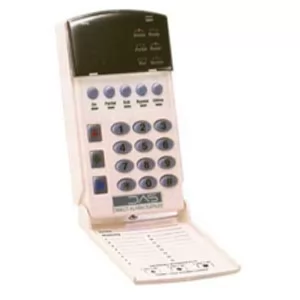
DAS / Hills Alarms
Assessment of Reliance, NetworX and related keypad systems, including older installations and replacement compatibility.
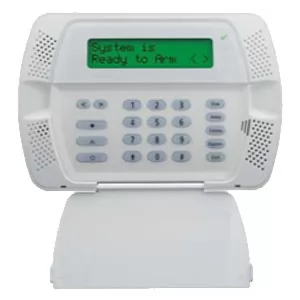
DSC Alarms
Keypad and panel assessment for existing DSC systems, including communication, model identification and replacement options.
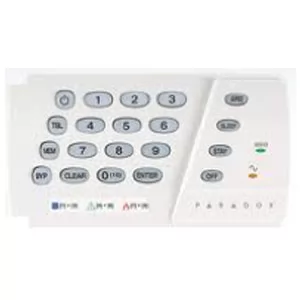
Paradox Alarms
Existing Paradox keypad and panel support, with compatibility confirmed against the installed panel family.
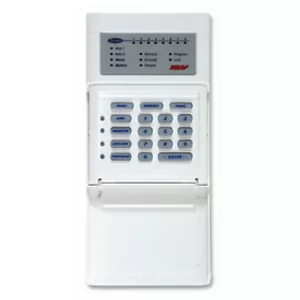
Ness Alarms
Support for older and newer Ness keypad systems, including D8, D16 and compatible interfaces where parts remain available.
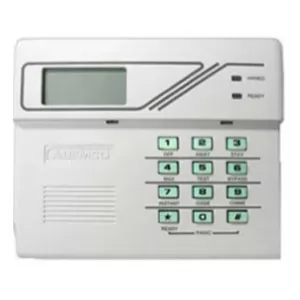
Ademco Alarms
Assessment of older Ademco systems where keypad condition, panel compatibility and parts availability need to be confirmed.
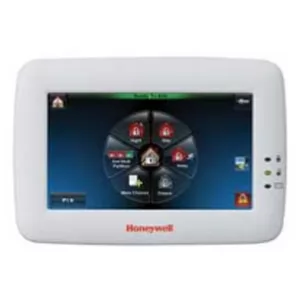
Honeywell Alarms
Existing Honeywell keypad and panel identification with repair and compatible replacement assessment.
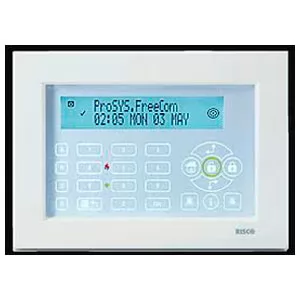
Risco Alarms
Keypad and control-panel checks for existing Risco systems and supported replacement options.
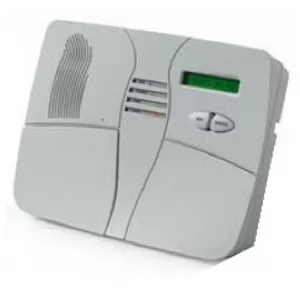
Visonic Alarms
Assessment of Visonic wireless alarm interfaces, communication and replacement possibilities.
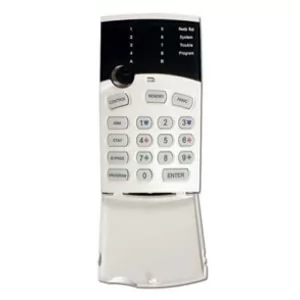
Crow Alarms
Support for existing Crow alarm keypads and panels where compatible hardware can be identified.
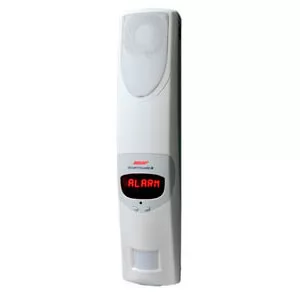
Chubb Alarms
Assessment of existing Chubb-branded alarm interfaces and underlying system hardware.
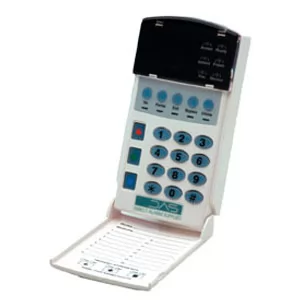
NetworX Alarms
Support for NX-family keypad issues, faults and compatible replacement assessment.
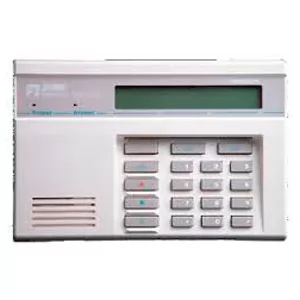
Aritech Alarms
Existing Aritech panel and keypad assessment for residential and commercial installations.
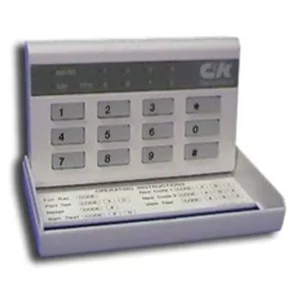
C&K Alarms
Assessment of older C&K keypad systems where age and replacement-part availability are important factors.
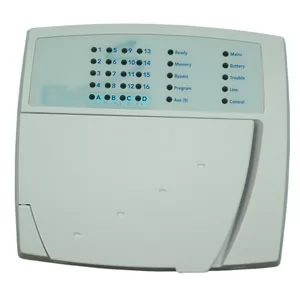
Elite Alarms
Existing keypad and panel identification with repair or replacement options based on the installed system.
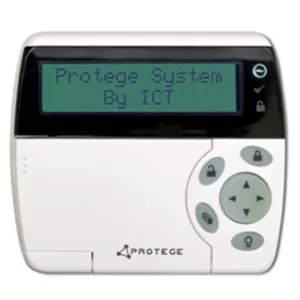
Protege Alarms
Assessment of Protege security interfaces and associated control hardware for existing commercial systems.
Will a New Keypad Work With My Existing Alarm?
Sometimes a faulty keypad can be replaced while the rest of the alarm stays exactly where it is. But a similar-looking keypad is not automatically compatible. The control panel and keypad need to be checked as one system.
What We Check Before Replacing a Keypad
The safest replacement path starts by identifying the existing equipment, not by choosing a new keypad from appearance alone.
- Control-panel make and exact model — the keypad must be supported by the panel it will communicate with.
- Keypad family and communication method — different alarm generations may use different buses, protocols or wireless links.
- Power and data wiring — damaged cable or low voltage can imitate a keypad failure.
- Programming and area configuration — replacement keypads may require addressing or commissioning before normal use.
- Parts availability — on discontinued systems the choice may be repair, a supported replacement or a wider system upgrade.
Not Sure What Keypad You Have?
You do not need to know the model before contacting SIPKO. A few details can make identification much faster.
- A clear photo of the front of the keypad.
- A photo of any visible model number or label.
- The model label from the alarm panel cabinet where it is safely accessible.
- The exact warning message, lights or fault code currently shown.
How We Diagnose and Replace an Existing Alarm Keypad
The correct process starts with the existing system. We establish what the keypad is connected to, identify the actual fault and then decide whether repair, compatible replacement or a wider alarm upgrade is justified.
Identify the Existing Alarm
We confirm the keypad brand, model where possible, control panel, system generation and the symptoms you are seeing.
Test Power, Wiring and Communication
A keypad can appear faulty when voltage, wiring, bus communication, addressing or the main panel is the real cause. Those items are checked before replacement hardware is fitted.
Repair or Select a Compatible Replacement
If the keypad can be repaired economically, that remains an option. If replacement is required, the new keypad is selected against the actual panel rather than appearance or brand name alone.
Program the Keypad to the Existing System
Replacement keypads may require an address, area assignment, user configuration or other panel programming before they function correctly.
Test the Alarm as a Complete System
Arming, disarming, keypad status, relevant zones and system faults are checked so the repair is not treated as complete simply because the new display powers on.
A simple keypad issue may be resolved during one service visit once the exact cause and model compatibility are known.
Timing depends on the panel model, wiring condition and programming required for the replacement keypad.
If the keypad is only one of several recurring faults, the control panel and wider alarm should be assessed before further money is spent.
Can an Existing Alarm Keypad Be Upgraded for App Control?
Sometimes. App access is normally determined by the alarm panel, communications hardware and supported service rather than the keypad alone. SIPKO checks the existing system before recommending an app module, keypad replacement or complete alarm upgrade.
The Keypad Is Only One Part of App Control
Replacing an old keypad with a newer-looking interface does not automatically give the alarm smartphone control. The panel still needs a supported communication path and compatible software or cloud service.
- Existing panel support: some alarms can accept a compatible IP, cellular or communication module.
- Keypad-only replacement: useful when the old interface has failed but the panel remains suitable.
- Partial modernisation: possible on selected systems when supported modules remain available.
- Full replacement: more relevant when the old panel cannot deliver the controls, reliability or expansion now required.
App Control
Remote arming, disarming and event information are possible only where the alarm platform and communication hardware support those functions.
Individual Users
Modern systems can make it easier to give family members, employees or managers separate access rather than sharing one common code.
Future Expansion
If new detectors, doors, garages or protected areas need to be added, the remaining capacity and compatibility of the existing panel should be considered before further investment.
Existing Commercial Alarm Keypads in Melbourne
Commercial keypad problems can affect staff access, opening and closing routines, separate areas and after-hours security. Repair decisions should account for the complete panel configuration rather than only the wall keypad.
Retail Keypads
A reliable keypad is important where different employees open and close the premises or access stock and staff areas.
- User-code issues
- Opening and closing faults
- Rear-door and stockroom areas
- Existing keypad replacement
Office Alarm Keypads
Office systems may use multiple areas, separate users and more than one keypad. Replacement needs to preserve the existing area configuration.
- Multi-area control
- Staff user management
- Secondary keypads
- Existing panel compatibility
Warehouse & Industrial Keypads
Larger premises may depend on several entry routes and separately armed zones, so replacing a keypad without understanding the wider system can create operational problems.
- Staff entrances
- Roller-door areas
- Warehouse partitions
- After-hours control
When the Keypad Problem Is Really a User-Management Problem
Older commercial alarms may still function reliably but become difficult to manage as staff change. Before replacing the entire system, SIPKO can assess whether the existing panel can still provide practical separate users and areas.
Alarm Keypad Troubleshooting Melbourne
Keypad symptoms can point to the keypad itself or to another part of the alarm. The exact meaning of lights, beeps and fault codes varies by brand and model, so use the display information as a diagnostic clue rather than assuming one universal cause.
Beeping or Chirping
Trouble ConditionA keypad may beep because of a low backup battery, mains power loss, communication fault, open zone, tamper condition or another stored trouble. Check the displayed warning before replacing the keypad.
Check the displayed fault firstFault or Trouble Messages
Model-SpecificMessages such as battery, AC, communication, tamper, fault or not-ready conditions can mean different things on different alarm platforms. The panel manual or technician diagnosis should be matched to the exact model.
Persistent faults need diagnosisUnresponsive Buttons or Frozen Display
Keypad / Power / BusDead buttons or a frozen screen may indicate keypad failure, low voltage, poor data-bus communication or a panel-side problem. The keypad should not be condemned until supply and communication have been checked.
Professional check recommendedDim or Failed Backlight
Display IssueA dim display may be an ageing keypad, a configurable brightness setting on some models or a power problem. If the keypad still responds normally, the rest of the alarm may remain completely serviceable.
Do not replace the whole alarm for this aloneCommunication Error
Panel / Wiring / NetworkA communication message may relate to the keypad bus, monitoring path, cellular communicator, IP connection or another part of the alarm. The exact fault needs to be identified before changing equipment.
Diagnosis usually requiredLow Battery Warning
Power SystemA low-battery warning often refers to the alarm panel backup battery, but wireless devices can also report their own batteries. The correct battery and charging condition should be confirmed for the installed system.
Confirm which battery is reporting lowSafe Checks Before Booking a Repair
- ✓ Note the exact message or lights shown on the keypad.
- ✓ Check whether mains power is currently available at the property.
- ✓ Check that protected doors and windows are fully closed.
- ✓ Photograph the keypad and any visible model number.
- ✓ Tell SIPKO whether the fault appeared after a power outage, renovation or other system change.
When to Call a Technician
- ! The keypad is completely dead even though the alarm has power.
- ! Communication or tamper faults keep returning.
- ! Buttons or the display are physically damaged.
- ! Multiple system faults appear together.
- ! The alarm cannot be armed or disarmed reliably.
- ! You do not know which panel or keypad model is installed.
Alarm Keypad Placement Melbourne
Where a keypad is located affects everyday usability. When replacing an existing unit we normally preserve a suitable location, while new or additional keypads should be positioned around the way people actually enter, leave and arm the property.
Place the Keypad Around Real Entry Routes
The primary keypad should be practical to reach after entering the property without forcing the user to walk through protected areas unnecessarily. Existing wiring, visibility, wall construction and daily routines should all be considered.
- Main entry: usually the most frequently used door.
- Internal garage entry: useful where residents commonly enter through the garage.
- Bedroom or upper level: may support convenient night-time control on suitable systems.
- Staff entry: normally more useful than a customer-facing entrance in commercial premises.
Existing Wiring
If the old keypad location is sensible and its cable is serviceable, keeping that position can make replacement cleaner and simpler.
Visibility
The keypad should be easy for authorised users to reach without being unnecessarily exposed to direct external sightlines.
Daily Use
A technically functional keypad can still be frustrating if users need to cross protected areas before they can disarm the alarm.
Front Door / Main Entry
Primary LocationUsually the most logical position when the front entrance is the normal arrival and departure route.
Garage / Internal Access
Common Family EntryA second keypad can be useful where residents usually enter the home through an internal garage door rather than the front entrance.
Bedroom / Night Control
ConvenienceOn systems that support multiple keypads or night arming, an additional interface can make overnight control more practical.
Rear or Secondary Entry
Property DependentProperties regularly accessed from the rear may benefit from a second supported keypad, proximity device or another suitable control method.
Commercial Staff Entry
Business PropertiesRetail and office keypads are usually most practical at the staff entry or the location used by the person responsible for opening and closing.
Replacement is simplest when a suitable existing location and cable can be retained. If the location itself is inconvenient, that should be discussed before the replacement keypad is programmed and mounted.
Is Your Alarm System Getting Too Old?
An old-looking keypad is not enough reason to replace an entire alarm system. The decision should depend on the condition of the panel, keypad, zones, wiring, sensors, communications and availability of compatible parts.
Repair or Replace the Keypad
Keeping the existing alarm usually makes sense when the keypad problem is isolated and the rest of the system remains dependable.
- The control panel operates reliably.
- The keypad fault is a single, identifiable problem.
- Existing zones and detectors remain stable.
- A compatible repair or replacement keypad is available.
- The existing alarm still meets the property’s security needs.
Consider the Condition of the Whole Alarm
A keypad replacement becomes less attractive when it is only one of several problems appearing across an ageing system.
- Keypad or panel faults keep returning after previous repairs.
- Multiple sensors, zones or other components are becoming unreliable.
- Compatible keypads or replacement parts are difficult to source.
- The system has no practical mobile app control or useful event alerts.
- More users, sensors, doors or protected areas need to be added.
- Continuing to pay for separate recurring failures no longer makes economic sense.
When Replacement Is Justified, Ajax Can Be Considered
If inspection shows that the old alarm is becoming unreliable or difficult to support, Ajax is one modern alternative SIPKO can assess. This does not mean an older alarm should automatically be removed. Ajax becomes relevant when the owner wants a cleaner long-term platform with modern control and simpler expansion.
Alarm Keypad Repair & Compatibility Questions
Answers for Melbourne property owners trying to understand an existing keypad, find a compatible replacement, fix a fault or decide whether the wider alarm still makes sense to keep.
Need Help With an Existing Alarm Keypad?
Tell SIPKO the keypad model, send a photo or describe the fault message. We can check whether the current keypad should be repaired, replaced with a compatible unit or assessed as part of an ageing alarm system.
