
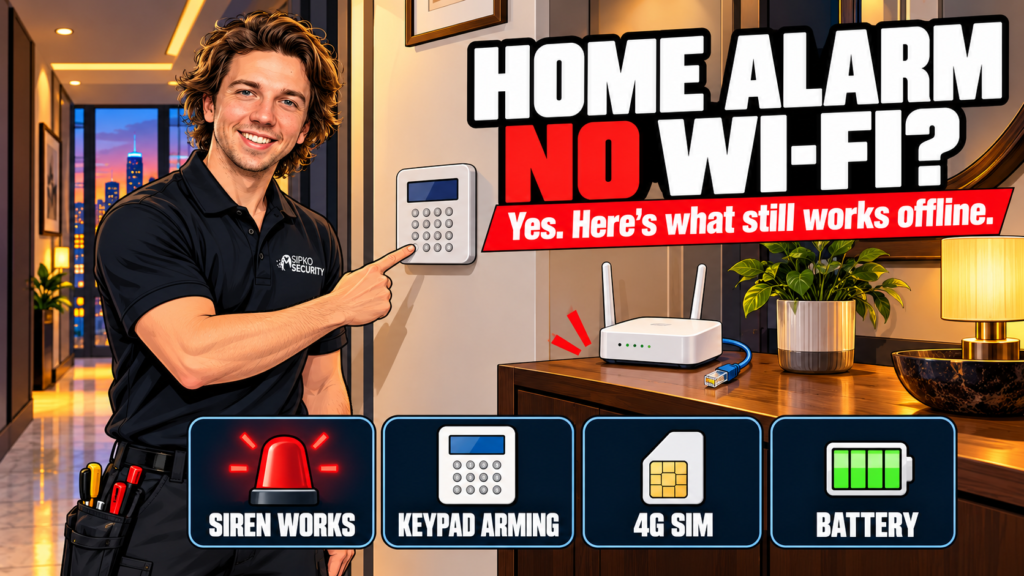
Yes, a home alarm can work without Wi-Fi or internet. A professionally installed system still detects a break-in and sounds its siren, because the sensors talk to the control panel by radio or cable, not through your router. What you lose is the app and push notifications, unless the panel has its own mobile SIM.
Most answers online stop at “it depends”. Below we split an alarm into its jobs and show which ones survive an internet drop or a power cut, including the nbn and the 3G switch-off, which most answers skip.
- Is "no Wi-Fi" the same as "no internet"?
- What does an alarm system still do without internet?
- Which type of home alarm copes best without Wi-Fi?
- What happens to a home alarm in a power cut?
- Do you need a 4G SIM in your home alarm?
- Did the 3G switch-off affect home alarms?
- Does alarm monitoring still work without internet?
- How do you test your alarm without internet?
- FAQ
Is “no Wi-Fi” the same as “no internet”?
No, and the difference matters for alarms. Wi-Fi is only the wireless link between your devices and your router. The internet is the nbn service (or whatever you have) behind the router. Wi-Fi can drop while the internet is fine, and the internet can drop while your phone still shows full Wi-Fi bars.
An alarm hub that plugs into the router with an Ethernet cable doesn’t use Wi-Fi at all. Mobile data is a third route that bypasses both. So the useful question is how many ways the alarm can reach the outside world, and which parts still work with none.
What does an alarm system still do without internet?
The sensors, the siren and the keypad all work locally. In an Ajax system the detectors talk to the hub over encrypted two-way radio, not over your home network. For an internet outage, Ajax’s own guidance is to add a keypad or key fob so you can change the security mode locally, plus sirens to alert people near the property.

| Job | Needs internet? | What happens offline |
|---|---|---|
| Detecting a door, window or motion trigger | No | The sensor tells the panel by radio or cable |
| Sounding the siren | No | The panel triggers it directly |
| Arming and disarming at a keypad or key fob | No | Works locally |
| Arming from the phone app | Yes | The app can’t reach the panel, so use the keypad or fob |
| Push notifications | Yes | Ajax sends them from its cloud server over the internet |
| SMS and phone-call alerts | No, but needs a SIM | The hub sends them itself over the mobile network |
| Reporting to a monitoring centre | Depends on the setup | Needs a working route out: Ethernet, a SIM, or both |
Whether that siren is loud or silent is its own decision, and we cover it in Silent or loud? Choosing how your security alarm responds.
The hub does need a connection the first time we set it up. Pairing runs through the app, so the hub has to be online on day one, over Ethernet or a SIM. After that, the core alarm keeps working without internet.
Which type of home alarm copes best without Wi-Fi?
Three designs cover most homes, and they cope differently.
| Design | How sensors reach the panel | With no Wi-Fi or internet | Often suits |
|---|---|---|---|
| Wireless hub with Ethernet and SIM slots (such as the Ajax Hub 2 (4G)) | Encrypted radio | Detection, siren and keypad carry on. A SIM keeps SMS, calls and mobile reporting going | Most homes and small businesses. This is what we install |
| Hardwired panel with a communicator | Cable | Sensors and keypad are on cable, so local operation doesn’t depend on your home network. Outside alerts depend on the communicator fitted (IP, 4G or both) | Larger homes and sites already cabled |
| Wi-Fi-based DIY kit | Varies by model | Offline behaviour varies by model, so check the manual for what still works and whether a SIM option exists | Renters, flats and tight budgets |
Our opinion, as installers. This table compares connection designs, not individual products, and it reflects what we install and see on site. Every design here is a sensible choice for the right home. Check the manufacturer’s manual for how a specific model behaves offline.
Weighing a DIY kit against a professional system? We compare the two approaches in DIY alarm kits vs professional systems. If you already have an old hardwired panel, read upgrade vs replace first. Our Ajax alarm systems guide covers the wireless range in full.
What happens to a home alarm in a power cut?
The panel keeps going on its backup battery. Ajax rates the Hub 2 (4G) at up to 15 hours with Ethernet disabled. The weak link is your router. nbn says equipment connected over its network won’t work in a blackout and needs its own battery backup, which nbn doesn’t supply.
We cover this in more detail in what happens to your security alarm in a power outage, with backup battery times and the nbn battery.
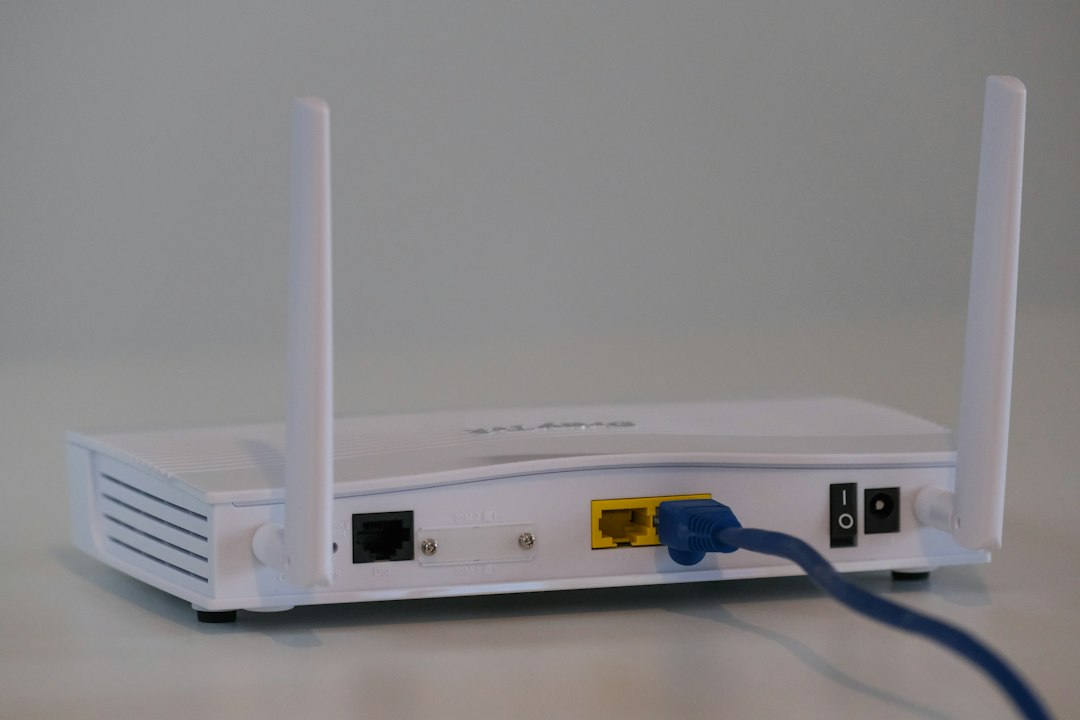
So in a street-wide outage, an alarm that relies on the router is on its own as soon as the router loses power, while the panel itself is fine for hours. A SIM closes that gap, because mobile data doesn’t depend on your router.
The same logic covers someone pulling the router’s plug or cutting the line. By default an Ajax hub raises a connection-lost alert only when every channel is down. In the hub’s server connection settings you can turn on alerts for a single channel, with a delay of 3 to 30 minutes. We’d switch on the Ethernet one, so you hear about a dead router even while the SIM carries the load.
Do you need a 4G SIM in your home alarm?
If nobody’s home to hear the siren, we say yes. A SIM is the one route out that doesn’t depend on your router or your nbn line, and the hub keeps it running on battery through a power cut. With one in the hub, the alarm can still send SMS, ring your phone on an alarm and keep push alerts going over mobile data.
You can skip it if you’re home most days, you don’t want monitoring and a loud siren is the point. The alarm still does its main job.
A second SIM on a different carrier is a bigger step. Ajax supports it so one carrier’s outage doesn’t cut the hub off, and we’d keep it for monitored or higher-risk sites. One SIM is enough for most homes. Mobile networks fail too, so we aim for two routes out: Ethernet plus a SIM.
Jamming is a separate topic. We explain what it looks like and how an Ajax hub flags it in Ajax alarm being jammed.
Did the 3G switch-off affect home alarms?
For older systems, yes. TPG Telecom (Vodafone) had already switched off 3G at the start of 2024, and Telstra and Optus began their switch-off from 28 October 2024. An alarm communicator that relied only on 3G lost its mobile route when its carrier’s network went.
If you’re not sure what’s inside your panel’s communicator, ask an installer to check which network it uses. A 4G-capable hub or communicator with a SIM from a current carrier is the fix.
Does alarm monitoring still work without internet?
It can, if the panel has more than one way out. Per Ajax, the hub switches to another channel when one drops, so a panel with Ethernet and a SIM keeps reporting when the router goes down. If monitoring matters to you, ask any installer one question: what’s the second route?
Our Ajax monitoring is 24/7, month-to-month with no lock-in, and starts from $49 a month including GST (current October 2026).
How do you test your alarm without internet?
It takes a few minutes and no tools. Do it on a day you’re home.
- If your alarm is monitored, tell the monitoring company first so your account goes on test. Otherwise you’ll start a real response.
- Switch the router and nbn box off at the wall. Leave the alarm panel on mains power.
- Arm the alarm from the keypad or key fob. If you can only arm from the app, you’ve found a gap worth fixing.
- Open a door the system protects and let the siren run for a few seconds. Warn the neighbours if you can.
- Disarm at the keypad, then switch the router back on. If the panel has a SIM, check whether your phone got the SMS or call.

If any step doesn’t behave, that’s the gap to fix, and it’s worth a call to your installer.
FAQ
Will my home alarm still sound if the Wi-Fi or internet is off?
Yes. The control panel triggers the siren, not your router, so a professionally installed system still sounds with no connection. What pauses is anything that needs the cloud, like the app and push notifications. If the panel has a SIM, it can also still send SMS alerts and ring your phone.
Can I still arm and disarm without internet?
Yes, at a keypad or with a key fob. Ajax’s own guidance for losing the internet is to add one so you can change the security mode locally. The phone app is different. It reaches the hub through Ajax’s cloud, so the hub needs a working route out, such as Ethernet or a SIM.
Will I get alerts on my phone if the internet goes down?
Only if the panel has a SIM. With one, the hub can send an SMS and ring your phone on an alarm, and push alerts travel over mobile data. Without one, the siren still sounds locally but your phone won’t hear about it while the connection is down.
Does a home alarm work in a power outage?
Yes. The panel runs on its backup battery, and Ajax rates the Hub 2 (4G) at up to 15 hours with Ethernet disabled. Your router won’t run unless it has its own backup, and nbn doesn’t supply one, so phone alerts during a blackout depend on a SIM.
Do security cameras work without internet?
It depends where the footage is saved. A camera recording to a local recorder doesn’t rely on the internet to store it, while one that uploads clips to the cloud does. Remote viewing and phone alerts need a connection either way. If you’re deciding which to buy first, see Alarm or cameras first?
Want an alarm that keeps working when the router doesn’t? Book a free site walk-through and we’ll give you a fixed quote for alarm system installation in Melbourne. You can also read our Ajax alarm cost guide for Melbourne.
Monitoring price current October 2026, reviewed quarterly. Final fixed quote after a free site walk-through.



