
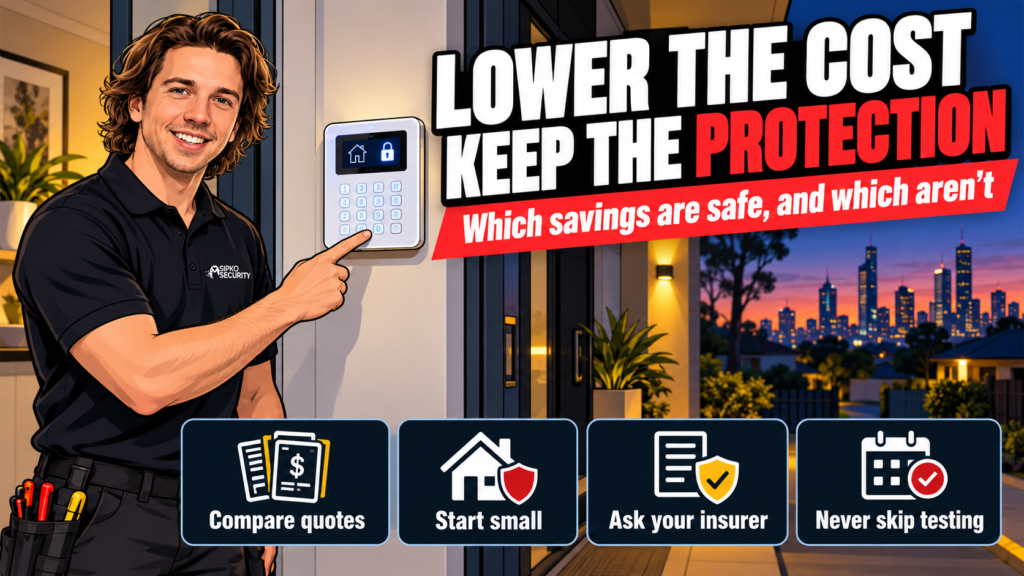
You can lower the cost of a security alarm by cutting extras, not detection. Compare quotes on the same written scope, cover the ways in first and add devices later, and check each saving against your insurer’s conditions. Don’t cut detection on entry points, the backup signal path, or testing.
Many of the budget guides we read while researching this are written for the US or Europe and treat every saving as free. It isn’t. Below, each saving is labelled do it, only if or don’t, with the reason.
Everything on this page is our opinion as security installers in Melbourne. It is general information, not a quote, and not legal, insurance or financial advice. No alarm can guarantee it will prevent a break-in. Your insurer’s policy and a written quote for your property come before anything here.
- What can you cut from a security alarm, and what should you never cut?
- How do you compare alarm quotes fairly?
- Is it safe to start with a smaller alarm and add to it later?
- Can you save money by self-monitoring instead of paying for monitoring?
- Is a DIY alarm install a safe way to save money?
- Can you keep your old alarm to lower the cost?
- Will your insurer give you a discount for an alarm?
- Which savings do we advise against?
- FAQ
What can you cut from a security alarm, and what should you never cut?
| Saving | What it does to protection | Our view |
|---|---|---|
| Compare quotes on the same written scope | Nothing | Do it |
| Start with a core system and add devices later | Nothing, if the first stage covers the ways in | Do it |
| Fewer extras (more keypads, spare remotes) | Little | Do it |
| Take an insurer’s discount | Nothing, if you meet the policy conditions | Do it, but read the conditions |
| Self-monitor instead of paying for monitoring | Depends on you acting on every alert | Only if you can answer alerts day and night |
| Install it yourself | Design, placement and testing become your job | Only if you can test every device properly |
| Keep parts of an old system | Depends on age, support and how it reports | Only after an inspection |
| Remove detection from a door or window someone could use | Leaves a gap | Don’t |
| Rely on a single signal path | The alarm goes quiet if that path fails | Don’t |
| Skip commissioning and testing | Faults stay hidden until the night you need it | Don’t |
| Put up a sign or dummy box instead of a system | Detects and reports nothing | Don’t |
The pattern is simple. Cuts to the extras are safe. Cuts to detection, the signal path or testing change what the alarm does, so they are not savings at all.
How do you compare alarm quotes fairly?
Two quotes for the same house can describe two different alarms. Before you compare totals, ask each installer to put these in writing:
- how many detectors, where each one goes, and which doors and windows they cover
- how the alarm reports an event, and whether a second path takes over if the first fails
- what keeps it running in a power cut
- whether monitoring is included, and the contract term if it is
- whether commissioning and testing are in the price, and what handover you get
- the installer’s Victoria Police registration or licence number
A lower quote that leaves out the second signal path or the testing is cheaper because it does less. Line items that match are the only fair comparison.
Victoria Police regulates security equipment installers, and current licence and registration holders appear on its public register. Checking the number takes a minute and costs nothing.
Is it safe to start with a smaller alarm and add to it later?
Yes, provided the first stage covers the ways in and the control panel has room to grow. An Ajax Hub 2 works with up to 100 devices, so a modest first stage isn’t a dead end. On our own Ajax alarm pages we say sensors can be added later without reinstalling, and that we check the hub’s capacity at install. Our usual Ajax residential install takes 2 to 4 hours, depending on the size of the property.
Our rule of thumb for stage one is detection on every door and ground-floor window someone could realistically use, a detector covering the path from there into the house, and a siren you can hear. Extra keypads, spare remotes and detectors for rooms nobody could reach without passing a detector you already have can wait.
You don’t need a premium detector in every room. Photo-verification models such as Ajax’s MotionCam send photos with the alarm, which is worth having where seeing the cause matters most. A standard detector can do the rest.
If your real question is whether to spend on an alarm, cameras or screens first, we cover that in Alarm or Cameras First? Spending a Limited Budget Well and Security Screens or an Alarm: What to Buy First?.
Can you save money by self-monitoring instead of paying for monitoring?
Sometimes. It removes an ongoing cost, and it changes what the alarm actually does.

With self-monitoring the alert goes to your phone and you handle it. With professional monitoring a station can act on an alarm when you can’t. Both are workable, and both are available on our Ajax installs.
Self-monitoring only works if someone reliably sees the alert and acts within minutes. That has to hold at 3 am, in a meeting, overseas, and when the phone is flat or has no signal. If you travel often or sleep through notifications, keep monitoring and cut elsewhere.
Monitoring doesn’t have to be a long commitment. Ours has no lock-in contract, so it’s a monthly decision. If a contract is ending, read what to check before you renew an alarm monitoring contract first.
Check your insurance before you drop monitoring. If your insurer rates the type of alarm or expects monitoring, removing it can cost more than it saves.
Is a DIY alarm install a safe way to save money?
It removes the labour line. It also moves design, placement and testing onto you. Coverage and testing decide the result, whichever kit you buy.
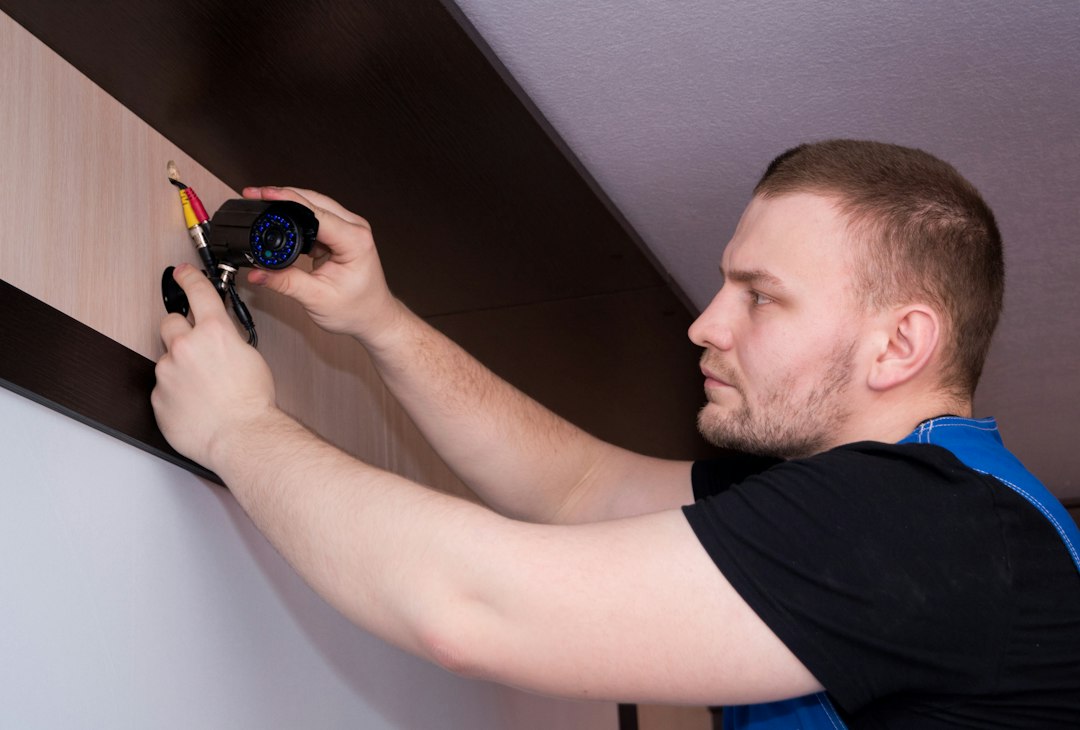
If you do install it yourself, put detection on every entry someone could use, walk-test each detector, trigger the siren, confirm the alert reaches your phone, and write down what you tested and when. Ask your insurer what proof of installation it wants before you rely on a discount.
DIY is the one saving here where we’d say it’s not for every house. A property with many entry points, outbuildings, or an older wired system already in the walls is usually better designed by someone who does it every week. If you pay anyone to install, the licence check in the quotes section above applies to them.
Can you keep your old alarm to lower the cost?
Sometimes, and it’s the saving most worth a professional look. Reusing a panel, keypads and wired detectors can shrink a quote. It only counts as a saving if the equipment is still supported and still does its job.
Ask four things. Is the panel still supported? Does every detector trigger when tested? What condition are the batteries in? How does the system send its signal? Check the last one closely, and see Old Alarm Monitoring After NBN: Does the Alarm Need Replacing?.
Our security system takeover service starts with an assessment of what you have. We keep suitable equipment and explain what needs attention. Keeping something because it’s already on the wall costs more than replacing it if it fails the first time you need it.
Will your insurer give you a discount for an alarm?
Possibly. RACV’s home insurance guide lists the type of alarm installed as a factor in the premium. Each insurer decides how much it matters and what conditions apply, and we can’t tell you what your policy says.
Ask your insurer three things. Does the discount need a monitored alarm? Does it need a licensed installer or an installation record? Do they need to know if you change or downgrade the system later?
Read the policy documents before you remove monitoring or alter the system. A discount you no longer qualify for is a hidden cost.
Which savings do we advise against?
Four, and each one changes what the alarm does.
Removing detection from an entry point. A door or window with no detection on it is an unprotected way in. Reduce the number of extras instead, and keep every entry someone could realistically use.
Relying on a single signal path. If the alarm reports over one path only, it goes quiet when that path fails. Keeping a second path is part of the design. Our guide on whether a home alarm works without Wi-Fi or internet explains how that works.
Skipping commissioning and testing. Faults stay hidden until the night you need the alarm. Testing every detector and the signal path at handover is a small cost next to a fault found on the night.
Putting up a sign or dummy box instead of a system. Some budget guides suggest it. We don’t. A sign with nothing behind it detects and reports nothing.
FAQ
What is the cheapest way to get a security alarm that still works?
Get two or three quotes on the same written scope, cover the ways in first, and add devices later. Keep monitoring and the insurer’s conditions in the comparison. The cheapest alarm that works is one whose first stage covers entry and reports reliably, and everything beyond that can wait.
Is a self-monitored alarm as good as a monitored one?
They do different jobs. A self-monitored alarm sends the alert to you. A monitored alarm adds a station that can act when you don’t answer. Whether self-monitoring is enough depends on whether you will reliably see and respond, and on what your insurer expects.
Does having an alarm lower home insurance?
It can. RACV’s guide lists the type of alarm installed as a premium factor, but each insurer sets its own discounts and conditions. Ask yours what it requires before you buy, and again before you change or downgrade the system.
Can I add detectors to my alarm later?
On our Ajax installs, yes. We say sensors can be added later without reinstalling, and we check the hub has room for them at install. An Ajax Hub 2 works with up to 100 devices, so plan the capacity at the start rather than the end.
Do fake alarm boxes or alarm signs work?
A sign or dummy box doesn’t detect or report anything, so we don’t recommend either as a saving. A smaller real system, with the entry points covered first, is a better use of a limited budget.
Want a fixed quote for a smaller first stage? Book a free site walk-through and tell us what you want to spend.
Disclaimer: this article is our opinion as security installers and general information only. It is not legal, insurance or financial advice, and it is not a quote. No alarm can guarantee it will prevent a break-in. Insurer conditions and licensing rules can change, so check current requirements with your insurer and Victoria Police. Scope and any pricing are confirmed in writing after a free site walk-through.



