
- Do it yourself, call us if stuck
- About 10 minutes
The short version
- Read the first event in the alarm log. It usually points to real movement, a room or fitting problem, or an equipment event.
- Pet-friendly depends on the detector, its height and where the pet can climb. Ajax, for example, ignores animals up to 20 kg and 50 cm when set up as directed.
- Sun on the lens, heaters, moving air and loose mounts are common causes. Ajax manuals list where a detector should not go.
- Fix the cause, test, then decide on an upgrade. Never leave a zone bypassed for good.
On this page
- The short version
- First, work out what happened
- Common causes at a glance
- Entry and exit routines
- Night mode and Stay mode
- Pets: check the whole scene
- Sunlight, heat and moving air
- Dust, cobwebs and dirty lenses
- Doors, windows and tamper events
- What a newer system can change
- Keep a simple fault record
- Fix, test, then decide whether to upgrade
- Two examples of a better diagnosis
- FAQ
- Sources and further reading
- Get the cause checked before you replace anything
What triggers false alarms? Most come from one of three things: real movement at the wrong time (a person, a pet or the wrong arming mode), a room or fitting problem (sunlight, heat, moving air or a loose mount), or an equipment event such as a tamper or a weak battery. The alarm log usually shows which one, so read the first event before you change anything.
This guide covers burglar (intruder) alarms, not smoke alarms. It is for Melbourne homeowners whose alarm keeps going off for no clear reason. It explains the common causes, what to check from a safe spot, and what to ask an installer. Some examples use Ajax, because Ajax publishes clear installation rules. Other brands have their own rules, so check the manual for your model.

First, work out what happened
If the alarm is sounding and you think someone is inside, put your safety first. Do not go in to look. Follow your response plan and call for help. The steps below are for an unwanted alarm, once it is safe.
Write down the first event, not the latest message. A door opening, an entry timer running out and then a motion alert tell a different story from a tamper or a low battery warning. The app can bundle messages together, so ask your installer to read the full event list.
The diagram is a starting point, not a diagnosis. The same symptom can have more than one cause, and an installer should test before changing anything.
Common causes at a glance
| What you notice | A likely cause | Who should check it |
|---|---|---|
| Alarm goes off as you walk in | Entry route or entry delay does not match how you really use the door | Installer, with you at the door |
| Alarm goes off at night in Night or Stay mode | A motion detector on your night route is still active | Installer |
| One motion detector, pet at home | Detector too low, or the pet can climb near it | Installer |
| Motion alert on hot or sunny afternoons | Sun on the lens, a heater, moving air or a curtain above a radiator | You can look, installer moves it |
| Door alert in wind or after frame work | The door no longer closes the same way, or the sensor and magnet moved apart | You can look, installer adjusts |
| A tamper message | A cover or mount was disturbed, or a part is loose | Installer |
| Low battery or signal message | A weak battery or a poor radio signal, which is not the same as an intruder alarm | Installer |
Entry and exit routines
Many false alarms happen when someone comes home. If a door is not set up as the entry route, a motion detector can see you before you reach the keypad. Leaving by the garage after arming at the front door causes the same trouble.
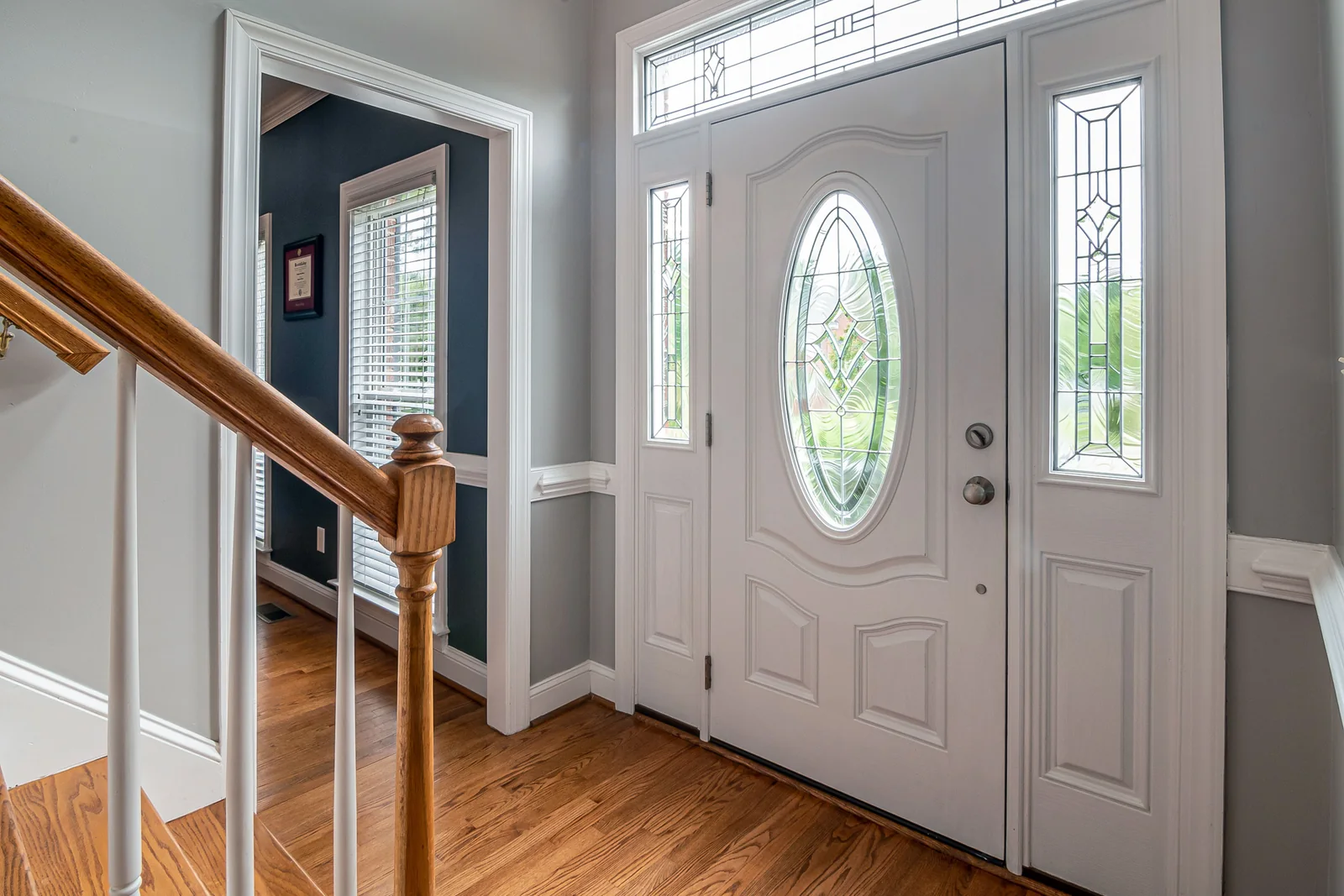
Show the installer how you really come and go, including trips back for forgotten keys. Ask them to demonstrate the right route and to confirm that arming has finished. Our advice: do not simply make every delay longer. A longer delay can leave the house less protected for no good reason.
Look for patterns with cleaners, visitors, children or shift work. A personal code for each person and clear instructions often fix more than new detectors do. Everyone who uses the alarm should know the right mode and how to tell that arming failed.
Night mode and Stay mode
Home, Stay and Night do not mean the same thing on every system. What stays active depends on the devices and zones set up for that mode. Ask which doors, windows and detectors are on, and which routes you can walk.
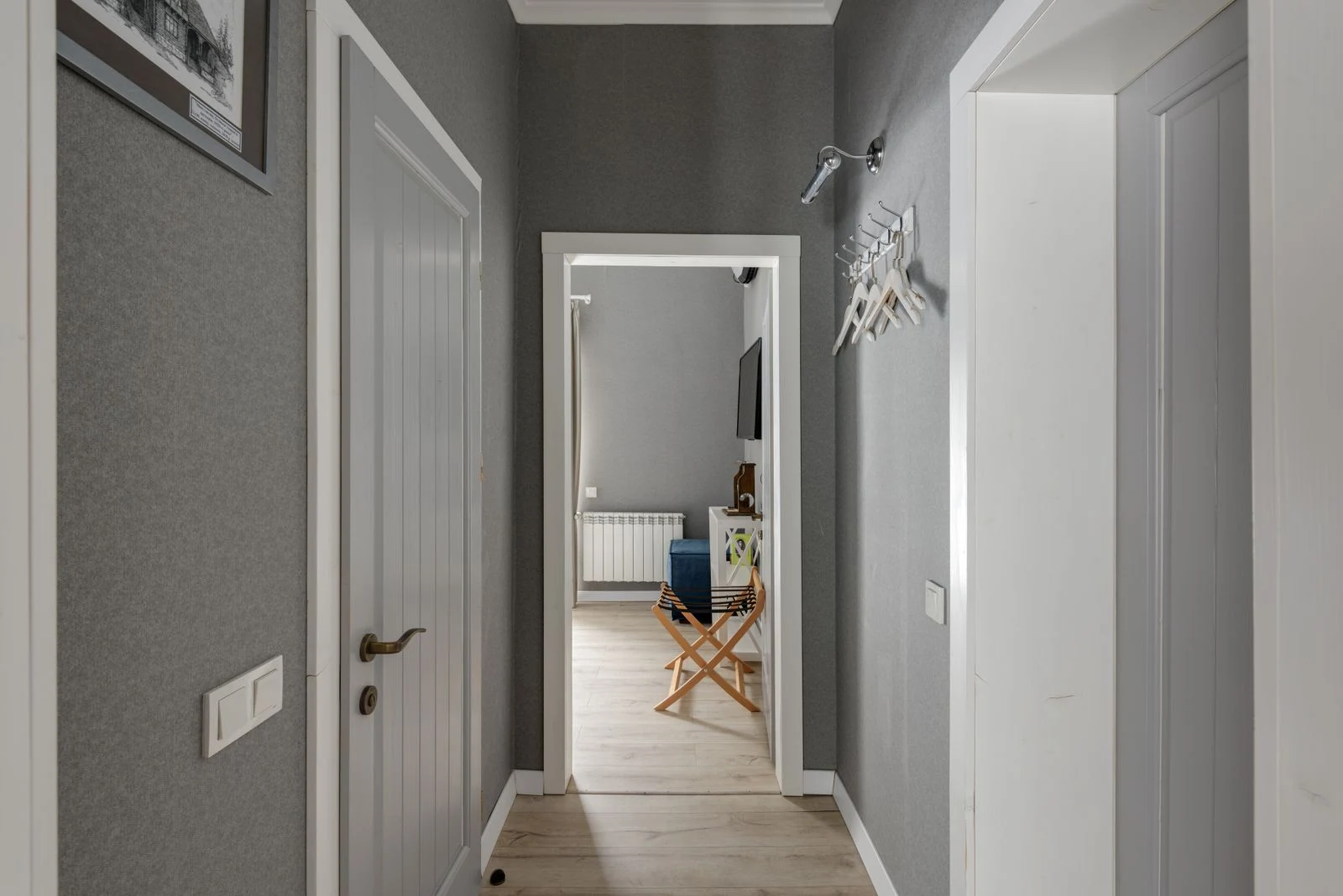
If a trip to the bathroom sets off the alarm, find the detector on that route. Do not stop using the alarm at night. An installer can often change the mode so the useful protection stays and normal movement is allowed. Review it again if a bedroom changes use or a relative stays over. If you have a Paradox panel, see our guide to Paradox false alarms at night.
Pets: check the whole scene
“Pet friendly” always depends on the detector, its height and its position. It is never a promise that a pet cannot set it off. Ajax gives exact figures for its MotionProtect:
These figures come from the Ajax MotionProtect manual, and they apply to Ajax only. The manual also says the detector can still alarm if an animal can jump up to its level or move close to it, and that a detector fitted too low puts animals in a more sensitive zone. A new sofa, shelf or cat tree can bring a pet closer to a sensor, even though the pet and the alarm have not changed.
Tell the installer which animals you have and where they can climb. For the full picture, including doors, windows and glass-break detection, read our guide to alarm systems for homes with cats and dogs. Ajax owners can also use our Ajax false alarm guide.
Sunlight, heat and moving air
A motion detector reacts to heat and movement, so a change in the room can look like a person. Think about what changed before the problem began: new heating or cooling, curtains, furniture, renovation dust or strong sun at a new time of year.
The Ajax manuals for MotionProtect and MotionProtect Curtain list places where the detector should not be fitted. They are a good checklist for any room, and your own detector may have different rules:
- Do not point it where direct sunlight can hit the lens.
- Do not face it at a heater, such as an electric or gas heater, where the temperature changes fast.
- Avoid places with fast air movement, such as near fans, open windows or doors.
- Avoid facing warm moving objects, such as curtains swaying above a radiator.
- Do not fit it outdoors. Both manuals say indoor use only.
- Keep plants, vases and furniture out of its view, and remember it does not see through glass.
- Fit it in a corner or on a flat, firm surface. A shaky mount can cause false alarms.
Ajax says its MotionProtect Plus adds a second, microwave check after motion is seen, to cut false alarms caused by heat such as heated curtains, fans and air conditioners. Whether that suits your room is a question for the installer, after the cause is known. If a detector cannot be moved, the Ajax MotionProtect Curtain manual describes a setting that shortens its range, for example from up to 13 m to up to 7 m at normal sensitivity, to reduce interference.
Dust, cobwebs and dirty lenses
A detector that has not been cleaned for years can start to misbehave. Cobwebs, dust and crawling insects across the lens can look like movement. The Ajax MotionProtect manual tells owners to clean the detector from dust, spider webs and other dirt as they appear. It says to use a soft, dry cloth, never alcohol, acetone, petrol or other solvents, and to wipe the lens gently, because scratches on the plastic can lower the detector’s sensitivity. It also says to check the detector’s operation about once every three months.
Ask your installer how to clean your own model before you touch it, and do not spray anything onto a detector.
Doors, windows and tamper events
A door or window sensor has two parts: the sensor and a magnet. They have to stay close and in line. For the Ajax DoorProtect, the manual gives the small magnet a gap of up to 1 cm and the big magnet up to 2 cm. A loose fitting, a door that has begun to sag, or recent frame work can all open that gap. The manual also says a dropped sensor or magnet may cause false alarms or damage.
Notice whether alerts line up with wind, door movement or building work. That is a clue, not proof of the cause.
A tamper event is a different clue. It means a cover or mounting was disturbed, not that something moved in the room. Ask which device reported it and whether the problem is still there. The Ajax manual says its tamper works when the sensor is pulled off the surface or off its mounting plate, so do not break off the perforated part, and use double-sided tape for testing only. Treating a tamper like a motion problem wastes time.
A low battery or weak signal warning is also separate. Ajax recommends 2 to 3 bars of signal and says one bar or none does not guarantee stable operation. Write down the two events separately and ask for them to be checked one at a time. The Ajax MotionProtect manual says a detector can keep working for up to 2 months after its first low-battery notice, so replace the battery as soon as you see it. Swapping parts at random can hide the real cause. A weak battery can also matter during a blackout, which we cover in what your alarm does in a power outage.
What a newer system can change
The most useful upgrade is one that fixes a known cause. Clear zone names help you describe a problem. A readable event history helps an installer rebuild what happened. A personal code for each person shows who armed the system and in which mode.
A different detector type or position can help once the cause is known. Ask the installer why the new device suits the room better, what conditions still apply and how it will be tested. “Newer” or “AI” is not a technical reason. And remember that detection is only half the job: the alert also has to reach the right person. Our alarm monitoring service covers that part.
Keep a simple fault record
Two clear records are worth more than a long story that says the alarm “always goes off”. Note down:
- The date, time, zone name and exact event wording.
- The arming mode, and who or what was at home.
- Whether someone had just arrived or left, and by which door.
- Recent changes to furniture, heating, building work or routines.
- Whether it is always the same device or several areas.
- Screenshots of the events, saved privately, with no codes or account details.
Do not try to set the alarm off again to see what happens. If you want a test, agree it with your installer and, if you are monitored, with the monitoring company too.
Fix, test, then decide whether to upgrade
Ask for a diagnosis and a priced list before you agree to replace anything. A good report names the event, the checks done, the changes proposed and what is still uncertain. It should separate a confirmed cause from a guess that needs more watching.
After any change, test the doors, routes and modes with the technician. Make sure normal use works and that real detection still does. Leaving a zone switched off for good does not fix a problem, it only hides it. Keep a short record so the next visit does not start from scratch.
What to do and what to avoid
Do
- Read the first event in the log.
- Show the installer how you really use the doors.
- Tell them about pets and where they climb.
- Test after every change.
Don’t
- Bypass a zone and forget about it.
- Lower sensitivity on your own.
- Replace parts at random.
- Open powered equipment.
Two examples of a better diagnosis
A late arrival sets off the alarm. The log shows a door opening, then a motion zone, before the person reached the keypad. The next step is to review the entry route and how the household uses it. Replacing the motion detector without that check may change nothing.
A lounge detector starts alerting after the room was rearranged. The new furniture may have changed what the detector sees, or let a pet climb nearer. Check the layout, pet access and any new heat source against the model’s manual. Then the installer can decide whether to move it, change a setting or choose a different detector.
These are examples, not a verdict on your own system. Similar symptoms can have different causes, so tie each fix to evidence and then test that you kept the protection you wanted.
FAQ
Six quick answers to the questions people ask most.
Why does my alarm go off for no reason?
There is nearly always a reason, even if it is hard to see. Read the first event in the alarm log. It usually points to real movement (a person, a pet or the wrong mode), a room or fitting problem (sun, heat, moving air or a loose mount) or an equipment event (a tamper, a low battery or a weak signal). If the alarm is old, see why an old alarm keeps going off.
Does a false alarm mean my system is broken?
Not usually. The system may have seen real movement while the wrong mode was on, or the entry route may not match how you use the door. A repeating device fault is also possible. The event log helps tell them apart. If your alarm is older and keeps going off, our guide on why an old alarm keeps going off covers the extra causes.
Will a pet-friendly sensor stop every pet alarm?
No. The exact model, its height, where the pet can climb and the sensitivity setting all matter. Ajax, for example, says its detector ignores animals up to 20 kg and 50 cm at the right setting, but still alarms if an animal can jump to its level.
Should I lower the sensitivity myself?
Ask the installer to find the cause first. A change you make alone can cut real detection without fixing the problem. Any change should follow the manual for your model and then be tested.
Can I leave the problem zone bypassed?
A bypassed zone has no protection until you switch it back on. If you need a short bypass, ask a technician to explain what it covers and arrange a repair, so a quick fix does not become a permanent gap.
Will a new alarm remove false alarms?
A better design and clearer controls can help, but no seller can honestly promise zero false alarms. Installation, settings, how your household lives and regular maintenance all matter. If your alarm is old, our guide on whether your home alarm is too old helps you decide what to do.
Sources and further reading
- Ajax Systems: MotionProtect manual (pet figures, sensitivity levels, mounting height and placement rules)
- Ajax Systems: MotionProtect Curtain manual (placement rules and the range-reducing setting)
- Ajax Systems: MotionProtect Plus manual (the extra microwave check)
- Ajax Systems: DoorProtect manual (magnet gaps, tamper, signal bars)
All figures are from Ajax manuals and apply to those Ajax models only. Other makes have different limits. The diagram, the table and the advice on routines are our own guidance from installing and servicing alarms. Last checked 14 October 2026 by Sergi Sipko, licensed security installer, Security Adviser and Equipment Installer Licence Z47-808-30S.
Get the cause checked before you replace anything
If your Melbourne home keeps having unwanted alarms, bring your fault record and any room changes to a security alarm maintenance assessment. We can help you find out whether the answer is a small change, a targeted repair or a bigger upgrade, after we have seen the equipment and the site.

Update history
- 15 October 2026: Added a section on dust and dirty lenses, a direct answer to why an alarm goes off for no reason, and a link to our pet alarm guide.
- 14 October 2026: Rewrote in plain English with Ajax manual figures and sources, a diagram, a causes table, a fault record and more direct FAQ answers.
- 5 October 2026: First published.
Did this fix it?
Good to hear. If we saved you a call, a short Google review helps other Melbourne homes find honest advice.
Leave a Google reviewLet us take a look. Tell us what you found and a licensed installer will help you find the cause.
Get a free quote or call 0406 432 691 Featured Ajax product
AJAX Hub 2 Plus
The advanced security panel at the heart of an Ajax system. It connects up to 200 devices.
See the Ajax system →
Featured Ajax product
AJAX Hub 2 Plus
The advanced security panel at the heart of an Ajax system. It connects up to 200 devices.
See the Ajax system →
- Licensed and insured
- Licence Z47-808-30S
- Melbourne and Mornington Peninsula
- Free onsite quote
Google reviews
What Melbourne customers say




Local help from SIPKO
SIPKO Security
Get your free onsite quote
Tell us about your property. A licensed installer will get back to you with a clear, honest answer.
- Licensed and insured
- Melbourne and Mornington Peninsula
- Mon to Sat, 8am to 6pm
The quote form opens as you scroll here.