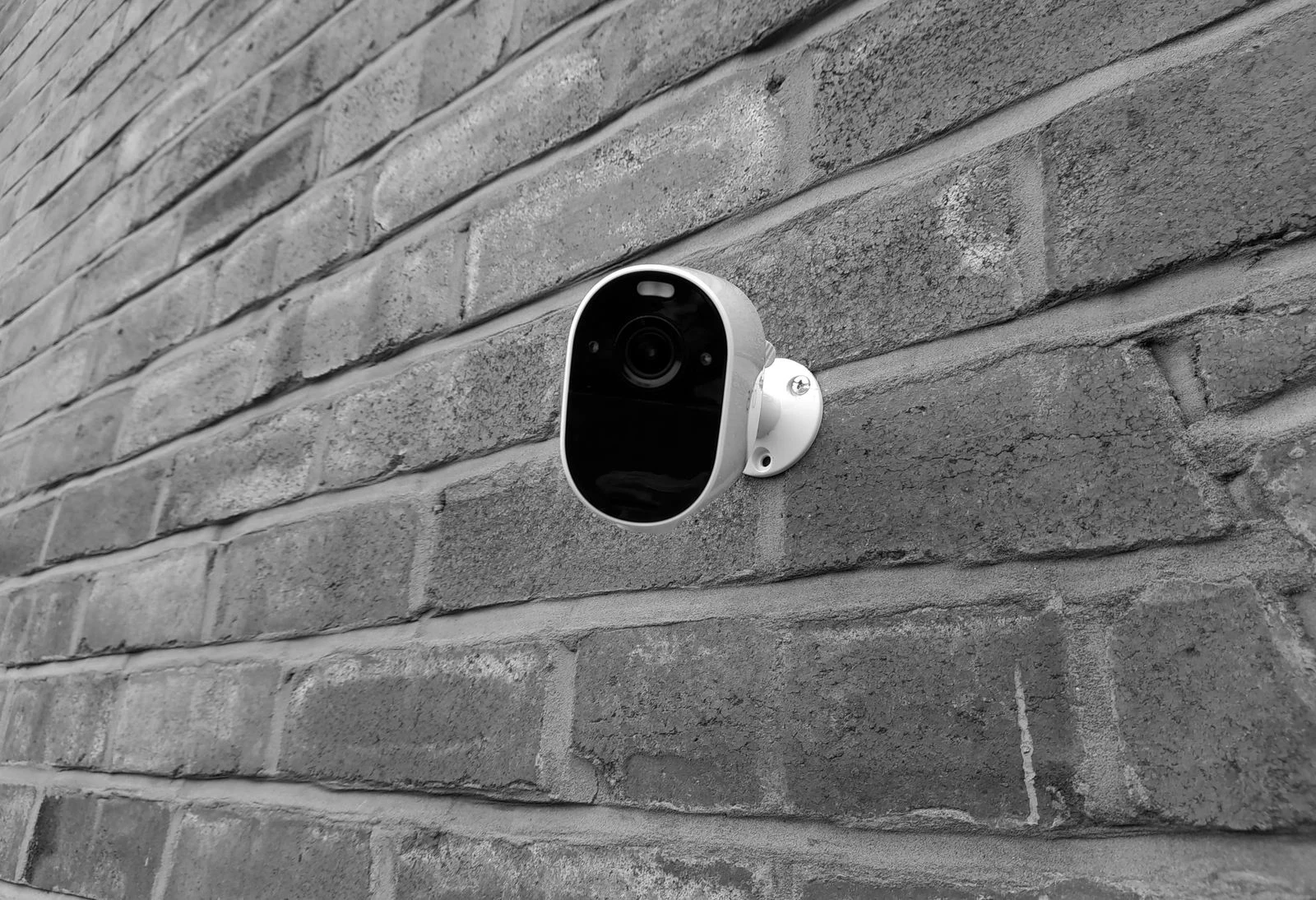

Your security system.
Our expertise.
Complete peace of mind.
SIPKO’s security system takeover in Melbourne helps you regain support for an existing alarm, CCTV, access control or intercom system. We assess what you have, keep suitable equipment, and explain what needs attention.
Your security system may not be the problem.
A security system takeover is the assessment and agreed transfer of support for equipment installed by another provider. SIPKO reviews its condition, authorised access and compatibility before recommending repairs or upgrades. Sometimes the equipment still works; what’s missing is an installer who understands the setup.
Support has disappeared
Your installer has closed down or your provider no longer responds.
The property has changed hands
You’ve bought a property or taken over its strata or property management.
Access is unclear
Nobody knows the administrator details or who still has remote access.
Replacement feels uncertain
The alarm or CCTV works, but you don’t know if it is worth keeping.
Keep what works.
Replace what doesn’t.
SIPKO doesn’t start with “replace everything.” The assessment establishes the condition, compatibility and usefulness of your equipment, so recommendations have a reason behind them.
Keep
Suitable equipment that still meets your needs.
Repair
Address faults in components that are worth retaining.
Upgrade
Improve capability, connectivity or daily usability.
Replace
Change equipment that is faulty, obsolete or unsuitable.
Takeover options depend on the system, authorised access, equipment condition and support availability.
What can SIPKO take over?
Look beyond the main panel. The devices, accounts and connections all play a part.
Alarm systems
Panels, keypads, sensors and sirens checked for reliable everyday protection.
CCTV & video surveillance
Cameras, recording and playback reviewed, along with coverage and remote viewing.
Access control
Door controllers, readers and user permissions assessed around who needs entry.
Intercom systems
Door stations, monitors and entry release checked for practical, dependable use.
Remote & app access
Account ownership, phone access and notifications reviewed with authorised users.
Monitoring & communications
Existing connections and monitoring arrangements checked before any agreed transition.
Your security system takeover,
step by step.
Six clear steps to understand the setup and agree the way forward. Open a step to see what it involves.
01Assess
Understand what is installed and how it operates.
Explore this step +
Discuss the property, current concerns and what you want the system to do.
02Identify
Build a clear picture of the existing setup.
Explore this step +
Document equipment, connections, entry points and known issues.
03Secure access
Review who can use and administer the system.
Explore this step +
Check authorised administrator access, user permissions, credentials and remote connections.
04Test
Find out what works in practice.
Explore this step +
Check devices, recording, notifications and communications for faults or limitations.
05Repair & upgrade
Make changes where they add value.
Explore this step +
Agree a practical scope to fix issues, improve suitable components or replace equipment where needed.
06Take over & support
Move forward with a system you understand.
Explore this step +
Confirm the agreed setup, explain daily use and establish a clear path for ongoing support.

A complete view of how the system operates.
Every connection counts.
A camera that powers on is only part of the story. Recording, permissions and communications need to make sense together.
Equipment & condition
- Alarm panel and devices
- CCTV cameras
- NVR / DVR recording
- Access control
- Intercoms
- Existing faults
- System condition
Access & operation
- Remote and app access
- User / admin accounts
- Connectivity
- Monitoring arrangements
- Upgrade possibilities
- Available documentation
You might need a takeover if…
“Our installer has gone out of business.”
Start with an assessment of the equipment and any information left behind.
“We bought a property with an existing alarm.”
Understand the setup and review the access inherited with the property.
“Our CCTV works, but nobody supports it.”
Check recording, playback and support options before replacing cameras.
“We want to change security providers.”
Review the current arrangements and plan the transition around the system.
“We don’t know who has administrator access.”
Establish authorised account control and review existing users.
“We’re not sure it needs replacing.”
Find out which components still have a useful role.
You don’t always
need to start again.
Different parts of a system can have different futures. Suitable cameras or cabling may remain useful even when a recorder, panel or communication module needs attention.
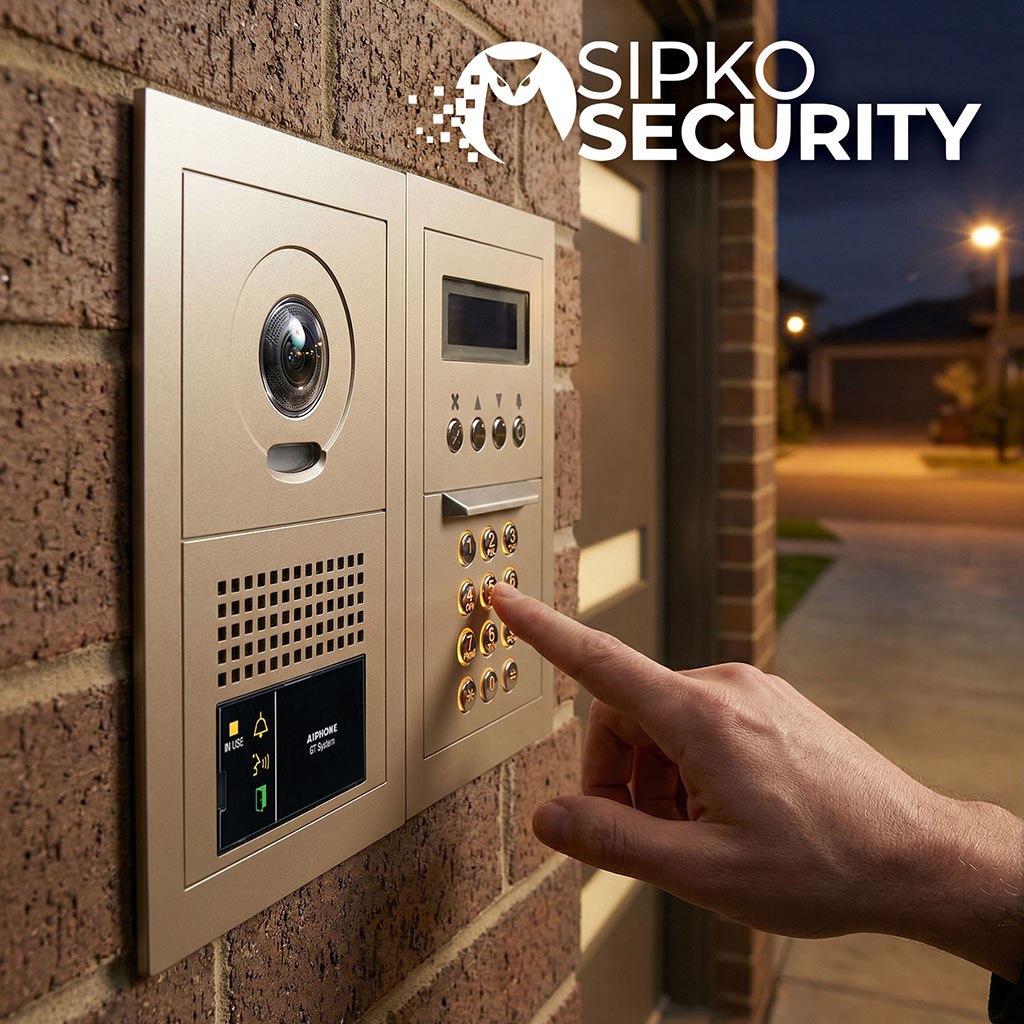
Then decide what comes next.
Keep
Retain equipment that is suitable, functioning and compatible with the agreed setup.
Improve
Repair or upgrade components where a targeted change adds practical value.
Replace
Change obsolete, faulty or unsuitable equipment, with the reason clearly explained.
Know what you have.
Know what needs attention.
A clearer understanding of the system makes the next decision easier, whether that is daily use, maintenance or a future upgrade.
Equipment. Access. Condition. Support.
Your system, understood
Installed equipment and available documentation reviewed.
Its condition, established
Faults, limitations and priorities identified.
Access, reviewed
Users, administrator details and remote connections checked.
A path forward
Upgrade needs, maintenance and the scope of ongoing support discussed.

Technical understanding.
Straightforward advice.
A practical approach to existing security, from the first inspection to the support you need next.
Existing-system experience
Understand what is already installed before recommending changes.
Straightforward advice
Clear findings and recommendations you can use to make a decision.
Practical upgrades
Improve the system where changes add value to your property and daily use.
Ongoing support
Discuss servicing, fault finding and future upgrades with a clear security partner.
Security system
takeover questions.
You don’t need every model number or password to start the conversation.
Can SIPKO take over a security system installed by another company?
Yes, subject to an assessment. The equipment, condition, compatibility and authorised access determine what can be supported and whether any changes are needed.
What if my previous security company has closed down?
You can still request an assessment. Share any paperwork, equipment details and known faults. SIPKO can check the system and explain the available support options.
Do I need to replace my existing alarm?
Not automatically. A working, suitable alarm may be retained. Testing helps establish whether repairs, communication upgrades or replacement would be the sensible next step.
Can SIPKO take over my existing CCTV?
SIPKO can assess the cameras, recorder, recording quality and remote access. Support depends on the equipment and access available; some components may need attention before a takeover.
What if I don’t have administrator passwords?
Tell SIPKO before the visit. Authorised recovery may be possible, depending on the manufacturer and equipment. Proof of ownership or management authority may be required, and recovery is not always available.
Can you take over the system before making upgrades?
Sometimes. If the system is accessible, suitable and operating reliably, a staged approach may be possible. Any urgent faults or compatibility issues should be addressed first.
Can SIPKO take over a system when I move into a property?
Yes, an assessment can help identify what you have inherited. Access permissions, user accounts and remote connections should be reviewed as part of the handover.
How do I know if my existing security system is still worth keeping?
The decision depends on its condition, reliability, support availability and whether it meets your needs. SIPKO can explain which parts remain useful and where changes would add value.
What happens during a security system takeover?
The system is assessed and documented, authorised access is reviewed, and equipment is tested. Repairs, upgrades and ongoing support are then agreed around the findings.
Can SIPKO support the system after taking it over?
Ongoing servicing, troubleshooting and upgrades can be discussed after the assessment. The support scope depends on the system, its condition and the arrangements you agree with SIPKO.
Not sure what
you’ve inherited?
If you have an existing alarm, CCTV, access control or intercom system and aren’t sure whether it can be supported, upgraded or taken over, SIPKO can assess the setup and explain your options.
