
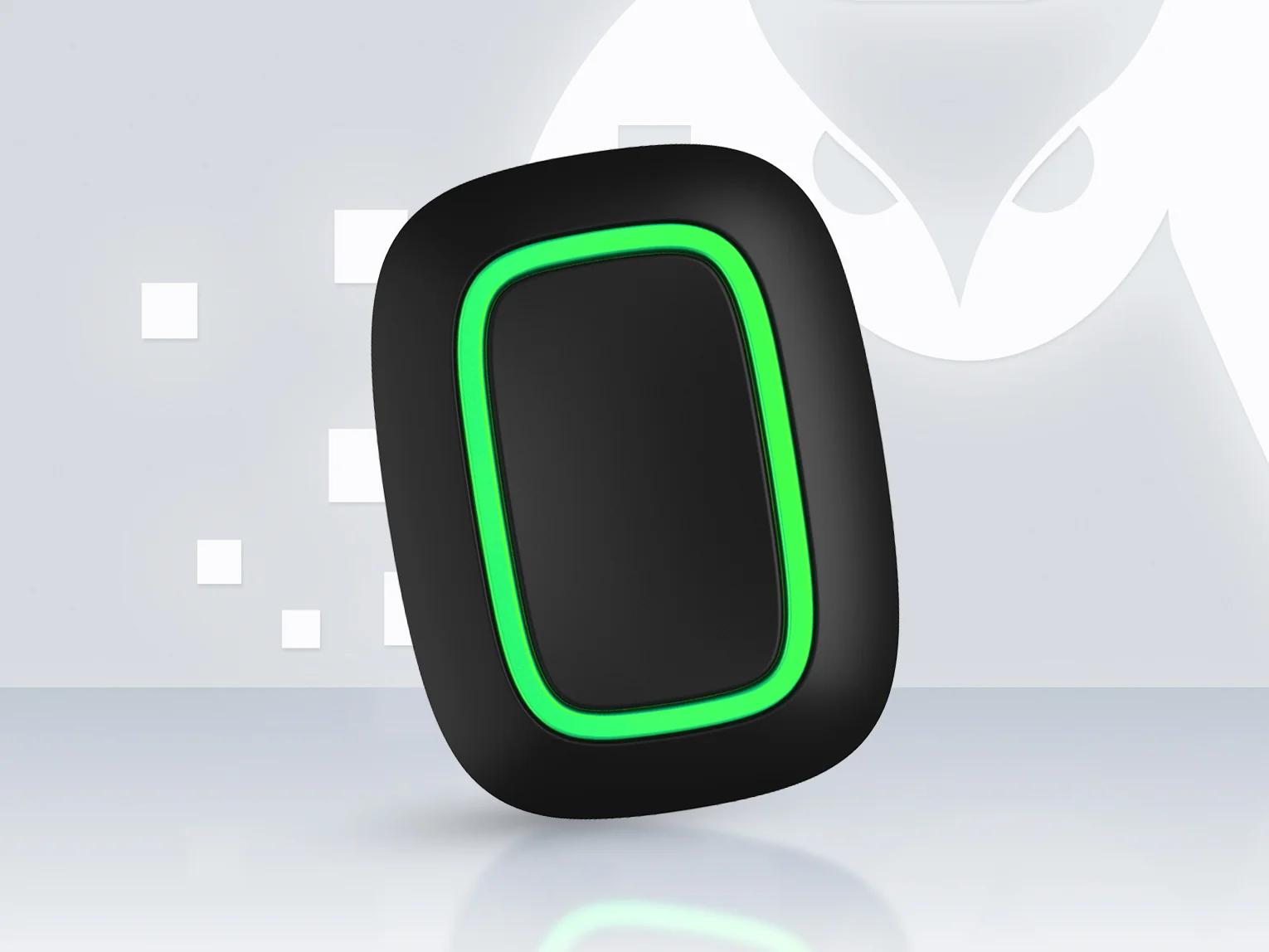
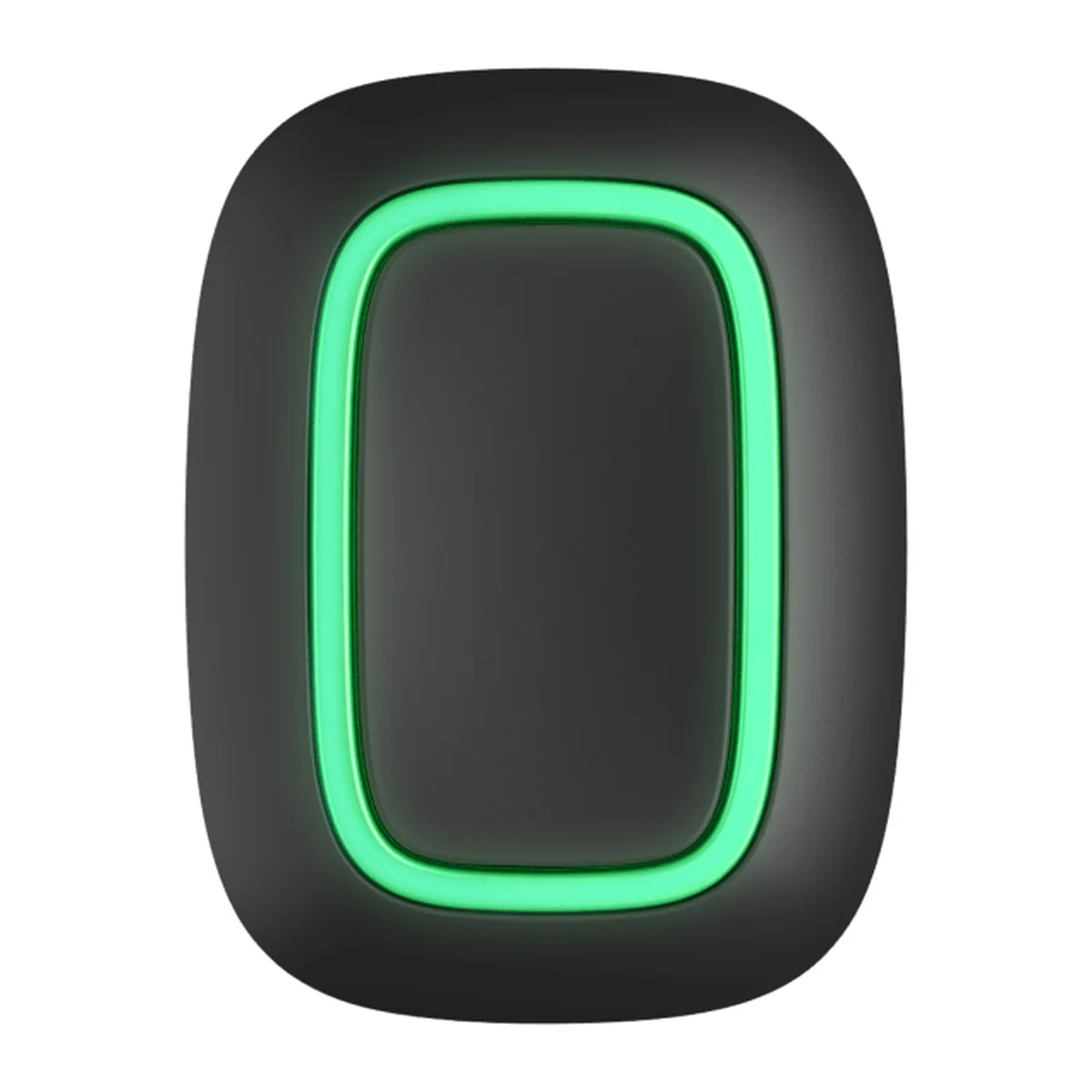
AJAX Button Black - Wireless Panic Button
Key Specifications
Core Features
Technical Specifications
| Category | Specification |
|---|---|
| Product name | AJAX Button Jeweller |
| Type | Wireless panic button and smart button |
| Buttons | 1 |
| Event types | Intrusion, fire, auxiliary alarm, panic button, gas alarm, malfunction, leakage or custom. Custom events are not sent to the monitoring station and do not send SMS |
| Protection against accidental presses | Long press or double press |
| Backlight | LED backlight confirms the command was delivered. Brightness set in the Ajax apps |
| Battery check | Reports its battery status every day (OS Malevich 2.16 or later) |
| Jeweller radio | Two-way, encrypted with a dynamic key, frequency hopping. Range up to 1,000 ft (about 300 m) in open space, up to 20 mW |
| Mounting | Carry it, or fix it to a surface with the Ajax Holder (sold separately) |
| Sabotage protection | Device authentication |
| Communication loss detection | After 36 s |
| Battery | 1 x CR2032, pre-installed, 235 mAh. Up to 5 years |
| Power consumption | Quiescent 0.5 uA (2.02 uA with daily battery check on), maximum 27.8 mA (3 V nominal) |
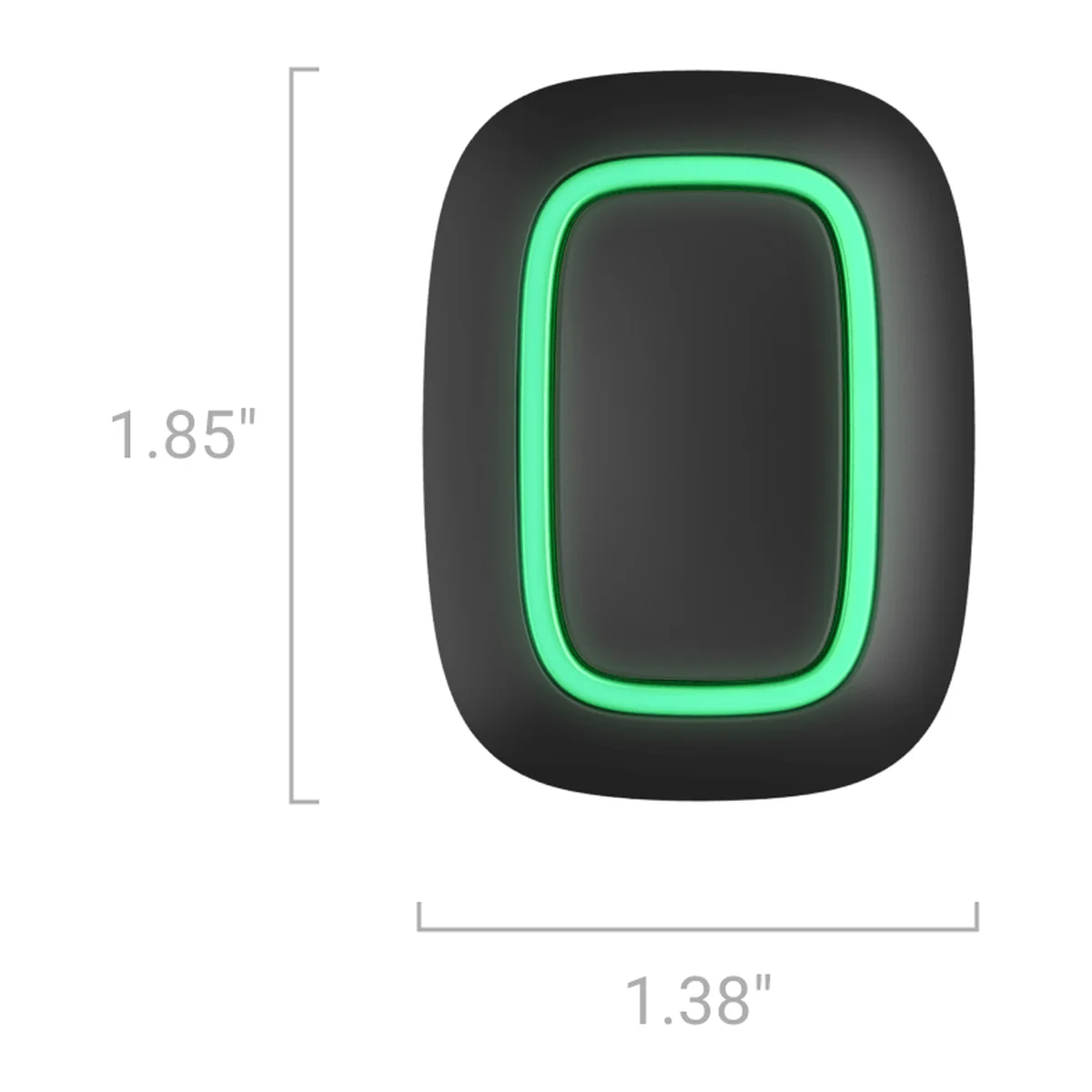
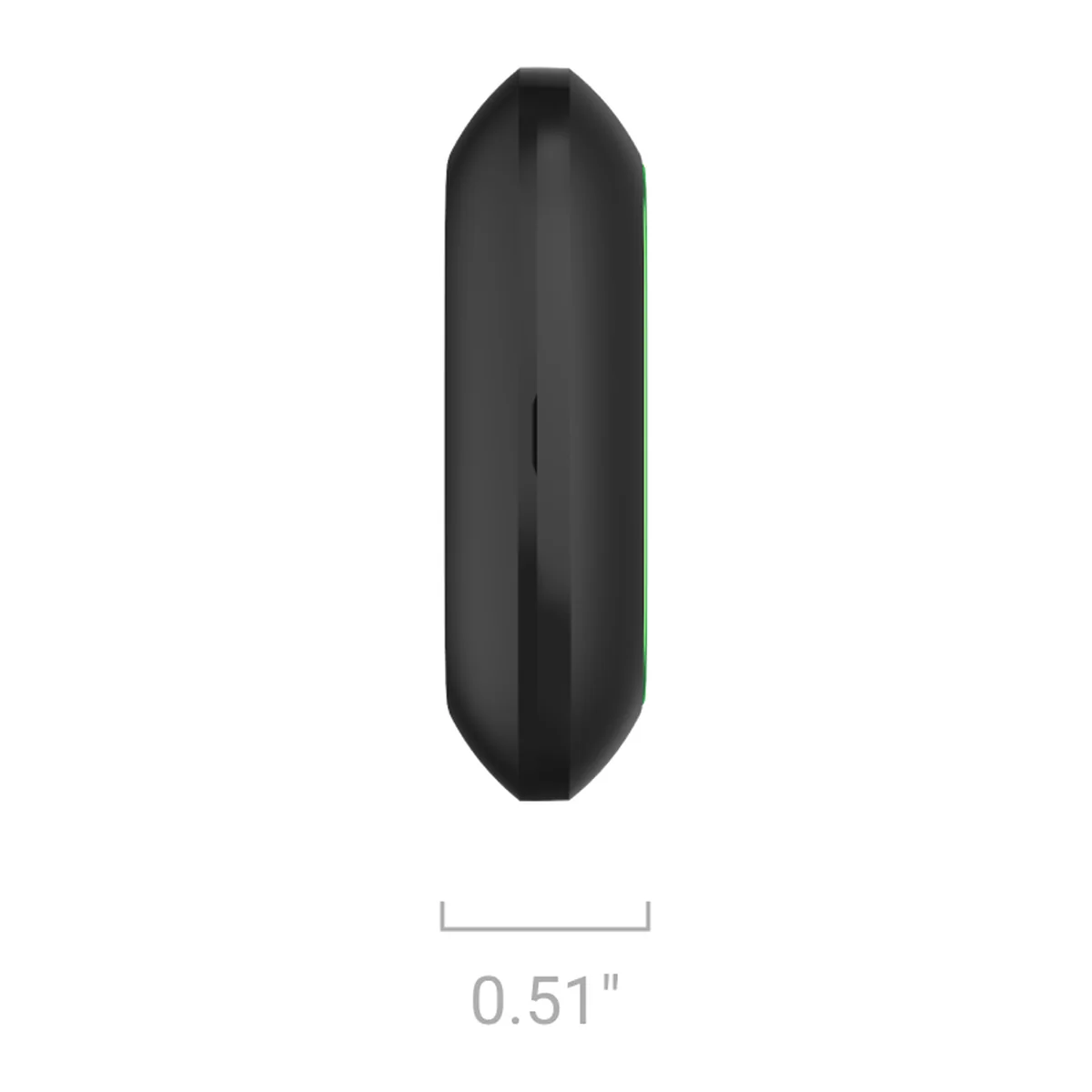
| Dimensions | 1.85 x 1.38 x 0.51 in (about 47 x 35 x 13 mm) |
| Weight | 0.56 oz (about 16 g) |
| Operating temperature | 14 to 104 degrees F (about -10 to 40 degrees C) |
| Operating humidity | Up to 75% |
| Protection class | IP55 |
| Colour | Black. Also available in white |
| Complete set | Button Jeweller, CR2032 battery (pre-installed), quick start guide |
| Warranty | 24 months, as published by Ajax Systems |
Downloads
- Technical data sheet PDF · drive.google.com · Ajax Systems
- User manual Web page · ajax.systems · Ajax Systems
- Technical specifications Web page · ajax.systems · Ajax Systems
Documents are published by the manufacturer and open in a new tab. Specifications can change between production batches, so check the document for your exact model.
Works with this product
Similar products
-
 AJAX 12-24V PSU for Hub 2/Hub 2 Plus/ReX 2
Price on request
AJAX 12-24V PSU for Hub 2/Hub 2 Plus/ReX 2
Price on request
-
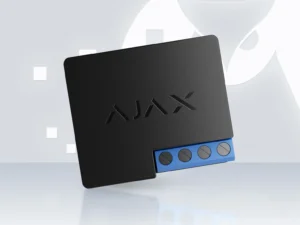 AJAX 12V Wireless Dry Contact Relay
Price on request
AJAX 12V Wireless Dry Contact Relay
Price on request
-
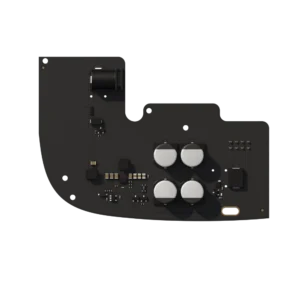 AJAX 6V PSU for Hub 2/Hub 2 Plus/ReX 2
Price on request
AJAX 6V PSU for Hub 2/Hub 2 Plus/ReX 2
Price on request
-
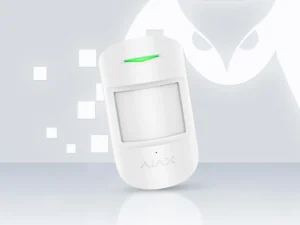 AJAX CombiProtect Jeweller - Motion & Glass Break Detector (White)
Price on request
AJAX CombiProtect Jeweller - Motion & Glass Break Detector (White)
Price on request
-
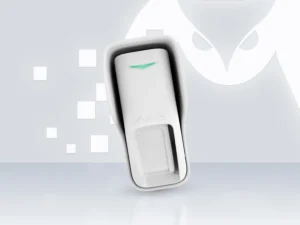 AJAX Curtain Outdoor Jeweller Wireless Motion Detector
Price on request
AJAX Curtain Outdoor Jeweller Wireless Motion Detector
Price on request
Questions and answers
No questions about this product yet. Ask ours first, and a licensed installer will answer.
Get a quote for this product
Prefer the full form?
Tell us about the property and we will plan the cabling, power and recording with you. Mention the product above.
The full quote form opens as you scroll here.
Frequently Asked Questions
As a panic button, or to raise other alarm types: intrusion, fire, auxiliary, gas, leakage or malfunction. A custom event type can be used for non-alarm actions; custom events are not sent to the monitoring station.
You can require a long press or a double press, which protects against accidental presses.
The LED backlight lights up to confirm the hub received the command.
Up to 5 years on the fitted CR2032 battery. The Button reports its battery level every day (OS Malevich 2.16 or later).
It is rated IP55, so it handles dust and splashes. It works from -10 to 40 degrees C.
Yes, with the Ajax Holder (sold separately), which Ajax recommends for fixing the Button to a surface.
Up to 1,000 ft (about 300 m) in open space. Walls and floors reduce the range; a ReX 2 range extender can help.
An Ajax hub, such as Hub 2 (4G) or Hub 2 Plus, which it connects to by Ajax Jeweller radio. It is set up in the Ajax apps. Ask us to check that your hub supports it.
The Button, a CR2032 battery (already fitted) and a quick start guide.
In the Downloads section on this page. The documents are published by Ajax Systems and open on the Ajax website.
Yes. We supply, install and program Ajax alarm systems across Melbourne and the Mornington Peninsula, and can connect them to a monitoring company. Request a quote and we will plan the detectors, sirens and keypads with you.
Need the AJAX Button Black - Wireless Panic Button installed?
Sipko Security supplies and installs this product as part of complete Melbourne security systems.
