

Security cameras without monthly fees can be a sensible choice if they record locally and provide the playback and export functions you need without a paid plan. The important question is not just whether the camera works for free today. It is what remains available after a trial ends, where the video is stored and how you retrieve it.
Owning the equipment gives you something tangible, but useful control of footage also depends on account access, storage health and the ability to save recordings independently. A memory card in a camera is local storage; it is not automatically a separate backup. An app described as free may still depend on an online service.
This guide is a buying and handover checklist, rather than a ranking of brands or a promise that any manufacturer will keep every feature free forever. Confirm current Australian terms for the exact camera, recorder or hub before ordering.
Define what “no monthly fee” must include
Recording
Video is actually saved without a paid plan.
Retrieval
You can find and play earlier footage.
Export
You can keep a usable copy outside the system.
Add the features that matter to your household, such as person alerts, remote access, multiple users or a longer archive. These may have different conditions from basic recording. Ask the supplier to show which functions are included, optional or subscription-dependent.
A clear requirement might be: “Four cameras recording locally, playback on my phone and the ability to export a clip without a monthly camera subscription.” That is more useful than “no fees”, which could be interpreted as free live view while recorded history costs extra.
Understand the main local-storage options
A recorder inside the property
An NVR or DVR can store footage from compatible cameras on an internal drive. Capacity, recording settings and the number of cameras affect the available history. The recorder still needs power, suitable installation and maintenance; buying it does not remove those responsibilities.
Remote viewing and cloud backup both use your upload speed. Read why security cameras can slow down your home internet before you pick a plan.
A memory card in each camera
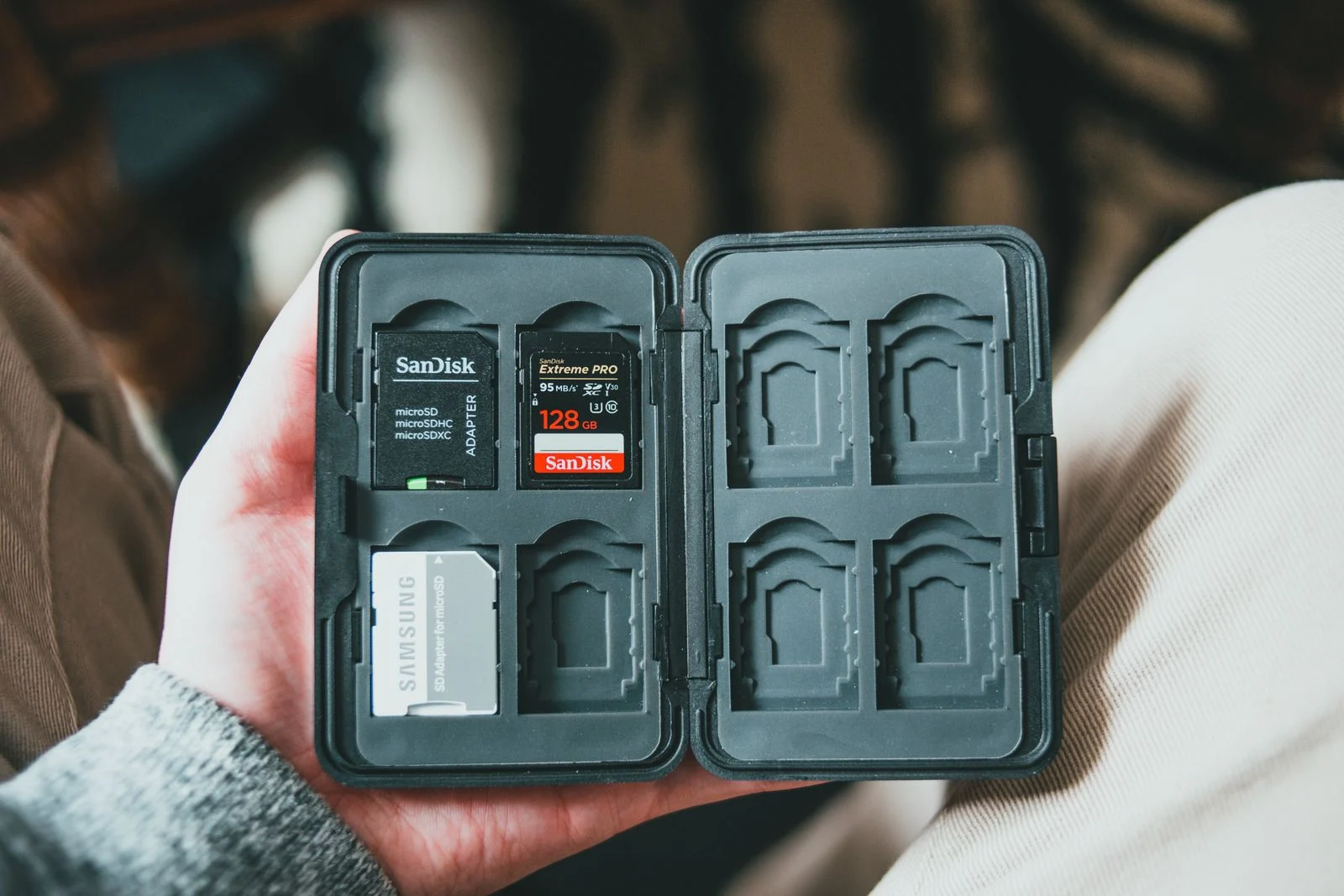
Supported cameras can record to a compatible card. Check the manufacturer’s capacity, endurance and format requirements. If the camera is damaged or removed, footage stored only inside it may also be lost. Accessing a high-mounted card can make maintenance inconvenient.
A local hub or base station
Some camera systems store recordings in a separate hub. Confirm which cameras it supports, whether storage is included and how clips are accessed. A hub can reduce dependence on a card in the outdoor camera, but it remains equipment at the property and is not automatically an off-site copy.
Do not assume you can combine any camera with any recorder. Compatibility includes more than seeing a live stream. Recording schedules, audio, event information and smart detection may work differently across mixed systems. Ask for the proposed combination to be demonstrated before purchasing.
Local recording does not mean completely offline
A system can record locally while relying on an internet service for remote phone access, account login or push notifications. Losing broadband may therefore stop some conveniences without stopping the recording itself. Losing the local network or camera power can have a different effect.
Reolink’s official PoE camera and NVR offline guide distinguishes local recording and viewing from internet-dependent access. It is a useful example of why those functions need separate questions. Confirm the exact arrangement being supplied rather than applying one manufacturer’s table to every system.
Ask what you can do directly at the recorder if the app or online service is unavailable. Can you use a connected monitor to play and export footage? If the system has no such interface, what supported alternative exists? The answer should be clear before an outage, not discovered during one.
Read what happens after the free trial
Check the current feature list and plan terms, including any camera-count limits. A trial may include cloud history or advanced notifications that are not part of ordinary ownership. An app displaying recorded clips during the trial does not prove local recording has been configured.
Ask the supplier to identify the source of a sample clip: camera card, local recorder, hub or cloud. Then demonstrate playback from the storage you intend to keep using. Where appropriate, have the supplier explain the experience without paid features rather than relying on an advertisement for the premium plan.
Avoid assuming that “AI detection” means every type of object recognition is included. Basic motion, person classification and more elaborate search features can have different requirements. If a feature affects your purchase decision, record the exact model, region and current conditions in your comparison notes.
Work out the real ownership cost
No camera subscription does not mean no ongoing expense. Allow for electricity, storage replacement, batteries where relevant, internet or mobile data, maintenance and optional support. If you add a paid off-site backup or monitoring service, count it separately from the camera’s local recording capability.
Compare the installed price as well as the hardware price. A professional quote may include cable runs, storage, setup and handover. A retail kit may leave those tasks and accessories to you. Check both offers against the same number of useful views and the same recording requirement.
For a simple comparison, write down upfront equipment and installation, any required annual service cost and the optional services you actually want. Use current written prices rather than a speculative five-year saving based on a plan you would never buy.
Include the cost of your own time if charging or repeated troubleshooting is difficult. A system that needs regular ladder access may be less suitable than a more expensive installation with manageable maintenance. The cheapest ownership arrangement is not necessarily the most usable one for the household.
Retention depends on the recording workload
A drive size or memory-card capacity does not translate into one universal number of days. Camera count, bitrate, frame rate, scene activity and recording mode affect storage use. Ask for an estimate based on the intended settings, then verify actual oldest playback after the system has been running.
Check whether old recordings are overwritten automatically or whether recording stops when storage fills under the selected configuration. Also check that every channel follows the expected schedule. An apparently large archive is not useful if the camera covering the side entrance was never recording.
SIPKO’s CCTV storage guide explains the retention decision in more detail. Choose a period that reflects when you would discover a problem and have time to save footage, rather than treating the largest drive as automatically necessary.
Prove that you can export your footage
During handover, create a harmless test event, find it in playback and export a short clip yourself. Open the saved file outside the recording app. That tests a different capability from simply watching the event on the timeline.
Ask which formats are available and whether any needs a manufacturer player. Check that the file contains the expected camera and time. Keep an original export if a real incident occurs; an edited copy or a phone video of the monitor is not equivalent to preserving the source file.
Store important clips separately and securely. A recorder drive can fail, and an overwrite cycle can remove older footage. Cloud backup is one option where appropriate, but an authorised manual export may be enough for a specific event. Match the backup process to what you actually need to preserve.

Keep account control and updates in the plan
The homeowner should understand who holds the primary account, how recovery works and which users have access. Use individual permissions where supported and remove temporary access when it is no longer needed. Do not make the system dependent on a former installer’s personal login.
Check whether local access requires a separate recorder password from the cloud account. Keep recovery details securely available to authorised people. Test the normal process before changing phones so that “owning the footage” also means being able to reach it.
Australia’s cyber-security authority advises buyers to consider passwords, updates and data handling when choosing internet-connected devices. Check the manufacturer’s support period as part of value, not just the subscription price. A local recorder connected to the network still needs security maintenance.
Ask how firmware and app updates are managed, and who will help if a change affects access. Avoid insecure workarounds such as exposing an old recorder directly to the internet to avoid a service fee. A supported remote-access arrangement is part of the system design.
When paying for a service can still make sense
A fee can be reasonable when it buys something you need, such as a suitable off-site copy, an agreed support service or a monitoring arrangement. Compare the actual benefit and limitations. Local storage and an optional paid service are not mutually exclusive.
For example, footage stored only at the property may be vulnerable if the equipment is stolen or damaged. An off-site copy can address part of that problem, but check upload requirements, supported cameras, retention and what happens during an internet outage. Do not assume every cloud plan is a full continuous backup.
The useful choice is deliberate. You can prefer local ownership while paying for a clearly defined extra service, or use local recording alone if it meets your needs. Avoid buying a subscription to compensate for a camera position or recording configuration that should first be corrected.
Ask for these answers in writing
- Exact camera, recorder or hub models and included storage.
- Recording and playback available without a paid plan.
- Export method and supported file formats.
- Features lost when a trial or subscription ends.
- Expected retention and overwrite behaviour.
- Functions available during broadband and power failures.
- Owner account, updates, warranty and support arrangements.
Keep the product information with the installation record. Recheck it when adding a camera or changing a service, because a new model may have different conditions. At handover, demonstrate the essential functions rather than accepting “it is all free” as the only explanation.
FAQ
Can I record security-camera video without a subscription?
Yes, with suitable equipment and configured local storage. Confirm recording, playback and export for the exact model. Free live view alone does not establish that recorded history is included.
Does local storage mean the camera never uses the cloud?
No. Recordings may stay locally while account services, notifications or remote access use online infrastructure. Ask separately where video is stored and which functions depend on the manufacturer’s service.
Is a memory card enough for a whole home?
It may suit some cameras, but consider retention, maintenance and the loss of footage if a camera is removed. A recorder or hub may be more manageable for several views. Compatibility and the required recording mode still matter.
Can I keep footage forever if I own the recorder?
Not automatically. Storage is finite and older footage may be overwritten. Export important clips to a separate secure location and manage retention appropriately. Owning hardware does not create unlimited capacity.
Will the system remain free forever?
Nobody can guarantee that an online service’s terms will never change. Choose equipment with clearly documented local functions, useful export options and available support, and check current terms before purchase.
Buy a recording system you can actually use
The best test of a no-subscription promise is simple: record, find, play and export an event without the paid features you do not want. SIPKO’s CCTV installation service in Melbourne can help specify the storage, access and handover around those requirements. Ask for clear ownership and service boundaries so there are fewer surprises later.



