

Driveway security cameras are most useful when they show how someone approached a vehicle, what happened beside it and where they went afterwards. A wide picture of the driveway can help with context, but it may not show a face or number plate clearly. Start with those separate jobs before choosing a camera or mounting height.
For most homes, the practical first step is to review a walk beside the parked car in daylight and after dark. Test with the cars where they normally sit, not with an empty driveway. A bonnet, roof, fence or second vehicle can hide exactly the area you wanted to protect.
Cameras can provide awareness and evidence; they do not physically secure a car or guarantee that an incident will be prevented. Keep ordinary vehicle security, lighting and a safe response plan alongside the camera design.
Decide what you need to see
Overview
The driveway, vehicles and approach routes.
Useful detail
A person at a door or another defined point.
Vehicle identification
A separate plate-capture requirement if it is genuinely needed.
Write down the most important event: someone trying a car door, a visitor walking to the house, damage near a parked vehicle or a car entering a long drive. One camera may cover some of those well and others poorly. A clear brief prevents an expensive camera being asked to do incompatible jobs.
For example, a camera aimed across two parked cars can show movement but lose a person behind the nearer vehicle. A second view from another position may solve that better than increasing resolution. Ask the installer to explain which area each proposed camera is intended to cover.
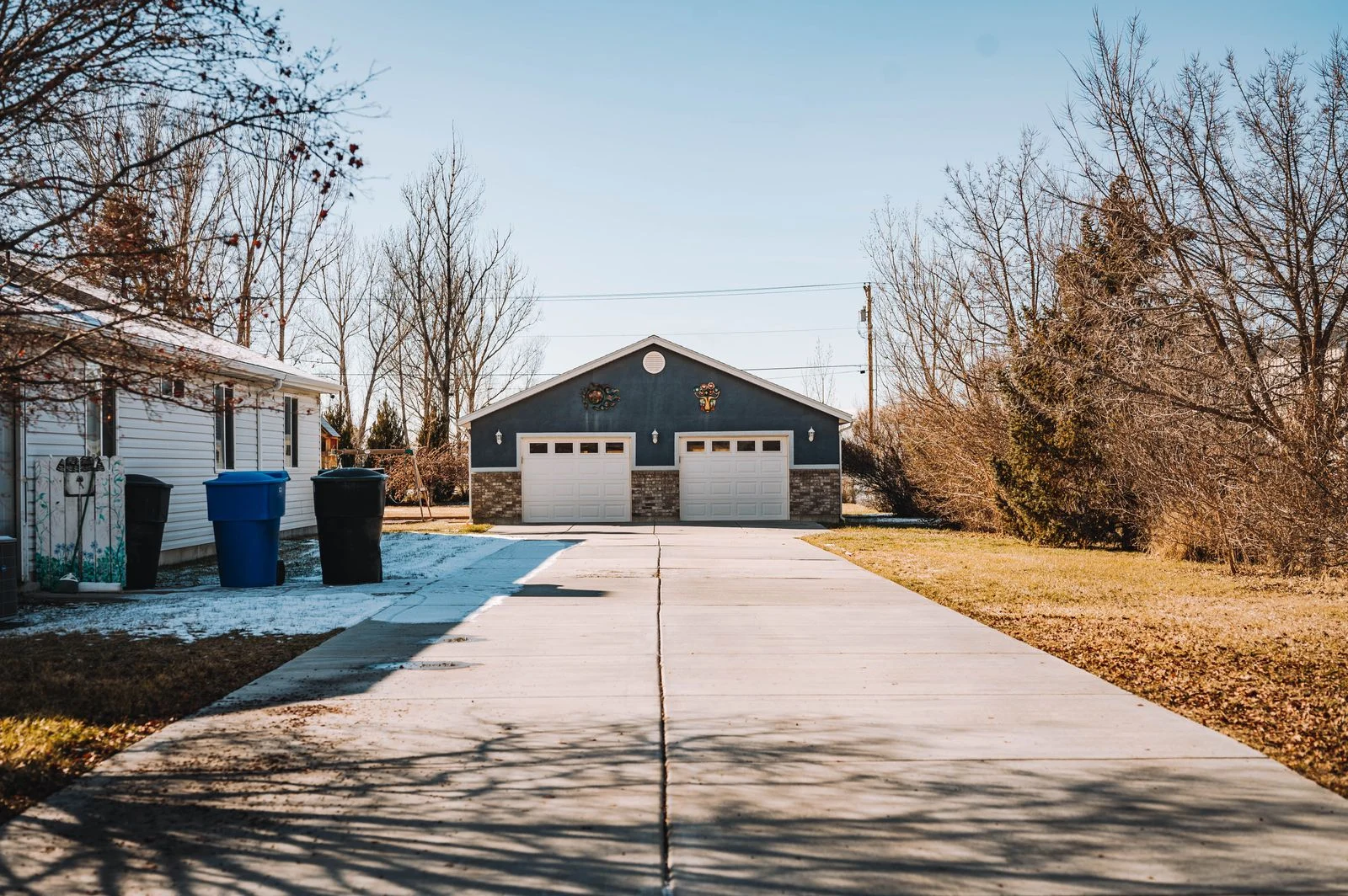
Map the approach with the cars parked normally
Stand where a person would walk from the street, side path and garage. Review those routes on a live view, then make a recording and check playback. Include the far side of the car, the gap between vehicles and any route screened by a gate or hedge.
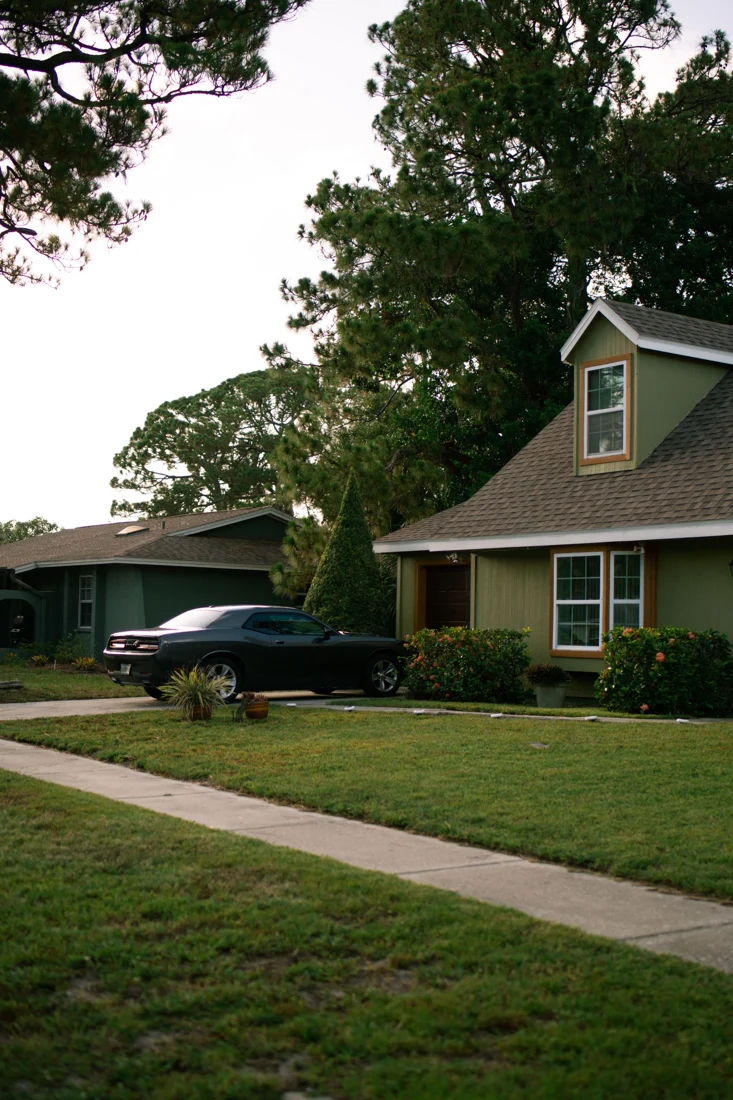
Repeat the test with the larger vehicle in its usual place. A design that works around a small hatchback may be blocked when an SUV or work van comes home. Open a garage door if that is part of normal use, and check whether it changes the view or lighting.
Keep the camera aimed at the intended property area rather than adding unnecessary coverage of neighbouring windows or private spaces. Shared driveways need extra care over placement, access and permissions. Confirm relevant owners-corporation or property-management requirements before drilling into shared structures.
Choose a position for useful detail
Mounting height is a compromise between reach, tampering exposure, cable access and the angle to a person. A very high camera may mainly see the top of a head. A low position may be vulnerable or easily blocked. There is no universal height that solves every driveway.
Ask to see the expected view before installation is finalised. Check a moving person near the car door and at the approach point. The installer should consider the lens and distance, not just whether the entire driveway fits on screen.
Digital zoom enlarges the recorded pixels; it cannot restore detail that was never captured. A narrower, properly aimed view can be more useful than a wide image covering the street, garden, roof and a small car in the centre. Retain an overview where needed, but do not confuse overview with identification.
For camera-body choices and mounting trade-offs, SIPKO’s turret, bullet and dome comparison provides related context. The shape of the housing alone does not establish the performance of a particular lens or sensor.
Test night recordings with headlights and normal lighting
Walk the route after sunset with porch and garage lights in their normal state. Then check a vehicle arriving or leaving in an ordinary, safe manner. Headlights, reflective plates and bright nearby walls can produce very different results from the daytime picture.
Play the recording at normal speed and pause while the person is moving. A clear parked car does not prove the system can capture a moving face. Brightening the whole scene can increase blur or noise depending on the settings, so ask for a measured adjustment and a repeat test.
Infrared can provide an image without visible light, while colour images need suitable conditions for the chosen camera. Built-in visible lighting may help, but consider neighbours and glare. “Colour night vision” on a product page is not a guarantee of useful moving detail in an unlit driveway.
Check for spider webs, leaves, water marks and reflections near the lens. Clean only accessible covers as directed by the manufacturer. A camera positioned beside a reflective surface may need relocation rather than a stronger light or more aggressive processing.
Number plates are a separate requirement
If you need readable plates, state that explicitly in the brief. General driveway footage may capture a stationary plate in good conditions and fail on a moving vehicle at night. Distance, angle, shutter settings, lighting and the expected vehicle path all matter.
Axis’s official licence-plate capture guidance explains that plate capture needs specific positioning and settings, and that a general camera’s default settings are not designed for the job. A dedicated capture view can therefore be different from the attractive overview image you see in an app.
Ask for a demonstration under the conditions that matter at your property. Do not accept a daylight screenshot from another site as proof of night-time plate performance in your driveway. Avoid promises about reading every passing vehicle on the road; that is a different design problem from watching cars parked at home.
Make alerts useful without hiding important events
Person or vehicle classification can reduce some irrelevant notifications, but it is not infallible. Detection depends on the camera, software, scene and settings. Review actual clips before deciding that a quiet phone means nothing happened.
Draw attention to the area you own and need to watch. Passing traffic, moving vegetation and headlights can make a broad motion zone noisy. Ask the installer to test a person approaching the parked car after a zone or sensitivity change, rather than only checking that notifications have become less frequent.
Recording and notifications may have separate schedules. It can be useful to keep footage while limiting routine phone interruptions, where supported. Confirm that a notification adjustment does not unintentionally remove the recordings you expect to retain.
If the camera has a siren, flashing light or spoken warning, use a proportionate design. A warning triggered by every pedestrian can quickly become a nuisance. SIPKO’s active-deterrence guide explains the practical trade-offs behind those features.
Choose storage around when you would notice a problem
Think about how soon damage or an attempted entry might be discovered. If a second car is used only at weekends, a very short archive may disappear before anybody notices a mark. Confirm actual retention in playback rather than assuming a particular drive size guarantees a fixed number of days.
Motion-only recording can save space but depends on detection and event settings. Continuous recording can provide context before and after an event when supported. In either case, check that the relevant channel is recording and practise saving a short clip.
Store an important export somewhere separate from the recorder and restrict who can access it. Do not rely on a screenshot of the app as the only record. Preserve the original video and note any known difference between the recorder’s time and the actual time.
Plan power and the connection to the house
A driveway camera needs reliable power and a working path to its recording destination. PoE can simplify a suitable wired installation by carrying power and data over one compatible network cable. Wireless may help where a route is difficult, but it still needs a supported power arrangement.
Test a Wi-Fi camera where it will be mounted, with the garage door closed if that is normal. Brickwork, metal and distance can affect the link. A battery camera also needs an accessible charging plan; a high position that is convenient for coverage may be inconvenient for maintenance.
Check what happens if broadband fails and what happens if power fails. These are different events. A local recorder may continue through an internet interruption when the relevant equipment remains powered, while phone access stops. Do not assume that a battery inside one camera keeps the entire viewing and storage system working.
Keep privacy and everyday safety in the design
Aim to collect what is needed for your property, protect access and avoid unnecessary audio recording. Australia’s OAIC security-camera guidance explains that state and territory laws may apply to residential cameras, and that strata by-laws should also be checked. A camera on your own wall is not a blanket exemption from all requirements.
Where privacy masking is appropriate, check whether it applies to the recorded stream as well as the live display. Talk through a shared-boundary concern before installation rather than trying to solve it after the view has been fixed. Seek advice for a disputed or unusual placement.
If an alert shows suspicious activity, stay safe. Do not use a camera speaker as a reason to confront someone or go outside alone. Review what you can safely establish and follow the appropriate response process; immediate danger needs emergency assistance.
Use a driveway handover test
- Both sides of the normally parked vehicles have been considered.
- A person’s approach is recorded before reaching the car.
- Night footage has been checked with normal lights and headlights.
- Any number-plate requirement has its own test.
- Alerts and recording schedules are understood separately.
- Retention and clip export have been demonstrated.
- Privacy, access and safe response have been discussed.
Keep a few harmless test clips as a baseline. Recheck after a new vehicle, gate, fence or landscaping change. A camera can remain technically healthy while its useful view gradually disappears behind a growing tree or a different parking arrangement.
FAQ
Can one camera cover a double driveway?
It may provide an overview, but parked vehicles can block people and important detail. Test with both cars in place. A second angle or a more specific view may be needed, depending on the layout and the evidence you want.
Will a 4K camera read number plates at night?
Resolution alone does not establish that. Plate capture also depends on angle, distance, exposure, light and movement. Ask for a suitable design and a night-time test under your actual conditions.
Should the camera record all the time?
Continuous recording can preserve useful context where supported. Event recording may suit some needs but relies on detection and clip settings. Choose deliberately and verify the recordings, rather than assuming the default is right.
Can I put the camera inside a window?
Glass can introduce reflections and interfere with infrared or some detection methods. Check the exact equipment and night-time result. An appropriate outdoor installation is often more predictable for a driveway view.
Will cameras stop somebody breaking into a car?
They may increase awareness and provide evidence, but they cannot guarantee prevention. Keep vehicles secured, remove visible valuables and use a safe response plan. Judge camera value by useful coverage and retrievable recordings.
Start with the parked-car test
Before buying more cameras, walk around the cars and review what your current setup actually records. For a new design or an improved view, SIPKO’s Melbourne CCTV installation service can assess positioning, night lighting and storage. Ask for the final system to be tested against the driveway you use every day.



