
An old CCTV system is worth keeping when it still produces useful recordings, stores them reliably and can be operated securely. Age alone is not a reason to remove working equipment. Equally, a picture on the monitor is not enough if the system cannot save an event, show useful detail or receive necessary security support.
Start with the job you need it to do. Can it show someone approaching the door after dark? Can you find and export yesterday’s footage? Does the owner control access? Those questions lead to a better decision than comparing an old camera’s megapixels with a new box in a shop.
This is a whole-system decision guide for homeowners. It separates a service visit, a targeted upgrade and complete replacement, without assuming that all existing cameras or cables need to go.
Keep, repair, upgrade or replace?
Keep and service
Recordings are useful, support is available and faults are minor.
Upgrade selected parts
A specific camera, storage device or recorder limits an otherwise suitable system.
Replace the design
Unsupported equipment, repeated failures or poor coverage make piecemeal spending hard to justify.
These are starting points, not a remote diagnosis. A technician should identify the actual equipment and test it before promising reuse. Ask for the reason behind each proposed replacement, including the problem it solves and what will remain unchanged.
For example, replacing a failed storage drive may restore recording on a supported recorder. It will not improve an over-wide camera view or a face hidden by glare. A new camera may improve a doorway view, but it will not make an incompatible recorder accept a different video format.
Test the recordings before judging the hardware
Create a short daytime walk through each important view, then find it in playback. Repeat after dark with the lighting normally used at home. Assess the moving person and the approach to the property, rather than the appearance of an empty scene.
Check whether the recording begins in time, includes the relevant route and shows enough detail for the purpose. One wide camera may provide an excellent overview while being unable to show a face at a distant gate. That can be a placement or lens problem rather than evidence that every camera is obsolete.
Export a small clip and open it independently. If footage is difficult to retrieve, record the problem. The person who lives with the system should be able to complete ordinary playback and export tasks without depending on a previous owner’s phone.
Look at several dates and channels. A fault affecting one camera differs from missing footage across the entire recorder. Dahua’s official playback troubleshooting checks include storage detection, recording status, schedules and overwritten files. Use the correct manufacturer guidance for your own equipment before assuming a replacement is necessary.
Identify what you already own
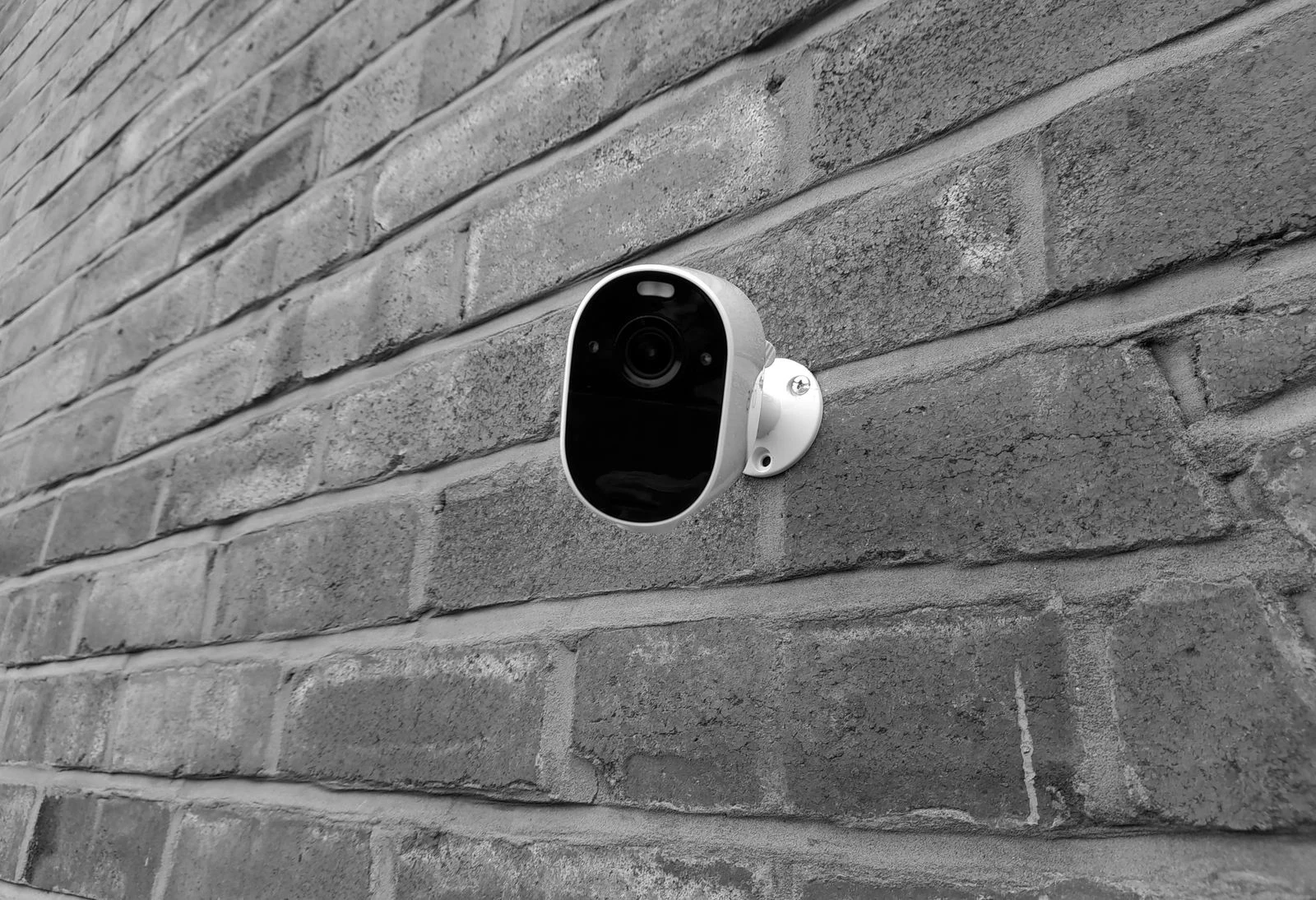
Record the camera and recorder model numbers, approximate installation date, storage capacity and the app used. Photograph accessible labels without opening equipment or climbing to a camera. Keep serial numbers and device QR codes private when asking for general advice online.
Ask whether the system uses network cable and an NVR, coaxial cable and a DVR, or a mixed arrangement. An NVR is a network video recorder; a DVR commonly receives video over coaxial cable. Names alone do not establish compatibility, and some recorders support several signal types.
Find out who controls the administrator account and any cloud connection. Inherited access problems need an authorised handover or manufacturer-supported recovery process. A factory reset can remove settings or complicate access, so do not use it simply because the system is unfamiliar.
Make a basic map: camera location, intended view, cable route if known and recorder position. Include a garage, side gate or extension added after installation. The original design may still work exactly as intended while no longer matching the way your household uses the property.
Separate storage wear from system age
A hard drive or memory card is a component, not the whole CCTV system. If it develops faults, a supported recorder may be serviceable with a compatible replacement. The technician should also investigate power, temperature and other causes instead of repeatedly replacing storage without explaining the failures.
Review available retention and any recording warnings. More cameras or changed settings can shorten the archive without a drive actually failing. Confirm whether footage is overwritten normally or recording has stopped because storage is unavailable or full under the selected configuration.
Save important recordings before any work. Formatting or replacing storage can remove access to the archive. Agree whether the old drive should be retained securely, copied where appropriate or disposed of using a suitable data-handling process. Do not put private recordings in ordinary recycling with the hardware.
Check security support, not just whether it powers on
Find the manufacturer’s support information for the exact model and hardware revision. Ask whether security updates remain available and whether the current app supports the device. A working electrical component can still be unsuitable for ongoing network use if its software is no longer maintained.
Australia’s cyber-security authority explains that end-of-support products no longer receive updates or technical support. That is a reason to plan replacement or obtain professional advice on isolation, rather than exposing an old recorder to the internet just to recover remote viewing.
Do not regard a changed password as a cure for unsupported software. Likewise, a newer phone app does not necessarily update the recorder itself. Ask the installer to distinguish the app, recorder firmware, camera firmware and account service when explaining the support position.
Avoid opening router ports or installing obsolete browser plug-ins as a permanent workaround. If the only available remote-access method depends on unsupported software, include that limitation in the replacement decision. Preserve any working local recording while a safe migration is planned.
Which existing parts might be reusable?
Cabling and mounting positions
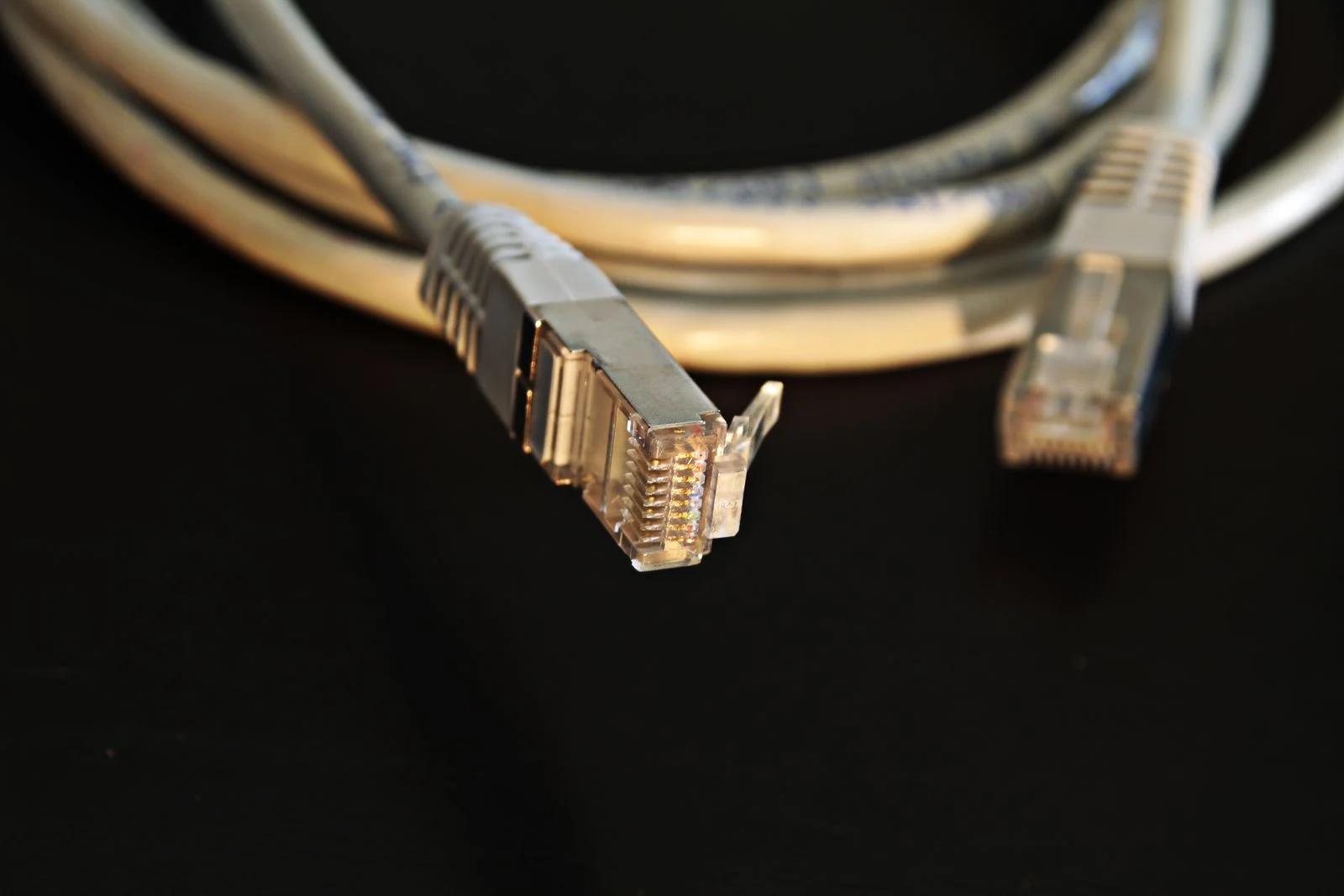
Existing cable may be reusable if its type, condition, route and terminations suit the proposed equipment. A connector that fits is not sufficient proof. Water damage, poor joints, cable length and power requirements can affect reliability, so ask for testing rather than a blanket promise.
Cameras that already do their job
Some cameras can remain while a weak doorway or driveway view is improved. Compatibility must include recording, picture settings, audio if required, event functions and playback. A basic video stream working does not prove every advertised smart feature will integrate.
The recorder and storage
A recorder may have limits on channels, resolution, incoming bandwidth, decoding and supported storage. Replacing cameras with higher-resolution models can exceed those limits. Ask the supplier to check the combined system, not each product in isolation.
When servicing is the sensible first step
Servicing is worth considering when the system is supported and the complaint is specific: a dirty view, a displaced camera, one damaged connection, a storage warning or an unclear operating routine. A diagnosis can show whether a small repair solves the actual problem.
SIPKO provides maintenance and support for home security systems. When booking, describe what fails and when: “night footage is white around the entrance” is more useful than “the cameras are old”. Provide a sample through an appropriate private channel if requested.
Keep a record of the diagnosis and test result. If a camera is cleaned or repositioned, compare new footage. If a drive is changed, verify recording and retrieval. Successful servicing should leave evidence that the fault is resolved, not simply a system that has restarted.
When a staged upgrade makes sense
A staged upgrade works when the retained parts remain useful and compatible. You might improve the highest-priority view first, then address storage or a second area later. Agree the intended final system so the first purchase does not become a temporary component that must be bought twice.
Request an itemised keep-and-replace list. It should identify retained cameras, tested cables, new equipment, expected functions and known limitations. Also ask who supports the mixed system if one manufacturer’s app or firmware changes.
Be realistic about appearance and usability. Two generations of cameras may have different image quality or separate event functions. That can be acceptable if the household understands the arrangement. It is less attractive if everyday playback requires several apps and nobody is confident using them.
When full replacement is easier to justify
Replacement becomes more persuasive when several important problems occur together: unsupported software, recurring faults, inadequate coverage, unreliable storage and limited compatibility with useful upgrades. The decision should reflect the total outcome and cost, not an arbitrary birthday for the system.
Compare a repair quote with a replacement design covering the same views and retention. Include installation, account setup, disposal, training and any subscription. Avoid comparing a fully installed system with the retail price of a camera kit that leaves those jobs to you.
Ask how recording will be maintained during the changeover and how existing footage will be preserved. Plan the timing if you are about to travel. A rushed replacement is not complete until the owner can use it and day-and-night recordings have been checked.
Take this list to an assessment
- Which recorded view fails, and under what conditions?
- Can every important camera record and export a test event?
- Are the recorder and cameras still supported?
- Which cables and cameras have been tested for reuse?
- What will each proposed replacement improve?
- What limitations remain after a partial upgrade?
- How will accounts, old recordings and handover be managed?
If a quote says “upgrade everything”, ask for the diagnosis supporting that recommendation. If it says “keep everything”, ask how compatibility and ongoing support have been verified. Either can be the right answer, but both need evidence.
FAQ
How many years should CCTV last?
There is no single useful lifespan for every camera, recorder and storage device. Condition, support, environment and recording quality matter. Assess components individually and judge whether the complete system still meets your needs.
Does one broken camera mean I need a new system?
Usually it calls for diagnosis first. A compatible replacement or a cable or power repair may be possible. Check the recorder’s limits and support status before buying a camera that might not work as expected.
Can old coaxial cable be reused?
Sometimes, with compatible equipment and satisfactory cable condition. It is not interchangeable with Ethernet simply by changing a plug. Have the signal type, power arrangement and cable tested before agreeing an upgrade design.
Will more megapixels fix poor night footage?
Not necessarily. Lighting, lens choice, camera position, exposure and movement all affect detail. Test the actual night-time scene and identify the cause before replacing equipment on resolution alone.
Should I reset an inherited CCTV system?
Not as the first step. Confirm ownership, preserve recordings and identify the equipment. Use an authorised handover or supported recovery process so access and configuration are not unnecessarily lost.
Spend on the problem you can demonstrate
A useful assessment ends with a clear recommendation: keep and maintain, repair one fault, upgrade selected parts or replace the system. If replacement is justified, SIPKO’s CCTV installation service can plan the new views and handover. Keep working equipment where it remains suitable, and spend where the evidence shows a real improvement.



