
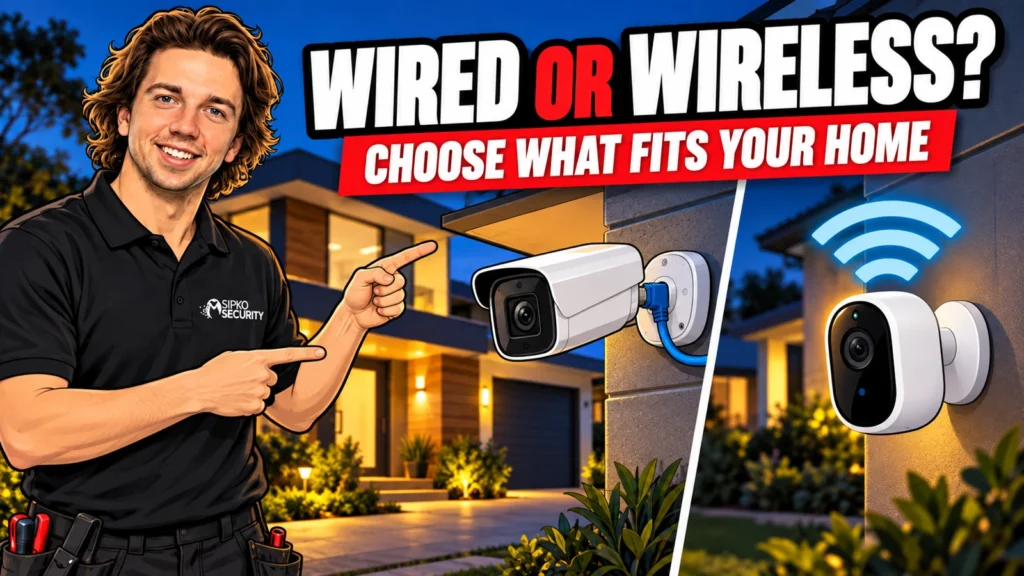
Choosing wired vs wireless security cameras starts with your house and the recordings you need. A wired system is often a strong fit for permanent coverage and continuous recording. Wireless can be useful where cable routes are difficult or equipment needs to move. Neither label tells you everything about power, storage or ongoing costs.
The important distinction is between a camera’s power supply and the way it sends video. Some Wi-Fi cameras still need a power cable. Some battery cameras offer recording options beyond short motion clips. Some wired cameras use a separate power supply. Ask about the exact model and proposed installation, rather than buying a category name.
This guide helps you choose an approach before comparing brands. If you already want specific product options, SIPKO’s home security camera systems overview covers a broader buying shortlist.
Separate power, connection and storage
Power
Ethernet, mains adapter, battery or approved solar charging?
Connection
Cable, Wi-Fi or mobile network?
Storage
Recorder, memory card, hub or cloud?
A quote should answer all three questions for every camera. “Wireless with local storage” could mean a camera recording to its own card or sending footage over Wi-Fi to an indoor hub. Those arrangements behave differently if the wireless link fails or the camera is removed.
Likewise, an internet outage is different from a Wi-Fi failure. The home network may remain working even when the broadband service is down. Local recording can continue on some systems, while remote access or cloud uploads stop. Check the proposed configuration rather than treating “online” as a single function.
What a wired camera installation involves
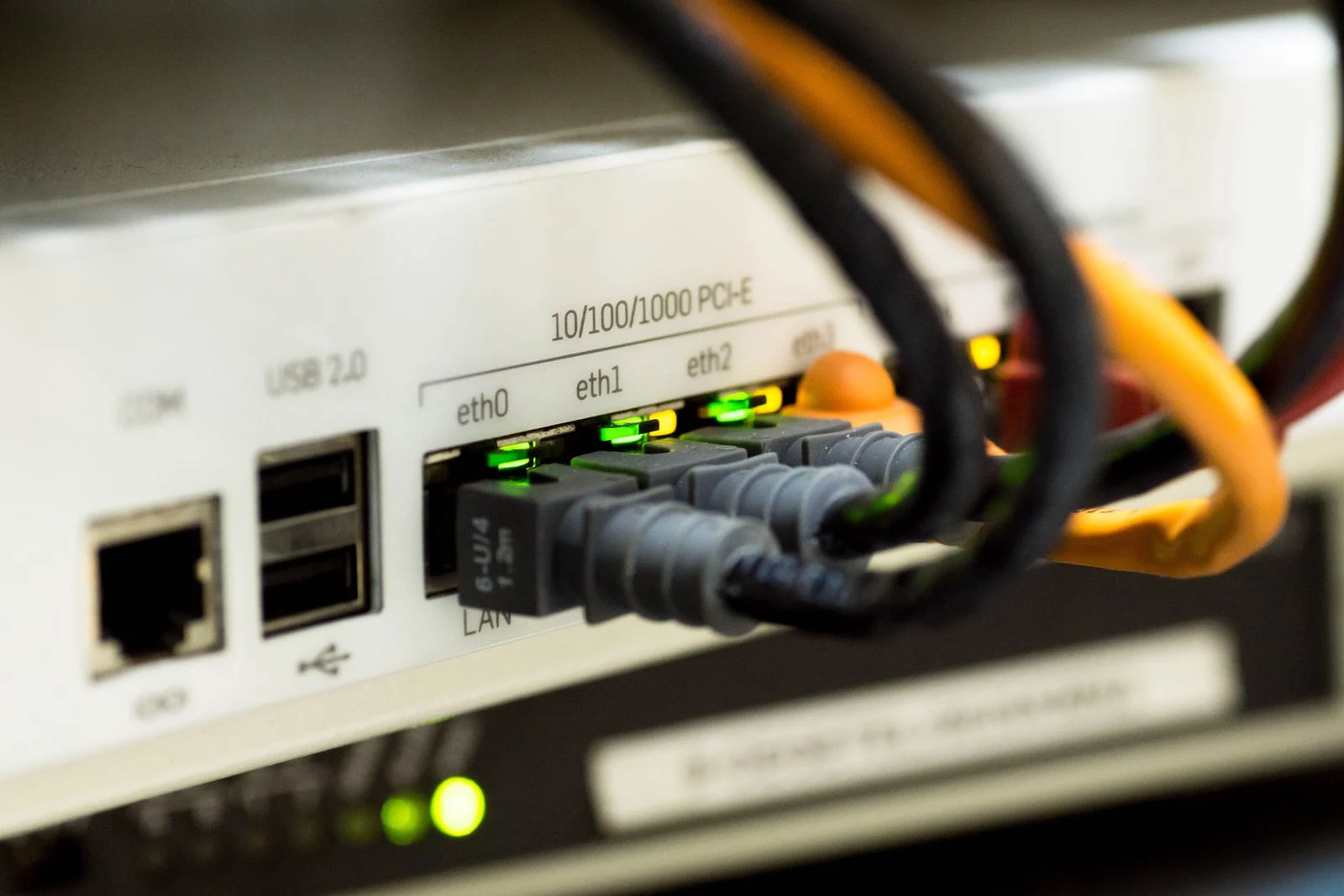
Many modern wired home systems use Power over Ethernet, usually shortened to PoE. A compatible network cable carries data and power from suitable equipment to the camera. Other wired systems use coaxial video cable with separate power, so existing cabling needs identification before an upgrade is quoted.
The practical advantage is a predictable physical connection with no camera batteries to recharge in a normal PoE installation. That can suit several fixed views, continuous recording and homeowners who want less routine charging. Cable does not remove every possible fault: power supplies, connectors, switches and recorders still require attention.
Installation depends on roof access, wall construction, camera positions and where the recorder will live. A neat cable route matters as much as the camera specification. Ask whether the price includes suitable terminations, weather protection, cable concealment and making good, particularly in a finished two-storey house.
Do not plan DIY work around mains wiring or assume every existing cable is suitable. A competent installer should assess safe access and applicable cabling requirements. An accessible roof space can make wired installation straightforward; inaccessible cavities can change the cost and route significantly.
What wireless can mean in daily use
A plug-in Wi-Fi camera avoids a network cable to the camera but still needs reliable power nearby. It may support continuous recording, depending on the model and storage arrangement. The nearest indoor power point is not automatically a safe outdoor power solution.
A battery camera is easier to position where there is no power cable, but charging becomes part of ownership. Activity, settings, temperature, viewing habits and signal conditions affect the interval. The advertised battery duration is not a promise for a busy driveway with frequent live viewing.
Solar charging can help where there is suitable sun exposure and a compatible panel. Check seasonal shade, the panel’s position and the manufacturer’s operating conditions. A camera mounted conveniently under deep eaves may be poorly placed for a nearby solar panel.
Wireless is not a synonym for motion-only recording. Reolink’s continuous-recording compatibility guide distinguishes supported plug-in and battery models. Confirm the exact hardware, storage destination and recording mode; adding a power cable to an unsupported battery model does not necessarily add continuous recording.
Choose the recording job before the connection
Decide whether you need an overview of arrivals, a complete timeline or useful detail at a particular doorway. Motion clips may be sufficient for occasional check-ins, but continuous recording can provide context before and after an event. Neither approach guarantees that the camera is aimed or lit well enough.
Ask to see a recording of someone moving through the proposed area. Check the beginning of the event, not just the clearest frame. For a battery camera, understand any detection delay, clip-length limit and interval between recordings. These vary by model and settings.
For a continuous system, check storage capacity and how long footage remains before it is overwritten. Higher resolution, more cameras and different recording settings affect storage demand. The right design retains useful footage for your needs, rather than simply displaying the largest megapixel number on the box.
Check Wi-Fi at the actual mounting position
An app working in the lounge does not prove a camera will communicate reliably behind the garage. Walls, metal doors, distance and neighbouring networks can affect the link. Ask for a test near the intended position with doors closed and the home network in normal use.
If the whole household slows down when you watch the cameras away from home, read why security cameras can slow down your home internet.
Consider the evening, when other people may be streaming or working. A phone signal indicator is a rough starting point, not a complete camera-network test. Verify stable recorded video and playback, and check whether the camera connects directly to the router or through its own base station.
A mesh unit may help in a suitable design, but adding one without checking placement and its connection can move the bottleneck. An outbuilding may need a planned network link. Do not choose wireless solely to avoid discussing an awkward cable route if the result will require repeated troubleshooting.

Match the system to three common homes
A home with accessible cable routes
If you own the property, expect to stay and want several permanent views, get a wired quote first. The installation effort can reduce later charging and wireless maintenance. Ask for an itemised plan so you can see which locations drive the cost.
A rental or one-camera requirement
A removable wireless camera can be practical when permission or drilling is constrained. Confirm mounting permission, safe power arrangements and whether removal leaves damage. Choose a position that actually sees the required area; convenience alone is not a coverage plan.
A house with one difficult outbuilding
You do not necessarily need one connection type everywhere. Wired cameras may cover the house while a carefully selected wireless option serves a shed. Check whether this creates two apps, separate storage or a different charging routine, and decide whether that extra complexity is acceptable.
Compare the whole cost, not the camera price
Include installation, network improvements, storage, accessories and any optional service subscription. A low-cost camera can require a hub or suitable memory card that is not included. A wired quote may include labour and handover that a retail kit price does not.
Ask which features remain after a free cloud trial expires. Local recording, person notifications, searchable events and remote playback may have different conditions. Request the current Australian plan details for the exact product if a paid service is involved.
Maintenance also has a cost in time. Think about who will recharge high-mounted cameras, replace storage, respond to offline warnings and manage access when phones change. Someone who travels often may value a system that needs less physical intervention more than a small saving on installation.
Plan for outages and secure ownership
Wired cameras still need power. A backup supply has to support the necessary cameras, recorder and networking equipment, not just whichever box is easiest to plug in. Ask for a realistic runtime based on the installed load and battery condition.
A battery camera may remain powered during a blackout while losing its router or hub connection. Whether it continues storing footage depends on the model and where the recording is kept. Reolink’s official offline-function table illustrates why recording, notifications and remote viewing must be checked separately.
Make sure the owner controls the primary account and recovery details. Use individual permissions where supported, strong unique passwords and available account protection. Confirm how updates are maintained and how long the manufacturer supports the equipment. A cable connection does not make an unsupported recorder secure by itself.
Ask these questions before accepting a quote
- What powers each camera, and who maintains it?
- Is recording continuous, event-based or scheduled?
- Where is footage stored, and what happens when that storage fills?
- What still works if broadband, Wi-Fi or mains power fails?
- What subscriptions or optional features could add costs?
- Can I test night playback and save a clip at handover?
- Who owns the account and provides support?
Ask for model numbers rather than a vague promise of “4K wireless cameras”. Include the recorder or hub, storage size and required accessories. That makes two quotes meaningfully comparable and prevents a feature shown in an advertisement being assumed to exist across an entire brand.
During handover, practise the everyday jobs on your own phone. Find yesterday’s footage, export a short clip and show another authorised household member how to access it. Keep the instructions brief enough to use later. The system should suit the people living with it, not just the person who configured it.
FAQ
Are wired cameras always better than wireless cameras?
No. Wired often suits permanent multi-camera coverage, while wireless can solve specific installation constraints. The better choice is the one that reliably captures the required area, stores useful footage and has maintenance you can manage.
Do wireless cameras need electricity?
Yes. They use a battery, a power adapter or another supported power arrangement. Wi-Fi describes the data connection, not the absence of a power supply. Check charging needs and outdoor power requirements before choosing a location.
Can Wi-Fi cameras record continuously?
Some can, particularly suitable plug-in models. Certain battery models also support it under specified conditions. Check the exact model, supported storage and power requirements rather than assuming all wireless cameras behave alike.
Will a wired system work without internet?
Many correctly configured local recorder systems can record and provide local playback without broadband. Remote viewing and online services usually need connectivity. Confirm the proposed wiring and recorder behaviour with the installer.
Can I mix wired and wireless cameras?
Sometimes. Compatibility depends on the recorder, camera, hub and software. A mixed setup may require separate apps or storage. Ask for a demonstration of recording and playback before treating a shared brand name as proof of compatibility.
Choose around the house you actually have
Make a short list of views, recording needs and maintenance limits, then compare designs against it. SIPKO’s CCTV installation service in Melbourne can assess cable routes, camera positions and storage requirements. The useful outcome is a documented system that works for your home, with a clear explanation of the compromises.



