

Try an alarm with your hands full of shopping. Then try its bedtime setting and walk to the kitchen. Those two tests can reveal more about everyday usability than a long feature list.
A simple security alarm for someone over 70 should make leaving, returning and staying home straightforward, with controls they choose and a clear plan for responding to an alert. That might mean an app and useful automation, a fixed keypad, or both. Age alone does not decide.
This guide is about designing a home intrusion alarm around daily use. If the main question is how to replace an existing panel without changing familiar habits, see our separate parents’ alarm-upgrade guide.
Start with three actions: leave, return, stay home
Ask the installer to demonstrate each action on the proposed controls. Can you read the display at its planned height, reach it comfortably and recognise successful arming? Try it in the hallway’s evening lighting. A beep needs an explanation: did the system arm, reject the command or report an open door?
Place the keypad along the normal entry route, with time to disarm before continuing inside. Use individual codes or accounts for regular users rather than one household password. Have a plan for removing a lost credential or a visitor’s access.
Ajax offers several approaches. KeyPad Plus supports codes and compatible Tag/Pass credentials; the exact sequence depends on configuration. SpaceControl is a compatible radio key fob for arming, disarming and Night Mode within the system’s radio coverage. It is not a remote internet control from another suburb. A panic button is a different function.
App: control wherever it is useful
Good for people who want status checks, notifications, authorised remote control and compatible automation. Test the actual phone, account access and notification permissions. Keep an agreed local control method available if the phone is flat or remote communication fails.
Keypad: a predictable place to act
Good for anyone who prefers a fixed control or does not want a phone involved in every departure. Try the actual keypad: a touch surface and a raised-button keypad feel different. Guests also need a clear, authorised way to enter.
Daily operation can use a keypad while an app handles occasional settings. A serviceable wired or hybrid alarm may meet the same needs; useful Ajax features do not automatically justify replacing everything.
Protect the openings you actually use
Walk through the front, back and side doors, then the door between the garage and house. Identify accessible windows and those regularly opened for ventilation. This produces a coverage plan, rather than a generic number of sensors.
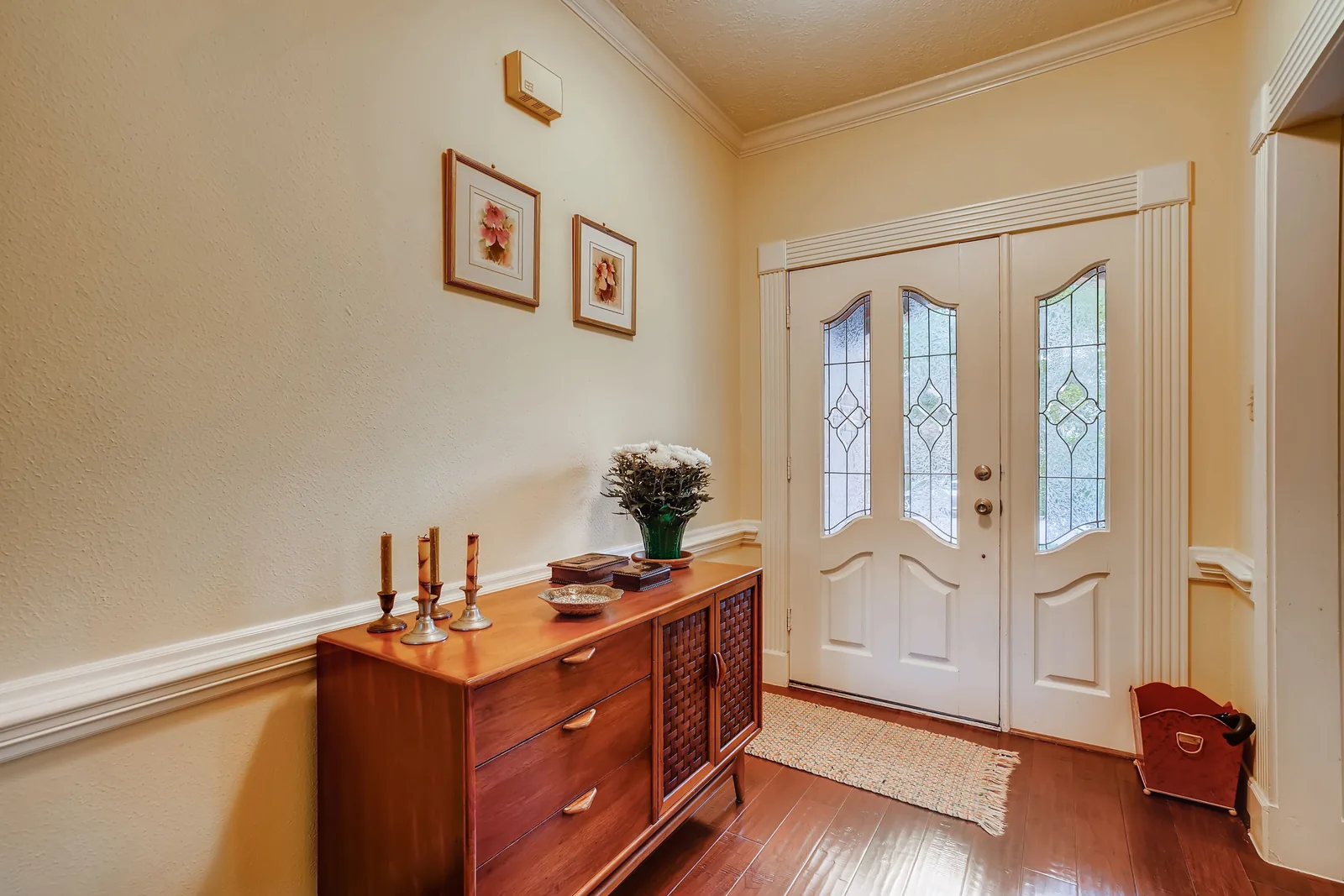
An opening detector such as Ajax DoorProtect uses a detector and magnet to recognise opening at the fitted door or window. It does not prove that a lock is engaged, and opening detection alone is not glass-break detection. Other risks may require different detectors.
Discuss windows left open overnight before installation. Closing a window, excluding it from protection and protecting it differently are different choices with different limits. Ask what warning appears if an opening is not ready when you arm; never assume a rejected command has protected the house.
Make bedtime protection pass the walking test
Full arming can be unsuitable when people are still moving indoors. Ajax Night Mode arms the devices specifically configured for that mode. Selecting door/window detectors can support perimeter protection, but included motion detectors and other armed areas still matter.
A bedtime routine to rehearse
- Lock the doors and check the agreed windows.
- Activate Night Mode using the configured keypad, fob or app sequence.
- Check the confirmation rather than assuming the press worked.
- Practise the bathroom and kitchen routes with the installer, arranging any monitored test first.
- Practise disarming the relevant protection before opening the back door in the morning.
Movement remains possible only in areas whose detection is not armed. Ask for a short written description of what bedtime mode protects. If a garage needs separate control, groups may help, but extra groups should earn their place in the routine.
Give family a defined helping role
With the homeowner’s permission, suitable Ajax access and working connectivity, a trusted child can check armed status, receive configured alerts and remotely arm or disarm. Agree a rule: confirm who is home and which mode is wanted before changing anything remotely.
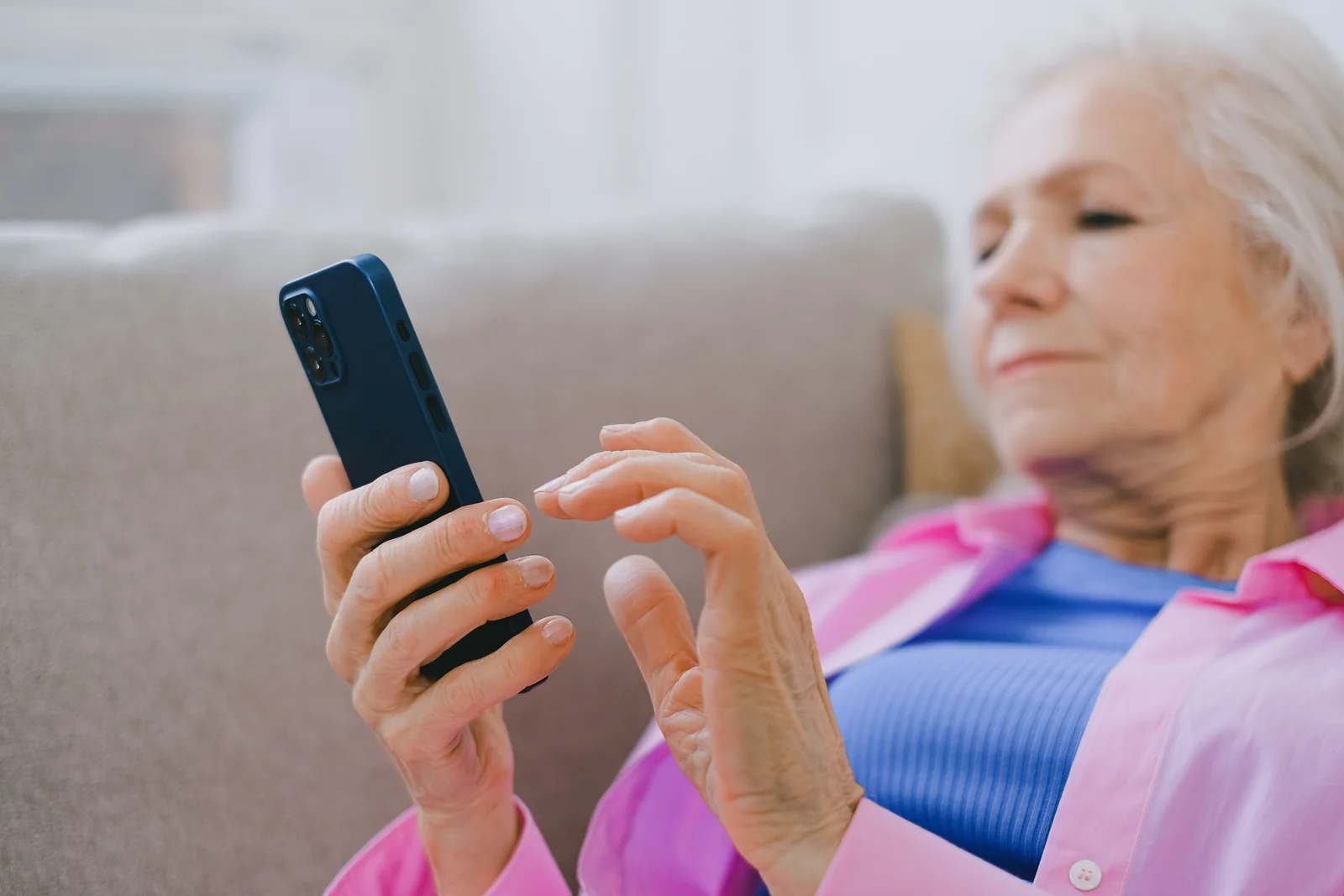
Give each helper a separate account and only the permissions needed. Occasional assistance does not require full administration. Helping manage users or change settings requires additional rights; these should be deliberate, removable choices.
Ajax’s space and user-permission documentation describes the available controls. Options depend on the hub, software and configuration, so have the installer demonstrate each person’s actual access. Keep homeowner control and an agreed recovery/support route if a helper changes phones or is unavailable.
System history is not a welfare check. Family access should support the homeowner’s wishes, not become covert monitoring of their movements. Camera access, if wanted at all, needs its own privacy discussion.
Choose schedules only after testing the exceptions
Ajax supports scheduled security actions and automation scenarios. A bedtime schedule may suit a consistent routine. The installer must select the intended security mode or groups: availability and behaviour depend on configuration, including group mode.
Ask what happens when a visitor stays late, a carer arrives early or someone opens the garage after bedtime. Practise suspending and restoring the schedule. Confirm the configured time zone and review the routine when Melbourne daylight-saving time changes.
Scheduled disarming deserves particular care: it can remove protection while everyone is away on holiday or still asleep. If routines vary, manual night arming may be simpler. A reminder can prompt a decision without making it for you.
Ajax geofence reminders notify the relevant phone user when they cross a configured boundary; they do not automatically arm or disarm. They depend on phone location and connectivity. Compatible lighting automation can also be useful, but agree what triggers it, any electrical work required and how to control it manually.
Ask four separate outage questions
- Does local protection continue? A powered hub, working detectors and siren can provide local operation independently of broadband. Have the selected setup demonstrated.
- Can the app still connect? Remote control and cloud notifications need a working communication path. An offline app does not by itself mean local detection has stopped.
- Can events reach monitoring? Confirm the configured reporting paths and the procedure if every path fails.
- What stays powered? Hub backup is finite; the router and other equipment have their own power needs.
For example, Ajax Hub 2 Plus supports Ethernet, Wi-Fi and cellular connections plus battery backup. Other hubs differ. Confirm compatible Australian 4G service, installed-location coverage, SIM charges and backup maintenance. Power-saving settings can also restrict remote access during backup operation. Ask for the behaviour of the quoted configuration, not a promise that it “always works”.
Decide who acts, then choose the alerts
Family alerts go to configured users, who must notice and respond. A professional monitoring centre receives supported events through the agreed connection and follows its service procedures. These are different arrangements; an adult child receiving notifications is not a staffed response service.
SIPKO’s Ajax monitoring offering combines SIPKO installation and technical support with monitoring through Intelligent Monitoring Solutions (IMS). Confirm covered events, contact order, verification requirements, fees and accidental-alarm procedures. No arrangement should be described as guaranteed police attendance, patrol attendance or a fixed response time.
Keep alerts meaningful. Name devices “Back sliding door” or “Garage entry” and agree who needs alarm, fault and routine arming notifications. Ajax distinguishes event categories, with available settings depending on permissions and setup. Test important alerts on each nominated phone; do not silence essential fault warnings merely to reduce noise.
An Ajax Button configured for panic can raise a security alert, with recipients and siren behaviour determined by setup. It is not automatically fall detection, medical monitoring or guaranteed help. Those needs belong in a separate discussion about personal alarms, pendants and watches.
Five households, five different starting points
A couple over 70 in a suburban home
One goes to bed earlier; the other reads in the lounge. Start with entry protection and a tested Night Mode route. Give both a comfortable control method, with optional app status and monitoring.
One parent living alone
Prioritise straightforward entry, clear confirmation and a useful support contact. A trusted child may have limited access by agreement. Discuss monitoring around the response needed, rather than assuming family is always available.
Parents comfortable with smartphones
Use the app confidently, with meaningful notifications and perhaps one lighting or bedtime scenario. Test exceptions before adding more automation. Keep local operation available and document family permissions.
Parents who prefer no app
Build daily use around a demonstrated keypad or compatible credential. Agree who handles administration and servicing. Monitoring and optional family app access can operate in the background with permission.
Adult children living far away
Remote status and authorised control can help with a specific request. They cannot provide physical attendance. Agree local contacts and consider professional monitoring, including what happens when the first contact cannot answer.
What works for your household?
Prefer a short daily routine?
Start with a tried keypad, selected opening protection and a clearly explained night setting. Choose monitoring according to response needs.
Prefer smartphone control?
Start with app access and useful alerts. Add remote control and schedules only where they simplify an actual task.
Want family help?
Write down separate accounts, limited permissions, consent and who responds. Keep the homeowner’s own access workable.
Live alone?
Prioritise easy daily operation and reachable support. Consider whether a monitoring service offers a more suitable response arrangement.
What to leave out
- Several apps or complicated sequences for ordinary departures.
- Indoor cameras the homeowner does not want.
- Shared generic logins, codes or family control without consent.
- Dozens of routine alerts that obscure important events.
- Undisclosed monitoring, SIM or other subscription costs.
- Automation nobody can explain, pause or resume.
- An arrangement only the installer knows how to manage.
Finish with a handover you can repeat
Operate the system yourself before the installer leaves: arm, return, disarm and set bedtime protection. Practise a mistaken action and learn the agreed cancellation procedure. Arrange tests with the monitoring provider first.
Check app and keypad operation, family access, a sample alert, battery/fault warnings and support contacts. Request a short printed guide using your actual device names, without displaying secret codes. Include who to call, the monitoring procedure and how to change a schedule. Book follow-up support if the first week reveals a setting that does not fit.
FAQ
What is the simplest home alarm for someone over 70?
The one they can comfortably operate in their own home. Test leaving, returning and bedtime on the proposed controls. Brand choice follows coverage, communication and support needs.
Can my children arm or disarm my alarm remotely?
A compatible system can allow this with your consent, appropriate permissions and working connectivity. Give helpers separate accounts and agree when they may act.
Can I use an alarm without a smartphone?
Daily keypad or compatible fob operation is possible on suitable systems. Setup, account administration and later changes still need an agreed arrangement; demonstrate it before choosing equipment.
Can an alarm automatically arm at night?
Compatible Ajax configurations support scheduled security actions. Confirm the intended mode and protected areas, and practise exceptions. Manual control may suit an irregular bedtime better.
What happens if the internet goes down?
Local detection, app access and monitoring can behave differently. Ask which functions remain available with the selected hub, communication paths and backup power, and what happens when backup runs out.
Design around the person, not the birthday
A 75-year-old who wants app control, automation and separate areas should have that choice. Someone who wants a keypad, night protection and monitoring should have theirs. For a Melbourne home, ask SIPKO to assess the layout and demonstrate the proposed daily routine before deciding on equipment. The useful measure is whether it fits the people who will live with it.



