
Uniview (UNV) CCTV Installation in Melbourne
SIPKO installs Uniview CCTV systems for Melbourne homes and businesses, including UNV cameras, PoE cabling, NVR configuration, recording storage, supported mobile access, testing and handover.
To compare specific Uniview cameras, UNV cameras and NVR models, see the Uniview camera and NVR catalogue.
What a Uniview CCTV Installation Includes
SIPKO plans the camera layout, cabling, recorder, storage and user access together so the finished UNV CCTV system is ready for recording and everyday use.
Plan Uniview Camera Positions Before Cabling
Camera positions should be chosen for the views the system needs to record. SIPKO reviews entrances, driveways, perimeter areas, internal zones and other required coverage before finalising mounting positions.
- Identify the areas that need recorded coverage.
- Choose mounting positions around the required field of view.
- Consider lighting and practical installation height.
- Reduce unnecessary overlap and obvious blind spots.
- Confirm a practical cable route to each camera.
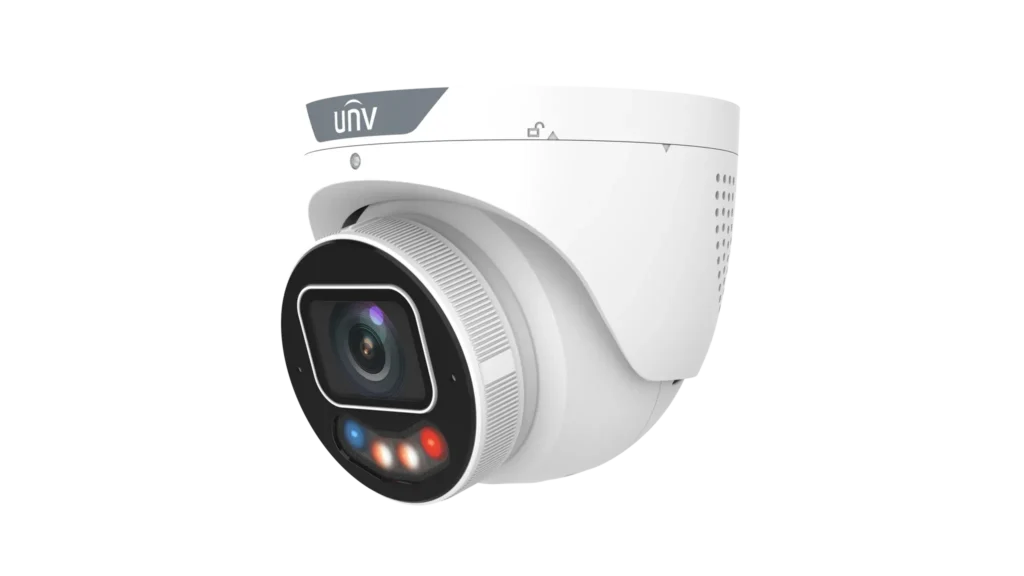
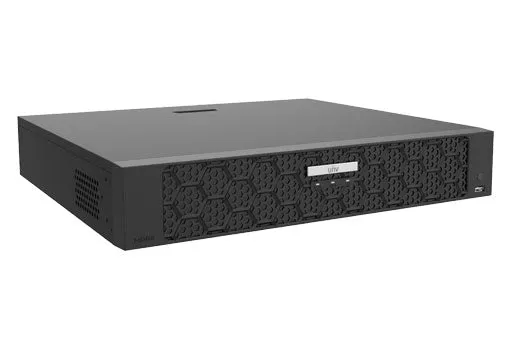
Configure the UNV NVR Around the Installed Cameras
The recorder, PoE network and storage capacity need to match the installed camera system. Seeing live video is not enough: recording and playback must also be tested.
- Connect and verify the required camera channels.
- Configure supported recording schedules and recorder time.
- Test recent playback before handover.
- Plan HDD capacity around the required recording history.
- Confirm the PoE arrangement suits the selected cameras and network layout.
Set Up Supported Mobile Access Before Handover
SIPKO matches mobile access to the installed UNV hardware and account configuration, then tests the supported functions before the system is handed over.
- Confirm the NVR is operating correctly on the network.
- Configure authorised mobile access where required.
- Test supported live viewing.
- Test available recorded-video access.
- Explain the main controls to the authorised user.
UniEase, formerly UNV-Link, is Uniview’s current mobile app for supported systems. EZView may still be used with compatible existing Uniview CCTV and UNV CCTV installations. If an existing system is faulty, see Uniview CCTV repair in Melbourne; if the system was inherited or needs authorised access and reconfiguration, use Uniview CCTV takeover and reconfiguration.
What Affects Uniview CCTV Installation Cost in Melbourne?
Uniview CCTV installation cost depends on the equipment and the work required at the property. SIPKO quotes the actual installation scope rather than applying one fixed price to every site.
More cameras increase equipment, cabling, setup and testing work.
Fixed-lens or varifocal requirements, mounting location, low-light needs and other camera capabilities affect equipment selection.
Roof, wall, ceiling and building access can change installation complexity.
The recorder must support the required number of camera channels.
Longer recording retention can require additional hard-drive capacity.
Router, PoE switching or network changes may affect the installation scope.
How Uniview (UNV) CCTV Installation Works
Assess
Review coverage, mounting positions and cable access.
Design
Match cameras, NVR capacity, storage and network layout to the site.
Install
Run cabling and install the cameras, recorder and required equipment.
Configure
Set up recording, network operation and supported remote access.
Test
Verify live view, recording, playback and user access before handover.
Uniview (UNV) CCTV Installation FAQ
Are Uniview and UNV the same CCTV brand?
What is included in a Uniview CCTV installation?
Does a new Uniview CCTV system use UniEase or EZView?
Do Uniview cameras use PoE?
What affects the cost of Uniview CCTV installation in Melbourne?
Uniview CCTV Installation by SIPKO Security
SIPKO Security installs CCTV systems across Melbourne with camera placement, cabling, recorder configuration, storage planning, testing and handover. Learn more about SIPKO Security.
Private Security Business Licence — Z93-206-80S
Cable Registration — T58117
ACN — 695 604 801
ABN — 23 695 604 801
Last reviewed: 18 September 2026
Need Uniview CCTV Installed in Melbourne?
SIPKO can assess the property, plan the camera layout, install the UNV CCTV system, configure recording and supported remote access, then test it before handover.
