
Intercom Installation in Melbourne for Homes, Gates & Video Entry
SIPKO Security provides intercom installation in Melbourne for houses, townhouses and other individual residential properties — new systems, replacements, and repairs for existing intercoms.
An intercom system covers more than the front door. It can extend to a pedestrian gate, a driveway gate, or more than one entry point on the same property, with video, mobile answering and remote door or gate release available depending on the system selected.
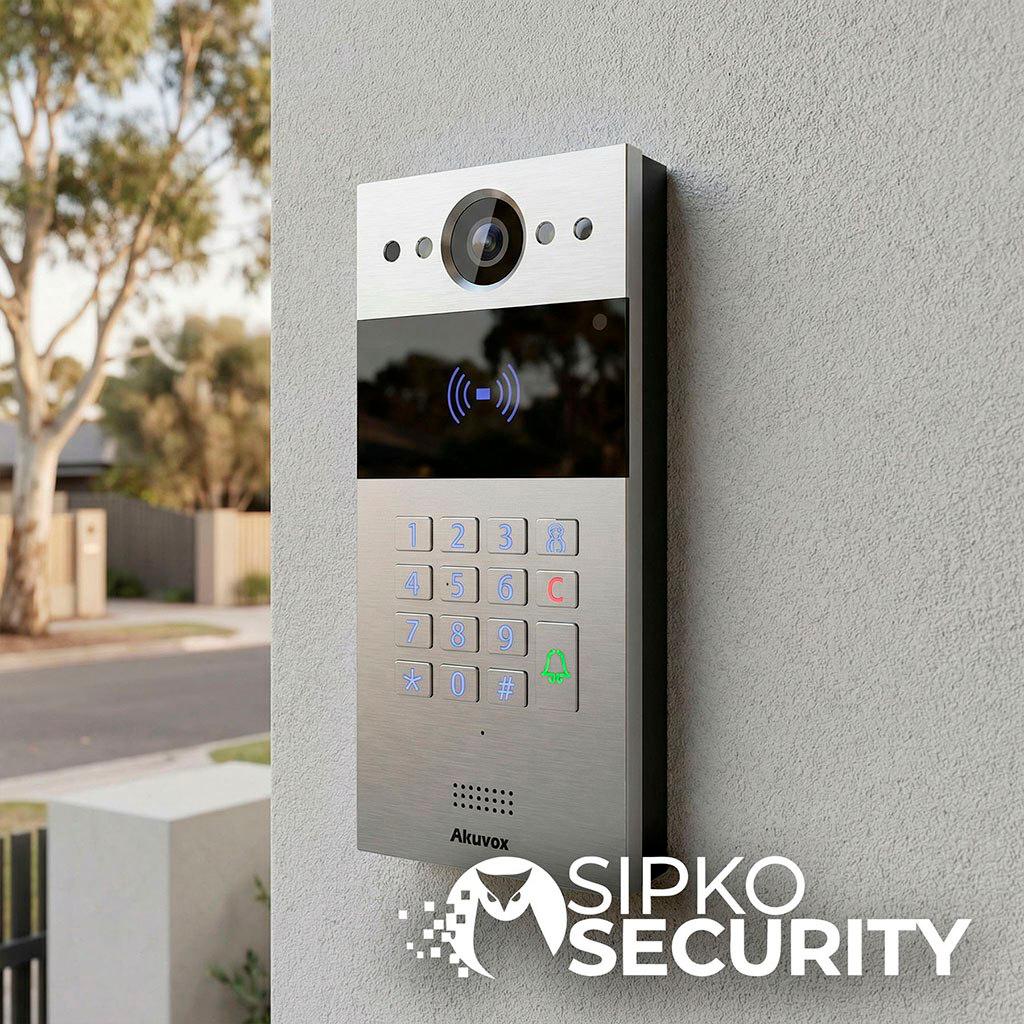
SIPKO installs, replaces and repairs residential intercom systems built on Akuvox, Dahua and Hikvision, selected according to the property, existing infrastructure and the entry points that need to be covered — not a single default platform for every home.
- New intercom installation
- Replacement of an existing intercom
- Video intercom
- Indoor monitor
- Mobile app answering
- Front door entry
- Pedestrian gate intercom
- Driveway gate intercom
- Door and gate release
- Existing cabling assessment
Service area: SIPKO installs residential intercom systems across Melbourne and the Mornington Peninsula.

What Should a Home Intercom Actually Do?
Before choosing a system, it helps to separate what an intercom actually does into stages — because each stage is solved by a different part of the system, not by the brand as a whole.
A visitor arrives at an entry point — the front door, a pedestrian gate, or a driveway gate. A door station at that entry point picks up the call and, on video systems, captures an image of who’s there. Inside the property, the resident answers — either on an indoor monitor mounted somewhere in the home, or through a mobile app if the system supports it. Where video is available, the resident can see the visitor before deciding whether to provide access, rather than relying on audio alone. If access is appropriate, the resident releases the door or gate remotely, using a relay connected to an electric strike, magnetic lock or gate controller at that entry point.
This sequence — visitor, entry point, answer, verify, unlock — is the actual job of a home intercom system, whichever brand or model ends up being used. The rest of this page works from that sequence: what components are involved, how the system is planned around your specific entry points, and how Akuvox, Dahua and Hikvision each approach it.
Components of a Modern Home Intercom System
- Outdoor door station
- Positioned at the entry point being covered (front door, pedestrian gate, or driveway gate). Depending on the model, it may include a call button, camera, and access methods such as a keypad or card reader.
- Camera / video module
- Present on video intercoms, giving the resident a live image of the visitor rather than audio only.
- Indoor monitor
- A wall-mounted screen inside the property used to answer calls, view video, and release the door or gate. Not every system requires one — some rely on the mobile app instead, or use both together.
- Mobile app
- Lets the resident answer calls, view video, and release the door or gate remotely, subject to the app and network requirements of the selected system.
- Electric strike / gate controller interface
- The hardware that physically releases a door lock or operates a gate, triggered by the intercom’s relay output.
- Network and power
- IP-based systems use network connectivity, with power and connection requirements depending on the selected equipment. Some configurations use PoE, while others use separate power arrangements.
- Cabling
- Provides the required connections between intercom devices, network equipment and power infrastructure. Existing cabling may be reusable where it is compatible with the selected system and passes assessment.
Planning the Intercom Around the Property
A home intercom is planned around the entry points on the property, not chosen from a fixed package. The table below outlines what’s typically considered for each type of entry point.
| Entry point | What needs to be planned |
|---|---|
| Front door | Door station, camera view, indoor answering |
| Pedestrian gate | Visitor call and compatible gate release |
| Driveway gate | Distance, cabling/network and gate controller |
| Multiple entrances | Which station calls where, and which entry can be released |
| Existing intercom | Cable condition, compatibility and reusable infrastructure |
A driveway gate is usually the entry point that raises the most planning questions, mainly because of the distance between the gate and the house and the cabling or network infrastructure available along that route. As one system-specific example, Dahua specifies transmission distances of up to 200 metres between the door station and indoor monitor for its 2-Wire Hybrid Video Intercom System. Actual suitability still depends on the selected equipment and the existing cable type, condition and route confirmed during the site assessment.
Akuvox, Dahua and Hikvision Home Intercom Options
SIPKO installs residential intercom systems built on three platforms — Akuvox, Dahua and Hikvision. Each is capable of covering the visitor–entry–answer–verify–unlock sequence described above; the right one for a given property depends on the property itself, the infrastructure already in place, and which functions actually matter to you, not on one platform being better than another.
Akuvox
Akuvox offers a dedicated Single-Family House setup within its SmartPlus platform for standalone residential properties. Configurations can include door phones, indoor monitors and SmartPlus app functionality, with available access methods and retrofit options depending on the selected devices and system design.
Akuvox intercom installation in Melbourne →Dahua
Dahua separates its intercom range into Villa Solutions, built for single-family homes, and Apartment Solutions for multi-tenant buildings. Compatible Dahua configurations can be integrated with a door or gate release, depending on the selected hardware and site setup, and connect to the DMSS mobile app for remote video, calling and door release. Dahua also offers 2-wire options that may suit properties where compatible existing cabling can be retained after assessment.
Dahua intercom installation and repair →Hikvision
Hikvision’s villa-specific kits (such as the DS-KIS series) are built and sold for house or villa use, distinct from its larger IP systems designed for apartment blocks. Compatible Hikvision configurations can be integrated with a door or gate release, depending on the selected hardware and site setup, and connect to the Hik-Connect app for remote video, calling and access. Hikvision also offers a 2-Wire Villa Solution designed for retrofit situations where suitable existing wiring can be reused.
Hikvision residential video intercom installation →Whichever platform ends up fitting best, the property’s entry points and existing infrastructure are what determine the final system, not a default preference for one brand.
New Installation vs Replacing an Existing Intercom
Not every replacement means starting from scratch, but nothing is assumed reusable before it’s checked. Before recommending a system, SIPKO reviews:
- The existing door station and indoor monitor, if any
- Cable type, condition and route
- Network availability at the property
- Power at each entry point
- Any existing electric strike or gate controller
- Practical mounting positions for a new door station or indoor monitor
- The number of entry points that need to be covered
Some of this can be reused, some can’t — which is exactly why it’s checked rather than assumed. A property with a single front-door intercom that’s simply failed is a very different job to one adding gate coverage for the first time, even though both fall under “replacing an existing intercom.”
Can Existing Intercom Wiring Be Reused?
SIPKO first checks the existing cable type, condition and route against the requirements of the replacement system, rather than assuming it will or won’t work.
Some 2-wire retrofit systems from Akuvox, Dahua and Hikvision are designed to work with suitable existing cabling, subject to the requirements of the selected equipment and the condition of the cable. For an IP/PoE system, SIPKO checks whether suitable network cabling is already available at the property or whether new cabling is required to reach the door station and any additional entry points.
Home Intercom Repairs and Upgrades
Not every call to SIPKO is for a new installation. Common issues include:
- No audio or no video
- Intercom not ringing
- A failed or unresponsive indoor monitor
- Door or gate not releasing
- App or network connectivity issues
- An ageing system that’s becoming unreliable
A system diagnosis helps determine whether the fault can be repaired or whether replacement or upgrade is the more appropriate option. For a closer look at troubleshooting and upgrade options, see intercom repairs and upgrades in Melbourne. If the specific issue is a unit that isn’t ringing at all, see intercom not ringing.
How SIPKO Installs and Replaces Home Intercoms
Site assessment
Reviewing the property, entry points and any existing intercom or cabling.
Existing system and cabling check
Confirming what can be reused and what can’t.
Entry point and user requirements
Confirming which doors or gates need coverage, and who needs to answer.
System selection
Choosing the platform and model configuration that fits the property.
Installation and cabling
Running new cabling where required, mounting the door station(s) and indoor monitor.
Door and gate integration
Connecting the relay output to the electric strike, lock or gate controller.
App and monitor configuration
Setting up mobile answering, indoor monitor settings and user access.
Testing and handover
Confirming calling, video, answering and door/gate release all work correctly before the job is signed off.
Why Choose SIPKO for Intercom Installation
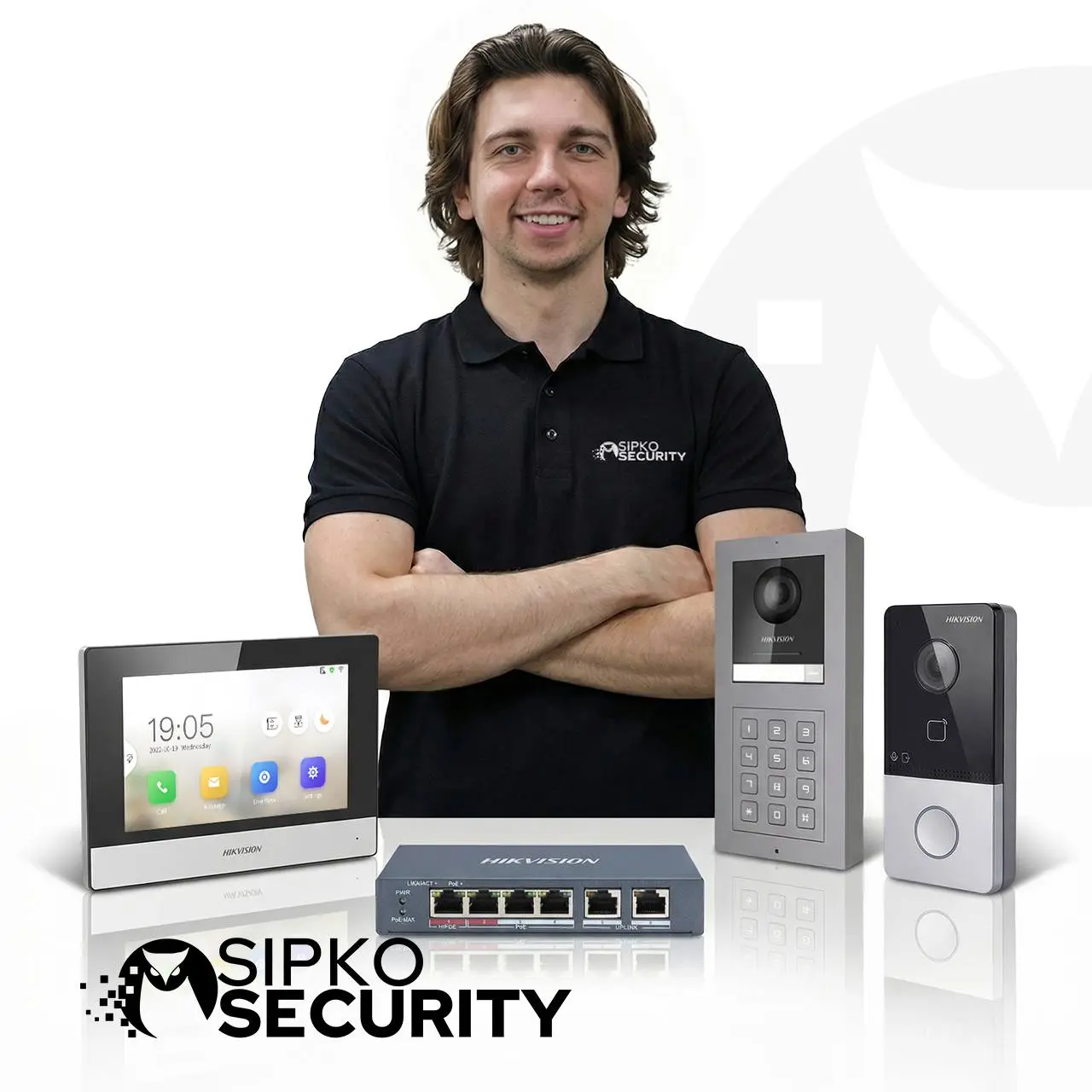
Licensed Victorian security installer
Security Adviser & Equipment Installer Licence No. Z47-808-30S, Cable Registration T58117.
Installation, replacement and repair
Not just new-system sales — existing intercoms are assessed, repaired or replaced as the property needs.
Existing infrastructure assessed first
Cabling and equipment are checked before any replacement is recommended, not assumed reusable in advance.
Akuvox, Dahua and Hikvision
Matched to the property and its entry points, rather than a single default platform for every home.
Site-specific planning
Configuration confirmed after the property and its entry points are assessed, not assumed in advance from a generic package.
Local Melbourne support
Melbourne and the Mornington Peninsula.
Intercom Installation Across Melbourne
SIPKO installs, replaces and repairs residential intercom systems across Melbourne and the Mornington Peninsula, for detached homes, townhouses and other individual residential properties.
A few of the suburbs SIPKO installs home intercoms in most often:
- Brighton
- South Yarra
- St Kilda
- Elwood
- Toorak
- Hawthorn
Intercom Installation Melbourne FAQ
What type of intercom is best for a home?
Can I answer my home intercom from my phone?
Can an intercom open a pedestrian gate or driveway gate?
Can you replace an old home intercom without rewiring the whole property?
Do I need an indoor monitor if I use an app?
Is a new intercom installation different from a repair?
Do you install intercoms for apartments or shared buildings?
Do you repair home intercom systems?
Tell SIPKO about your property, its entry points, and whether you’re installing a new intercom, replacing an old one, or dealing with a fault. SIPKO will assess what’s already there, confirm which of the existing cabling and equipment can be reused, and recommend a system — Akuvox, Dahua or Hikvision — that fits how the property is actually laid out.
Request a site-specific quote. Cost depends on factors including: new installation vs replacement, existing wiring, number of entry points, indoor monitors, door/gate integration, the platform selected, and any additional network or electrical work.
