
Ajax Alarm System Installation in Melbourne
Professional Ajax Security System Installation for Melbourne Homes and Businesses
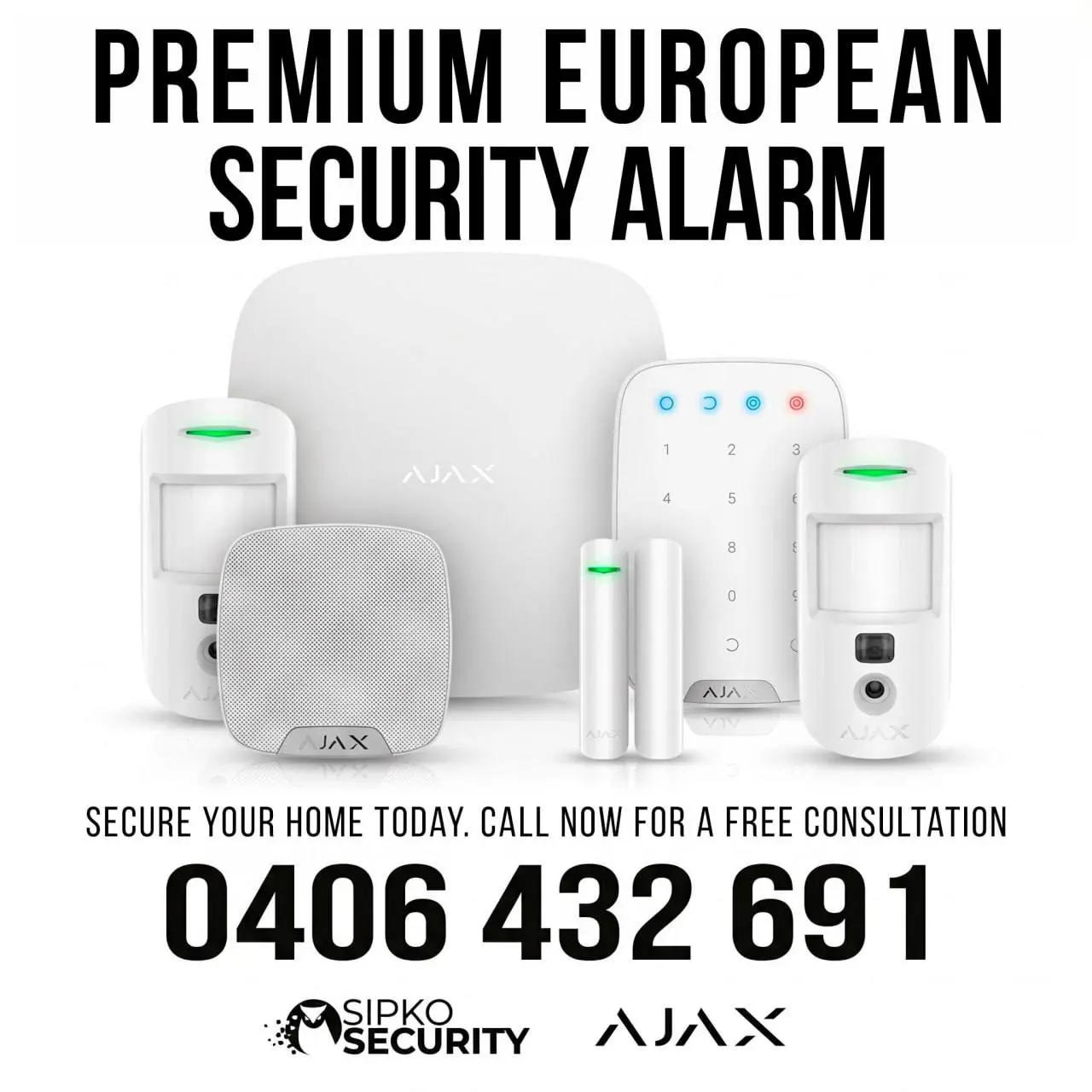
SIPKO Security provides professional Ajax alarm system installation and Ajax security system installation for Melbourne homes and businesses. For Ajax installation in Melbourne, we design the system around the property, install and configure the Hub, detectors, sirens and keypads, set up the Ajax app and user access, test communication and arming modes, and hand over a working system.
Final equipment and total price are confirmed before work starts.
Optional 24/7 monitoring is available separately through our Ajax monitoring service.
Ajax Installation in Melbourne: What the Service Covers
- New Ajax alarm system installation: system design, Hub, detectors, sirens and keypad based on the property and required coverage.
- Takeover or replacement: review an existing Ajax system or assess older Bosch, Ness, Hills or other alarm equipment before changes are made.
- App, users and Night Mode: configure device names, individual access, notifications and practical arming modes.
- Testing and handover: check communication, detectors, sirens and app events, then prepare the finished system for optional professional monitoring if required.
Request an Ajax Installation Quote
Send the property details below for a tailored Ajax installation quote, or call 0406 432 691 .
- Your Melbourne suburb
- Home or business property type
- New installation, existing Ajax takeover or older alarm replacement
If the online form is still loading, call 0406 432 691.
Ajax Alarm System — Quick Facts
| Service area | Melbourne |
|---|---|
| System types | Jeweller / Fibra / Hybrid |
| Suitable for | Homes / apartments / offices / retail / warehouses |
| App setup | Included |
| Existing system | Takeover / upgrade |
| Monitoring | Available |
| Starting price | From AUD 2,490incl. GST |
Ajax Installation Price Preview
| Apartment / small home | From AUD 2,490incl. GST |
|---|---|
| Standard family home | From AUD 3,850incl. GST |
| Larger / Hybrid system | From AUD 7,150incl. GST |
| Commercial | From AUD 5,500incl. GST |
All prices shown are starting guides in Australian dollars and include GST. The final quote depends on device quantities, property layout, cabling, outdoor coverage and any work needed on an existing system. SIPKO Security confirms the equipment, scope and price before installation.
SIPKO Security Credentials
- Private Security Licence Z47-808-30S
- Business Licence Z93-206-80S
- Cable Licence T58117
- ACN 695 604 801
- ABN 23 695 604 801
Apartment installation
A compact Jeweller system can cover the main entry door and internal movement zones with app setup, user access, testing and handover included.
Family home installation
A family home system can combine entry protection, indoor motion detection, sirens, keypad access and optional outdoor coverage around the way the household uses the property.
Commercial property installation
For offices, retail and warehouses, SIPKO designs the Ajax system around staff access, opening hours, protected zones, arming requirements and optional professional monitoring.
What Affects the Ajax Installation Price
Your quote reflects the system size, protection areas, site conditions and equipment required.
System size and Hub
Device count, Hub model, communication options, building layout and the number of users all affect the final system scope.
Doors, windows and motion coverage
Entry points, room geometry, movement paths and pets influence the number and type of opening and motion detectors required.
Keypads, sirens and user control
Keypads, sirens, user permissions and notifications are configured around how the household or business will arm, disarm and respond to alerts.
Garage, shed and outdoor areas
Detached structures and outdoor detection can require additional devices, careful positioning and communication testing back to the Hub.
Existing system and installation complexity
Older alarm removal, multiple levels, difficult mounting positions, construction materials and challenging radio conditions can increase the work required.
Optional professional monitoring
Monitoring is separate from installation pricing. The provider, monthly fee and response arrangement are confirmed before activation.
How SIPKO Plans an Ajax System
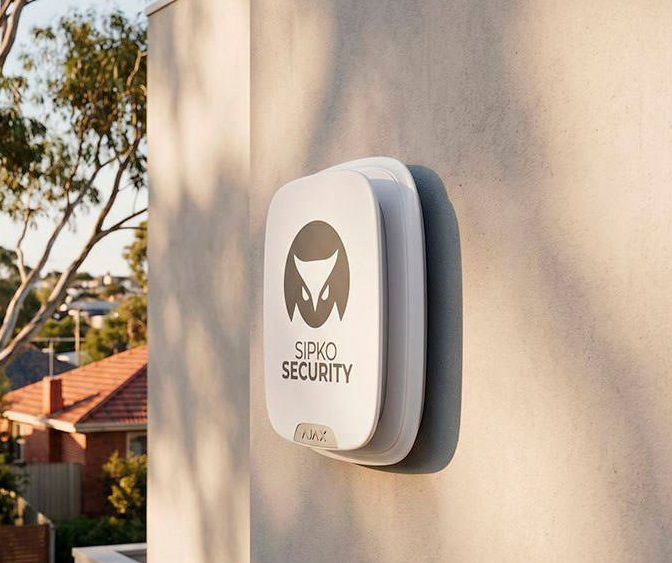
SIPKO Security is a professional Ajax systems installer serving Melbourne homes and businesses. Each installation is planned around likely entry points, signal coverage, connection reliability and how the property will actually be used. Private Security Licence Z47-808-30S · Business Licence Z93-206-80S · Cabling Registration T58117.
Call 0406 432 691 or send your suburb, property type, current alarm details and the areas that need protection.
Protection Map
We start with likely entry points and movement paths through the property.
- We check main, rear and side entrances.
- Accessible windows are considered separately.
- Garage and internal approach routes are mapped.
- Night-time movement is considered for residential systems.
Communication Plan
We position the Hub and devices together, taking walls, distance, building levels and detached structures into account.
- Hub location is selected with device coverage in mind.
- Difficult construction materials are considered.
- Garages and sheds are assessed independently.
- Range extenders are added only if coverage requires them.
Users, Arming and Night Mode
We set up arming, disarming and alerts around the people who will use the system every day.
- Family or staff users are identified.
- Keypad and app use are considered together.
- Night Mode or after-hours arming is configured to match normal use.
- Professional monitoring can be added to the finished setup.
New Ajax System or Takeover of an Existing System
A new Ajax installation is planned differently from taking over an existing system. For an installed Ajax system, SIPKO first checks the equipment, account access, users and current settings before making changes.
New Ajax Installation
A new installation may suit a property without an alarm or a site where an older system is being replaced.
- Assess entrances, movement paths and areas requiring intrusion protection.
- Install the Hub, detectors, sirens and keypad listed in your quote.
- Create user accounts and set arming modes for the household or business.
- Check device communication and alarm operation before handover.
- Remove or replace older alarm equipment listed in your quote.
Taking Over an Existing Ajax System
An existing installation may require an ownership change, additional devices, replacement components or a review of current users and settings.
- Review the installed Hub and connected Ajax devices.
- Confirm who currently controls the system and who should retain access.
- Confirm ownership and administrator access before changing users or system settings.
- Assess additional devices if the current coverage no longer suits the property.
- Remove former users and configure current users with appropriate permissions.
Optional Ajax Monitoring and Video Verification
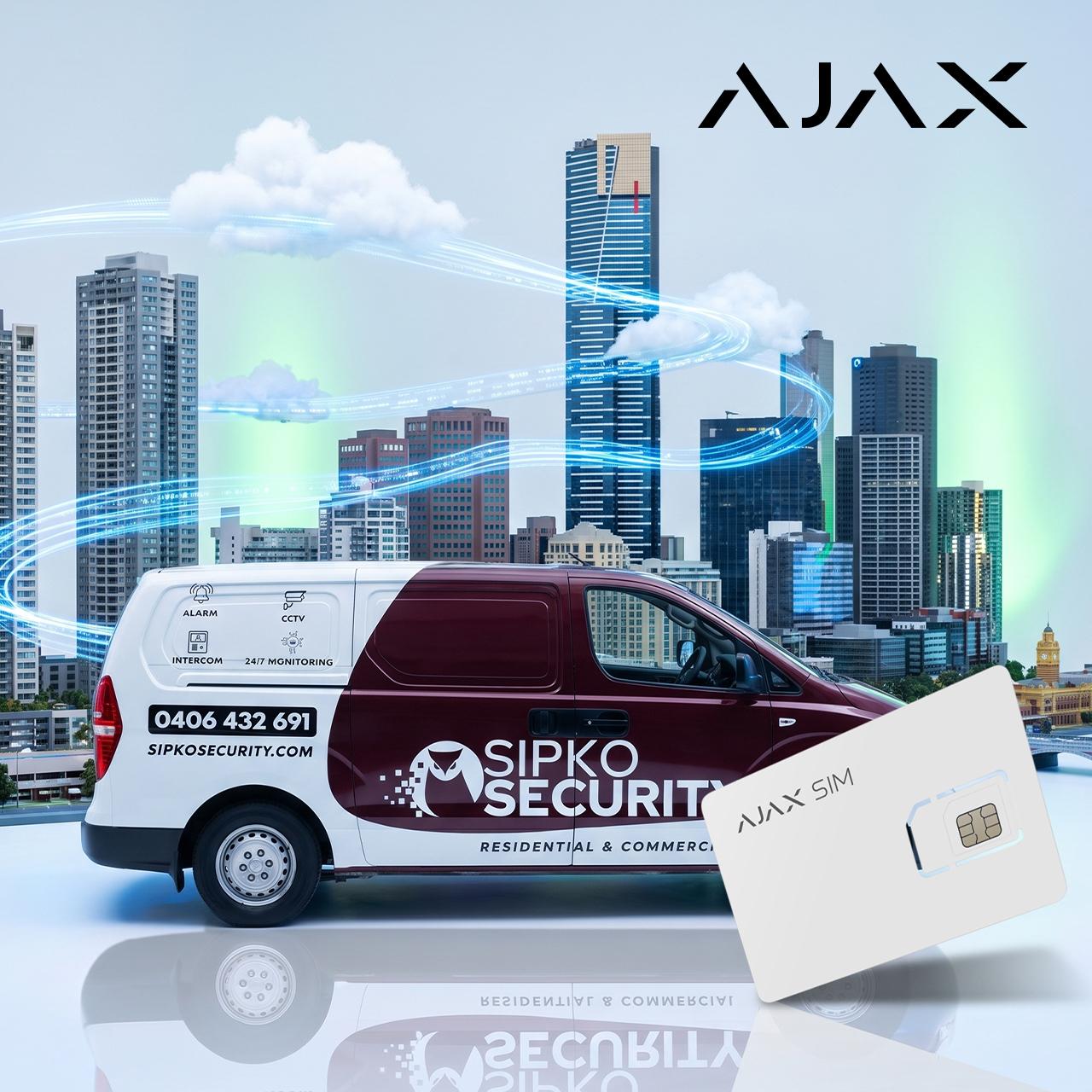
Professional monitoring is optional. SIPKO can prepare a compatible Ajax system for 24/7 monitoring and video verification. Before activation, we confirm who provides the monitoring, the monthly fee and how alarm events will be handled. Authorised users continue using the Ajax app as normal.
- 24/7 alarm-event monitoring for the connected Ajax system.
- Video verification when the installed devices and monitoring setup support it.
- An agreed response process for alarm events before monitoring is activated.
You continue using the Ajax app for normal arming, alerts and authorised user access.
Professional Ajax Alarm System Installation: From Site Assessment to Handover
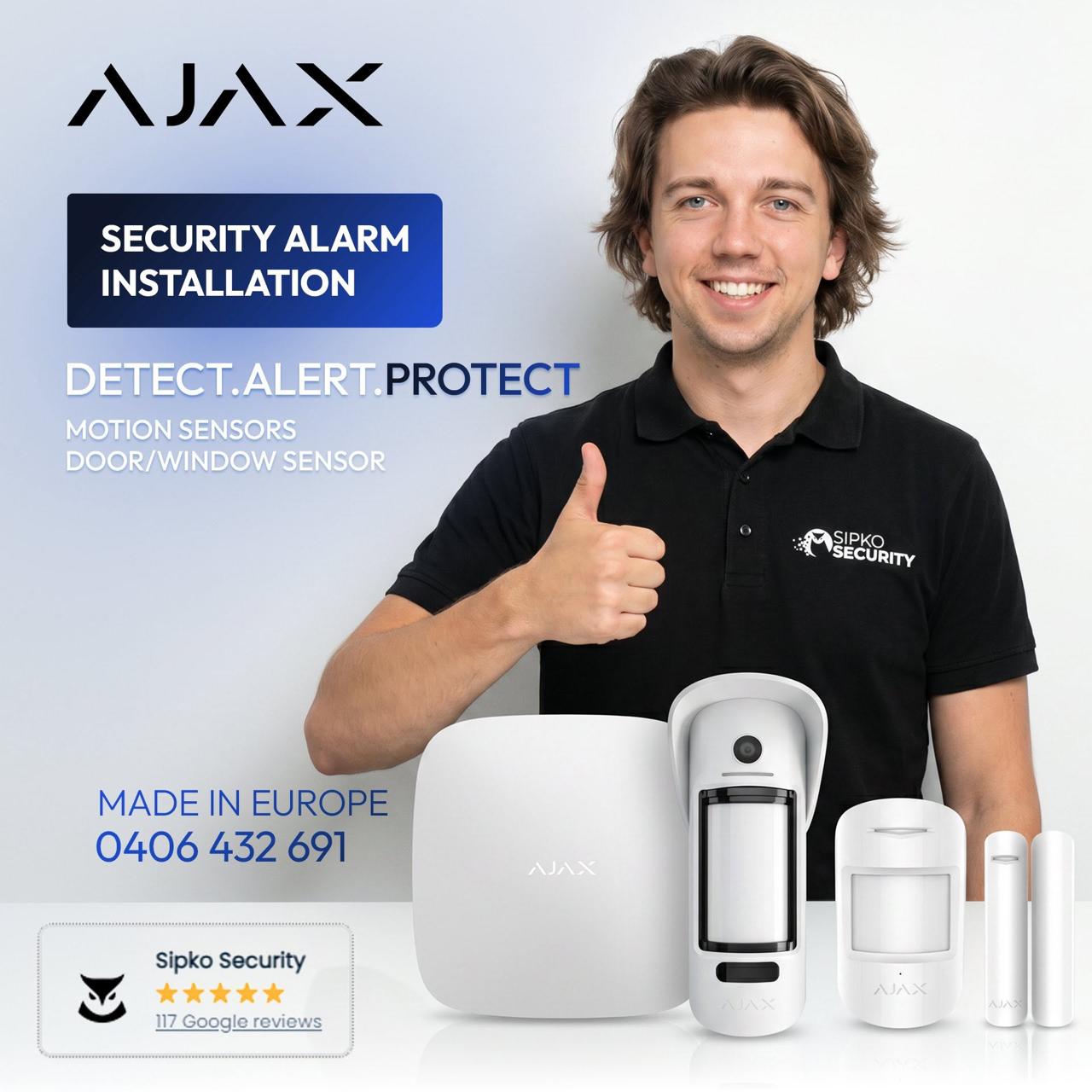
Before an Ajax alarm system installation in Melbourne, SIPKO reviews the property’s entry points, internal zones, detached areas, existing alarm equipment and likely signal conditions before choosing the Hub and where each device should be installed.
Site assessment & system design
We review entry points, internal areas, detached zones and signal conditions, then design the detector layout for the property.
Ajax Hub selection
We choose the Hub around device count, required functions, communication options and whether the system is wireless, wired or hybrid.
Detector placement
Door and window contacts, indoor motion detectors and outdoor protection are positioned around real access points and how the property is used.
Sirens, keypads & panic buttons
Sirens are positioned for audibility, keypads for practical entry and exit, and panic buttons where users need quick manual alarm activation.
App setup & user permissions
We create users, set permissions and notifications, and configure Night Mode when partial overnight arming is required.
Testing & handover
Before handover, we test devices, sirens, communication and arming modes, then show users how to operate the system.
Choose the Right Ajax Platform: Jeweller, Fibra or Hybrid
We select Ajax Jeweller, Fibra or a hybrid system from the building layout, available cabling, device locations and planned expansion.
Ajax Jeweller
Jeweller is the wireless option for homes, apartments, offices and retrofit jobs where minimal cabling is preferred.
Ajax Fibra
Fibra is the wired option for projects with dedicated cabling or where a structured wired installation is preferred.
Ajax Hybrid
A hybrid system combines wired Fibra devices with wireless Ajax devices when the property benefits from both cabling and flexible wireless placement.
Ajax Security System Installation for Melbourne Businesses
For offices, retail, hospitality and warehouses, SIPKO can configure staff permissions, after-hours arming, panic buttons and optional professional monitoring around the site’s access points and operating hours.
Commercial Ajax alarm installation
SIPKO also provides commercial alarm installation tailored to your property, operating hours and day-to-day needs.
Related Ajax Services
- Ajax security systems in Melbourne — explore Ajax options for homes, businesses and other properties.
- Ajax alarm repair Melbourne — get help with faults, offline devices and other problems.
- 24/7 Ajax monitoring with video verification — compare 24/7 monitoring and video-verification options.
- Ajax CCTV installation Melbourne — add Ajax video surveillance to the security system.
- Home Security Systems Melbourne — plan CCTV, alarm, video intercom, app access and optional monitoring as one residential security system.
- Upgrade or takeover from Bosch, DSC or Hills to Ajax — options for replacing compatible existing alarm systems.
What Is Included in an Ajax Security System Installation?
Testing and final system setup are included in the installation. The written quote confirms the equipment and onsite work for the property.
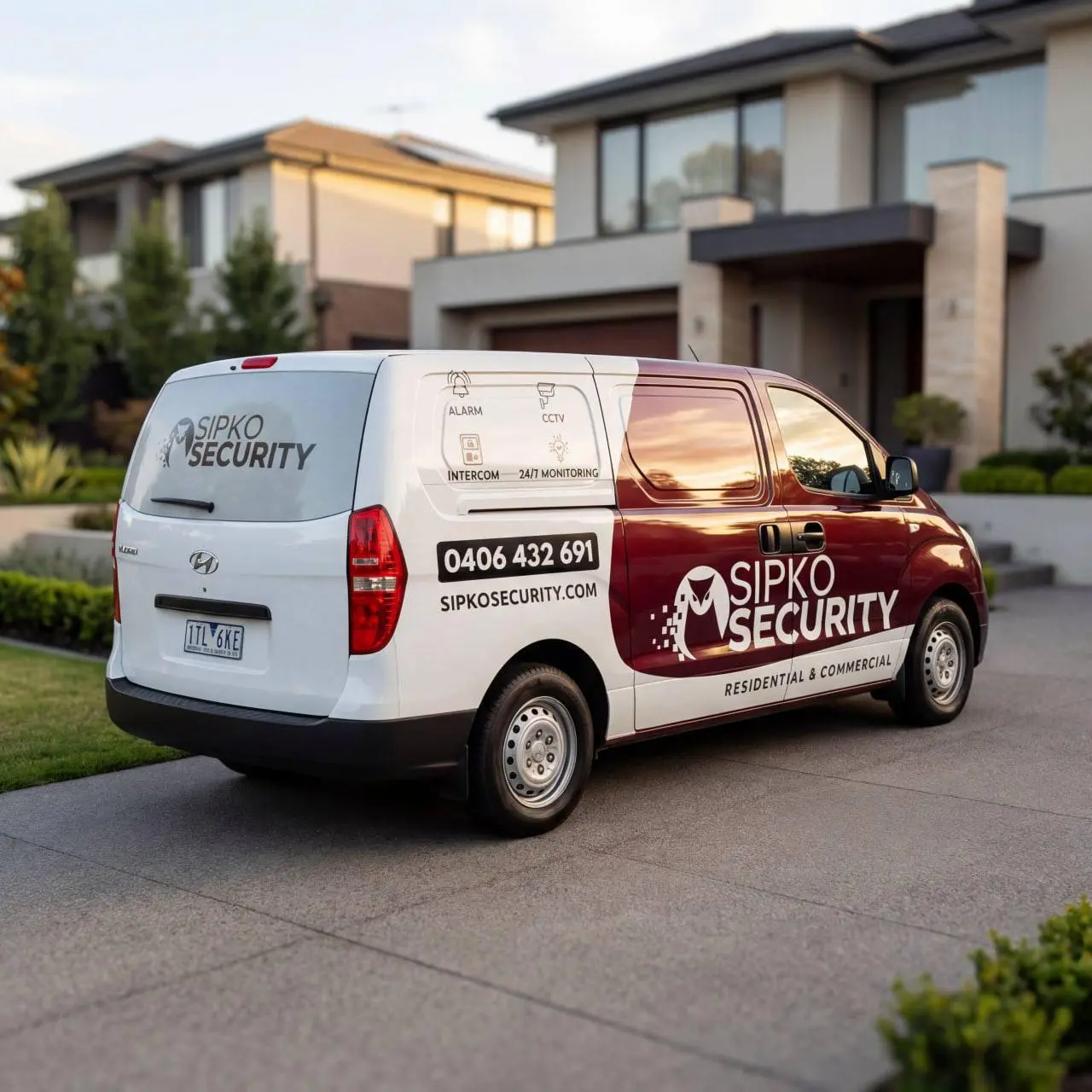
Ajax Alarm System Packages
These are common starting configurations for Melbourne homes and small business sites. Exact device models, quantities and final price are confirmed after SIPKO reviews the property, coverage requirements and any existing alarm.
Starter Alarm Setup
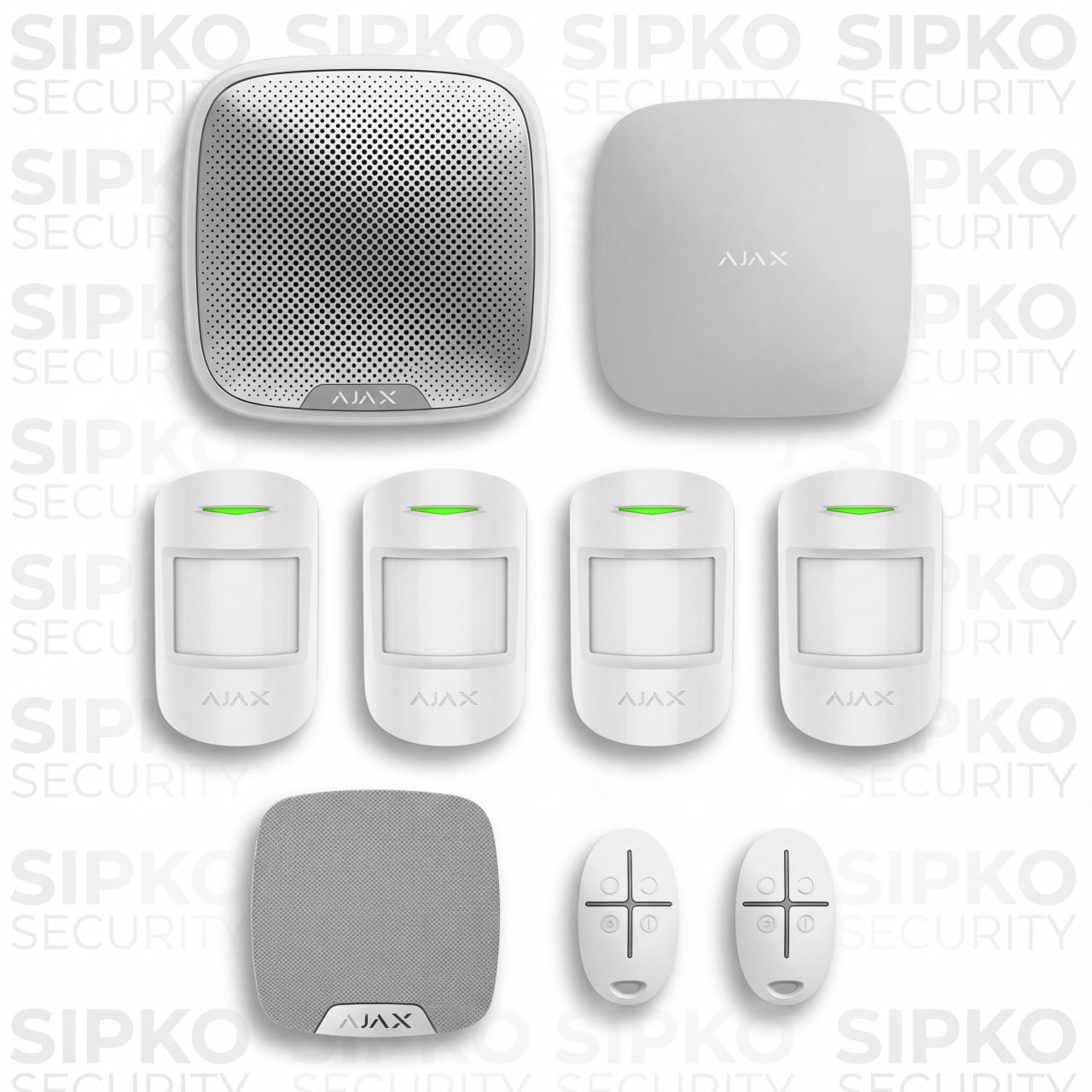
- 1 x HUB 4G + Ethernet — central control unit
- 4 x Motion Protect sensors — internal movement detection
- 1 x Home Siren — indoor alarm notification
- 1 x Street Siren — external alarm notification
- 2 x Space Control key fobs — remote arming and disarming
- Onsite visit, installation and device setup
- Basic app guidance, testing and system handover
Home Alarm with Entry Protection
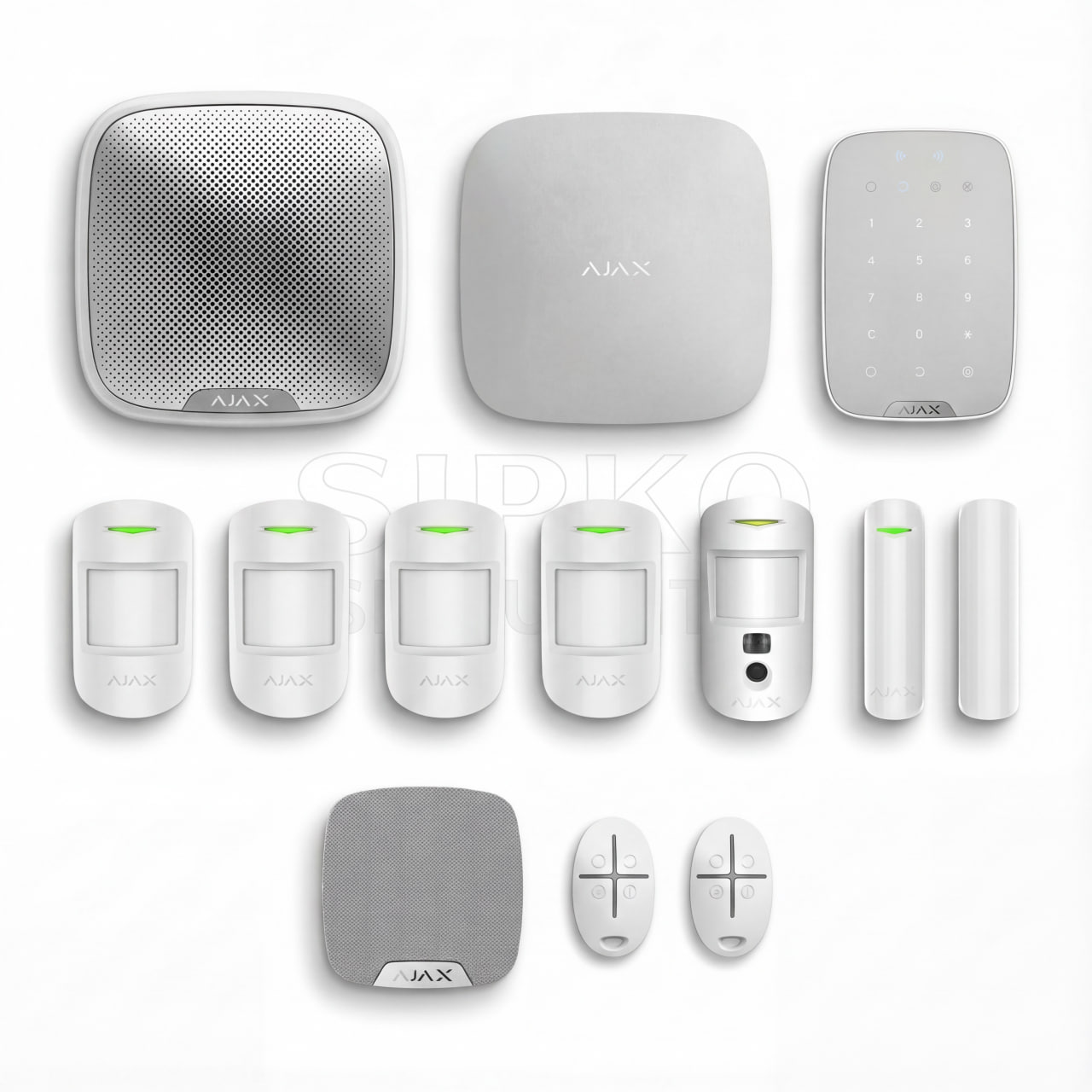
- 1 x HUB 4G + Ethernet — central control unit
- 1 x Keypad — wall-mounted system control
- 2 x Door Protect sensors — entry point detection
- 4 x Motion Protect sensors — internal movement detection
- 1 x Motion Camera — motion detection with visual verification
- 1 x Home Siren — indoor alarm notification
- 1 x Street Siren — external alarm notification
- 2 x Space Control key fobs — remote arming and disarming
- Installation and device setup
- App configuration, testing and user handover
Larger Home or Outdoor Areas

- 1 x HUB 4G + Ethernet — central control unit
- 1 x Keypad — wall-mounted system control
- 2 x Door Protect sensors — entry point detection
- 2 x Motion Protect sensors — internal movement detection
- 2 x Motion Cameras — indoor visual verification
- 2 x Outdoor Motion Cameras — external motion detection with visual verification
- 1 x Home Siren — indoor alarm notification
- 1 x Street Siren — external alarm notification
- 2 x Space Control key fobs — remote arming and disarming
- Installation and device setup
- App configuration, testing and user handover
- Support for later device changes or system adjustments
What Can Change the Final Installation Cost
The starting price includes onsite visit, Ajax installation, app setup, testing and handover. Final cost depends on the number of devices, property size, indoor and outdoor areas, siren and keypad requirements, existing alarm work and any optional monitoring setup. The final equipment list and price are confirmed before work starts.
Request an Ajax Alarm System Installation Quote in Melbourne
Send your suburb, property type, the areas you want protected and details of any existing alarm. We’ll reply with the recommended equipment and installation price.
Questions About Ajax Alarm Installation in Melbourne
Answers about Ajax installation pricing, what the service includes, existing-system takeovers, repairs and optional professional monitoring in Melbourne.
How much does Ajax alarm installation cost in Melbourne?
Ajax installation starts from AUD 2,490 including GST. Final cost depends on the equipment, property size, detached or outdoor areas, signal conditions and any work needed on the existing alarm.
What is included in the Ajax installation?
Your installation can include a site assessment, Hub, detectors, sirens, keypad setup, user accounts, Ajax app configuration, Night Mode, testing and handover.
Can SIPKO take over an Ajax system that is already installed?
Yes. SIPKO can review the installed Hub, connected devices, account access, users and current configuration, then complete the takeover or upgrade you need.
What if my existing Ajax system is faulty rather than needing a new installation?
If an installed Ajax system has faults, offline devices, battery problems or unwanted alarms, SIPKO can diagnose and repair the system through our Ajax alarm repair service in Melbourne.
Can professional monitoring be added to a new Ajax installation?
Yes. SIPKO can prepare and test a compatible system for professional monitoring. Monitoring is billed separately from the installation, and before activation we confirm the monitoring provider, monthly fee and how alarm events will be handled.
Do you install Ajax security systems for Melbourne businesses?
Yes. SIPKO provides Ajax security system installation for Melbourne businesses and commercial properties. We plan each system around staff access, the areas that need protection, how the system needs to be armed and any optional professional monitoring.
Ajax Alarm Installation Across Melbourne
SIPKO installs Ajax alarm systems across Melbourne. Explore our regional and local alarm installation pages:
Need Repair, Monitoring or Ajax CCTV?
Need a new Ajax system, takeover or replacement? SIPKO can help with the installation. Existing Ajax systems can also be repaired, connected to professional monitoring or expanded with Ajax CCTV.
Already Have Ajax and Something Is Faulty?
SIPKO repairs faults in existing Ajax systems, including offline devices and other operating problems.
Ajax alarm repair in Melbourne →Need Professional Monitoring?
24/7 monitoring and video verification are available for compatible Ajax systems.
Ajax monitoring in Melbourne →Choosing Ajax Devices?
Compare Ajax devices, features and compatible accessories before selecting the system for your property.
Ajax professional catalogue →Need Help Choosing Devices?
The Ajax System Configurator helps you build a starting system before requesting an installation quote.
Ajax System Configurator →Prefer to Start With a Package?
The Ajax Package Builder lets you compare common setups and adjust the devices to suit your property.
Ajax Package Builder →Adding Ajax Video or CCTV?
Ajax CCTV installation is available when video surveillance is required as part of the project.
Ajax CCTV installation in Melbourne →Real Melbourne installations
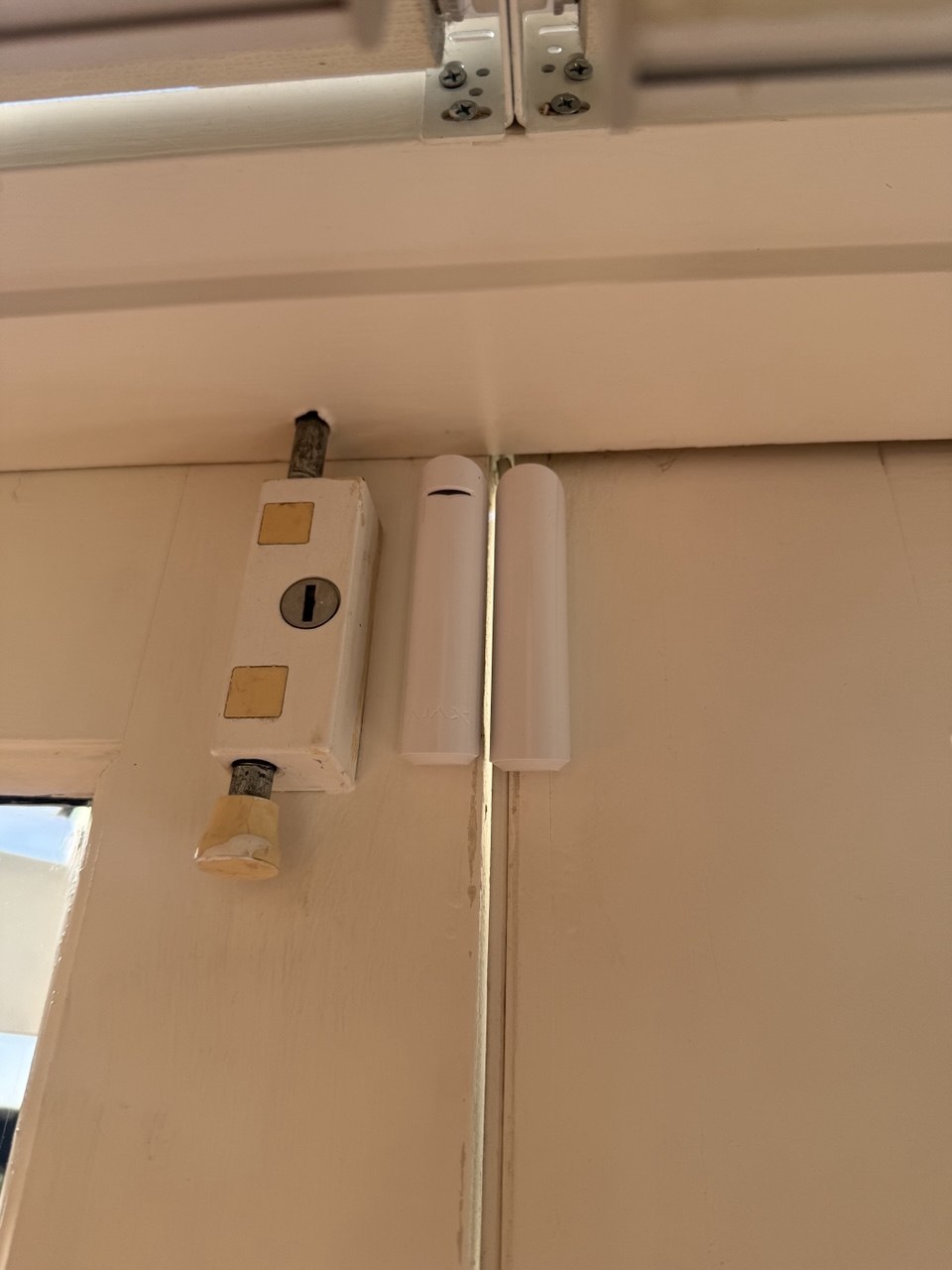
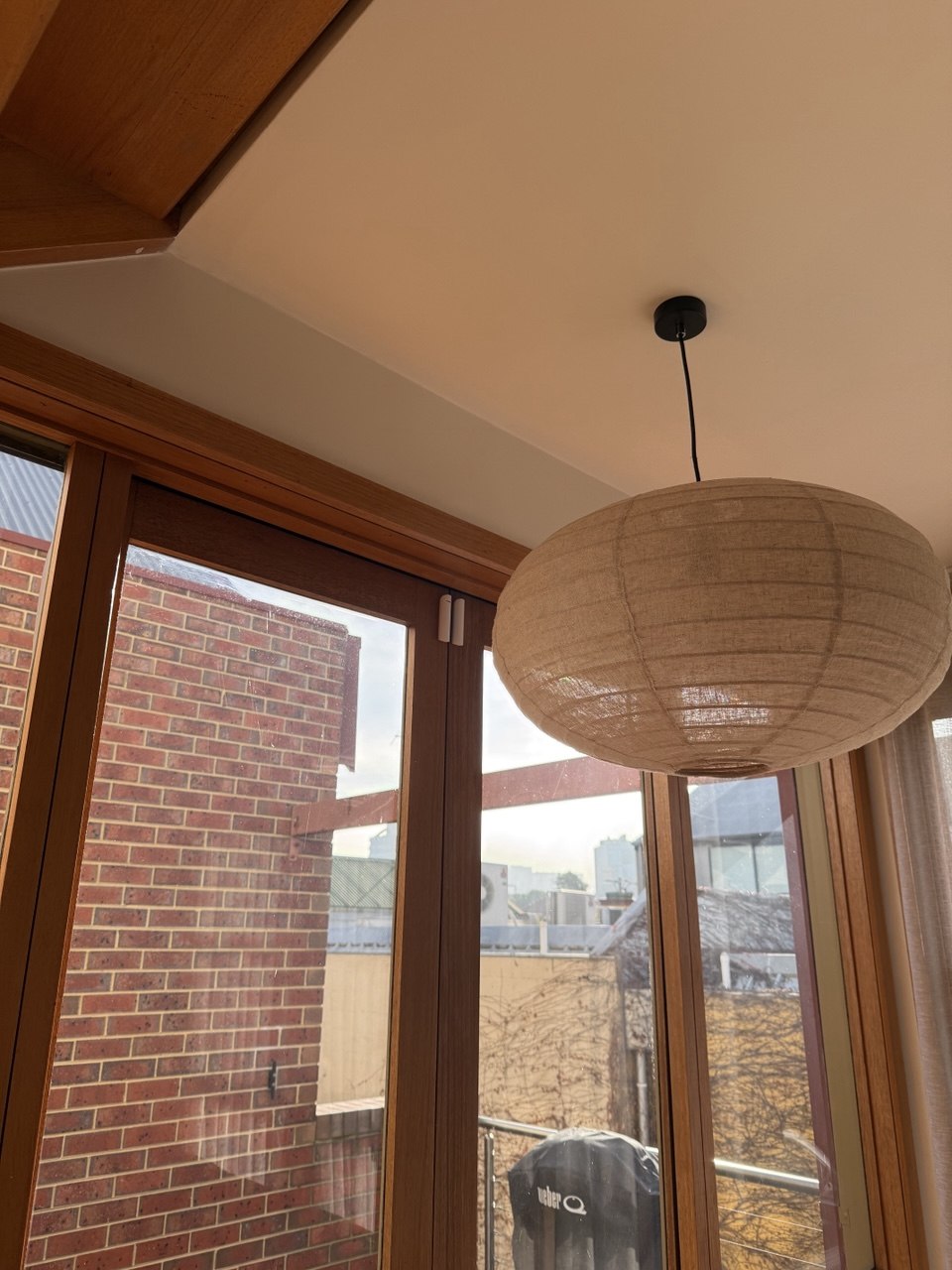
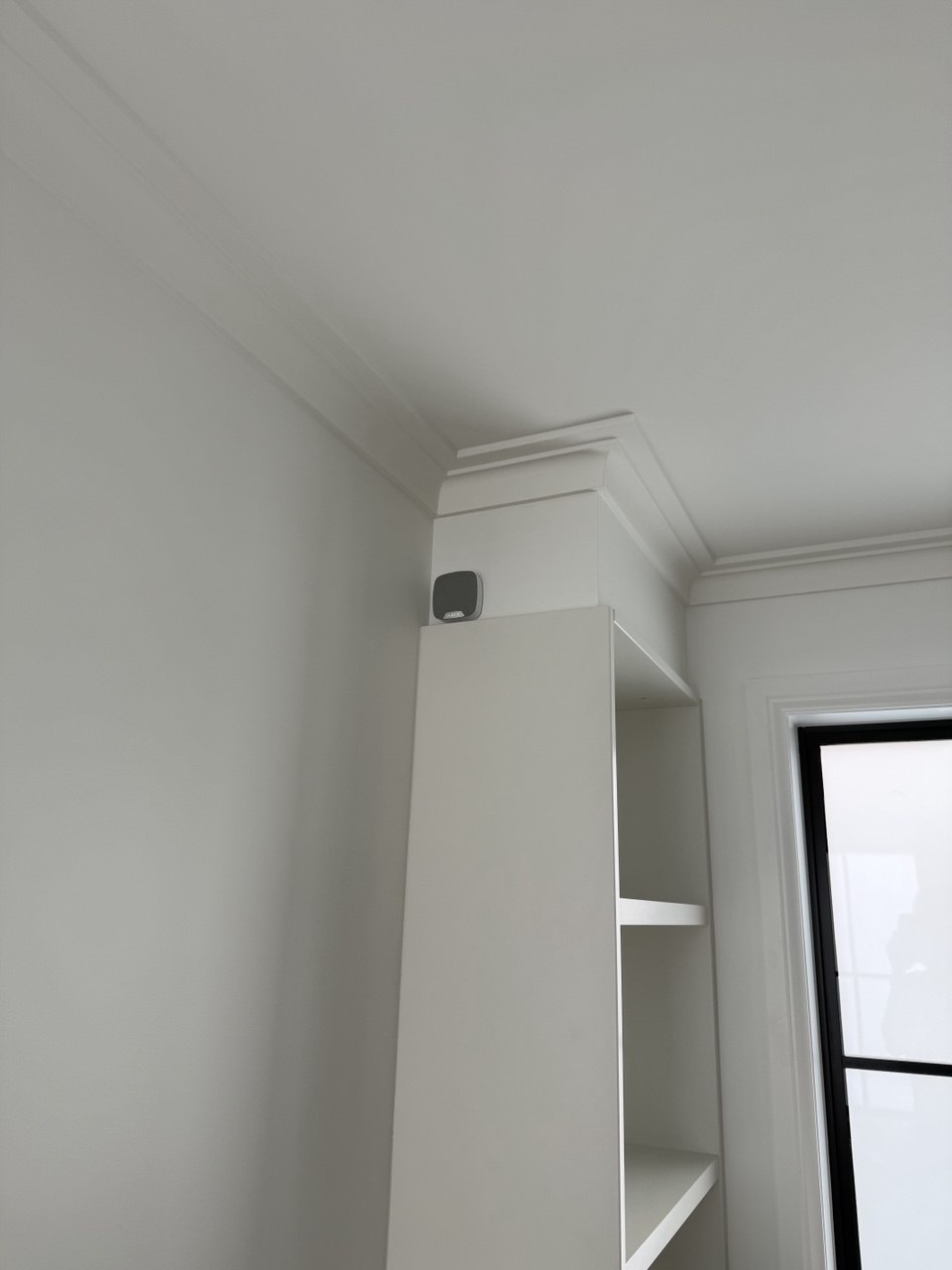
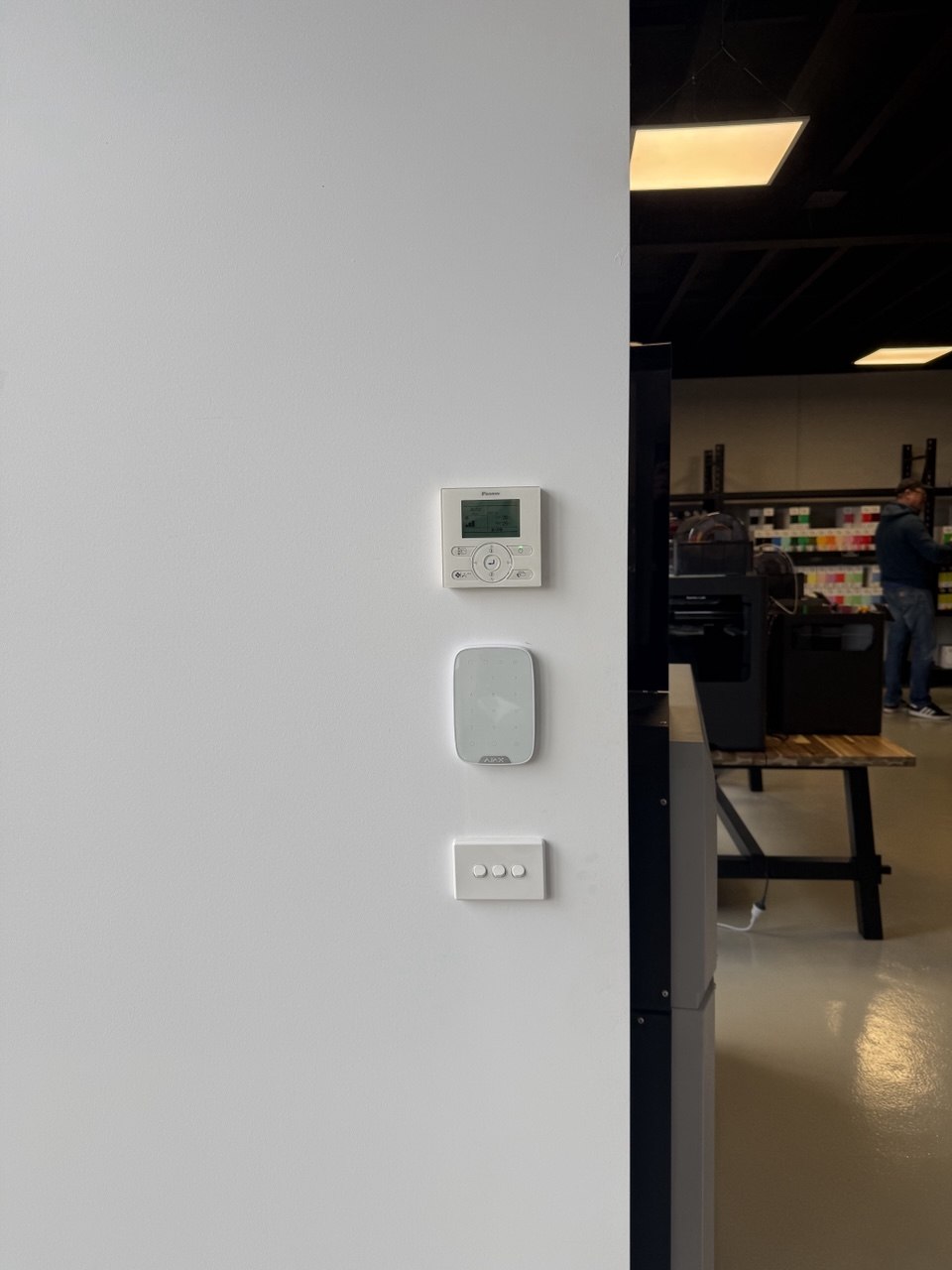
Ajax Security Systems Installed by SIPKO Security in Melbourne
Real Ajax alarm and security system installations completed by SIPKO Security for Melbourne properties.
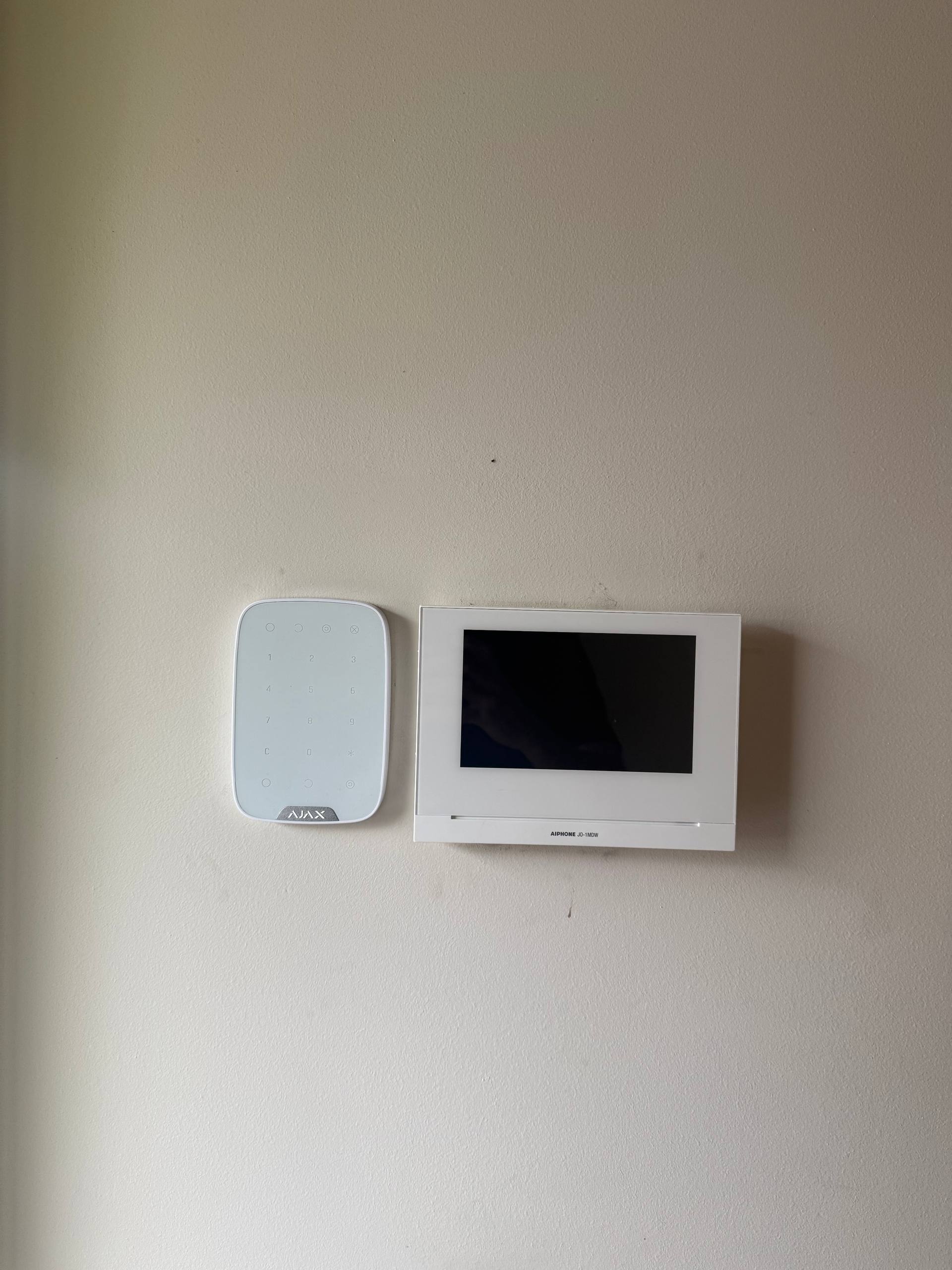
Select a photo to view it in full size
Other Melbourne Areas We Cover
SIPKO Security provides alarm, CCTV and smart security services across Melbourne.




