
Alarm Installation in Geelong
SIPKO installs alarms for Geelong homes and businesses, including new Ajax systems and replacement or upgrade of older alarms. Ajax provides mobile app control, individual users, Night Mode, event notifications and professional monitoring options.
For a standard new Ajax installation, system planning and quoting can be completed remotely. Use the online configurator and provide property details, photos or a floor plan where needed, so a separate trip to Geelong just to calculate the job is not required.
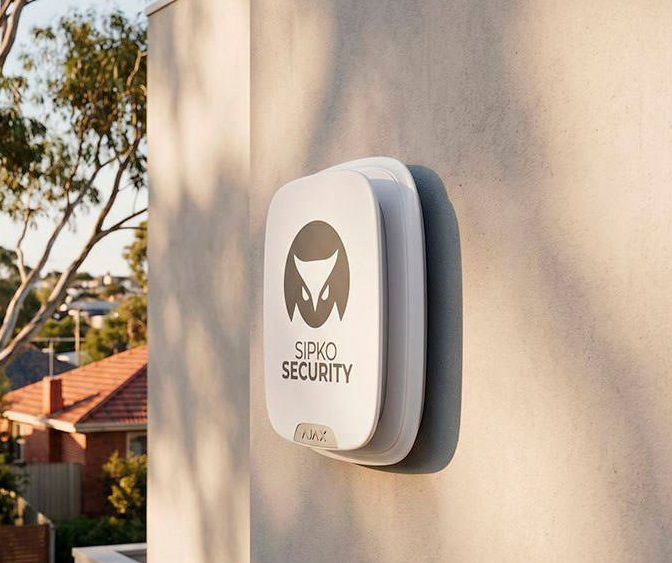
Home Alarm Installation in Geelong
The alarm layout starts with the property, not a fixed equipment bundle. SIPKO considers the main entry points, accessible windows, internal areas, garage or shed and the way the household wants to use the system during the day and at night.
Front and Rear Doors
Main external doors are normally the first perimeter points considered when planning intrusion detection.
Windows Where Required
Accessible windows can be protected when they represent a practical entry route or form part of the required perimeter coverage.
Internal Motion Detection
Motion detectors protect selected internal rooms and circulation areas after entry into the property.
Garage and Shed
Garages, workshops and detached sheds can be included when vehicles, tools or stored property need alarm coverage.
Night Mode and Family Users
Night Mode keeps selected protection active while people remain inside. Family members can have individual Ajax users rather than sharing one account.
Panic, Notifications and Sirens
Compatible panic functions, mobile notifications and audible sirens can be included according to the required alarm setup.
Business Alarm Installation in Geelong
Business alarms need to protect the premises while remaining practical for staff to operate. SIPKO plans the system around entrances, protected stock or equipment areas, staff permissions, opening and closing procedures and after-hours use.
Offices and Shops
Protect customer entrances, staff entrances, rear doors, offices and internal areas containing equipment, records or valuable stock.
Warehouses and Stockrooms
Loading access, storage areas, stockrooms and office sections can be organised around the way the site operates.
Staff Alarm Users
Individual users and compatible keypad credentials reduce the need to share one alarm code across the business.
Individual Permissions
User permissions can be matched to the controls and protected areas each authorised staff member needs.
Opening, Closing and After Hours
Individual credentials create a clearer event record of arming and disarming, while protected areas can be arranged around after-hours operation.
Panic, Duress and Monitoring
Compatible panic or duress functions can be added where required, with professional monitoring available for configured alarm events.
Ajax Alarm Installation
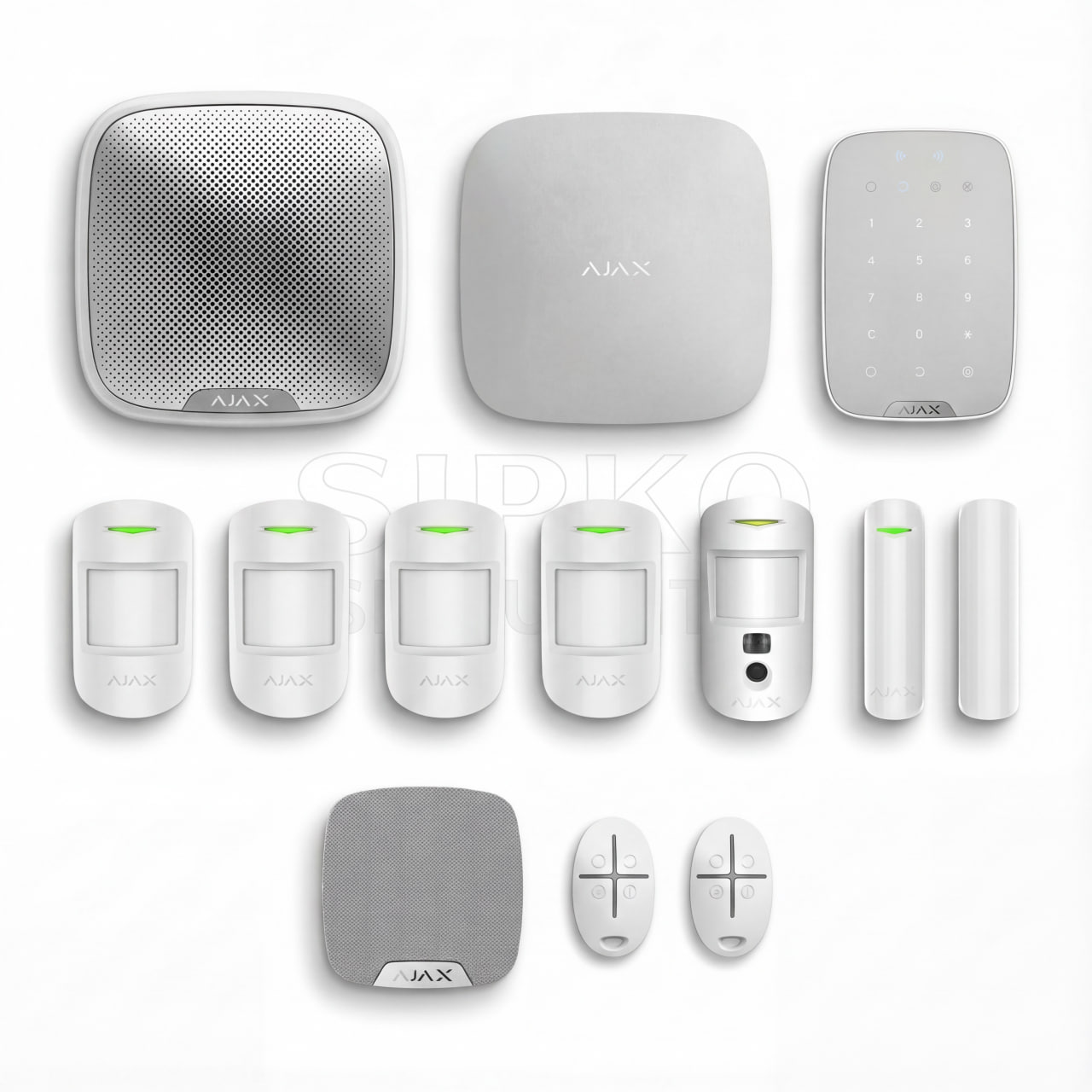
Ajax is SIPKO’s main platform for new alarm installations where it suits the property and required protection. The system is modular, allowing the equipment to be selected around the actual entry points, rooms, users and future requirements.
How the Installation Process Works
Geelong alarm jobs are planned to avoid an unnecessary quote-only trip. For a standard new Ajax installation, the property information is collected and reviewed remotely, the quote is prepared before travel, and the onsite appointment is booked for installation.
Replacing an Existing Alarm System
SIPKO can assess existing Bosch, Ness, Hills, DSC, DAS and Paradox alarms before recommending further work. An older system should not be replaced automatically: the decision depends on the fault, the condition of the panel and keypad, parts availability, required features and the economics of further repairs.
Panel and keypad photos, model details and a description of the fault can be supplied before the Geelong appointment so the initial assessment starts remotely.
Repair the Existing Alarm
Repair remains a sensible option when the alarm is fundamentally sound.
- The fault is localised.
- The control panel remains stable.
- The keypad remains dependable.
- Suitable parts are available.
- The repair remains economically justified.
Upgrade or Replace
A broader upgrade becomes worth considering when reliability or functionality is starting to limit the existing alarm.
- Faults keep returning.
- The panel or keypad is becoming unreliable.
- The equipment is ageing.
- Suitable parts are becoming difficult to source.
- Convenient app control is missing.
- Individual users are required.
- The alarm needs significant expansion.
- Repeated repairs are no longer economical.
Move to Ajax
Ajax is an option when replacing an older alarm makes technical and financial sense. It adds modern app control, individual users, flexible arming, event history, notifications and straightforward future expansion.
Ajax is not presented as a mandatory replacement for every Bosch, Ness, Hills, DSC, DAS or Paradox system. If the existing alarm remains reliable and repair is justified, keeping it can still be the better decision.
Self-Monitoring and Professional Monitoring
Ajax app notifications and professional monitoring are different response arrangements. The Ajax app remains useful in both cases.
Self-Monitoring
With self-monitoring, configured alarm events are sent to authorised users through the Ajax platform. The owner or nominated user reviews the event and decides what to do next.
- Users control supported alarm functions through the Ajax app.
- Configured users receive assigned alarm notifications.
- Supported events are available in the event history.
- The owner or nominated user decides how to respond.
- No monitoring-centre operator handles the event.
Professional Monitoring
When professional monitoring is ordered and configured, eligible alarm events are also transmitted to the monitoring provider. The monitoring centre receives the signal and follows the response instructions agreed for the account.
- Configured intrusion alarm events can be transmitted for monitoring.
- Compatible panic or duress events can be included where configured.
- Other supported events depend on the installed devices and monitoring arrangement.
- Nominated contacts can be contacted under the response procedure.
- The owner continues to have access to the Ajax app.
What SIPKO Sets Up
SIPKO installs and configures the alarm equipment, establishes the required Ajax settings, sets up authorised users and app access, configures Night Mode where required and connects the system for monitoring when that service has been ordered.
What the Monitoring Provider Does
The monitoring provider receives eligible signals from the connected alarm system, processes them at the monitoring centre and follows the contact or escalation instructions established for the account.
Why Choose SIPKO for Alarm Installation
Alarm installation involves more than mounting detectors. The system needs to be planned, configured and tested around the way the property is actually used.
System Planning
Protection starts with the entry points, internal areas, outbuildings and operating requirements identified during remote planning.
Detector Selection and Positioning
SIPKO matches compatible detection to the required protection and confirms practical device positions during installation.
Ajax Configuration
The hub, devices and required security modes are configured as one working alarm system rather than as separate products.
Users, Night Mode and App Setup
Authorised users, permissions, app access and Night Mode are set up to match the agreed household or business requirements.
Monitoring Setup
Where professional monitoring is ordered, SIPKO prepares the alarm connection and required system configuration for the monitoring service.
Testing, Commissioning and Handover
The installed system is tested and commissioned, then the customer is shown the agreed controls and everyday Ajax functions.
Get an Alarm Installation Quote in Geelong
Plan the Ajax system online, provide the property information needed for remote review and receive the quote before the installation trip is arranged.
