
Residential Video Intercom Installation in Melbourne with Akuvox
SIPKO Security installs residential video intercom systems in Melbourne, with Akuvox solutions available for new IP installations and suitable 2-wire retrofit projects.
Depending on the property and what’s already installed, SIPKO also fits Hikvision or Dahua intercom systems — or a retrofit option designed to work with suitable existing 2-wire cabling where its condition and layout allow reuse.
Why Akuvox for Residential Intercom
Most residential intercom decisions come down to three practical questions: can the system go on new cabling or does it need to work with what’s already installed, how should a visitor actually be answered, and does an indoor monitor need to be part of the system. The three points below are set out around exactly those questions, not a list of manufacturer features.
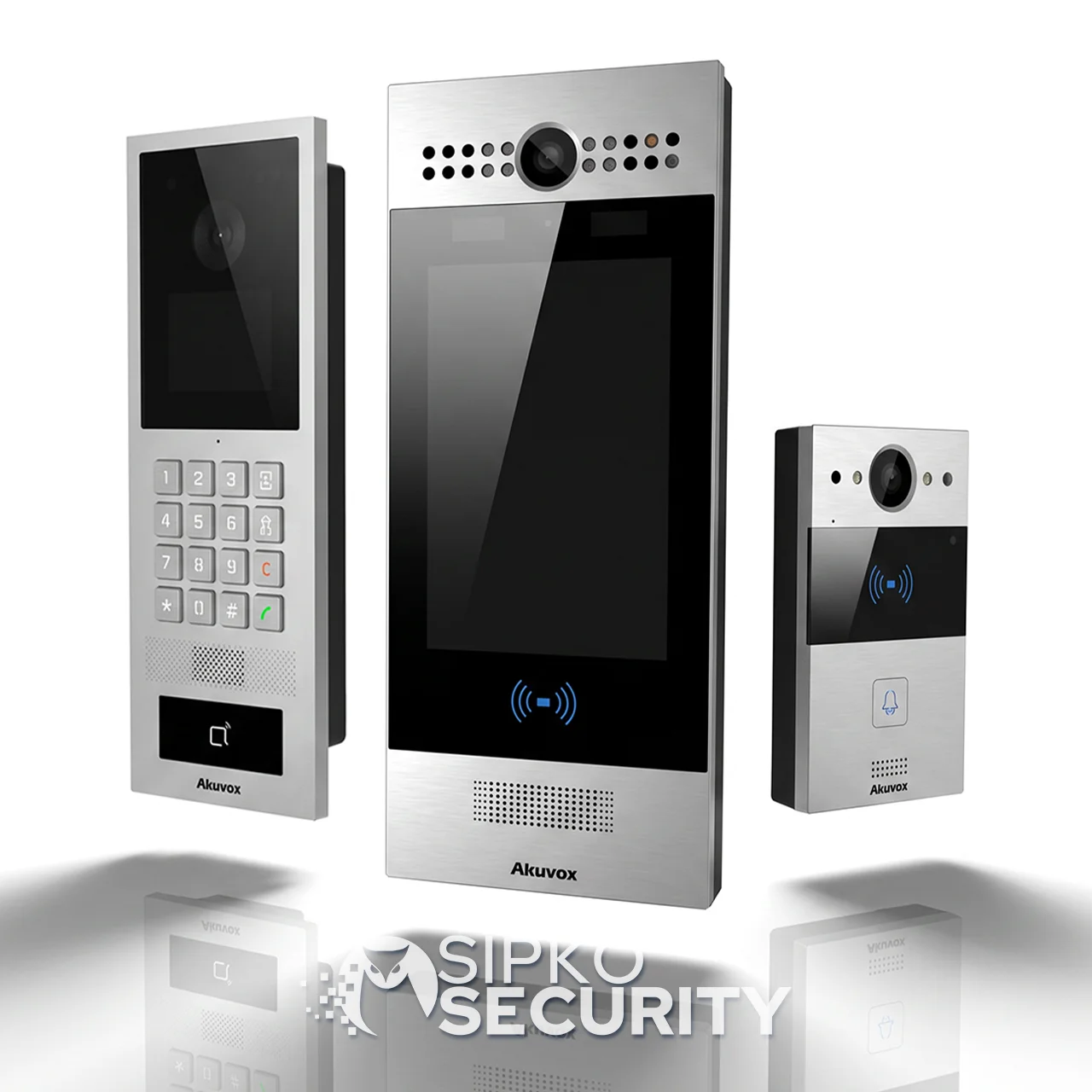
New IP Installs and Suitable 2-Wire Retrofit
The same platform spans new IP door stations and indoor monitors, and a dedicated 2-wire line (door phone, indoor monitor and network switch) designed for retrofitting existing two-core cabling where its condition allows.
SmartPlus Visitor Video and Remote Door Release
When someone calls the intercom, SmartPlus can show video of the visitor, let the resident answer, and release the door or gate remotely — alongside push notifications and visit history.
Indoor Monitor and Mobile Access Options
A dedicated indoor monitor can provide an answering point inside the home, and supported SmartPlus configurations can also provide mobile answering — the combination is confirmed when the system is selected.
Choosing the Right Akuvox Setup
Not every property needs the same Akuvox configuration. The setup follows from the entry points and the existing infrastructure, not a fixed package.
The right configuration follows from a short site check: how many entry points need coverage, whether a gate is involved as well as the front door, what cabling already exists, and whether the household wants an indoor monitor, mobile answering, or both. That assessment — not a fixed package — determines which of the following applies.
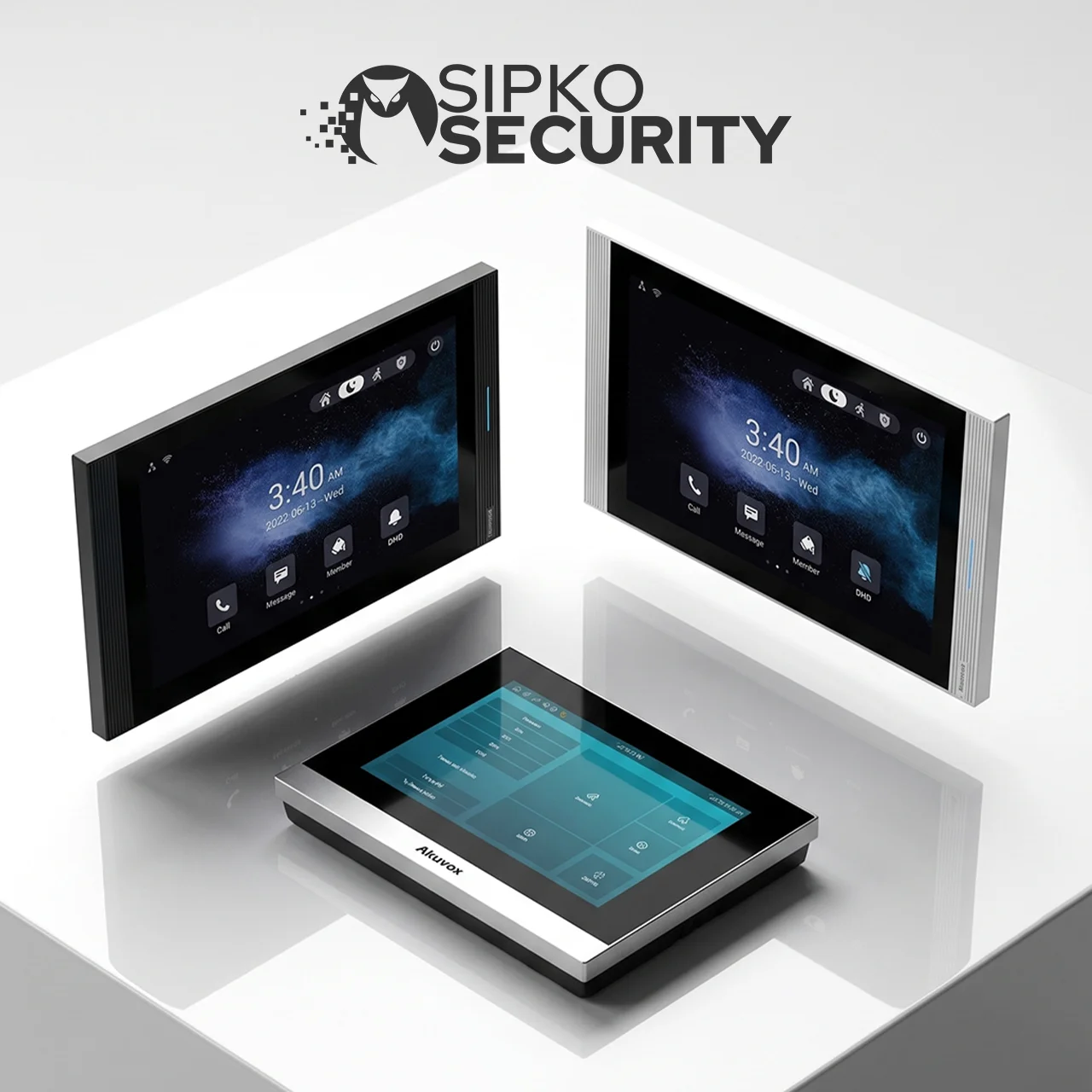
Single Entry, New Cabling
A front door with a compatible door phone and one indoor monitor, with SmartPlus configured for mobile answering.
Gate and Door Together
Where a pedestrian or driveway gate needs its own communication point in addition to the front door, requiring a longer cable run and coordinated planning between the two.
2-Wire Retrofit
Where existing two-core cabling is present and in suitable condition, Akuvox’s 2-wire door phone, indoor monitor and network switch can be installed over it instead of running new cable.
Indoor Monitor and Mobile Access
A dedicated indoor monitor can provide an answering point inside the home, while supported SmartPlus configurations can also provide mobile answering. The required combination is confirmed when the system is selected.
Already Have an Intercom?
Existing intercom wiring and hardware are checked before deciding what can be reused and what needs replacing.
- Existing cabling — checked for type and condition before assuming an Akuvox 2-wire retrofit (or any other retrofit approach) will work over it.
- Current door/gate hardware — assessed for compatibility with the new system, including any electric lock or gate release already in place.
- Condition, not assumption — some existing infrastructure can be kept; some can’t. This is confirmed on site, not promised in advance.
Where existing wiring or hardware isn’t suitable for a retrofit, a new IP installation is the alternative — the assessment determines which applies, not a default preference either way.
Other Intercom Platforms SIPKO Installs
Akuvox is one option for residential video intercom projects, but the right platform depends on the property, existing infrastructure and required functionality. Where Akuvox isn’t the best fit, SIPKO also installs:
Hikvision
Installed where Hikvision fits the property’s existing CCTV or intercom setup, or is specifically requested — useful when the household wants intercom and cameras managed within the same ecosystem. For a broader residential plan combining CCTV, alarms, intercom and optional monitoring, see Home Security Systems Melbourne.
Dahua
Dahua’s Villa Solution and 2-wire intercom kits are installed where they suit the property’s wiring and entry layout, including homes that already run Dahua equipment.
Dahua intercom installation and repair →Property Scenarios
Single-Entry Homes & Townhouses
One main visitor entry, typically a front door. Entry communication: door phone, indoor monitor or app answering, and door release where applicable.
Homes with Gate + Front Door
A pedestrian or driveway gate in addition to the front door, requiring a longer cable run and coordinated planning between the two entry points.
Need an intercom for an apartment building or strata property? See apartment intercom installation in Melbourne.
Installation Process
Site Survey
Entry points, existing wiring and any current intercom hardware are reviewed.
System Selection
Akuvox (new IP or 2-wire retrofit) or an alternative platform is confirmed based on the property and existing infrastructure.
Cabling & Hardware
New cabling is run, or existing wiring is confirmed suitable for a retrofit.
Configuration
The confirmed door station, indoor monitor and supported mobile access are configured as applicable to the selected system.
Testing & Handover
Calling, video, door/gate release and the supported functions of the installed system are tested and demonstrated before the job is signed off.
Frequently Asked Questions
Is Akuvox the only intercom brand SIPKO installs?
Can my existing intercom wiring be reused with Akuvox?
Can I answer the intercom on my phone?
Do I need an indoor monitor if I use the app?
Can an intercom open a gate as well as the front door?
Do you install intercoms for apartments or shared buildings?
Plan Your Residential Video Intercom Installation
Tell SIPKO about the property, its entry points, and whether you’re installing a new intercom or replacing an existing one. SIPKO will confirm whether Akuvox — new IP or 2-wire retrofit — fits the property, or recommend an alternative platform where that’s the better fit.
