

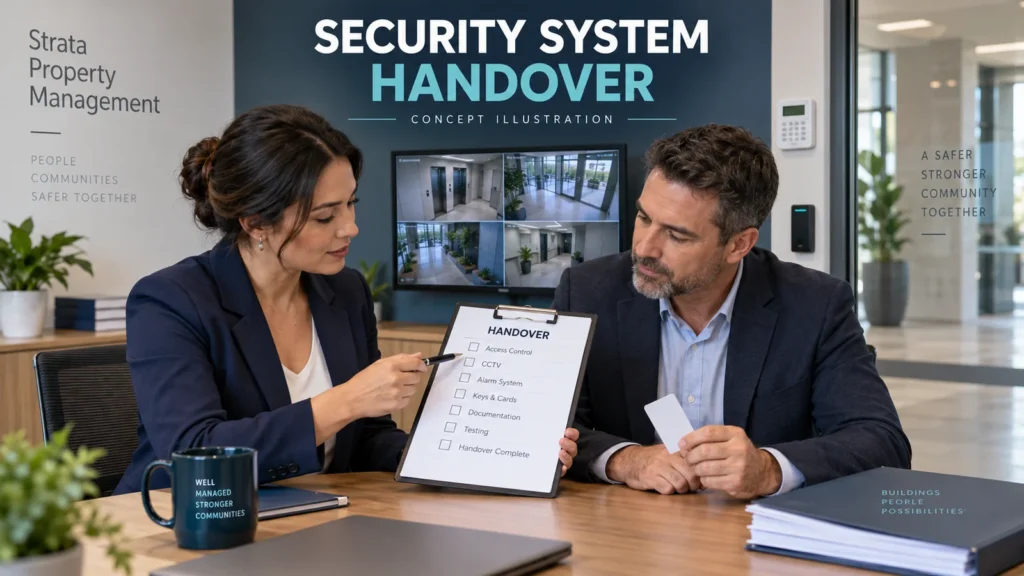
Changing strata managers can leave a building with working doors and cameras but nobody able to administer them. The new manager may receive keys and a CCTV viewing app while the cloud account, alarm contacts and password recovery still belong to the outgoing firm.
A security-system handover is complete only when the incoming manager or authorised representative can control, support and recover the systems within their agreed role. For Melbourne owners corporations, that means checking digital access alongside contracts, invoices and physical equipment.
Agree authority and timing before changing access
In Victoria, an owners corporation does not give up responsibility by appointing a manager. Consumer Affairs Victoria’s manager guidance explains delegation and says a terminated manager has 28 days to return funds and records. That records requirement does not prove that a cloud account has transferred or a monitoring call list works.
Confirm who can authorise changes, the effective handover date and each provider’s requirements. Arrange a controlled transition before old access expires. This is an operational checklist, not advice on terminating a management contract or resolving a records dispute.
Build one inventory with clear ownership
Walk the site with the outgoing manager, building manager and relevant installer. Include doors, intercoms, gates, alarms, monitoring, CCTV recorders, video management software (VMS), cloud portals and the network supporting them. Common-property equipment can sit inside a private lot; confirm access arrangements rather than assuming a right of entry.
Use one row per system in a handover register. Record:
- System name, model, serial number where available, physical location and service provider.
- Account owner, named administrator, recovery email and person responsible for MFA.
- Monitoring/provider contact, support contact, licence or subscription, renewal and next service date.
- Notes, evidence of successful tests, unresolved items, responsible person and deadline.
Keep passwords and recovery codes in a restricted password manager or secure transfer record, separate from the general register. Mark unknown ownership as unresolved; possession of equipment does not establish control of its accounts.
Access control, doors, intercoms and gates
Confirm who can administer cards and fobs, not just open a door. Where supported, obtain access to the credential database, door groups, schedules, mobile credentials and lost/stolen credential process. Identify master credentials and distinguish everyday user rights from installer configuration rights.
Check gate remotes and intercom administration separately. An intercom answering app may not allow changes to resident directories, door-release permissions or installer settings. Record contractor accounts and any supported configuration backup. Document approved emergency override procedures without changing door safety settings or compromising emergency exits.
Preserve current resident and contractor access unless an authorised change is required. A management change is not a reason to erase the credential database or issue everyone new fobs.
Alarm systems and monitoring contacts
Hand over the panel details, authorised administrator/master access, user list, app or cloud permissions and installer contact. Record areas or partitions, notification recipients and any duress administration that applies, keeping sensitive codes restricted. A code that arms the alarm may not permit user management.
For monitored systems, confirm the monitoring company, account/customer number, authorised contacts, call order and after-hours response arrangements directly with the provider. Agree when the new list takes effect. Changing an app user does not necessarily update the monitoring centre’s records.
Remove outgoing staff only from roles they no longer hold; retain current authorised contacts. Arrange any notification or signalling test with the monitoring provider. Do not trigger duress, panic or a dispatch response as an informal handover demonstration.
CCTV: viewing access is not administrator control
Identify each NVR/DVR, VMS server and cloud account, plus its location and supported local, browser, mobile and remote access methods. Ask the incoming representative to distinguish live viewing, playback, footage export, user management and configuration permissions.
Hand over the camera map, storage and retention settings, software licences, service records and approved remote-support method. Confirm whether the installer manages a separate portal. A shared camera view is not evidence that the building can add administrators or recover the recorder account.
Keep required recordings and existing retention arrangements intact during transfer. Do not format storage or factory-reset equipment simply to get past a missing password. Use the installer or manufacturer’s authorised recovery process, with ownership evidence where requested.
Cloud accounts, MFA and password recovery
A password alone is insufficient if the recovery email or multi-factor authentication (MFA) still belongs to the former manager. For each portal, check the registered owner, sign-in email, recovery email and phone, enrolled authenticator or security key, and backup codes where offered.
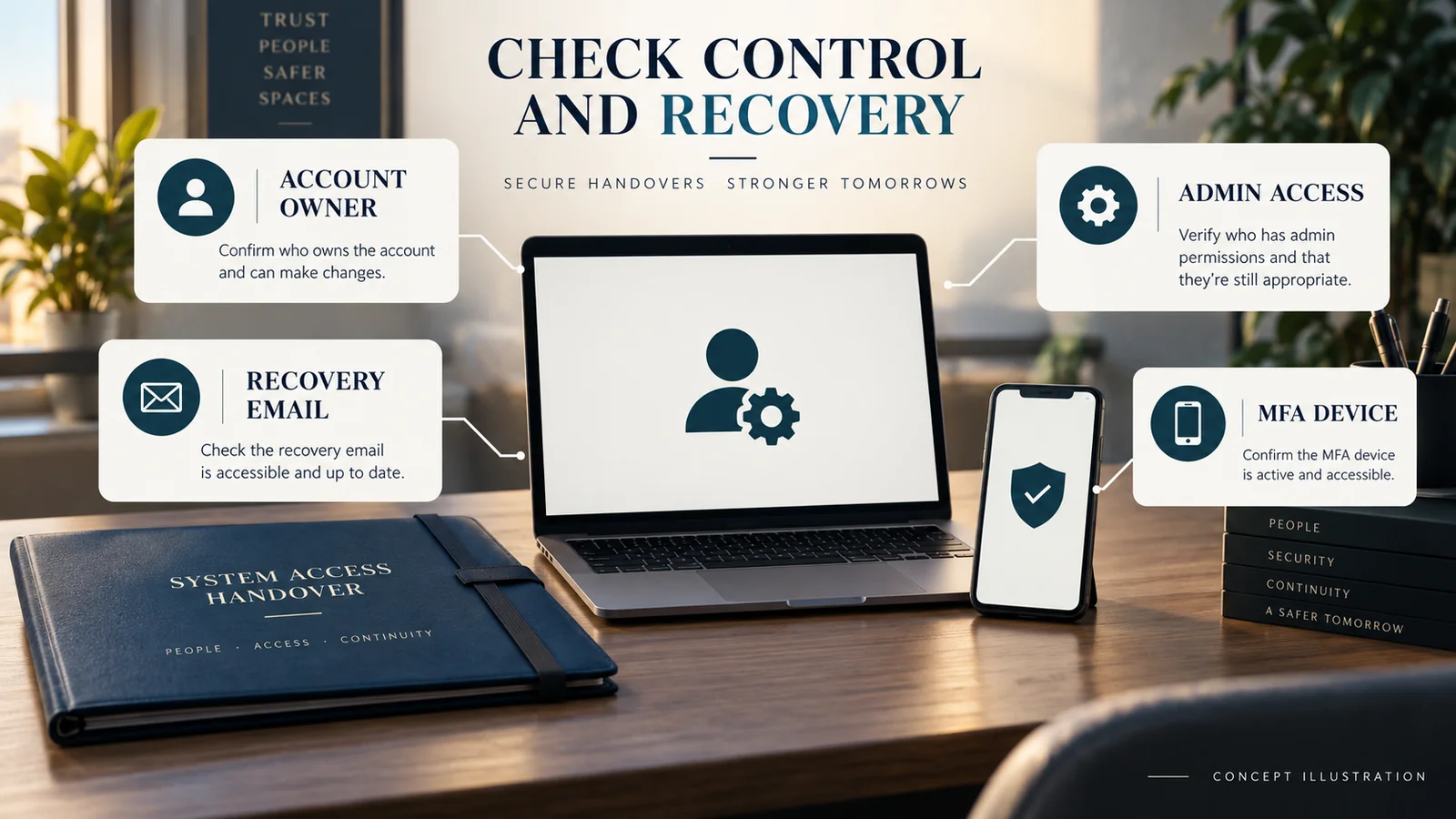
Use the vendor’s supported ownership-transfer or administrator-invitation process. Do not hand over an outgoing employee’s personal mailbox or entire authenticator. Where appropriate and permitted, use an owners-corporation-controlled contact mailbox for continuity and individual logins for accountability. A shared mailbox does not replace named user permissions.
ACSC’s MFA guidance recommends maintaining recovery methods and backup codes. Enrol the incoming authorised person’s method, verify a fresh sign-in, then remove obsolete methods when supported. Store replacement recovery codes securely and check whether old codes must be invalidated separately.
If the vendor requires approval from the existing owner or support team, allow time for it. Do not assume changing a contact email transfers ownership, subscriptions or every device linked to the account.
Trace the network and internet dependencies
Record who owns and administers the router/firewall, who pays the internet account and who may deal with the ISP. Include PoE/network switches, equipment power and any resident-supplied connection. A departing manager’s contract or remote-support service may be another dependency.
Have the technician document the settings actually used: local addressing, VLANs, a static public address, VPN, port forwarding or cloud/P2P access where applicable. These are possible architectures, not requirements for every system. Preserve supported configuration backups and the approved support path.
Do not cancel services or replace the router until dependencies are understood. Local CCTV recording may continue without internet if power, storage and the necessary camera-to-recorder connections remain available; remote viewing or cloud functions may fail. Test the actual arrangement.
Collect physical items and service documents
Count and receipt keys, cards, fobs, gate and alarm remotes, cabinet and rack keys, and equipment-room keys. Record which item opens what and investigate missing master items. Physical possession and digital administrator access are separate parts of the handover.
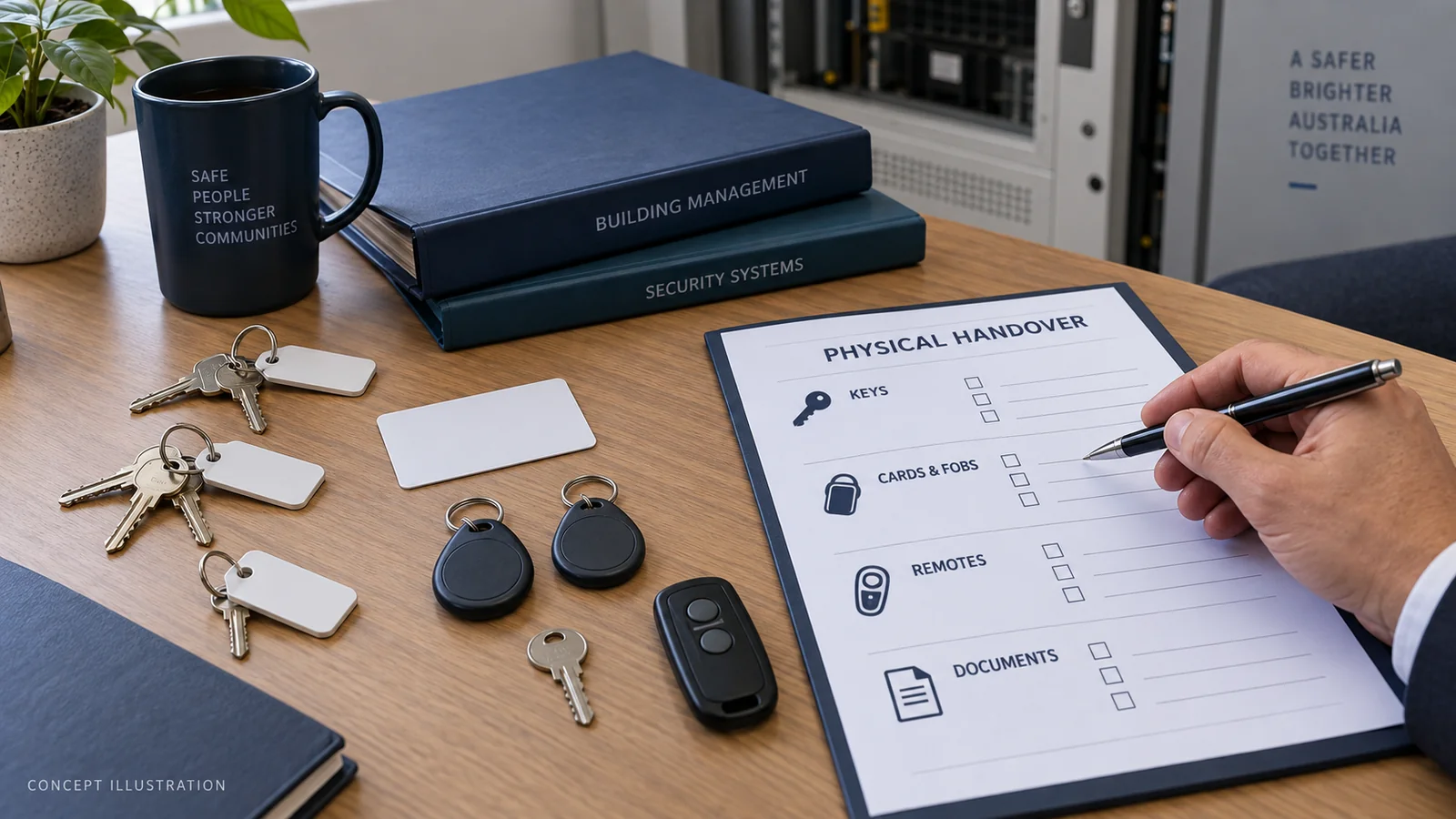
Collect site plans, camera maps, door schedules, equipment inventories, configuration backups, warranties, service reports, outstanding faults, installer and monitoring details, and licence/subscription records. CAV’s records guidance provides the wider context for retaining contracts, assets, maintenance plans and other owners corporation records. Keep security-sensitive material in controlled storage.
Remove obsolete access without losing support
ACSC’s small-business guidance supports individual accounts, limited permissions and updating shared login details when people leave. Apply that approach to the outgoing manager’s access once the replacement is verified and the agreed authority ends.
Review door administration, alarm apps, CCTV/VMS, vendor portals, remote support, monitoring contacts, MFA, recovery details and document repositories. Change shared credentials the former team knew where necessary. Check service integrations before changing a password that equipment may also use.
Revoke obsolete sessions and device shares where supported; a password change does not universally terminate every session. If temporary support access remains necessary, document its approval, scope, owner and expiry rather than leaving unrestricted access indefinitely.
Keep footage access proportionate
OAIC’s security-camera guidance distinguishes organisations covered by the Privacy Act from other situations and notes state and territory surveillance laws. Do not assume identical obligations for every owners corporation. Seek appropriate advice on unclear coverage, recording practices or access requests.
Give incoming staff only the footage and functions their authorised role needs. Do not circulate recordings with general handover documents or give every committee member unrestricted export rights. Account transfer is not permission to delete required footage or change retention without approval.
Test before signing off the handover
Use an agreed test window and record results, dates and the tester. Ask the incoming representative to:
- Sign in with their own authorised account and identify current administrators.
- Issue and revoke a designated test credential where supported, without altering resident access.
- Review alarm users and receive an agreed test notification with provider coordination.
- View cameras, play back a recent recording and export a short approved sample where authorised.
- Check remote access from outside the building network and confirm monitoring/service contacts.
- Verify access to recovery channels and walk through the documented recovery process without forcing a lockout.
For unsupported functions, record the provider-assisted route. Never remove the only working administrator or reset a live system just to demonstrate recovery. Assign any failed check an owner, interim arrangement and completion date.
Security-system handover checklist
For each group, mark verified, unresolved or not applicable, with the responsible person and date. Attach evidence securely.
- Access control: administrator, card/fob database, door groups and schedules, gates/intercoms, test credential result.
- Alarms: authorised master/admin access, users, app/cloud, monitoring account and call list, notifications.
- CCTV: recorder/VMS administration, cloud/mobile access, playback/export, storage/retention, camera map.
- Network: router/firewall, ISP authority, remote-access path, switches and network documentation.
- Accounts: ownership, named administrators, MFA/recovery, vendor portals, licences and subscriptions.
- Physical: keys, remotes, cabinet/equipment-room access, inventories and service documents.
- Final verification: incoming access tested, obsolete access removed, ownership recorded, support contacts confirmed and exceptions assigned.
Common incomplete handovers leave viewing-only access, MFA on an old phone, missing cabinet keys or a monitoring list naming former staff. Treat each as a specific outstanding task, not a vague promise that “the installer has everything”.
FAQ
What security access should transfer when strata managers change?
The access needed to administer and support each system within the incoming manager’s authority, plus recovery methods, provider contacts and physical items. Confirm capabilities separately for doors, alarms, intercoms and CCTV.
Who should own the CCTV cloud account?
Arrange durable owners corporation control through the platform’s permitted structure, with named authorised administrators. Account rules differ; the arrangement should not depend solely on one manager’s employee email or phone.
Should the outgoing manager keep access after handover?
Only where there is a continuing authorised need. Any temporary support arrangement should specify permissions and an expiry. Review shared credentials, recovery methods and remote sessions as well as named accounts.
What if nobody knows the alarm or CCTV administrator password?
Contact the authorised installer or manufacturer with the equipment details and evidence of authority. Recovery requirements vary. Avoid repeated guesses, factory resets or storage changes that could cause lockouts, configuration loss or footage loss.
How do we transfer MFA to the incoming manager?
Follow the platform’s supported process to enrol the new authorised method and update recovery details. Verify access before retiring the old method; some services require the existing owner or vendor support to approve the change.
Leave the building with working control and clear support
The useful outcome is a tested handover register, working authorised access and a named owner for every remaining issue. SIPKO Security can help Melbourne owners corporations review security-system access and coordinate technical handover checks with the authorised managers and service providers.



