

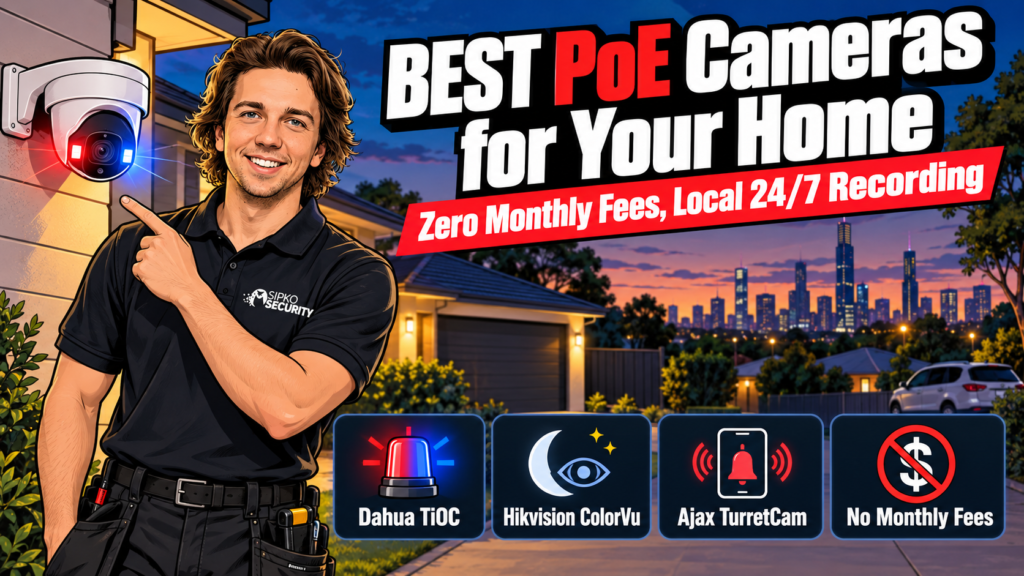
If you own a freestanding house, a townhouse, or you’re mid-reno, the short answer is: hardwired Power-over-Ethernet (PoE) cameras running to a Network Video Recorder beat wireless and battery cameras on reliability, and they carry no ongoing monthly fee. Of the brands we install, three cover almost every homeowner brief: Dahua WizSense TiOC 3.0 for visible deterrence, Hikvision ColorVu for the clearest night footage, and Ajax TurretCam HL if you want cameras and an intrusion alarm on one app.
- Why hardwired PoE beats wireless for a home you own
- How we picked these three
- Dahua WizSense TiOC 3.0: built to be seen
- Hikvision ColorVu + AcuSense: colour footage without a floodlight
- Ajax TurretCam HL: cameras and your alarm on one app
- Dahua vs Hikvision vs Ajax at a glance
- Which one should you install
- What you'll need besides the cameras
- FAQ
Why hardwired PoE beats wireless for a home you own
A wireless camera still needs power from somewhere: a battery you recharge or swap, or a mains cable run to the mount. Add a shaky Wi-Fi signal at the back fence and you’ve got a camera that drops frames exactly when something’s happening. PoE removes both problems. One Ethernet cable carries power and video to the camera, and the recording lives on an NVR in a cupboard, not a subscription server.
That single-cable setup is also why PoE suits a house you’re renovating or already own far better than it suits a rental. Running a cable through a wall cavity or roof space is a proper job, not something you do without the landlord’s sign-off. If that’s your situation, our battery and solar camera guide for renters covers the wireless options instead. For everyone else, PoE means 24/7 recording with no dropped connection and nothing to charge.
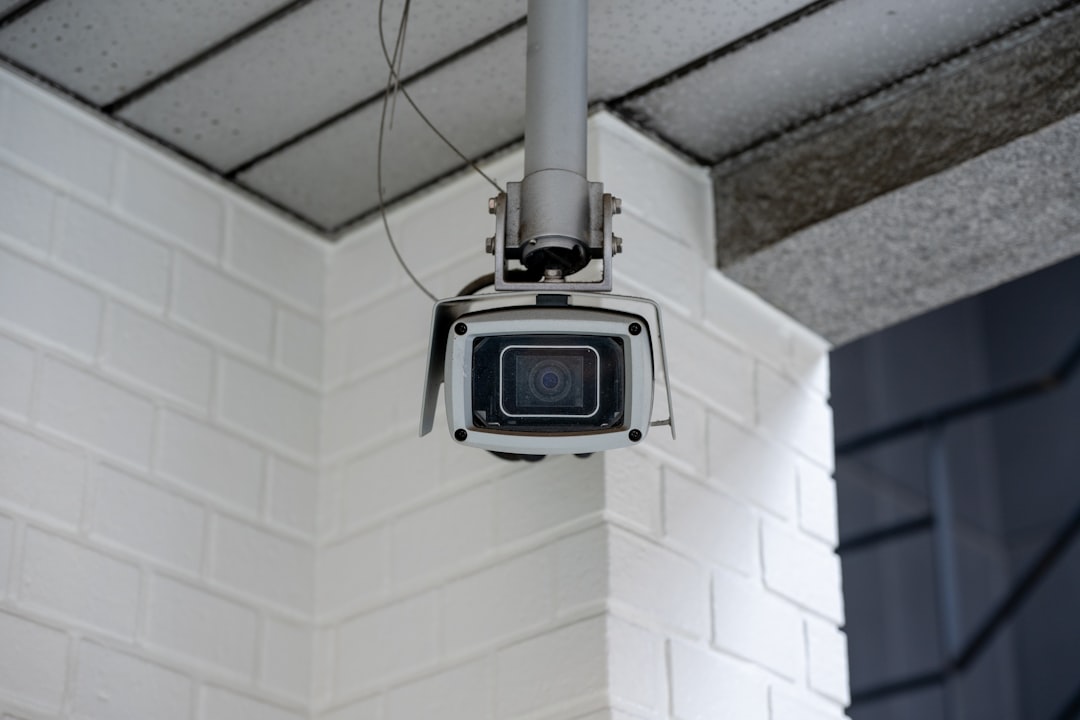
The short version: a hardwired PoE system means one cable per camera, footage stored locally with no monthly fee, and, with the right camera, colour vision at night and an alarm loud enough to send someone running before they reach your door.
How we picked these three
We install all three of these brands across Melbourne homes, so this isn’t a spec-sheet ranking pulled from a comparison site. We weighed:
- Night performance without adding external floodlights
- Whether false alarms from wind, headlights or a cat crossing the yard are a real problem, and what the camera does about it
- Active deterrence: does the camera do anything besides record
- Whether it works as a standalone camera system or ties into a wider alarm
- What it costs to run once it’s installed: subscription or none
Dahua WizSense TiOC 3.0: built to be seen
Dahua’s TiOC 3.0 range pairs an 8MP WizSense camera with built-in red-and-blue strobe lights, a siren and a two-way speaker, all triggered by the camera’s own AI. Because the onboard AI classifies a human or a vehicle before it triggers anything, a possum on the fence or a branch moving in the wind doesn’t set off the strobe. Only something the camera judges to be a person or car does.
That makes TiOC the pick for driveways, side paths and anywhere you want an intruder to notice the camera and back off before they’re near a door or window. It’s not subtle, and that’s the point.
Who it’s for: homeowners who want a camera that does something, not just records. Trade-off: the strobe and siren draw attention to themselves. If you’d rather a camera that watches quietly, a plain fixed WizSense eyeball costs less and suits a spot like a back door under an eave, where deterrence isn’t the job.
If you’re weighing Dahua specifically against Ajax for one property, our Dahua vs Ajax comparison goes deeper on video quality and running costs. Homes with an older Dahua system already on the wall can also read our Dahua CCTV takeover and reconfiguration guide.
Hikvision ColorVu + AcuSense: colour footage without a floodlight
Hikvision’s ColorVu cameras use an f/1.0 super-large aperture and a bigger sensor to pull in far more light than a standard lens, which is how they hold full colour down to roughly 0.0005 lux, about the light of a moonless, starlit night. Paired with AcuSense (Hikvision’s version of human/vehicle classification), the camera tells a person from a passing car and ignores the rest, and you manage the whole system through a local NVR and the Hik-Connect app rather than a cloud plan.
Who it’s for: homeowners who care most about actually identifiable footage: a face, a numberplate, a jacket colour, not just a shape moving through frame at 2am. Trade-off: the larger sensor and lens cost more than Hikvision’s standard AcuSense range. For a spot that already has a porch light or doesn’t need colour at night (a laundry, a shed), a non-ColorVu camera does the job for less.
Ajax TurretCam HL: cameras and your alarm on one app
The TurretCam HL is the odd one out here because it isn’t just a camera. It’s part of Ajax’s alarm ecosystem. It records 8MP colour footage day and night using hybrid IR and white-light illumination out to 50 metres, and its AI tells people, vehicles and animals apart. Set it up alongside Ajax door, window or motion sensors and a triggered sensor can arm the nearest camera to start recording and push a photo straight to your phone, so an alert comes with proof attached instead of a bare notification.
Who it’s for: homeowners who already have, or are planning, an Ajax intrusion alarm and want the cameras talking to it instead of sitting in a separate app. Trade-off: TurretCam is the premium tier of what we install, priced above the mainstream Dahua and Hikvision range. The value is in the ecosystem. If an Ajax alarm isn’t on the list at all, you’re paying for integration you won’t use. Our Ajax alarm kit guide covers the hub side, and Best Home Security Systems in Australia ranks Ajax against Bosch, Hikvision’s own alarm line and others if the intrusion side is the bigger decision for you.
Dahua vs Hikvision vs Ajax at a glance
| Dahua WizSense TiOC 3.0 | Hikvision ColorVu + AcuSense | Ajax TurretCam HL | |
|---|---|---|---|
| Resolution | 8MP | Up to 8MP | 8MP |
| Colour night vision | Yes (dual light) | Yes (F1.0 aperture) | Yes (hybrid IR + white light, 50m) |
| False-alarm filtering | AI human/vehicle classification | AcuSense human/vehicle classification | AI people/vehicle/animal detection |
| Active deterrence | Red/blue strobe + siren + two-way talk | No built-in siren | No built-in siren |
| Ties into an alarm system | No | No | Yes, with an Ajax hub and sensors |
| Management | Local NVR + app | Local NVR + Hik-Connect app | Ajax app, cameras and alarm together |
| Positioning | Mainstream | Mainstream | Premium |
Which one should you install
If you’re only fitting a couple of cameras and want them to earn their keep, the practical answer is usually a mix rather than one brand for the whole house: TiOC on the driveway and front approach where a visible deterrent actually helps, ColorVu wherever identifying detail matters most from a distance (a side gate, the letterbox, a rear laneway), and Ajax only if an intrusion alarm is already part of the plan, in which case TurretCam is worth adding across the board so every camera talks to the same system.
You don’t need a cloud subscription for any of these three to work. All three record locally first, to an NVR or a memory card, and off-site cloud backup, if you want it, is an optional add-on, not something the camera needs to function.
What you’ll need besides the cameras
A PoE camera is only half the system. You’ll also need a Network Video Recorder with enough PoE ports and storage for the number of cameras and the number of days of footage you want kept. That’s a sizing question we work through at the free walk-through, because guessing it wrong means footage overwriting itself before you need it. If you’re not sure whether you want a DVR or an NVR at all, our DVR vs NVR guide explains the difference.
One thing worth knowing before you buy extra cameras on price alone: a small NVR’s built-in PoE ports have a power budget, and an active-deterrence camera like the TiOC draws more than a plain eyeball. Load up on strobe-and-siren cameras and you can hit that ceiling faster than the camera count suggests. We check this at the walk-through rather than after the cameras are already on the roof.
Want ongoing monitoring rather than just recording? We offer monitoring from $49/month AUD, no lock-in, on top of any of these three, but it’s an add-on, not a requirement.
FAQ
Do I need an NVR for a hardwired PoE camera system?
Yes, in almost every case. The cameras record over the network to a central recorder, the NVR, which is where footage is stored and reviewed. A handful of PoE cameras can record to their own SD card instead, but you lose the single-app view and the longer storage window an NVR gives you.
What’s the actual difference between a TiOC camera and a standard Dahua camera?
A standard WizSense eyeball or bullet camera records footage and lets you review it after the fact. TiOC adds active deterrence: the built-in red-and-blue strobe, siren and two-way speaker trigger in real time when the AI classifies a person or vehicle, aiming to stop something happening rather than just document it.
Can I mix Dahua, Hikvision and Ajax cameras on one recorder?
Each brand’s own NVR is built primarily for its own cameras. Dahua and Hikvision NVRs will generally accept the other’s cameras over the ONVIF standard, but you lose the brand-specific AI features doing it. Ajax’s ecosystem is closed. TurretCam works with an Ajax hub or NVR, not a Dahua or Hikvision recorder. Splitting one property across ecosystems usually means budgeting for two recorders, not one.
Does hardwired PoE really have zero ongoing monthly fees?
For local recording, yes. Footage sits on your own NVR and there’s no subscription required to make the system work. A fee only comes into it if you choose an optional extra like off-site cloud backup or professional monitoring.
How many cameras does a typical home actually need?
It depends on the layout: entry points, blind spots down the side of the house, whether the garage and backyard need separate coverage. We count what’s actually needed at the free walk-through rather than sell a fixed bundle that doesn’t match the property.
Prices vary by camera count and cabling run, so we don’t quote a whole-house figure until we’ve seen the property. Want a fixed number? Book a free walk-through and we’ll price it against what your home actually needs.



