
Hikvision CCTV Installation Melbourne
SIPKO installs Hikvision CCTV systems across Melbourne for homes and businesses, including new systems, extensions to existing systems, cameras, NVRs, PoE cabling, storage planning, Hik-Connect configuration and full system handover. Camera type, low-light technology and recording setup are matched to what each part of the property actually needs rather than fitting the same camera everywhere.
A driveway at night needs a different approach to a shopfront entrance, a warehouse yard, or a rear laneway. Viewing distance, lighting, and what actually needs to be identified all determine which camera, lens and low-light technology fit — before storage, app access and commissioning bring the system together.
Hikvision CCTV Systems We Install
Before any camera is chosen, four things about the scene matter more than the model number: what needs to be seen or reviewed — a person at an entrance, activity across a driveway, or movement around a wider area — how far the camera is from that point, how much ambient light is available after dark, and how long footage needs to stay recoverable.
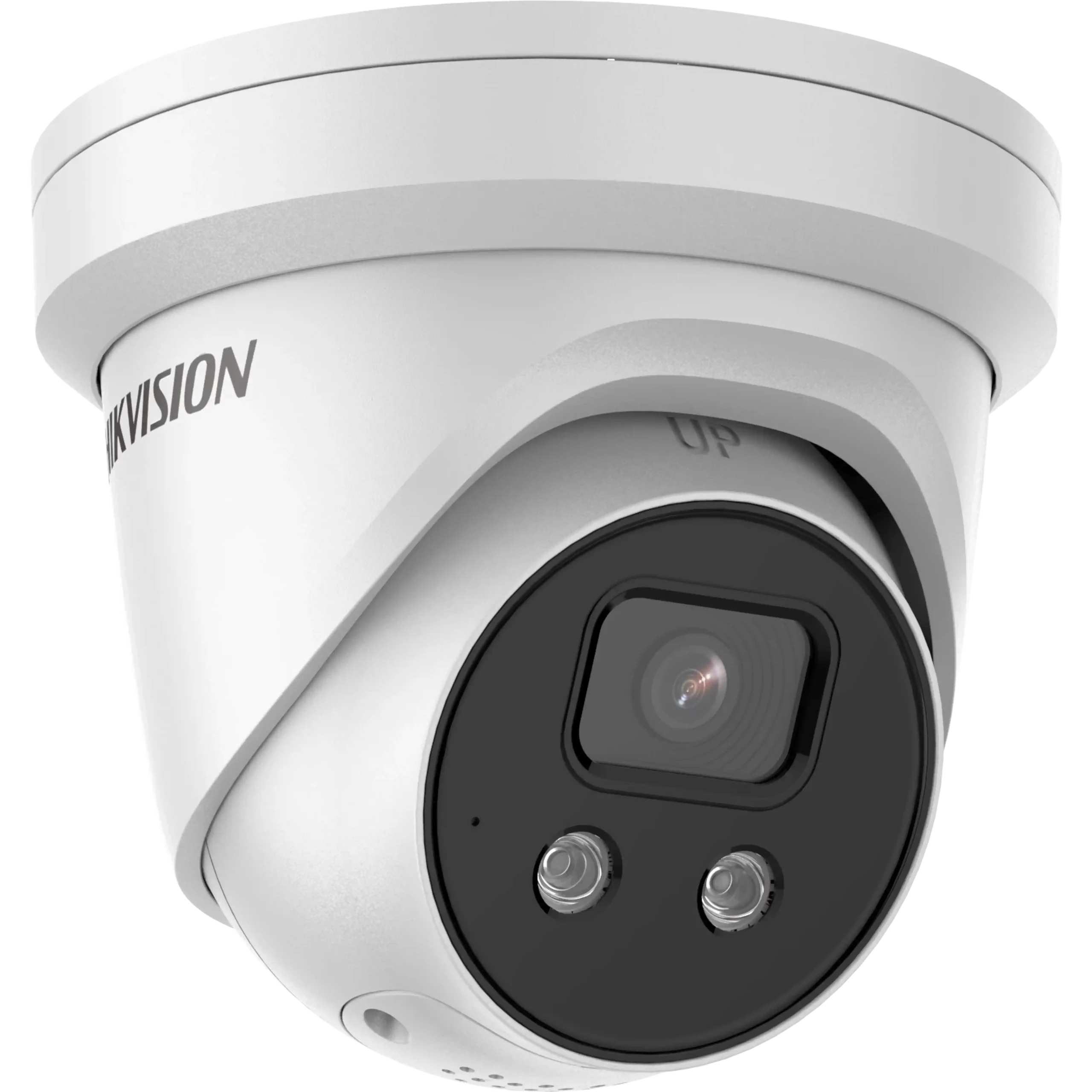
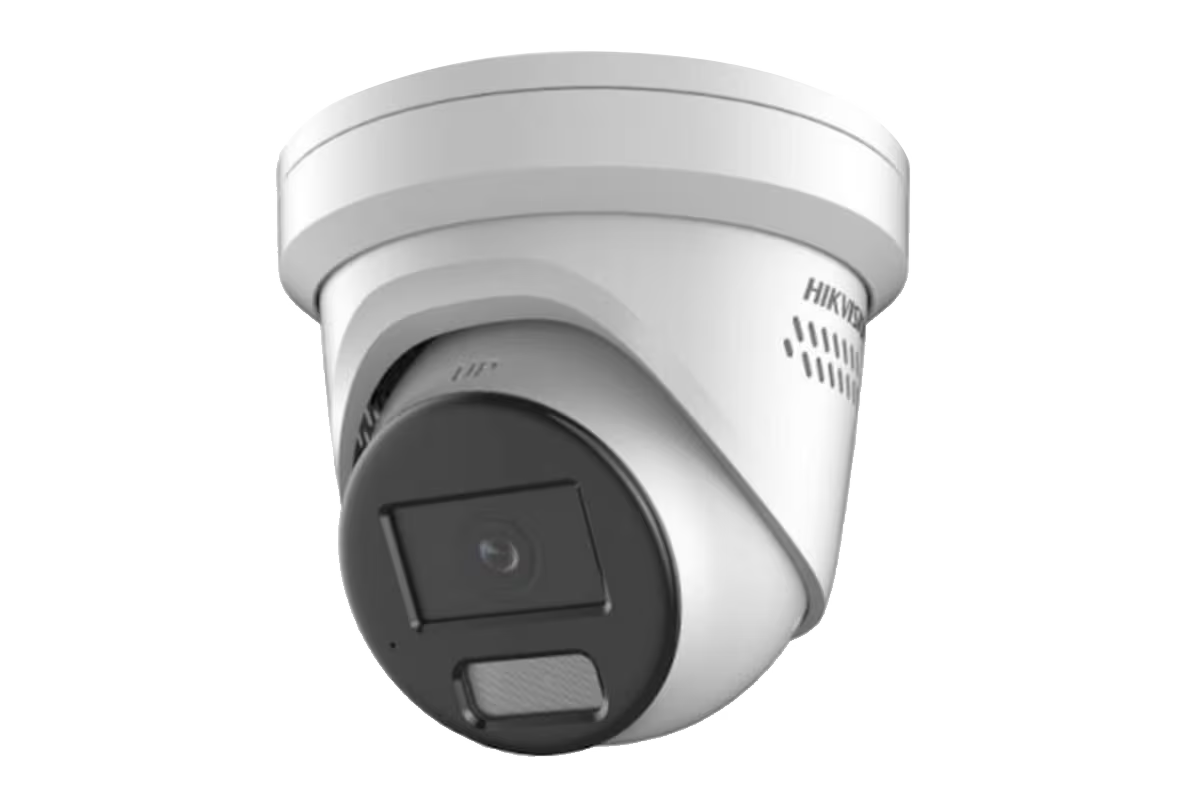
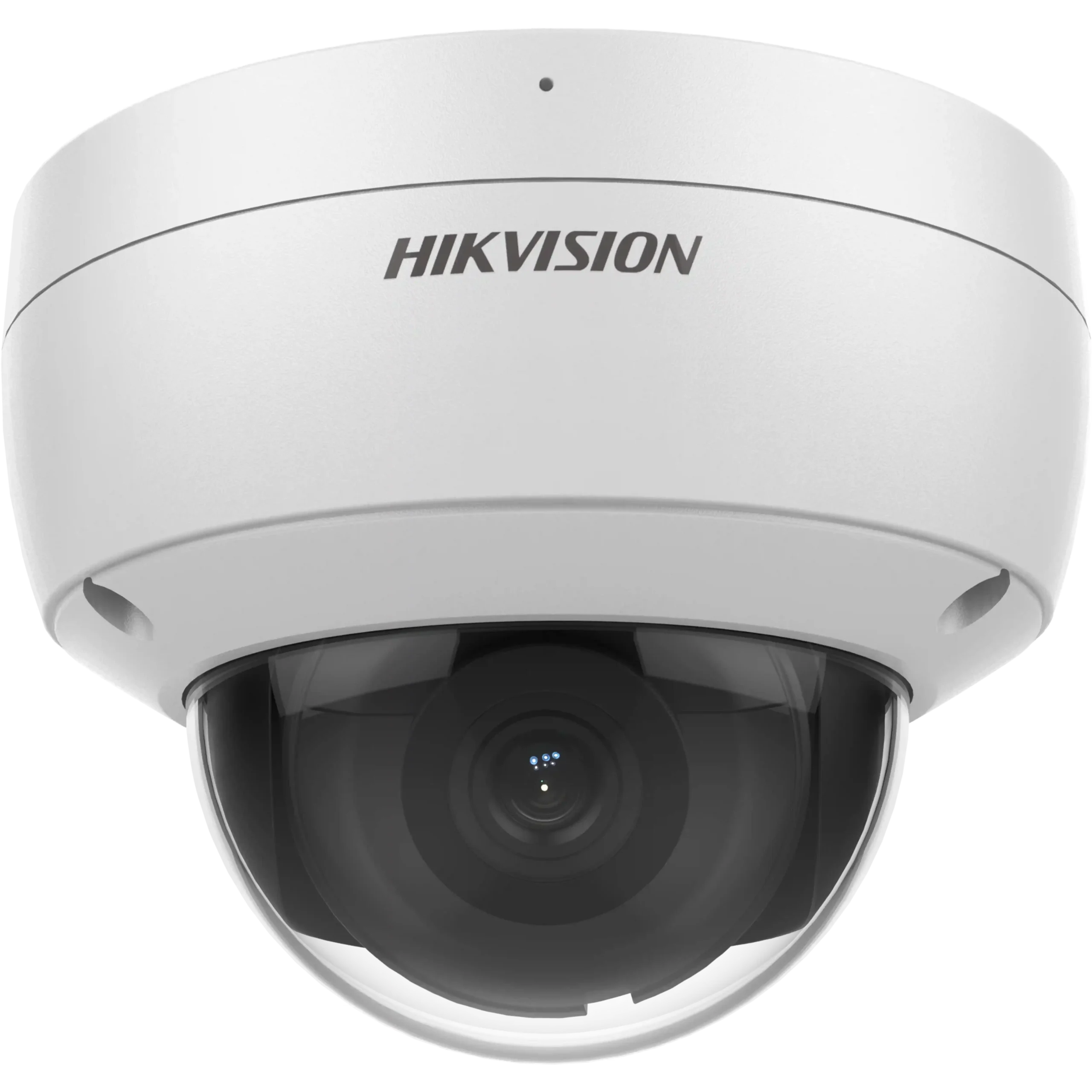
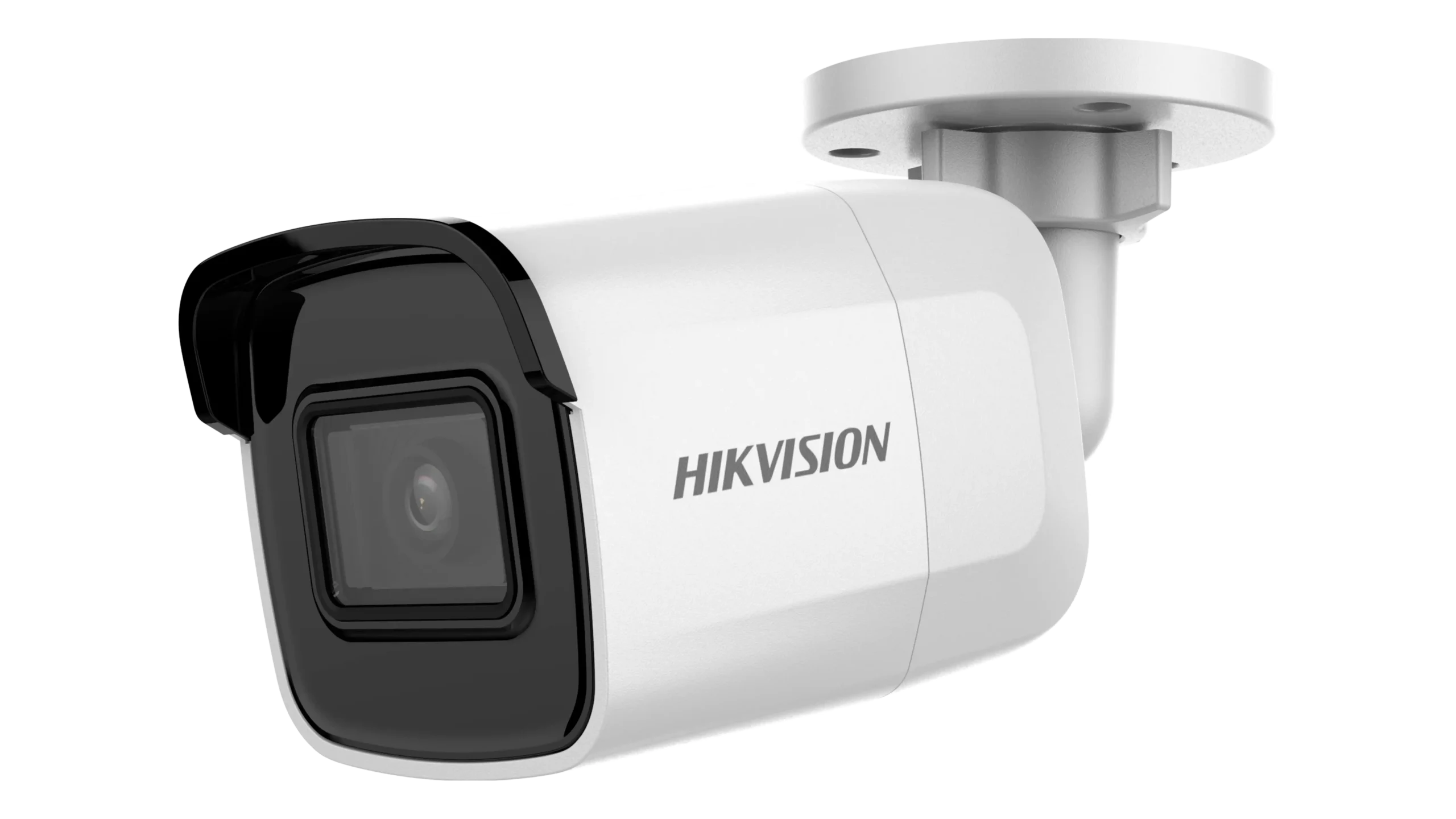
Hikvision’s range is built around exactly this kind of variation — different resolutions, form factors, low-light technologies and detection capabilities exist because different scenes need different answers, not because one option is simply “better” than another. The catalogue below focuses on Hikvision CCTV cameras and related equipment used in professionally installed systems across Melbourne, including camera options for different scenes, low-light conditions and coverage requirements.
Hikvision Professional Catalogue
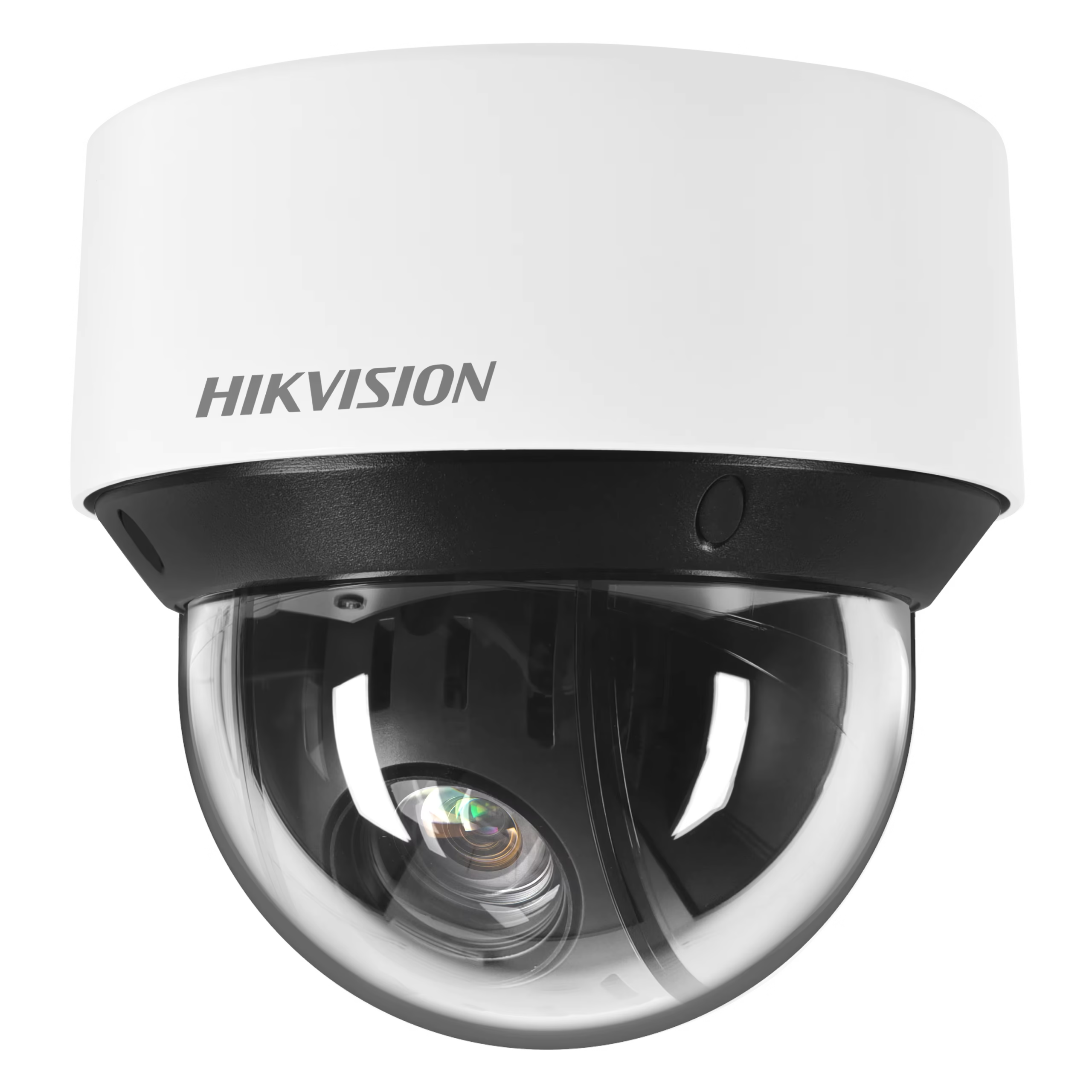
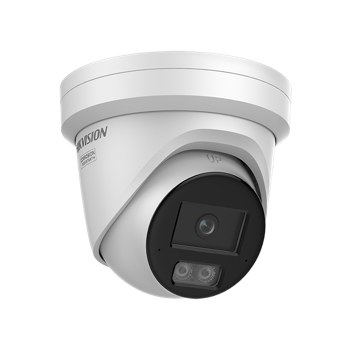
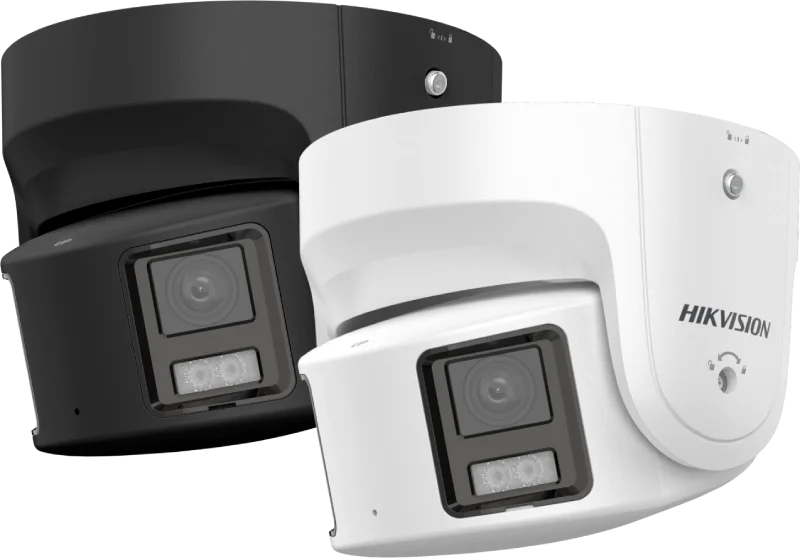
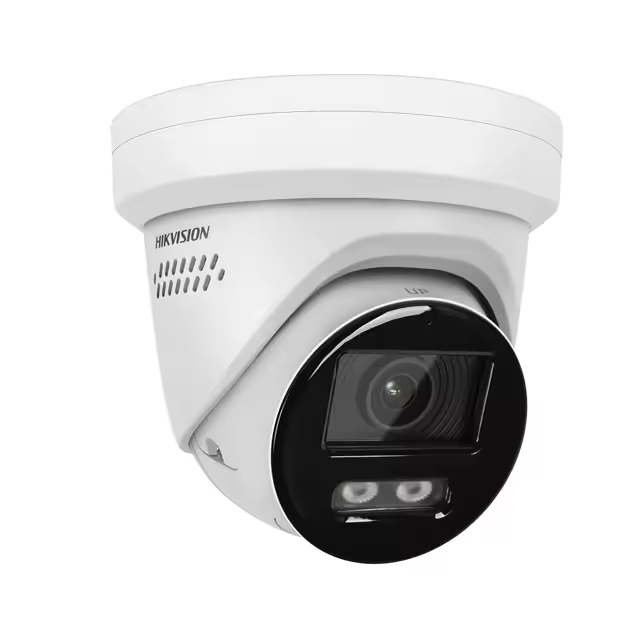
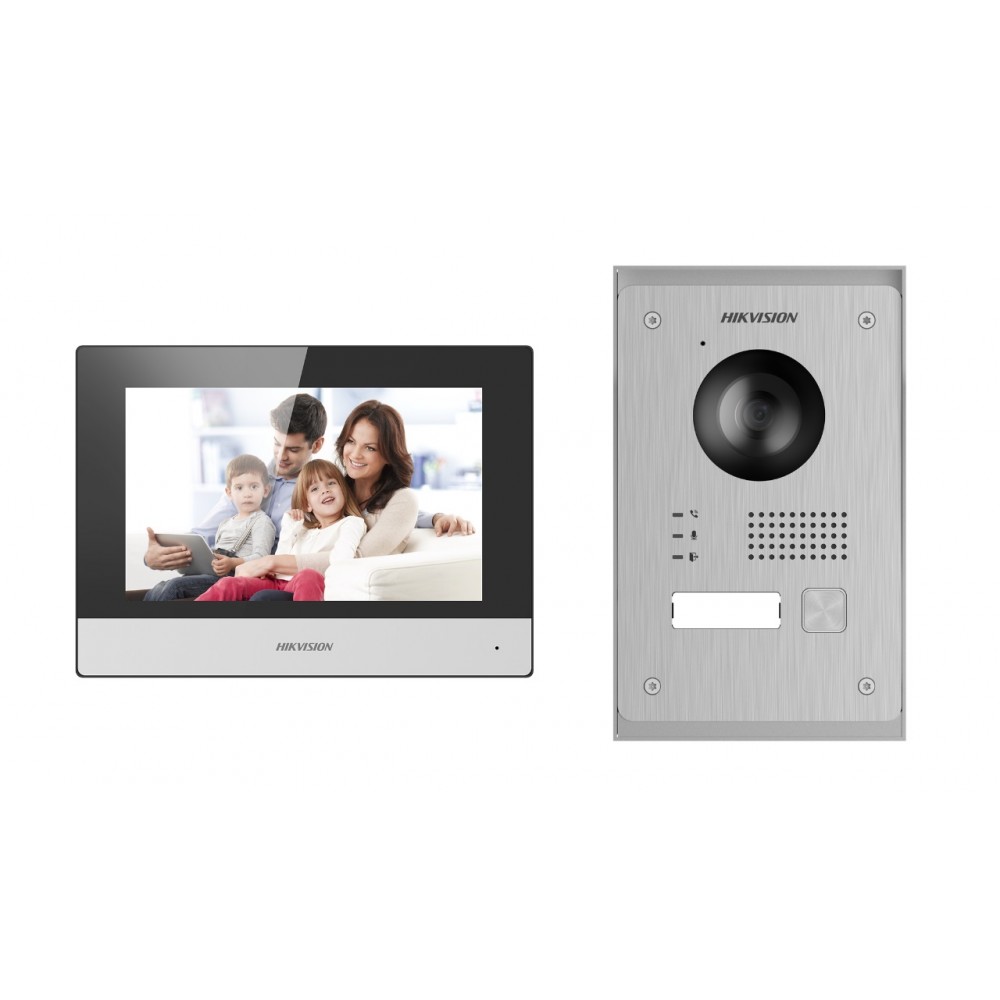
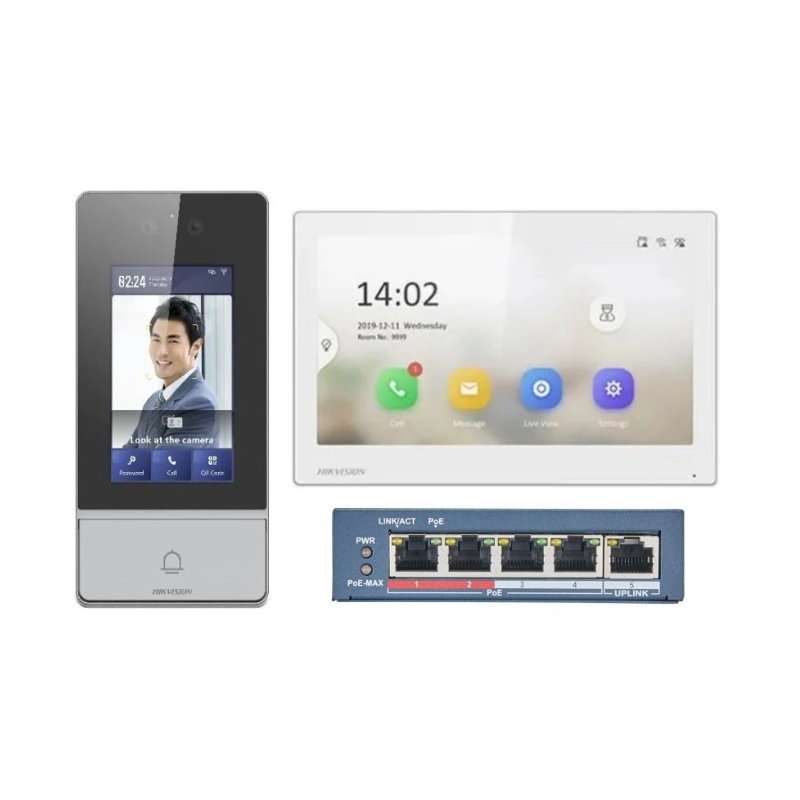
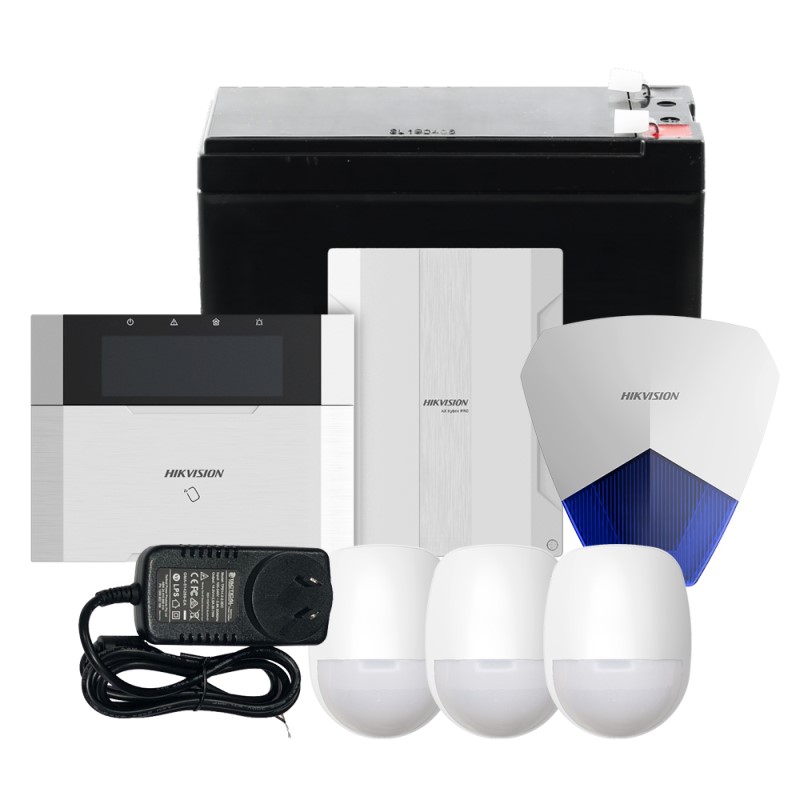
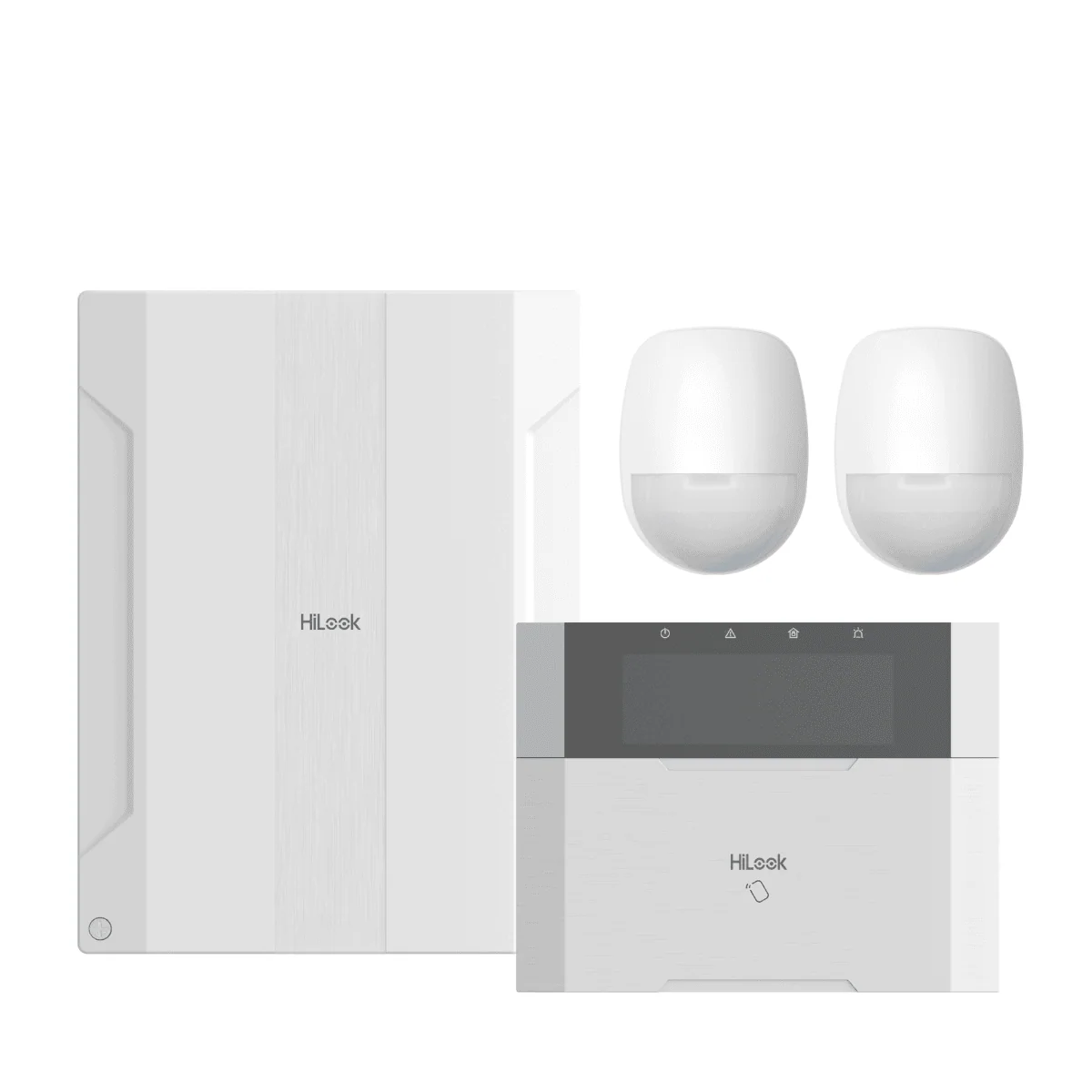
Explore popular Hikvision and HiLook devices available with professional installation across Melbourne. Click any product to view details, then request a quote for a tailored system design.
Matching Hikvision Technology to the Scene
Choosing the right camera for Hikvision CCTV installation in Melbourne starts with the scene, and Hikvision offers several distinct approaches to low-light imaging and detection that solve different problems rather than stacking as one universal “better” setting.
ColorVu
ColorVu is designed for colour imaging in low-light conditions. Exact low-light performance and supplemental-light behaviour depend on the specific camera model selected for the location.
Smart Hybrid Light
Smart Hybrid Light cameras can switch between infrared and white supplemental light, or use a smart mode that stays on infrared until a supported target is detected, then switches to white supplemental light. This suits locations where a constantly-on white light isn’t wanted, but visible-light colour imaging is useful when an event occurs.
DarkFighter
DarkFighter cameras are designed for demanding low-light scenes, with exact sensitivity and infrared capabilities varying by model. Where DarkFighter is considered, SIPKO matches the specific camera to the available light, viewing distance and required scene rather than treating the technology name as a universal specification.
AcuSense
AcuSense, where present on the selected camera or recorder, uses deep-learning-based classification to help distinguish people and vehicles from other detected movement. AcuSense doesn’t replace correct camera placement, motion zoning and commissioning; it works alongside them, not instead of them.
Camera form factor also follows the installation: turret and dome designs can suit compact mounting positions, bullet cameras make the camera’s direction more visually obvious, and PTZ cameras can cover larger areas where controllable viewing is useful. Vandal resistance and environmental ratings depend on the specific model selected.
New Hikvision Installations
A new Hikvision CCTV system starts with coverage planning rather than a fixed camera package. SIPKO plans camera positions, selects suitable cameras and lenses, sizes the NVR and HDD storage, designs PoE and cabling, configures recording and event settings, connects Hik-Connect and completes the handover for the people who will use the system.
Recording, Storage & Hik-Connect
Recording & Storage
Recording capacity follows from the system that’s actually being installed — camera count, resolution, recording mode and how long footage needs to stay recoverable all affect the NVR and storage required. There’s no standard retention period that fits every property; it’s confirmed against what the customer actually needs to keep and for how long.
Hik-Connect
Hik-Connect provides live view, playback and notifications from a phone, with supported user permissions configured during setup. SIPKO sets up access and walks the customer through viewing and playback during handover.
Expanding an Existing Hikvision System
Existing Hikvision systems can often be expanded with additional cameras, improved coverage, more storage or a replacement NVR, but recorder capacity, PoE availability, firmware, camera compatibility and the condition of the existing cabling must be checked first. SIPKO audits what can be retained and designs the upgrade around the existing system instead of replacing working equipment unnecessarily.
If the system is already installed but faulty, use Hikvision CCTV Repair & Support in Melbourne. If you inherited a Hikvision system and need access cleanup, user changes or reconfiguration, use Hikvision CCTV Takeover & Reconfiguration in Melbourne.
Homes, Businesses & Larger Sites
Homes & Townhouses
Entry points, driveways and rear access are the usual priorities, with available outdoor lighting affecting the camera and low-light approach selected.
Retail & Offices
Front-of-house visibility, staff and stock areas, and clean playback for reviewing incidents when needed.
Warehouses & Larger Sites
Perimeter and gate coverage, where viewing distances, lighting and the size of the area may require different camera types from those used around a home or shopfront.
How SIPKO Designs and Commissions the System
Site assessment
Reviewing the property, priority areas, lighting and any existing Hikvision equipment.
Camera and technology selection
Matching camera type, low-light approach and form factor to each scene, not a single default across the property.
Network and recording design
NVR, storage and PoE/cabling sized to the confirmed system.
Installation
Cameras mounted and positioned for the intended view, not just a wide general angle.
Configuration and event tuning
Motion zones, detection settings and recording rules set for the actual scene, not left on factory defaults.
Hik-Connect setup and handover
App access, user permissions and playback walked through before the job is signed off.
Frequently Asked Questions
Can I view my Hikvision cameras remotely?
Does AcuSense stop false alarms completely?
What’s the difference between ColorVu and DarkFighter?
Can I add cameras to my existing Hikvision recorder?
How much storage do I need?
Plan Your Hikvision Installation in Melbourne
Tell SIPKO what needs to be covered and what the cameras need to show. We’ll match the Hikvision camera, low-light approach and recording setup to the property, then configure and commission the system around how you’ll actually use it.
Planning a new Hikvision CCTV system or extending an existing one? SIPKO can design, install and configure the complete system. For faults on an existing system, use Hikvision CCTV repair; for inherited systems, access cleanup or reconfiguration, see Hikvision CCTV takeover and reconfiguration. Already have a Hikvision intercom that is playing up? See our Hikvision intercom repair service in Melbourne.