
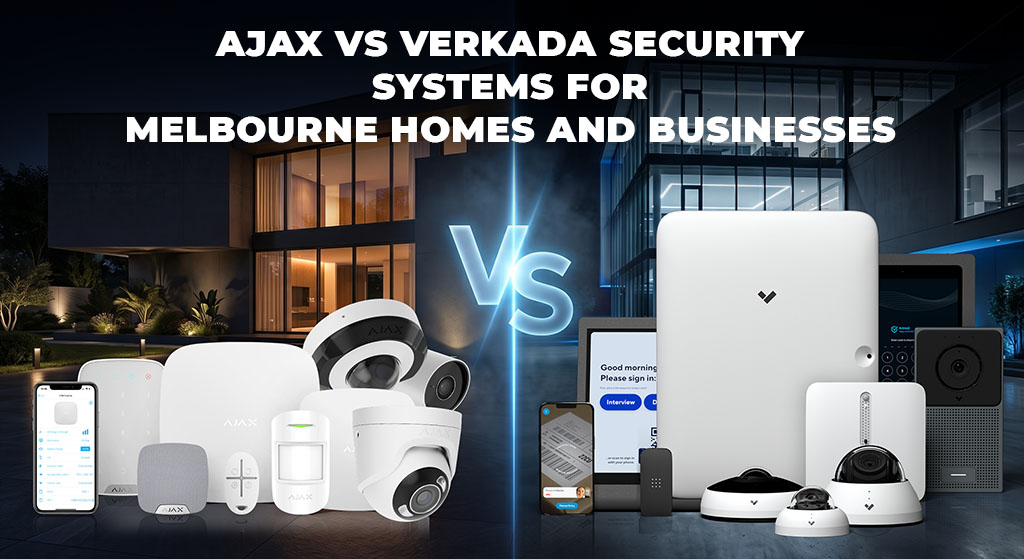
Ajax vs Verkada | Installer-led comparison | Melbourne, Bayside & Mornington Peninsula
Ajax vs Verkada Security Systems for Melbourne Homes and Businesses
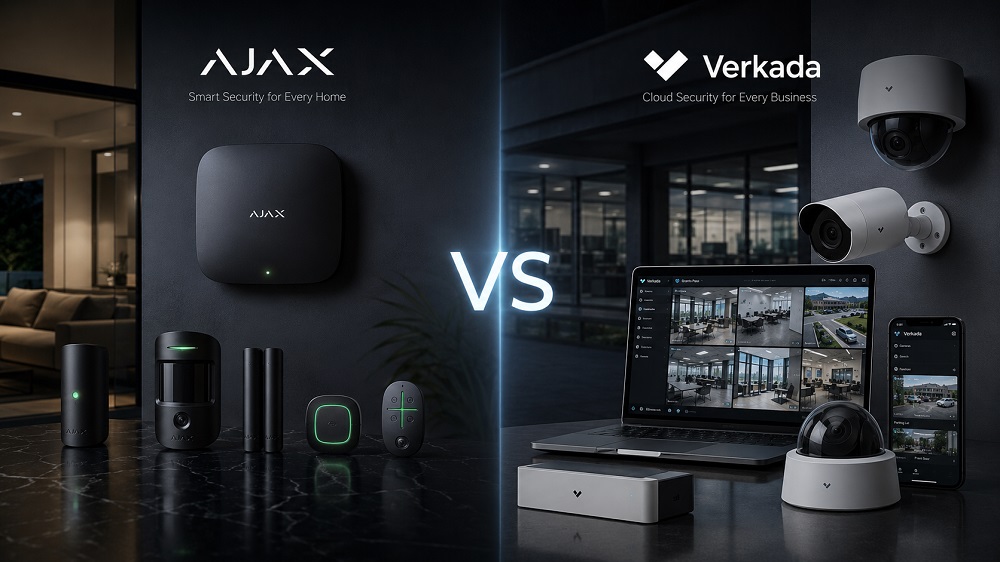
A good security system is not chosen from a brand name alone. It is chosen from the property layout, real entry points, camera views, users, response process, recording needs and support model.
Ajax is the better first system to quote for most Melbourne homes, apartments, shops, cafes, small offices and smaller warehouses when the main risk is intrusion, after-hours entry, garage access, rear doors, side paths, staff access or fast owner review.
Verkada is the better fit when the customer genuinely needs a cloud-managed physical security platform across cameras, access control, users, doors, sites, retention rules and internal administration.
SIPKO Security does not compare these systems as two equal camera brands. Ajax is usually planned as an alarm-first security system with sensors, sirens, app alerts, Night Mode, panic options and video verification. Verkada is planned as a managed cloud platform for organisations that will actively use central administration every day.
1. How SIPKO Security Compares Ajax and Verkada
SIPKO Security compares Ajax and Verkada from the position of a working installation, not from a product brochure. On a real Melbourne site, the first question is rarely “which brand has more features?” The useful question is: what must be detected, who receives the alert, what camera view proves the event and who controls the system after handover?
For residential properties, the decision often starts with rear sliding doors, garage-to-house access, side gates, hallway movement, balconies and Night Mode. For small businesses, the focus usually shifts to rear staff doors, stock rooms, cash areas, delivery access, staff permissions and after-hours alerts. For warehouses, roller doors, loading areas, stock zones and office sections need separate planning.
Ajax and Verkada are both serious systems, but they solve different problems. Ajax is stronger when the site needs intrusion detection, sirens, app control, panic options, video verification and local installer support. Verkada is stronger when the business needs one cloud environment for cameras, access control, user roles, doors, sites, reporting and retention.
2. Ajax vs Verkada: Which System Fits Your Site?
Choose Ajax when the main job is to detect entry, protect doors and internal zones, send clear app alerts, activate sirens, support Night Mode, manage users and verify alarm events with cameras or NVR where needed.
Choose Verkada when the business needs central cloud administration for cameras, access-control doors, user roles, retention rules, reports, several locations and a formal IT or facilities management workflow.
Simple decision point: if the main concern is a break-in, after-hours movement, garage access, rear entry or fast owner notification, Ajax is normally the practical system to design first. If the main concern is central control of many cameras, doors, users and sites, Verkada deserves serious consideration.
3. Ajax vs Verkada Comparison Table
A home, a cafe and a multi-site organisation can all need security, but they do not need the same operating model. The table below compares the systems by site fit, daily use and ownership cost, not only by product category.
| Factor | Ajax | Verkada |
|---|---|---|
| Best fit | Homes, apartments, shops, cafes, small offices, workshops and smaller warehouses that need intrusion detection, app alerts and local support. | Larger businesses, schools, corporate facilities and multi-site operations that need central administration. |
| Main strength | Alarm logic, sensors, sirens, app alerts, panic options, user permissions, video verification and monitoring-ready planning. | Cloud video management, access control, user roles, retention policies, reporting and multi-site visibility. |
| Typical user | Homeowner, shop owner, small business owner, property manager or local operator who wants simple daily control. | Facility manager, IT manager, security manager or corporate operator managing several users, doors, cameras or locations. |
| Installation focus | Entry points, alarm zones, detector placement, signal testing, siren coverage, app setup, user handover and verification workflow. | Network readiness, camera placement, access-control doors, cloud account structure, licensing, retention and administrator roles. |
| Cost drivers | Device count, hub type, camera or NVR design, monitoring option, installation work, servicing and property layout. | Cloud licensing, camera count, retention period, access-control doors, users, sites and platform support. |
4. What SIPKO Security Checks Before Quoting Ajax or Verkada
A reliable recommendation needs a site check. SIPKO Security reviews how the building is entered, how it is locked, where people can approach unseen, what the cameras must prove and who will respond when the system sends an alert.
- Entry points: front door, rear sliding door, garage-to-house door, side access, balcony access, roller doors, staff entries and service doors.
- Alarm zones: which zones protect the site when empty, which zones remain active at night and which areas need separate user control.
- Camera views: approach angles, face capture, vehicle areas, lighting, blind spots, stock rooms and recording retention.
- Response process: who receives alerts, who can arm or disarm, whether video verification is needed and whether monitoring should be discussed.
- Network and cabling: internet reliability, equipment location, Wi-Fi or LAN conditions, PoE needs and backup planning.
- Account ownership: who controls administrator access, what happens when staff leave and who maintains the system later.
After this check, SIPKO Security can explain whether Ajax or Verkada is suitable, what device count is realistic, what may be unnecessary and what should be installed professionally from the beginning.
5. Where Ajax Is Stronger
Ajax is strongest when the site needs action, not only recorded footage. It is built around events that need a response: a door opens, motion is detected, a rear area is approached, a panic button is pressed, a siren activates or a camera clip needs to confirm what triggered the alarm.
Homes and apartments
For Melbourne homes, Ajax can be planned around rear sliding doors, garages, side gates, hallway movement, balconies and detached areas. In many Bayside homes, the side path or rear entry deserves more attention than the front door because it is less visible from the street.
Shops, cafes and small offices
For a small business, Ajax can support after-hours intrusion detection, staff permissions, app notifications, sirens, panic buttons and camera verification. Rear entries, staff doors, stock areas and cash zones often create the real risk, even when the shopfront camera looks impressive.
Workshops and smaller warehouses
Commercial units need alarm planning for roller doors, loading areas, office entries and stock zones. Ajax can combine these areas into a site-based design with app users, sirens, camera verification and optional monitoring pathways.
6. Where Ajax Is Not the Right Starting Point
Ajax is not the first choice for every project. Large organisations sometimes need a wider physical security platform from the beginning. In those cases, the main requirement may be formal administration rather than simple alarm response.
- Large corporate campuses with several departments and strict internal security procedures.
- Multi-site organisations that need one cloud command centre for all locations.
- Projects where enterprise access control is the main requirement.
- Facilities where IT and security teams manage users, permissions and reports centrally.
- Procurement-heavy environments where licensing, approvals and enterprise support are part of the project.
In these situations, Verkada should not be dismissed. If the organisation will use central user management, access control, reporting and cloud video administration every day, Verkada may be the better platform.
7. Where Verkada Is Stronger
Verkada is stronger when security is managed as a central business platform. Its value is not limited to cameras. The larger benefit is cloud administration across video, access control, users, sites, permissions and reporting.
Cloud-first management
Verkada suits businesses that want remote access to footage, users, doors and site administration from a central environment. This matters when security decisions are handled by a facilities, IT or security team instead of one local owner.
Access control and enterprise users
For a larger office, school, corporate facility or multi-location operation, access control can be as important as cameras. Verkada is relevant when credentials, users, permissions and doors need central control.
Multi-site visibility
If a business needs to review footage remotely, manage several locations, standardise rules and administer users from one platform, Verkada can be part of a wider security strategy.
8. Where Verkada Is Overkill
Verkada can be powerful when the platform features are actually used. For a normal home, a small shop or a small office, enterprise-style administration can add cost and complexity without improving day-to-day security.
- A family home mainly needs protection for doors, garage, side access and rear entry.
- A small shop needs after-hours alerts, staff permissions and camera review.
- A small office needs simple security without complex platform administration.
- A local property owner wants practical support, not an unnecessary cloud platform.
- The main risk is intrusion, not enterprise access-control administration.
9. Ajax vs Verkada for Melbourne Homes
For most Melbourne homes, Ajax is the better first system to design because the main requirement is protection around daily living patterns: rear doors, garage access, side paths, hallway movement, balcony access and detached areas.
In a Hampton or Bayside home, SIPKO Security would normally check the garage-to-house door, rear sliding door, side gate approach, hallway movement and whether Night Mode should protect selected zones while people are sleeping. The aim is not to install the most complicated system. The aim is to install a system the household will actually use.
A practical Ajax home design may include a hub, door contacts, motion detectors, keypad, siren, user permissions, Night Mode and camera verification where needed. The exact device choice depends on layout, pets, outdoor movement, internet connection and how the family wants alerts delivered.
Verkada can suit high-value residential projects where the owner specifically wants a larger cloud-managed camera or access-control environment. For standard homes, that extra platform structure rarely solves the main security risk better than a clean alarm-first design.
10. Ajax vs Verkada for Shops, Cafes and Small Offices
Small businesses usually have direct risks: rear entries, staff access, stock rooms, cash areas, deliveries, false alarms and after-hours movement. The owner needs simple phone control, clear alerts and a quick way to check what happened.
For a cafe or retail shop, SIPKO Security would normally check the front entry, rear staff door, stock area, cash zone and whether staff or managers need different permissions. Ajax is strong here because door contacts, motion detectors, sirens, app users, panic options and camera verification can be planned around the actual risk points.
A practical Ajax setup for a small shop may include detection at the front and rear entry, a keypad near the staff entry, a siren, selected internal motion detection and a camera view that confirms what triggered the alarm. This is often more useful than installing cameras without a clear alert and response workflow.
Verkada becomes more relevant when the business has several locations, a central manager who needs one dashboard, access-control requirements across multiple doors and a budget for cloud licensing, retention and platform support.
11. Ajax vs Verkada for Warehouses and Commercial Sites
Warehouses and commercial units need careful planning because one front camera is rarely enough. A useful design should consider roller doors, loading docks, staff entries, rear access, stock areas, office sections, blind spots, after-hours movement and how alarms will be verified.
For a small or medium warehouse, Ajax is a strong fit when the priority is intrusion detection, alerts, sirens, camera verification and a monitoring-ready setup. Different zones need different logic: office during business hours, warehouse after closing, external access points overnight and panic options for staff.
For example, a smaller warehouse may need a roller-door contact, motion detection in the storage area, separate office protection, a siren, user permissions for staff and camera verification at the loading area. The design should match the way the site is locked, opened and managed each day.
Verkada is more suitable for larger commercial operations where several locations must be managed from a central platform. If the business needs corporate-level video management, access control, user roles, reporting and cloud administration, Verkada can be considered as part of a broader enterprise security plan.
12. Common Mistakes When Comparing Ajax and Verkada
The wrong system is often chosen when the discussion starts with the brand name instead of the site conditions. These are the mistakes SIPKO Security tries to avoid before quoting or installing.
- Choosing a camera platform when the real problem is intrusion detection.
- Installing cameras without checking blind spots, lighting, entry points and recording requirements.
- Ignoring who receives alerts, who can arm or disarm and who controls administrator access.
- Buying cloud features without checking licensing, retention, long-term support costs and account ownership.
- Trying to cover a roller door, rear access, stock area and staff entry with one simple camera view.
- Adding devices before checking building layout, cabling, internet reliability and the expected response process.
13. Cost and Ownership: What Actually Changes the Price?
Ajax and Verkada should not be compared by one advertised device price. The real cost depends on the complete design, installation work, storage requirements, monitoring needs, licensing, maintenance and long-term support.
Ajax cost factors
- Number of door, window, motion, outdoor and panic devices required.
- Hub type, sirens, keypads, user permissions and automation scenarios.
- Camera selection, Ajax NVR or compatible video design.
- Monitoring requirement and response process.
- Property layout, signal testing, installation time and customer handover.
Verkada cost factors
- Number and type of cameras, doors, sensors and alarm devices.
- Cloud platform requirements, licensing and retention period.
- Number of users, sites and administrative roles.
- Cabling, network readiness and installation complexity.
- Long-term platform management and support model.
14. Privacy, Cloud and Data Control
Before choosing any cloud-managed security platform, the customer should understand how footage, users and administrator access will be handled. Cloud security can be useful, but the operating model must be clear before purchase.
- Where is footage stored and how long is it retained?
- Who controls the administrator account?
- What happens when staff leave the business?
- What happens if a subscription or platform agreement changes?
- Who can access cameras, doors, alarms and user logs?
- Who provides local support if the system needs changes?
Ajax can be planned as a site-based security system with app control, alarm devices, camera verification and NVR options depending on the design. Verkada can be a strong fit for centralised cloud management, but account ownership, user control, data access and long-term support should be understood before committing.
15. A Camera System Is Not Always a Complete Security System
Many customers start by asking for cameras. That is understandable, but cameras are only one part of security. A camera shows what happened. A properly planned security system should also detect, alert, verify and support a response.
A complete design may include door contacts, motion detectors, outdoor detectors, sirens, keypads, panic buttons, app users, camera verification, recording retention, monitoring pathways and a maintenance plan.
If a property only needs video review, a camera-focused platform may be enough. If the property needs alerts before or during an intrusion, Ajax is usually the more practical option.
16. Practical Site Examples
The property needs rear-door alerts, garage coverage, side-access detection, app alerts and Night Mode. Ajax is the practical starting point because the risk is around real entry points and daily use, not central platform administration.
The owner needs after-hours alarm protection, staff users, a front camera, rear-door alerts and stock-room coverage. Ajax is easier to justify when alerts must reach the owner quickly and cameras are used to verify real events.
The office needs user permissions, entry alerts, camera review and simple control. Ajax is suitable unless the business specifically needs enterprise cloud administration and access control across several doors or sites.
The company needs several locations, central admin, access control, camera management and reporting. Verkada should be considered if the cloud platform model, licensing and budget fit the business.
The site needs roller-door detection, loading-area coverage, stock-room protection and after-hours alerts. Ajax suits many small and medium sites. Verkada becomes more relevant when the operation is larger and centrally managed.
17. Trust and Source Checks Before Final Design
Product features, cloud licensing, storage retention and supported integrations can change over time. Before a final recommendation, SIPKO Security checks the current manufacturer information, site conditions, account ownership requirements and the customer’s support model.
- Ajax official product information: Ajax Systems products and device categories
- Ajax official support: Ajax Systems support and manuals
- Verkada official platform information: Verkada Command cloud physical security management
- Verkada official product information: Verkada physical security platform
This matters when comparing an alarm-first system with a cloud-managed platform. The customer should know who controls administrator access, how footage or event data is retained, what happens when staff change and who will maintain the system after installation.
18. Reviewed by SIPKO Security
This page was prepared for Melbourne property owners and business managers comparing Ajax and Verkada security systems. The recommendations are based on practical installation planning: entry points, camera locations, alarm response, user permissions, network conditions, recording requirements and long-term support.
Reviewed by: SIPKO Security, Melbourne security system installation specialists.
Service area: Melbourne, Bayside suburbs and Mornington Peninsula.
Last reviewed: June 2026.
19. Final Recommendation
Ajax and Verkada should not be treated as the same type of security system.
For most Melbourne homes, apartments, shops, cafes, small offices and smaller commercial sites, Ajax is the better first system to quote when the main requirement is intrusion detection, app alerts, sirens, user permissions, video verification and local support.
Verkada is the better fit when the organisation needs central cloud administration across cameras, doors, users, sites, retention and reporting, and when the business has the budget and internal process to manage that platform properly.
The final choice should be made after checking the property layout, entry points, camera angles, cabling, internet connection, recording requirements, user access, monitoring needs and future support.
FAQ: Ajax vs Verkada
For a normal home, Ajax is usually the better starting point because the main need is intrusion protection: doors, garage, hallway movement, sirens, app alerts, Night Mode and camera verification. Verkada only makes sense at home when the owner specifically wants a larger cloud camera or access-control platform.
Verkada is worth considering when a business needs central cloud management for several cameras, doors, users, locations and retention rules. It is strongest when an IT, facilities or security team will actively manage the system.
Yes. Ajax is suitable for many shops, cafes, small offices and small warehouses because it can protect rear doors, staff entries, stock rooms, cash areas and after-hours movement while giving owners clear app alerts and verification options.
The real price depends on installation work, device count, camera design, monitoring, retention, licensing, servicing and long-term support. A system that looks cheaper on paper can become more expensive if storage, cloud fees or service work are not considered.
Ajax can replace the need for Verkada when the customer mainly needs alarm-first protection, sensors, sirens, app alerts, video verification and local support. It should not be treated as a direct replacement for Verkada in enterprise projects where cloud access control, central reporting and multi-site administration are the main requirements.
SIPKO Security should check the property layout, entry points, camera views, cabling, internet connection, users, account ownership, response process, recording needs and long-term support expectations before recommending Ajax or Verkada.
Need Help Choosing Between Ajax and Verkada?
If you are comparing Ajax and Verkada for a Melbourne home or business, SIPKO Security can review your property layout, existing cameras, alarm requirements, network setup, user permissions, recording needs and long-term support expectations.
We can explain which system is suitable, what may be unnecessary, what can be reused and what should be installed professionally from the start.
Related SIPKO Security Services

