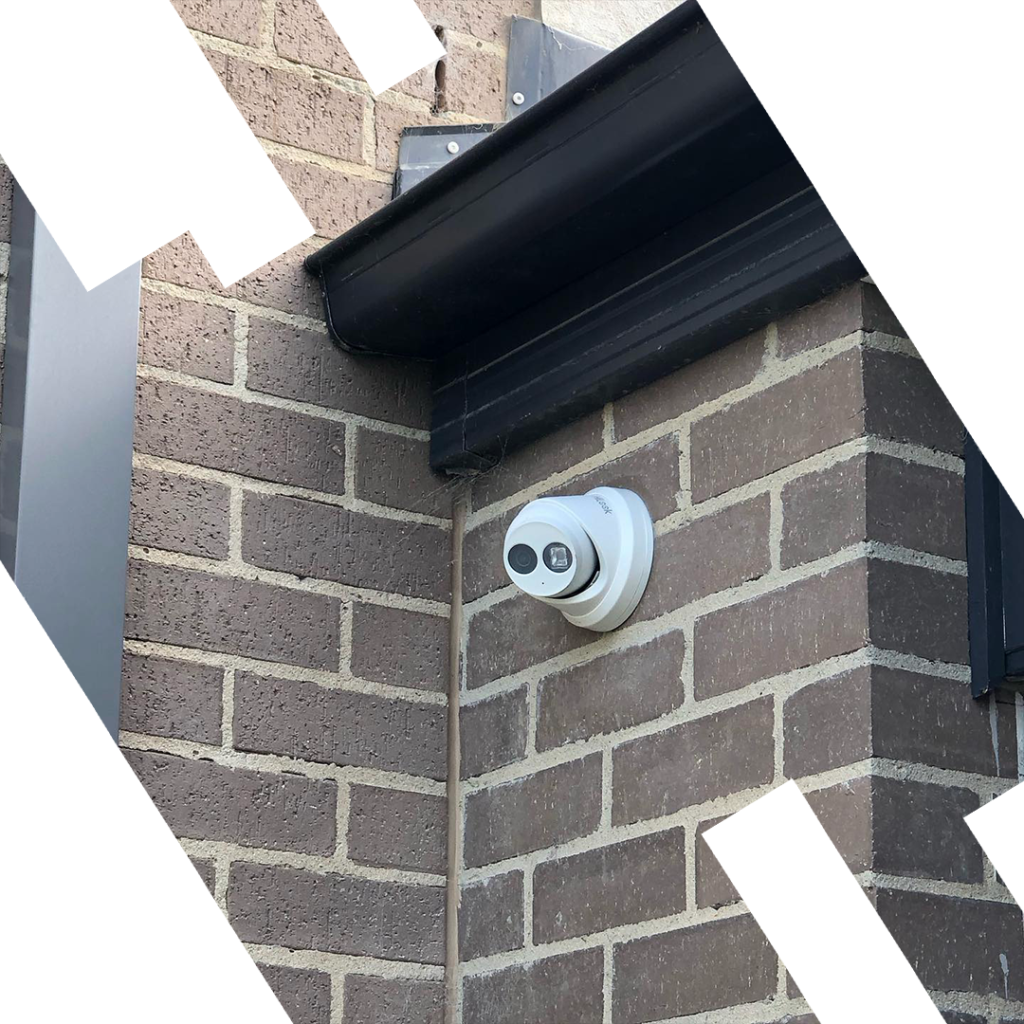
HiLook Camera Installation in Melbourne
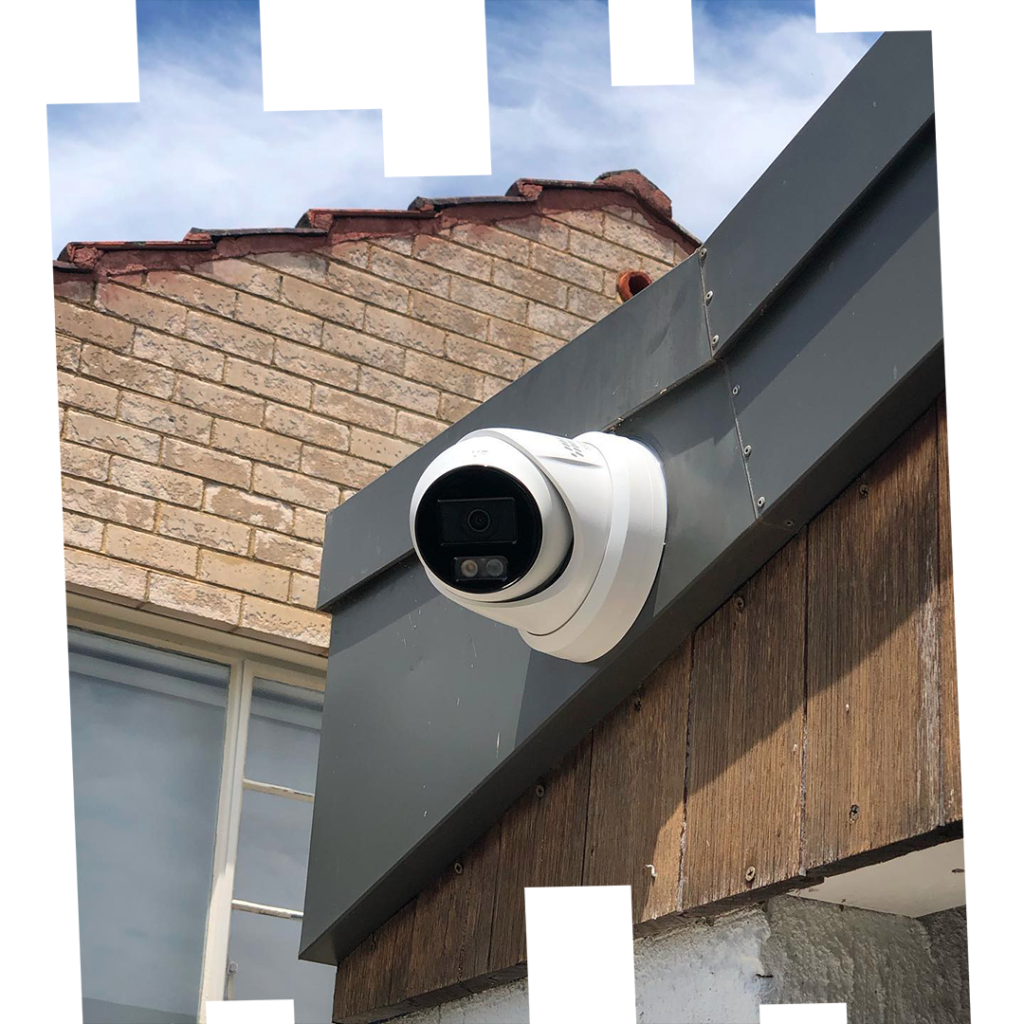
HiLook delivers budget-friendly IP and Turbo HD CCTV cameras suited to Melbourne apartments, townhouses, warehouses, and retail — without compromising on image quality or reliability. SIPKO Security handles full supply, installation, and configuration of HiLook cameras across the Melbourne metro area.
IP & Turbo HD Cameras
Fixed and varifocal turret, bullet, and dome cameras in 4–8 MP — suited to entries, driveways, yards, and loading zones across Melbourne properties.
Compact PoE NVRs
4–8 channel PoE NVRs for straightforward single-run cabling, plus multi-bay models for longer retention or higher camera counts in larger sites.
IP66/67 Weather Sealing
Melbourne’s variable climate demands properly sealed housings and junctions. Every outdoor camera we install is rated and mounted to handle heat, rain, and coastal conditions.
Mobile Viewing & Remote Access
Simple app-based live view and playback configured from day one — so you can check your property from anywhere in Melbourne or interstate.
Get a Free Quote
Call +61 406 432 691 or complete the form and we will contact you.
What’s Included in Your HiLook Camera Installation in Melbourne
Every HiLook camera installation in Melbourne we complete follows a clear, end-to-end process — neat cabling, reliable storage, and a fully configured app, all verified before handover.
Survey
On-site check of entrances, lighting, cable paths, and mounting points. Confirms full scope and any access constraints before a single bracket goes up.
Camera Plan
Turret and bullet mix, lens selection, and mounting heights mapped to identification zones — entries, driveways, yards, and loading areas.
Cabling or PtP Bridge
Neat PoE cabling run where practical; 5 GHz point-to-point wireless backhaul deployed for remote sheds, gates, or outbuildings where trenching isn’t viable.
NVR / HDD Configuration
Surveillance-grade HDD initialised, per-camera retention schedules set, NTP time server applied, and motion profiles tuned to each zone’s activity level.
Test Clips & Time Sync
Short recordings exported from every channel to verify accurate timestamps, night-vision motion detail, and clean IR-to-colour transitions before sign-off.
App Setup
Mobile and desktop viewing paired via QR code, viewer and admin roles created, push notifications configured, and a quick walkthrough provided on-site.
User Handover
As-built diagram, IP address list, and credentials stored securely. Brief training covers daily arming, clip export, and what to do if a camera goes offline.
3-Year Workmanship Warranty
Covers installation quality, mounting integrity, and cabling workmanship. Product hardware warranties apply per HiLook’s standard policy.
Every Install Includes
HiLook Camera Installation in Melbourne: Site Survey, Camera Choice & Network Layout
Good HiLook camera installations in Melbourne start with structured planning. The city’s low winter sun, coastal rain, and mixed housing stock make camera orientation, mounting height, and PoE budgeting critical decisions before any drilling begins.
Site Survey
Map all entries, vehicle paths, yards, and blind spots. Observe lighting across the day — Melbourne’s low winter sun and streetlights can cause glare, so avoid pointing cameras directly at bright sources.
- Target ~200 PPM for facial identification at doorways
- 40–80 PPM for general yard and driveway detection
- Note strata or landlord approvals if required before drilling
Camera Selection
Turrets reduce raindrop interference under eaves; bullets are more visible as deterrents; varifocal models help tune long driveways or corridors. Where coax already exists, Turbo HD allows phased upgrades without full re-cabling.
- Typical mounting heights: 2.6–3.2 m for residential properties
- Anti-vandal domes for public-facing or high-risk areas
- Use junction boxes for protected, weatherproof terminations
Network & Storage
Plan PoE budget and switch ports with future camera growth in mind. Confirm adequate ventilation for any cupboard or cabinet housing the NVR. Size HDDs by resolution, FPS, recording schedule, and desired retention period.
- Solid-copper Cat6 throughout — avoid CCA (copper-clad aluminium)
- Document all IP addresses and enforce a clear password policy
- Plan remote access method: cloud relay or port-forwarding with DDNS
HiLook Camera Installation in Melbourne: Industrial & Commercial Scenarios
HiLook is a wired CCTV platform — all cameras run over CAT6 PoE or Turbo HD coax back to a recorder. No wireless cameras in this range, which makes HiLook camera installation in Melbourne ideal for small shops, cafés, warehouses, and offices that want reliable, cabled video with clear evidence footage and simple app access.
Wired Infrastructure
Typical PoE Layout
Clean, wired design that avoids Wi-Fi issues and keeps footage stable across Melbourne’s variable conditions.
- CAT6 to every camera from the HiLook PoE NVR or a PoE switch
- Star topology: all runs home back to a secure comms point
- UV-rated cable & conduit for external walls and eaves
- NVR located in a locked back office with a small UPS
- Slack and junction boxes allow future camera upgrades or extra views
Best-Fit Applications
Where HiLook Fits Best
Budget-friendly, wired coverage for typical Melbourne businesses — without the complexity or cost of enterprise-grade systems.
Indicative Pricing — HiLook Supply & Install
All prices include hardware supply, cabling, NVR configuration, app setup, and 3-year workmanship warranty. Final quote provided after on-site survey.
Starter
4-Camera PoE System
4× 4 MP turret cameras, 4-channel PoE NVR, 1 TB surveillance HDD, full cabling and app setup.
Typical residential or small retail install
Popular
8-Camera PoE System
8× 4–6 MP cameras (turret/bullet mix), 8-channel PoE NVR, 2 TB HDD, full cabling and configuration.
Townhouse, café, or small warehouse
Commercial
16-Camera System
Up to 16× cameras, 16-channel NVR, 4 TB HDD, structured cabling, PoE switch, and full commissioning.
Warehouse, office, or strata building
Prices are indicative only and vary based on site conditions, cable runs, mounting complexity, and selected hardware. A free on-site survey is required for an accurate quote. GST included where stated.
Every Commercial Install
What’s Normally Included
Standard inclusions across all HiLook commercial and industrial installations in Melbourne.
-
Free on-site survey and written quote
-
Solid-copper Cat6 cabling throughout
-
UV-rated conduit on all external runs
-
Surveillance-grade HDD initialised and configured
-
Per-channel test clips verified before handover
-
Mobile app paired with viewer and admin roles
-
As-built diagram and IP address record provided
-
3-year workmanship warranty on all labour
HiLook Camera Installation in Melbourne: NVR Configuration, Firmware, Storage & Remote Access
A properly commissioned HiLook camera installation in Melbourne keeps things reliable without bloat — locked down, time-accurate, and ready from day one.
Core Configuration
Addressing, firmware, and time settings form the foundation of a reliable system — set before any camera goes live.
- Documented static IPs — firmware updated before go-live, unused services disabled
- NTP time server + correct Melbourne time zone for clean event timelines and exports
- Entrances: 4–8 MP @ 15–20 fps with WDR; open areas: lower fps with capped VBR
Storage Planning
Correct HDD selection and retention scheduling ensures footage is available when you need it — without running out of space mid-incident.
- Surveillance-grade HDDs only — initialised, S.M.A.R.T. enabled, reviewed monthly
- Retention prioritised by channel: entries and loading bays get the longest retention
- SD edge recording on key cameras to cover brief NVR link loss or power interruption
Wireless-Ready Commissioning
Where PoE cabling isn’t practical — remote sheds, gates, or outbuildings — a properly commissioned 5 GHz backhaul keeps footage stable and off the main Wi-Fi network.
- Surveillance SSID terminates on its own VLAN at the core switch or NVR
- 5 GHz PtP/PtMP with clear line of sight — channel and TX locked, target RSSI < −65 dBm
- Power budget accounts for AP/bridge + camera + night IR; injectors and breakers labelled
Remote Access & Security
Remote viewing is configured securely — not left on default ports with factory credentials. Roles are separated so staff can view without being able to delete footage.
- Vendor cloud relay or tightly scoped port forwarding with strong, unique credentials
- Admin vs viewer roles separated; HTTPS preferred; all configs stored securely at handover

HiLook Camera Installation Melbourne: Maintenance, Troubleshooting & Local Compliance
Keeping your HiLook camera installation in Melbourne running reliably means predictable maintenance, health checks, and clear rules for evidence handling — so footage stays admissible and downtime stays zero.
Routine Maintenance
Predictable, scheduled maintenance prevents the small issues that cause system failures at the worst possible time.
- Lenses & housings — clean glass and IR windows; check gaskets after heavy rain or heat cycles
- Mounts & cabling — re-torque brackets, inspect glands and conduit; look for UV degradation and abrasion
- Health checks — confirm 24/7 recording uptime; review NVR alerts and error logs
- Storage — S.M.A.R.T. review monthly; replace drives at first warning, not at failure
Footage Handling & Compliance
Clear procedures for access, export, and retention keep footage legally usable and protect you from privacy disputes.
- Standard exports — consistent format and player; include checksum or hash when available
- Access control — separate admin and viewer roles; maintain an access list and update on staff turnover
- Privacy & angles — avoid areas with a reasonable expectation of privacy; minimise neighbour overspill
- Retention policy — document days kept per camera; longer for entries and loading bays
- Evidence storage — write-once media for incidents; keep an audit trail of who exported and when
Use incident tags or bookmarks in the NVR to speed up retrieval. Keep a simple change log — firmware versions, replaced parts, settings changes — alongside the as-built diagram and IP address list. It saves hours when troubleshooting months later.
HiLook vs Hikvision Camera Installation in Melbourne — What’s the Difference?
It’s the most common question before a HiLook camera installation in Melbourne. Both brands come from the same factory but are built for different budgets and use cases. Here’s the honest breakdown so you can decide with confidence.
Choose HiLook when
HiLook Is the Right Fit
HiLook delivers everything most Melbourne homes and small businesses actually need — without paying for analytics and integrations that will never be used.
- Budget is the primary driver and you need reliable wired coverage
- 4–16 cameras covering entries, driveways, yards, or a small shopfront
- Simple app-based viewing is all the remote access you need
- No requirement for AI analytics, LPR, or VMS integration
- Existing coax on site — Turbo HD allows a phased upgrade without re-cabling
Step up to Hikvision when
Hikvision Makes More Sense
Hikvision’s broader range and deeper feature set is worth the extra investment when your site has more complex requirements.
- AcuSense or deep-learning analytics needed to reduce false alarms
- 16+ cameras or multi-site deployment requiring centralised VMS management
- Licence plate recognition (LPR) for car parks or gated access
- Integration with access control, alarm panels, or third-party platforms
- Higher-resolution or specialised cameras — fisheye, PTZ, or thermal
Which Brand Fits Your Melbourne Property?
A quick reference across the most common installation scenarios we see across Melbourne metro.
Residential Home or Townhouse
4–8 cameras on entries, driveways, and yards. Compact PoE NVR, app access, no analytics needed.
Small Retail or Café
POS area, entry, and stockroom. Clear evidence footage and simple remote viewing without enterprise cost.
Warehouse or Loading Dock
HiLook suits smaller sites with straightforward coverage. Hikvision recommended when LPR or VMS is required.
Strata or Office Building
Multi-floor, lift lobbies, car parks, and access control integration — Hikvision’s deeper feature set is the better fit.
Large Industrial or Multi-Site
16+ cameras, centralised VMS, AcuSense analytics, and potential integration with alarm or access systems.
Existing Coax Infrastructure
Turbo HD cameras work over existing coax runs — a cost-effective upgrade path without full re-cabling.
We install both HiLook and Hikvision across Melbourne. A free on-site survey takes the guesswork out — we’ll recommend the right system for your budget and coverage requirements.
Need More Than HiLook? Hikvision Professional Catalogue
HiLook covers most homes and small businesses — but when your Melbourne property needs AI analytics, PTZ coverage, facial recognition intercom, or a hybrid alarm kit, Hikvision is the step up. Every product below is available with professional installation across Melbourne metro.
View the full Hikvision professional catalogue in Melbourne →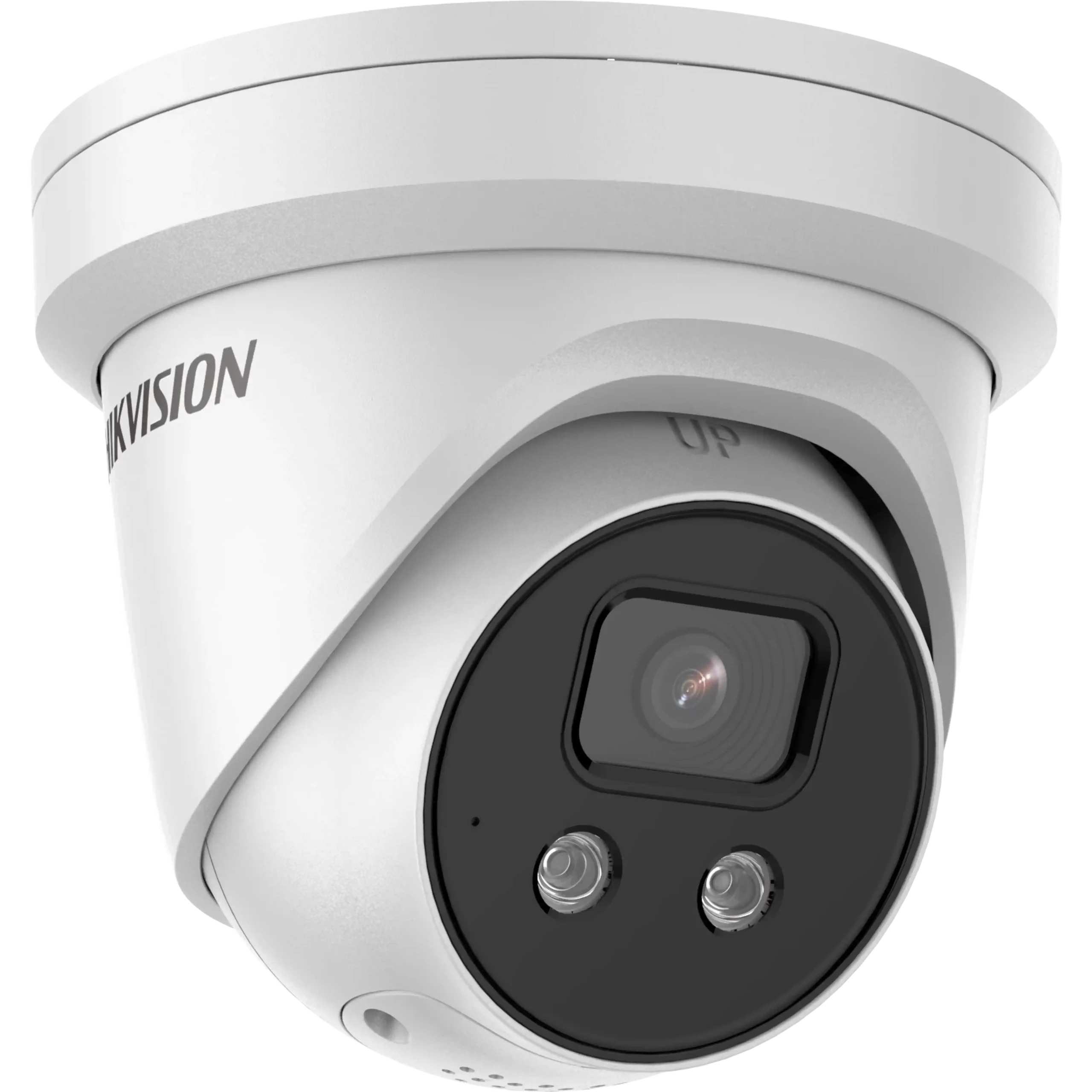
Hikvision 8MP AcuSense Turret 4K — Melbourne Installation
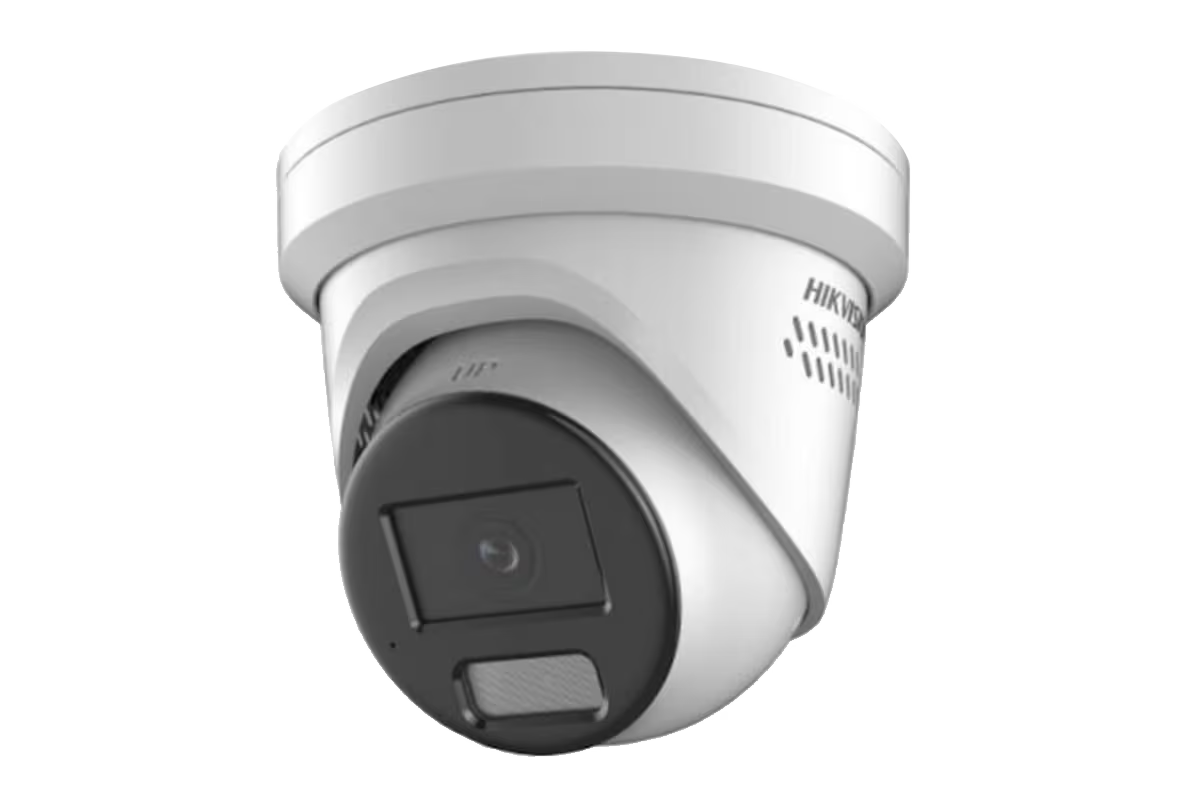
Hikvision Smart Hybrid Light ColorVu Turret — Melbourne
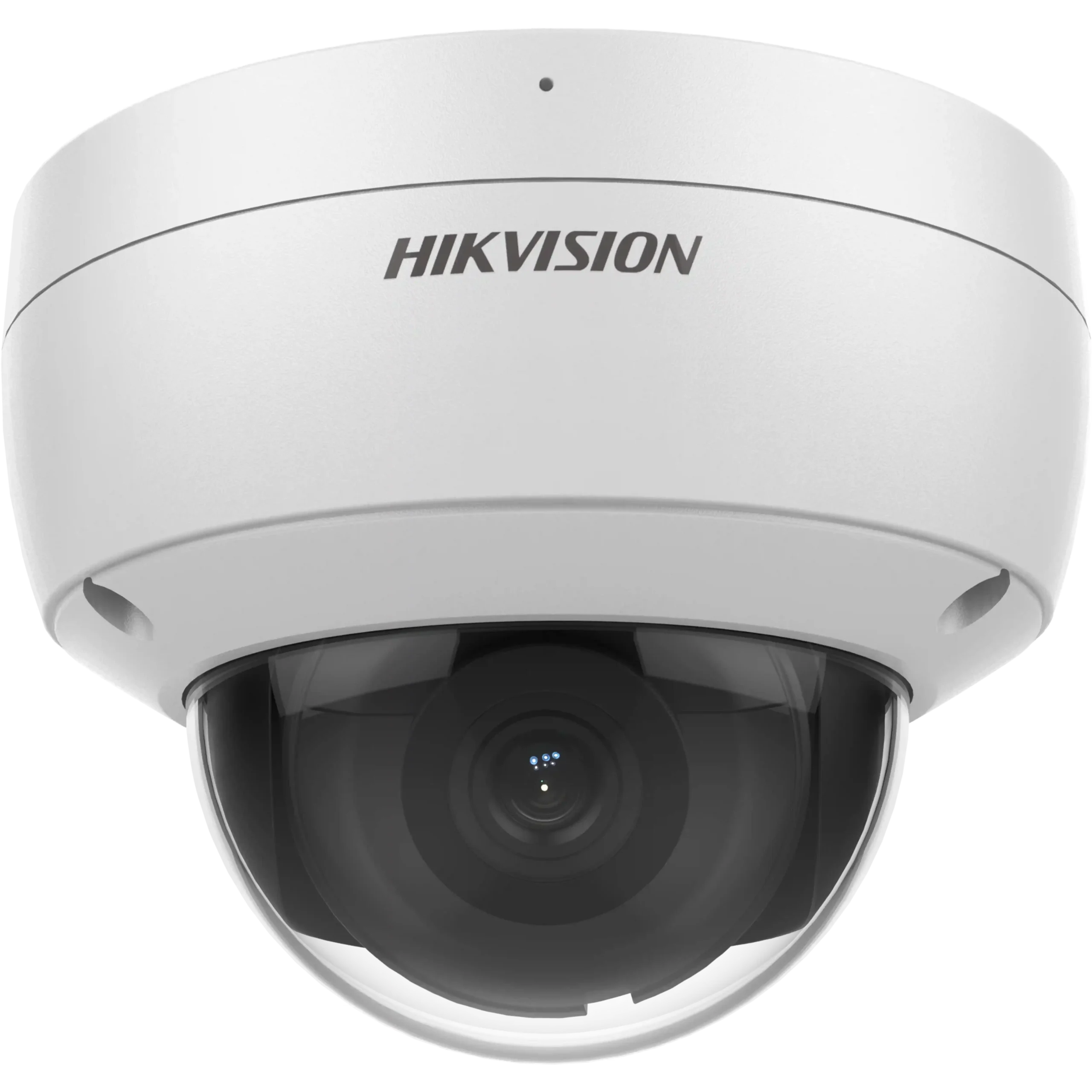
Hikvision 8MP AcuSense Outdoor Dome — Melbourne
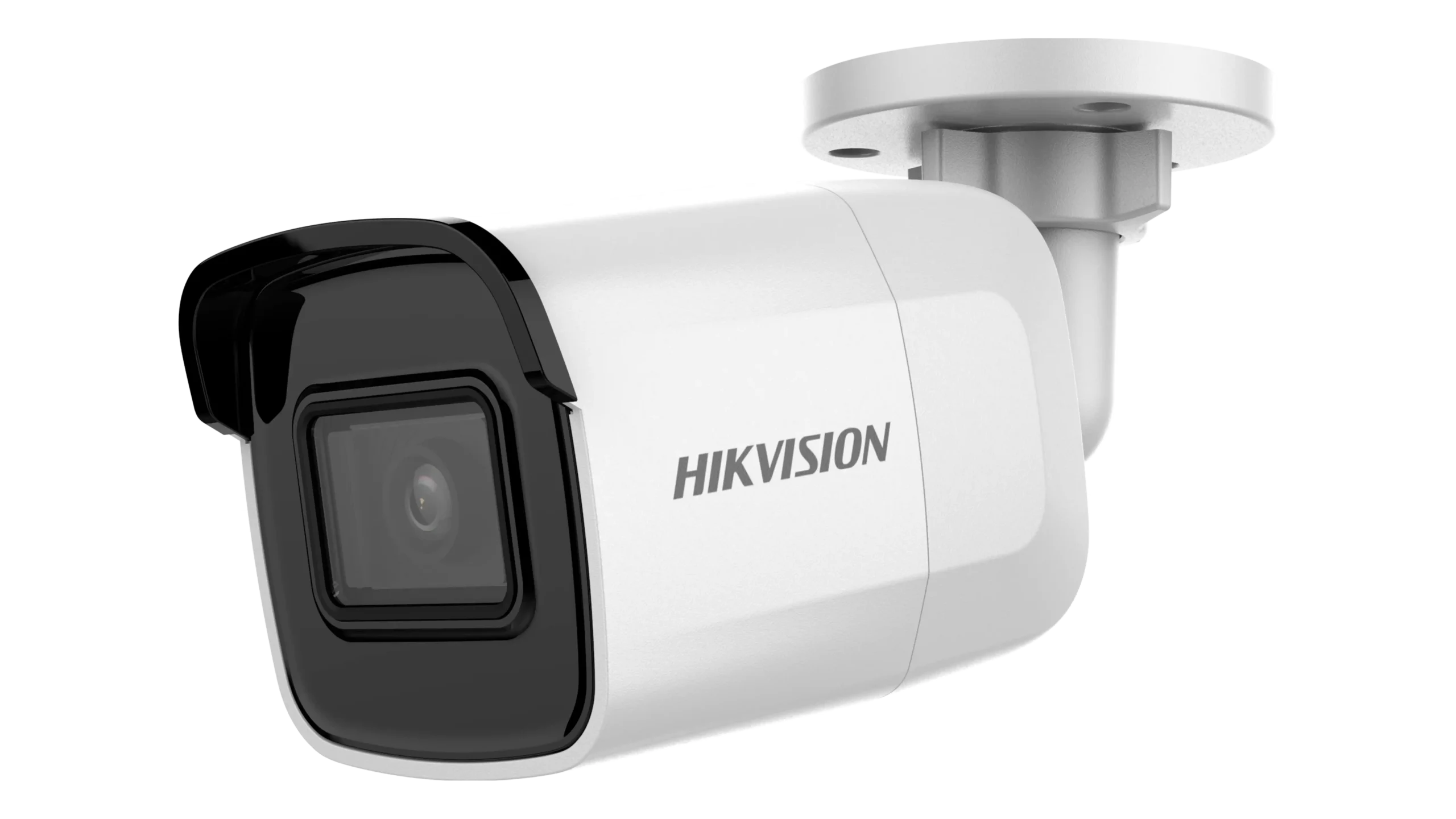
Hikvision 8MP Mini Bullet 30m IR — Melbourne Installation
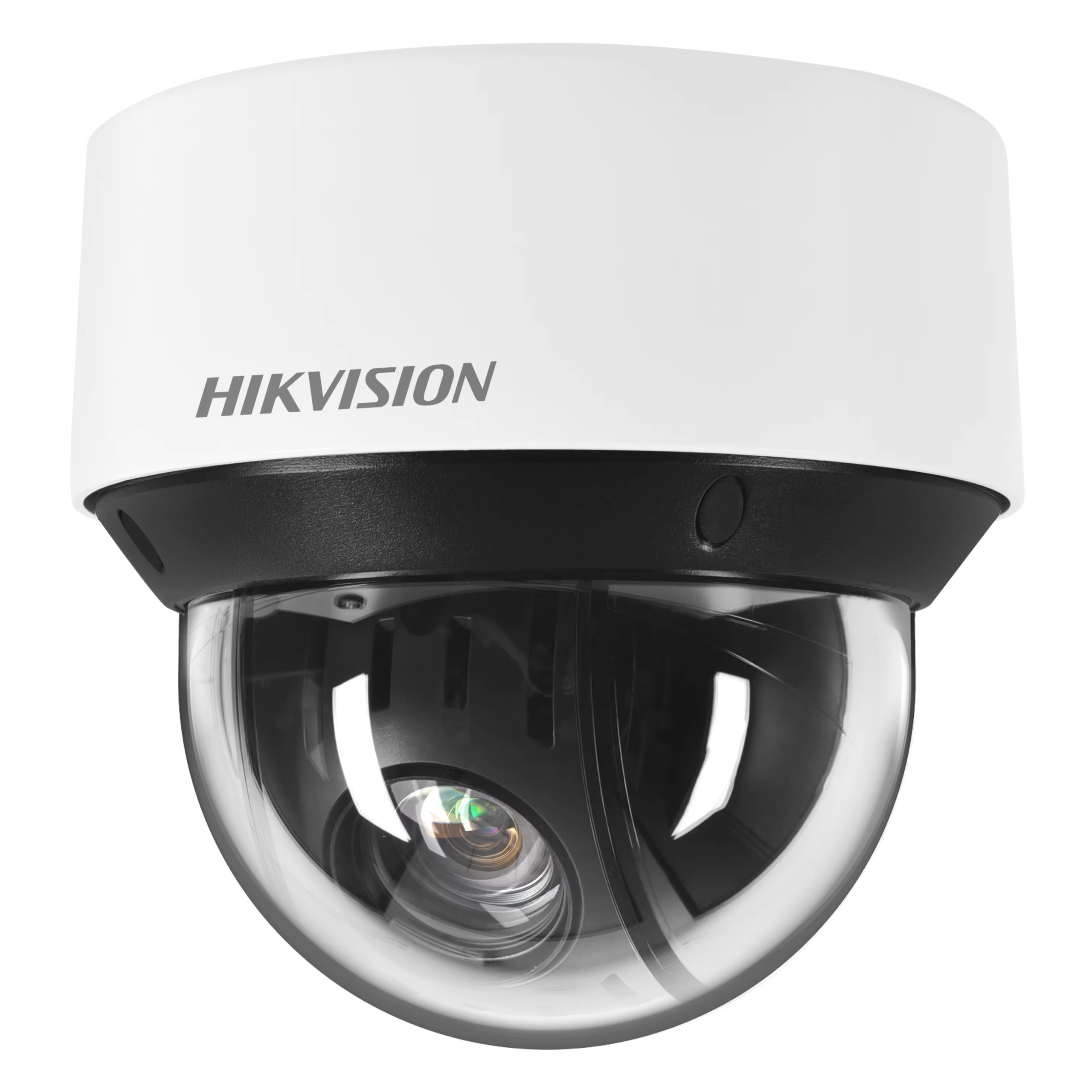
Hikvision Outdoor PTZ Camera — Melbourne Installation
Hikvision ColorVu 3.0 Turret — Melbourne Installation
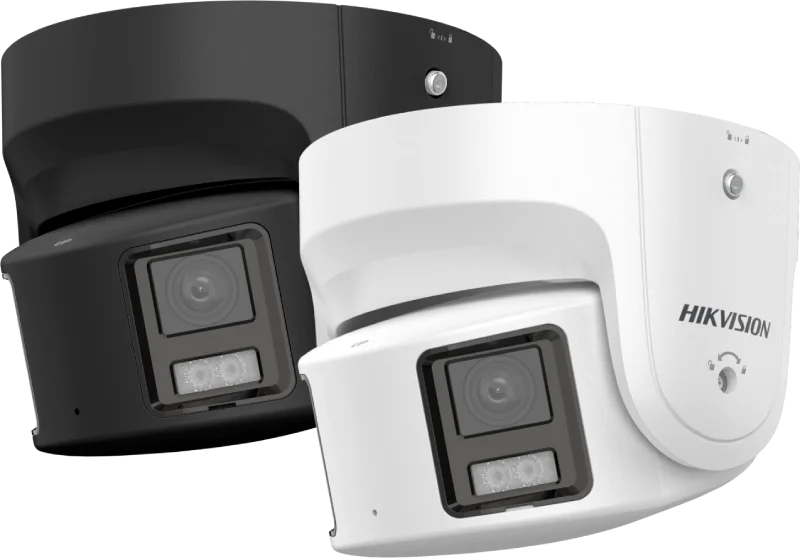
Hikvision 8MP ColorVu Dual Strobe Turret — Melbourne
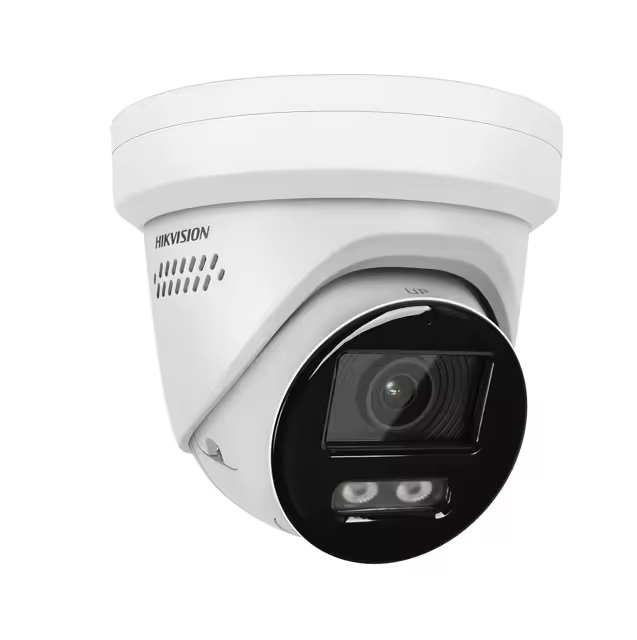
Hikvision DS-2CD3H87G3 8MP — Melbourne Installation
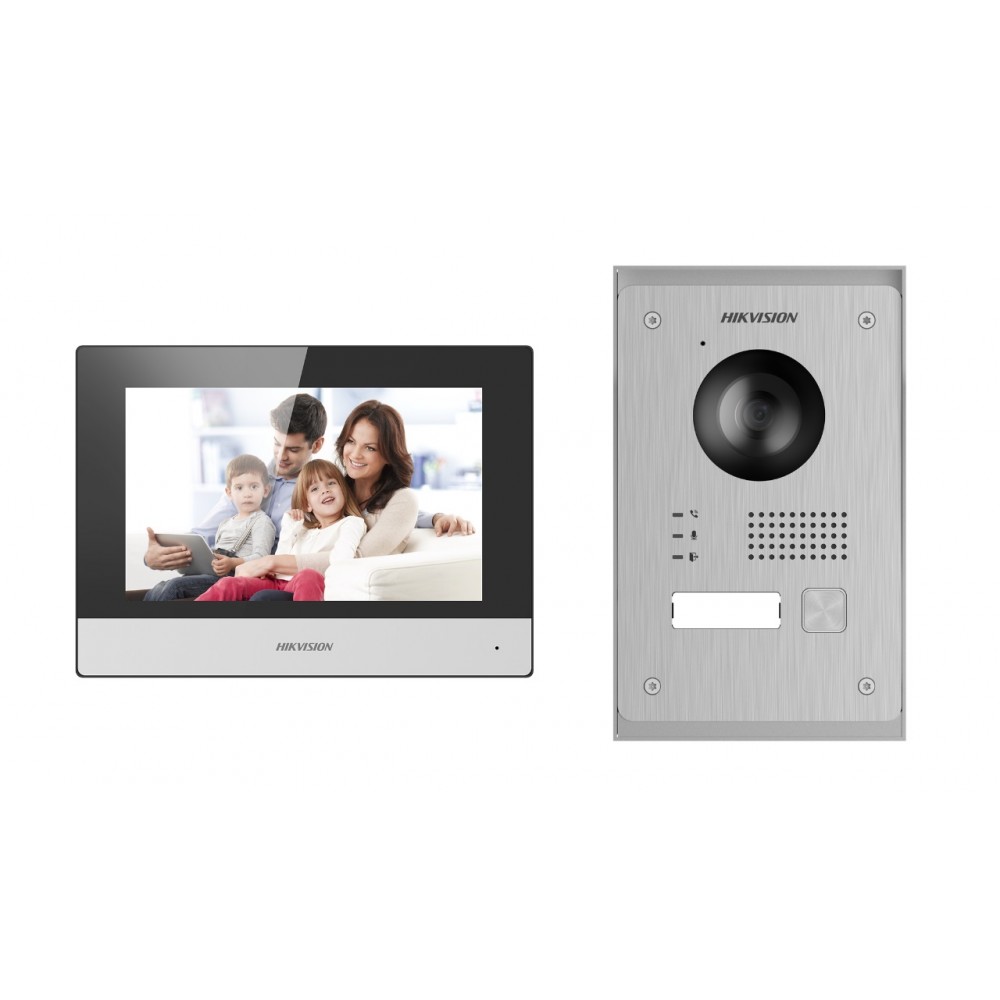
Hikvision DS-KIS703Y-P Video Intercom — Melbourne
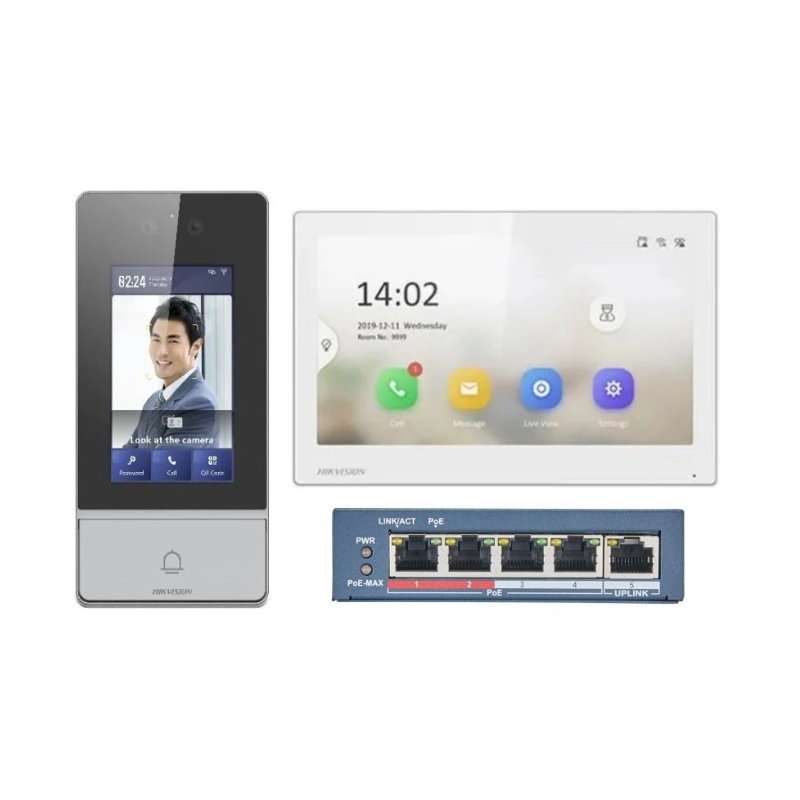
Hikvision DS-KIS901-P Facial Recognition Intercom — Melbourne
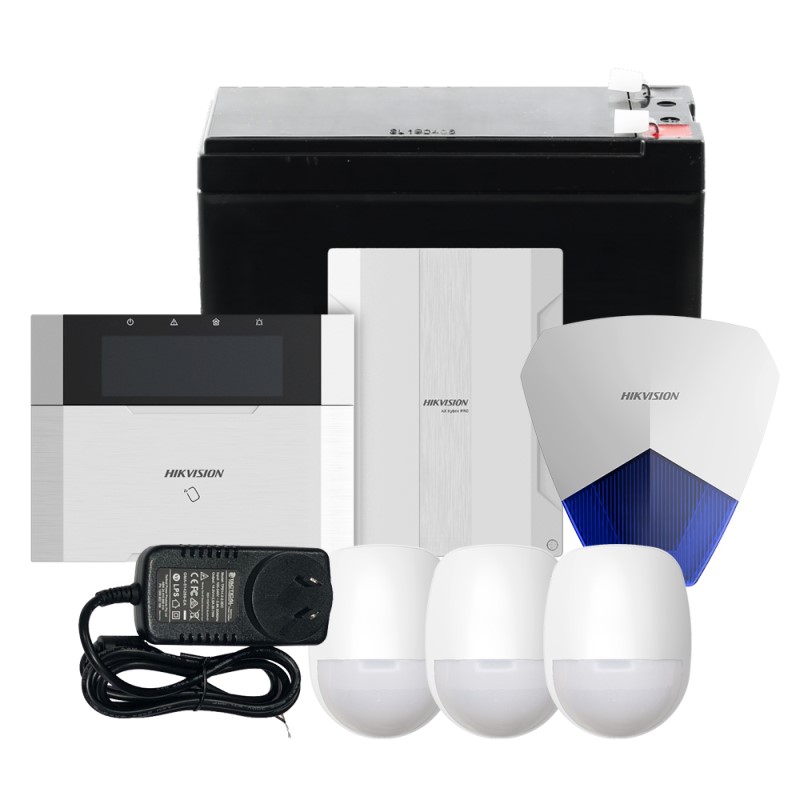
Hikvision KIT-PHA64 AX Hybrid Alarm Kit — Melbourne
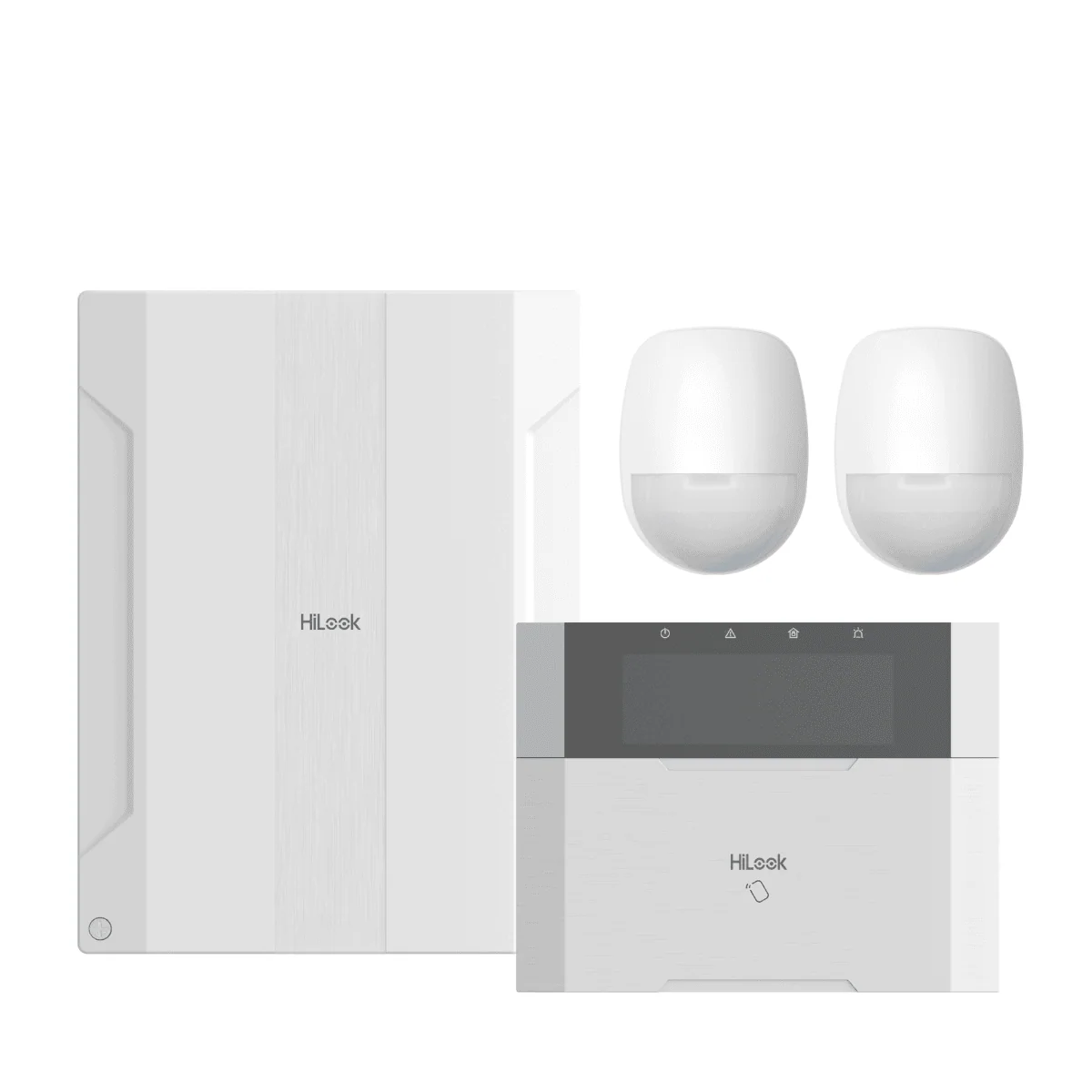
HiLook HA-ALARM-KIT1 AX Hybrid Pro — Melbourne Installation
How Many HiLook Cameras Do I Actually Need in Melbourne?
The right camera count for your HiLook installation in Melbourne depends on your property type, block size, and suburb. This guide breaks it down clearly — no guessing, no overselling.
Camera Count by Property Type
Apartments have limited entry points — you don’t need many, just the right ones. A front door camera is non-negotiable. Balcony or car space? Add one more.
- Front door / entry hallway
- Balcony or sliding door (if accessible from outside)
- Allocated car space or basement garage
Townhouses have a front, rear, and often a side gate — all worth covering. Two storeys means a wide-angle driveway camera and one watching the back courtyard or alley access.
- Front door and driveway
- Rear courtyard / back door
- Side gate or laneway access
- Garage (if separate)
The most common Melbourne home. Full perimeter coverage — front, back, and both sides. A 4-camera PoE system handles most standard blocks. Corner blocks or large yards push it to 6.
- Front door and driveway
- Back yard / rear door
- Left and right side gates
- Garage or shed (if detached)
Corner blocks are higher risk — two street frontages means more exposure. Cover both street sides, the driveway, rear yard, and any side access. Don’t cut corners on a corner block.
- Both street-facing frontages
- Driveway and front gate
- Rear yard and back fence line
- Side access paths (both sides)
Industrial sites need perimeter coverage, loading dock monitoring, internal aisle cameras, and staff entry points. High-res cameras with wide dynamic range handle bright docks and dark interiors.
- All entry and exit points
- Loading docks and roller doors
- Internal aisles and stock areas
- Car park and perimeter fence line
- Server room / office area
Retail needs POS coverage, entrance monitoring, and a rear exit camera. Cafés often add outdoor seating coverage. Footage quality matters here — you need faces, not blobs.
- Front entrance (faces on entry)
- Point of sale / counter area
- Rear exit and stock room
- Outdoor seating or footpath
Melbourne Suburb Guide — What’s Right for Your Area?
Crime rates and property types vary significantly across Melbourne. According to Crime Statistics Victoria, property crime is concentrated in specific corridors. Here’s what we typically recommend by suburb type.
5 Things That Change Your Camera Count
A long, narrow block needs more cameras than a compact square one. Every blind spot is an invitation. If you can’t see it, neither can your NVR.
Count your doors, gates, and windows at ground level. Each one is a potential entry. You don’t need a camera on every window — but every gate and door, yes.
Dark side alleys and unlit car parks need cameras with strong IR night vision or colour night vision. Poor lighting = poor footage = useless evidence.
A home with a boat, caravan, or expensive tools in the shed needs more coverage than a standard house. High-value assets attract attention — cover them.
Some insurers require CCTV as a condition of cover for commercial properties. Check your policy — the right camera count could directly affect your premium. ACCC Insurance Guide.
In strata buildings, common areas like lobbies and car parks are the body corporate’s responsibility. Your cameras should cover your private space — not your neighbour’s.
Not Sure How Many You Need? We’ll Tell You — For Free.
A 30-minute on-site survey across Melbourne metro is all it takes. We walk your property, identify every blind spot, and give you an exact camera count with no obligation.
IR vs Colour Night Vision — Melbourne Explained
Most HiLook cameras default to infrared night vision. Colour night vision is available on selected models and makes a real difference in specific Melbourne environments. Here’s how to choose the right one for your site.
Standard Option
Infrared (IR) Night Vision
IR night vision uses invisible infrared LEDs to illuminate a scene in complete darkness. The camera switches to black-and-white mode automatically when light drops below a threshold. It’s the default on most HiLook cameras and works reliably across Melbourne’s suburban and industrial environments.
Premium Option
Colour Night Vision
Colour night vision cameras use a combination of a larger image sensor, wider aperture lens, and warm-white LEDs to capture full-colour footage in low-light conditions. The result is footage that shows clothing colour, vehicle colour, and skin tone — critical details that IR footage can’t provide.
Night Vision Recommendation by Melbourne Zone
The right night vision technology depends on your suburb’s ambient lighting, property type, and what you need to identify in footage. Here’s our zone-by-zone guide.
Inner City & Streetlit Suburbs
Dense streetlighting provides enough ambient light for colour night vision to perform well. Colour footage is particularly valuable here — high foot traffic means clothing colour and facial detail matter for evidence.
Retail Strips & Commercial Precincts
Well-lit commercial strips are ideal for colour night vision. Shopfront cameras benefit from colour detail — vehicle colour, clothing, and bag identification are all more useful in colour than greyscale IR.
Middle-Ring Suburbs
Mixed lighting — main roads are well lit, but residential side streets and rear yards can be quite dark. A hybrid approach works well: colour on the driveway and front door, IR on the back fence and side gates.
Outer Growth Corridors
Newer estates often have limited streetlighting on residential streets. Large blocks with dark rear yards and side access paths need IR range more than colour retention. IR cameras with 40–60 m range are the practical choice.
Industrial & Warehouse Zones
Industrial sites have large dark perimeters, unlit loading docks, and wide open areas that require long IR range. After-hours activity in complete darkness is the primary concern — IR outperforms colour here.
Bayside & Coastal Suburbs
Coastal fog and salt air affect both camera housings and IR performance. IP67-rated housings are essential. IR range can be reduced in foggy conditions — factor this into camera placement and overlap planning.
How HiLook Night Vision Works in Practice
Understanding the technical side helps you set realistic expectations and position cameras correctly. These are the key factors that affect night vision performance on Melbourne installations.
Smart IR & Auto-Switch
HiLook cameras use a photosensitive switch to transition automatically between colour and IR mode as light levels change. Smart IR adjusts LED intensity to prevent overexposure when subjects move close to the camera.
- Day/night switch threshold configurable in NVR settings
- Smart IR prevents washed-out faces at close range
- Colour cameras switch to IR mode in complete darkness as a fallback
WDR & Low-Light Sensitivity
Wide Dynamic Range (WDR) is critical for Melbourne entry cameras where a bright streetlight or car headlight can silhouette a subject. WDR balances bright and dark areas in the same frame so faces remain visible.
- Enable WDR on all entry and driveway cameras facing streetlights
- Low-light sensitivity rated in lux — lower is better for dark environments
- 0.005 lux or lower recommended for unlit outdoor areas
Mounting Height & IR Angle
Mounting height directly affects IR coverage angle and face capture quality. Too high and the IR beam misses faces; too low and the camera is vulnerable to tampering. The sweet spot for residential Melbourne installs is 2.6–3.2 m.
- 2.6–3.2 m mounting height for residential entry cameras
- Tilt angle should direct IR beam toward the subject , not the ground in front of it
- Avoid mounting directly above a light source — IR reflection causes glare
Weather & Environmental Factors
Melbourne’s weather — coastal fog, heavy rain, and temperature swings — affects night vision performance. Proper housing selection and installation technique minimise these impacts.
- IP67-rated housings essential for all outdoor cameras in Melbourne
- Coastal fog can reduce effective IR range by 30–40% — increase camera overlap
- Clean IR windows quarterly — dust and spider webs cause IR scatter and glare
- Junction boxes prevent moisture ingress at cable terminations
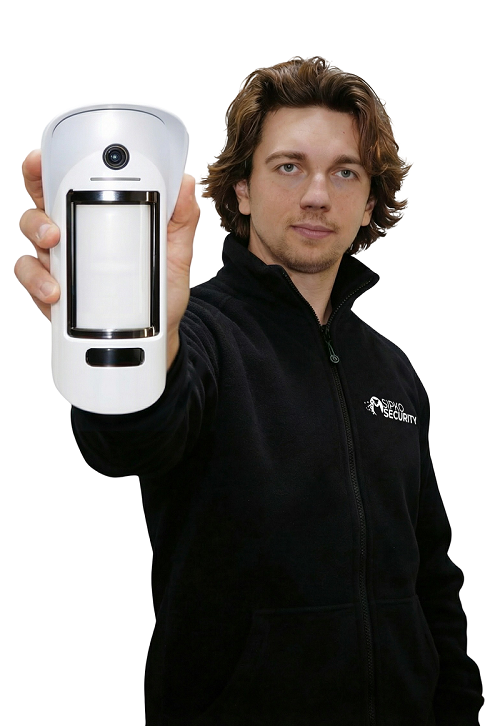
We assess ambient lighting, mounting positions, and coverage requirements on every Melbourne site survey — and recommend the right technology for each camera position, not a one-size-fits-all spec.
HiLook Camera Installation in Melbourne: Your Questions Answered
The most common questions from Melbourne homeowners and businesses before booking a HiLook camera installation. Straight answers, no fluff.
A 4-camera PoE system starts from around $1,490 inc. GST for a standard residential install — this includes hardware, cabling, NVR configuration, app setup, and a 3-year workmanship warranty. An 8-camera system typically starts from $2,690 inc. GST.
Final pricing depends on site conditions, cable run lengths, mounting complexity, and the specific hardware selected. We provide a written quote after a free on-site survey — no obligation.
Yes — for most Melbourne homes, townhouses, small retail shops, cafés, and small warehouses, HiLook delivers everything you actually need. It uses the same image sensors and build quality as Hikvision, at a lower price point, by leaving out advanced analytics and deep VMS integration that most small sites don’t use.
If you need AI-based detection, licence plate recognition, or integration with access control systems, Hikvision is the better fit. For straightforward wired coverage with app access, HiLook is the right call.
Yes — HiLook NVRs record locally to a hard drive 24/7 regardless of internet connectivity. Your footage is always stored on-site and doesn’t depend on a cloud subscription.
Remote viewing is available via the Hik-Connect app on iOS and Android. We configure this at commissioning using either the vendor cloud relay or a securely scoped port forward — never with default credentials or open ports.
Retention depends on the number of cameras, recording resolution, frame rate, and HDD size. As a general guide:
- 4 cameras × 4 MP @ 15 fps on a 1 TB HDD — approximately 7–10 days continuous
- 8 cameras × 4 MP @ 15 fps on a 2 TB HDD — approximately 7–10 days continuous
- Motion-triggered recording can extend retention to 20–30+ days on the same hardware
We configure retention schedules at commissioning and prioritise longer retention on high-value channels like entries and loading bays. Upgrading to a 4 TB or 6 TB HDD is a straightforward way to extend retention without changing cameras.
Yes. Most HiLook cameras include built-in infrared (IR) LEDs that illuminate a scene in complete darkness, switching automatically to black-and-white mode when light drops below a threshold. Effective IR range is typically 30–60 m depending on the model.
Selected HiLook models also support colour night vision, which uses warm-white LEDs and a wider aperture lens to retain full colour in low-light conditions. Colour night vision is particularly useful on lit driveways, shopfronts, and entry points where clothing colour and vehicle colour matter for evidence.
Yes — provided spare NVR channels and PoE ports are available. We recommend installing slack cable and junction boxes at potential future camera positions during the initial install, which makes adding cameras later a straightforward job rather than a full re-cable.
If you start with a 4-channel NVR and want to expand beyond 4 cameras, you’ll need to upgrade to an 8-channel NVR. We can advise on the right starting point based on your likely future requirements.
HiLook outdoor cameras carry IP66 or IP67 weather ratings, meaning they’re sealed against dust ingress and protected against heavy rain and water jets. They’re designed for permanent outdoor installation and handle Melbourne’s variable climate — including summer heat, coastal humidity, and winter rain — without issue.
For coastal suburbs like Williamstown, Altona, and Port Melbourne, we use UV-rated conduit on all external cable runs and junction boxes at every outdoor termination to prevent salt air and moisture ingress over time.
In Victoria, security equipment installers are required to hold a current security licence issued by Victoria Police Licensing & Regulation Division. SIPKO Security holds all required licences for commercial and residential CCTV installation across Melbourne.
For camera placement, you should avoid capturing areas where people have a reasonable expectation of privacy — such as neighbouring properties, bathrooms, or change rooms. Signage is recommended for commercial installations. We advise on compliant camera angles as part of every site survey.