

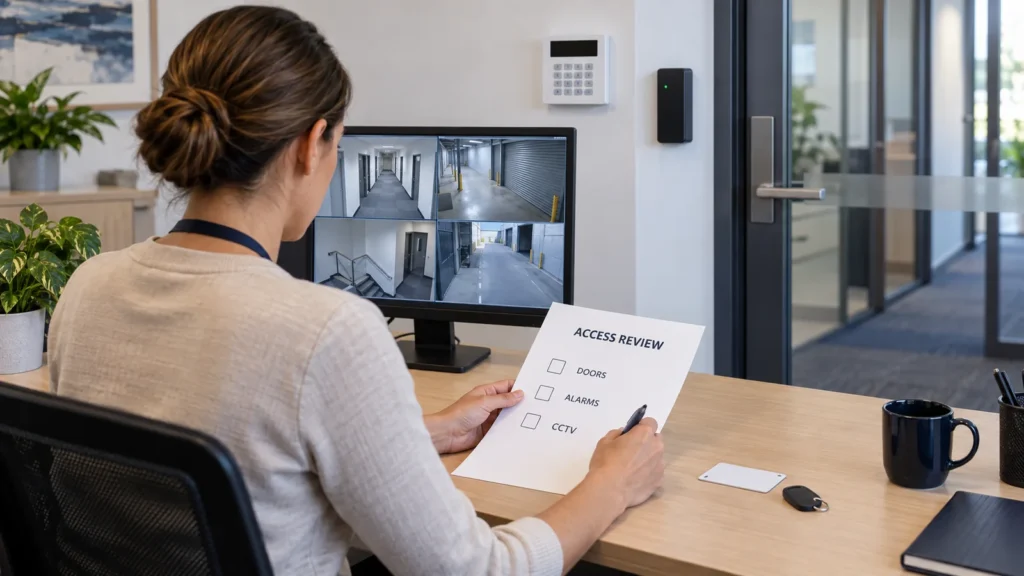
When an employee leaves, review their access to doors, alarms, CCTV and the accounts that control them. Disabling the front-door card is only one part of the job. A phone may still disarm the alarm, open a gate or download recordings after that card stops working.
For a Melbourne office, shop or warehouse, the aim is straightforward: remove access that is no longer authorised while keeping the business’s security systems working. Forgotten permissions usually reflect an incomplete handover, not malicious intent.
For door security systems for offices, the handover should identify each card, fob or entry code that needs to be revoked while preserving access for authorised staff.
Check every security layer, assign someone to remove access and verify the result. The same approach applies when a contractor, site manager or external service provider finishes.
Start with an access list and an agreed removal time
List the premises, systems and accounts the person used, including other branches and shared building facilities. Ask the manager, IT contact and security administrator to compare their records. A payroll or email-account change does not establish that separate security access has ended.
For a gym access control system, include departing trainers, cleaners and expired member credentials in the review, then confirm that the intended doors no longer accept the revoked credential.
Coordinate removal with the organisation’s offboarding process so credentials do not remain active unnecessarily. Agree who authorises the change, when it takes effect and who handles any remaining access needed for an approved handover.
The Australian Cyber Security Centre’s system-access guidance recommends removing or suspending access when there is no longer a legitimate requirement. Treat that as a security-planning principle, not employment-law advice about when a dismissal or departure should occur.
Confirm that an authorised replacement administrator can sign in before removing the only working administrator. Arrange this promptly; an ownership problem should have a named person resolving it rather than an indefinite exception.
Remove door, gate and intercom credentials
Review the access-control user profile and every credential assigned to it. Depending on the platform, these may include cards, fobs, PINs and credentials stored on a phone. Check door groups, restricted rooms, after-hours schedules and permissions at other sites.
For dental practice access control, review treatment-room and stockroom credentials alongside alarm codes and CCTV accounts whenever a staff member or contractor leaves.
For hotel CCTV and access control systems, review housekeeping, reception and contractor permissions across both door credentials and recording access; removing a room key does not remove a separate CCTV login.
For organisations with changing clergy, volunteers or hall users, access control systems for churches and synagogues should make it practical to revoke individual permissions without disrupting authorised access.
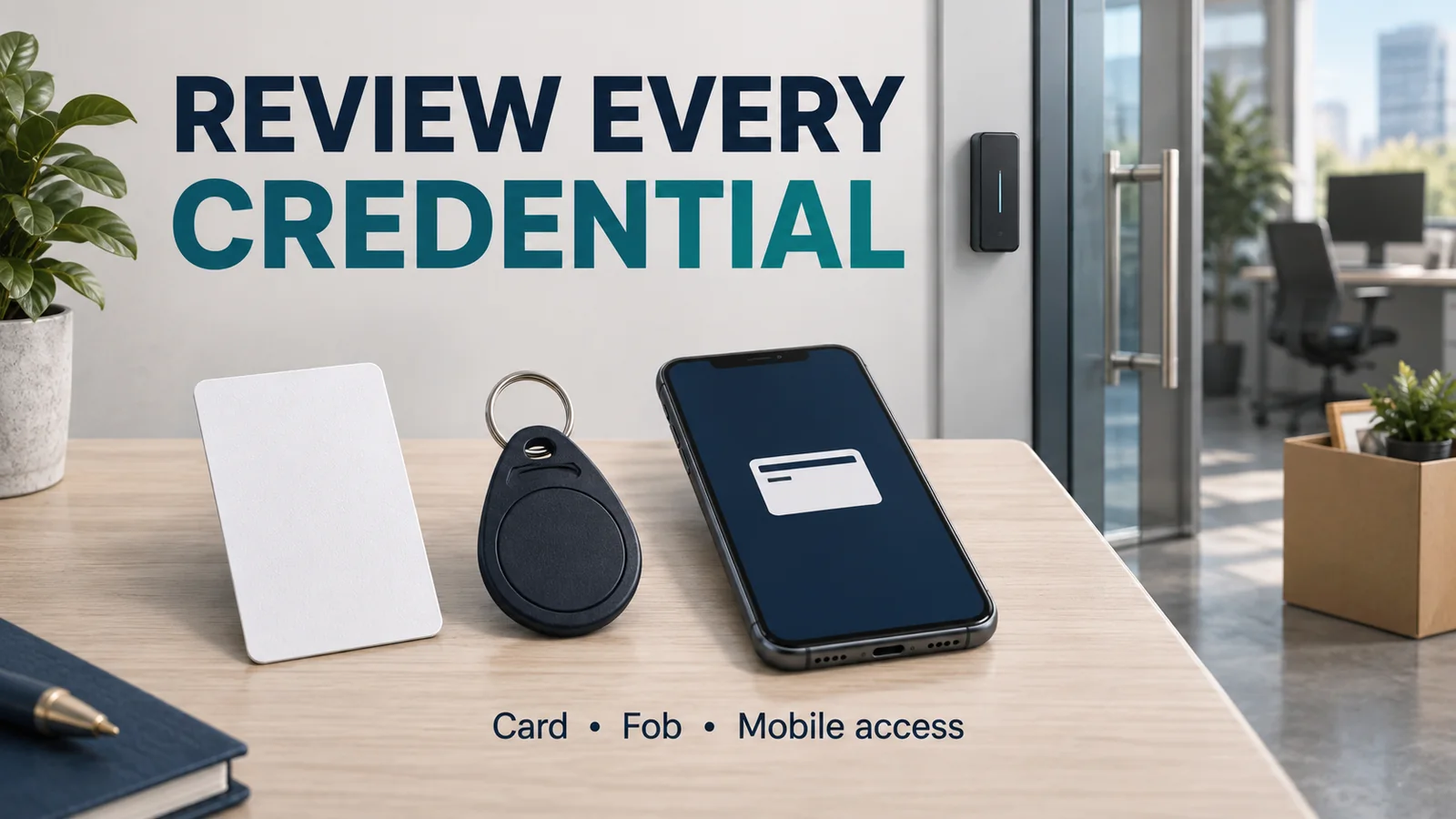
Use the system’s supported disable or revoke function. Confirm whether removing the user also cancels each credential, and whether changes have reached the relevant door controllers or offline locks. Do not assume one screen updates every entrance immediately.
Check gate remotes, shared entry codes, intercom app invitations and any phone number authorised to release an entrance. For leased or strata premises, the building manager may control common-area access separately from the tenant’s system.
Recover physical keys. If a key is missing or copies cannot be accounted for, discuss rekeying with the responsible manager and locksmith. Software changes cannot invalidate an ordinary mechanical key.
Remove alarm codes and app access separately
Identify the person’s alarm user number or profile, keypad code, remote controls and app permissions. Check which partitions or areas they could arm or disarm, including after-hours access and any master or administrator rights.
For an Ajax alarm, also review the installer and company accounts listed in the app. Our guide can your Ajax installer arm or disarm your alarm remotely explains which rights to check.
Remove their individual access using the correct procedure for the panel and connected app. Where applicable, review associated duress credentials with the installer; do not experiment by entering a duress code to see whether it works.
For a staff duress system, review named alert recipients and the monitoring contact list when roles change, and arrange any required test through the authorised provider.
Update notification recipients and the monitoring provider’s keyholder or contact list. If the person knew a monitoring verification password, ask the provider how it should be changed. A panel-user change may not update the monitoring company’s records.
For CCTV systems for bars, a staff change should also trigger a review of playback, export and manager permissions so former employees cannot retain access to venue recordings.
Arrange any necessary testing with the monitoring provider and confirm that authorised staff can still operate the system. Avoid creating an accidental alarm response during a routine handover.
For help with staff codes, app permissions and monitoring setup, see SIPKO’s commercial alarm service in Melbourne.
Check every route into CCTV
Review accounts on the network or digital video recorder (NVR/DVR), video management software (VMS), cloud portal and mobile app. Include browser access, local console logins and direct camera accounts where these are used.
Check what each account permits. These are different capabilities, even when a particular system groups them together:
- Live view: watching current camera images.
- Playback: reviewing previously recorded footage.
- Export: downloading or copying clips.
- Configuration: changing recording, camera, network or notification settings.
- Administration: managing users, permissions and system ownership.
Revoke the person’s account or site access wherever it was granted. A shared cloud invitation and a recorder password may provide separate routes. Removing one does not prove that the other has stopped working.
Use supported session-revocation or device-sign-out controls where available, and verify their effect. Deleting an app from a handset is not a substitute for removing its underlying access. Account deletion, password changes and existing sessions behave differently across platforms.
Give shared codes and passwords their own checklist
If the person knew a shared alarm PIN, NVR administrator password, gate code or generic “manager” login, disabling their personal account is insufficient. Change the relevant shared credential and distribute the replacement only to authorised users.
The ACSC’s small-business guidance recommends individual accounts where possible and changing shared login details when staff leave. Named accounts also make future access reviews easier.
Plan the change so remaining staff and approved integrations continue working. A saved recorder password may also be used by an authorised viewing workstation. Have IT or the installer identify these dependencies and test them afterwards.
Use a business-approved password manager with controlled sharing for passwords, rather than an open spreadsheet, group chat or printed list beside the keypad. For numeric alarm or gate codes, follow the system’s supported requirements and distribute them securely.
Close remote access and secure account recovery
Ask IT to check any VPN, remote-desktop account or remote-support tool used to administer security equipment. Review vendor and service portals too. Removing building access does not remove a separate remote login.
Check recovery email addresses, phone numbers, enrolled authenticators and backup recovery codes on business-owned accounts. Transfer authorised recovery control and remove the former user’s methods through the provider’s process. Do not leave the business dependent on their personal phone.
Keep multi-factor authentication (MFA) enabled where supported. The ACSC’s account-security guidance supports MFA and restricting access to what users need. A departure is a reason to replace an enrolled method, not leave protection switched off.
Browser-saved credentials or an app on a personal phone may remain outside the business’s control. Revoke access at the system or service. Do not try to inspect a former employee’s personal device or account without appropriate authority.
Review administrator access without disrupting the system
Someone who administered security may have managed users, credentials, exports, recording schedules or remote connections. Review privileged accounts and shared secrets they could use, including accounts created for installers or contractors.
If integrations use service accounts or API credentials, have the responsible technician identify their purpose before changing them. Rotate exposed credentials through a planned process and verify that recording, alarms and authorised access still work. Do not delete an unfamiliar account blindly.
Confirm business ownership of cloud sites and subscriptions where relevant. If ownership sits with the departing person’s account, use the vendor’s supported transfer or recovery process. Record unresolved items and any temporary controls.
Recover issued items and protect recorded information
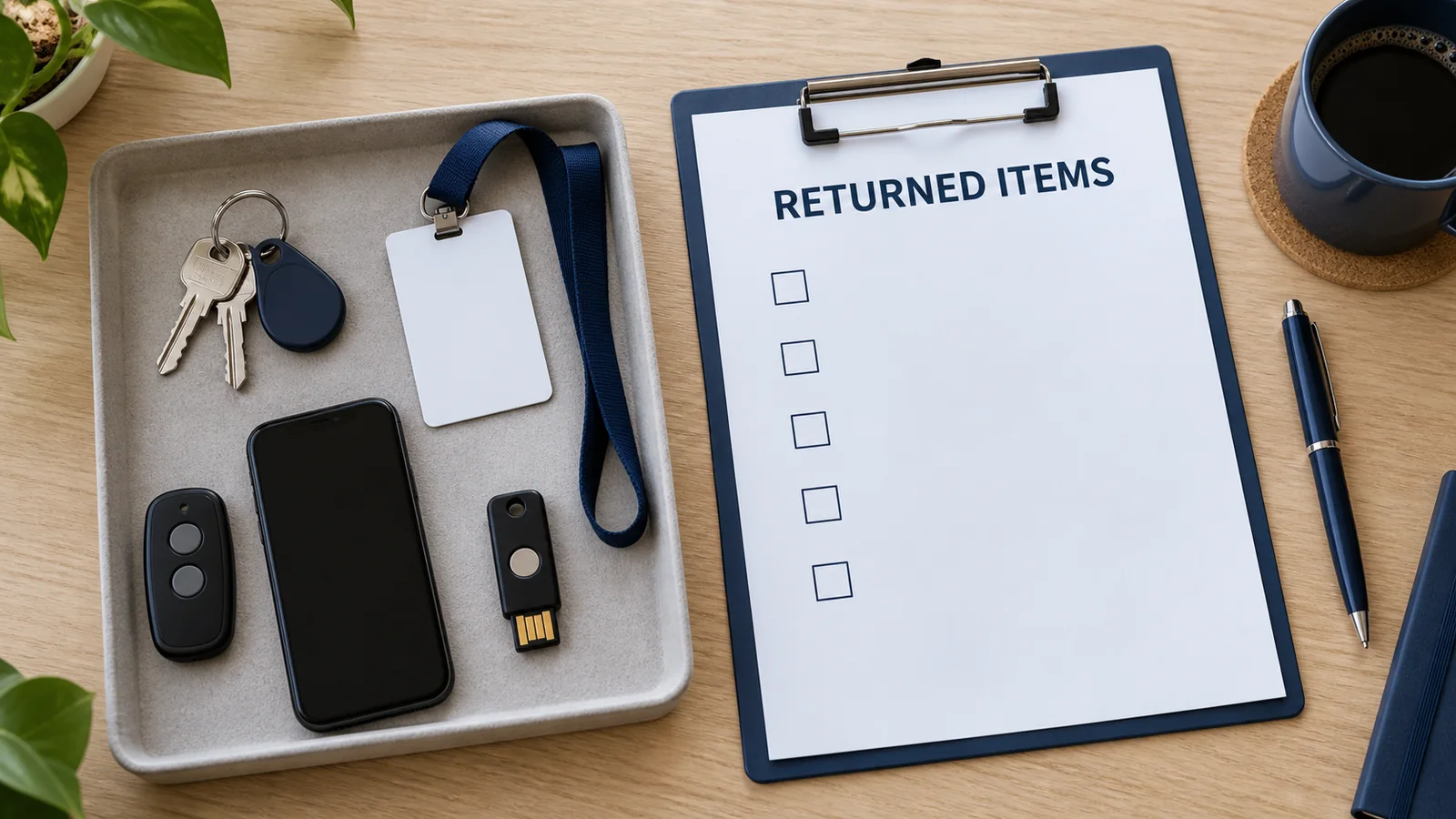
Collect keys, cards, fobs, gate and alarm remotes, company phones or tablets, hardware authenticators and issued site maps or code lists. Mobile credentials need software revocation as well as any device recovery. Returning a token does not replace disabling it.
Remove unnecessary access to historic footage as well as live cameras. Revoking access does not retrieve clips already exported or erase copies automatically. Handle business recordings on issued devices through the organisation’s authorised return and information-handling process.
The OAIC explains that identifiable CCTV information can attract Privacy Act obligations where the organisation is covered. Coverage and exemptions depend on the business and circumstances; not every Australian employer is covered identically. Its information-security guidance supports limiting access to people who need it.
Removing someone’s viewing rights is separate from deleting footage. Preserve recordings required for incidents or applicable obligations, and follow the business’s retention policy. Seek appropriate advice if ownership, privacy or evidence requirements are unclear.
Verify and document what was removed
Record the systems checked, person making each change, date and time, credentials revoked, shared secrets changed, items recovered and outstanding actions. Record credential identifiers where needed, not the new passwords or PINs themselves.
Check that changes took effect across relevant sites and devices. Where available, system audit logs can help verify changes and identify unexpected activity; logging and retention differ between systems. Arrange controlled checks through an authorised administrator without triggering alarms or borrowing a former employee’s personal login.
Verify the business can still arm, disarm, record, play back footage and receive required notifications. Mark each outstanding item with an owner and deadline rather than treating the whole job as complete.
A manager’s security-access offboarding checklist
- Doors: revoke cards, fobs, mobile credentials and PINs; check other sites, gate and intercom access.
- Alarms: remove personal users and app access; review elevated permissions and monitoring contacts.
- CCTV: revoke recorder, VMS and cloud access; check playback, export, administrator and remote permissions.
- Shared access: change known shared credentials and update authorised users and dependencies.
- Recovery: confirm business-controlled administration, recovery details and MFA methods.
- Physical items: recover issued keys, remotes, devices and tokens; address anything missing.
- Completion: verify removal and continuing operation; record outstanding items and responsibility.
Common omissions that justify a wider review
The frequent gaps are simple: a returned fob left active, a CCTV app forgotten after the door card is disabled, an unchanged shared password or an old manager still receiving monitoring calls.
A broader review is sensible when nobody knows all current users, administrator ownership is unclear, old contractor accounts have accumulated or logs show unexpected access. Treat this as normal account housekeeping. If activity suggests an incident, preserve relevant records and involve the responsible IT or security contact.
FAQ
Is disabling the access card enough when an employee leaves?
No. Check alarm users, CCTV accounts, mobile credentials, gate access, remote connections and shared codes separately. Integrated systems may link some permissions, but confirm what actually changes.
Should every alarm code be changed?
Not necessarily. An individual user code may be removable on its own. Change a shared code the person knew, and review any master or other credentials they could use. The procedure depends on the panel.
How do I remove a former employee from CCTV access?
Identify whether access comes through the recorder, VMS, cloud sharing or a shared login. Revoke each applicable route and check existing sessions using the platform’s supported controls. Ask the installer if account ownership is unclear.
Does removing CCTV access delete old recordings?
Access removal and footage retention are separate tasks. Preserve required recordings and check platform behaviour before deleting accounts. Previously exported copies need separate handling.
What if the former employee was the only administrator?
Arrange authorised recovery or ownership transfer with the installer or vendor. Establish business-controlled administration and recovery, then review their remaining access. Avoid a factory reset as a shortcut; it may disrupt configuration or access to recordings.
Finish with a confirmed handover
A completed offboarding record should show which access ended, what still works and who owns any unresolved issue. That is more useful than a general assurance that the keys were returned.
For Melbourne commercial premises, SIPKO Security can help review security-system users and coordinate panel or CCTV changes with the business’s authorised manager and IT contact. Bring the system list and current administrator details so the review starts with the access that actually exists.



