
Ajax Security Systems Installation in Mornington Peninsula
SIPKO Security installs Ajax alarm and security systems for homes, holiday houses, shops, offices, garages and larger properties across the Mornington Peninsula. The setup is planned around real entry points, hub location, signal strength, app users and how the property is used.
For a Mornington Peninsula property, SIPKO Security can assess the site, recommend an Ajax device layout, install the hub, detectors, sirens and keypad, configure the Ajax app, test the system and explain self-monitoring, video verification or professional monitoring options.
Ajax alarm installation
Clean wireless alarm installation with device placement, signal checks, user permissions, app setup and handover. See the Melbourne-wide Ajax alarm installation service for broader installation details.
Designed for local property conditions
Peninsula homes can include detached garages, side gates, sloped blocks, holiday occupancy and uneven internet coverage. These details affect hub location, detector choice and notification setup.
Alarms, verification and cameras
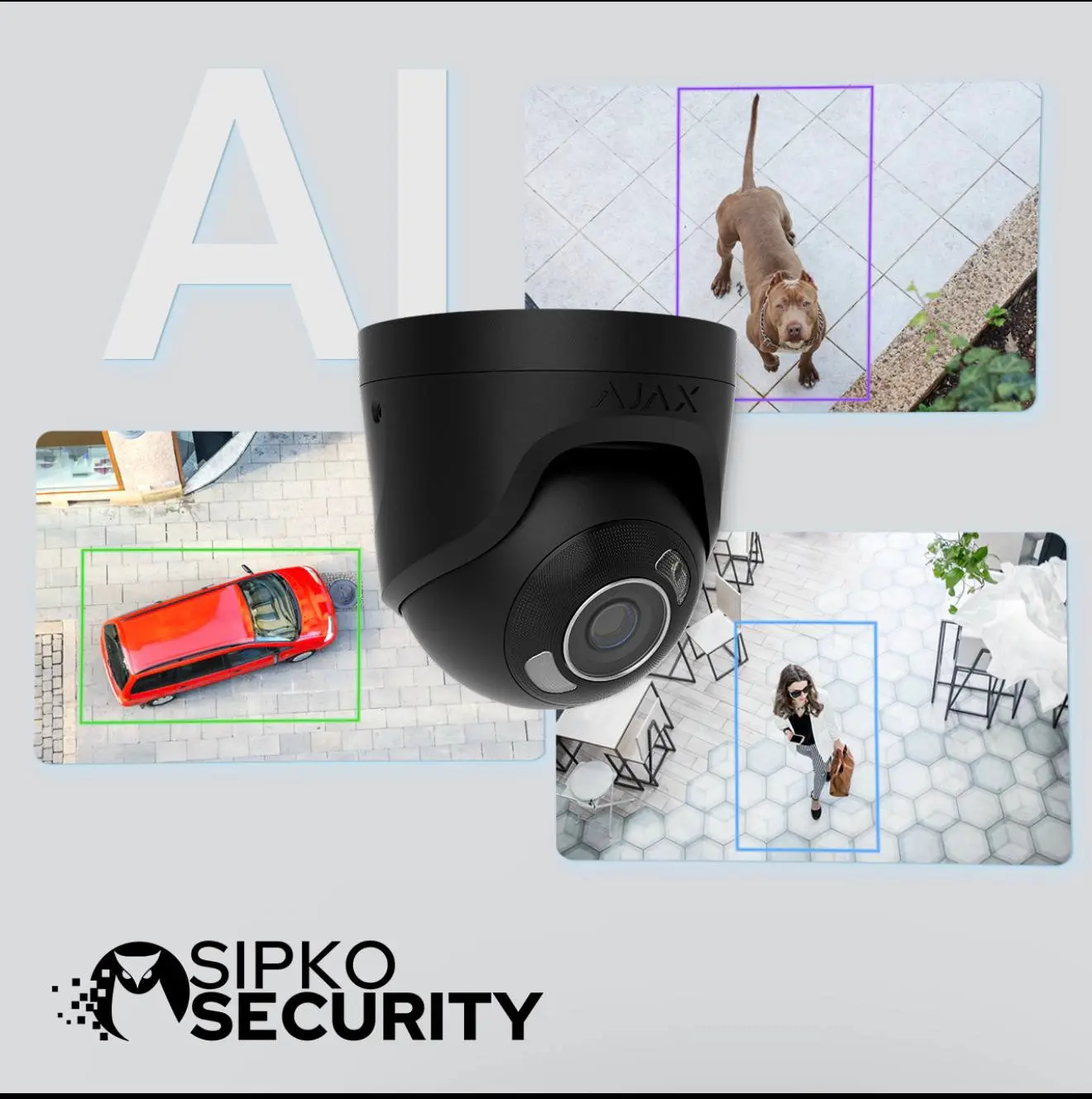
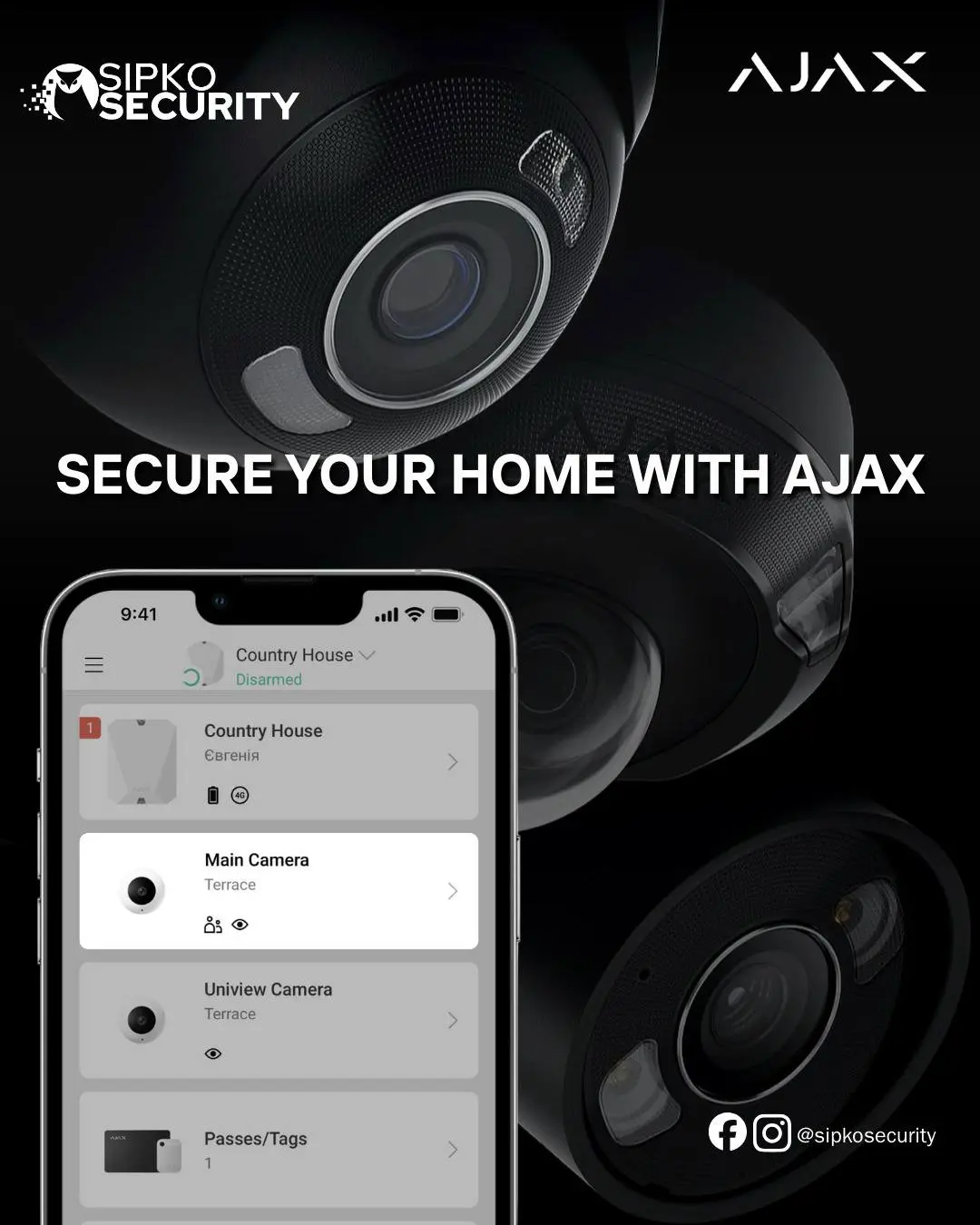
Your Ajax setup can include intrusion detection, sirens, keypad control, photo verification and compatible security camera or NVR workflows where suitable.
Schedule Your Site Visit
Call 0406 432 691 or complete the form below.
Certification, Licensing and Clear Responsibility
Ajax installation should be completed by a technician who understands detector placement, signal testing, app configuration and customer handover. SIPKO Security displays Ajax certification information and explains who performs the installation, who provides monitoring if selected, and what support is available after handover.
Before approving security work
- Ask who will install and configure the Ajax system.
- Check whether monitoring is self-managed or provided by a monitoring provider.
- Where applicable, verify Victorian private security licence or registration details using the Victoria Police public register.
Why Ajax Needs a Local Layout for Mornington Peninsula
A good Ajax installation is not only a list of devices. On the Mornington Peninsula, a security plan may need to account for side gates, coastal buildings, guest access, detached garages, holiday vacancy periods, staff access, rental use and internet backup.
What SIPKO checks before installation
- Main doors, sliding doors, rear access, garage access and side paths.
- Hub location, Jeweller signal level and possible range extender needs.
- Who needs app access, temporary access or separate arming groups.
- Whether photo verification, security cameras or professional monitoring should be added.
What an Ajax Security Installation Can Include
Each property is different, but these are the common parts of an Ajax alarm and security system setup.
Wireless detectors
Motion detectors, door contacts, glass break detection and other Ajax devices selected for the room, access point and use case.
Hub and signal checks
Hub placement, device pairing, radio signal testing and backup channel review before the system is handed over.
Ajax app setup
Users, permissions, notifications, entry delays, arming groups and basic owner training inside the Ajax app.
Video verification
Photo verification devices, Ajax cameras, NVRs or compatible security camera workflows where visual review is required.
Sirens and alerts
Indoor or outdoor sirens, event alerts and entry delay logic configured for practical use rather than unnecessary false alarms.
Fire, CO and leak devices
Life-safety and water leak devices can be added where suitable, with placement explained during the site visit.
Tamper and health events
Device status, tamper events, low battery alerts and other system events are explained so the owner knows what to check.
Upgrade or expansion
Existing alarm replacement, added sensors, garage coverage, outdoor detection or camera integration can be planned as a staged upgrade.
Need an Ajax Layout for a Peninsula Property?
Send your suburb, property type and main entry points. SIPKO Security will recommend a practical Ajax setup for your home, holiday house or business.
Ajax Package Examples
These packages are starting points, not fixed recommendations. Device choice and quantities should be confirmed after a site assessment.
Silver Basic Package
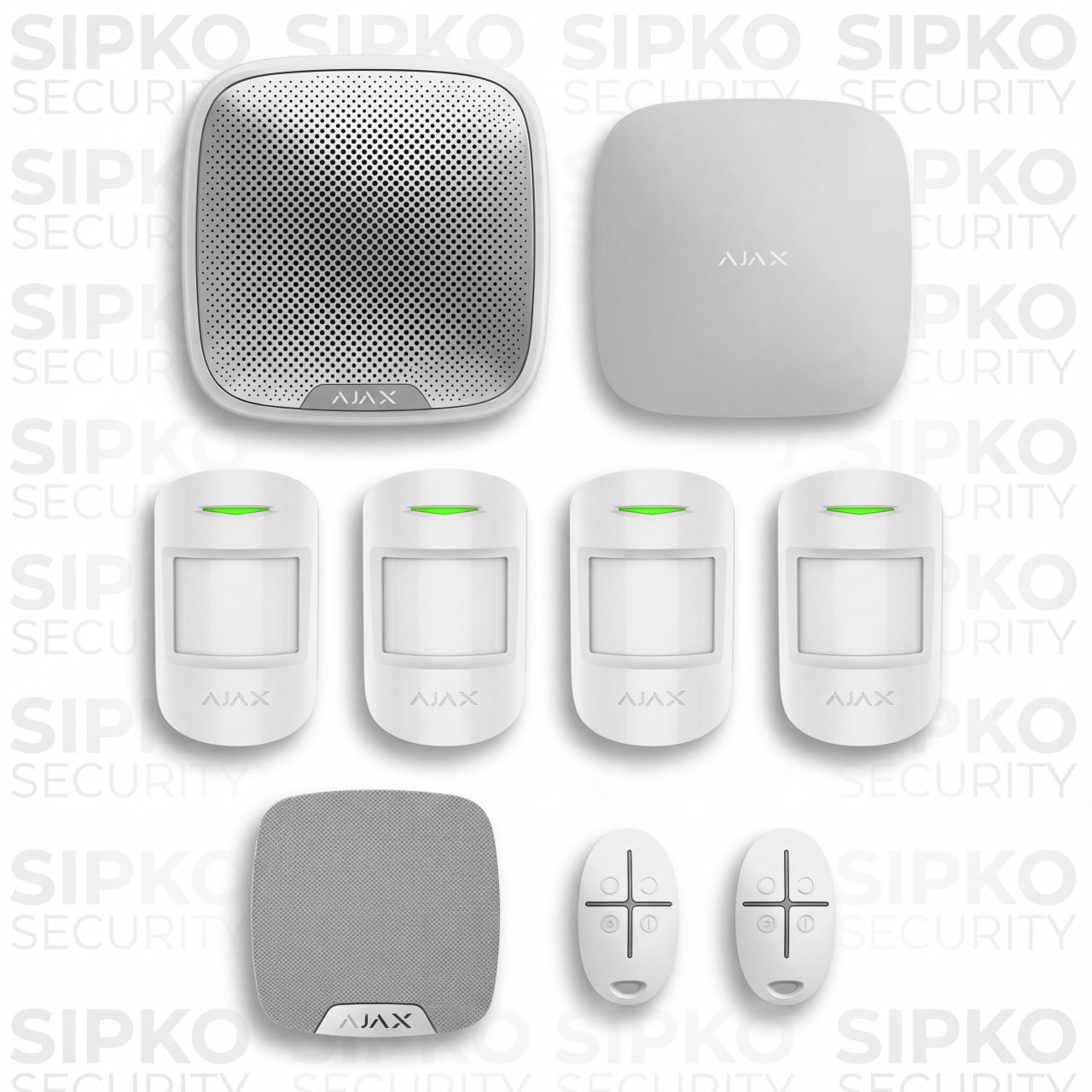
A simple baseline for apartments, units or smaller homes that need reliable intrusion detection and simple mobile control.
- Hub with Ethernet and cellular communication where suitable.
- Motion detectors and sirens for basic entry coverage.
- App setup and owner handover.
Gold Package
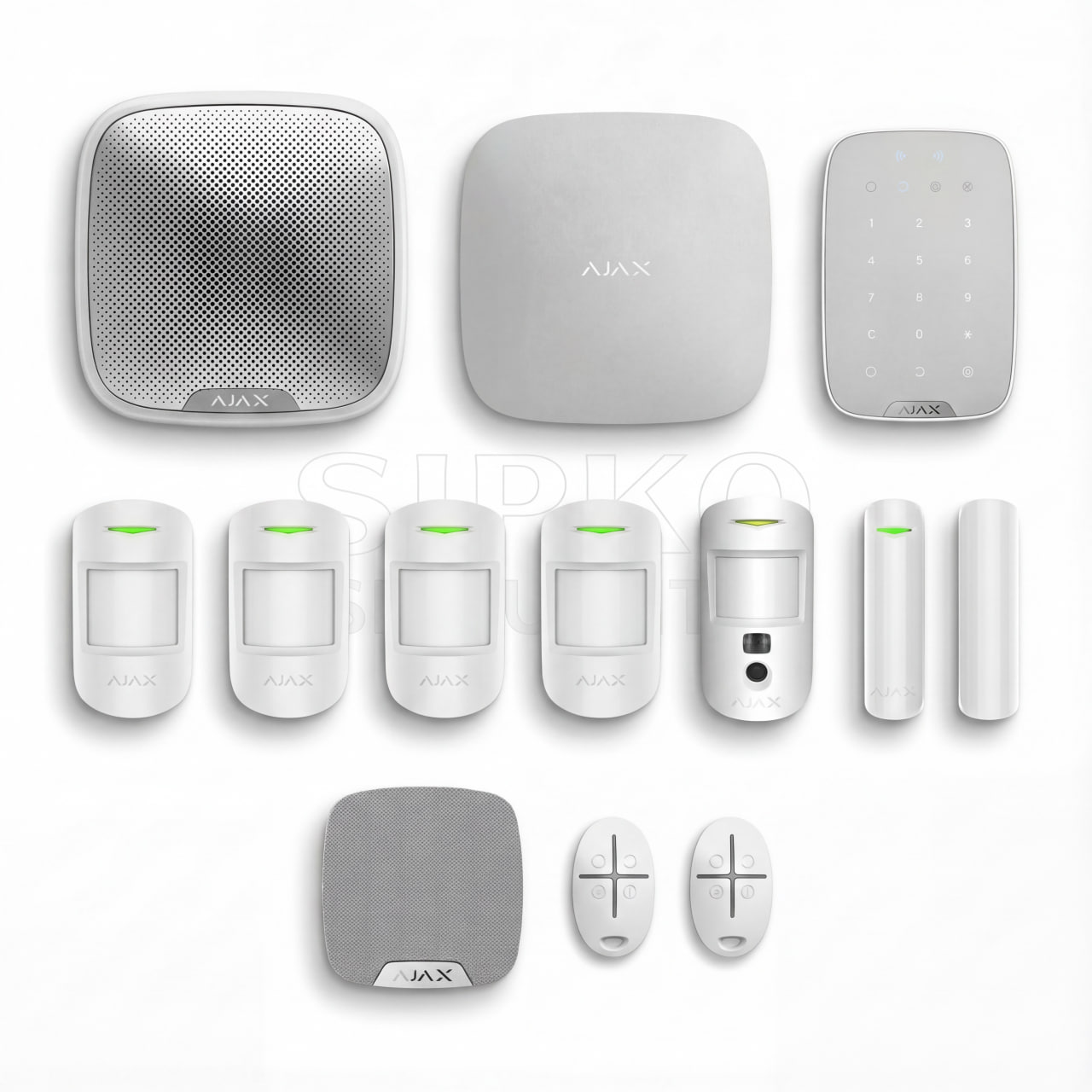
A stronger setup for family homes or townhouses where keypad control, entry coverage and photo verification may be useful.
- Hub, keypad, door contacts and motion detection.
- Photo verification device where suitable for the layout.
- User permissions, notification logic and testing.

Platinum Package
A higher-coverage starting point for larger homes, detached garages, outdoor approaches or properties needing stronger verification.
- Indoor and outdoor detection selected after site review.
- Signal checks for garages, side access and larger blocks.
- Option to review cameras, NVR or professional monitoring needs.
How the Ajax Installation Works
The installation process is kept clear and practical. The goal is not to oversell devices, but to place the right devices where they will work reliably.
1. Site check
Entry points, movement paths, hub location, signal conditions and user needs are reviewed.
2. Device plan
Detector positions, sirens, keypad location, app users and possible video verification are mapped out.
3. Installation and setup
Devices are mounted, paired and configured. The system is tested for alerts, sirens, signal and app events.
4. Handover
The owner is shown how to arm, disarm, manage users, review alerts and understand common system events.
Self-Monitoring, Video Verification and Professional Monitoring
Ajax can be used in different ways. The response path should be clear before the system is commissioned.
Self-monitoring
Alerts go to the owner or nominated users in the Ajax app. This suits owners who want direct control, but they are responsible for checking and acting on alerts.
Video verification
Photo verification or camera review can help confirm what triggered an alarm. Availability depends on device choice, signal quality, network connection and system configuration.
Professional monitoring
If professional monitoring is required, the monitoring provider, alarm response procedure and handover requirements should be confirmed separately before connection.
Common Security Needs on the Mornington Peninsula
The Peninsula includes permanent homes, vacant holiday homes, retail sites, cafés, warehouses, garages and larger blocks. The right Ajax setup depends on the property type and how often the site is occupied.
Holiday homes
Useful for remote alerts, temporary user access, cleaner entry visibility and photo verification where appropriate.
Coastal homes
Device placement should consider exposed areas, side access, garages, driveways and environmental conditions.
Retail and cafés
After-hours arming, panic buttons, entry detection and staff access permissions may be useful.
Warehouses and larger sites
Signal range, high ceilings, wide entries and separated buildings need specific planning before installation.

What Affects Ajax System Performance?
A professional installation should explain limits clearly. These factors are checked before SIPKO finalises the device layout.
Signal range
Ajax Jeweller devices are rated up to 2,000 m in open space, but real buildings reduce range. Walls, metal, distance and interference can affect signal quality.
Internet and backup channels
App alerts and monitoring depend on available communication channels. Ethernet, Wi-Fi and SIM backup should be reviewed for the selected hub model.
Battery life
Battery life varies by device model, settings, temperature, signal level, polling interval and how often the detector is triggered.
Outdoor detection
Outdoor sensors need correct height, angle and sensitivity settings to reduce false alarms from pets, wildlife, shadows and vegetation.
Areas We Service in Mornington Peninsula
SIPKO Security installs Ajax security systems across the Mornington Peninsula, including homes, holiday houses, garages, shops, offices and larger properties where wireless alarm planning is suitable.
Mount Eliza
Home and small business Ajax security system planning.
Mount Martha
Alarm layouts for homes, garages and side access points.
Mornington
Ajax alarm installation for homes, retail and offices.
Safety Beach
Wireless alarm planning for coastal and holiday properties.
Dromana
Security setup for homes, shops and rental properties.
Rosebud
Intrusion detection, app setup and optional verification.
Rye
Ajax systems for holiday homes and occupied residences.
Sorrento
Security planning for coastal homes and larger properties.
Portsea
Alarm design for holiday houses and detached structures.
Somerville
Wireless security for homes, sheds and commercial spaces.
Hastings
Ajax alarm installation for homes, shops and warehouses.
Frankston South
Security system setup for homes near the Peninsula region.
Melbourne-Wide Ajax Resources
This page focuses on Mornington Peninsula installation. For broader Ajax services, use the links below instead of mixing every Ajax topic into one local page.
Ajax alarm installation
Melbourne-wide Ajax alarm installation service.
Ajax product catalogue
Ajax devices, hubs, detectors, cameras and NVR options.
Wired vs wireless alarms
Comparison guide for alarm system choices.
Smart security integration
How security systems fit broader smart home workflows.
Frequently Asked Questions
Practical answers about Ajax security system installation in Mornington Peninsula.
Is Ajax suitable for holiday homes on the Mornington Peninsula?
Yes. Ajax can suit holiday homes because owners can receive app alerts, manage users and review system events remotely. The final design should consider internet backup, entry points, cleaners or guest access and whether photo verification is needed.
Can Ajax work during an internet outage?
The alarm can continue operating locally, but app notifications and monitoring depend on available communication channels. A hub with cellular backup can help maintain communication when the primary internet connection is unavailable.
How long do Ajax batteries last?
Battery life depends on the device model, settings, temperature, signal quality and how often the device is triggered. SIPKO checks device status during setup and explains what battery alerts mean.
Can Ajax be professionally monitored?
Ajax can be configured for monitoring where a suitable monitoring provider and response pathway are confirmed. SIPKO can explain the technical requirements, but monitoring terms and response procedures should be agreed with the monitoring provider.
Can I add cameras or video verification?
Yes. Photo verification devices, Ajax cameras, NVRs or compatible security camera workflows can be considered. The right option depends on the property, internet connection, storage needs and how alerts will be reviewed.
Does wireless Ajax installation mean no drilling at all?
Not always. Ajax usually reduces cable work, but devices still need secure mounting. The installation should be clean and planned, but some fixing may be required for reliable long-term placement.
What happens during the site assessment?
SIPKO reviews entry points, likely movement paths, hub location, siren placement, signal conditions, app users, arming habits and whether video verification or monitoring is required.
Can SIPKO upgrade an older wired alarm to Ajax?
In many cases, yes. SIPKO can inspect the existing alarm, explain whether a full Ajax replacement or staged upgrade is practical, and advise whether any existing devices, wiring or camera equipment should be retained.
Plan Your Ajax Security System
Book a site visit for a practical Ajax security layout in Mornington Peninsula. SIPKO Security will review the property, explain the device options and confirm what should be installed before work begins.