
Fast Inception Alarm Repairs in Melbourne
Your Inception security system needs expert attention. SIPKO Security delivers fast repairs across Melbourne, from Southbank to Moorabbin, Brighton to Dandenong. We diagnose and fix panel failures, access control issues, and network connectivity problems on-site.
What We Fix
Controller & Panel Repairs
Inception security controller failures, firmware errors, and power supply issues diagnosed and fixed. Full system diagnostics included.
Card Readers & Access Control
Door release failures, card reader malfunctions, and PIN pad issues repaired with genuine parts and certified technicians.
Network & Cloud Connectivity
Remote monitoring disconnects, IP sync failures, and cloud authentication errors resolved fast by specialists who know Inception systems.
Schedule Fast Repair
Available across Southbank, Brighton, Moorabbin, Dandenong, and all Melbourne suburbs. Call +61 406 432 691 or book below.
Inception Repairs We Handle
These are the most common problems we solve for Melbourne businesses. Fast diagnostics. Fast fixes.
Panel Not Arming or Disarming
The controller won’t enter arm mode or gets stuck in disarm. Usually a firmware glitch, corrupted settings, or a communication error between the panel and access control module.
Access Control Card Reader Failures
Card reader not reading cards, beeping constantly, or accepting any card. Usually a failed reader module, corrupted card data, or power supply issue to the reader.
Network Communication Disconnects
IP connection drops, remote monitoring goes offline, or the app stops syncing. Usually a network configuration issue, IP address conflict, or WiFi instability.
Door Release Malfunctions
Door release doesn’t trigger, gets stuck, or won’t reset. Can be a solenoid failure, access control module error, or wiring issue to the release mechanism.
Firmware Update Issues
Update fails, panel reboots during update, or system won’t start after firmware push. Usually an incomplete update, corrupted download, or power interruption during the process.
IP Connectivity Problems
Can’t access the system remotely, server connection fails, or the Inception cloud interface won’t load. Usually a firewall block, DNS issue, or incorrect IP settings.
Why SIPKO for Inception Repairs
Certified specialists who know every Inception model. Fast service across Melbourne.
-
Fast Diagnosis
We identify the root cause immediately, not just the symptom. Full system scan on every visit. Compare our approach to other system types — you’ll see the difference.
-
Fast Service
Available across all Melbourne suburbs including Southbank, Brighton, Moorabbin, and Dandenong.
-
Genuine Parts
Authentic Inception components only. No cheap replacements that fail in months.
-
Straight Talk
We explain the problem clearly. No jargon. No surprise invoices.
-
Certified Technicians
Factory-trained specialists. Current on all Inception firmware and hardware updates.
How We Repair Inception Systems
From the call to the completed repair, here’s what happens with SIPKO Security.
Describe Your Issue
Tell us what’s failing: is the panel offline, access control down, or sync errors? We already know Inception—just tell us the problem.
Schedule Visit
We book you quickly or next morning. Available across Southbank, Brighton, Moorabbin, Dandenong, and all Melbourne areas.
Full System Scan
We connect to your Inception controller, run diagnostics on all modules, test IP connectivity, verify firmware, check all readers and door releases.
Identify & Explain
We tell you exactly what’s broken and why. Firmware corruption? Card sync failure? Door solenoid dead? You approve before we start the repair.
Execute Repair
Firmware issue: we update and recalibrate. Hardware issue: we replace faulty components with genuine Inception parts.
Test & Verify
Full system test with you present: arm/disarm panel, test card readers, trigger door release, verify cloud sync. If it’s not working, we keep going.
What Actually Needs Repair?
Not every beep or warning means your system is broken. Here’s what needs immediate attention and what can wait.
Inception Panel Beeping or Chirping
Your panel is beeping at random times. Usually: Low battery in a wireless module, a sensor that drifted out of range, or dust on a reed switch. Not necessarily broken. See our battery backup services for more info.
Often FixableCard Reader Won’t Read or Door Won’t Unlock
You swipe your card and nothing happens. The Inception system isn’t communicating with the reader. Usually: Card database needs sync, reader firmware is outdated, or the solenoid is stuck. Check our residential alarm page for related services.
Needs RepairInception Cloud Offline or “Connection Error”
The Inception app says “Offline” or “Connection Error.” The panel itself still works locally. Usually: WiFi went down, the router rebooted, or the internet connection is slow. Learn about our 24/7 monitoring solutions.
Often FixableSystem Won’t Arm or Disarm
The panel shows an error code like “AC,” “FC,” or “FL” when you try to arm. One zone or sensor isn’t reporting. Usually: A door contact is stuck, a sensor battery is dead, or a wireless module lost sync. See our system maintenance services.
Needs RepairCard Database Out of Sync
New cards aren’t working, or people who should be revoked can still unlock. The Inception cloud database is out of sync with the controller. Definitely needs attention.
Needs RepairFirmware Update Available
The panel says “Firmware Update Required” but you’re hesitant to do it yourself. Not broken, but stale firmware can cause instability and reduce features.
Update Recommended
Inception Models We Service
We repair all Inception systems. From older Generation X controllers to the latest Inception releases, we’re equipped to handle every model.
Inception Security Controller
Main panel diagnostics, firmware updates, cloud sync repairs, and full system configuration.
Card Readers & Access Control
MIFARE readers, PIN pads, credential database sync, reader firmware updates, and solenoid lock repairs.
Door Release Hardware
Electric solenoid locks, mortise locks, fail-safe and fail-secure configurations, and door position sensors.
IP Communication & Cloud Sync
Network connectivity modules, Inception cloud authentication, remote access setup, and monitoring integration.
Wireless Sensors & Modules
Wireless motion detectors, door contacts, glassbreak sensors, environmental sensors, and battery diagnostics.
Power Supplies & Batteries
Primary PSU diagnostics, backup battery replacement, power monitoring, and system uptime verification.
Repair vs Upgrade: When to Replace Your Inception System
Not every repair is cost-effective. We’ll tell you honestly when it’s time to replace your system instead of fixing it again.
Repair Makes Sense
System is 3-8 years old and still performs core functions when working properly.
Single component failure (reader, solenoid, sensor) that doesn’t indicate broader problems.
Repair cost is less than 40-50% of replacement and restores normal operation.
System has worked reliably for years before this issue appeared.
You’re happy with the system’s capabilities and want to keep it operational.
Upgrade Is Necessary
System is 10+ years old and showing multiple recurring failures or age-related wear.
Multiple components failing repeatedly (different sensors, readers, or firmware issues in short time).
Repair cost exceeds 50-60% of new system cost but doesn’t eliminate underlying issues.
Controller is failing, not just peripherals (firmware corruption, database corruption, power issues).
You need modern features (better cloud integration, mobile app, wireless capability, better compatibility).
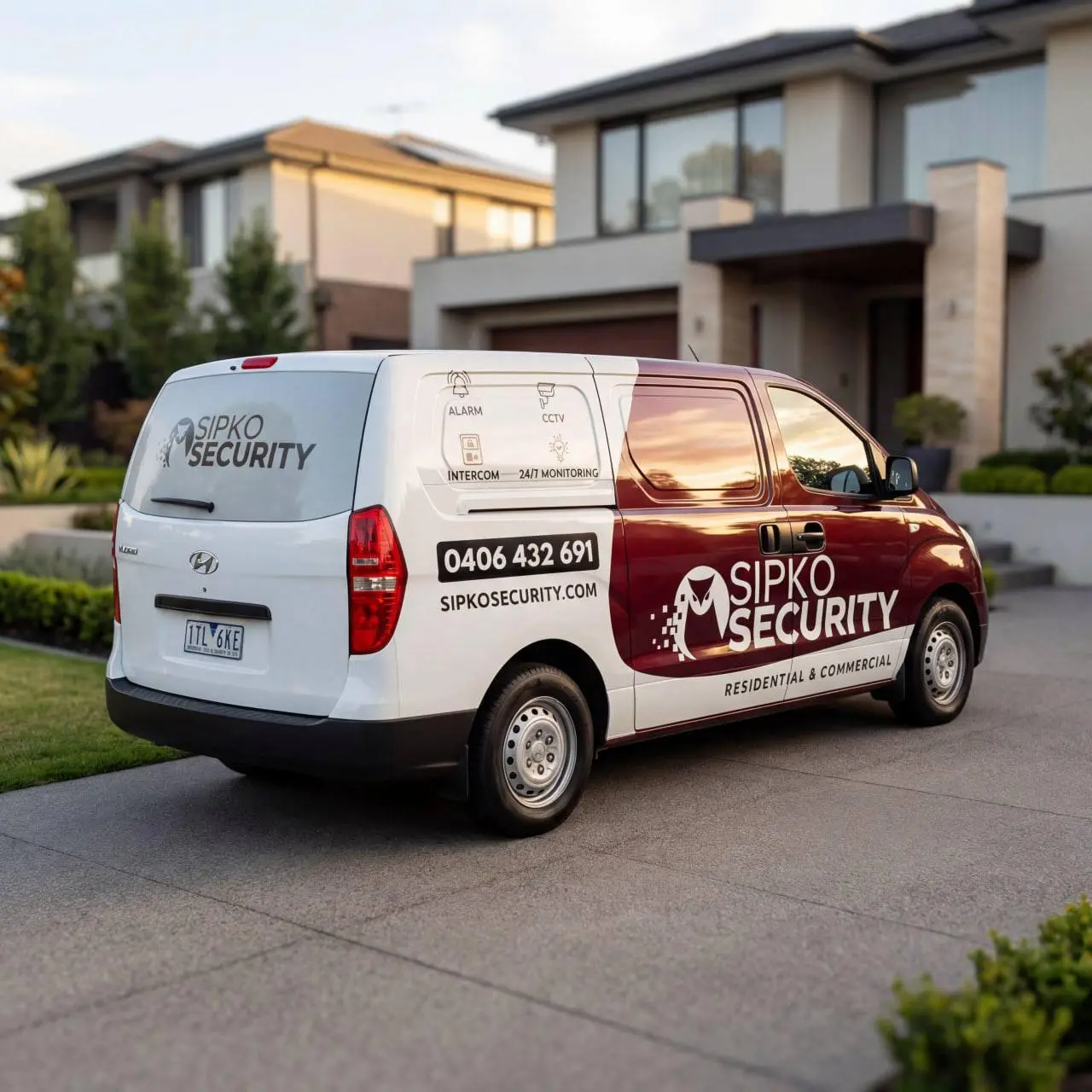
Fast Inception Repairs Across Melbourne
Fast response times matter when your Inception system fails. We cover all Melbourne suburbs with fast service. Choose local, get results.
We Service All Melbourne:
Brighton, Elsternwick, Caulfield
Southbank, St Kilda, Port Phillip
Collingwood, Hawthorn, Glen Waverley
Dandenong, Frankston, Mornington
Not seeing your suburb? We service all of Melbourne. Call +61 406 432 691 to confirm coverage for your area.
Melbourne businesses and homeowners on working with Sipko Security for Inception alarm repairs.
Inception Repair FAQ
Common questions about Inception alarm repairs in Melbourne — answered plainly.
The $280 flat rate covers a full system diagnostic. We power up your Inception controller, test all zones and sensors, check card reader operation, review firmware status, test the cloud connection, and generate a detailed fault report. We’ll tell you exactly what’s broken and what it costs to fix. If we find the issue and the repair is simple, we can often fix it on the spot.
Most Inception failures are fixable. The panel itself rarely dies completely. Usually the problem is a bad card reader, a failed sensor, a wireless module that lost sync, or firmware that needs updating. Single-component failures are typically $200-$800 to repair including parts and labour. The diagnostic call tells you for certain whether the system can be brought back to working order.
Not if we do the repair. We’re authorized service partners for Inception systems and all repairs are covered by our workmanship warranty. If your system still has factory warranty remaining, some repairs may fall under that coverage. We’ll check your warranty status during the diagnostic and explain what’s covered before we proceed. Most systems out in the field are past factory warranty, so our service coverage is what matters.
We repair what needs repairing. If it’s a bad card reader, we replace the card reader. If the power supply is dead, we replace the power supply. If the panel itself is faulty, we repair or replace the panel. We don’t recommend replacing a working system just to fix one bad component. During the diagnostic we’ll tell you exactly which part is causing the problem and quote just that repair.
The diagnostic itself takes about 45 minutes to an hour. If we can fix it on site — like replacing a card reader, updating firmware, or syncing a wireless sensor — you’re looking at another 30-60 minutes and you’re back online. If the part needs to be ordered, we’ll source it fast and schedule the repair. Most non-stock repairs happen within 2-3 business days. Emergency out-of-hours repairs available for security-critical failures.
Call us back. We warranty all our repairs for 12 months. If the same component fails again or the problem persists, we come back and fix it properly at no charge. We also stand behind our diagnostics. If we tell you the problem is X and we fix X but the issue was actually Y, we’ll keep investigating until it’s resolved. That’s why we get the diagnostics right the first time — it saves everyone time and money.
Stop the Beeping. Get Your Inception System Working Again.
Fast on-site diagnosis, honest repair recommendations, and expert service for all Inception installations across Melbourne. Call now or book online.