
Master Your Security — Hikvision AX Pro Alarm Installation in Melbourne
The Hikvision AX Pro isn’t just an alarm — it’s a smart security hub. Engineered for high-performance wireless protection, it delivers seamless control of your Melbourne property directly from your smartphone, with zero messy wiring required.
- ✓ Up to 96 wireless zones — no cable runs, no mess
- ✓ Real-time Hik-Connect app alerts on your phone
- ✓ Pet-immune PIRs — ignores animals up to 30kg
- ✓ Licensed Melbourne technicians, same-week installs
Premium Wireless Kit
96-zone hub, zero drilling. Scales from a single-storey home to a multi-site commercial property.
Hik-Connect App
Arm, disarm, and receive push alerts from anywhere in the world — all from one clean app.
Pet-Safe Precision
High-precision PIRs ignore pets up to 30kg — no nuisance trips, no 2 AM false alarms.
Professional Setup
Full install, programming, and app setup by our licensed Melbourne team — ready from day one.
SIPKO Security — Hikvision Certified
Expert AX Pro installations across Melbourne, combining precision setup with ongoing local support for every residential and commercial property.
Get Your AX Pro Installed
Call +61 406 432 691 or complete the form and we’ll be in touch.
- 1x AX Pro Hub (96 Zone)
- 1x Wireless Keypad
- 2x High-Precision PIRs
- 1x Free Site App Setup
What’s Actually Installed on the Day
No surprises, no guesswork. Here’s exactly what our Melbourne technician does from the moment they arrive at your property to the moment you’re handed a fully working Hikvision AX Pro system.
Site Walk & Zone Planning
Your technician walks every room, entry point, and outdoor area with you. Together you agree on where each sensor goes — front door, back sliding door, garage, main living area — before a single screw is touched. This is the most important part of any installation and it’s why our systems don’t produce false alarms.
AX Pro Hub Mounting & Power
The AX Pro hub (your system’s brain) is mounted in a discreet, central location — typically a hallway cupboard, laundry, or comms cabinet. It’s connected to mains power and the built-in backup battery is confirmed charged. The hub is then registered to your Hik-Connect account before any sensors are added.
Wireless Sensor Placement & Pairing
Each PIR motion detector and door/window contact is mounted, paired wirelessly to the hub, and named clearly (e.g. “Front Door,” “Master Bedroom PIR”). Sensors are positioned at the correct height and angle — PIRs typically at 2.1–2.4 metres — to cover the full zone without catching pets under 30kg. No cables are run through your walls.
Wireless Keypad Installation
Your AX Pro keypad is mounted near the main entry — usually beside the front door or in the hallway — at a comfortable arm height. It’s paired to the hub, your personal PIN is programmed, and entry/exit delay times are set to suit how you actually use your home or business. A second keypad can be added to a back entry or staff area if needed.
Hik-Connect App Pairing on Your Phone
The technician sits with you and walks through the Hik-Connect app on your smartphone — arming modes, push notification settings, adding a second user (partner, staff member), and testing a live alert so you can see exactly what you’ll receive when a sensor triggers. You leave knowing how to use your system, not just that it works.
Full Walk-Test & Handover
Every single zone is triggered and confirmed on the keypad and app before the technician leaves. You arm and disarm the system yourself at least twice. Any questions are answered on the spot. You receive a written handover summary listing every sensor, its zone name, and the battery type used — useful for insurance and future servicing.
How Long Does It Take?
A standard residential AX Pro installation in Melbourne takes 2 to 4 hours from arrival to handover. Commercial installs with more zones typically run 4 to 6 hours. We don’t rush — every sensor is tested before we leave.
Choose Your Hikvision AX Pro Package
Every package includes professional installation by our licensed Melbourne team, same-day Hik-Connect app setup, and a written handover report. Pick the coverage that fits your property — or call us for a custom quote.
AX Pro Basic Kit
- 1x AX Pro Alarm Panel
- 1x Wireless Keypad
- 2x Pet Motion Detectors
- 1x Phone App Connectivity
Front Door Package
- 1x AX Pro Alarm Panel
- 1x Wireless Keypad
- 2x Pet Motion Detectors
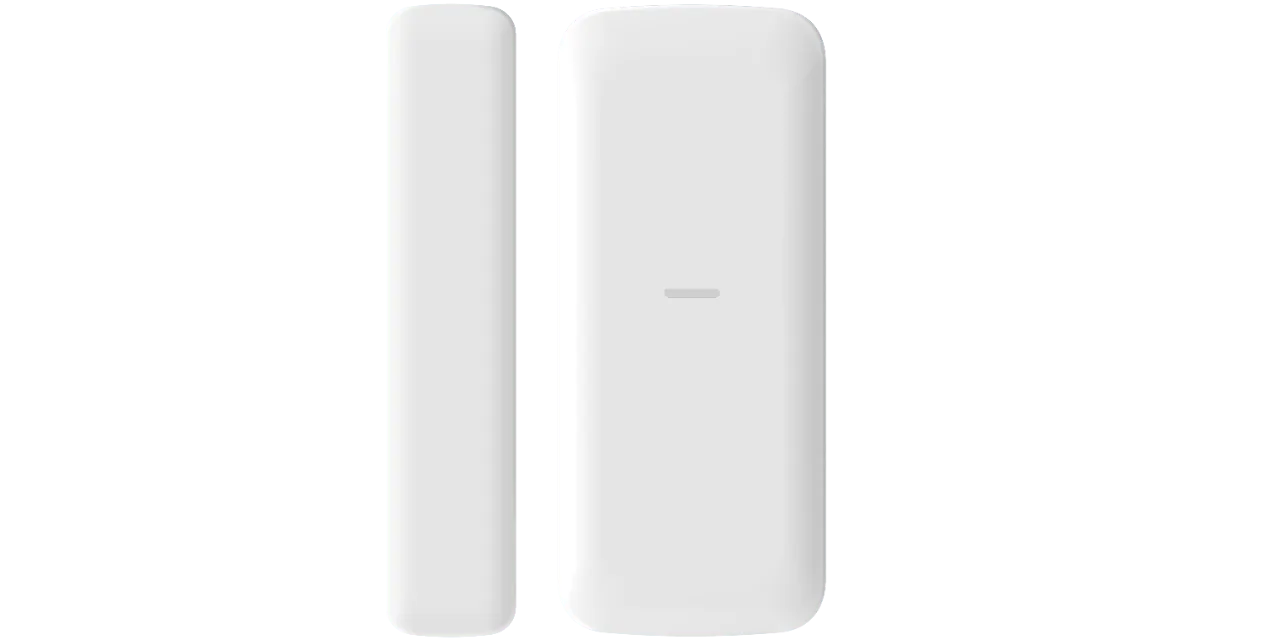
- 4x Door / Window Sensors
Perimeter Shield
- 1x AX Pro Alarm Panel
- 1x Wireless Keypad
- 2x Pet Motion Detectors
- 8x Door / Window Sensors
Choose additional Detectors for your new AX Pro Alarm System!
Build your ideal security environment with professional-grade sensors and peripherals.
Intrusion Detection
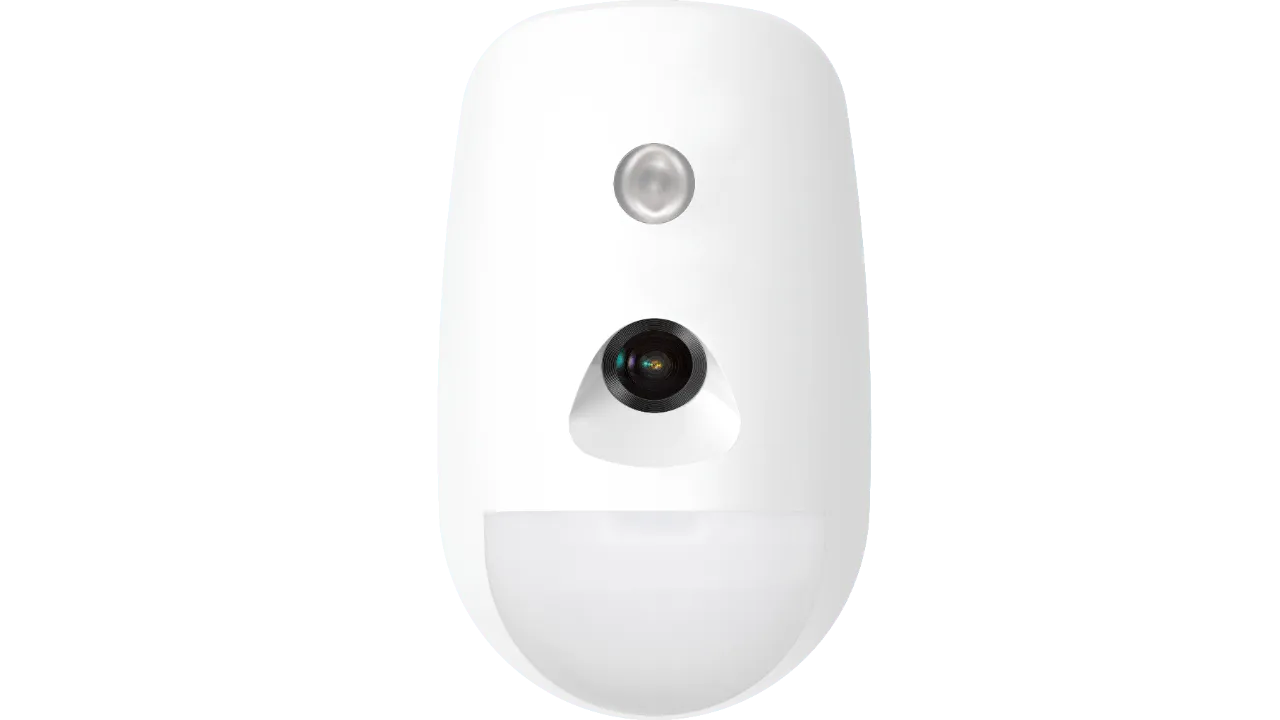
AX Pro PIR Detector with Camera
For alarm verification of motion events inside your property
Learn More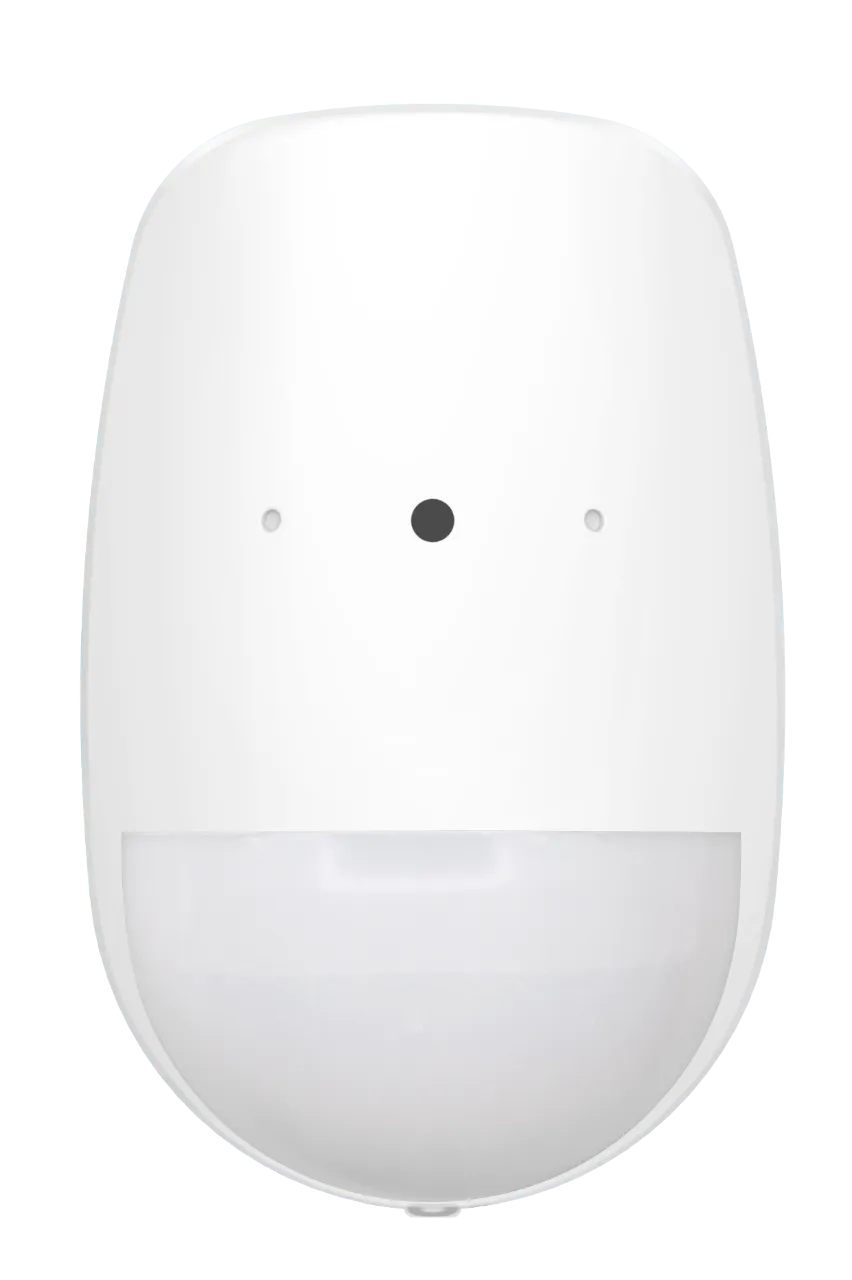
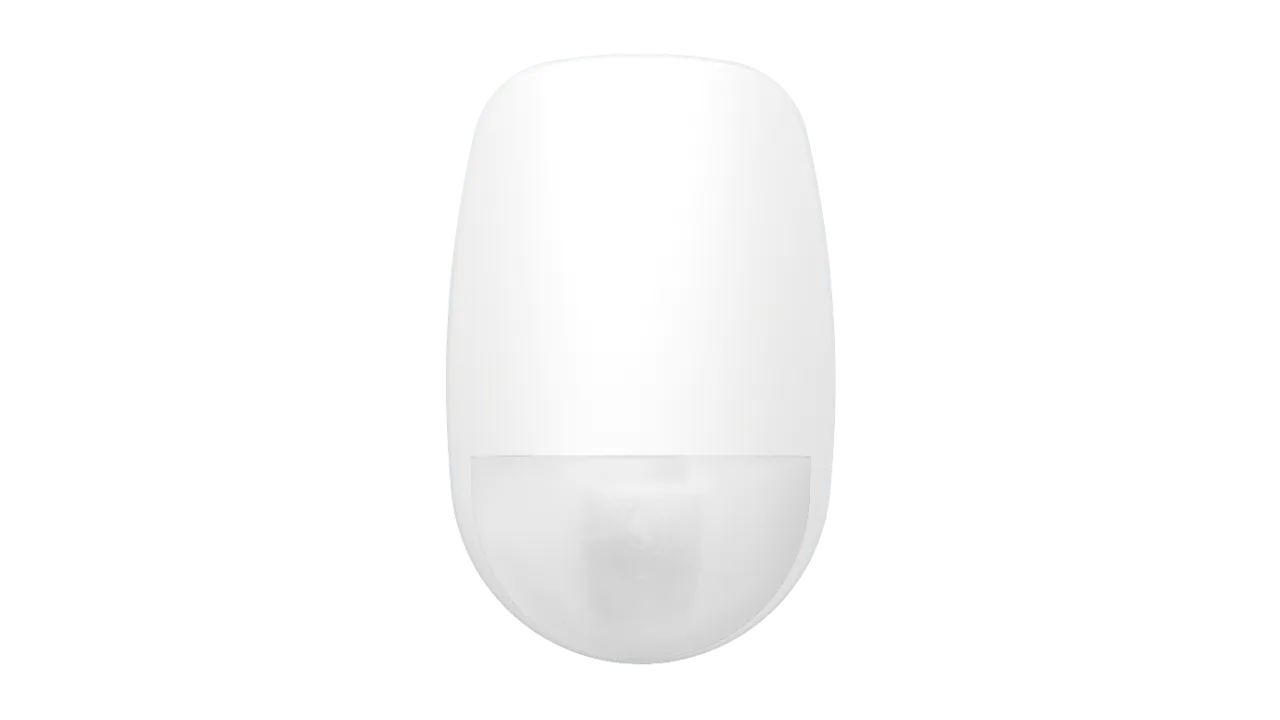
AX Pro PIR Detector with Glass Break
Combines Motion and Glass Break Detector into 1 device
Learn More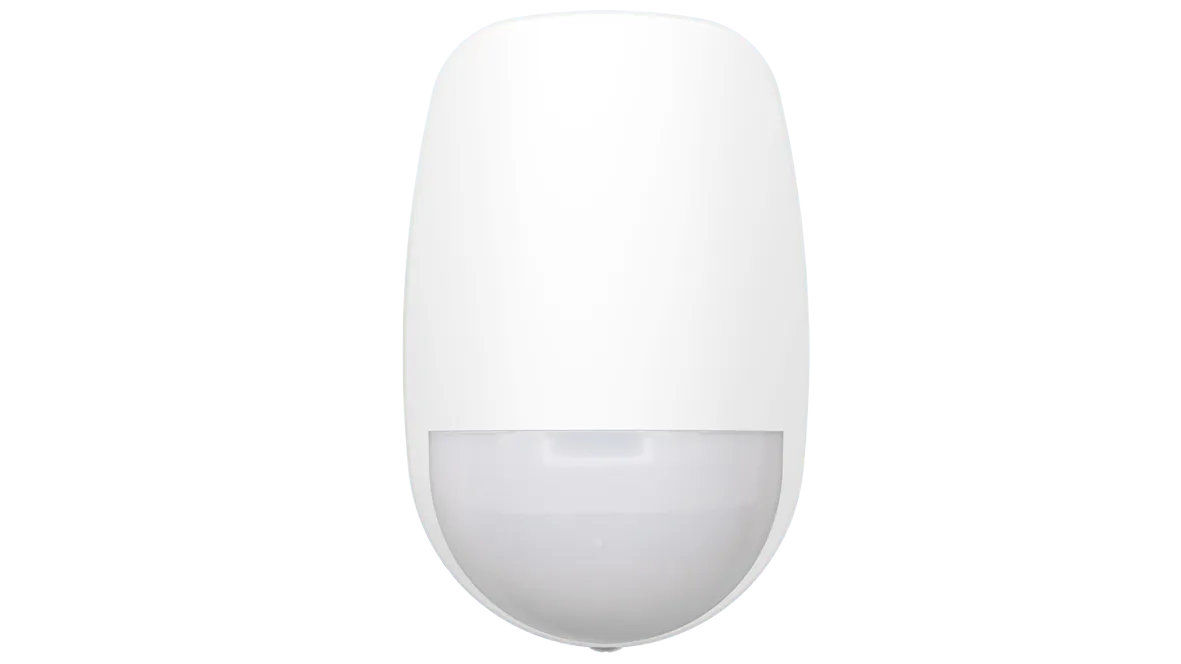
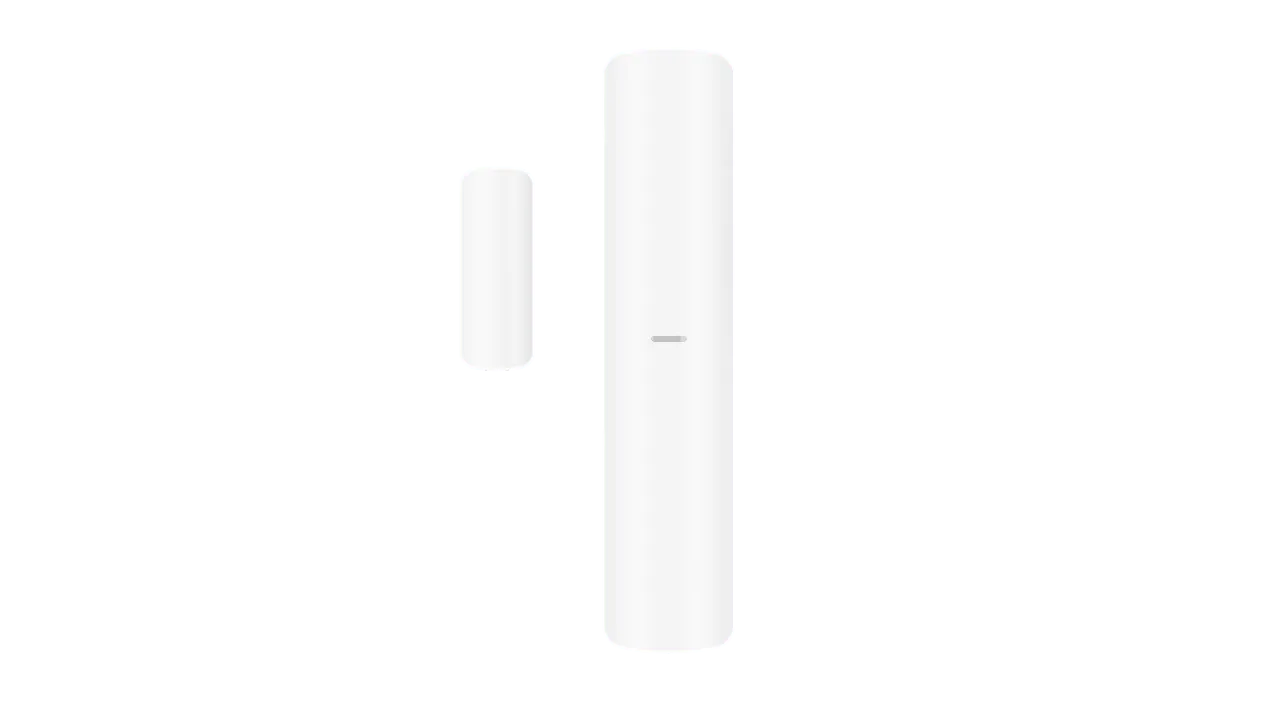

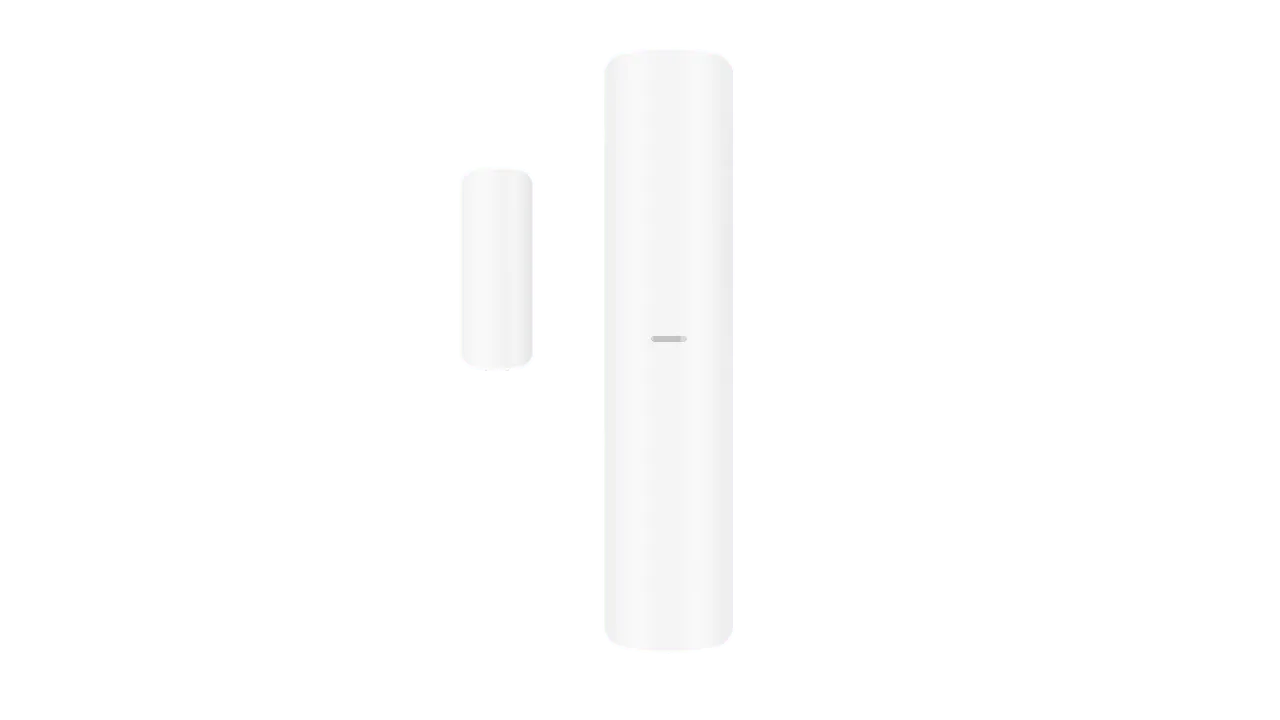
AX Pro Curtain PIR Detector
Focuses on a narrow field of view rather than taking in the room.
Learn MoreChoose Sirens for your new AX Pro Alarm System!
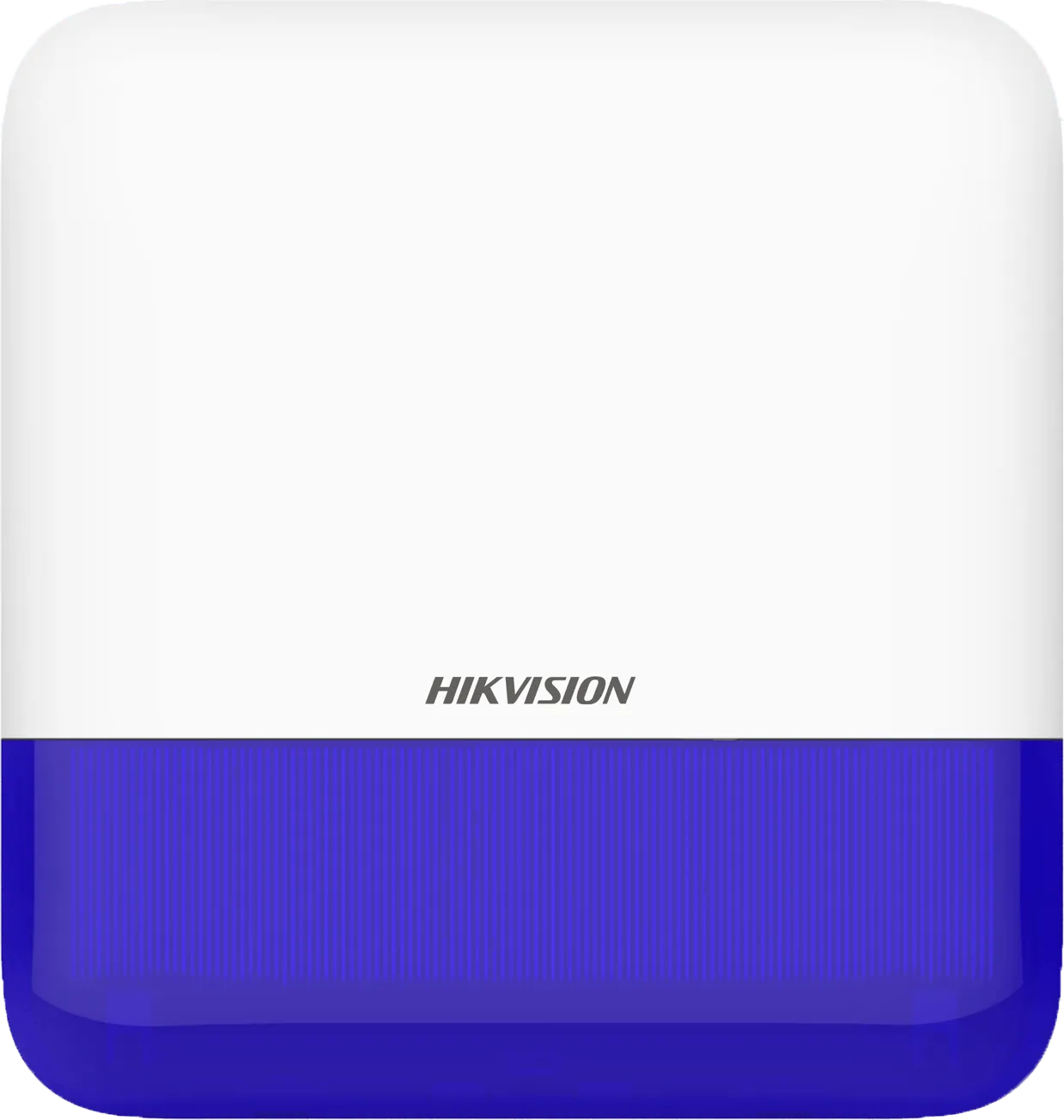
AX Pro Outdoor Siren and Strobe
Sounds Externally with flashing blue light on activation of any alarm event
Learn More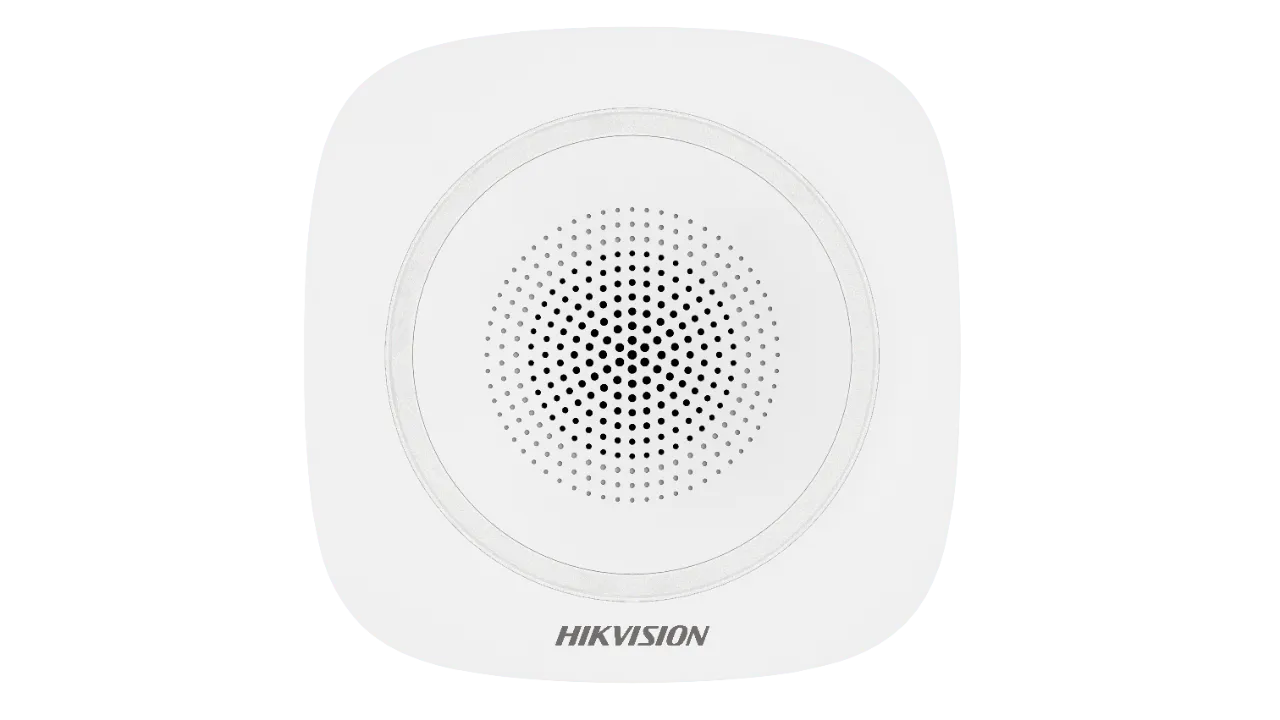
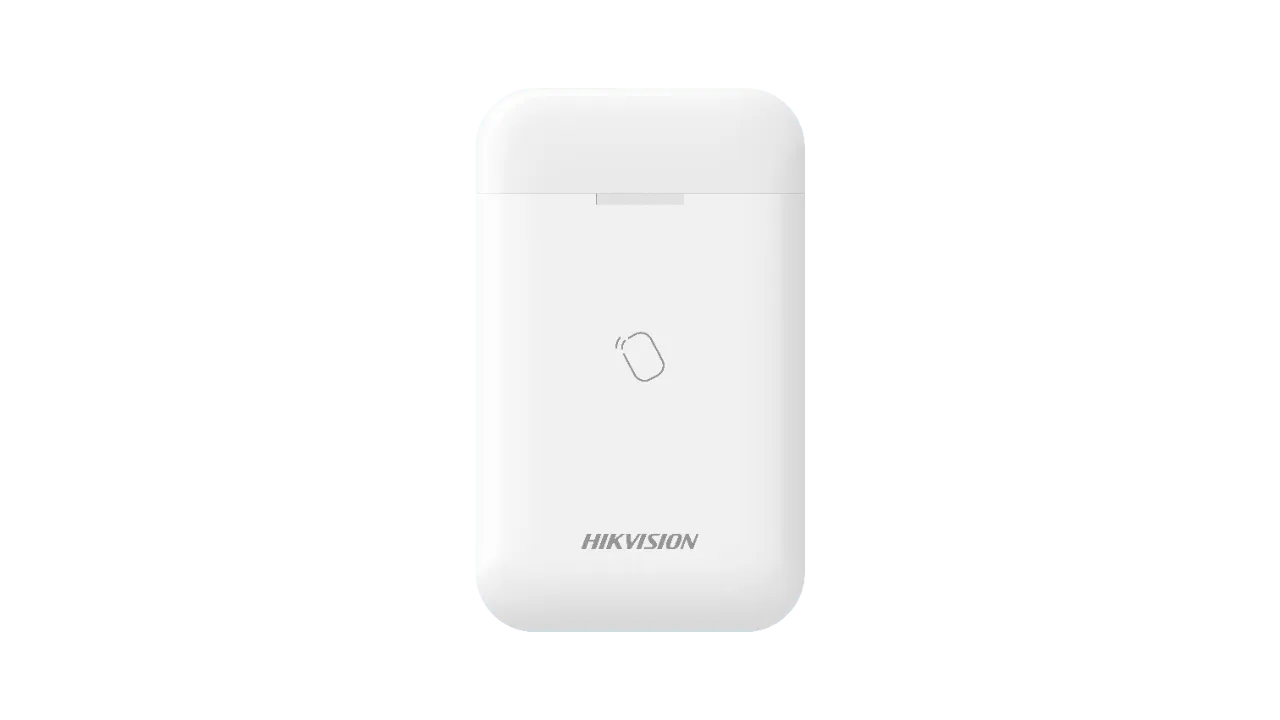
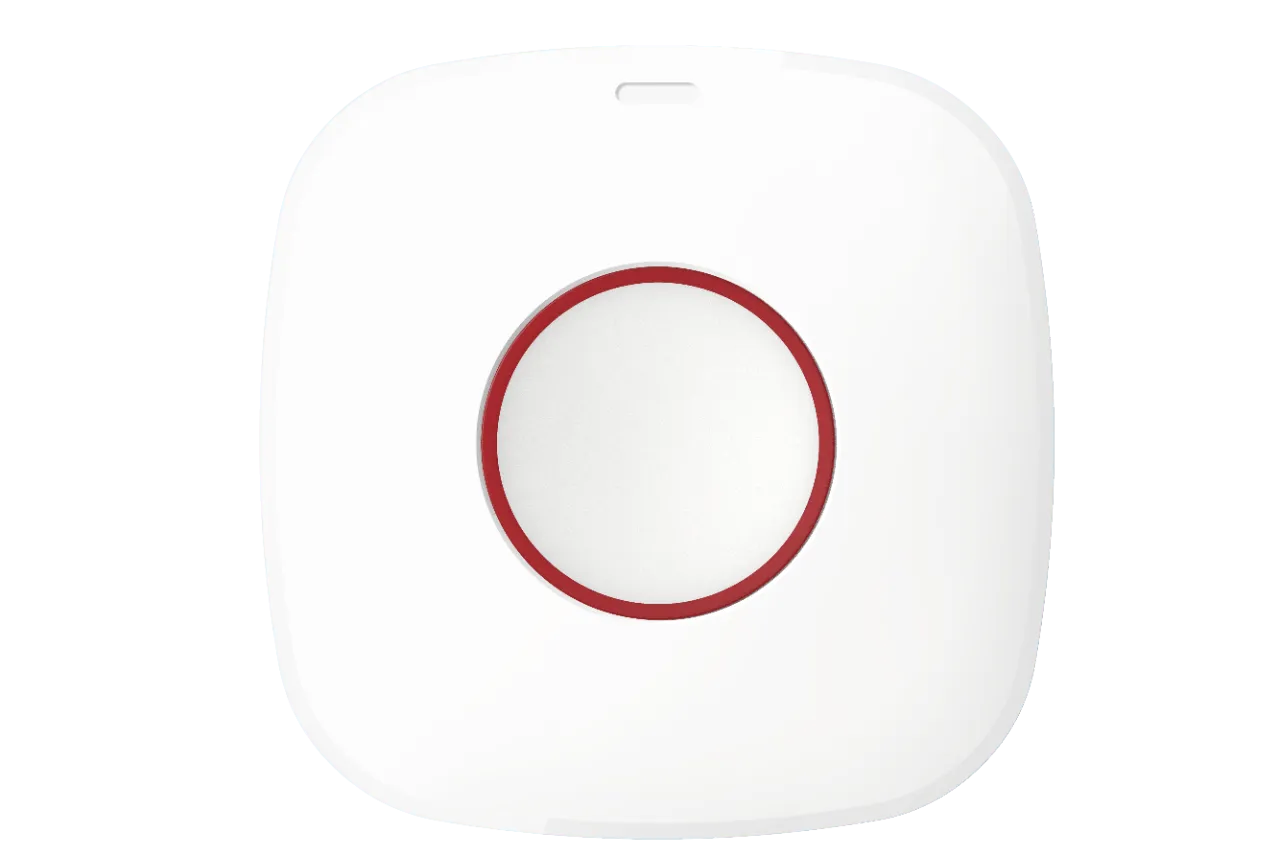
Choose control devices for your new AX Pro Alarm System!
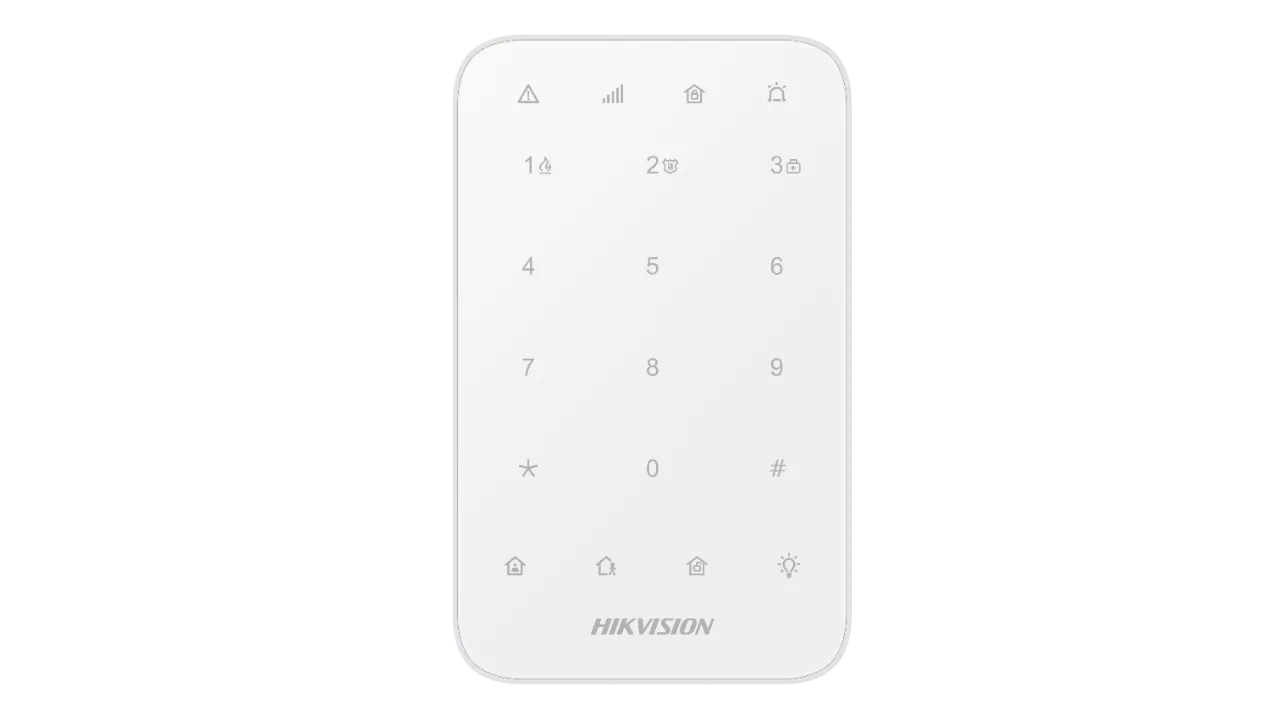
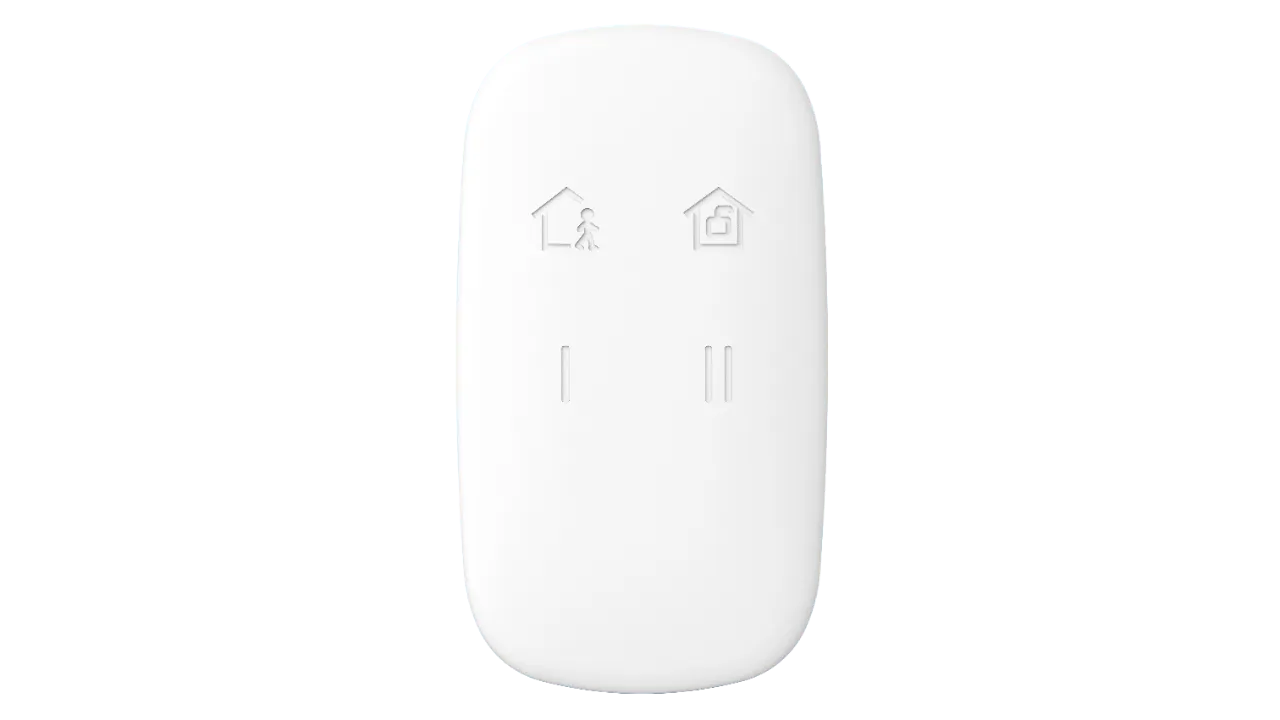
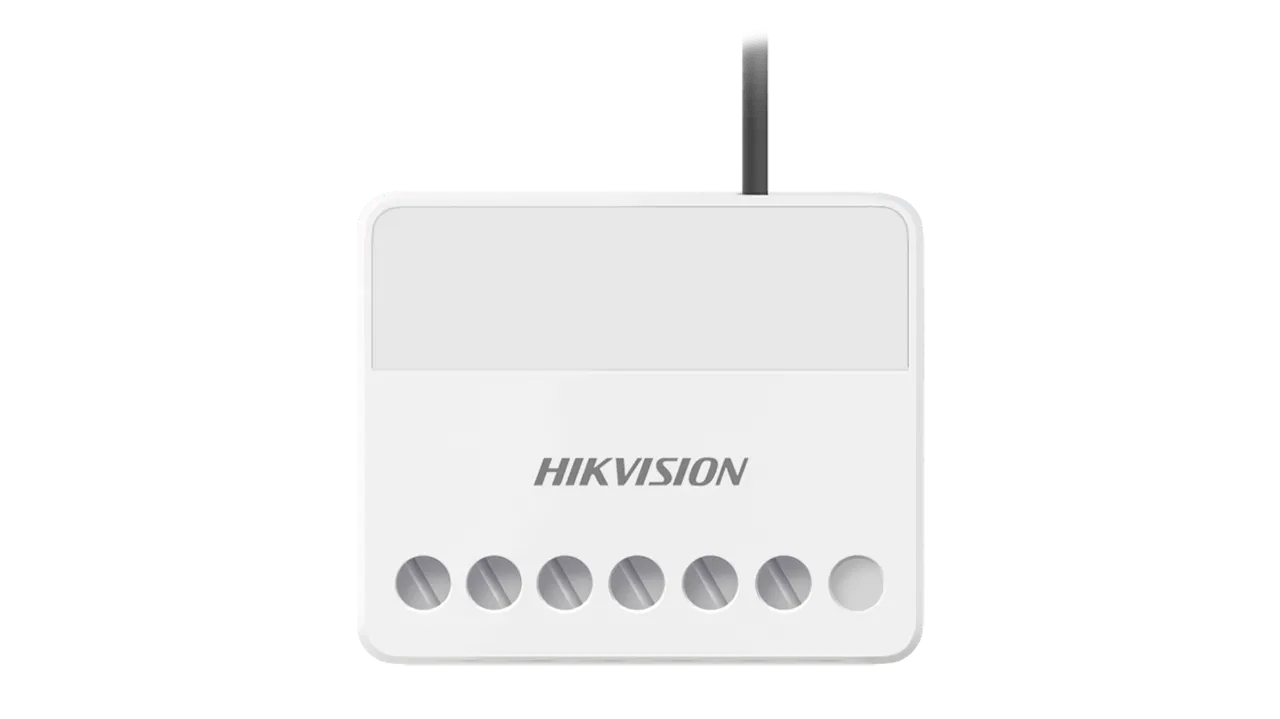
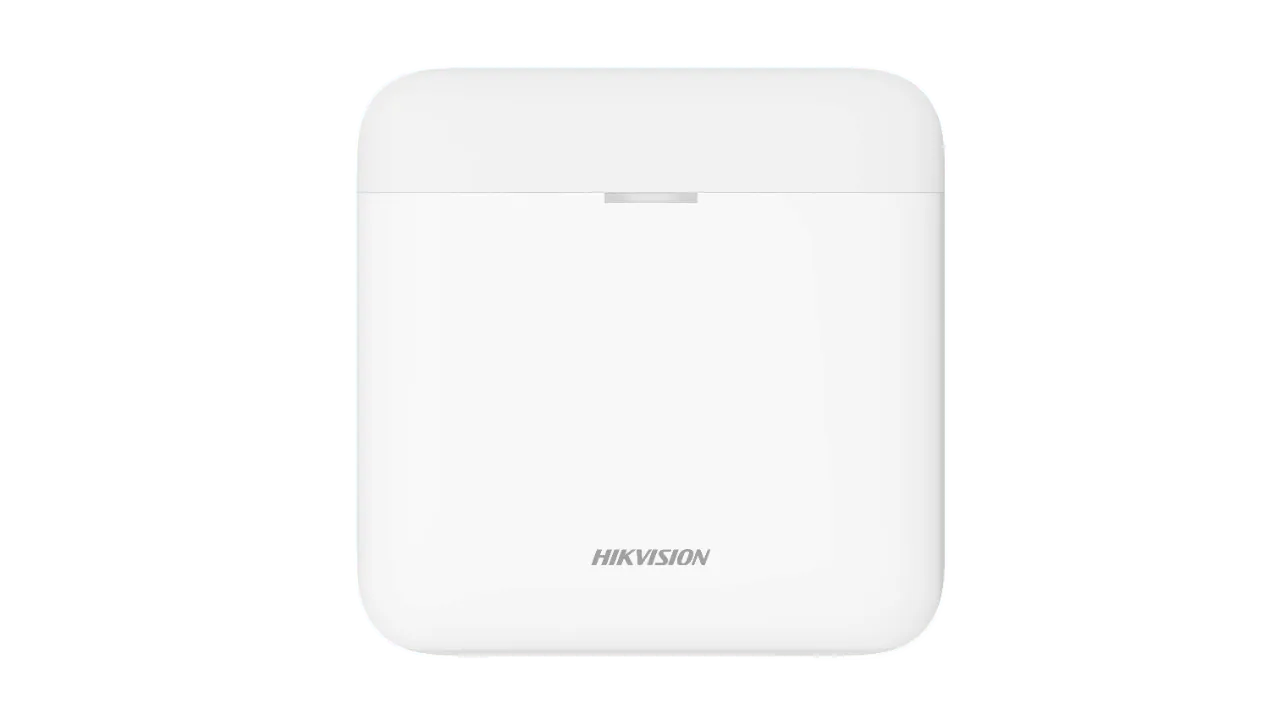
Choose Accessories devices for your new AX Pro Alarm System!
We Install AX Pro Alarms Across All of Melbourne
Whether you’re in the inner city, bayside, eastern suburbs, or out west — our licensed technicians come to you. Same professional installation, same pricing, same same-day app setup. No travel surcharges within the Melbourne metro area.
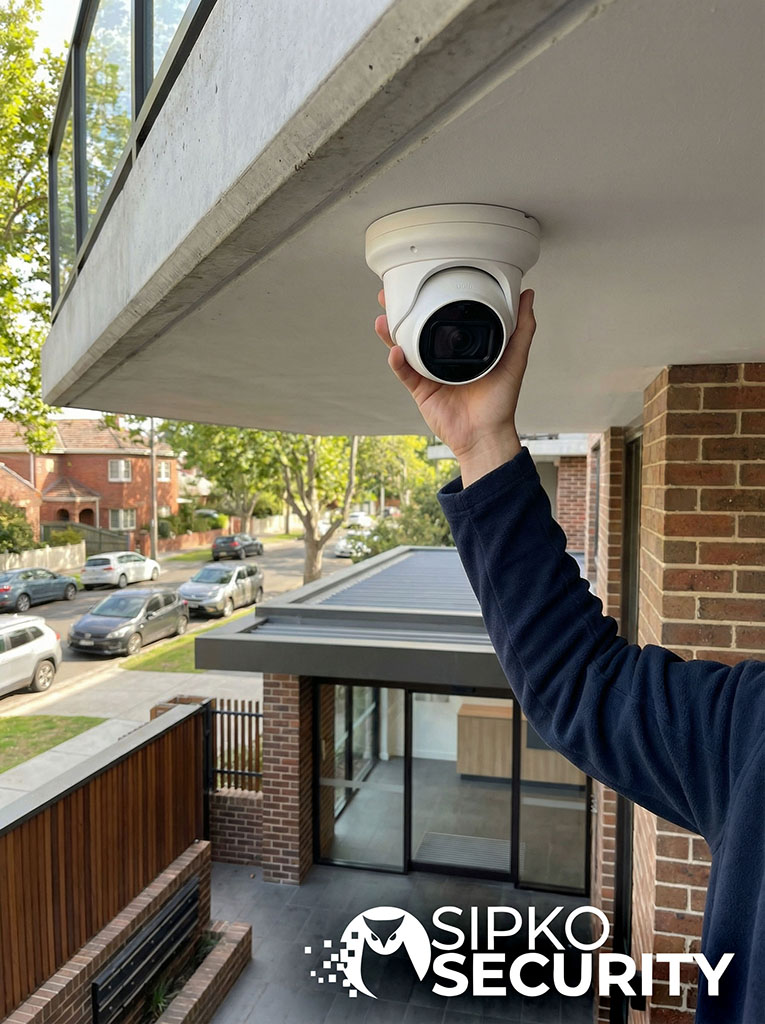
Melbourne Metro Coverage
We cover the full Melbourne metropolitan area — from the CBD out to the urban growth boundary. All installs are carried out by our own licensed technicians, not subcontractors.
Hikvision AX Pro vs Ajax vs DSC vs Bosch
Not sure which wireless alarm is right for your Melbourne property? We install and service all of these systems — so this comparison is based on real-world experience, not marketing material.
| Feature | Hikvision AX Pro | Ajax Systems | DSC | Bosch |
|---|---|---|---|---|
| Wireless Range | Up to 2,000m open air | Up to 2,000m open air | Up to 900m open air | Up to 300m open air |
| ✓ Excellent for large blocks | Strong performer | Good for most homes | Best for compact sites | |
| Zone Capacity |
✓ Up to 96 zones |
✓ Up to 100 zones |
~ Up to 32 zones |
~ Up to 32 zones |
| Smartphone App |
✓ Hik-Connect — free, full-featured |
✓ Ajax app — clean & reliable |
~ 3rd-party app required |
~ Limited app, extra cost |
| Pet Immunity |
✓ Up to 30kg standard |
✓ Up to 20kg standard |
~ Up to 25kg (select models) |
~ Up to 20kg (select models) |
| Monitoring Compatible |
✓ All Australian monitoring centres |
✓ All Australian monitoring centres |
✓ All Australian monitoring centres |
✓ All Australian monitoring centres |
| Typical Install Time |
✓ 2–4 hrs residential |
✓ 2–4 hrs residential |
~ 3–5 hrs (more config) |
~ 3–6 hrs (more config) |
| Fully Wireless |
✓ 100% wireless sensors |
✓ 100% wireless sensors |
✗ Hybrid — some wiring needed |
✗ Hybrid — some wiring needed |
| Entry Price (Installed) |
✓ From $1,059 inc. GST |
~ From ~$1,400 inc. GST |
~ From ~$1,200 inc. GST |
✗ From ~$1,800 inc. GST |
Why the AX Pro Wins for Most Melbourne Properties
After installing hundreds of wireless alarm systems across Melbourne, the AX Pro consistently delivers the best mix of range, ease of use, and value — especially for homes and small-to-medium commercial sites.
How the Hik-Connect App Works After Your Install
Once your Hikvision AX Pro is installed, the free Hik-Connect app becomes your security control centre. Here’s exactly what you can do from your phone — from day one.
- Arm & disarm remotely: Forgot to arm before leaving? Two taps in the app and your Melbourne property is secured — from anywhere in the world.
- Instant push notifications: The moment a sensor triggers, your phone gets an alert with the exact zone name — no delay, no polling.
- Full event history: Every arm, disarm, and sensor trigger is logged with a timestamp — useful for insurance claims or checking who came and went.
- Share access with family or staff: Add secondary users with their own login. For commercial sites, assign different access levels per partition.
Live Zone Status
See every sensor in your property — front door, back sliding door, garage, PIRs — and their current status in real time. If a sensor battery is running low, the app tells you which one before it fails.
Automatic Arming Schedules
Set your system to arm automatically every night at a specific time. Ideal for Melbourne businesses that close at the same time each day — no staff member needs to remember to arm on the way out.
Professional Monitoring Integration
Hik-Connect connects directly to Australian Grade A1 monitoring centres. When an alarm triggers, the signal goes to the monitoring centre and your phone simultaneously — so you’re always in the loop.
No Subscription Fees
The Hik-Connect app is completely free. No monthly software fee, no locked features, no hidden costs. Remote access, push notifications, and event history are all included at no extra charge.
Commercial Hikvision AX Pro Alarm Installation in Melbourne
From a single-storey retail shop in Richmond to a multi-floor warehouse in Laverton — we install and configure the AX Pro for Melbourne businesses of every size. No subcontractors, no guesswork.
Offices & Retail
Discreet PIR coverage, staff-only zones, and after-hours arming schedules for Melbourne’s CBD and inner-suburb businesses.
Warehouses
High-ceiling PIR placement, loading bay door contacts, and perimeter sensors for Melbourne’s industrial and logistics sites.
Multi-Floor Buildings
Separate partitions per floor or tenancy, with independent arming for each area — ideal for Melbourne office towers and mixed-use buildings.
Strata & Shared Buildings
Common area coverage with individual unit access — compliant with Victoria’s strata security requirements for owners corporations.
What Makes a Commercial AX Pro Install Different
A commercial installation isn’t just a bigger residential job. It requires careful planning of zones, access levels, and arming schedules to match how your business actually operates — without disrupting staff or customers.
- Multi-partition setup: Staff areas, public areas, server rooms, and loading docks can each be armed and disarmed independently — no need to arm the whole building at once.
- After-hours arming schedules: Set the system to arm automatically when your business closes — no staff member needs to remember, and no false alarms from forgotten arming.
- Access control integration: The AX Pro can work alongside door access systems so your alarm and entry control operate as one coordinated security layer.
- Compliance reporting: We provide a written service report after every commercial install — the documentation your insurer needs to confirm a professionally installed alarm system.
Staff vs. Public Zone Separation
A retail shop might have the sales floor on one partition and the stockroom on another. Staff can disarm the stockroom without disarming the front of house — reducing exposure during opening and closing.
Multiple User Codes & Access Levels
Each staff member gets their own PIN. When someone leaves the business, their code is removed in minutes via the Hik-Connect app — no need to change the master code or rekey anything.
Grade A1 Monitoring Compatibility
The AX Pro connects to any Australian Grade A1 monitoring centre. For Melbourne commercial properties, this means a security patrol can be dispatched within minutes of an alarm trigger — 24 hours a day.
Written Handover & Compliance Report
Every commercial install includes a written handover document listing every sensor, zone name, and battery type. This is the documentation your insurer, body corporate, or building manager may require.
We’ve installed AX Pro systems in offices, warehouses, retail shops, and strata buildings across Melbourne. All installs are carried out by our own licensed technicians — not subcontractors — and every job includes a written compliance report. According to the ABS, there are over 600,000 businesses in Victoria. Every one of them needs a security system they can actually rely on.
The AX Pro Installation Process — Start to Finish
Here’s exactly what happens from the moment you contact us to the moment your alarm is live and your app is set up. No surprises, no hidden steps, no waiting around.
You Call or Submit the Form
You call us on 0406 432 691 or fill in the quote form on this page. We’ll ask a few quick questions — property type, suburb, number of entry points — so we can give you an accurate quote without needing a site visit first for most standard residential and small commercial jobs.
You Receive a Written Quote
We send a clear, itemised quote by email — package price, what’s included, and the estimated install time. For larger commercial sites, we’ll book a free site assessment first so the quote is exact. No vague estimates, no surprise add-ons on the day.
Install Date Confirmed
Once you accept the quote, we lock in an install date that suits you. Most Melbourne residential installs are booked within 3–5 business days. Commercial installs with more zones may take slightly longer to schedule, but we’ll always give you a firm date — not a vague “sometime next week.”
Technician Arrives & Site Walk
Your licensed technician arrives at the agreed time and walks the property with you before touching anything. You agree on sensor placement, hub location, and keypad position together. This 15-minute walk is what prevents false alarms and missed zones later.
Hub, Sensors & Keypad Installed
The AX Pro hub is mounted and powered. Each wireless sensor is placed, paired, and named (e.g. “Front Door,” “Garage PIR”). The keypad is mounted near your main entry and your PIN is programmed. No cables are run through your walls — the whole system is wireless.
App Live, Walk-Test Complete, Handover
The technician pairs Hik-Connect to your phone, triggers every sensor to confirm it shows on the app and keypad, and walks you through arming and disarming yourself. You receive a written handover report listing every sensor and zone. Your system is live before the technician leaves.
How Long Does It Actually Take?
A standard Melbourne home with 2 PIRs and 4 door contacts takes 2 to 3 hours from arrival to handover. A small retail shop or office typically runs 3 to 4 hours. Larger commercial sites with 10+ zones may take 4 to 6 hours. We always give you a realistic time estimate before the day.
Do I Need to Be Home the Whole Time?
Yes — we need access to all areas being covered, and we’ll need you present for the site walk at the start and the handover at the end. For the installation itself, you’re free to go about your day. Most customers find the disruption minimal.
What If I Need to Add Sensors Later?
The AX Pro supports up to 96 zones, so there’s plenty of room to grow. Adding a sensor later is straightforward — we mount it, pair it to the hub, and name it in the app. No rewiring, no panel replacement, no drama.
Is There a Workmanship Warranty?
Yes. Every SIPKO installation comes with a 12-month workmanship warranty. If anything we installed develops a fault due to our work, we come back and fix it at no charge. The Hikvision hardware itself carries a manufacturer’s warranty on top of that.
AX Pro Sensor Placement Guide for Melbourne Properties
Where you put your sensors matters as much as which sensors you choose. Here’s how we approach placement for Melbourne’s most common property types — and how we avoid the false alarms that catch most DIY installs out.
Single-Storey Victorian Terrace
- ✓ Hub: Hallway linen cupboard or laundry — central, hidden, close to power. Avoids the front room where a smash-and-grab could disable it first.
- ✓ PIR: Corner of the main hallway at 2.1–2.3m height — covers the full length of the terrace from one sensor. Angled away from the front window to avoid heat from north-facing glass.
- ✓ Door contacts: Front door, back door, and any side gate with direct yard access. Terrace side passages are a common entry point in Melbourne’s inner suburbs.
- ✓ Keypad: Inside the front door at arm height — gives you enough time to disarm before the entry delay triggers the siren.
Double-Storey Brick Home
- ✓ Hub: Ground-floor hallway cupboard or under-stair storage — central to both floors, away from the garage where RF signal can be blocked by the roller door motor.
- ✓ PIRs: One at the base of the stairs (covers ground floor movement toward the stairs) and one at the top of the stairs (covers the upper hallway). Two sensors cover the whole house.
- ✓ Door contacts: Front door, back sliding door, and any ground-floor windows accessible from a fence or pergola — common entry points in Melbourne’s eastern and bayside suburbs.
- ✓ Garage: A door contact on the internal access door between the garage and the house — more reliable than a PIR in a garage with a car that retains heat.
Warehouse with High Ceilings
- ✓ Hub: Office or mezzanine area — away from the warehouse floor where forklift vibration and temperature swings can affect the unit. Needs a reliable power source and NBN/4G signal.
- ✓ PIRs: Mounted at 2.4–3m on columns or walls, angled downward at 15–20 degrees. Standard PIRs at this height cover a wider floor area. For ceilings above 5m, we use long-range curtain detectors instead.
- ✓ Loading bay doors: Magnetic contacts on each roller door — more reliable than PIRs in areas with forklifts, dust, and temperature extremes from open bay doors.
- ✓ Partitions: Office and warehouse on separate zones — staff can disarm the office without disarming the warehouse floor during business hours.
Apartment with Shared Entry
- ✓ Hub: Inside a bedroom wardrobe or kitchen cupboard — apartments are compact, so placement is less critical for range, but keeping it hidden reduces tamper risk.
- ✓ PIR: One sensor in the main living area covers most apartments under 80sqm. Positioned away from the balcony door to avoid triggering from curtain movement in the sea breeze common in bayside Melbourne apartments.
- ✓ Door contacts: Front door and balcony sliding door — the two most common entry points in Melbourne apartment break-ins. Window contacts on any ground-floor or accessible windows.
- ✓ Shared entry: The AX Pro covers your unit only — it does not require access to common areas or body corporate approval for the sensors inside your apartment.
Avoiding False Alarms in Melbourne’s Climate
Melbourne’s weather is genuinely one of the most common causes of false alarms in poorly placed alarm systems. Our technicians know exactly where not to put sensors — and why.
- North-facing windows: Melbourne’s summer sun hits north-facing glass hard. A PIR placed opposite a north-facing window will detect the rapid heat change as a “person” — especially on 35°C+ days. We always angle sensors away from direct sun paths.
- Bayside wind and curtains: In Port Melbourne, St Kilda, and Brighton, sea breezes push curtains and blinds into PIR detection zones. We position sensors to look across the room, not toward the window, to eliminate this.
- Pets and the 30kg limit: The AX Pro’s PIRs ignore animals up to 30kg when mounted at the correct height (2.1–2.4m) and angle. A sensor mounted too low will still trigger on a large dog — height and angle are everything.
- Brick and masonry walls: Melbourne’s older brick homes absorb heat during the day and release it at night. A PIR mounted on an exterior brick wall can trigger from the wall’s own heat signature. We always mount on internal walls or ceilings.
Hub Placement — The Rule of Thirds
Place the hub in the middle third of your property — not at the front (first thing a burglar reaches) and not at the back (furthest from the keypad). A central hallway cupboard or laundry is ideal for most Melbourne homes. The hub needs mains power and a clear path to your NBN or 4G signal.
PIR Height — Why 2.1 to 2.4 Metres
At 2.1–2.4m, the PIR’s detection cone covers the full floor area of a standard room while keeping pets below the detection threshold. Lower than 2.1m and large dogs trigger it. Higher than 2.4m and the detection angle becomes too steep, creating blind spots near the walls.
Door Contacts — Magnet Gap Matters
The AX Pro’s magnetic door contacts have a maximum operational gap of 20mm between the sensor and the magnet. On older Melbourne homes with warped timber door frames, this gap can exceed 20mm when the door swells in summer — causing constant “door open” faults. We check and adjust for this on every install.
Wireless Range in Brick Homes
The AX Pro’s sensors communicate up to 2,000m in open air, but Melbourne’s double-brick construction reduces this significantly. In practice, sensors work reliably up to 30–50m through 2–3 brick walls. For larger properties, we test signal strength at each sensor location before finalising placement.
Every SIPKO technician walks your property before placing a single sensor. We’ve installed AX Pro systems in Victorian terraces in Fitzroy, double-brick homes in Brighton, warehouses in Laverton, and apartments in Southbank — and each one gets a placement plan tailored to that specific building. There’s no one-size-fits-all layout.
After-Installation Support & Ongoing Maintenance
Your AX Pro installation is the start of the relationship, not the end of it. Here’s what we provide after the job is done — and what you should be doing to keep your system running at its best.
12-Month Workmanship Warranty
Every install is backed by a 12-month workmanship warranty. If anything we installed develops a fault due to our work, we return and fix it at no charge — no call-out fee, no labour cost.
Battery Replacement Service
Wireless sensor batteries typically last 2–4 years. We offer a scheduled battery replacement service so you never get a low-battery alert at 2 AM — or worse, a sensor that silently goes offline.
Firmware Updates
Hikvision releases firmware updates for the AX Pro hub to improve stability and add features. We handle these remotely or on-site — safely, without disrupting your system or losing your zone programming.
Adding Sensors Later
The AX Pro supports up to 96 zones. Adding a sensor later is straightforward — we mount it, pair it to the hub, and name it in the app. No rewiring, no panel replacement, no disruption to your existing zones.
Re-Programming After Staff Changes
When a staff member leaves, their PIN needs to be removed immediately. We can do this remotely via the Hik-Connect app in minutes, or on-site if you need a full user code audit and re-programming of all access levels.
Annual Service Checks
We offer annual service visits — a full walk-test of every zone, battery health check, signal strength test, and a written service report. The documentation your insurer or body corporate may require to confirm your system is professionally maintained.
Recommended Maintenance Schedule
How often you should service your AX Pro depends on your property type and how heavily the system is used. Here’s what we recommend for Melbourne residential and commercial sites.
| Service Task | Residential | Small Commercial | Large Commercial |
|---|---|---|---|
| Full zone walk-test | Annual | 6-monthly | Quarterly |
| Battery voltage check | Annual | Annual | 6-monthly |
| Sensor battery replacement | Every 2–4 years | Every 2–3 years | Every 1–2 years |
| Firmware update | As released | As released | As released |
| User code audit | As needed | After staff changes | Quarterly |
| Written service report | ✓ Annual | ✓ 6-monthly | ✓ Quarterly |
| Signal strength test | Annual | Annual | 6-monthly |
Frequently Asked Questions
Find answers to common questions about Hikvision AX Pro wireless alarm installation, pet immunity, phone integration, and backup battery capabilities.
Secure Your Melbourne Property with AX Pro Today
Get a premium wireless Hikvision AX Pro alarm professionally installed and configured by our licensed security experts. Protect your home or business with real-time app notifications, pet-immune precision, and robust cellular backups.
Explore Our Core Security Systems & Services
SIPKO Security delivers robust, top-tier engineering across Melbourne. Discover our comprehensive range of smart wireless alarms, surveillance architectures, expert repairs, and certified maintenance options.
SIPKO Security Home
Melbourne’s trusted security integrator, designing elite residential alarms, commercial defense networks, and thermal CCTV platforms.
Ajax Alarm Installation
Advanced wireless security systems with integrated photo-verification, instant push alerts, and deep cellular redundancy.
Wireless Alarm Systems
Sleek, wire-free security configurations engineered to maintain a flawless wireless range in double-brick and multi-level properties.
Commercial Alarms
State-of-the-art intrusion defense featuring multi-area partitioning, secure staff access codes, and Grade A1 24/7 monitoring connectivity.
Professional CCTV Systems
Premium 4K video surveillance networks designed with night-vision lenses, local AI object filtering, and crystal-clear event evidence.
Hikvision Camera Repair
Licensed diagnostic services, firmware upgrades, lens adjustments, and physical repairs for all Hikvision IP and NVR hardware.
Ajax Alarm Repair & Service
Certified troubleshooting, range-extender calibrations, sensor battery swaps, and system optimization for residential Ajax setups.
Bosch Alarm Maintenance
Expert diagnostic checks, master code overrides, keypad troubleshooting, and component testing for all classic Bosch panels.
Security System Support
Annual preventative maintenance sweeps, thorough cleaning of sensor optics, and full network audits to ensure 100% defense uptime.
Alarm Backup Battery Service
Certified emergency replacements of 12V lead-acid batteries, power supply diagnostics, and voltage load tests to prevent system blackouts.