
Hikvision CCTV Installation in Melbourne
Professional Hikvision CCTV installation for Melbourne homes and businesses, including camera placement, PoE cabling, NVR setup, storage, Hik-Connect access and a practical handover.
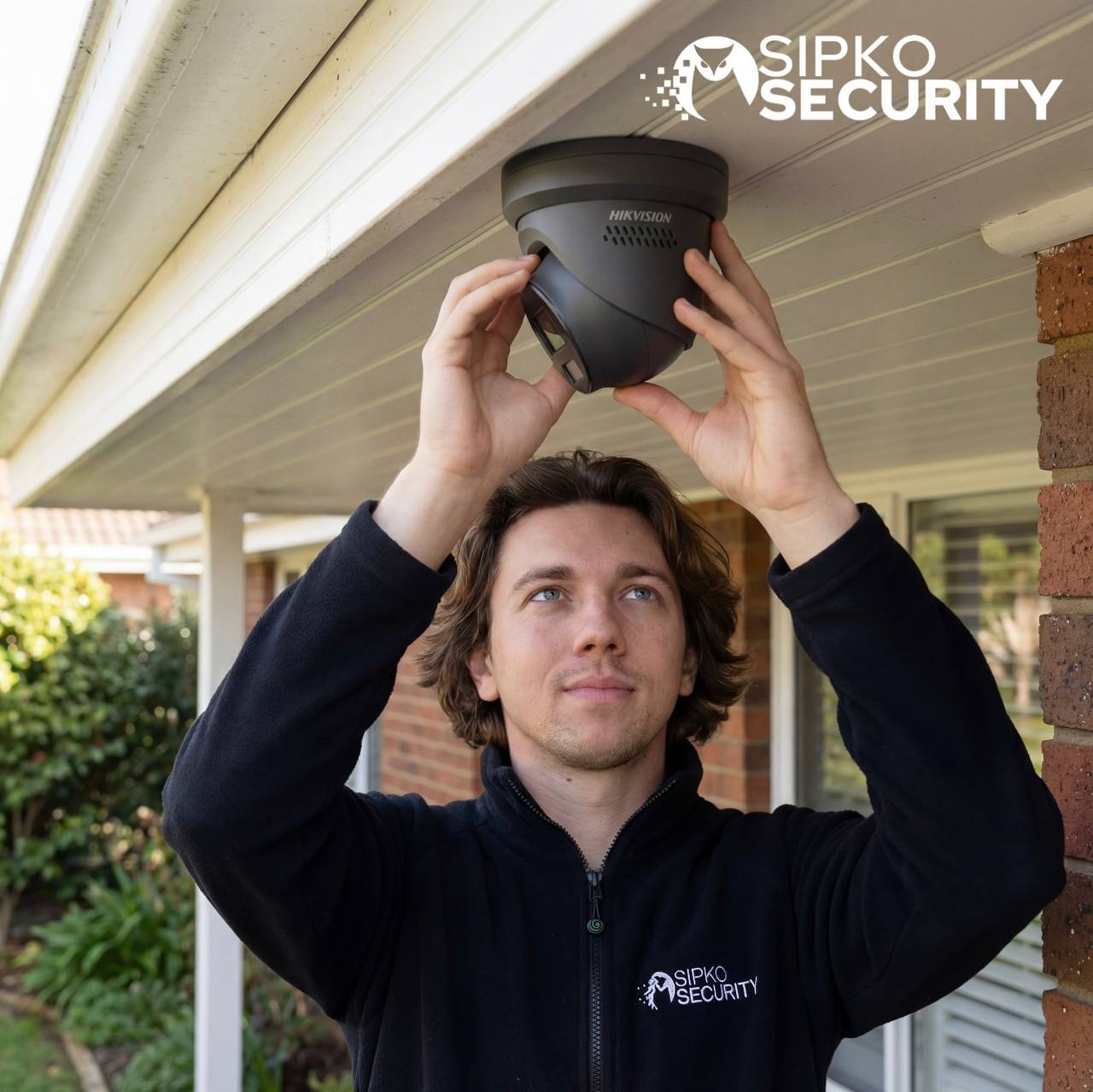
New Hikvision CCTV systems and practical upgrades
A good CCTV installation is more than mounting cameras. SIPKO plans the viewing angles, network path, recorder, storage and remote access as one system, then tests the result on site.
New CCTV installation
New Hikvision camera systems for houses, shops, offices and warehouses, planned around entrances, circulation areas, vulnerable boundaries and operational needs.
Camera and recorder upgrades
Replace ageing cameras or recorders, add channels where the existing system allows it, and review whether current cabling and storage can be reused.
PoE and network setup
For compatible IP systems, Power over Ethernet can carry power and data over the same Ethernet run. We configure the camera network, NVR and remote access as part of commissioning.
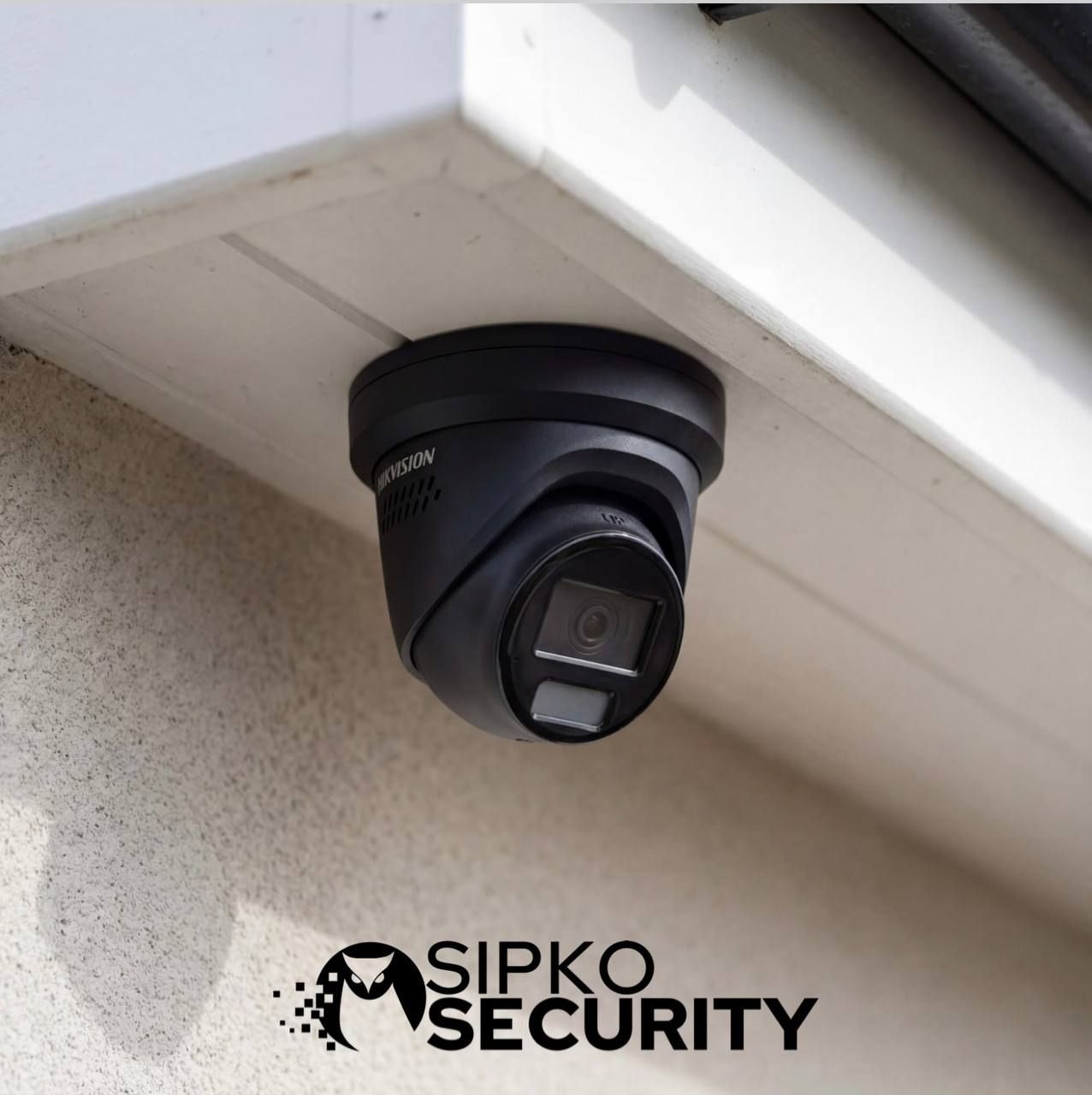
ColorVu, AcuSense and smart detection — configured for the site
Hikvision offers different camera and recorder families. The right choice depends on the scene, lighting, detection goal and recorder compatibility rather than a single specification.
- ColorVu: designed to provide colour-focused imaging in low-light scenes using high light-gathering capability and, on relevant models, supplemental light.
- AcuSense: on compatible products, human and vehicle classification can help filter events so alerts are more useful than simple motion-only detection.
- Smart detection: functions such as line crossing or intrusion detection are configured only where supported by the selected camera/NVR and where the scene suits the rule.
- Camera selection: turret, dome, bullet and other form factors are selected according to mounting position, coverage and environment.
Feature availability varies by Hikvision model, firmware and recorder. SIPKO confirms compatibility before specifying analytics or upgrade paths.
NVR, PoE, storage and playback set up as one system
The recorder determines how cameras connect, how footage is stored and how easily authorised users can find and export video. We configure the recording side at the same time as the cameras.
NVR setup
Camera channels, recording schedules, time settings, user permissions and network connectivity are configured and checked.
PoE cabling
Structured Ethernet runs are planned for compatible IP cameras, with cable routes, terminations and switch/NVR capacity considered before installation.
Storage planning
Storage is sized around camera count, resolution, bitrate, frame rate and recording mode. We do not promise a fixed retention period without those inputs.
Playback & export
Before handover, we check that authorised users can find recorded footage, review events and export clips from the installed system.
Mobile access without leaving the owner guessing
For compatible Hikvision devices, Hik-Connect supports remote live view, playback and notifications. SIPKO can pair the installed system, test access and show the owner how the core controls work.
Live view
Check authorised cameras remotely from the Hik-Connect app once the recorder, network and account are configured correctly.
Playback and alerts
Review recorded video and, where supported and configured, receive event notifications from compatible devices.
Account handover
Owner access, passwords, permissions and device-sharing options are explained so the customer keeps control of the system after installation.
Hikvision CCTV for homes, retail, offices and warehouses
The equipment can be similar, but the coverage plan is not. We design around how each property is actually used.
Homes
Entrances, driveways, side access, garages and external approaches, with camera positions selected to balance identification and useful overview coverage.
Retail
Entry and exit points, counters, customer areas, stock access and selected external zones, with playback kept straightforward for staff who may need footage quickly.
Offices
Entry points, reception, common operational areas and selected perimeter locations, with permissions set around authorised users.
Warehouses
Loading areas, gates, internal movement routes, dispatch zones and higher-risk points, with recorder capacity and camera count planned for the larger footprint.
From site assessment to handover
The installation is commissioned as a working security system, not left as a collection of connected devices.
Survey and coverage plan
Confirm what must be seen, where cameras can be mounted, cable access, network location, recorder position and any existing equipment worth testing for reuse.
Install cameras and cabling
Mount cameras, run and terminate appropriate cabling, connect compatible PoE equipment and keep the recorder/network layout serviceable.
Configure NVR and detection
Set recording, storage, time, user permissions, supported analytics and remote connectivity, then confirm camera views and event behaviour.
Test, playback and handover
Verify live video, recording and playback, test Hik-Connect where required, and show the owner the controls needed for day-to-day use.
Already have Hikvision CCTV? Upgrade the parts that actually need it
Not every existing installation needs a complete replacement. We can assess cameras, NVR, storage, cabling and network access before recommending an upgrade.
- add or replace compatible Hikvision cameras;
- replace or expand a compatible NVR;
- increase storage where recorder capacity permits;
- correct playback, account or Hik-Connect setup issues;
- review PoE/network bottlenecks and camera connectivity;
- separate installation/upgrade work from fault repair when troubleshooting is the real need.
Choose the right service path
If you need a new system or planned upgrade, this installation page is the right starting point. If cameras are offline, footage is missing or an existing Hikvision system has a fault, use the dedicated repair service instead. If you have inherited a Hikvision system or need authorised access and configuration cleaned up, see Hikvision CCTV takeover and reconfiguration in Melbourne.
Hikvision CCTV installation questions
Do you install new Hikvision CCTV systems in Melbourne?
Can you upgrade an existing Hikvision system?
What is the difference between ColorVu and AcuSense?
What does PoE mean for a Hikvision CCTV installation?
How many days of CCTV footage will the NVR store?
Can I view Hikvision cameras on my phone?
Can more than one person have mobile access?
Do you install Hikvision CCTV for commercial sites?
Plan a Hikvision CCTV system for your property
Tell SIPKO what you need to protect, whether the project is a new installation or an upgrade, and what existing equipment is already on site.