
Ajax Home Alarm Systems for Melbourne Houses and Townhouses
SIPKO Security plans Ajax home alarms around the way a household actually uses the property. Coverage may include the front door, rear sliding door, garage internal door, hallway, stairs and side access, with separate arrangements for Night Mode, full-away protection, family users, pets and compatible sirens.
For the broader equipment range, installation options and booking information, visit Ajax alarm installation Melbourne .
Wireless protection with less disruption to finished interiors
Ajax wireless detectors can reduce the need to route new alarm cable through finished walls, timber interiors and renovated areas. Small device fixings, a suitable powered hub location and property-specific mounting work may still be required.
Front and rear doors
Separate opening detection for the main entrance and rear sliding door, with delays based on normal household access.
Garage and hallway
Protection for the garage internal door and likely movement route from an entry point into the living area.
Night Mode
Selected perimeter devices can remain armed while approved internal routes stay available overnight.
Holiday or full-away setup
Main doors, internal movement areas and garage access can be included when the household is away.
Family users and pets
Separate users, clearly named devices and detector planning that considers pets, stairs and furniture.
Indoor and outdoor sirens
Compatible sirens can provide an audible alert inside the home and a visible or audible warning outside.
Book an Ajax Home Alarm Assessment
Use the request form below to describe the property and how you want the system to work. You can include whether the home is a house or townhouse, which doors need protection and whether pets are present.
- Front door, rear sliding door and garage internal door coverage
- Hallway, stair and side-access planning
- Night Mode and full-away setup
- Family user access and app setup
- Indoor and outdoor siren preferences
- Homes where new cable routes are difficult
Send Your Request
If the form does not load, you can still call us or use the contact page.
Having trouble with the embedded form? Use one of these options instead.
Plan Protection Around the Way Your Household Uses the Home
A residential alarm layout should reflect the doors, rooms and movement routes people use every day. A detached house, narrow townhouse and apartment may require different detector positions even when the number of rooms is similar.
Front door
The main entrance normally needs opening detection and an entry delay matched to the route used to disarm the system.
Rear sliding door or courtyard access
Contact placement should account for the moving panel, frame, curtains and the way the door is used by the household.
Garage internal door
The door between the garage and living area is treated as a separate access point, even when the external garage door has its own controls.
Hallway, stairs and side access
Detectors are positioned after checking likely movement paths, stairs, furniture, plants, pets and accessible secondary entry points.
Devices selected for the property
Door contacts, motion detectors, controls and sirens are selected after the entry points, movement routes and household routine have been reviewed.
Everyday, Night and Holiday Security Settings
The useful configuration is not simply “armed” or “disarmed.” Different household situations may require different protected areas, delays and notification arrangements.
Daily use
Entry and exit delays are matched to the door and route normally used when leaving or returning home.
- Front-door entry route
- Garage arrival route
- Clearly named rooms and devices
- Separate family user access
Night Mode
Selected perimeter devices can remain armed while approved internal routes stay available for people moving between bedrooms, bathrooms and other required areas.
- Front and rear doors protected
- Garage internal door protected
- Suitable bedroom-to-bathroom route retained
- Hallway detector included or excluded as required
- Pet movement reviewed before configuration
Holiday or full-away setup
“Holiday mode” is normally a household use scenario rather than a separate official Ajax mode. The system is fully armed according to the agreed away configuration.
- Main doors and accessible entry points armed
- Hallway and internal movement areas included
- Garage access included where required
- Selected users receive alerts
- Monitoring connection used where separately arranged
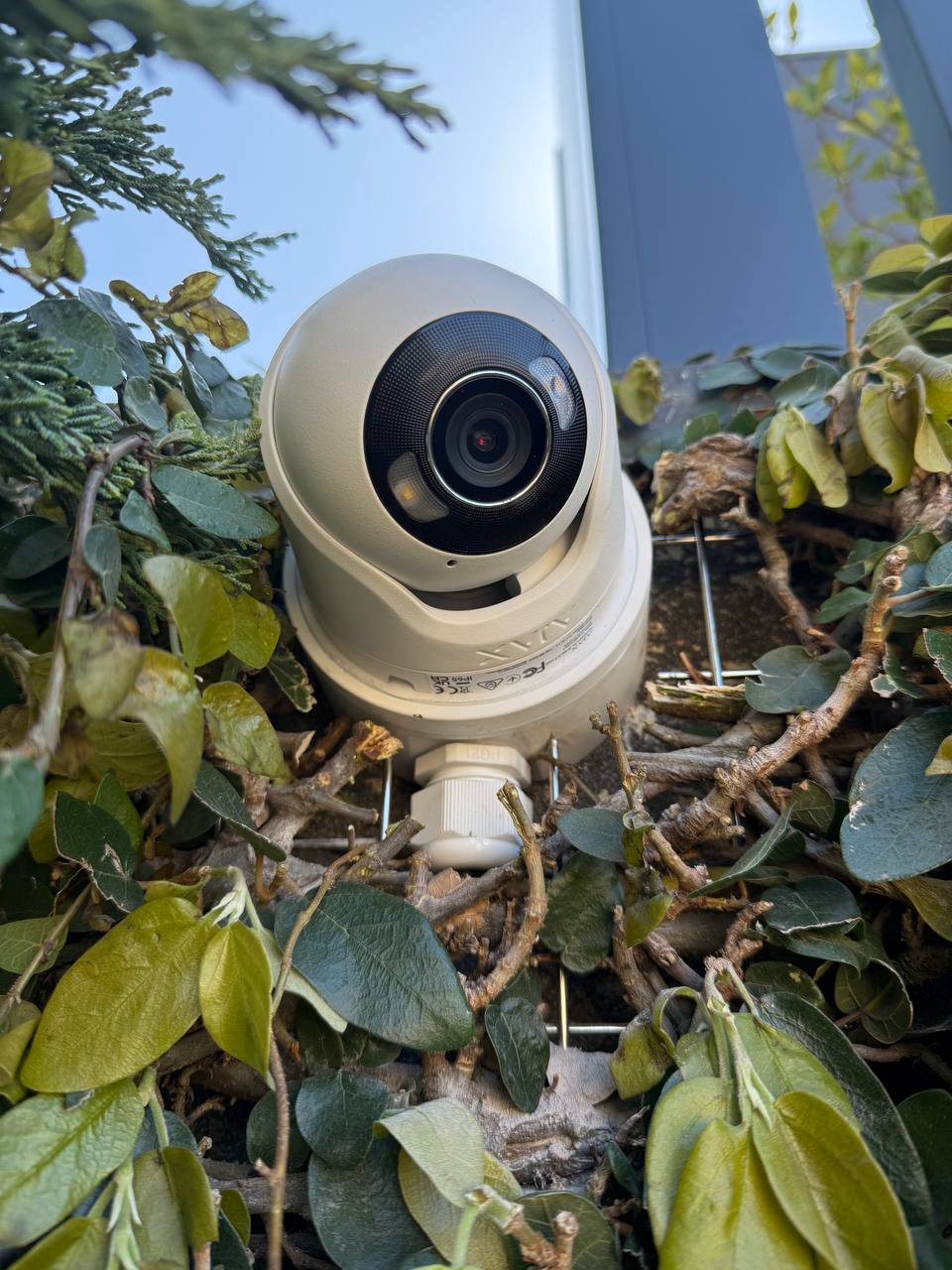
Installation matched to the room
Device position and fixing method depend on the surface, room use, detection area and communication with the hub.
Family Users, Pets and Clear Event Information
Each family member can have separate access, while clear device names help identify whether an event came from the front door, hallway, rear entry or garage.
- Add household members separately instead of sharing one account.
- Limit administrative settings to the people responsible for managing the system.
- Name devices according to the actual room, door or access route.
- Review pet size, movement, stairs, furniture and detector position.
- Test the areas a pet can reach rather than relying only on a generic sensitivity setting.
Separate users
Household members can have individual access and appropriate permissions without sharing one login.
Pet-aware planning
Detector height, field of view, sensitivity, stairs and furniture are considered during installation and testing.
Useful event names
Alerts identify the affected door, hallway or garage instead of displaying unclear generic detector labels.
Ajax Alarm Planning for Melbourne Townhouses
Townhouses often have compact entry routes, multiple levels, shared walls and limited options for running new alarm cable. The design should account for the vertical layout rather than treating each floor as a separate standard room package.
Front entrance near living areas
Entry delay and detector position should avoid unnecessary activations during normal movement close to the front door.
Garage-to-home access
The internal garage door may be a more common family entry route than the formal front entrance.
Hallway and stair movement
A detector covering stairs or a narrow hallway must be planned around overnight movement and pet access.
Rear courtyard or balcony door
Rear sliding doors and accessible upper-level openings are reviewed according to the property layout.
Wireless installation may avoid chasing new alarm cable through shared walls and completed finishes, but devices still require secure mounting and the hub needs a suitable power and communication location.
- Confirm radio communication across all required levels.
- Check whether concrete, metal or utility areas affect coverage.
- Place the hub away from unsuitable concealed or metal locations.
- Plan Night Mode around stairs and bedroom access.
- Test rear, garage and front-door routes separately.
- Use mounting methods suitable for the actual finished surface.
Indoor and Outdoor Sirens for the Home
Sirens have a different role from mobile notifications. They can alert people inside the property and create a local audible or visible warning when the system activates.
- Review where the siren will be heard inside the home.
- Consider bedrooms, pets, neighbours and nearby properties.
- Confirm whether an external mounting position is suitable.
- Configure alarm and entry-delay sounds as required.
- Test the siren during the final handover.
Indoor warning
A compatible indoor siren can provide an audible alarm inside the property and may also support selected system status sounds, depending on configuration.
External warning
A compatible outdoor siren can provide a visible and audible warning where the mounting surface, weather exposure and communication conditions are suitable.
Handover testing
The owner should know what each siren sound means, how to stop an alarm safely and where to review the triggering device in the Ajax app.
Review access points and household routes
The site walk covers the front door, rear sliding door, garage internal door, hallway, stairs, side access, accessible windows and routes used during the day and night.
Select the hub position
The location is checked for power, communication and radio coverage. Unsuitable metal enclosures and weak communication areas are avoided.
Position and mount the devices
Contacts, motion detectors and sirens are positioned according to the opening, field of view, mounting surface, household movement, pets and furniture.
Configure users, modes and delays
Rooms and devices are named clearly. Entry delays, exit delays, Night Mode, full-away protection, users and notification preferences are configured for the household.
Test the system and complete the handover
Each protected area is tested. The owner is shown how to arm, disarm, use Night Mode, prepare the system before a holiday, review events and recognise device or communication faults.
Home handover checklist
- Front-door test
- Rear sliding-door test
- Garage internal-door test
- Hallway or stair detection test
- Entry-delay check
- Exit-delay check
- Night Mode demonstration
- Full-away demonstration
- Family user setup
- Siren test
- Notification check
- Event-history explanation
- Battery-status explanation
- Fault-status explanation
Ajax App Setup for the Household
During handover, users are added individually and device names are checked so alerts clearly identify the affected part of the home.
Owner access
Administrative permissions can be limited to the people responsible for settings and user management.
Family users
Household members can be added separately so one shared login is not required.
Location-specific events
Device names distinguish a front-door opening from hallway motion, rear access or a garage alert.
Device condition
The owner is shown where to review battery, communication, tamper and fault information.
Night Mode
The household is shown which areas remain protected and which internal routes are available overnight.
Before a holiday
Users can confirm that the required doors, motion areas, garage access and notifications are included in the agreed full-away configuration.

App configuration included in the handover
Users, device names, event history, notifications, Night Mode and full-away use are reviewed before the installation is completed.
App Alerts, Photo Verification and Monitoring
These are separate options. A home system can provide household app alerts, use compatible photo-verification devices or be configured for a professional monitoring service.
App alerts
Selected household users receive events directly, with the affected device or area identified.
Photo verification
Compatible MotionCam devices can provide alarm-linked images for additional event context.
Professional monitoring
Where monitoring is selected, operator actions, escalation procedures, charges and response terms depend on the monitoring provider and plan.
More About Ajax Home Security
These pages cover installation options, photo verification, pet-aware detector planning, holiday protection and monitored response.
Ajax alarm installation Melbourne
Broader information about Ajax equipment selection, installation options and system planning.
View Ajax installation informationAjax MotionCam
How compatible motion detectors can provide images linked to an alarm event.
View MotionCam informationAjax systems for homes with pets
Detector placement and household factors that may affect unwanted activations.
View pet-aware planningSecuring your home while on holiday
Practical steps for preparing the property and checking the system before travel.
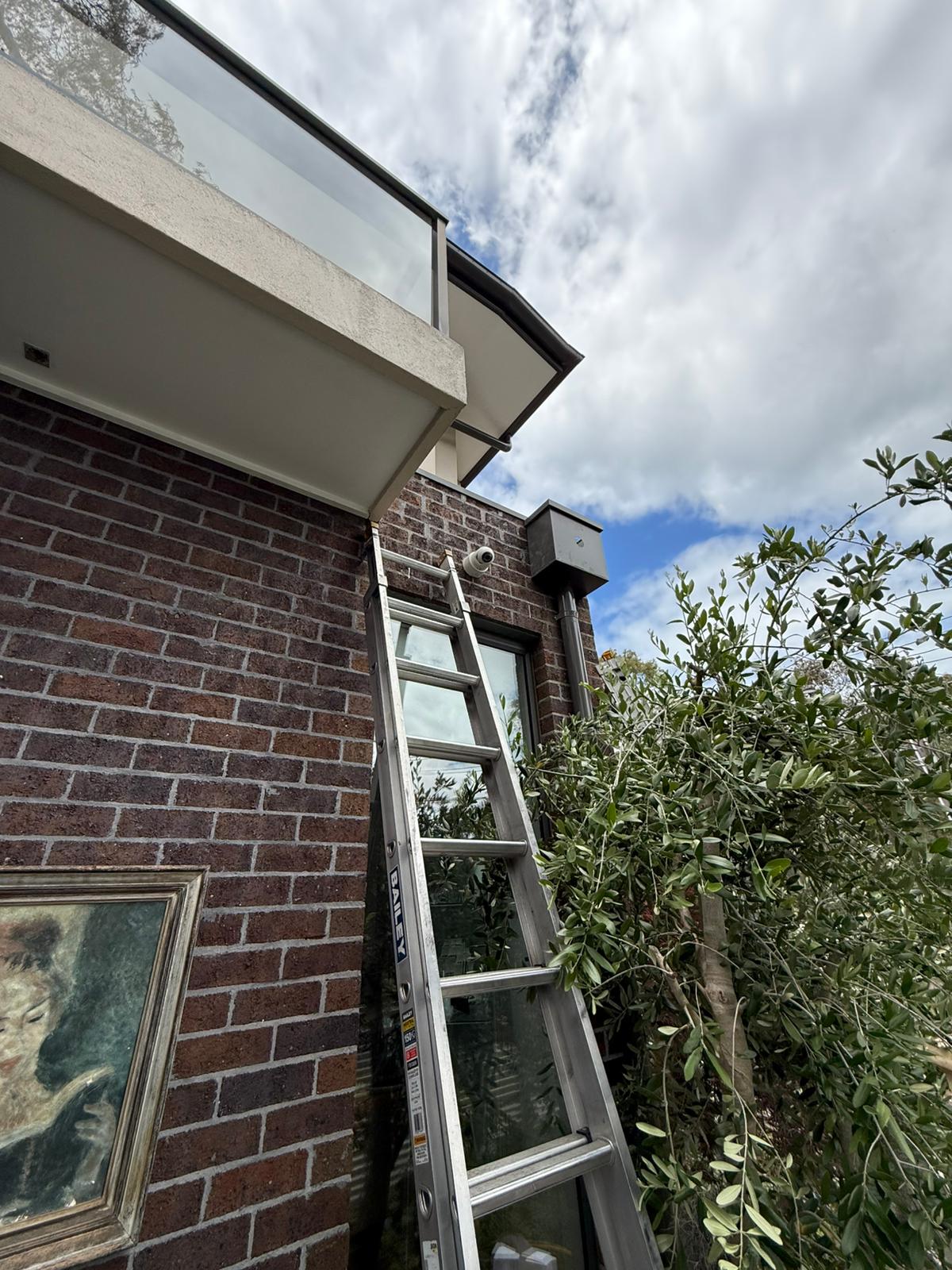
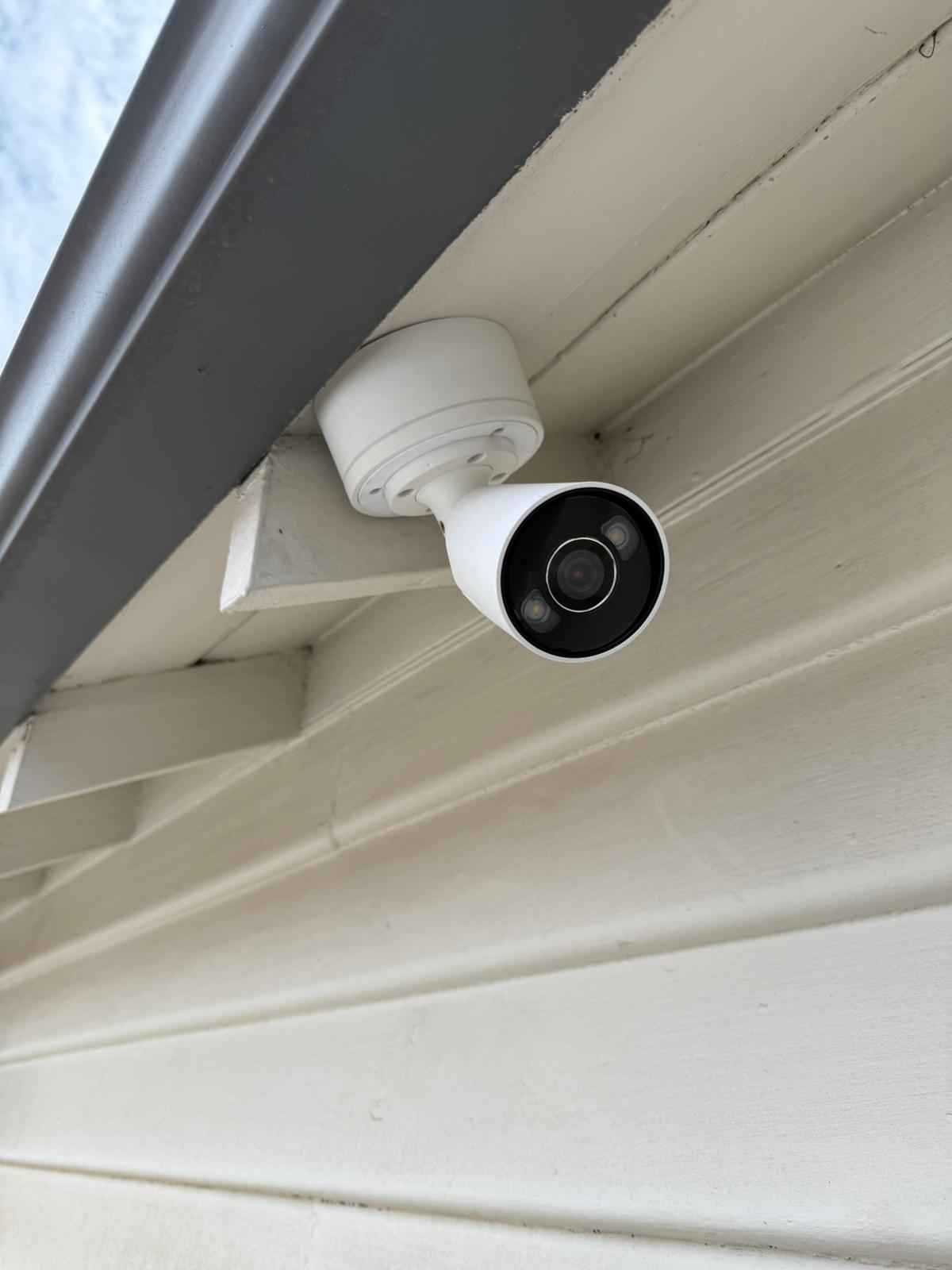
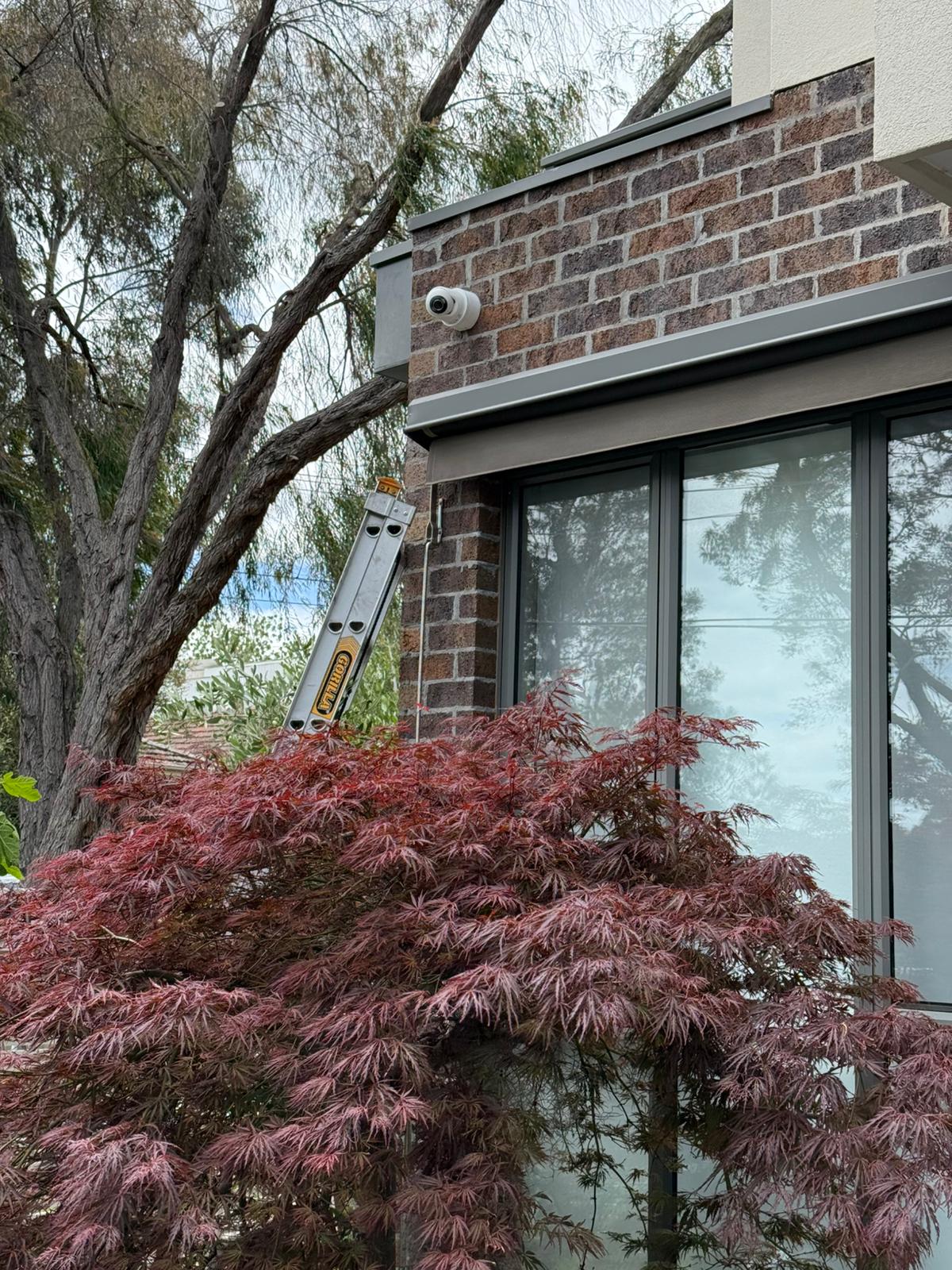
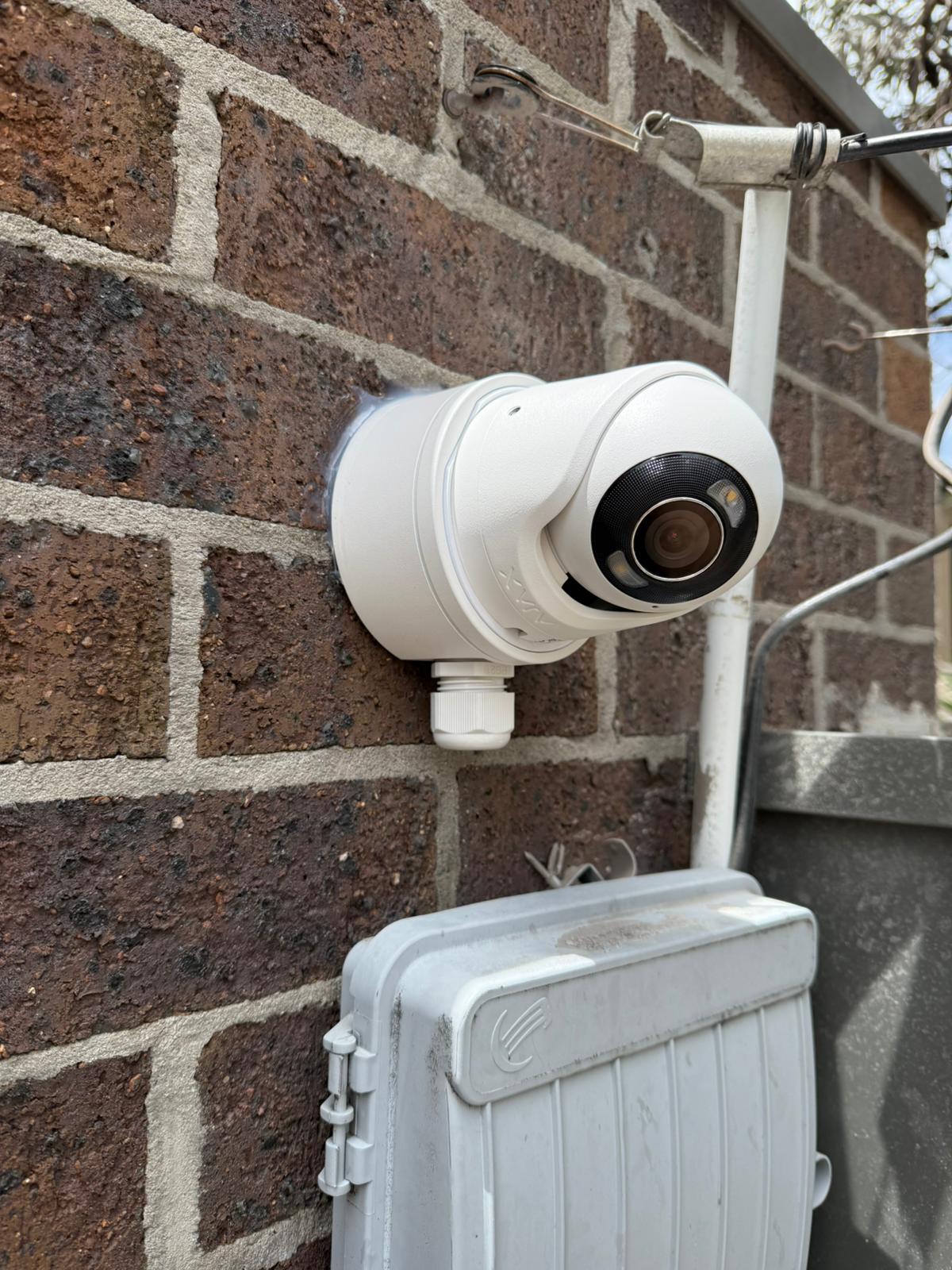
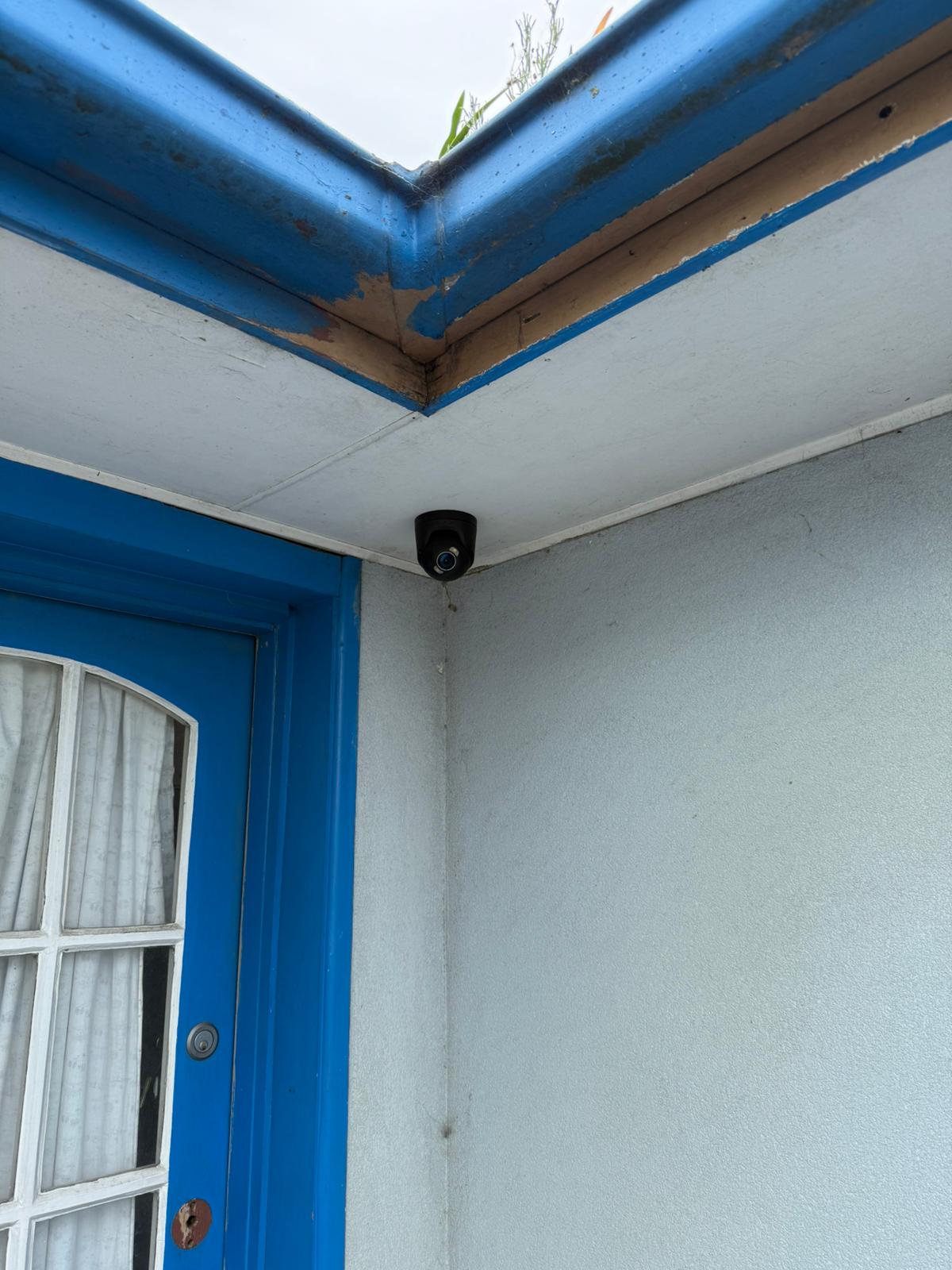
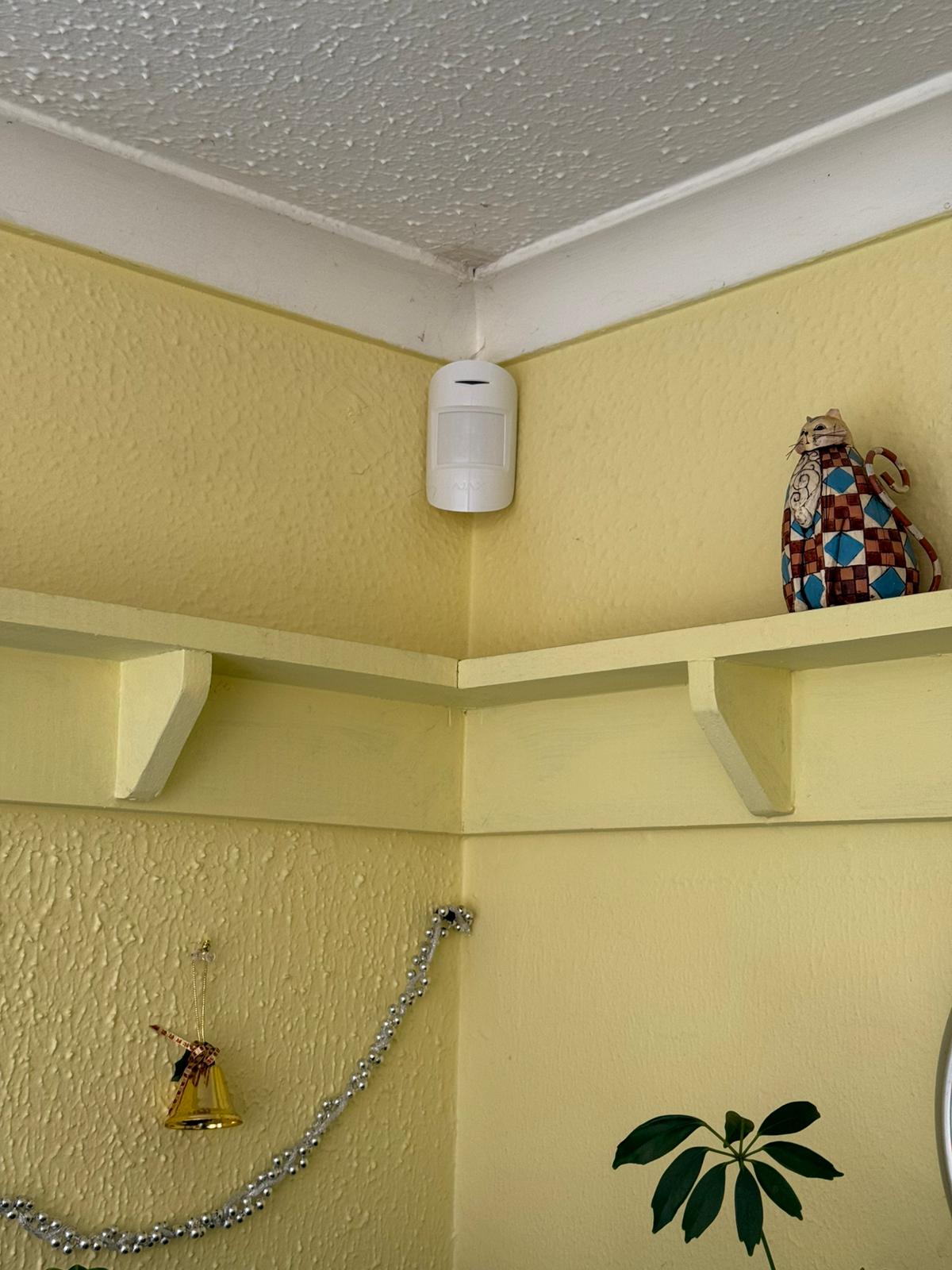
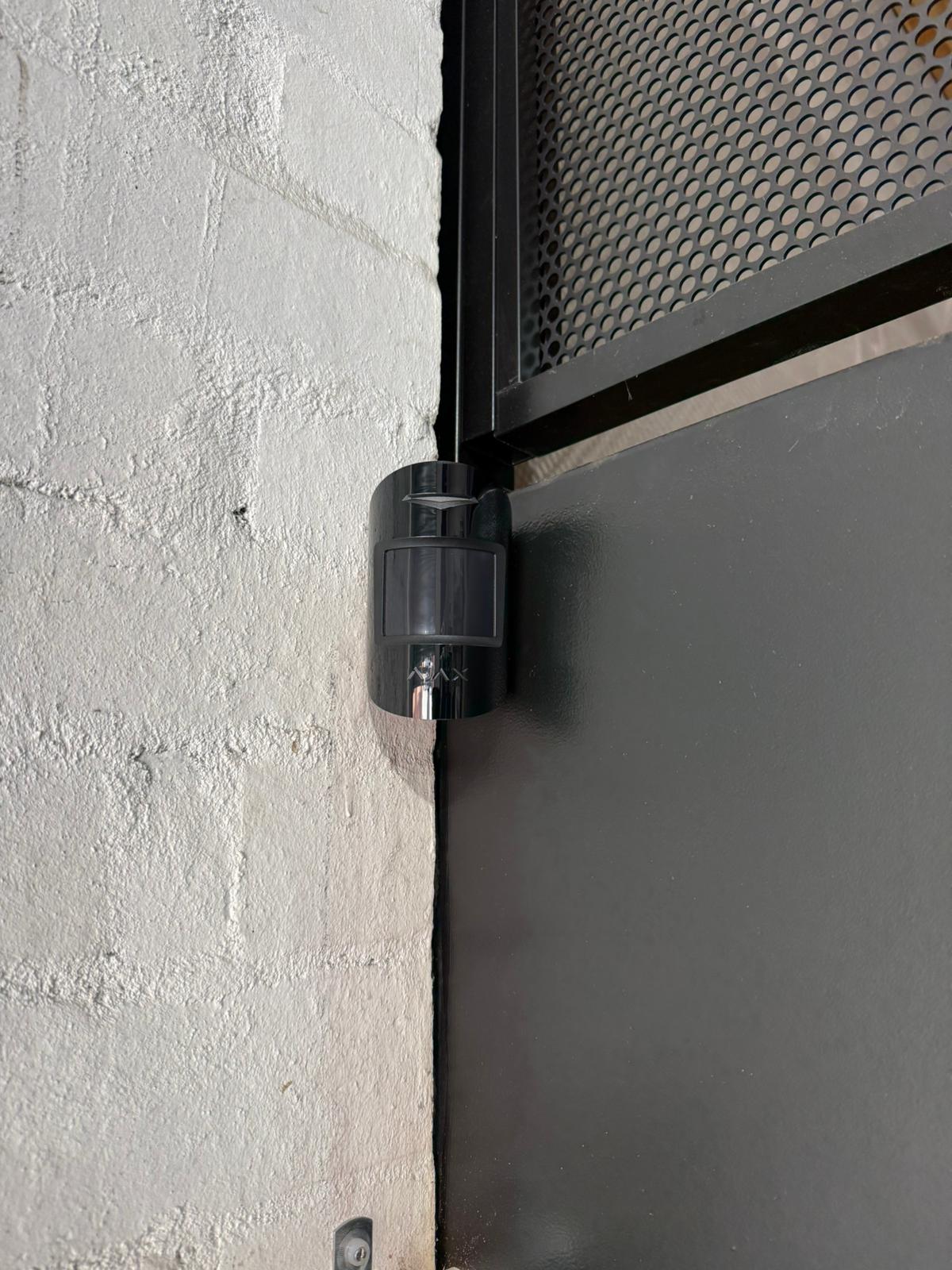
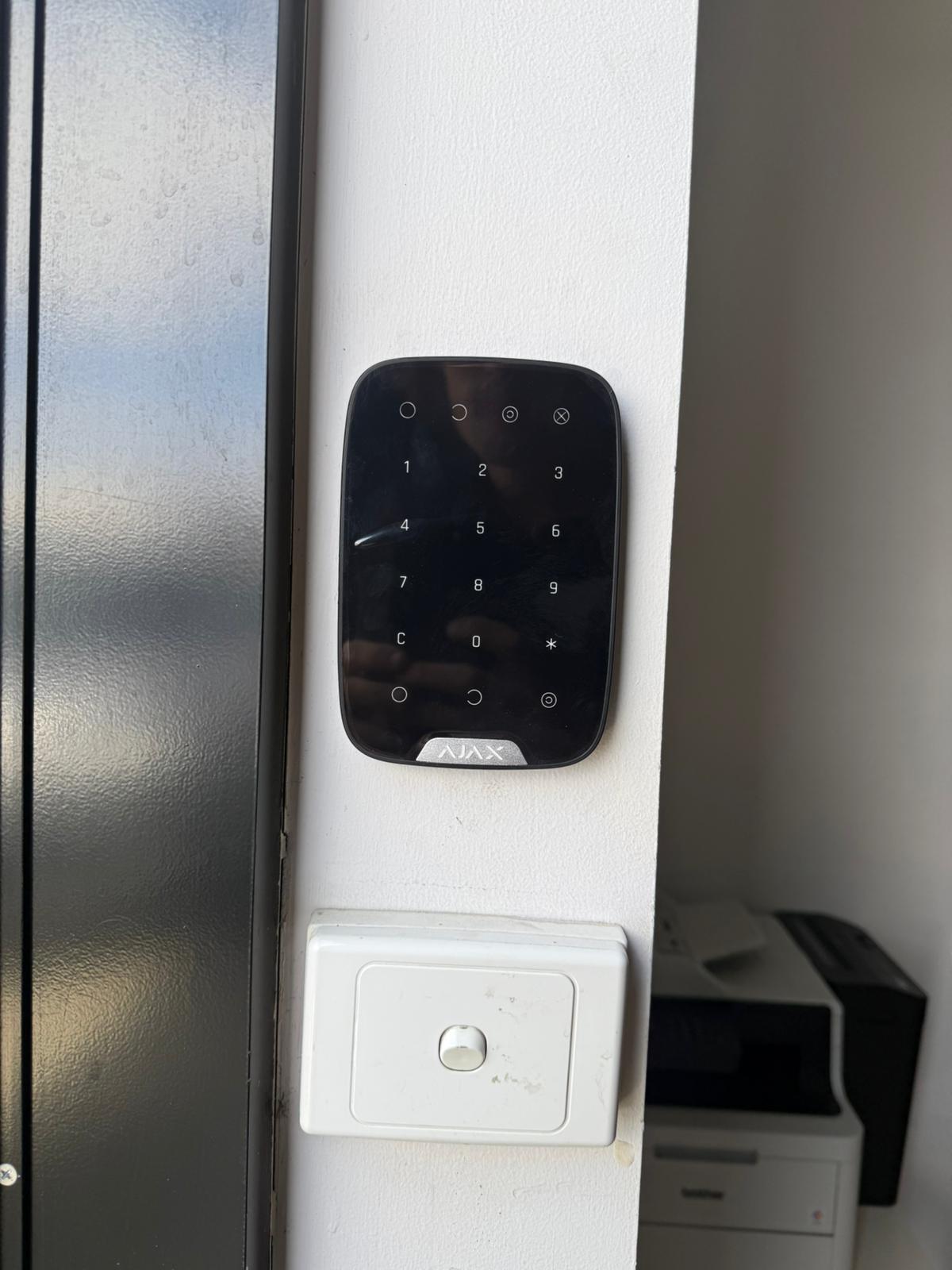
View holiday security guideRecent Ajax Installations in Melbourne Homes
Examples of device placement, clean finishing and systems configured around actual entry points and household use.
What Our Clients Say




Ajax Home Alarm Questions
Answers about entry-point planning, Night Mode, holiday use, pets, townhouses and the final handover.
Which parts of a house should an Ajax alarm protect first?
Planning normally begins with the front door, rear sliding door, garage internal door and the main movement route through the home. Side access, accessible windows and secondary doors are then reviewed according to the property layout.
Can selected doors remain armed while the family is sleeping?
Night Mode can arm selected perimeter devices while approved internal routes remain available. The setup should account for bedrooms, bathrooms, stairs, pets and garage access.
How should Ajax be configured when the family goes on holiday?
The agreed full-away configuration can include main doors, internal movement areas, rear access and the garage. Before leaving, users should confirm that the required devices are online, the system arms correctly and the intended people receive notifications.
Will pets trigger Ajax motion detectors?
Pet-aware settings may reduce unwanted activations, but performance depends on detector position, height, sensitivity, furniture, stairs and the animal’s movement. Installation should include practical testing of the relevant areas.
Is Ajax suitable for an older home or townhouse?
Wireless detectors can reduce the amount of new alarm cable required through finished walls and renovated areas. Devices still need secure mounting, and the hub requires a suitable power and communication location with reliable coverage.