
Verkada Security Camera Installation in Melbourne
Verkada security camera installation in Melbourne for offices, warehouses, retail and multi-site businesses. SIPKO Security plans the camera coverage, installs the cabling and cameras, sets up Verkada Command, configures user access, tests the system and shows your team how to use it.
Offices, warehouses, retail, commercial properties and businesses that manage more than one location.
Site assessment, camera positions, Ethernet and PoE, installation, Verkada Command setup, user permissions, testing and handover.
Talk to SIPKO About Verkada
Call 0406 432 691 or send the form. If you are not sure which cameras you need, that is fine — tell us about the property and what you want to protect.
What Is Verkada and How Does It Work for a Business?
Verkada is a business security camera system designed to make cameras easier to manage. Instead of relying on a traditional recorder box as the centre of the system, Verkada cameras have their own storage and connect to Verkada Command, where authorised users can view cameras, find recordings and manage access.
Your cameras in one place
You can manage cameras from one location or several business sites through the same system.
Easy remote access
Authorised users can check cameras when they are away from the property without using a traditional NVR remote-access setup.
Built for business use
The system suits businesses that want controlled user access, easier investigation and room to add more cameras or sites later.
We Start With the Property, Not the Camera Box
Before choosing cameras, SIPKO checks which entrances, car parks, reception areas, stock rooms, loading zones and other locations need useful video coverage.
- Where clear identification is needed
- Where cameras can be mounted safely
- Lighting during the day and at night
- Existing network and Ethernet cabling
- Whether the PoE switch can power the planned cameras
- Who needs access to the cameras
- Whether you have one site or several locations
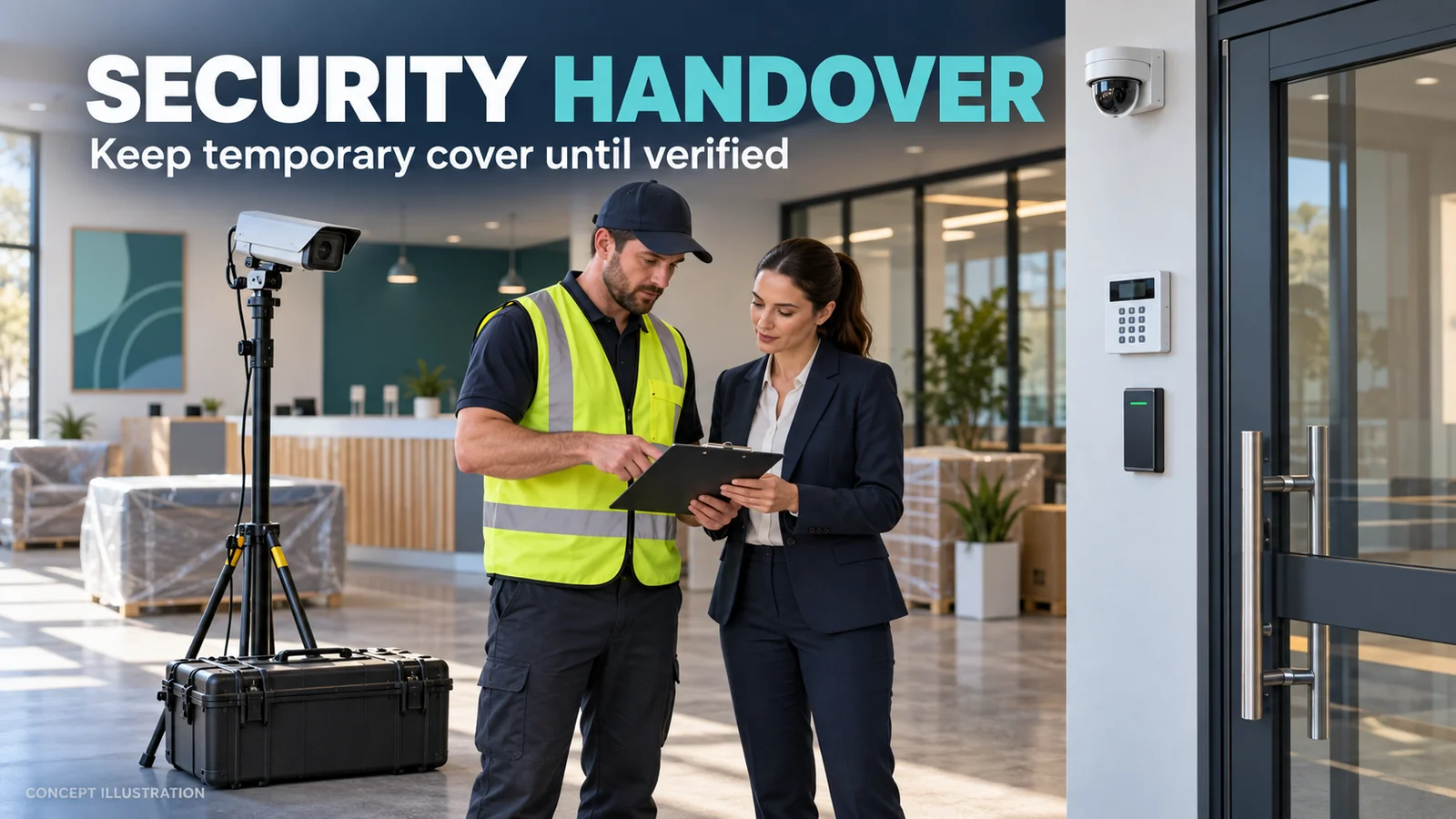
What Do You Actually Get From a Verkada System?
Verkada makes it easier to manage cameras, users and multiple locations from one system, especially as the business grows.
One view for several sites
A business owner or manager can access cameras from multiple locations without learning a different recorder at every site.
Control who can see what
Different users can be given different levels of access. For example, a store manager can be limited to one location while head office can manage several.
Find footage faster
Supported cameras and features can help users search for people, vehicles and events instead of manually watching hours of footage.
Check the system remotely
Authorised users can view cameras and manage the system without travelling to the property just to access a recorder.
Know when something needs attention
Central device management makes it easier to see the status of cameras and identify devices that may need attention.
Add cameras or locations later
A properly planned system can be expanded as the business grows without starting from scratch each time.

One Place to View and Manage the System
Verkada Command is the software used to manage the system. It is where authorised users can view live cameras, look at recorded video, manage users and permissions, check devices and work across several sites.
SIPKO sets up the cameras and assists with the initial organisation of users and access. We also show the nominated people how to use the system at handover.
Finding an Event Without Watching Hours of Video
On supported Verkada cameras and licences, the system can use video analytics to help search for people, vehicles and selected events. This can make an investigation much faster than manually scrolling through a long recording.
- Search for people where the selected camera supports it
- Search for vehicles where supported
- Use selected alerts for security or operational events
- Keep access limited to authorised users
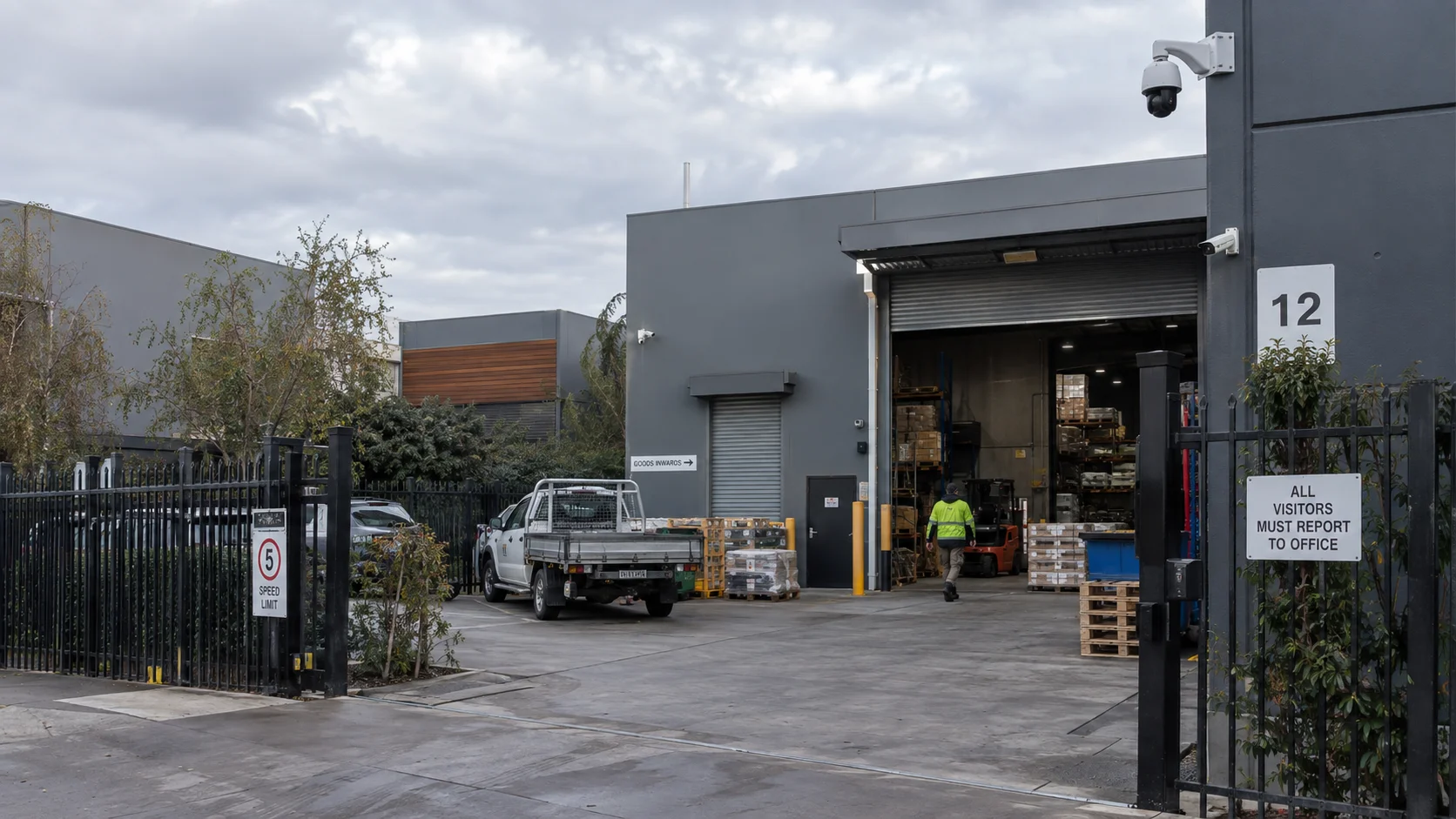
Does Verkada Need an NVR? How It Differs From Normal CCTV
Both systems use security cameras, but the way they are stored, managed and accessed is different.
Usually built around an NVR or DVR
Cameras normally send video to a central recorder. Remote access and management are often tied to that recorder and each site may have its own separate system.
Camera storage plus cloud management
Verkada cameras use built-in processing and storage and are managed through Verkada Command. This makes central management and multi-site use much simpler.
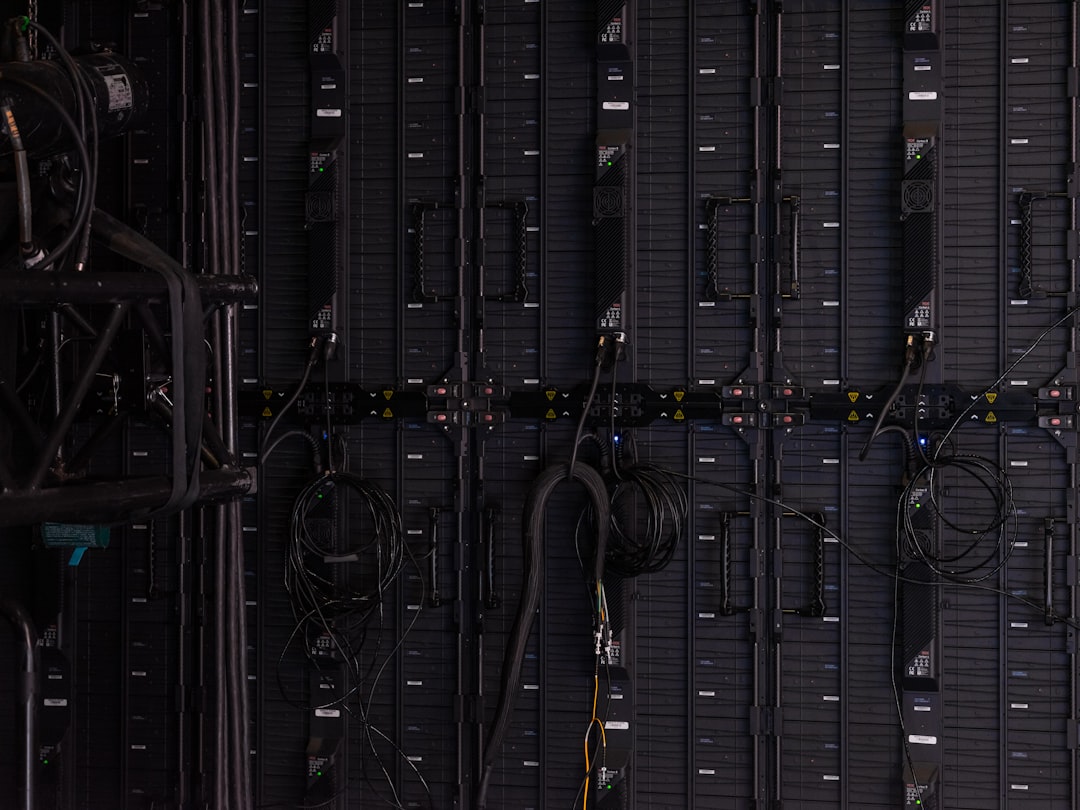
We Check the Network and PoE Before Installation
Verkada cameras are network devices, so the cabling and network need to be suitable. SIPKO checks this before installation and can coordinate with your IT provider where needed.
- Ethernet cable routes
- PoE switch capacity
- Internet connection
- Network layout
- Future camera expansion
Can Existing CCTV Cameras Be Used With Verkada?
Some supported third-party cameras can be brought into Verkada Command through Command Connector. This can allow a business to move towards Verkada gradually rather than replacing every working camera on day one.
We first check what you already have
SIPKO can review existing camera models, condition, network access and whether the cameras are worth keeping as part of a staged migration.
Compatibility must be confirmed
Not every third-party camera is supported. Compatibility depends on the camera model, firmware and current Verkada support list, so we verify it before promising reuse.
Australian Data Hosting Is Available
Verkada offers Australia as a data-processing region and provides Australian options for relevant image and video storage. The correct region and storage settings should be confirmed when the organisation is created and commissioned.
Data security
Verkada documents encryption in transit and at rest, multi-factor authentication and role-based access controls for its platform.
No traditional port forwarding
Verkada cameras are designed for cloud-managed access and do not require the traditional port-forwarding setup commonly used with older NVR remote access.
From First Visit to a Working System
The first step is a site assessment. We check the areas to cover, existing cabling, network equipment and who needs access to the system.
Talk about the property
We learn what you need to see, who needs access and whether you have one or several sites.
Site assessment
We inspect camera positions, cabling, lighting, network and mounting requirements.
System plan
We recommend suitable cameras, licence requirements and any network or cabling work.
Clear quote
The project scope separates equipment, licensing, installation and any additional cabling or network work.
Installation
We mount and connect the cameras according to the agreed coverage plan.
Command setup
We add the devices and help organise sites, users and initial permissions.
Testing
We check camera views, recording, access and the functions included in the agreed scope.
Handover
We show the nominated users how to view cameras, find footage and use the system.
How Much Does a Verkada Installation Cost?
Verkada installation is quoted per project because the cost depends on the cameras, licences, cabling, network work and site conditions.
Is Verkada Right for a Small Business or Multi-Site Organisation?
You want easier management
- You have several business locations
- You want authorised staff to access cameras remotely
- You want easier searching and investigation
- You expect the system to grow over time
- You want one platform for users and sites
Your only priority is the lowest upfront cost
- You need only a very small basic CCTV system
- You do not need central or remote management
- You prefer a conventional standalone recorder
- Advanced management features would not be used
If a conventional recorder-based system is a better fit, see our commercial CCTV installation service.
One Team for the Camera, Cabling and Setup
SIPKO can plan the camera views, install the required cabling, check PoE requirements, mount and configure the cameras, test the system and explain it to the people who will use it.
If you are still comparing platforms, read Ajax vs Verkada. If you need a conventional system instead, see security camera installation in Melbourne.
Business Licence Z93-206-80S
Cable Registration T58117
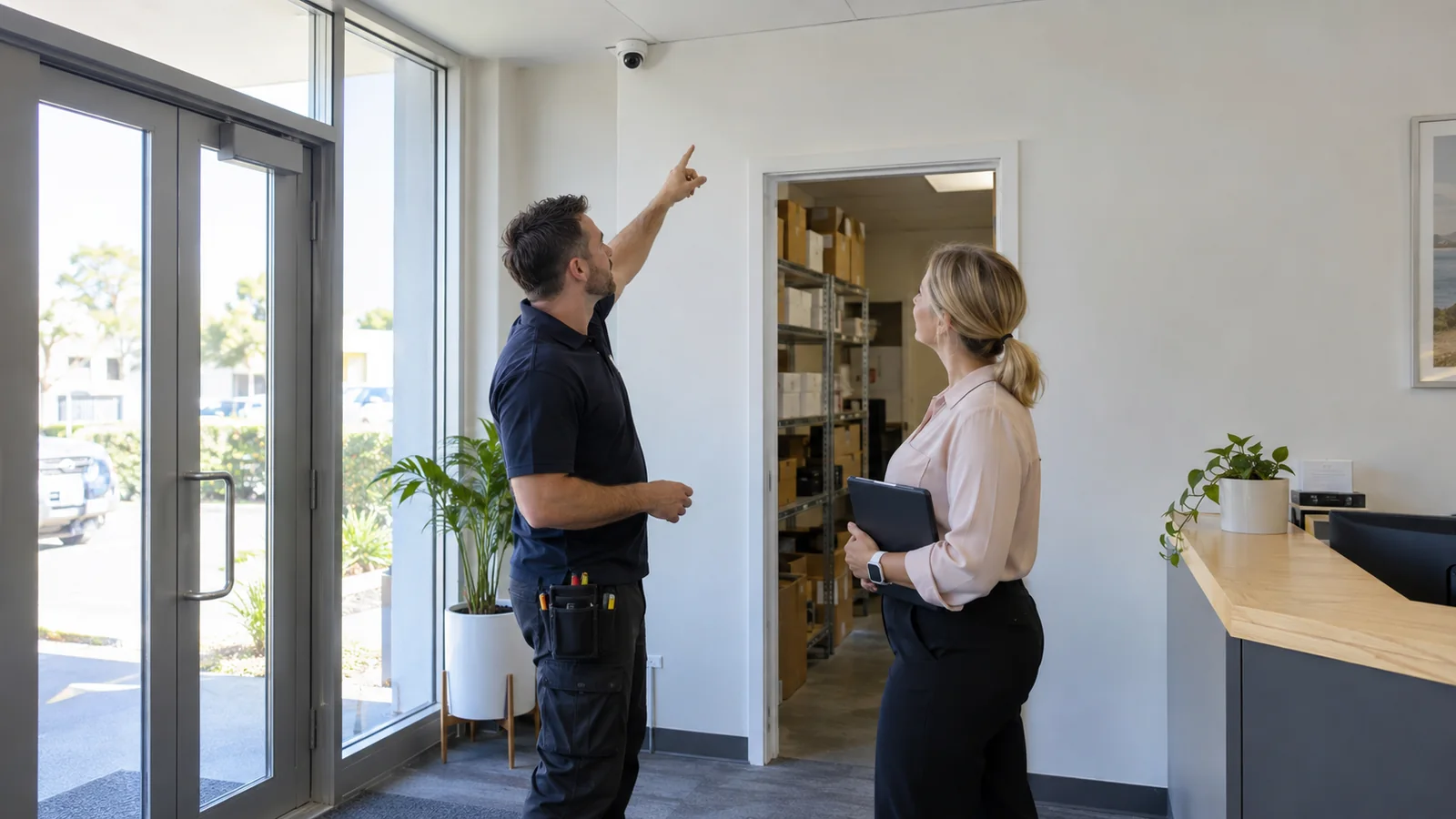
Common Questions About Verkada
Short answers to the questions we expect from Melbourne businesses considering Verkada.
What is Verkada?
Do Verkada cameras need an NVR?
Can I watch the cameras when I am away from the business?
Can Verkada manage cameras at several locations?
Can I keep any of my existing cameras?
Does Verkada require licences?
Can Verkada data be hosted in Australia?
Do I need to understand networks or PoE?
How much does Verkada installation cost in Melbourne?
Not Sure Which Verkada Cameras You Need?
A site assessment confirms the camera positions, cabling and system requirements for your property. Tell us which areas you need to see and who needs access, and we will plan the installation.