
Live Security System Monitoring in Melbourne
App alerts require the owner or nominated user to notice the notification and respond. Professional monitoring sends supported alarm events to a monitoring centre, where operators follow a pre-arranged contact and escalation procedure. SIPKO installs and configures compatible systems and can coordinate the connection; the monitoring provider and available response options are confirmed before activation.
Operators can review the alarm information supported by the system, such as the zone, event sequence and communication status.
The monitoring centre follows the nominated contact order and the instructions recorded for that event type.
SIPKO handles equipment settings, fault investigation and on-site service. Monitoring account changes are completed by the monitoring provider or coordinated with it.
Compatible systems may report through internet, mobile or another supported path. A working backup path is required if remote reporting must continue after the primary path fails.
Call +61 406 432 691 or request a quote below.
App-Only Alerts vs Professional Monitoring
The main difference is who receives the alarm and who is responsible for the next step.
| Question | App-only alerts | Professional monitoring |
|---|---|---|
| Who receives the alert? | The owner or nominated user. | The monitoring centre receives supported alarm events. |
| Who assesses the event? | The user checks the app, cameras or site information available to them. | An operator reviews the signal information available from the connected system. |
| Who contacts keyholders? | The user makes the calls. | The centre follows the nominated contact order. |
| Can patrol be requested? | The owner arranges any response directly. | Only where a response service is included, eligible and available. |
| What determines the response? | The owner’s decision. | The event type, available signal information and the instructions in the service agreement. |
For Ajax-specific features, see Ajax monitoring with video verification in Melbourne.
How Professional Monitoring Handles an Alarm
The monitoring centre handles each supported alarm under the event rules and contact instructions recorded for the site.
Alarm received
The centre receives the event details transmitted by the connected alarm system.
Available information reviewed
The operator checks the supported zone, sequence, communication, audio, image or video information available for that event.
Contacts called
The nominated contacts are called in the recorded order.
Authorised response requested
A patrol or other response service may be requested only when it is included, eligible and available.
Event recorded
The monitoring record notes the signals received, contact attempts and actions taken.
Backup & Reliability
Remote reporting depends on power, a working communication path and routine testing. Backup should be designed around the faults the site needs to tolerate.
Power Outage
Communications
Testing Schedule
When Technical Service Is Needed
Repeated unwanted alarms, unstable communication, low-battery warnings or equipment faults may require configuration changes, component replacement or an on-site service visit. Monitoring does not replace maintenance of the alarm equipment or site network.
What SIPKO Checks Before Monitoring Is Connected
Before activation, SIPKO checks whether the existing or proposed alarm can communicate reliably with the selected service and whether the site information is ready for handover.
Panel and communicator compatibility
Confirm that the alarm panel and communication module support the proposed connection method.
Primary and backup communication
Check internet, Ethernet, mobile or other supported paths and identify what happens if the primary path fails.
Backup power condition
Inspect the panel battery and any UPS supporting network equipment used for alarm reporting.
Zones and event names
Use clear labels such as Front Door, Garage Motion or Server Room so an operator can identify the affected area.
Contacts and test transmission
Confirm nominated contacts, their order and the result of a test alarm sent to the selected monitoring centre.
Need a Modern Monitoring-Ready Alarm?
An older alarm may still be connected to monitoring if the panel and communication equipment remain reliable. Where the system has repeated faults, no practical app access or limited support, replacing it with Ajax may provide a cleaner monitoring-ready setup. Ajax can combine alarm events, mobile notifications, user management and compatible video verification. Monitoring availability and the required response procedure must be confirmed before installation.
Explore Ajax alarm installation and monitoring optionsWhat the Monitoring Plan Covers
Inclusions vary by provider and plan. The service agreement should state exactly what is monitored and what action can be taken.
Common inclusions
- Monitoring account and site details
- Supported alarm event types
- Nominated contacts and call order
- Commissioning and test events where included
- Instructions for authorised response options
- Support and account-change channels
Confirm separately
- Monitoring provider, centre grading and communication path
- Patrol eligibility, coverage, call-out fees and attendance conditions
- Victoria Police alarm-response requirements; police attendance is not guaranteed
- Equipment maintenance, wiring repairs and replacement parts
- Contract term, notice period, cancellation rights and additional fees
Monitoring FAQ
Key questions to confirm before choosing app alerts or a professional monitoring plan.
App alerts place the response on the owner. Professional monitoring sends supported events to a monitoring centre that follows the contact instructions recorded for the site.
Timing depends on the event, available signal information and the monitoring procedure. Patrol or police attendance is separate and is not guaranteed.
Review the event history and correct the cause. User error, sensor position, environmental conditions, communication faults or failing equipment may require adjustment or service.
Contract length, notice periods, cancellation rights and fees depend on the selected agreement. Confirm them before activation.
Remote reporting continues only when another supported communication path remains active. Local alarm functions may continue even when remote reporting is unavailable.
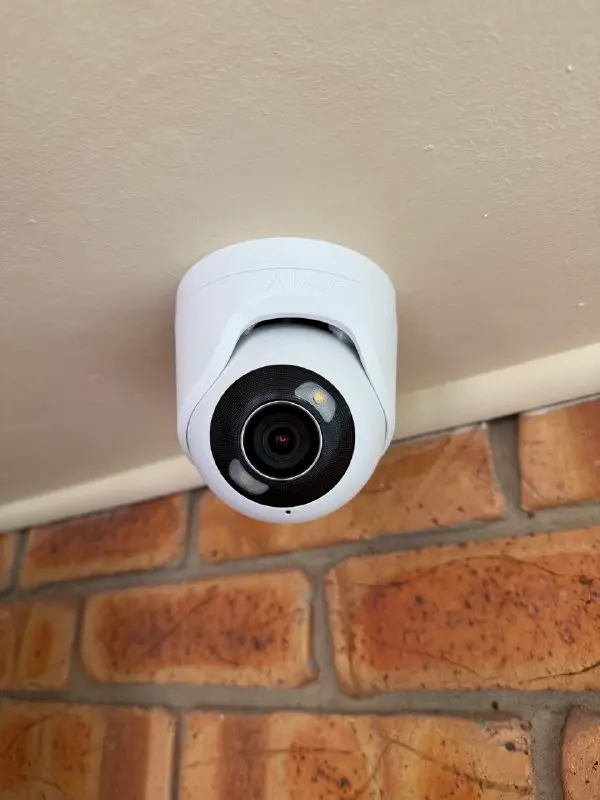
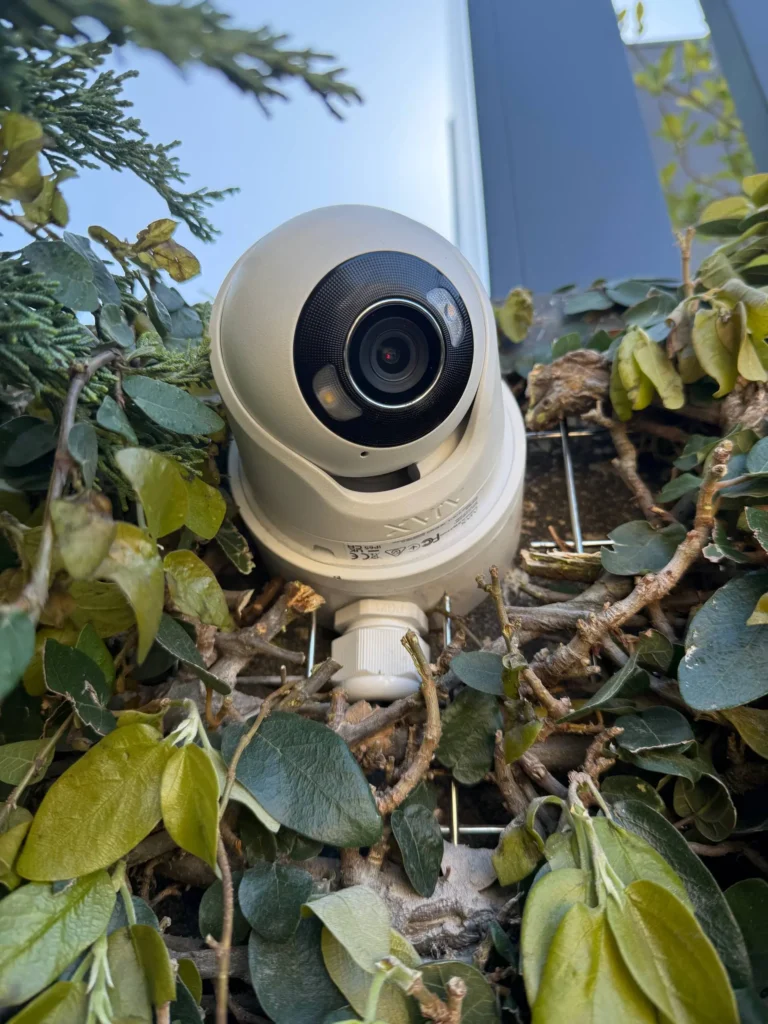
Selected Security System Installations
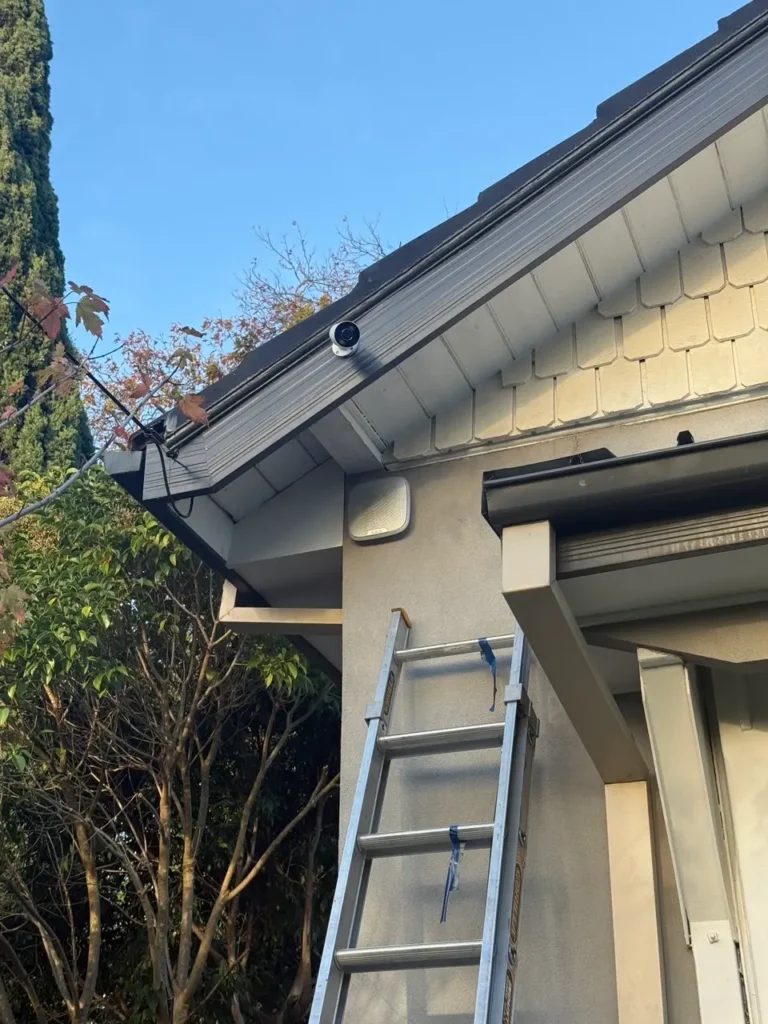
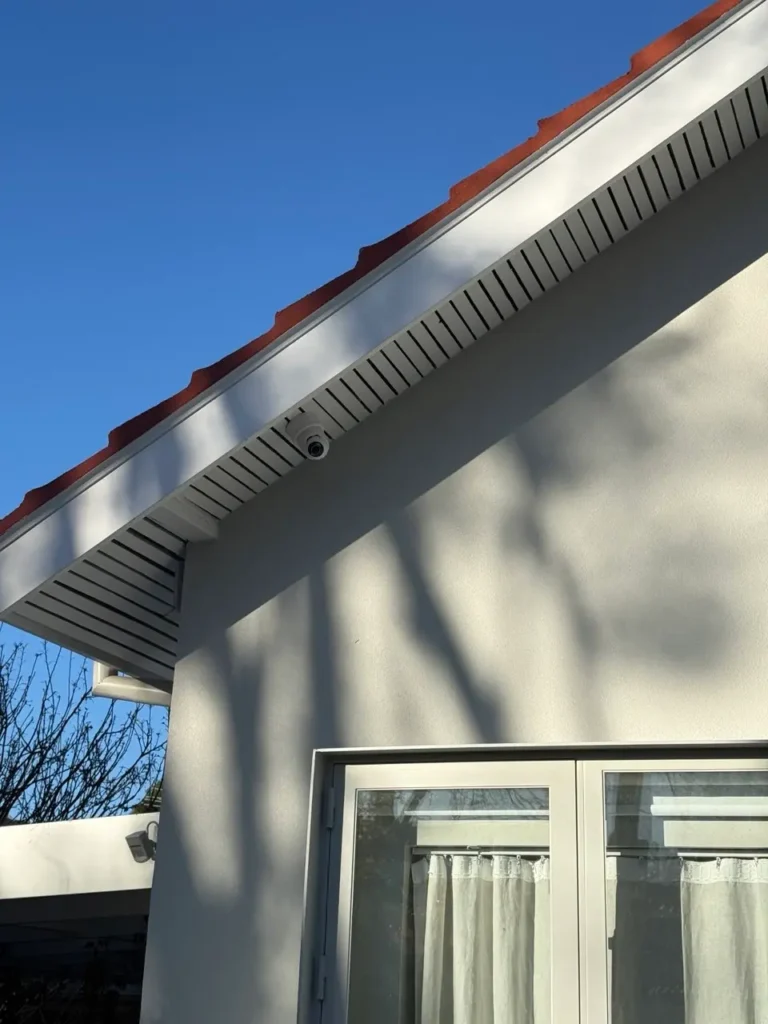
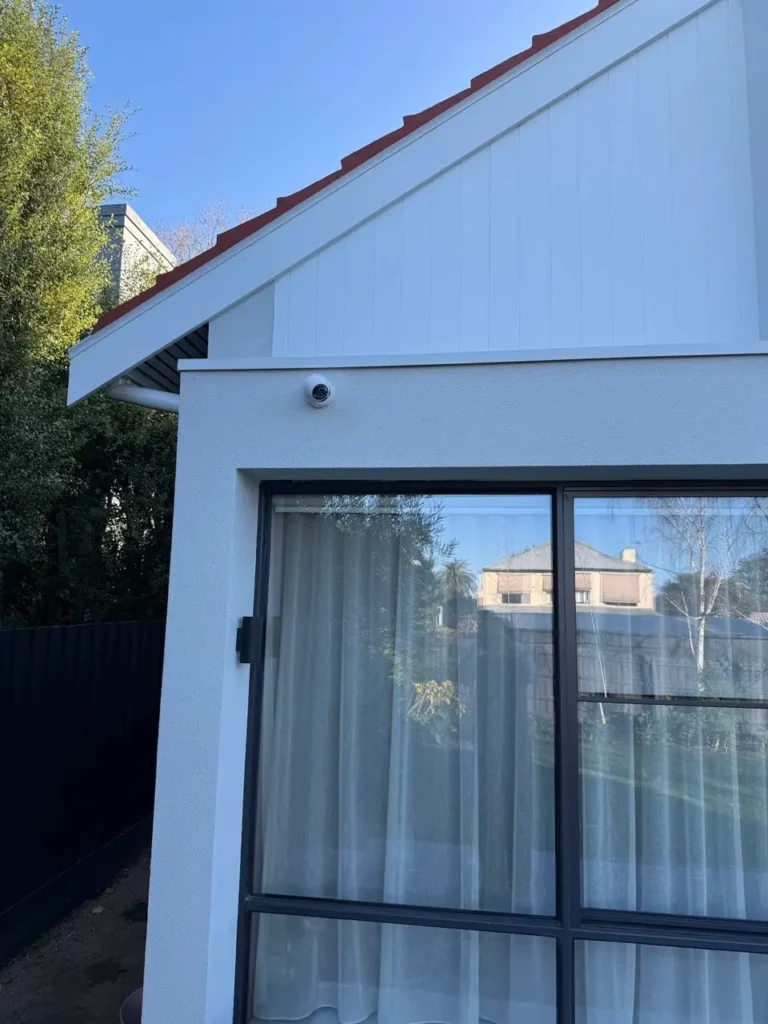
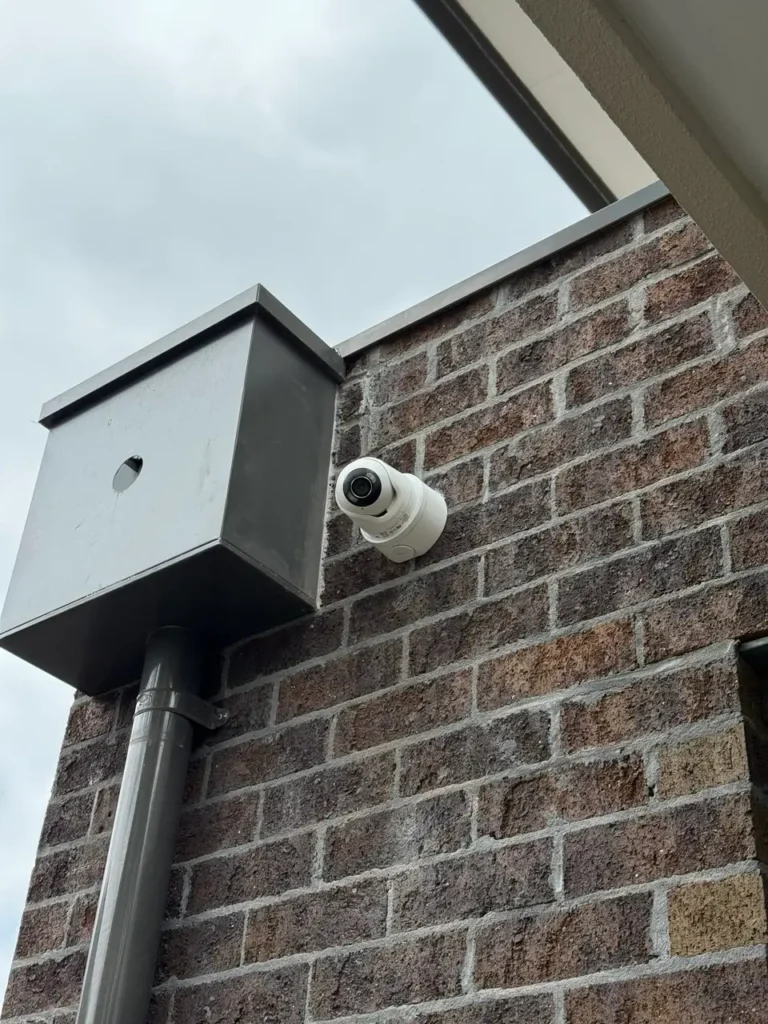
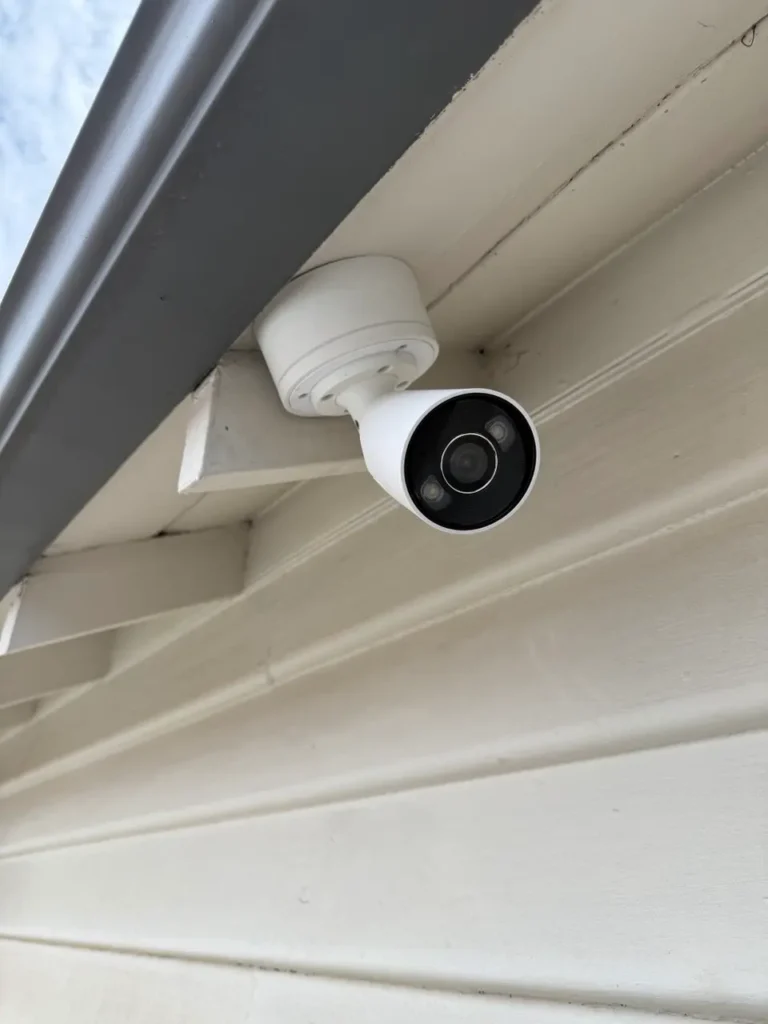
Examples of security equipment installed by SIPKO across Melbourne homes and businesses. Monitoring availability depends on the equipment and selected service.
Need a Compatible Alarm System?
SIPKO can design, install and configure an alarm system for your home or business, then connect an app-only or professional monitoring option supported by the equipment.
Get Installation Quote