
Ajax Security Products & Device Catalogue in Melbourne
Compare Ajax security devices before choosing a system for a Melbourne home, office, shop, warehouse or rental property. SIPKO Security helps check the right hub, detector types, camera positions, NVR storage, app users, wireless range and future expansion options before moving to installation planning.
Ajax Product Catalogue for Alarm, Video and Safety Devices
This page helps you compare Ajax products before requesting an installed system. The correct choice depends on property layout, entry points, detector placement, camera views, NVR recording needs, app users, signal range and whether the system may expand later.
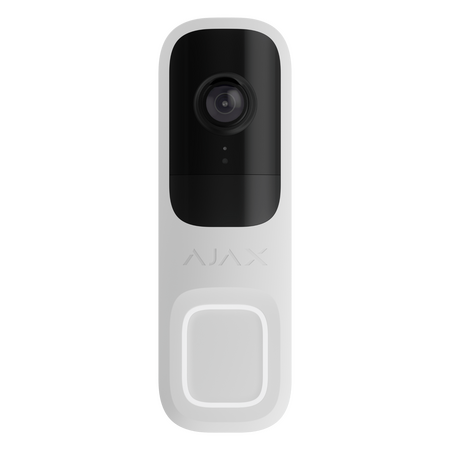
Ajax Doorbell 4MP
For front-door video, visitor alerts, parcel-area visibility and entry review.
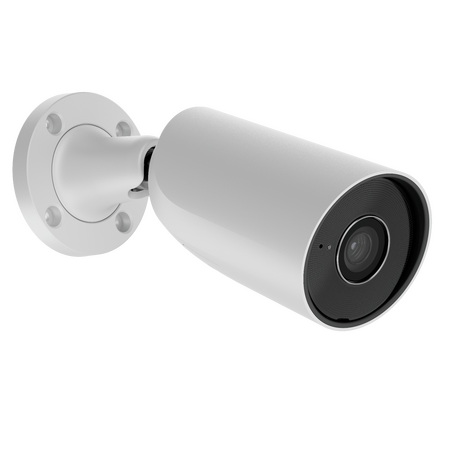
Ajax 8MP Bullet HL Camera
Visible outdoor camera for driveways, gates, rear access and perimeter views.
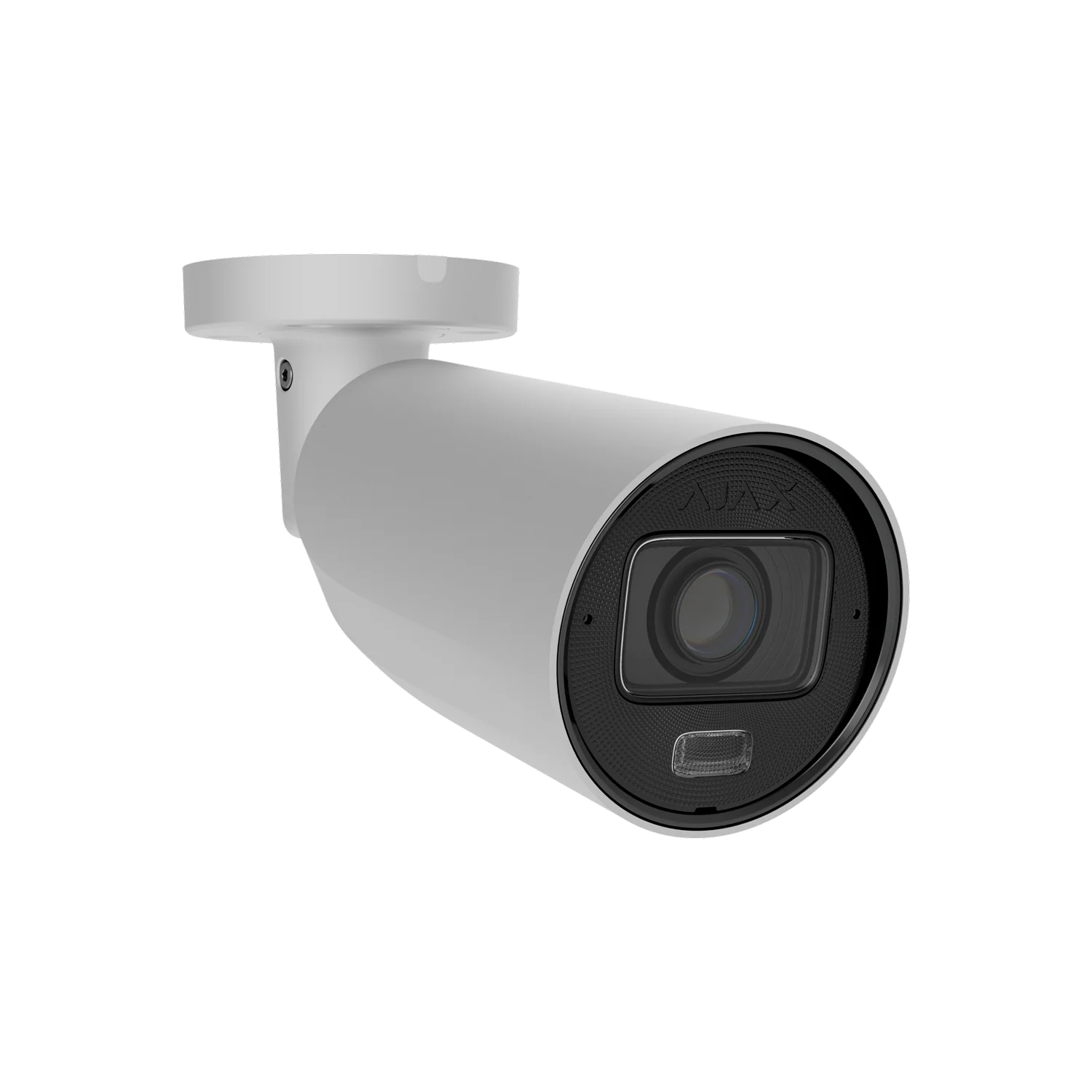
AJAX BulletCam HLVF 8MP White
Motorized varifocal 2.8-12mm bullet camera with hybrid illumination, AI detection and IP67/IK10 vandal-resistant rating.
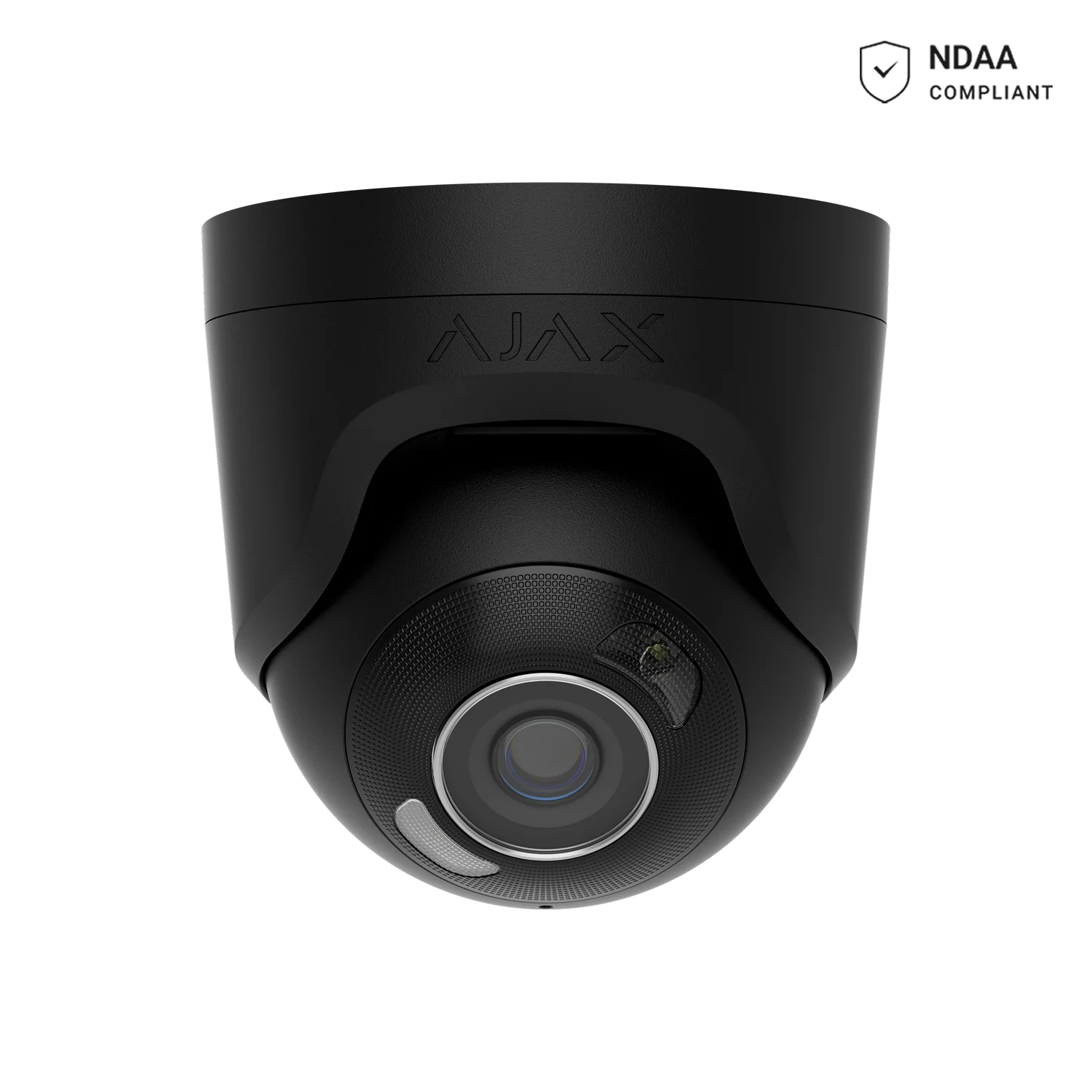
AJAX TurretCam HL 8MP 2.8mm Black
Flagship 8MP turret with hybrid IR + white light to 50m, AI detection and 120dB True WDR.
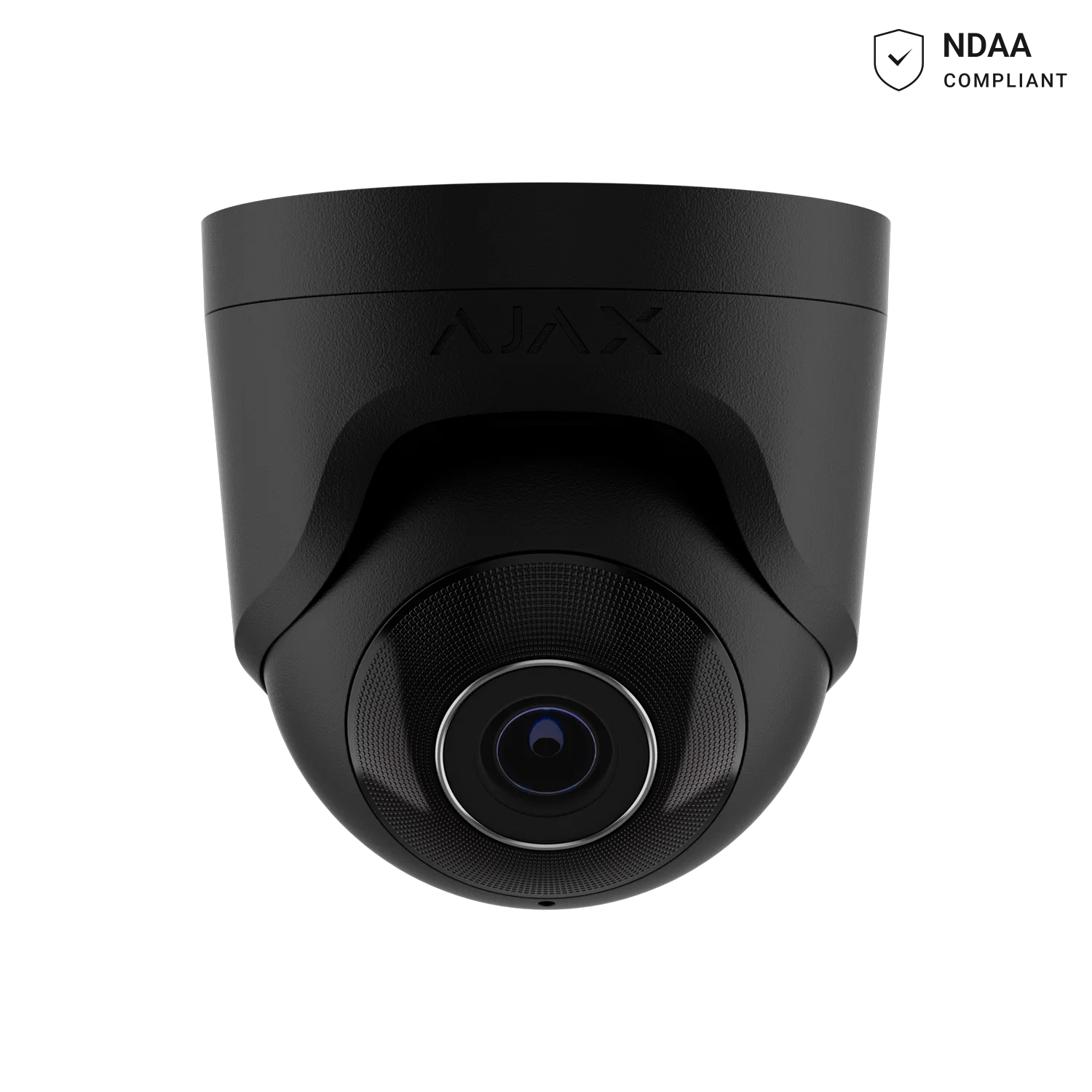
AJAX TurretCam 8MP 2.8mm Black
Wide-angle 8MP turret camera with 35m smart IR and AI object detection.
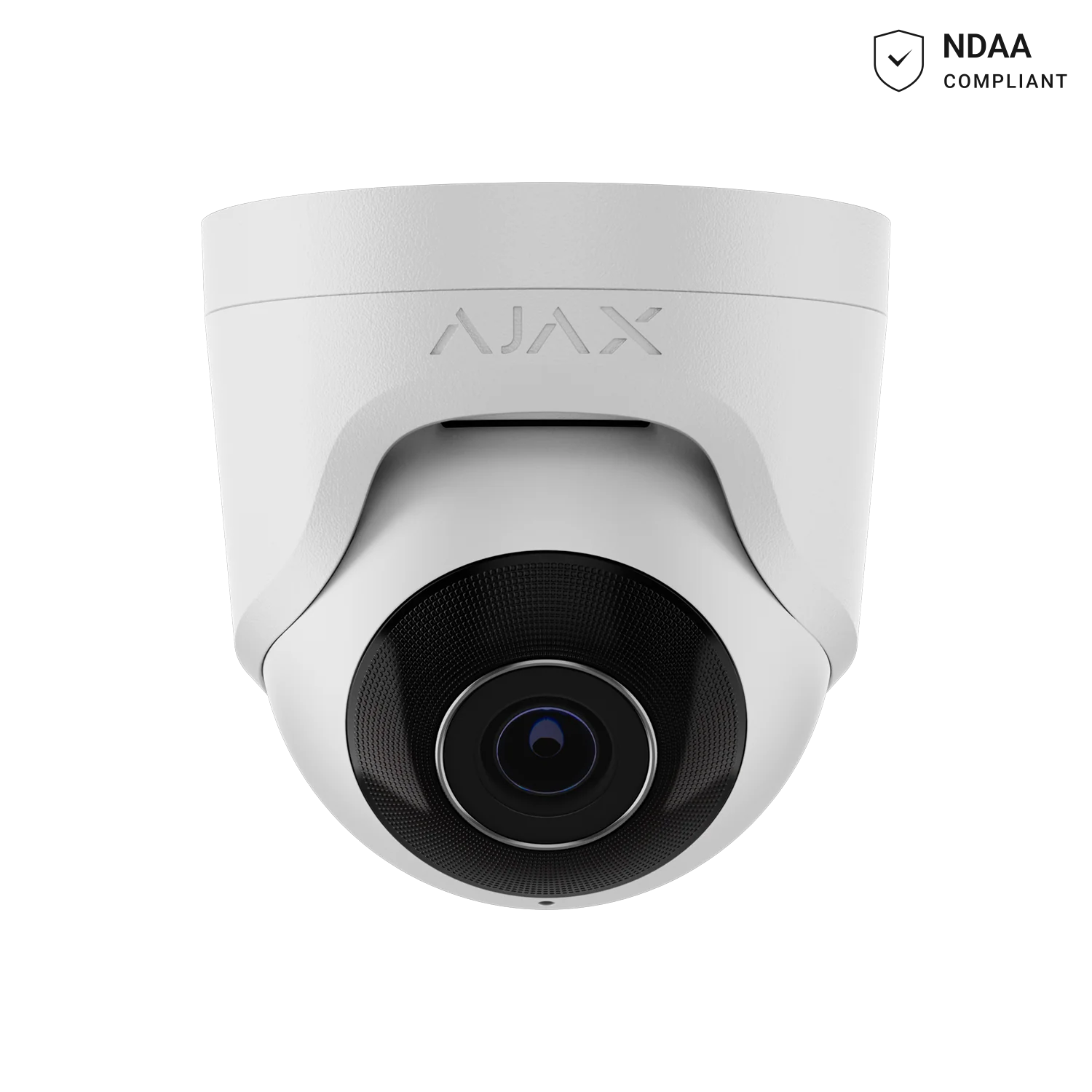
AJAX TurretCam 8MP 4mm White
Focused 85° field of view for entries and walkways needing more reach, less width.
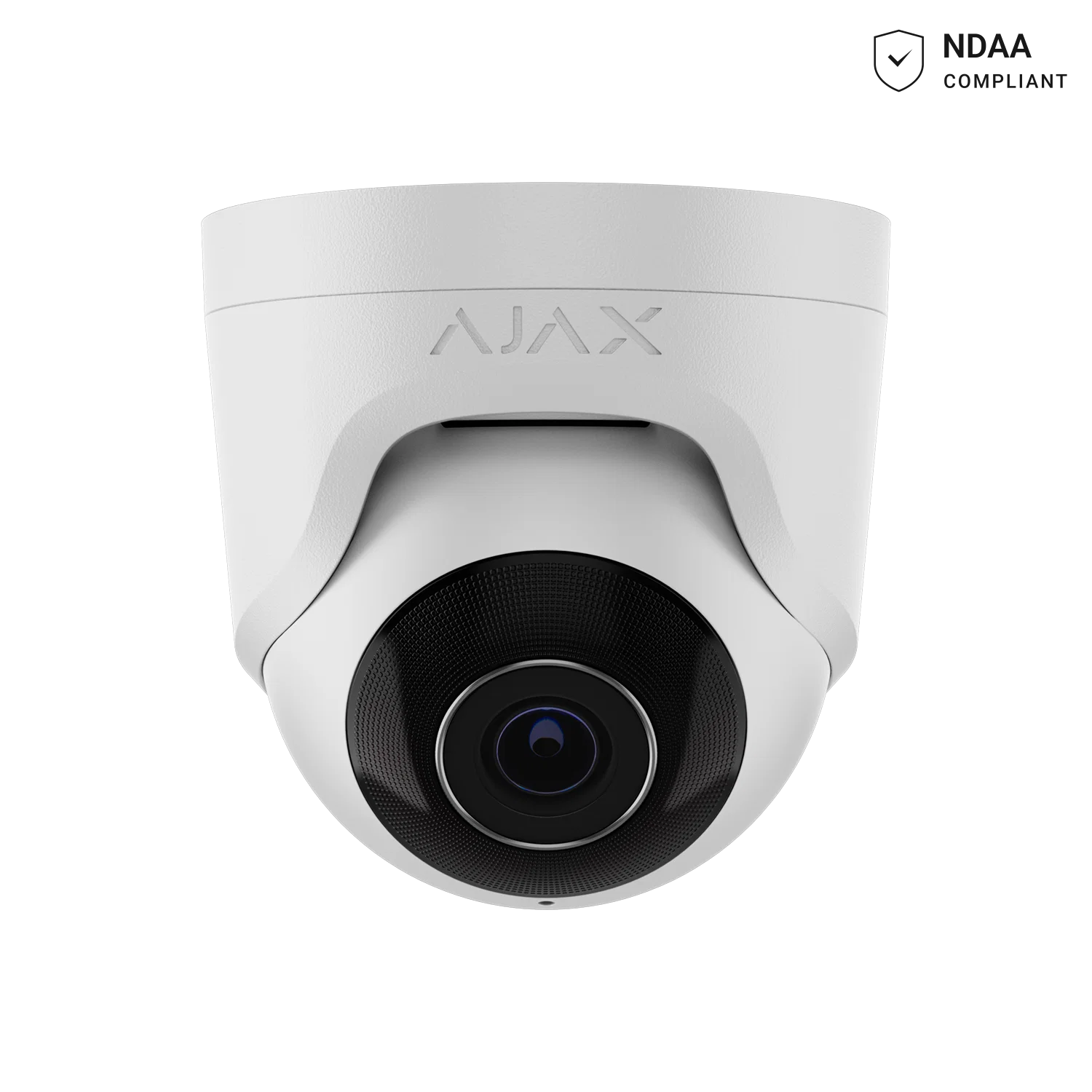
AJAX TurretCam 8MP 2.8mm White
8MP turret camera with 50m IR range, AI detection and H.265 compression.
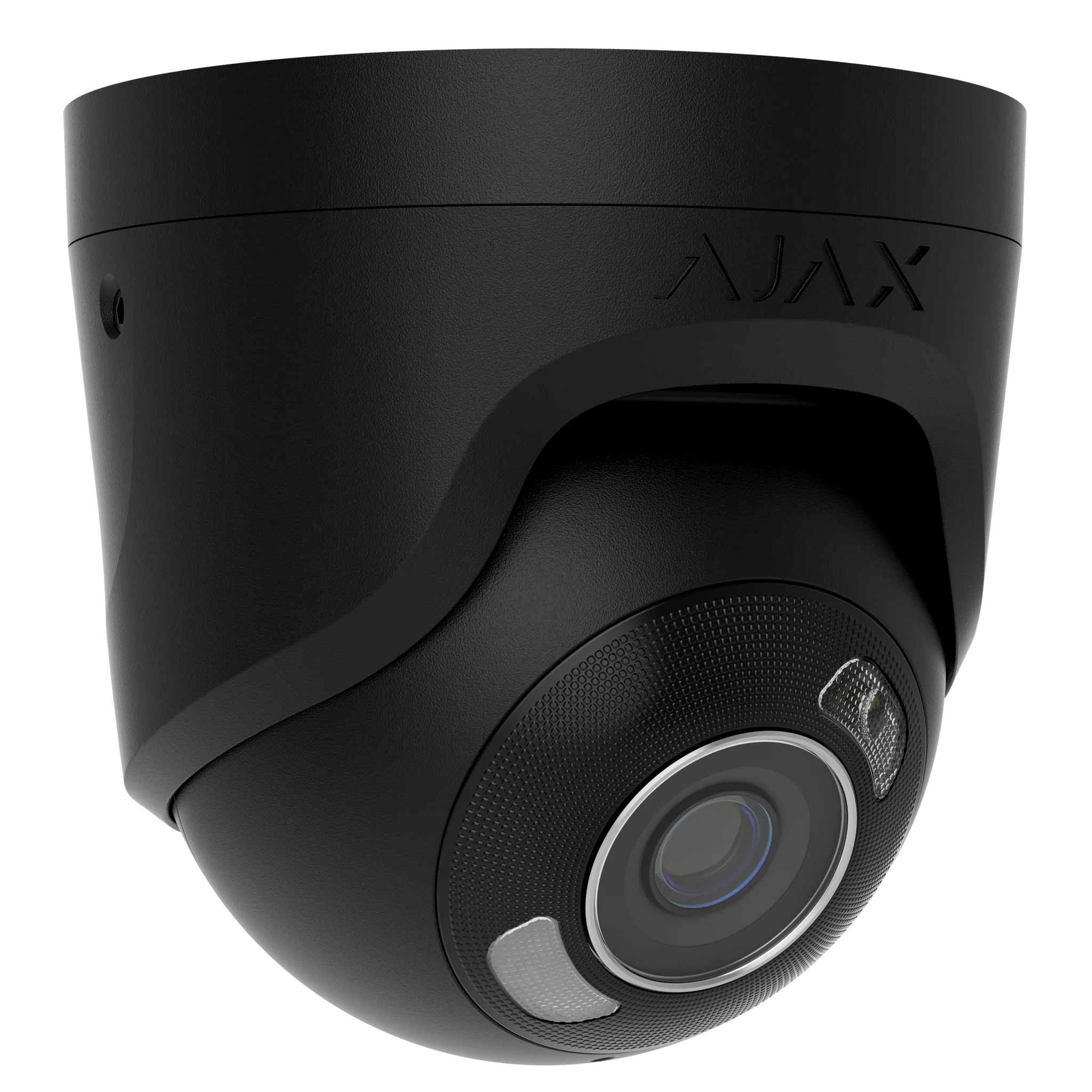
AJAX TurretCam HL 5MP 2.8mm Black
Compact 5MP turret with hybrid illumination and 120dB True WDR for budget-friendly coverage.
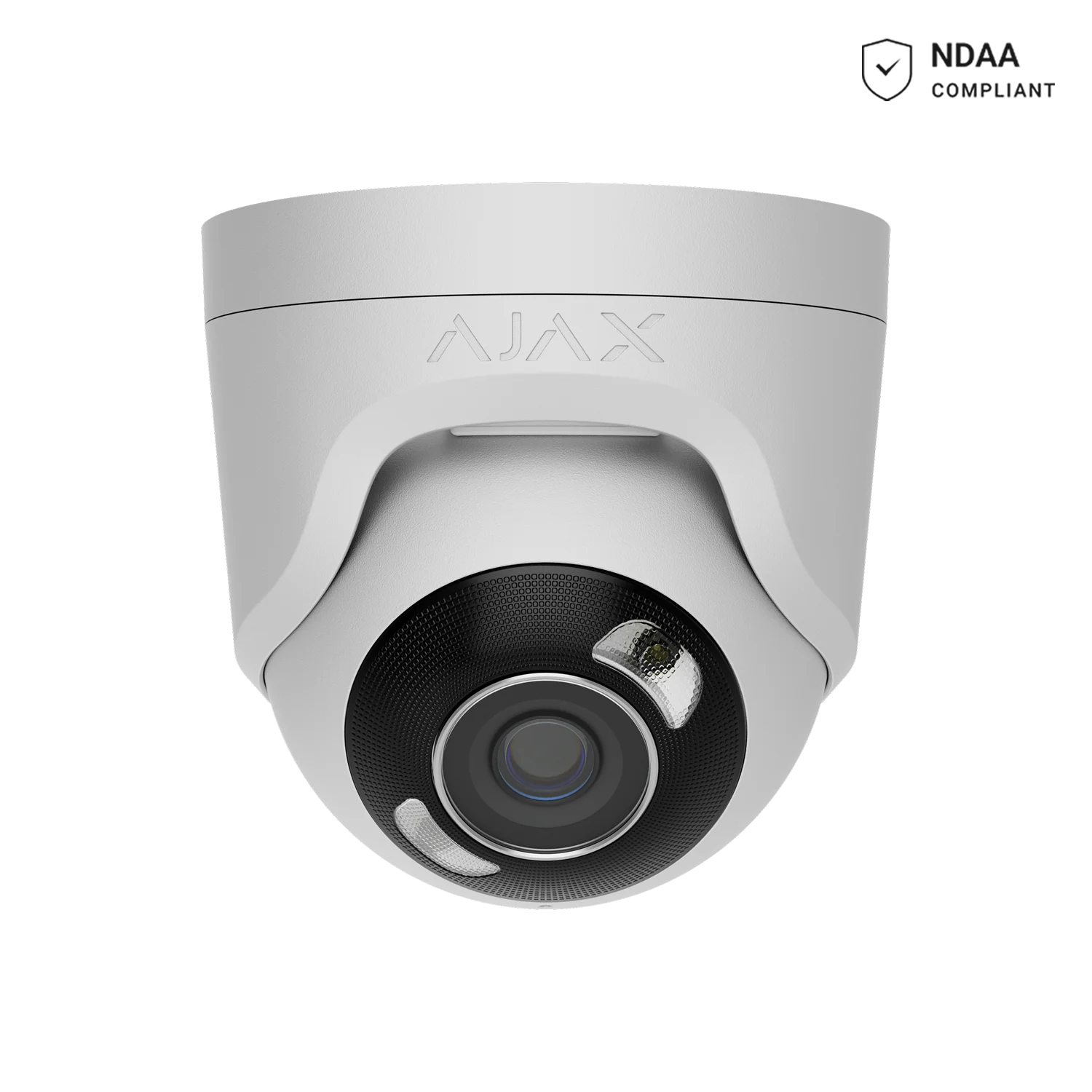
AJAX TurretCam HL 5MP 2.8mm White
White-finish version of the hybrid-illumination 5MP turret, for lighter façades and trim.
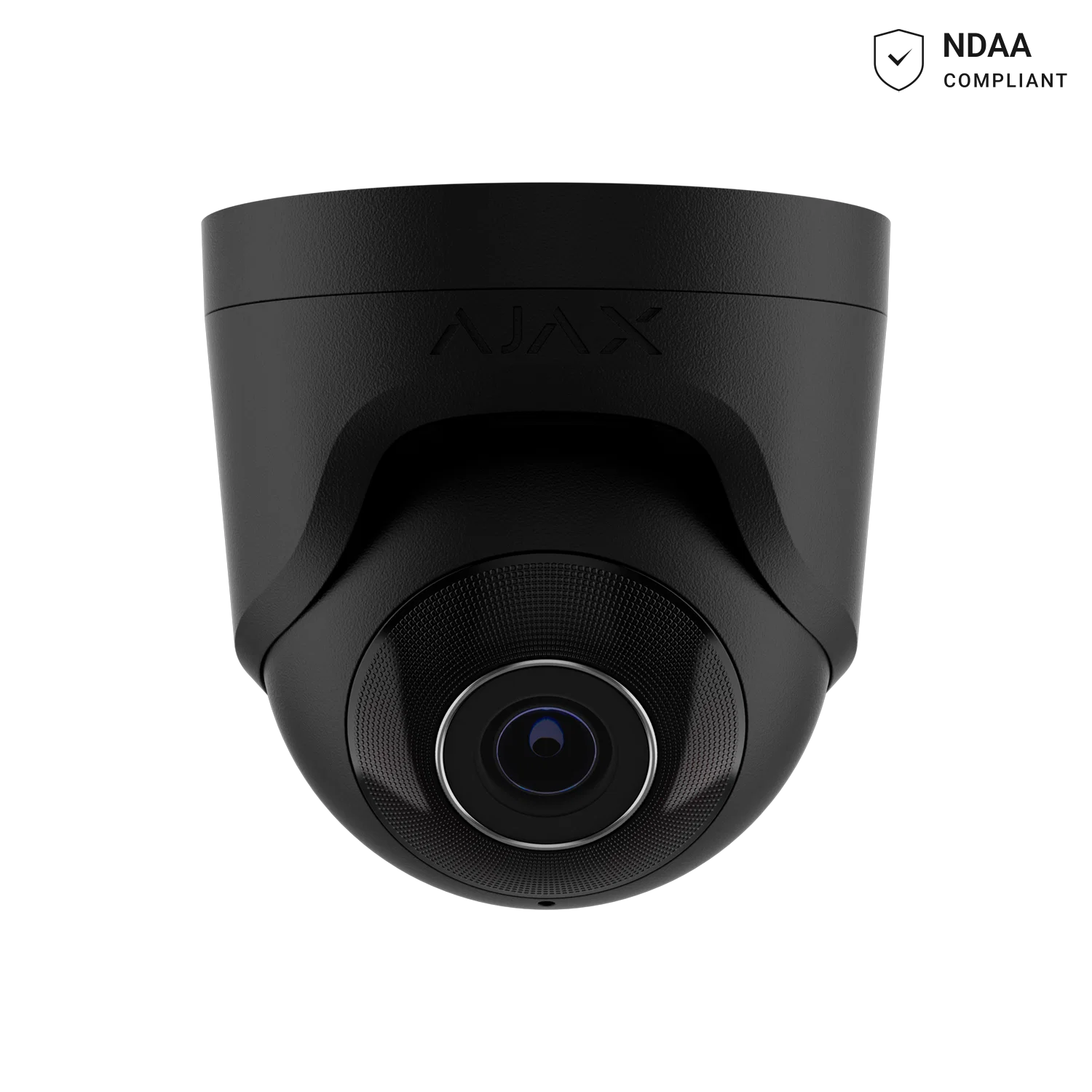
AJAX TurretCam 5MP 2.8mm Black
Entry-level 5MP turret camera with 35m IR and AI object detection.
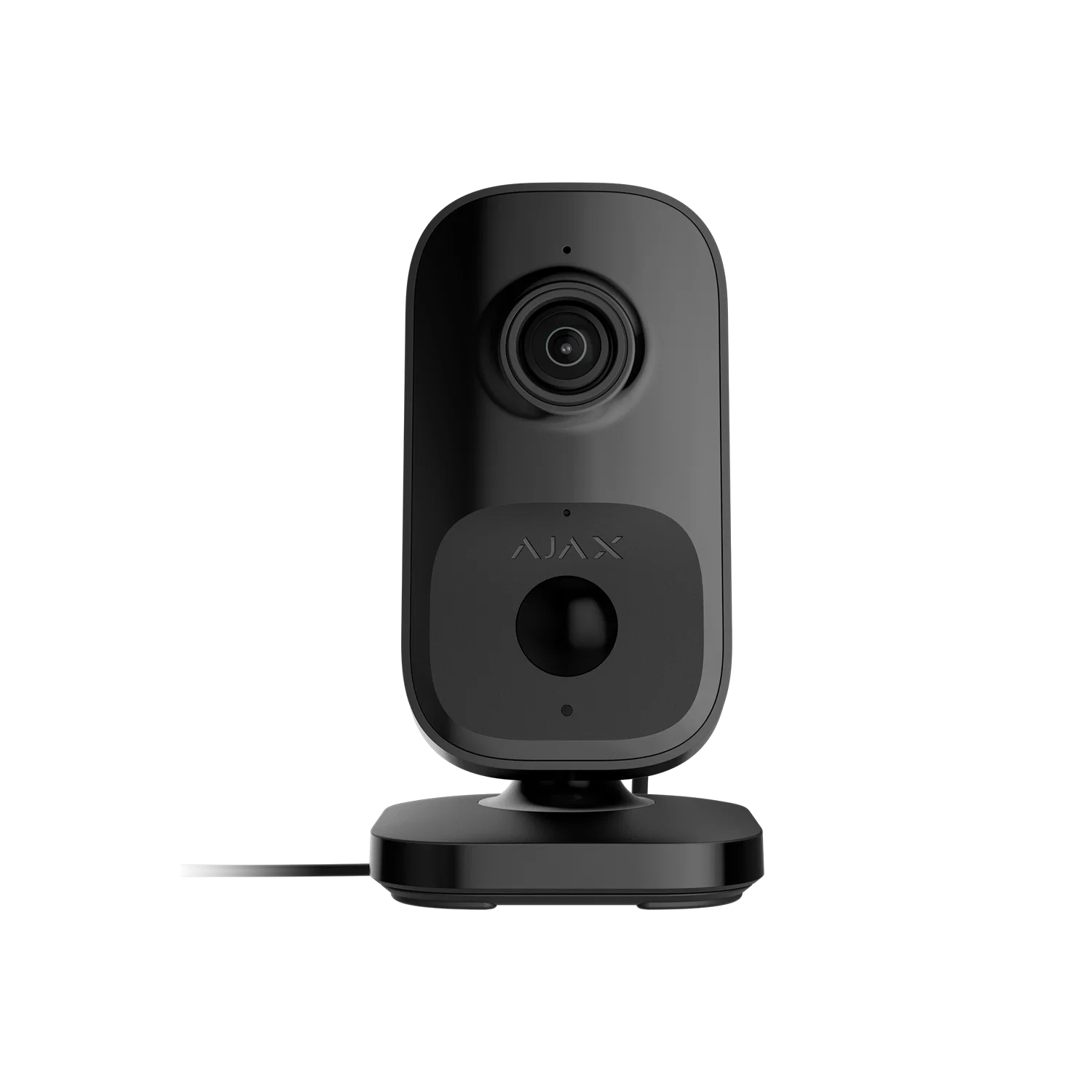
AJAX IndoorCam Black
Indoor Wi-Fi camera with built-in PIR detector and AI recognition for room-level monitoring.
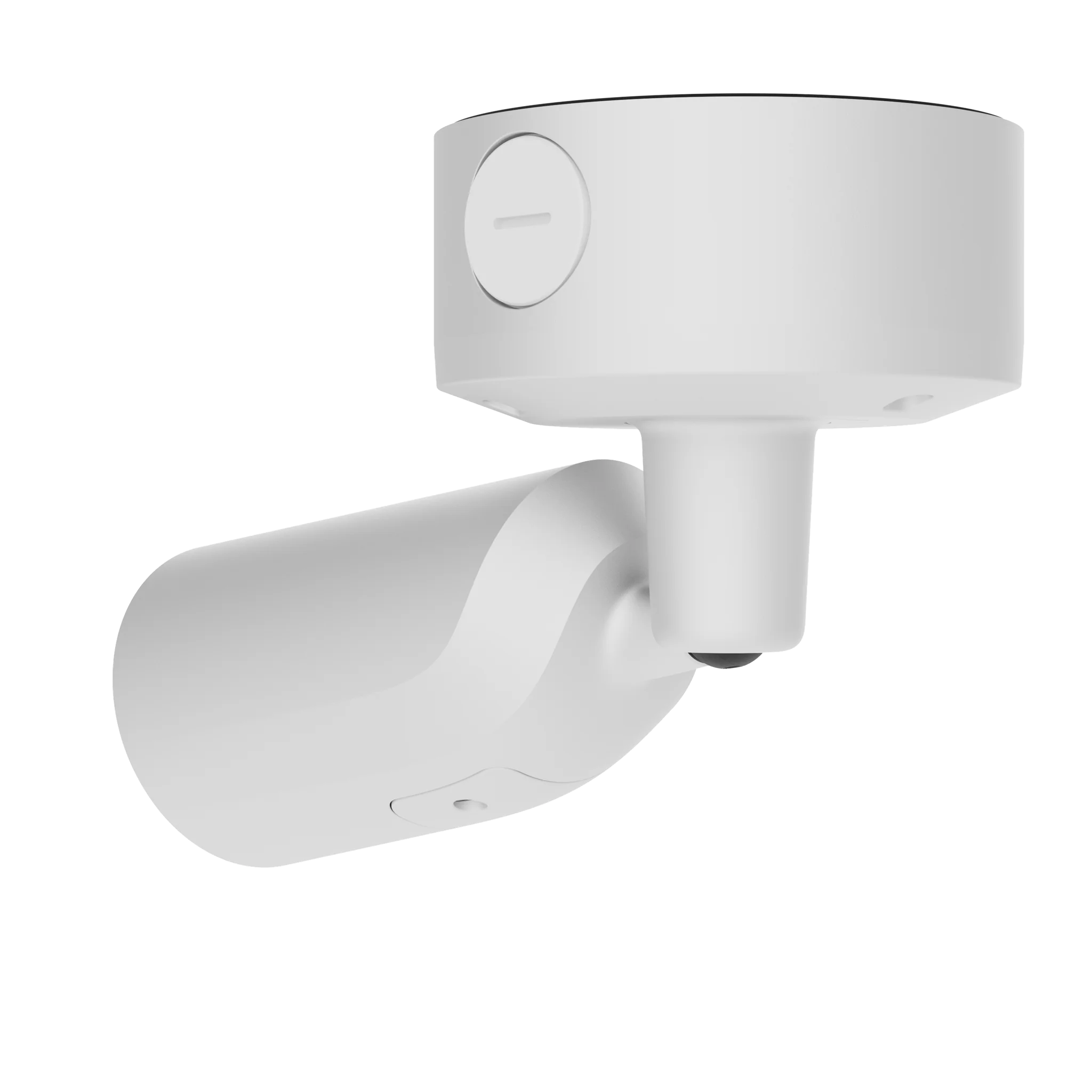
AJAX Superior BulletCam HLVF 4MP White
Motorized varifocal 2.8-12mm bullet camera with built-in speaker/mic and IP67/IK10 vandal resistance.
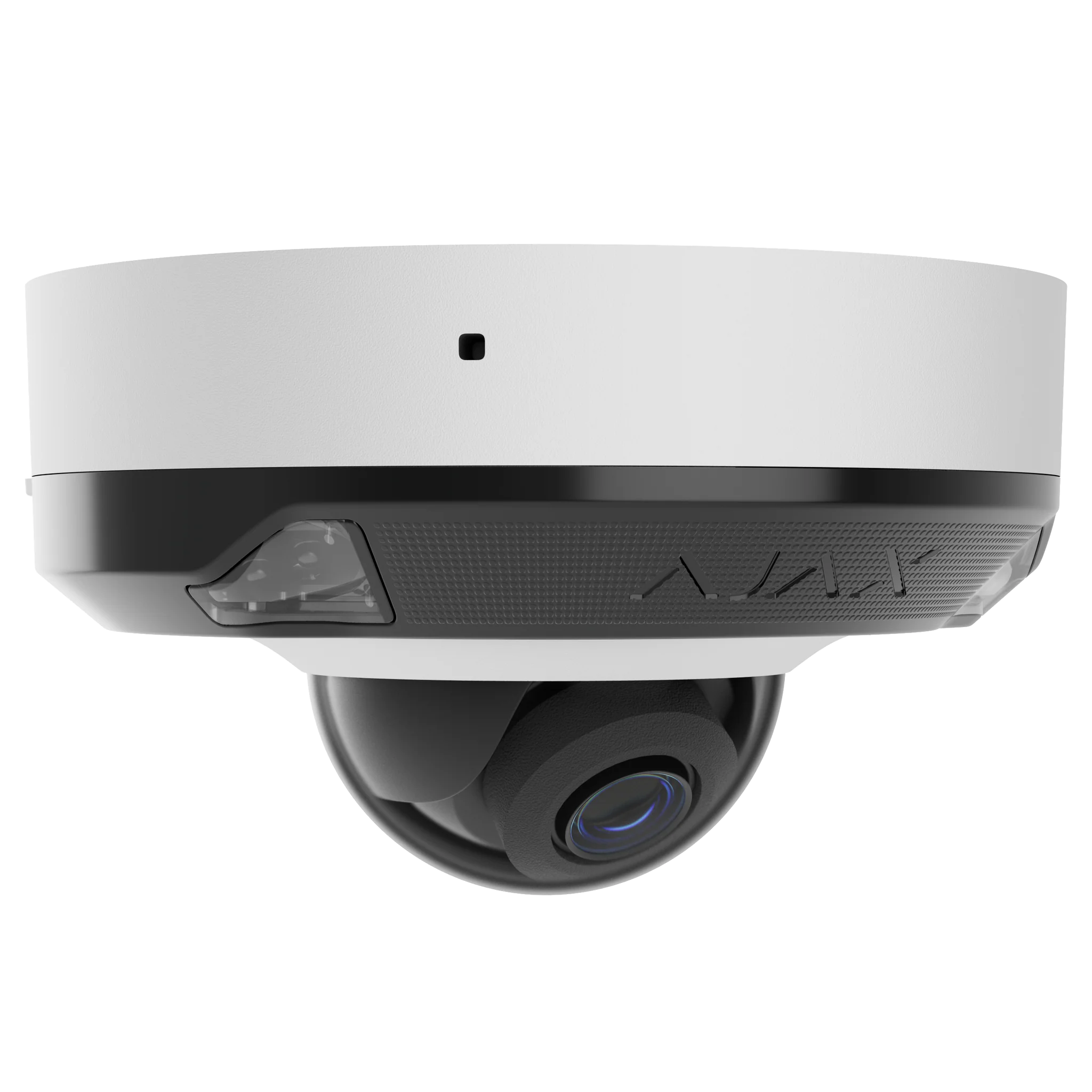
Ajax 8MP Mini Dome HL
Low-profile camera for entries, reception areas and sheltered mounting points.
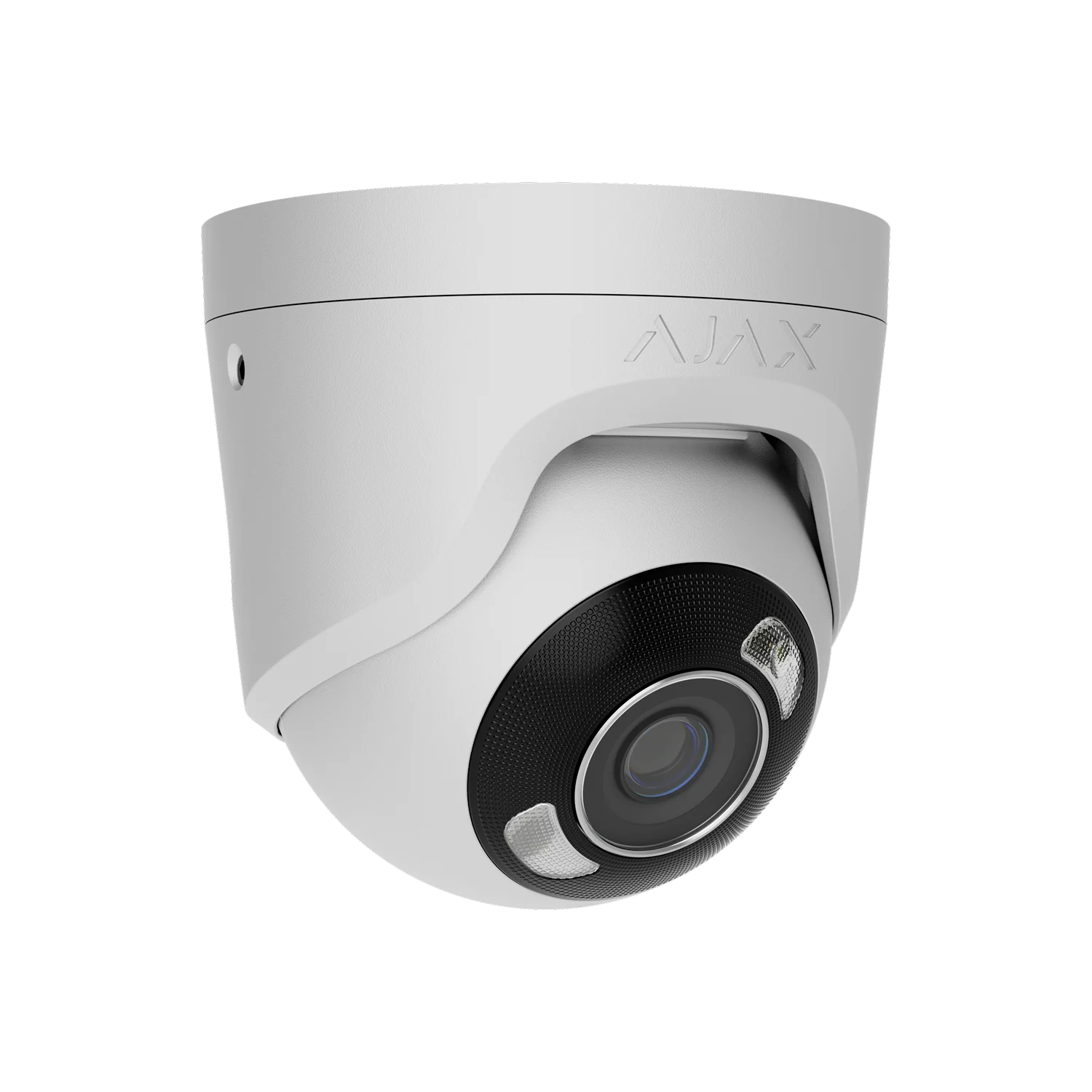
Ajax 8MP Turret HL Camera
Compact camera for entrances, walkways, garage approaches and external walls.
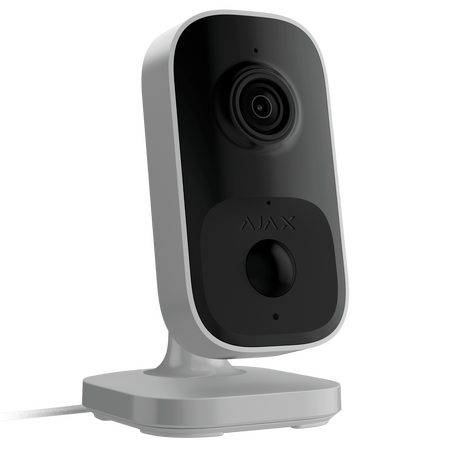
Ajax IndoorCam AI
Indoor camera for live view, playback and clearer context around movement inside the property.
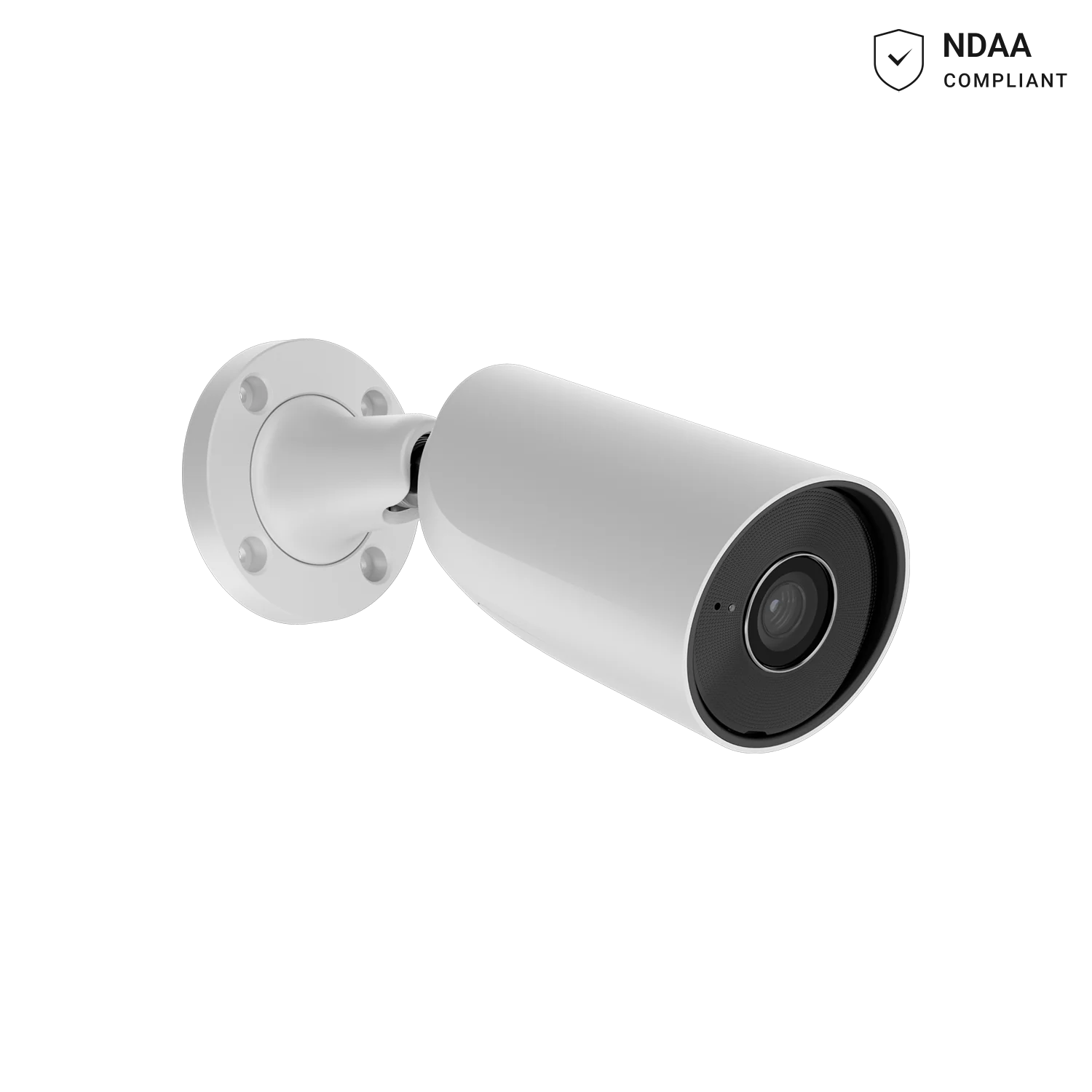
AJAX BulletCam 8MP 2.8mm White
Premium 4K bullet camera with 50m IR range and 100–110° wide-angle coverage.
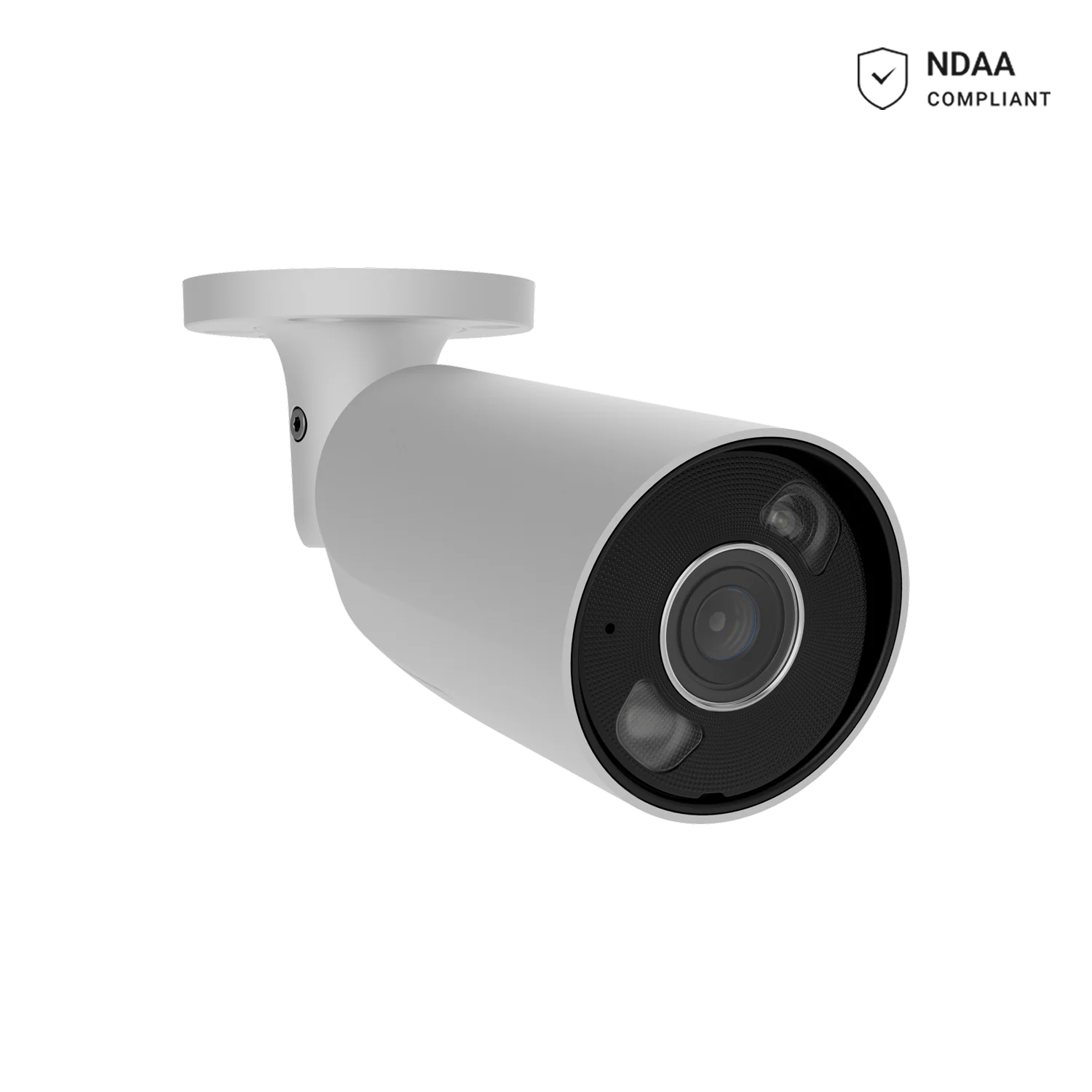
AJAX BulletCam HL 5MP 2.8mm White
Hybrid illumination bullet camera with 50m IR plus 50m white-light coverage for 24/7 colour video.
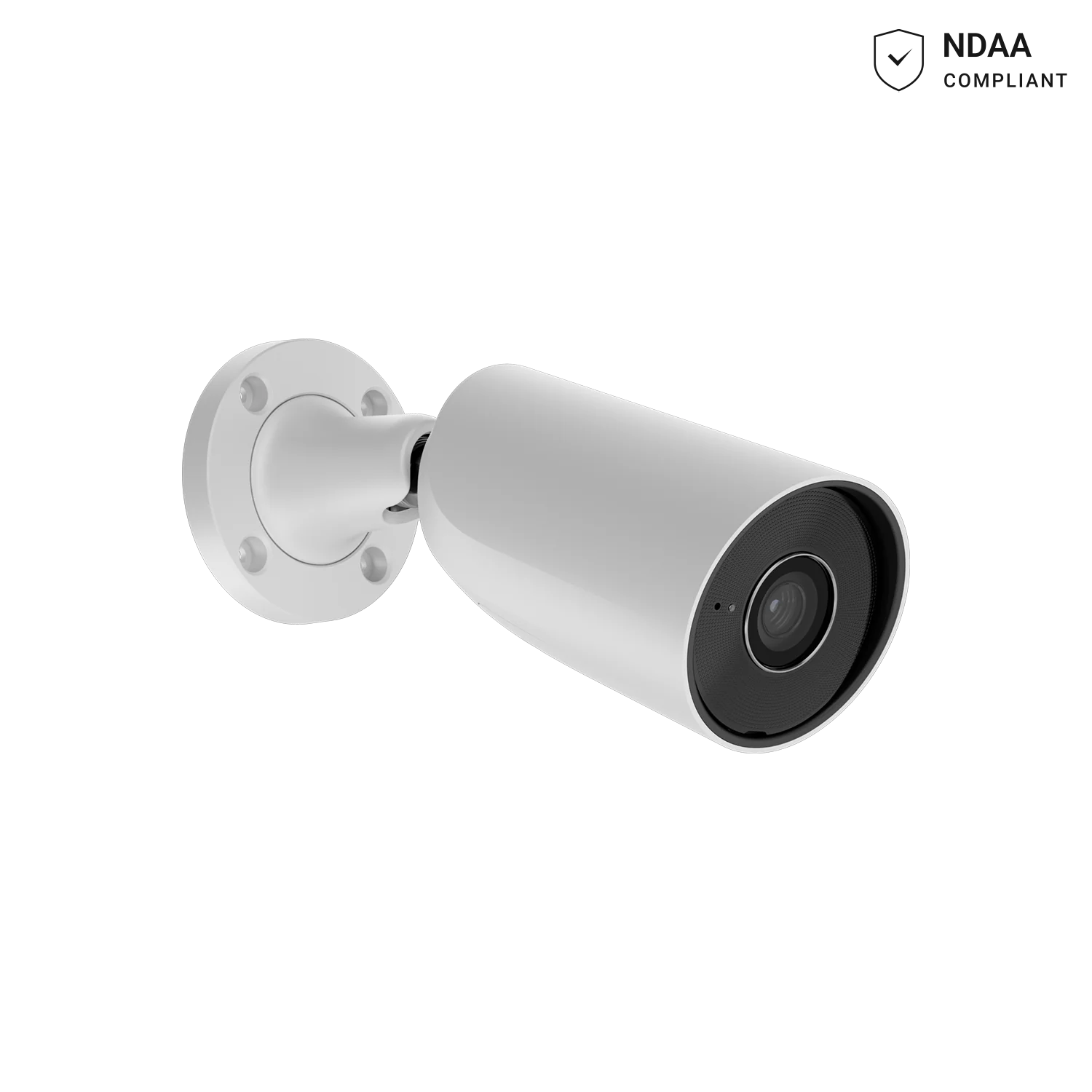
AJAX BulletCam 5MP 4mm White
Narrow 75–85° angle bullet camera with 60m IR, suited to long driveways and boundary lines.
AJAX BulletCam 5MP 2.8mm White
Wide 100–110° angle bullet camera with 60m IR for general perimeter coverage.
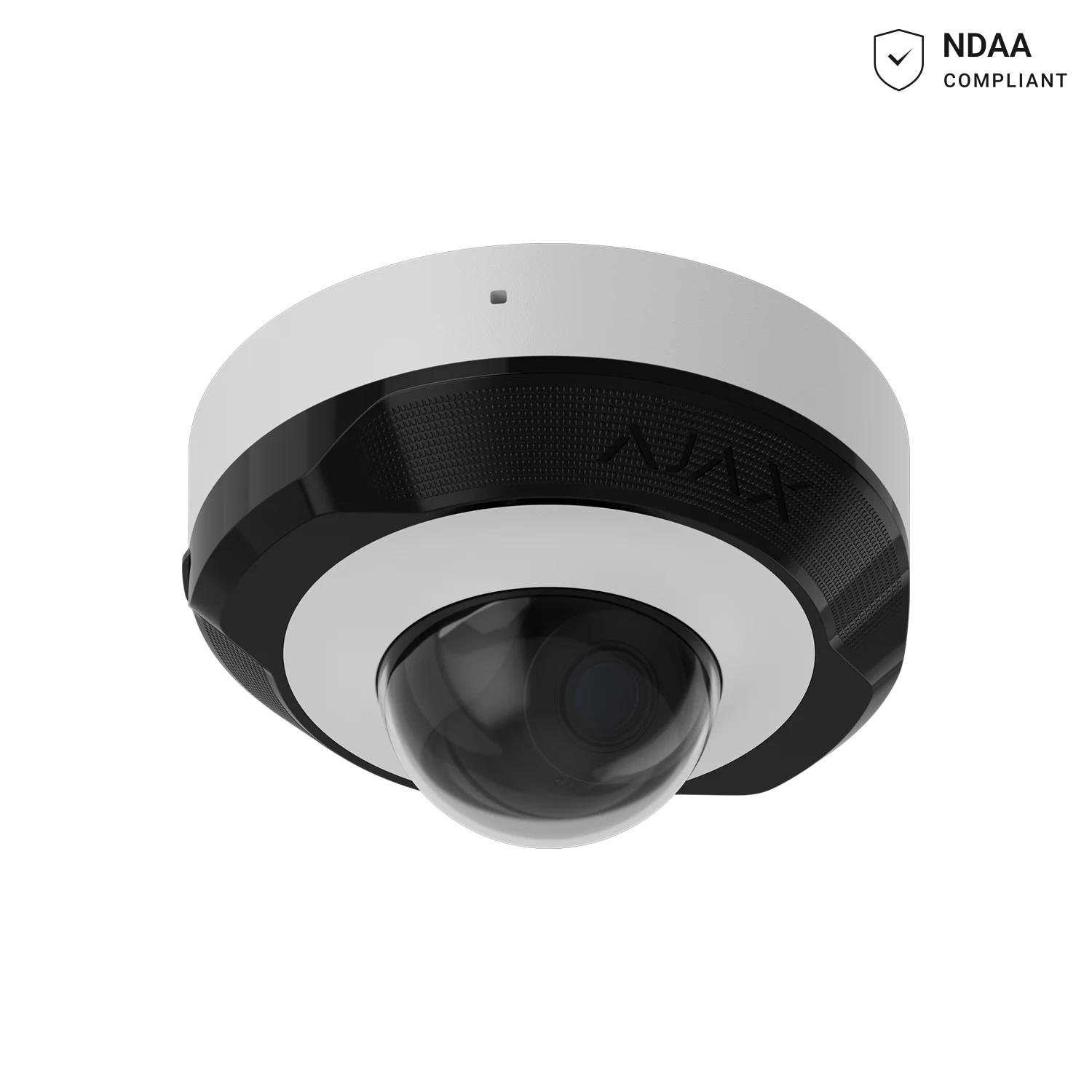
AJAX DomeCam Mini 5MP 2.8mm White
Compact dome camera with 60m IR and AI detection, suited to ceilings and sheltered mounts.
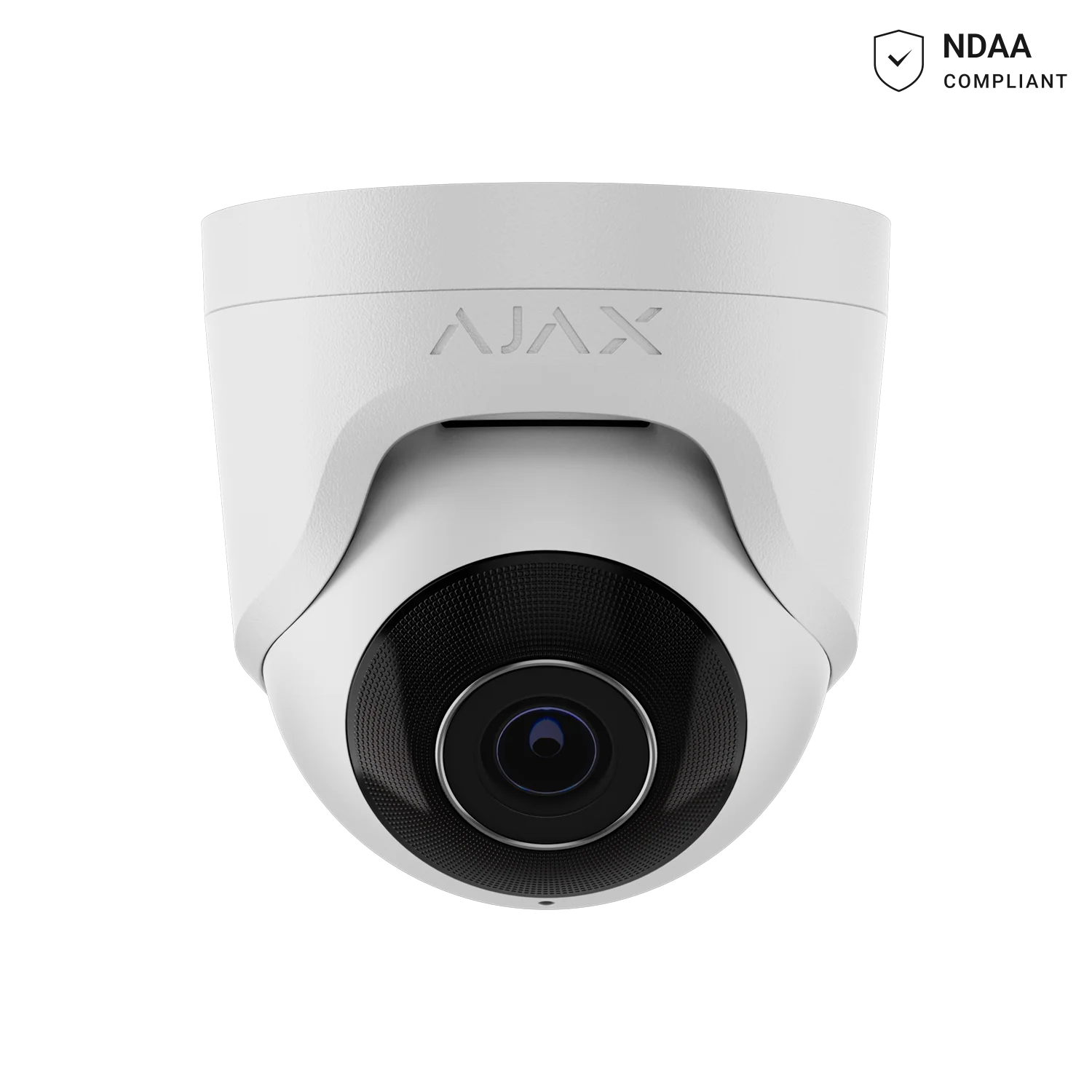
AJAX TurretCam 5MP 4mm White
Narrow-angle 75–85° turret camera with 50m IR for focused coverage of entries and paths.
AJAX TurretCam 5MP 2.8mm White
Budget-friendly 5MP turret camera with 35m smart IR and True WDR.
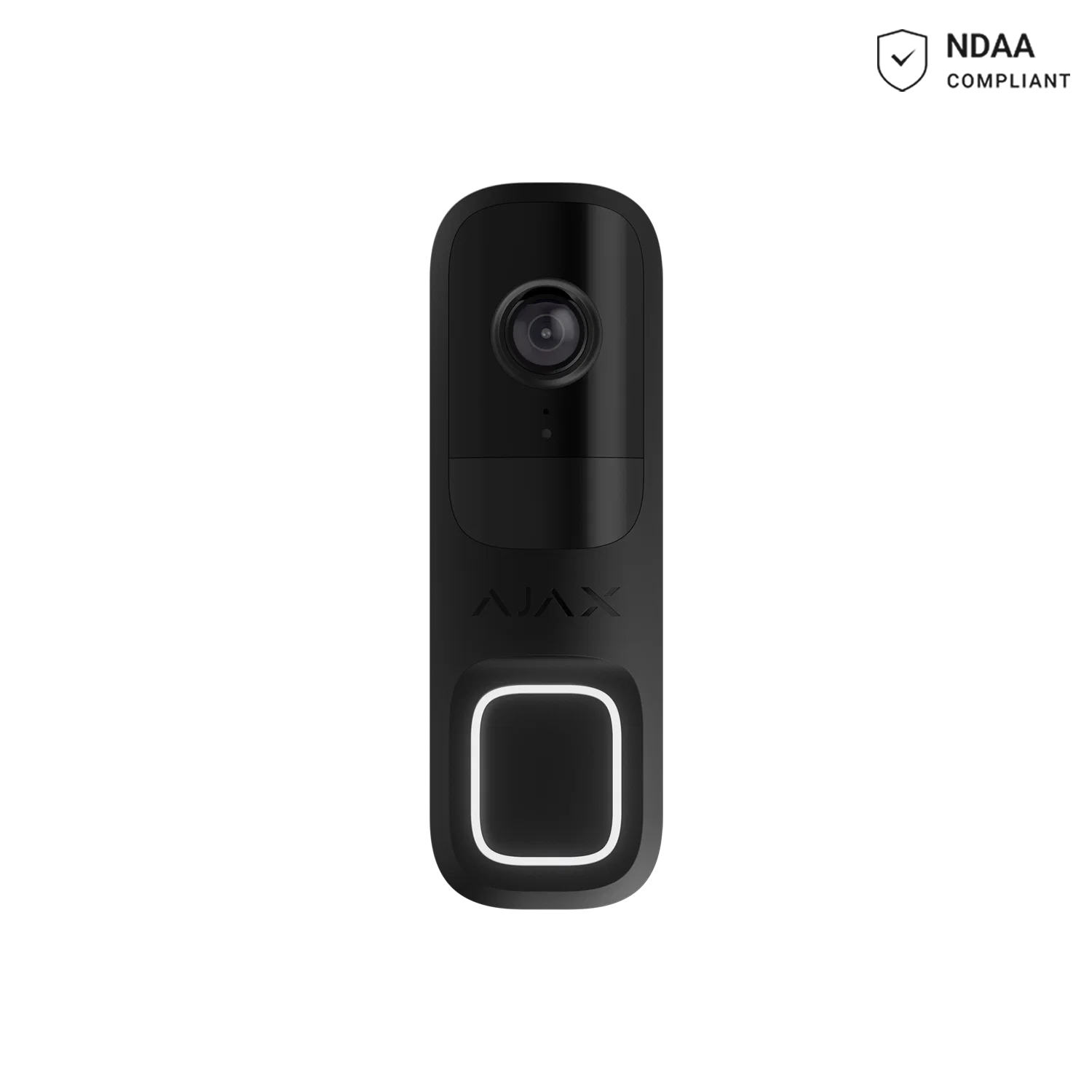
AJAX DoorBell Black
4MP smart video doorbell with AI object detection, two-way audio and HDR video.
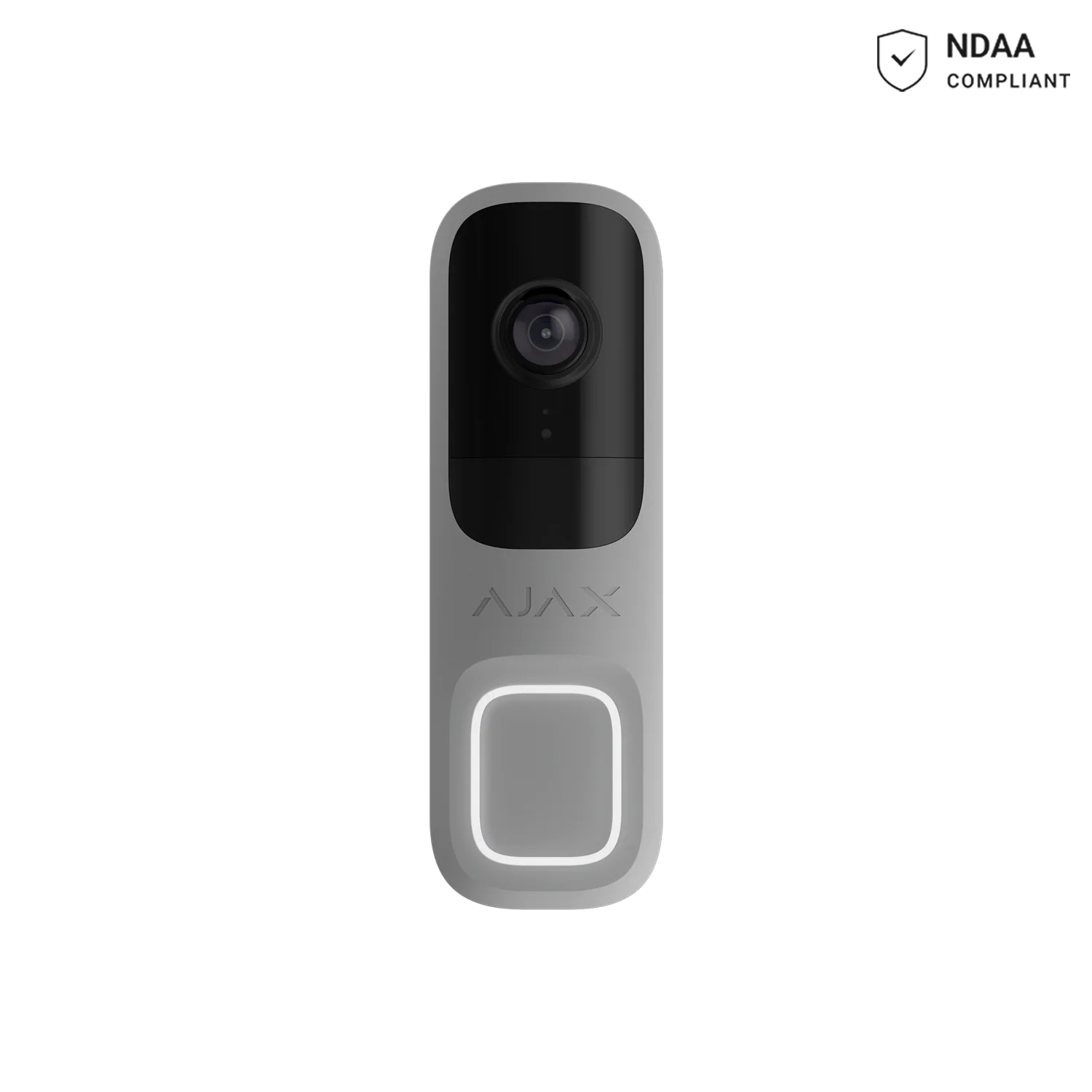
AJAX DoorBell Grey
Grey-finish 4MP video doorbell with AI detection for people, pets and vehicles.
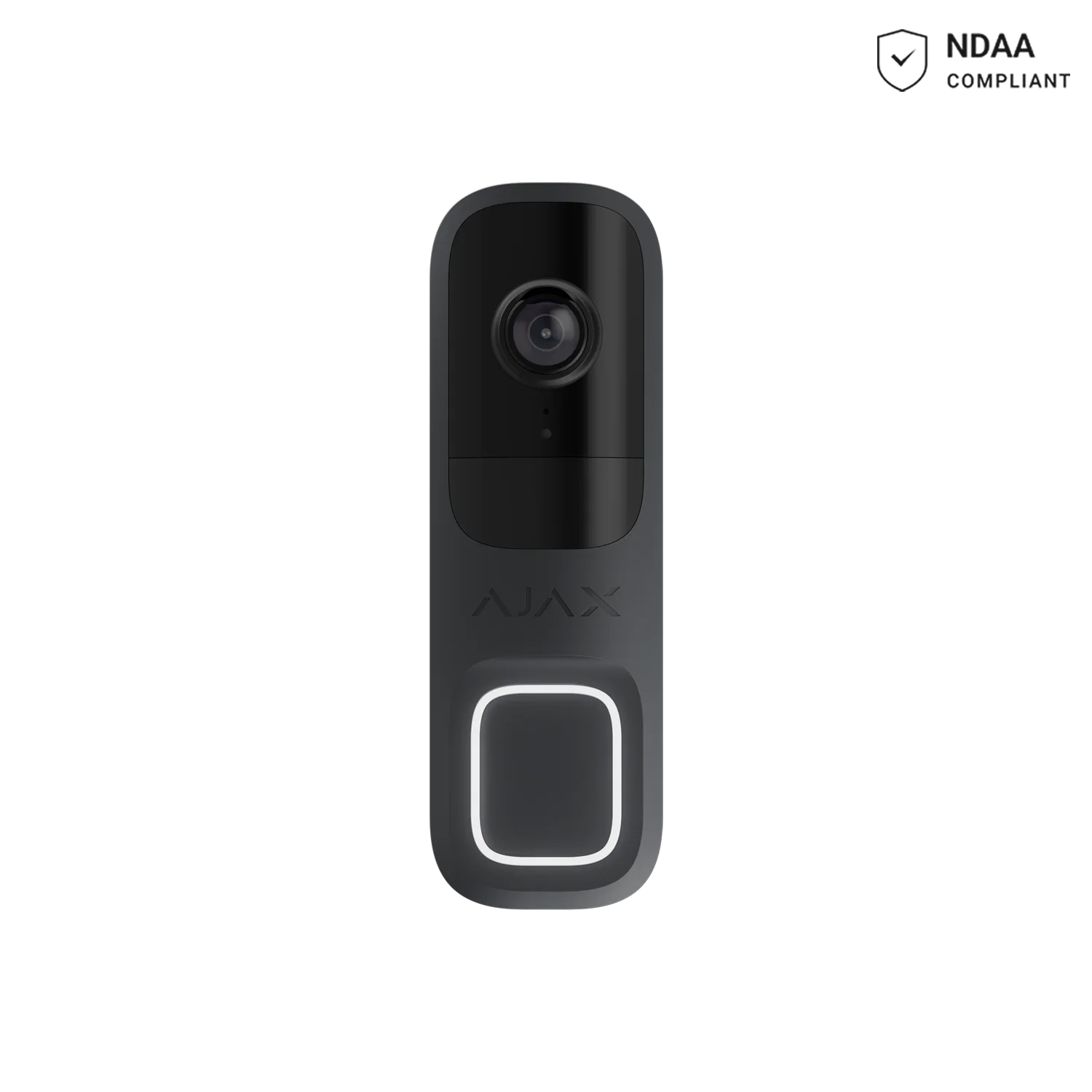
AJAX DoorBell Graphite
Wireless HDR motion detector, pet-immune to 20kg — page title says “doorbell” but this is a sensor, not a video doorbell (site content mismatch, see note).
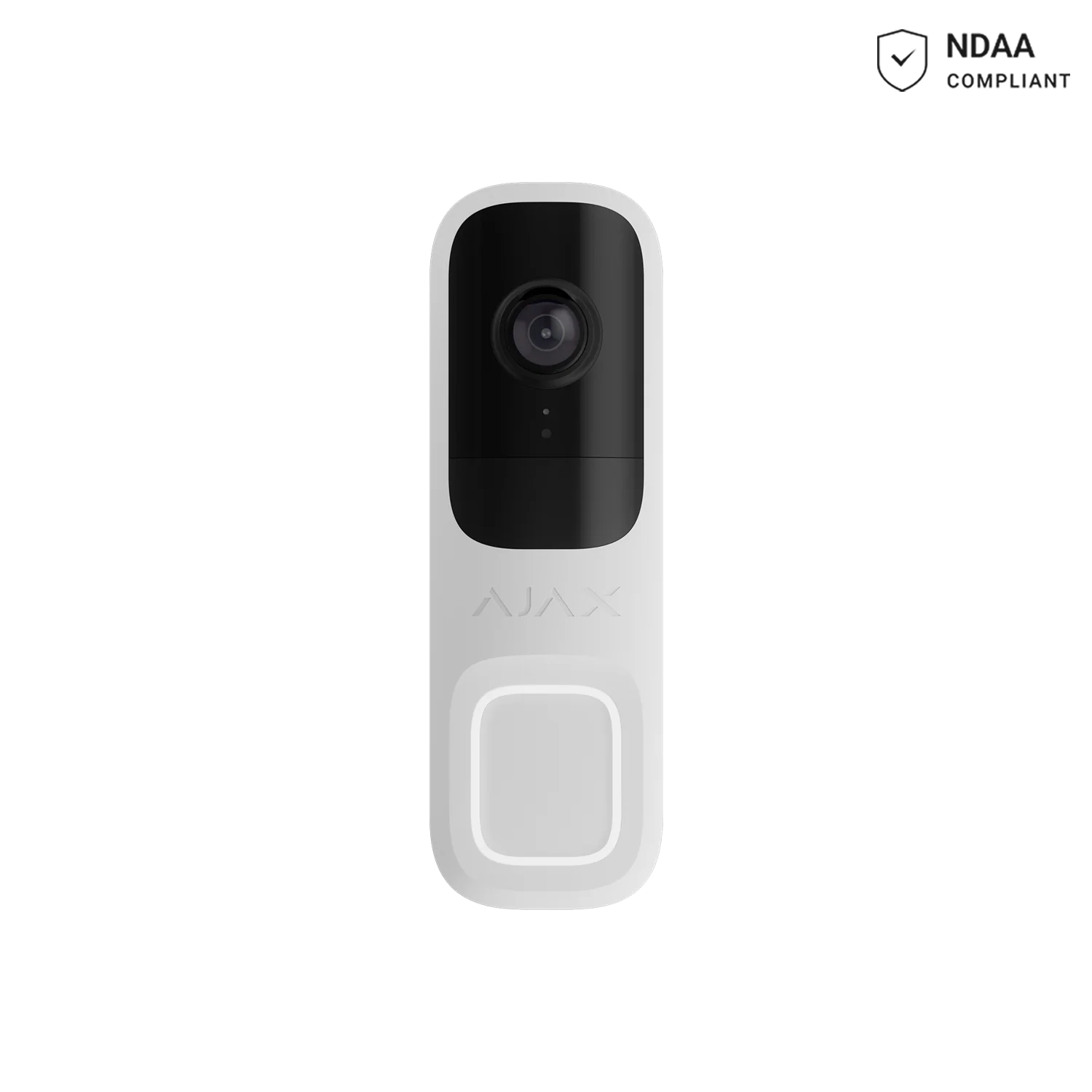
AJAX DoorBell White
4MP video doorbell with AI detection, PIR sensor and two-way voice, 155° horizontal view.
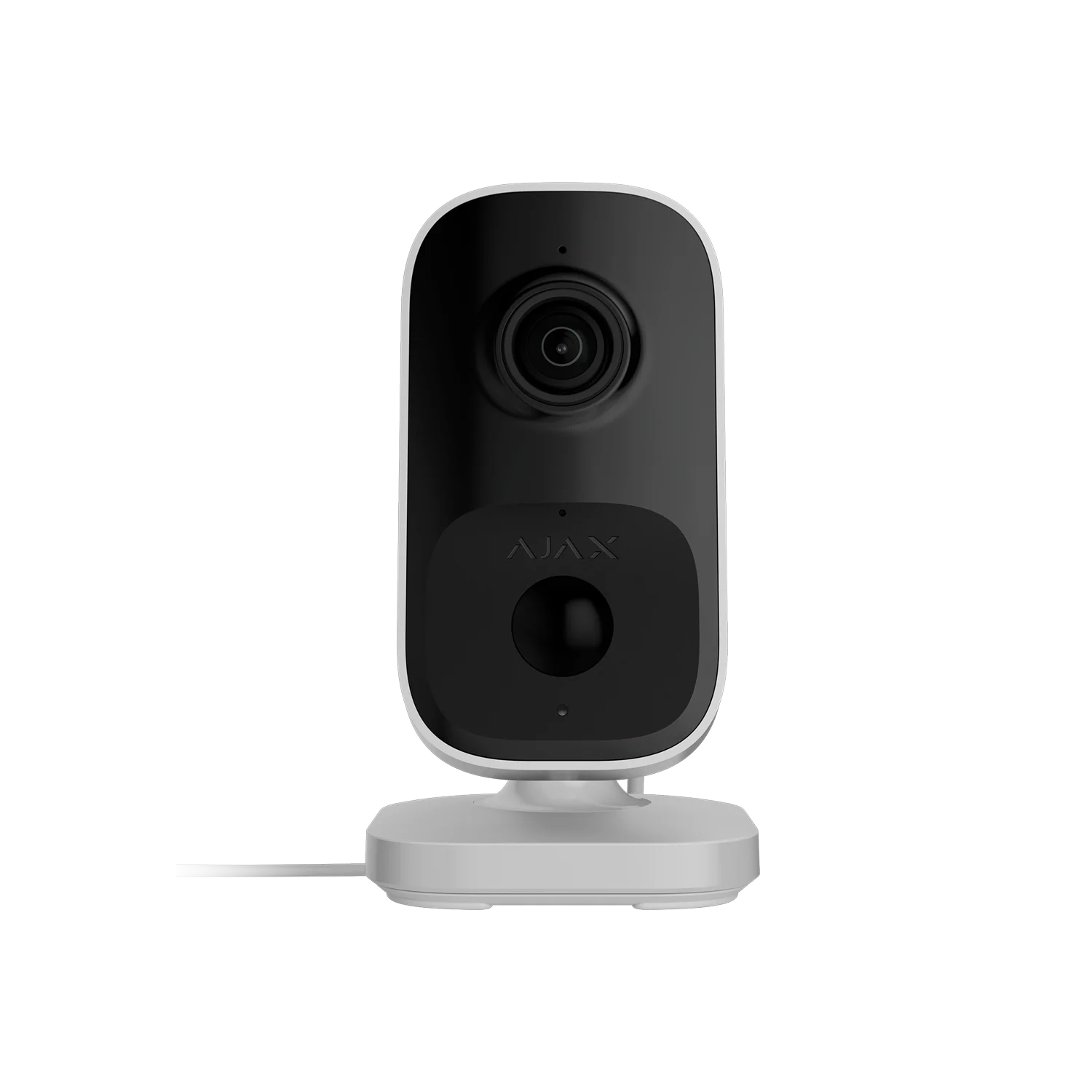
AJAX IndoorCam White 4MP
White-finish indoor Wi-Fi camera with AI detection, PIR sensor and two-way audio.
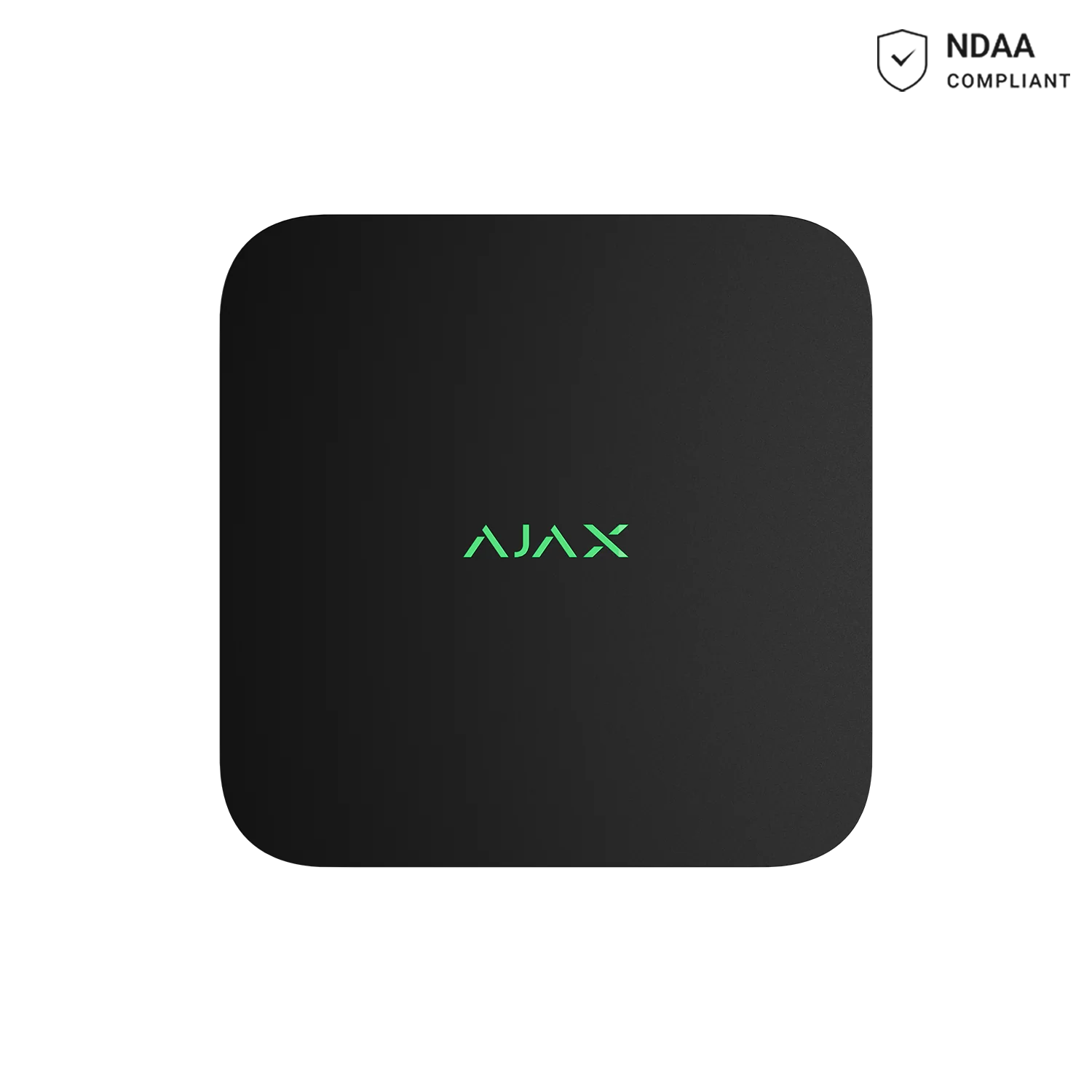
AJAX NVR 8CH Black
8-channel 4K NVR with ONVIF/RTSP support and up to 16TB capacity (HDD sold separately).
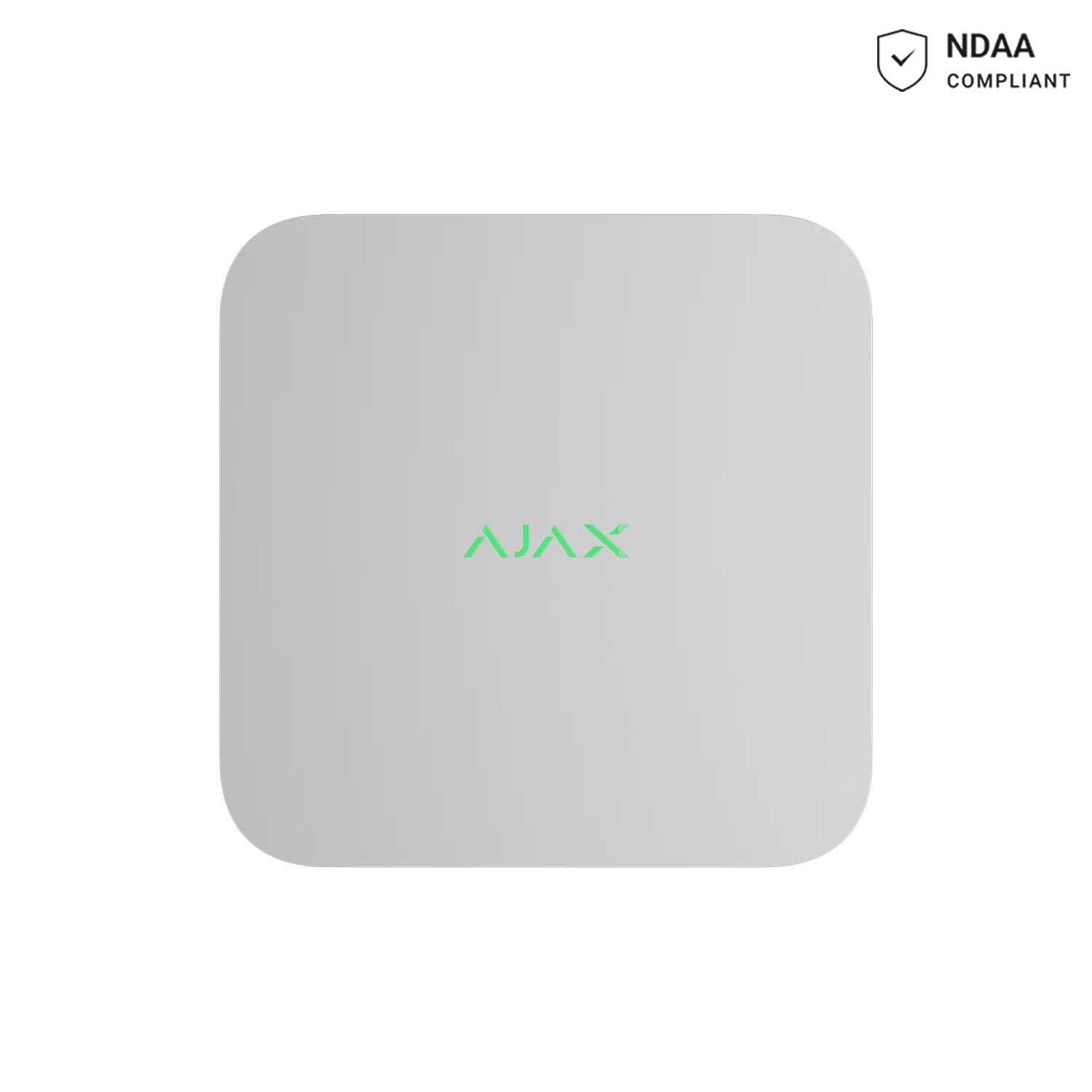
AJAX NVR 16CH White
16-channel 4K NVR for larger camera systems, up to 16TB capacity (HDD sold separately).
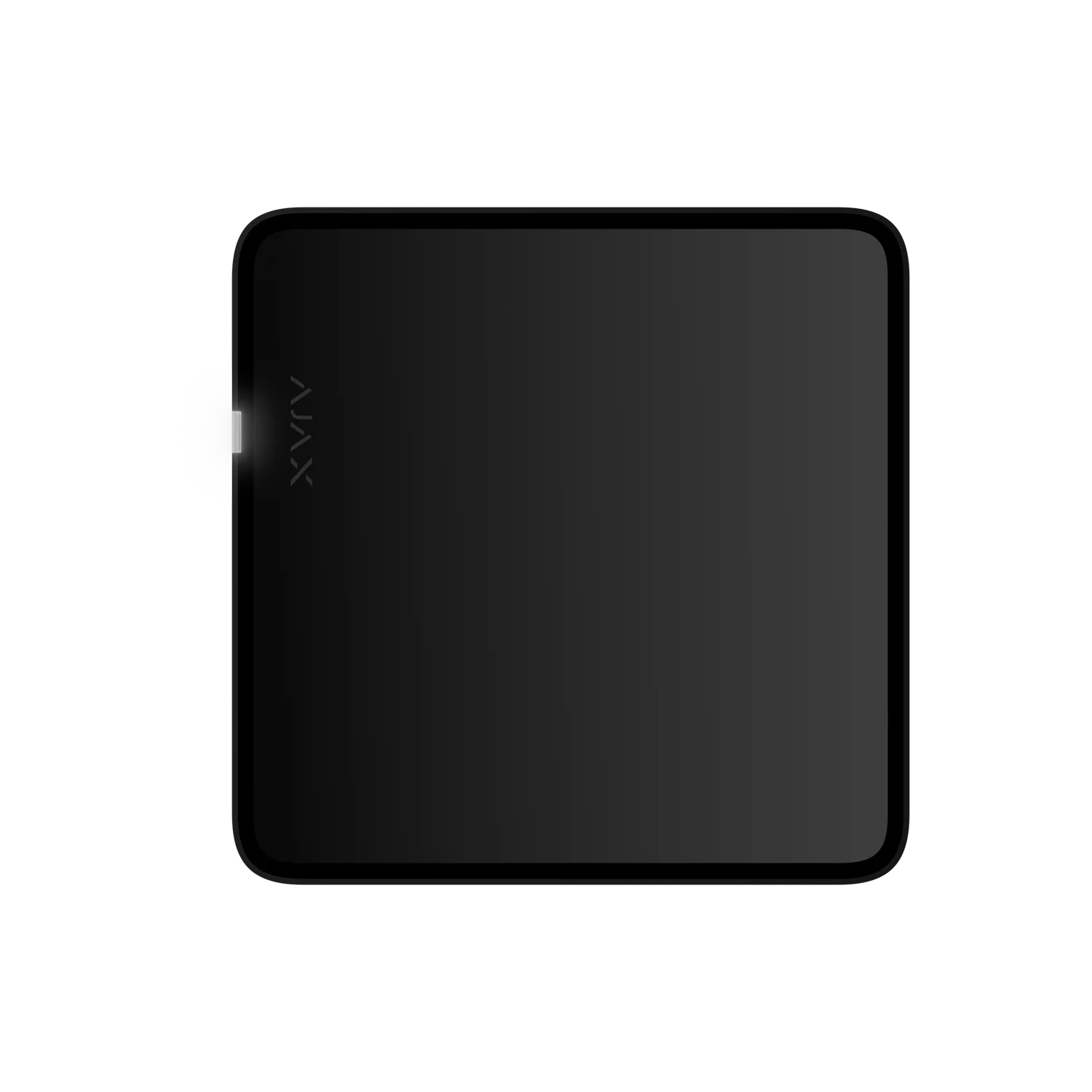
AJAX NVR 16CH Black
16-channel recorder with HDMI output, up to 8 channels in 4K, dual USB (HDD sold separately).
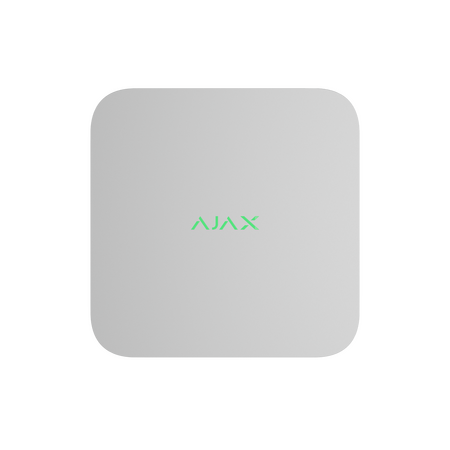
16CH ONVIF NVR 4K
Recording unit for camera systems that need local storage, playback and event history.
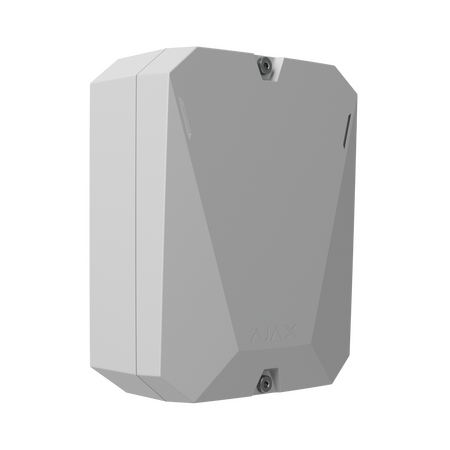
Ajax Hub Battery Powered
Control panel for managing Ajax devices, users, notifications, arming modes and system events.
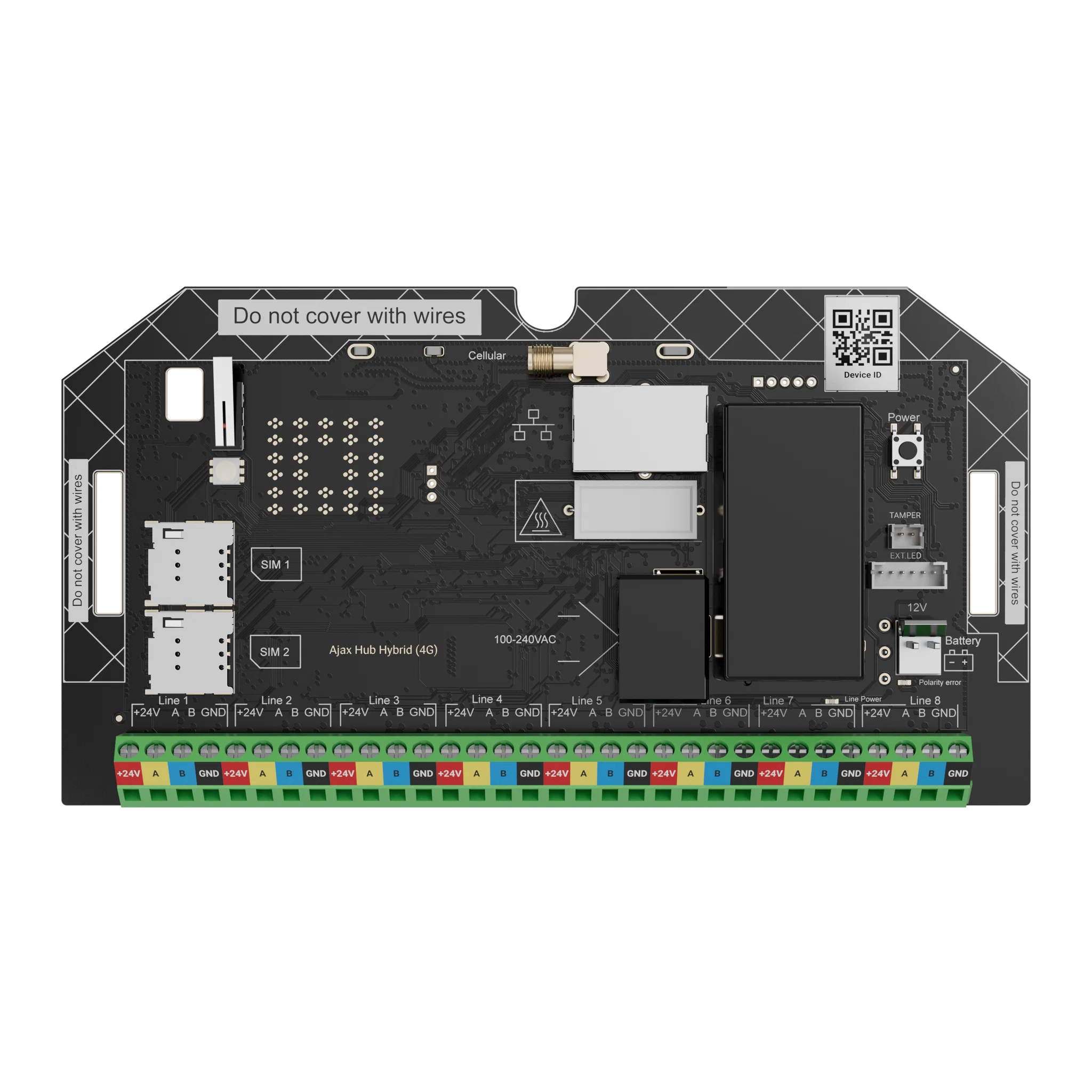
AJAX Superior Fibra Hub Hybrid 4G (Board Only)
Board-only hybrid hub combining 8 Fibra wired lines with Jeweller wireless, supports 100 devices, dual-SIM 4G backup — for custom enclosures.
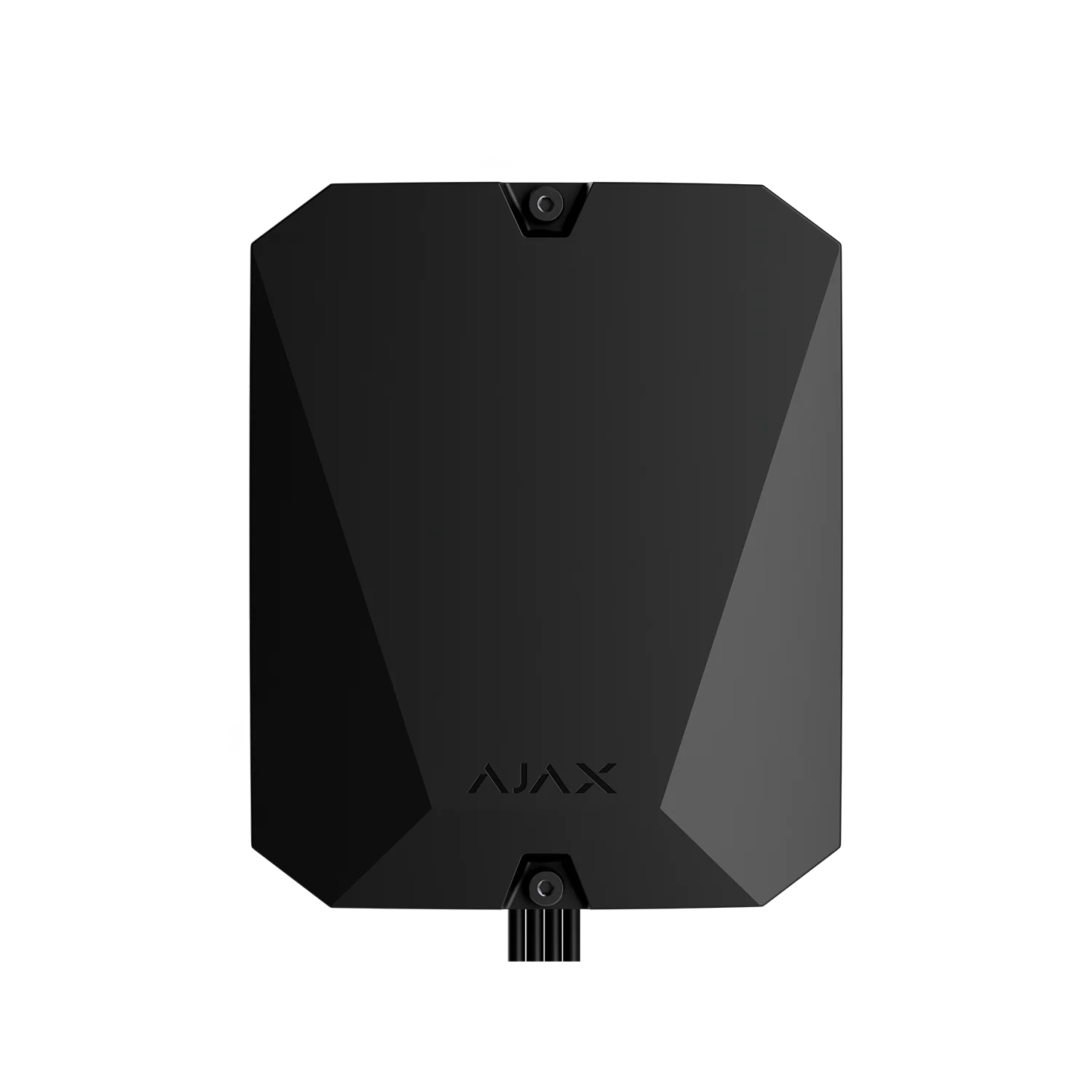
AJAX Superior Fibra Hub Hybrid 4G Black
Wired-wireless hybrid hub with 8 Fibra lines (2km each), 100 devices, photo verification and 32 automation scenarios.
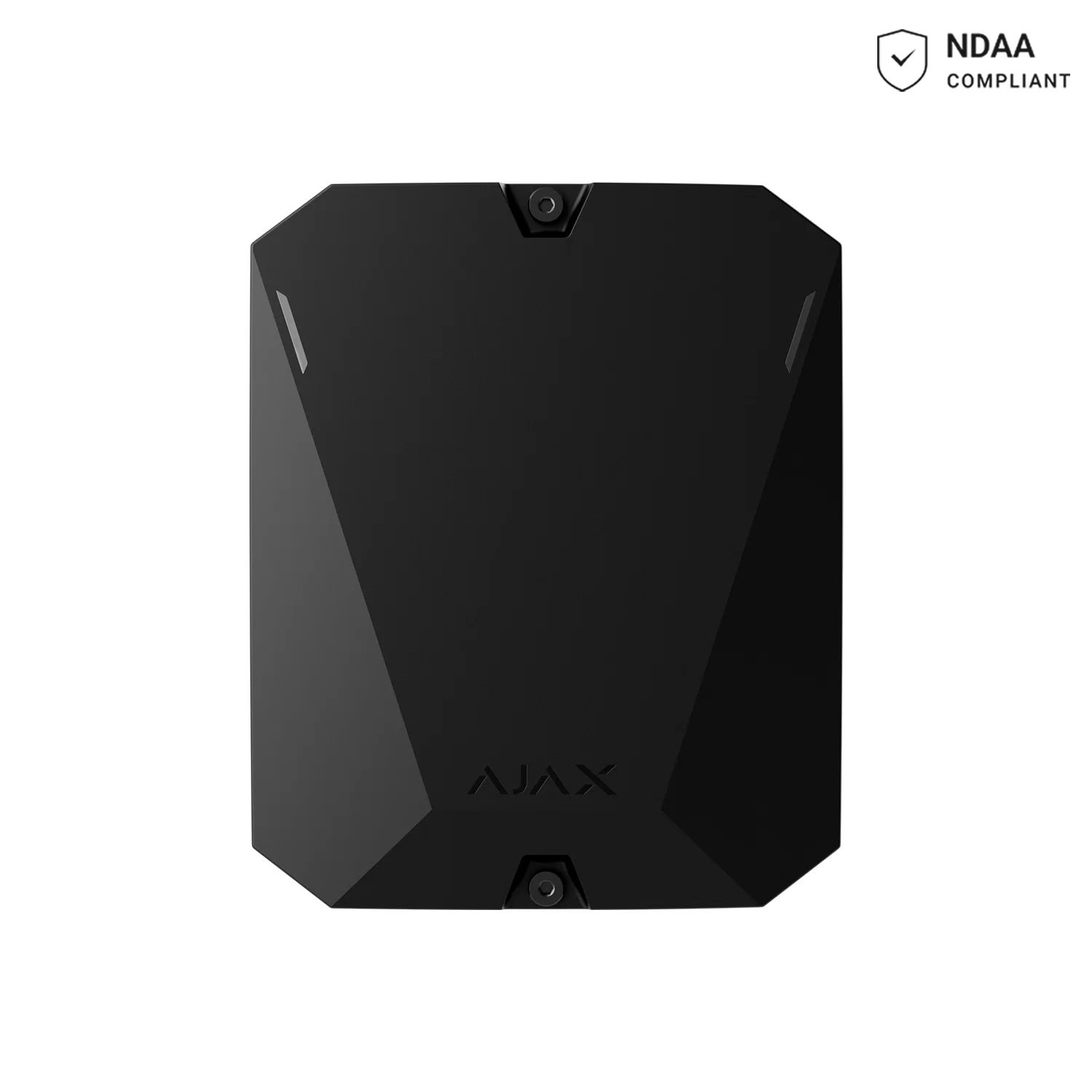
AJAX Hub BP Jeweller Black
Battery-powered hub for off-grid sites, construction sites and remote locations — up to 18 months battery life.
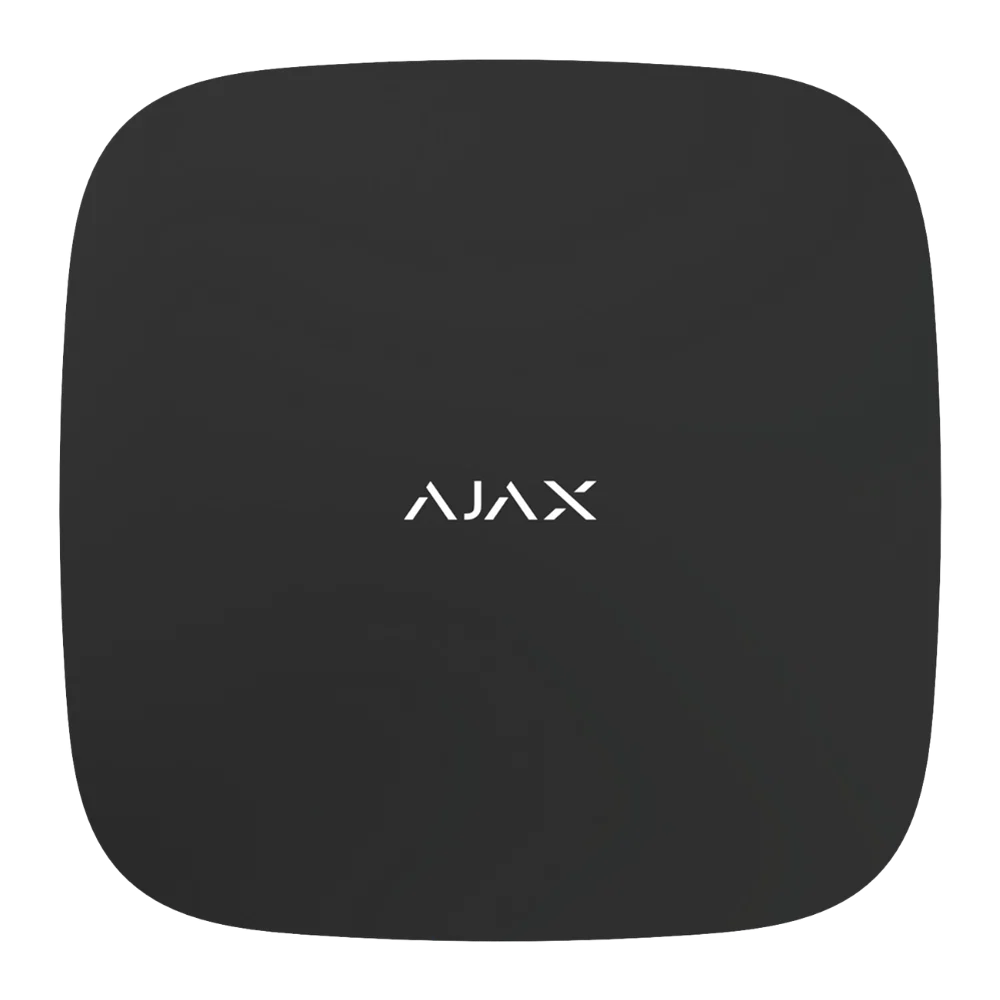
AJAX Hub 2 Plus Black
Top-tier hub connecting 200 devices and 100 cameras via Wi-Fi, Ethernet and dual-SIM 4G.
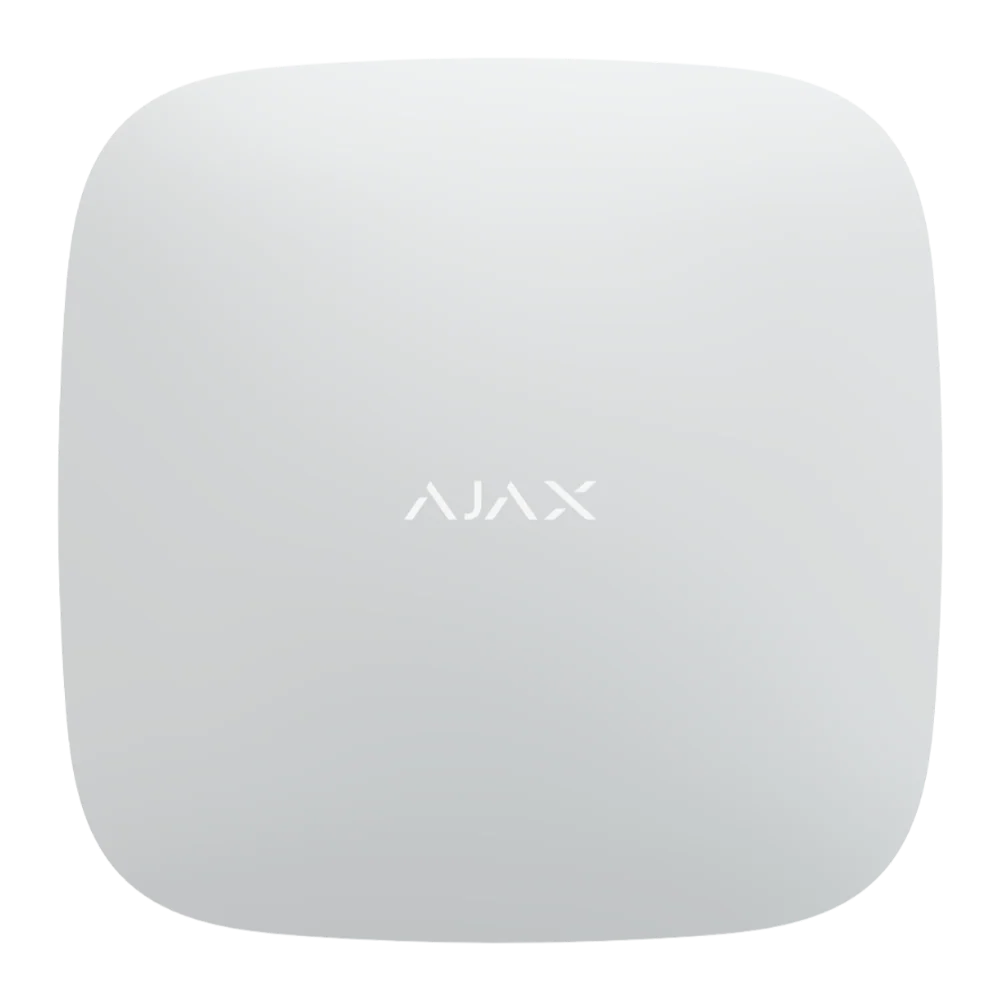
AJAX Hub 2 Plus White
White-finish version of the Hub 2 Plus, same 200-device and 100-camera capacity.
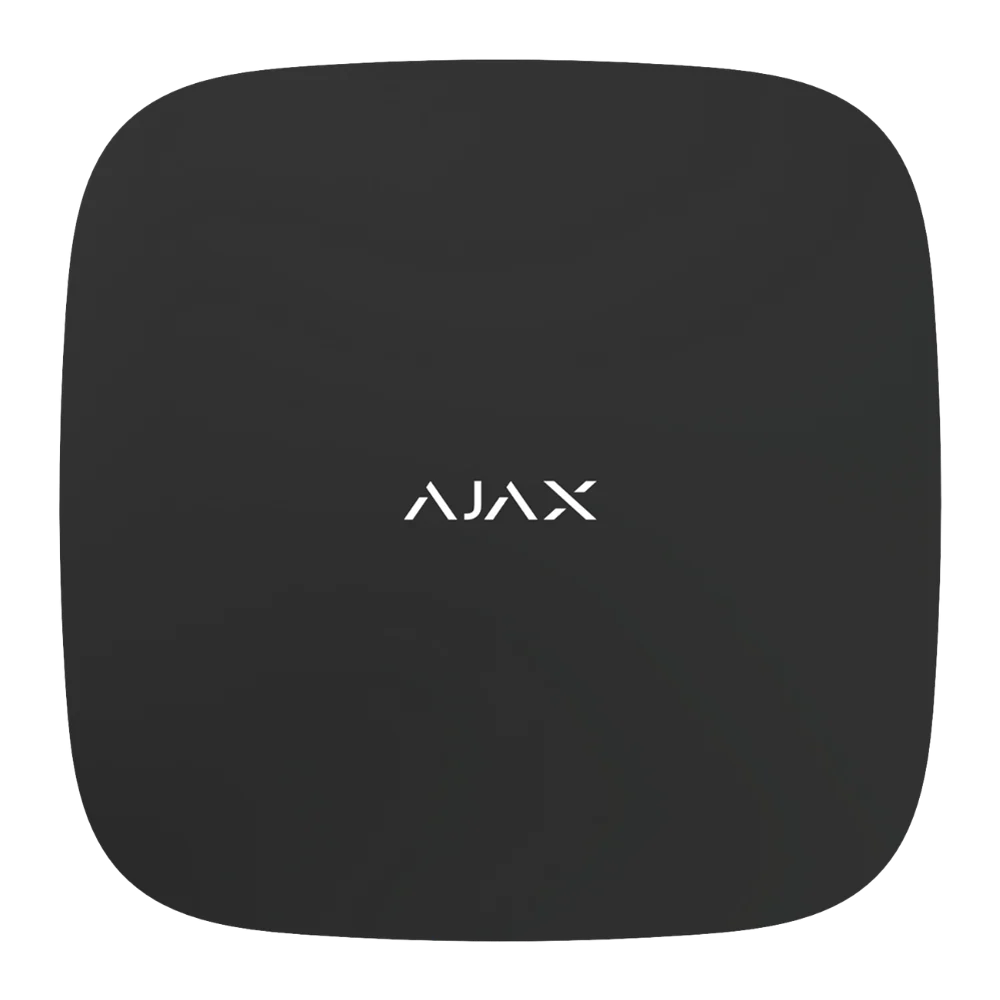
AJAX Hub 2 4G Black
Wireless hub with photo verification, 100 devices and 2,000m signal range.
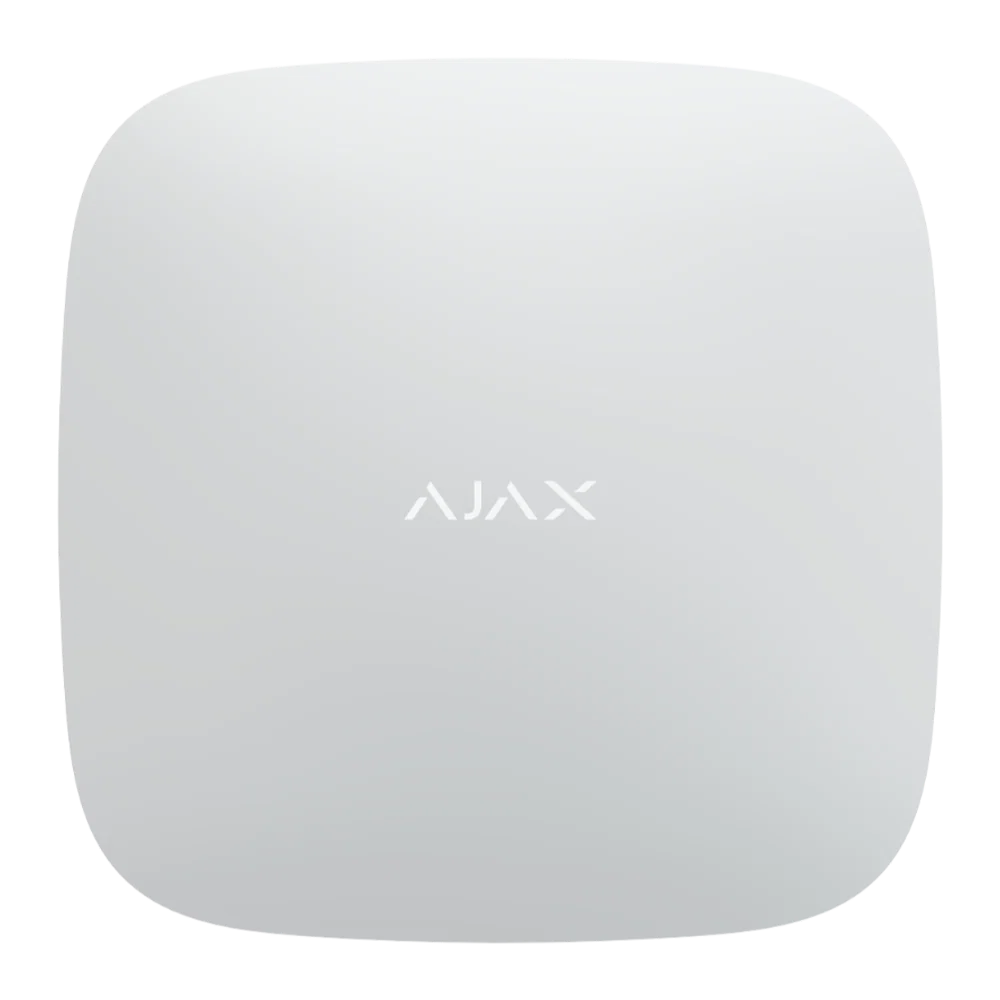
AJAX Hub 2 4G White
White-finish wireless hub with photo verification, 100 devices and 2,000m signal range.
Ajax REX 2 Range Extender
For larger buildings, detached spaces, multi-storey homes and difficult signal paths.
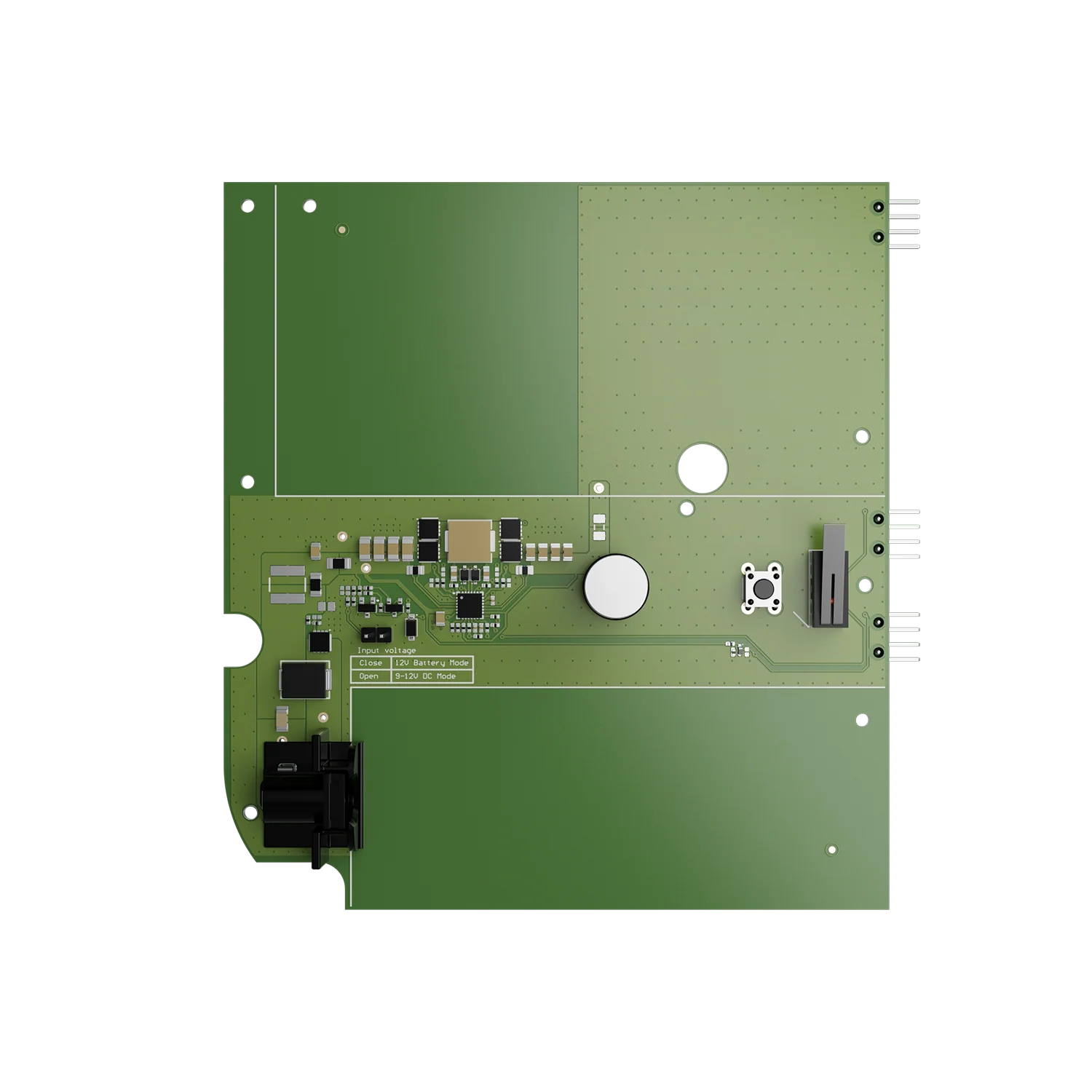
AJAX 12V PSU for NVR
Backup power supply for 8CH and 16CH NVRs, dual operating modes for uninterrupted recording.
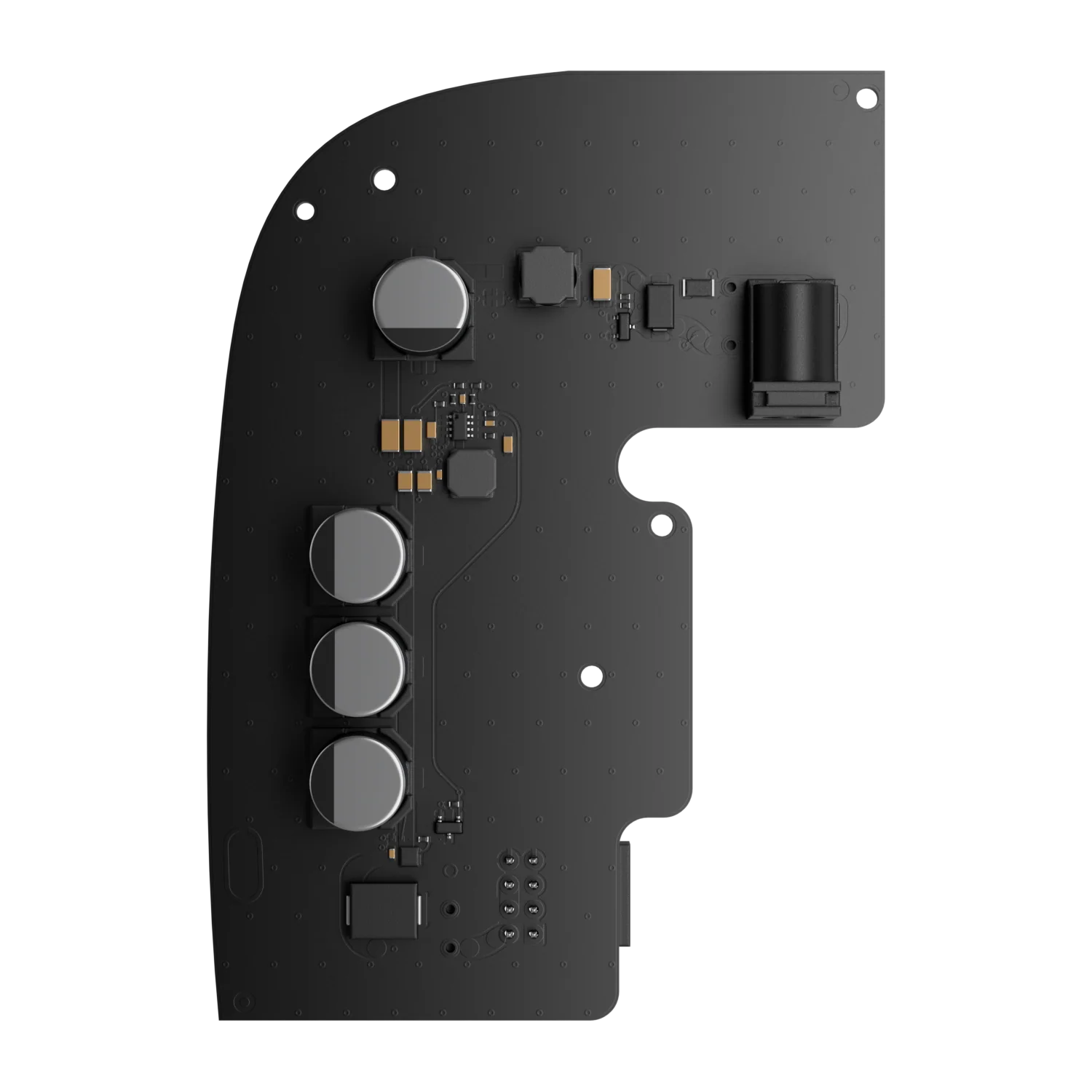
AJAX 12-24V PSU (Type A) for Hub 2 / Hub 2 Plus / ReX 2
Vehicle-compatible low-voltage power supply for Hub 2, Hub 2 Plus and ReX 2.
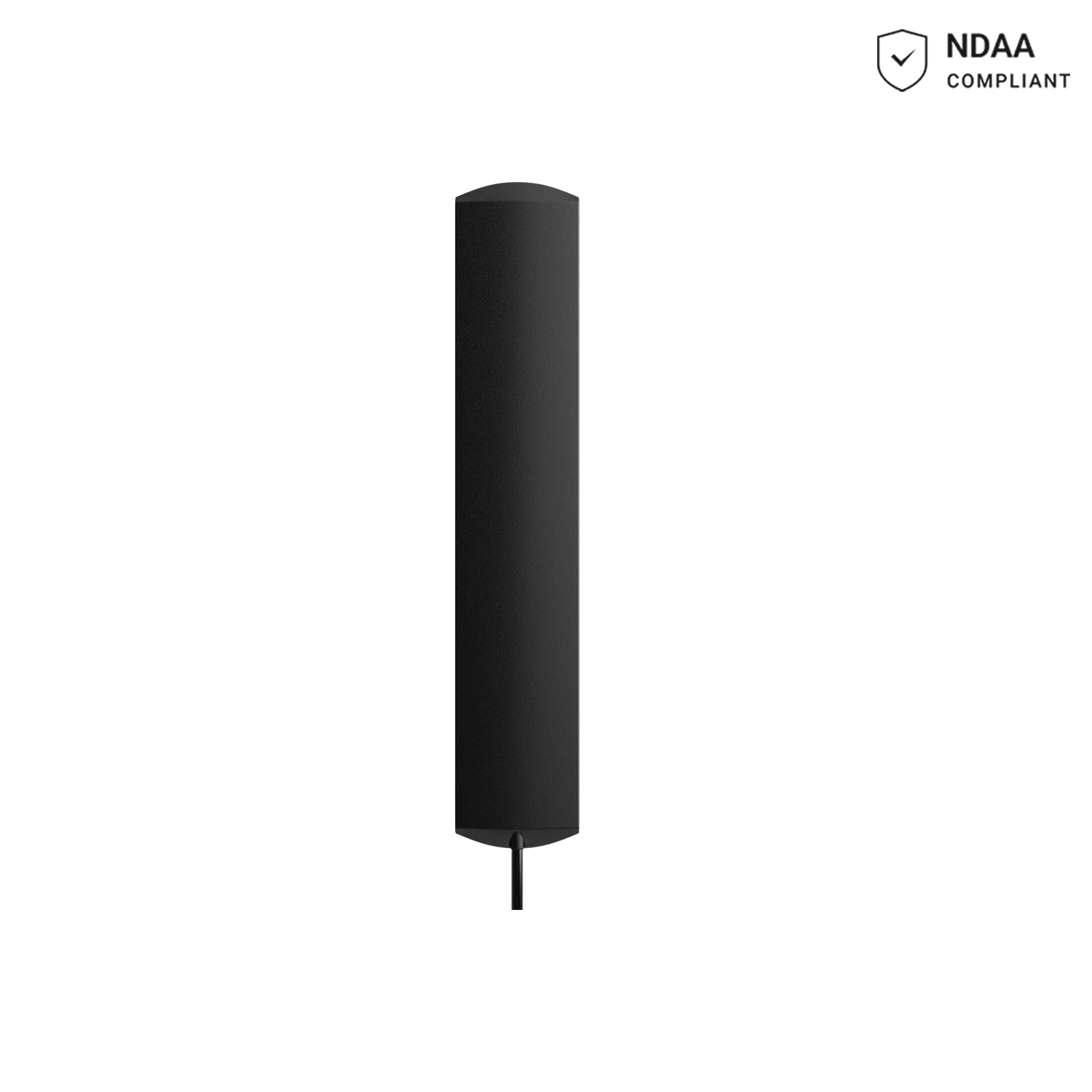
AJAX External Antenna
External LTE/2G/3G antenna with 3m cable for Hub BP Jeweller in metal enclosures or concrete rooms.
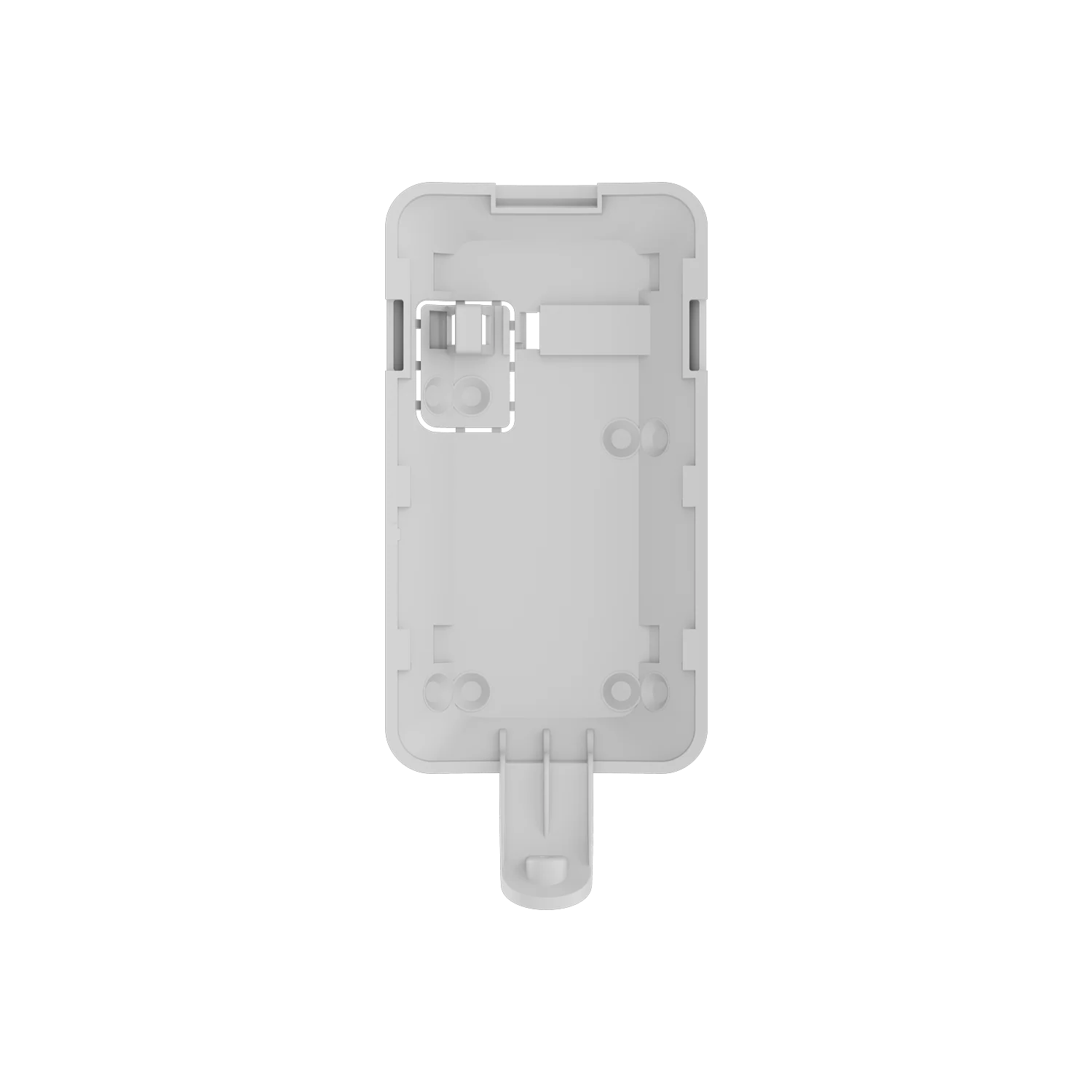
AJAX SmartBracket for MotionCam Outdoor HighMount White
Original high-mount bracket for the MotionCam Outdoor HighMount PHOD detector.
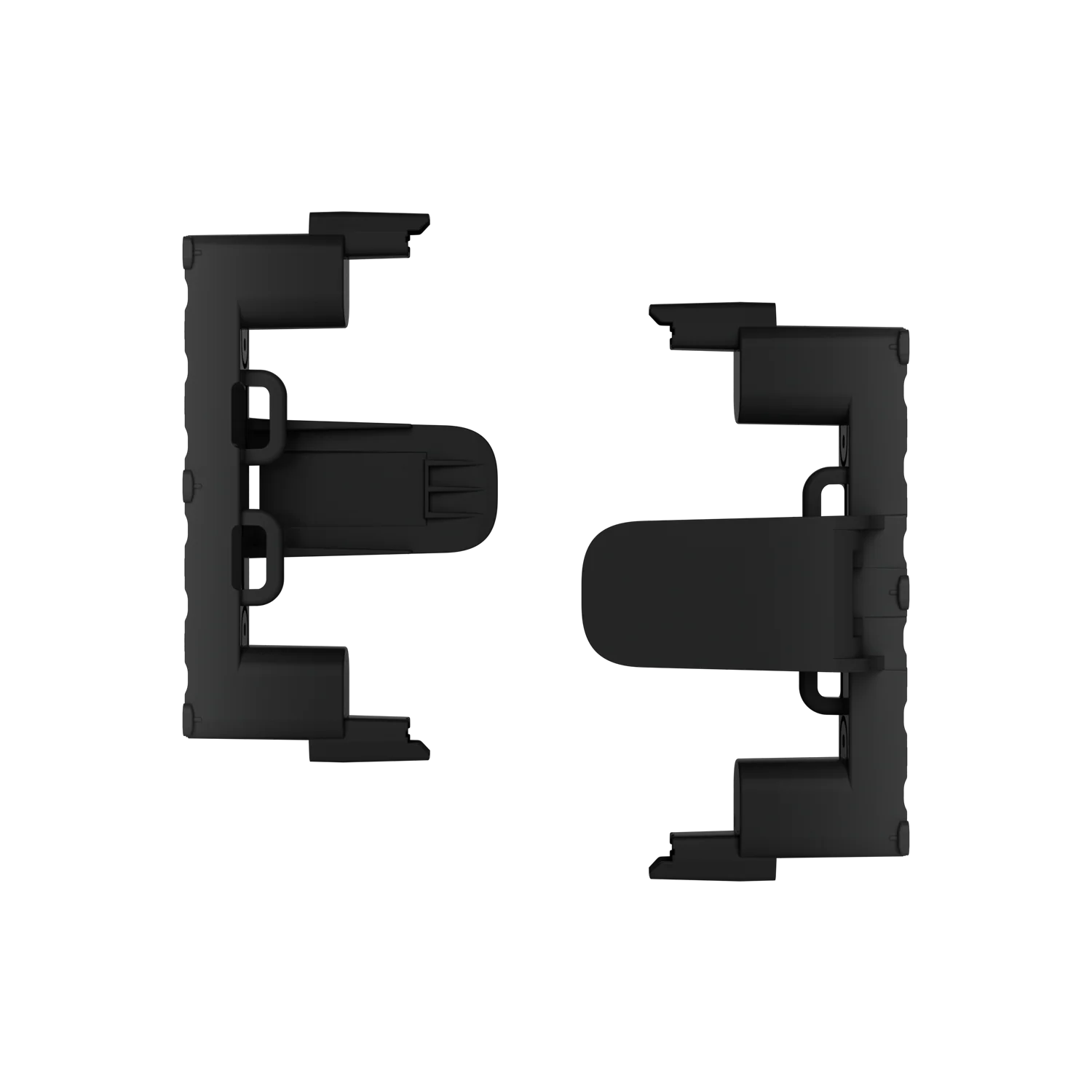
AJAX Module Holder Type B ASP Black
Mounting accessory for securing Ajax modules inside enclosures.
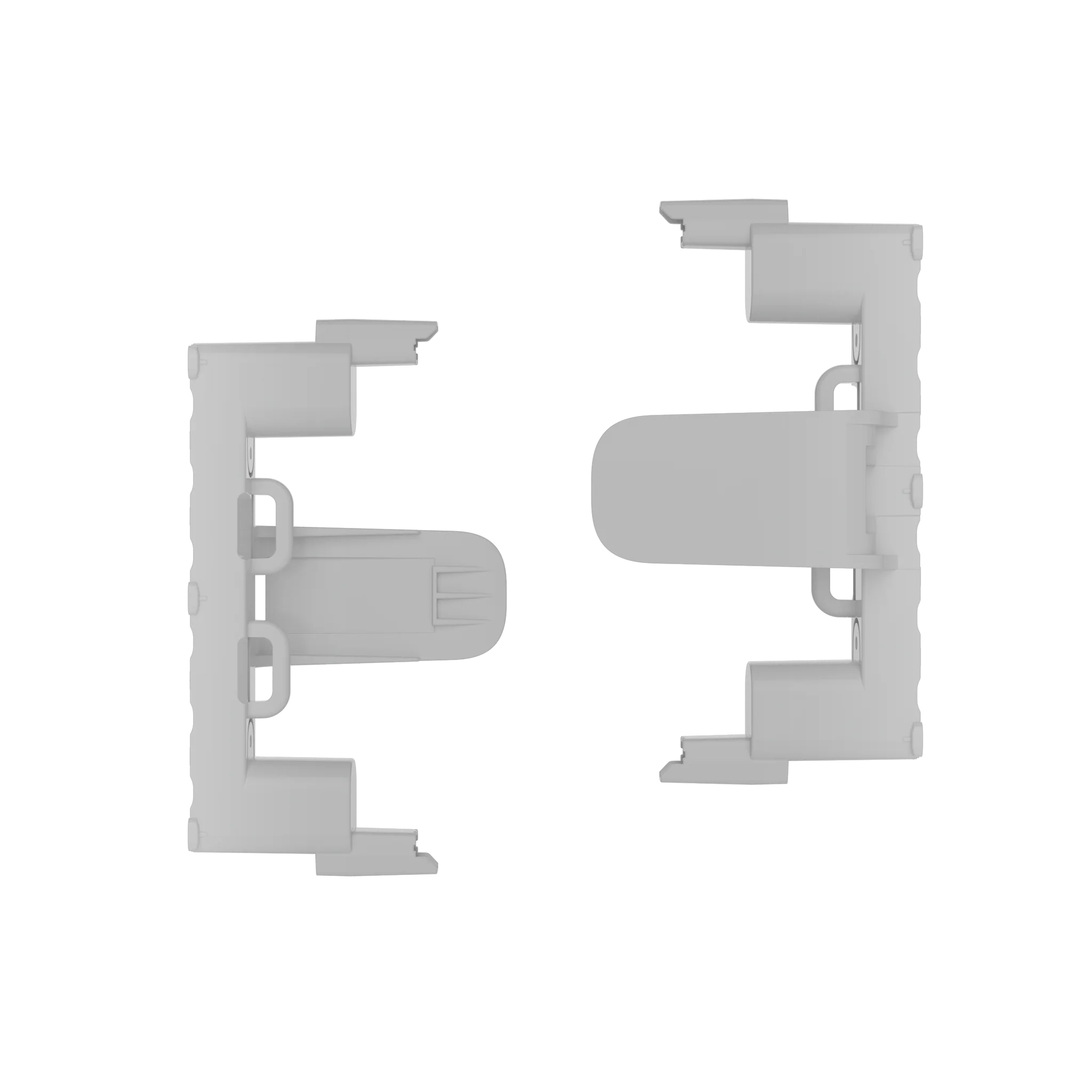
AJAX Module Holder Type B ASP White
White-finish mounting accessory for securing Ajax modules inside enclosures.
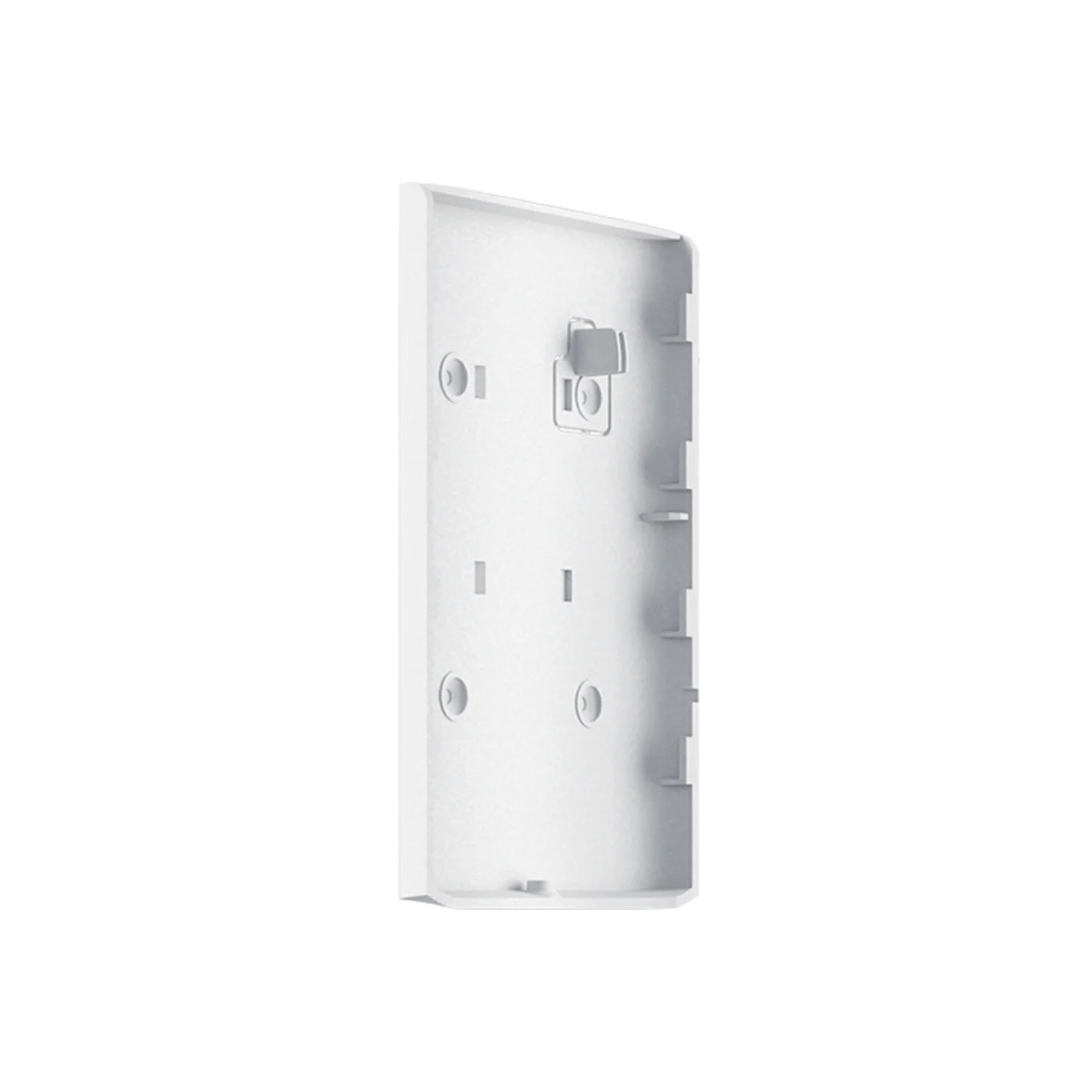
AJAX SmartBracket for DualCurtain Outdoor White
Wall-mount bracket for the DualCurtain Outdoor detector.
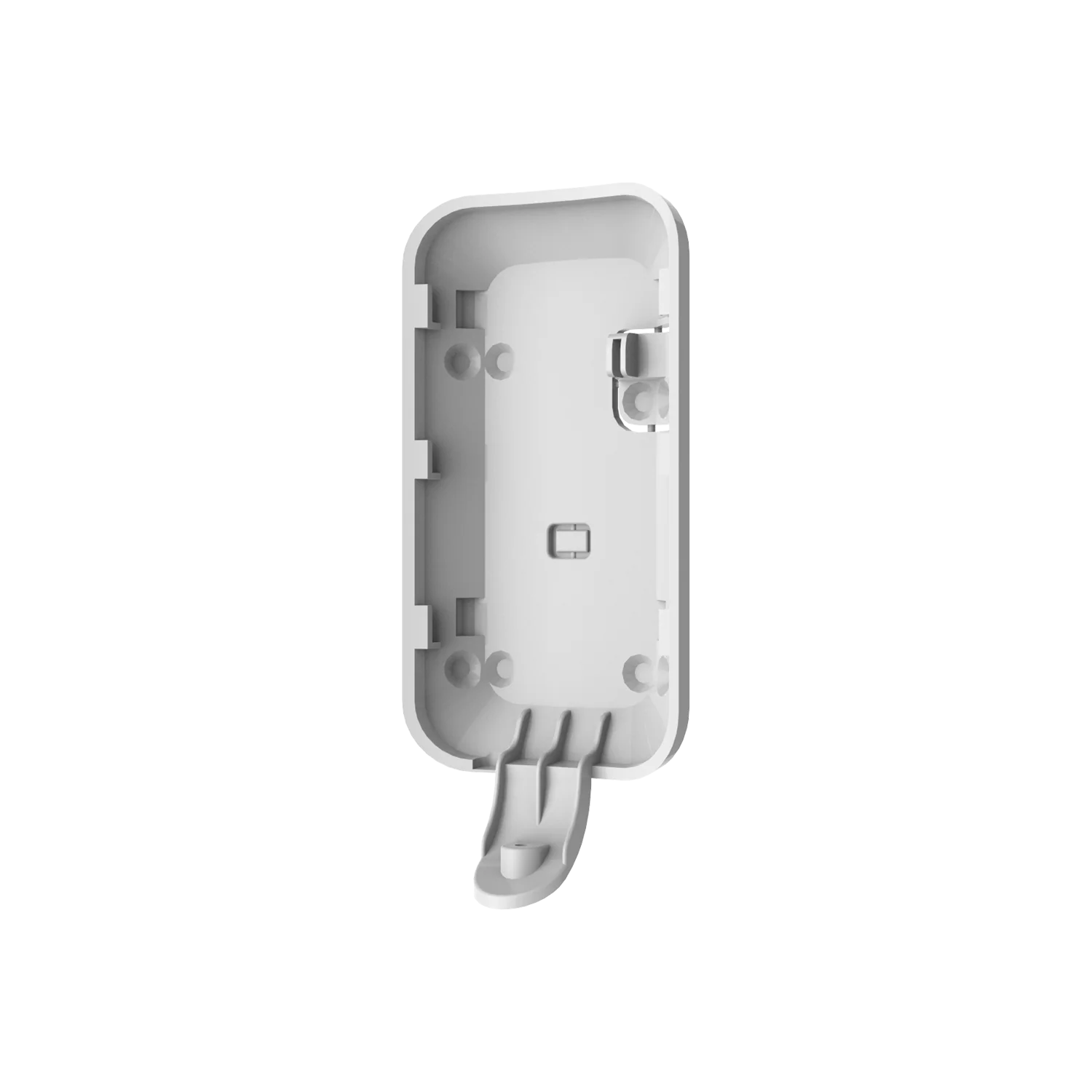
AJAX SmartBracket for MotionCam Outdoor White
Wall-mount bracket for the MotionCam Outdoor photo detector.
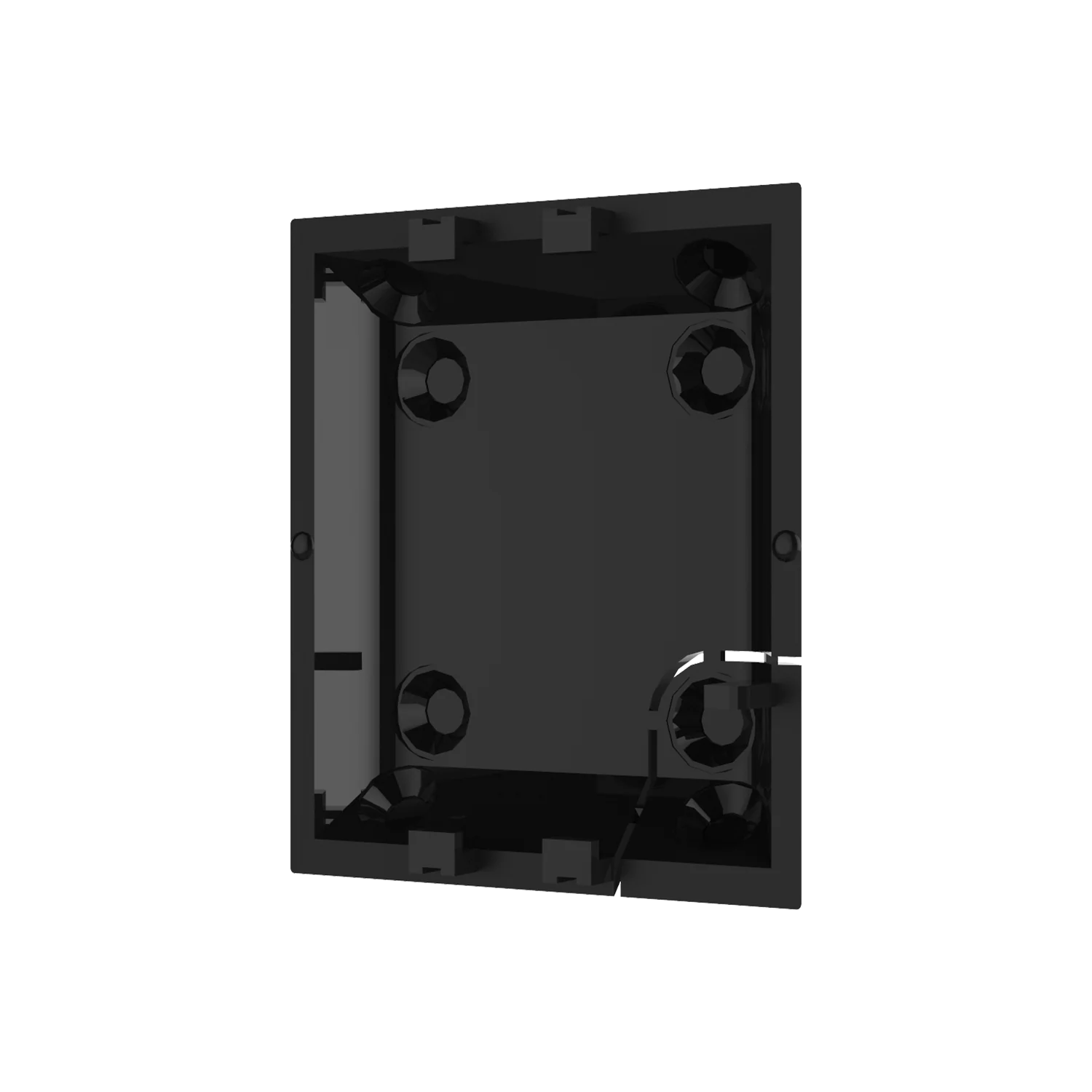
AJAX SmartBracket for MotionCam Black
Wall-mount bracket for the standard MotionCam photo detector.
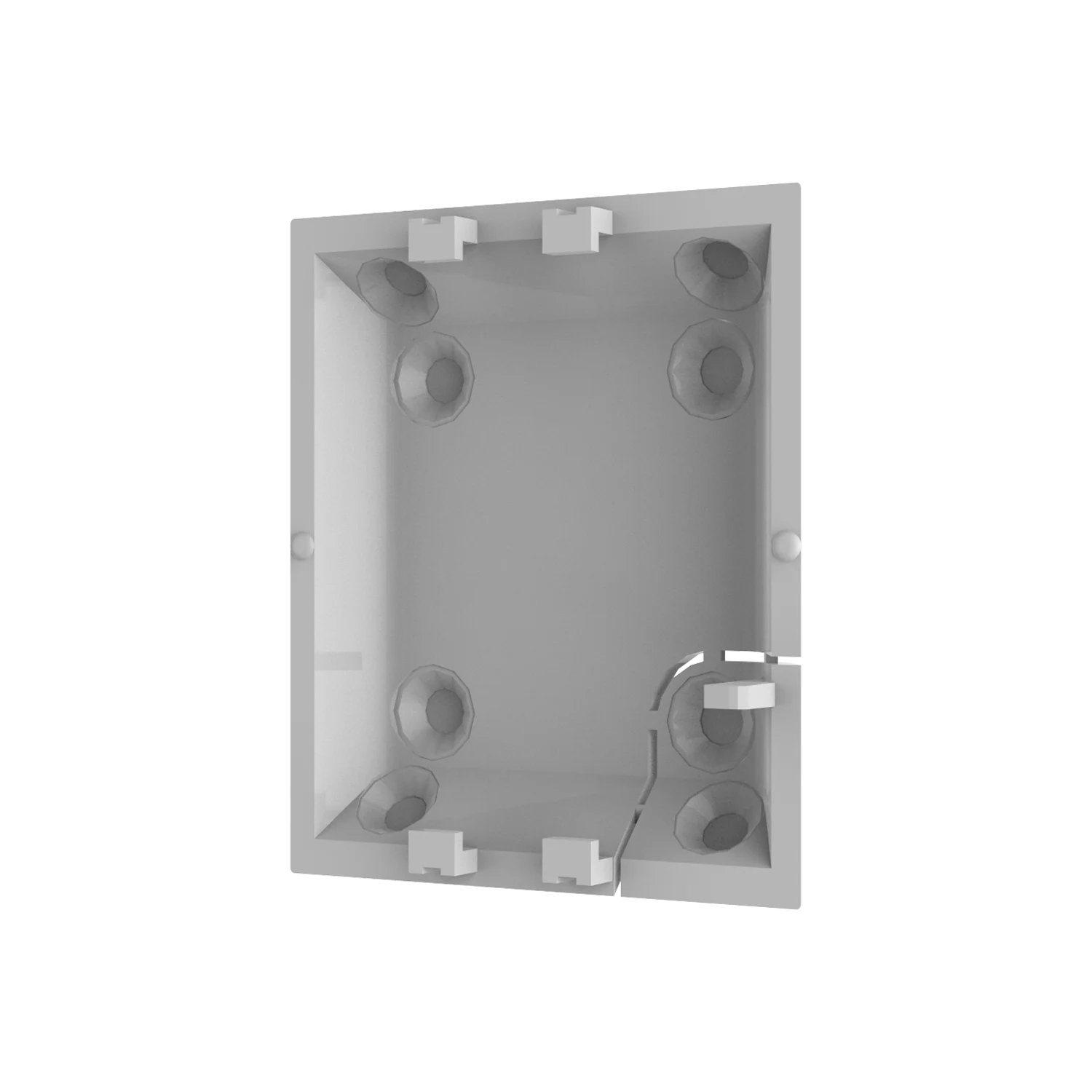
AJAX SmartBracket for MotionCam White
White-finish wall-mount bracket for the standard MotionCam photo detector.
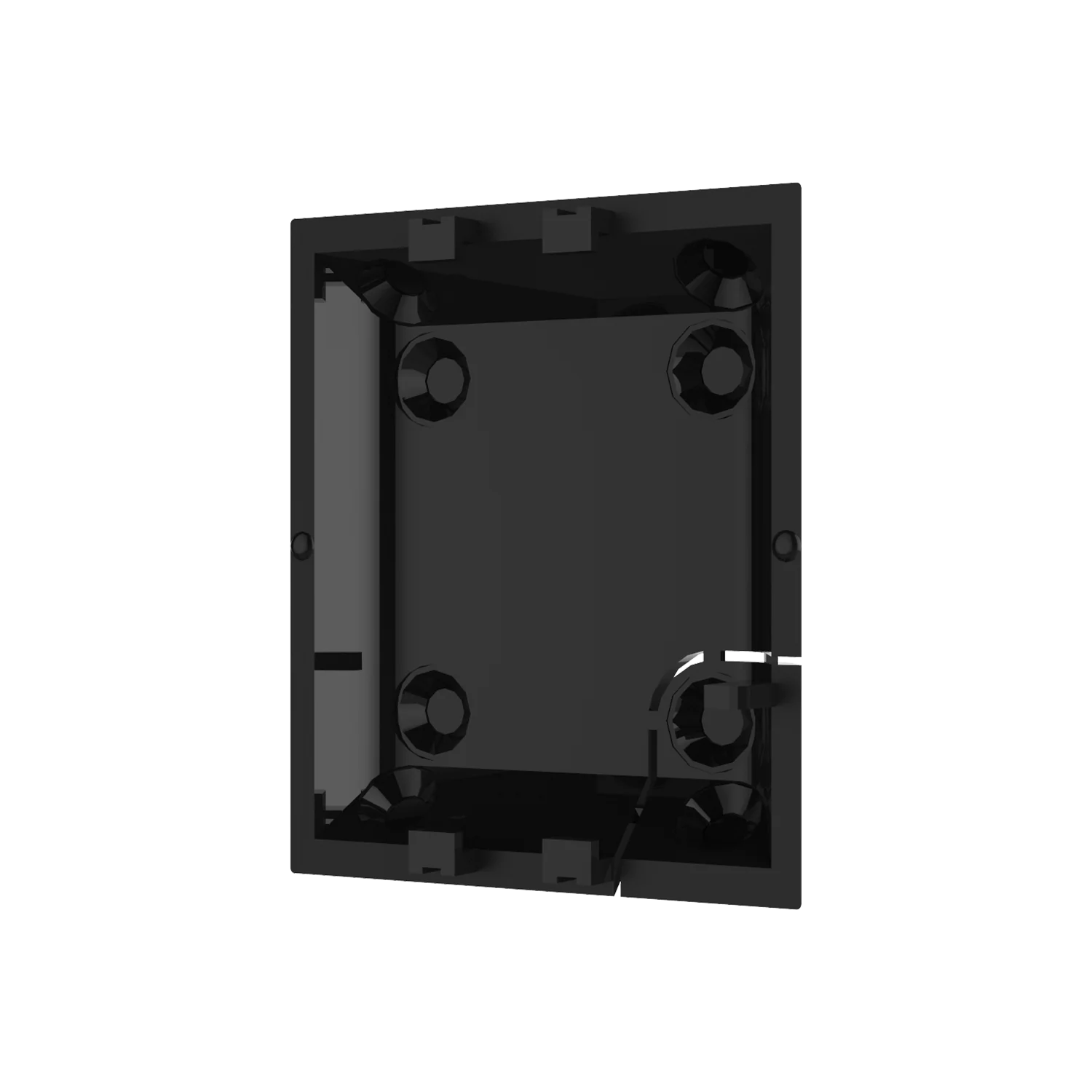
AJAX SmartBracket for MotionProtect Black
Wall-mount bracket for the MotionProtect motion sensor.
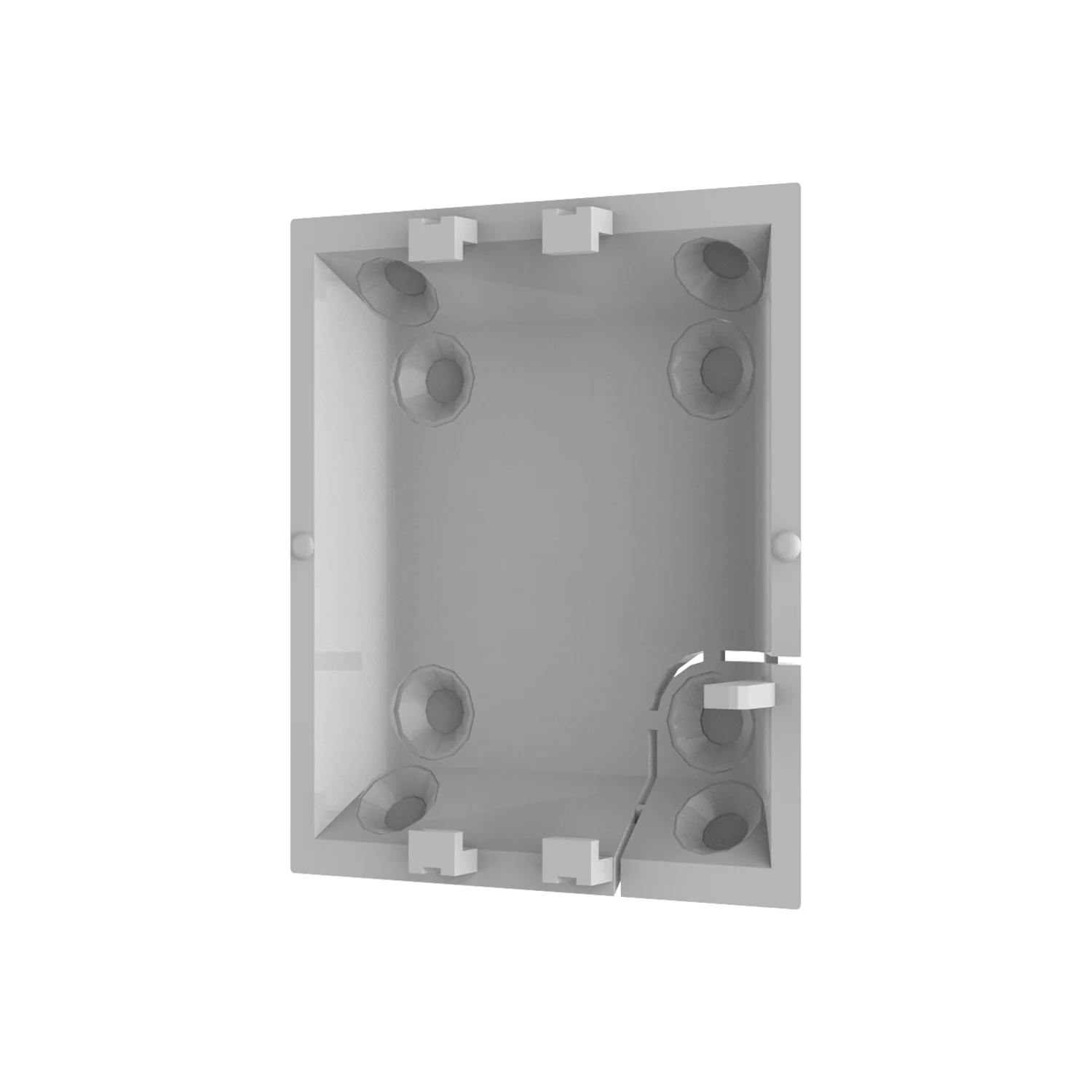
AJAX SmartBracket for MotionProtect White
White-finish wall-mount bracket for the MotionProtect motion sensor.
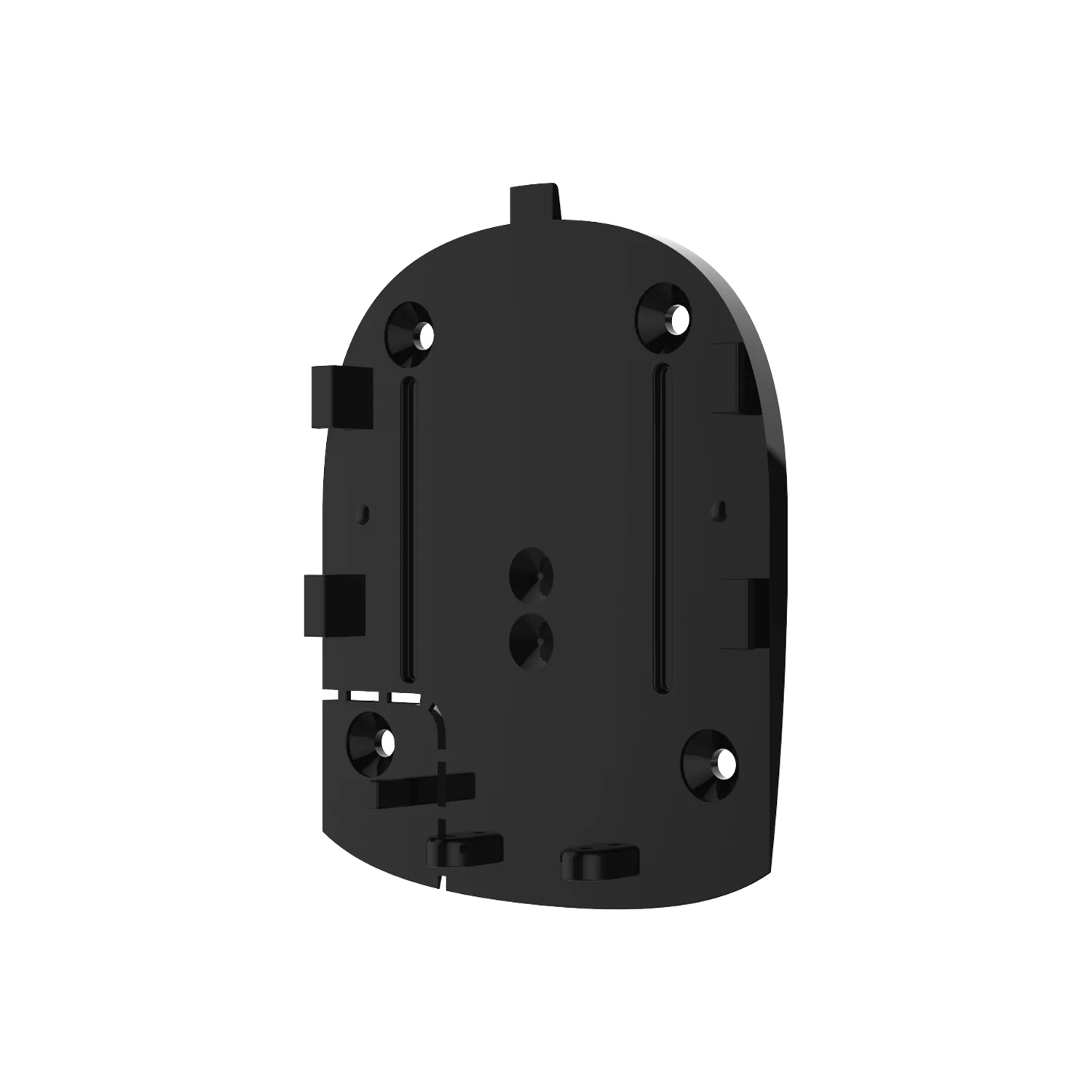
AJAX SmartBracket for Hub Black
Wall-mount bracket for Ajax Hub, Hub Plus and Hub 2 control panels.
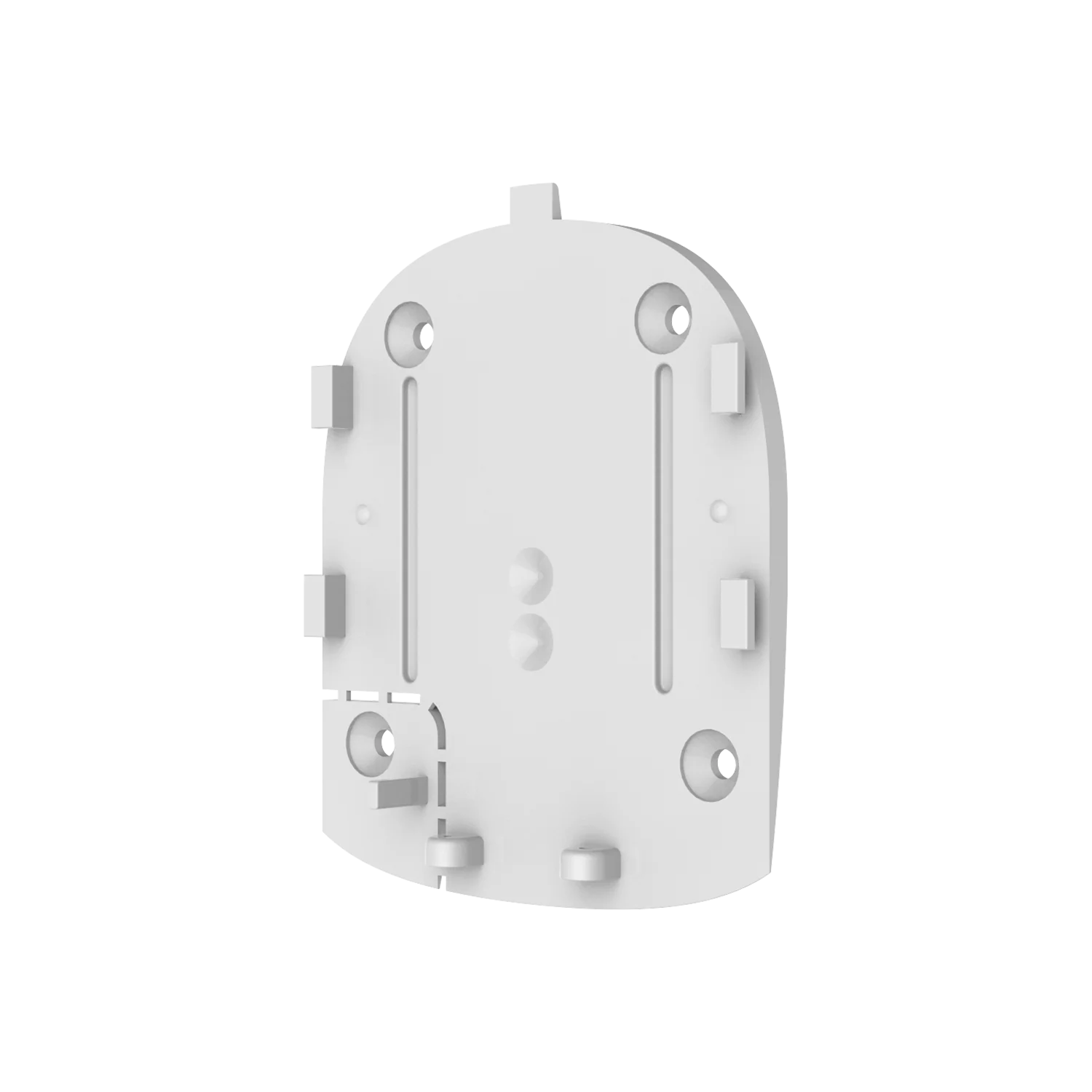
AJAX SmartBracket for Hub White
White-finish wall-mount bracket for Ajax Hub, Hub Plus and Hub 2 control panels.
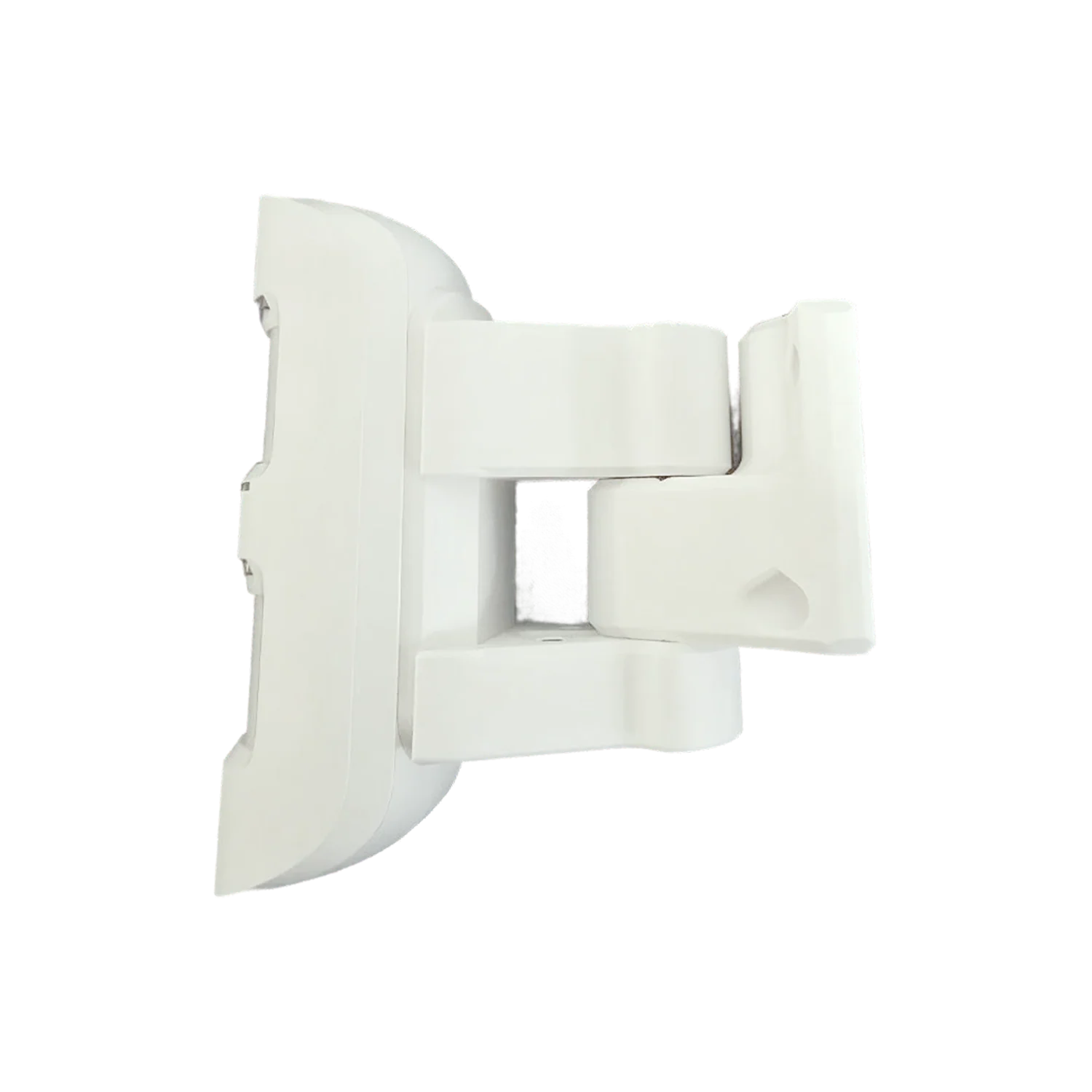
AJAX Wall/Pole Mount Bracket White
Australian-made outdoor bracket for MotionProtect Outdoor and MotionCam Outdoor, wall/pole/fence-post compatible.
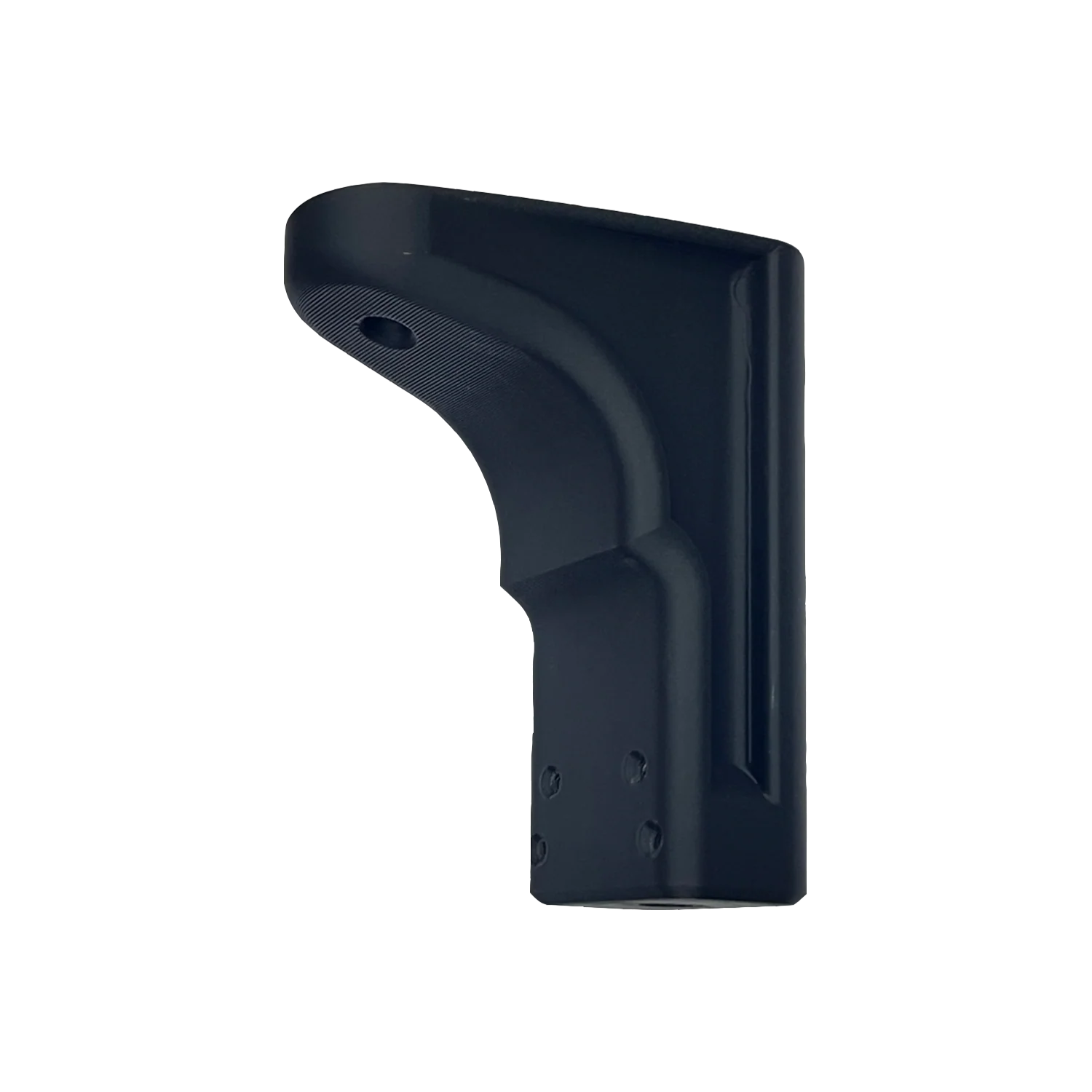
AJAX Ceiling Mount Bracket Black
Australian-made ceiling bracket for MotionProtect and MotionCam sensors with optimized PIR coverage.
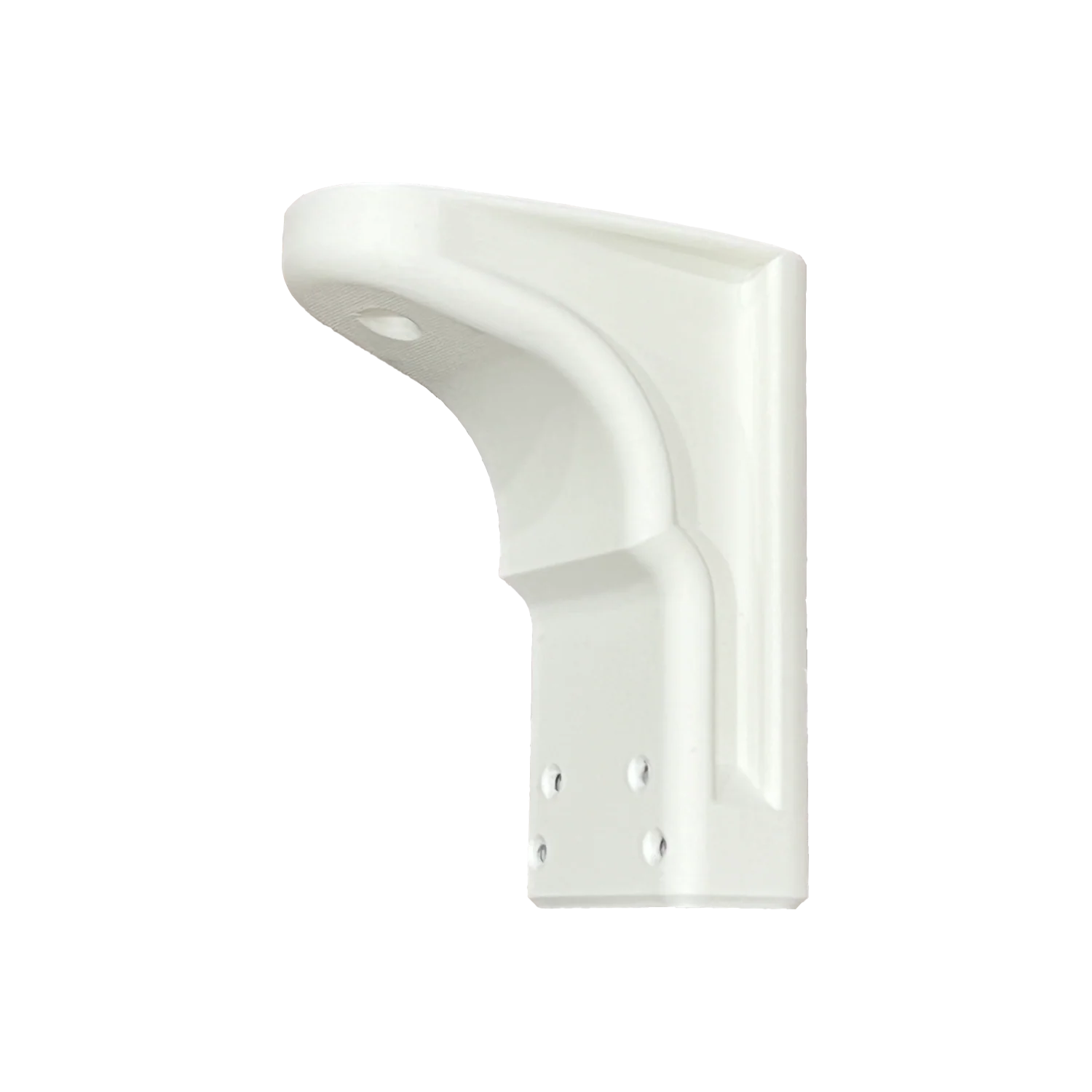
AJAX Ceiling Mount Bracket White
White-finish Australian-made ceiling bracket for MotionProtect and MotionCam sensors.
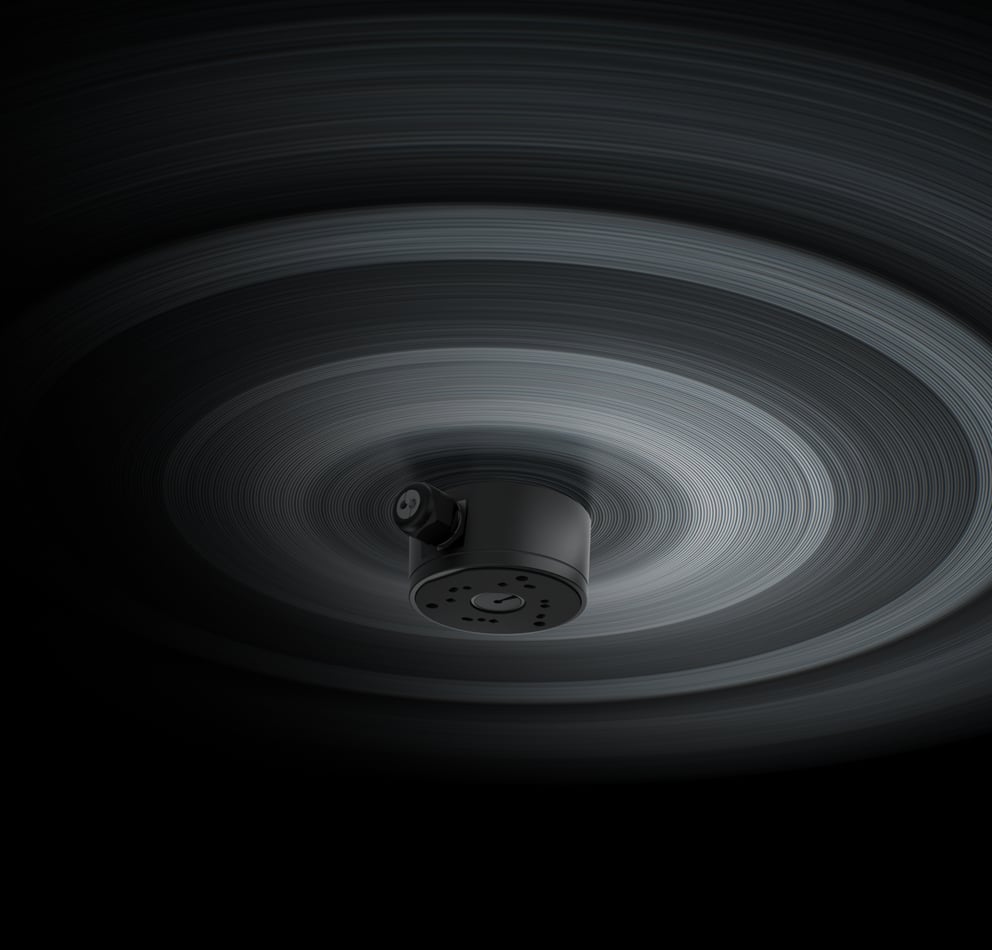
AJAX JunctionBox 118×59 White
Waterproof mounting box for IP cameras (BulletCam, DomeCam Mini, TurretCam), IP66 rated.
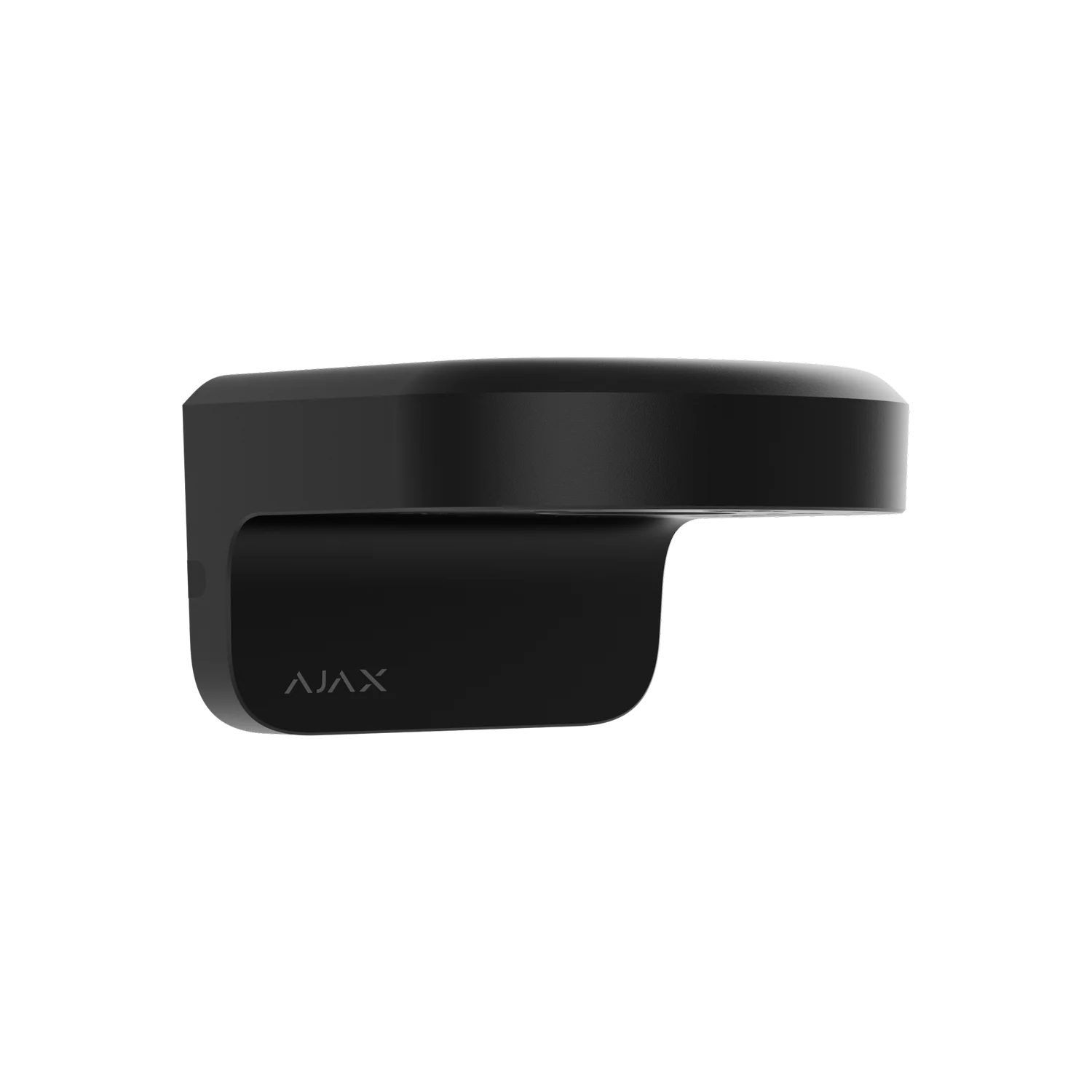
AJAX MountCam A1 Black
164mm wall mount for BulletCam, TurretCam and DomeCam Mini, with cable management.
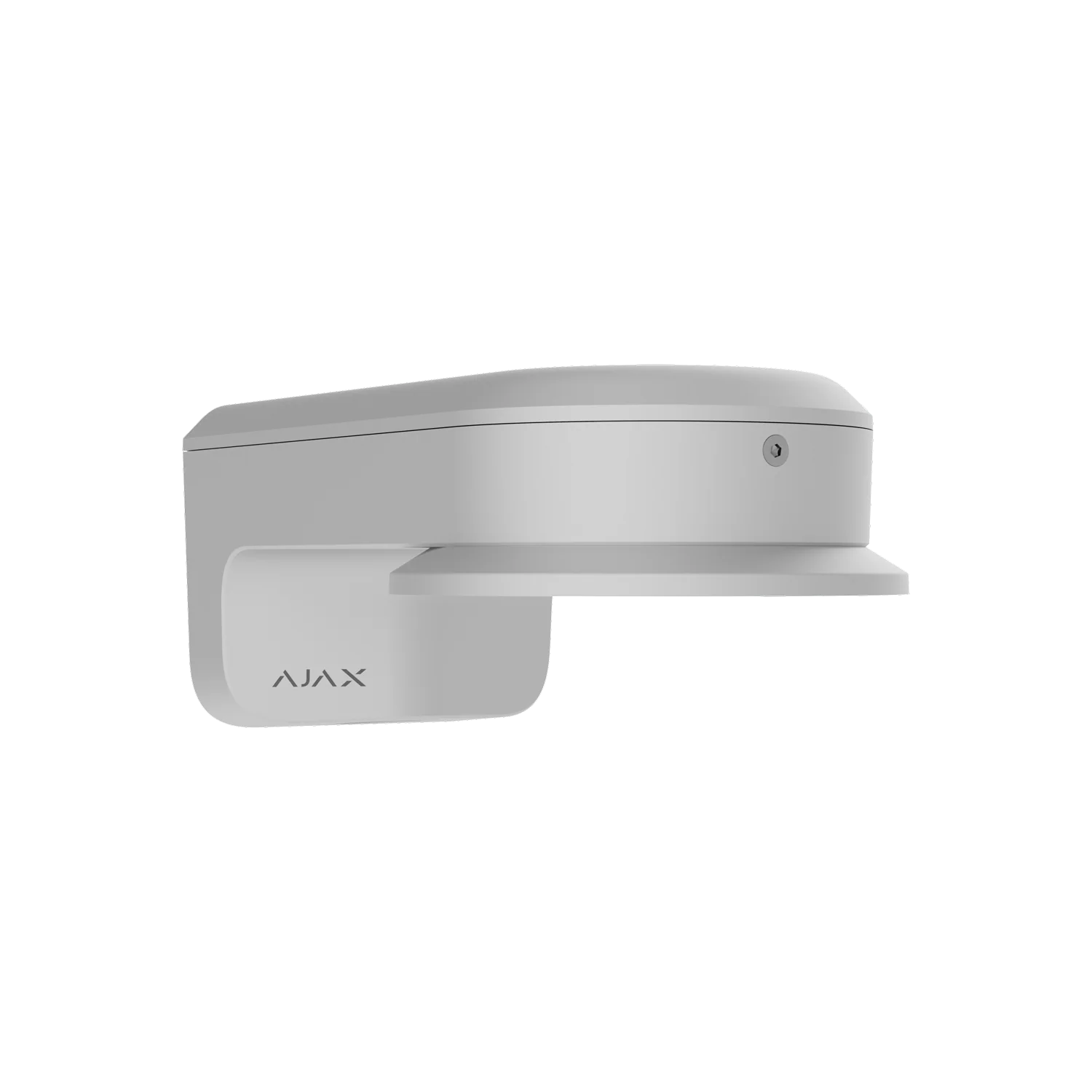
AJAX MountCam B2 White
242mm wall mount for BulletCam, TurretCam and DomeCam Mini, with an adapter for motorized varifocal lens cameras.
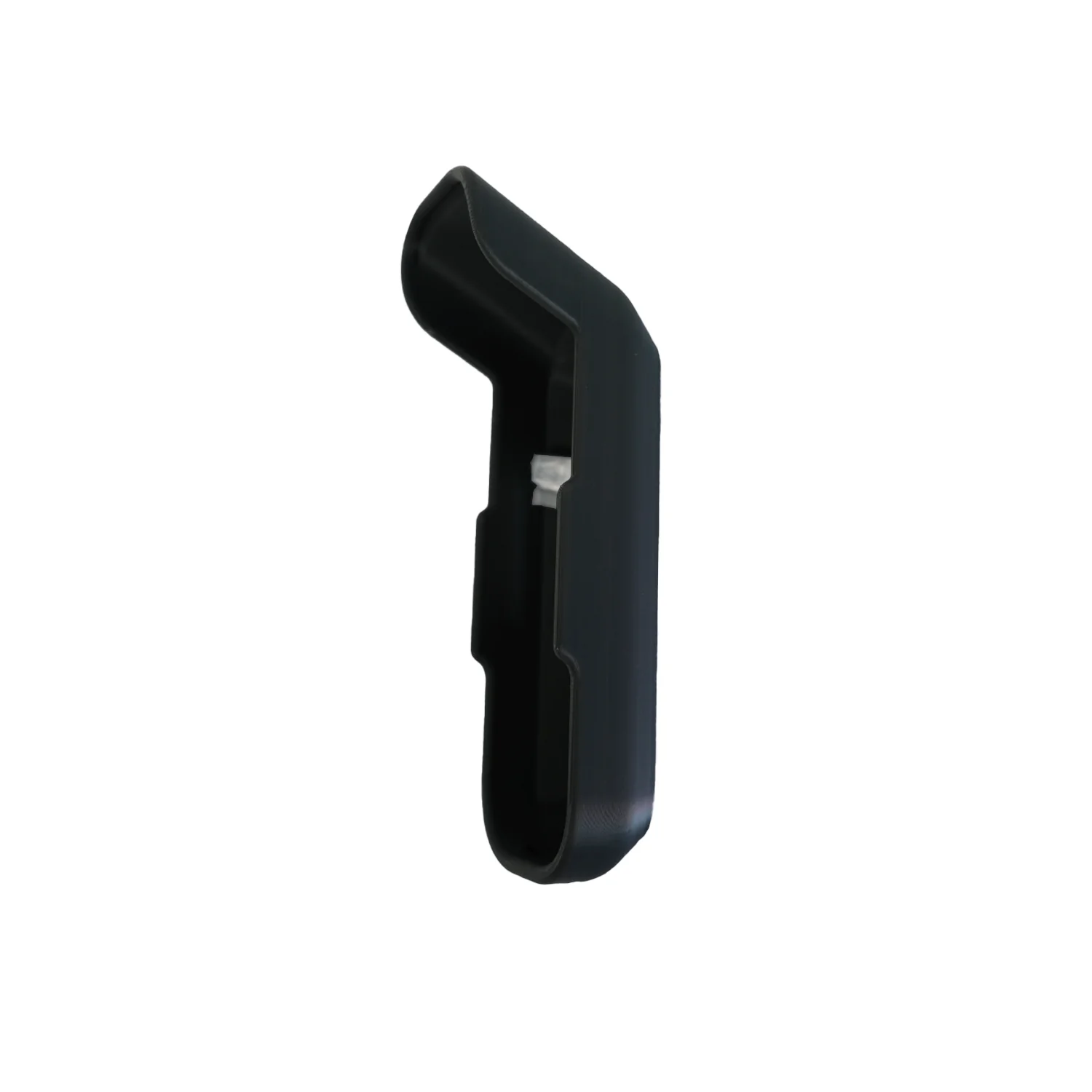
AJAX Rain Shield Black
Weather protection shield for AJAX DoorBell #116894, protects against rain and UV.
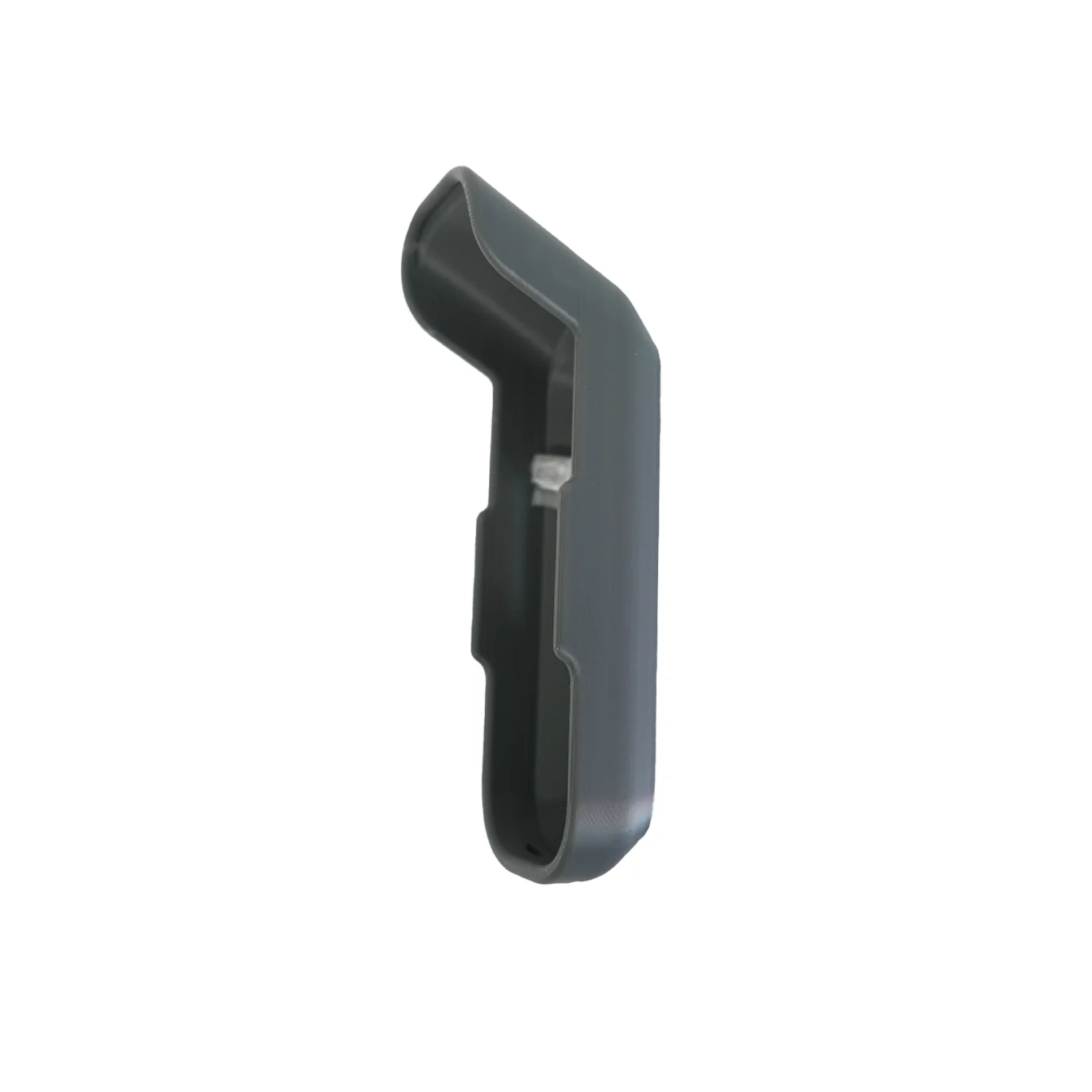
AJAX Rain Shield Graphite
Weather protection shield for AJAX DoorBell #116895, protects against rain and UV.
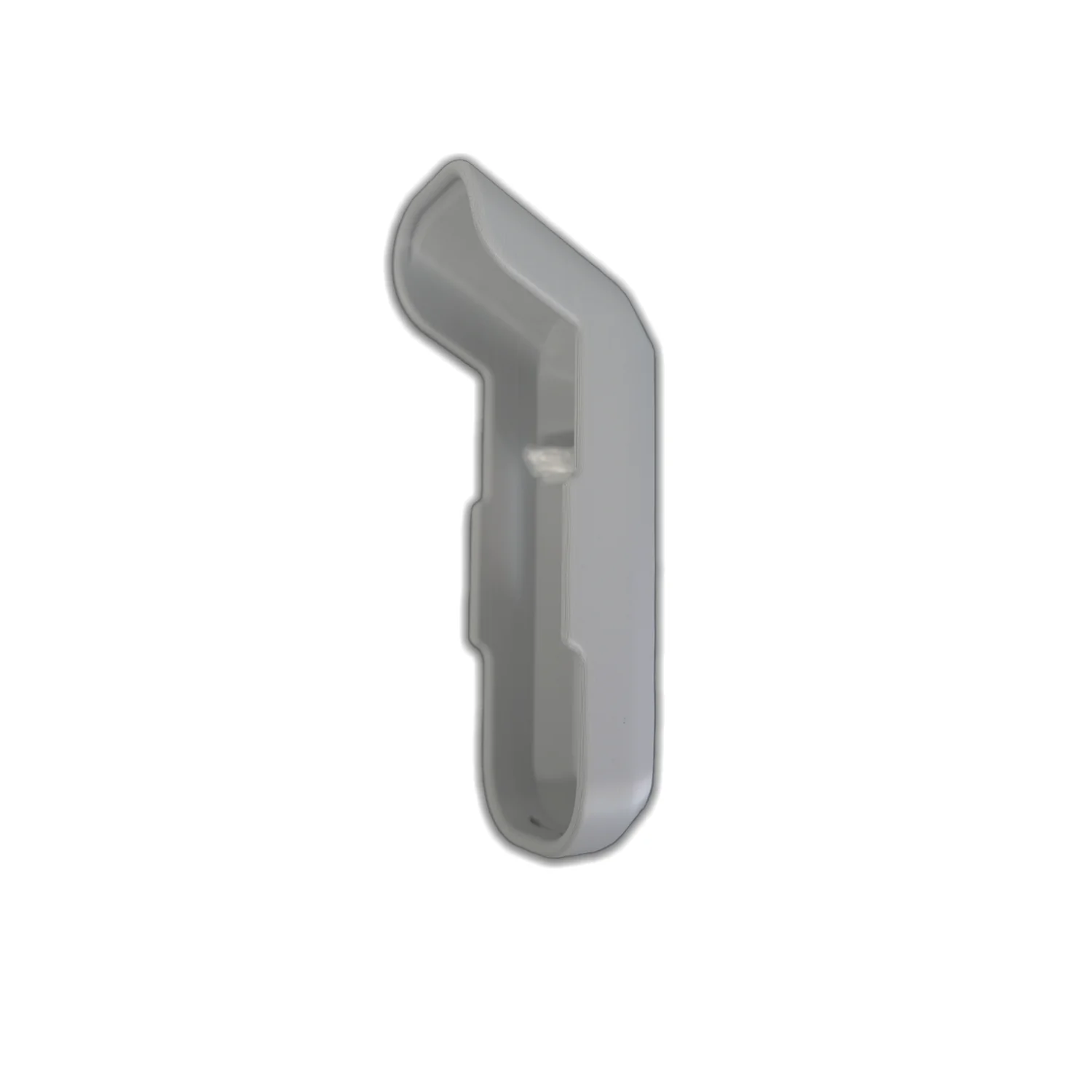
AJAX Rain Shield Grey
Weather protection shield for AJAX DoorBell #116896 (Grey), protects against rain and UV.
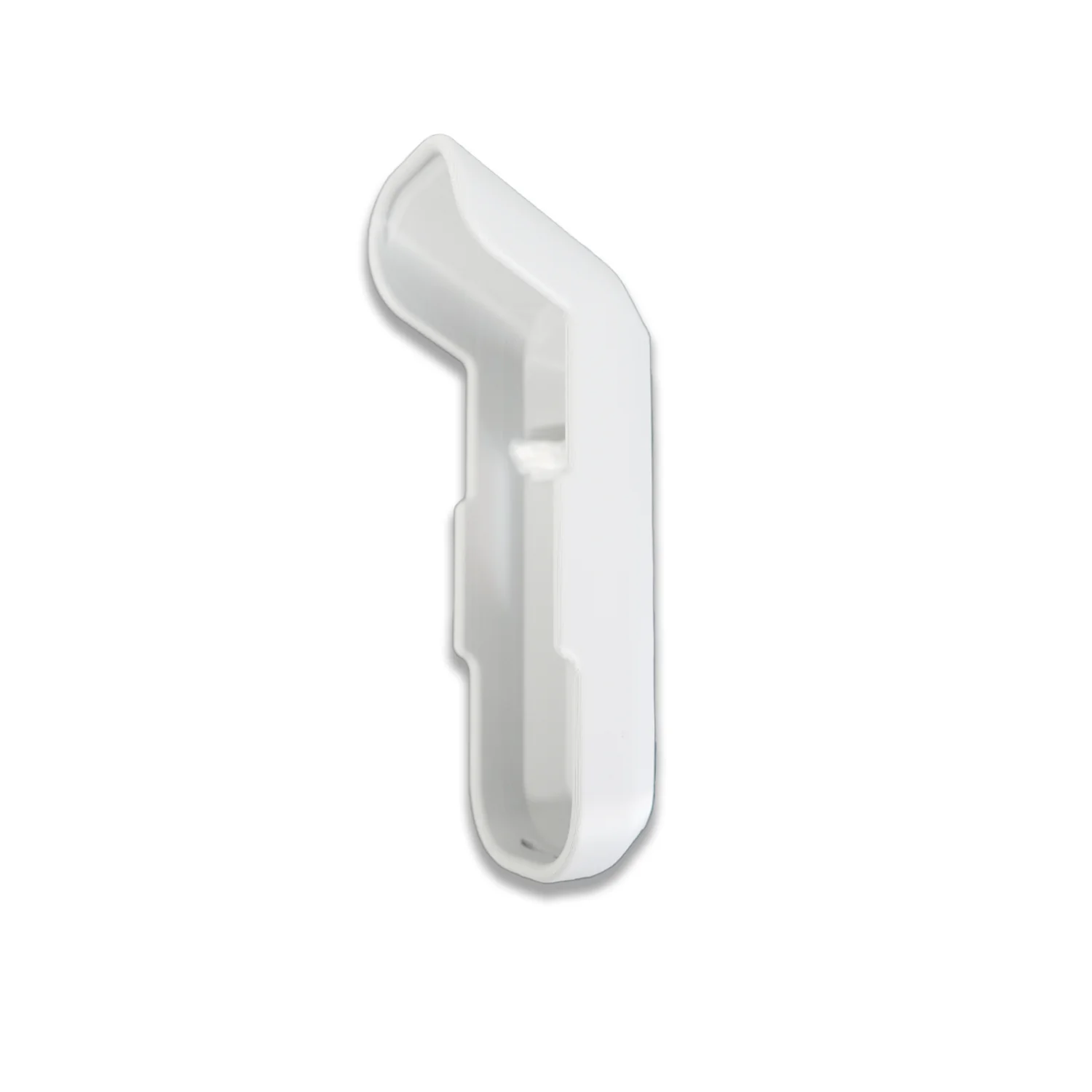
AJAX Rain Shield White
Weather protection shield for AJAX DoorBell #116897 (White), protects against rain and UV.
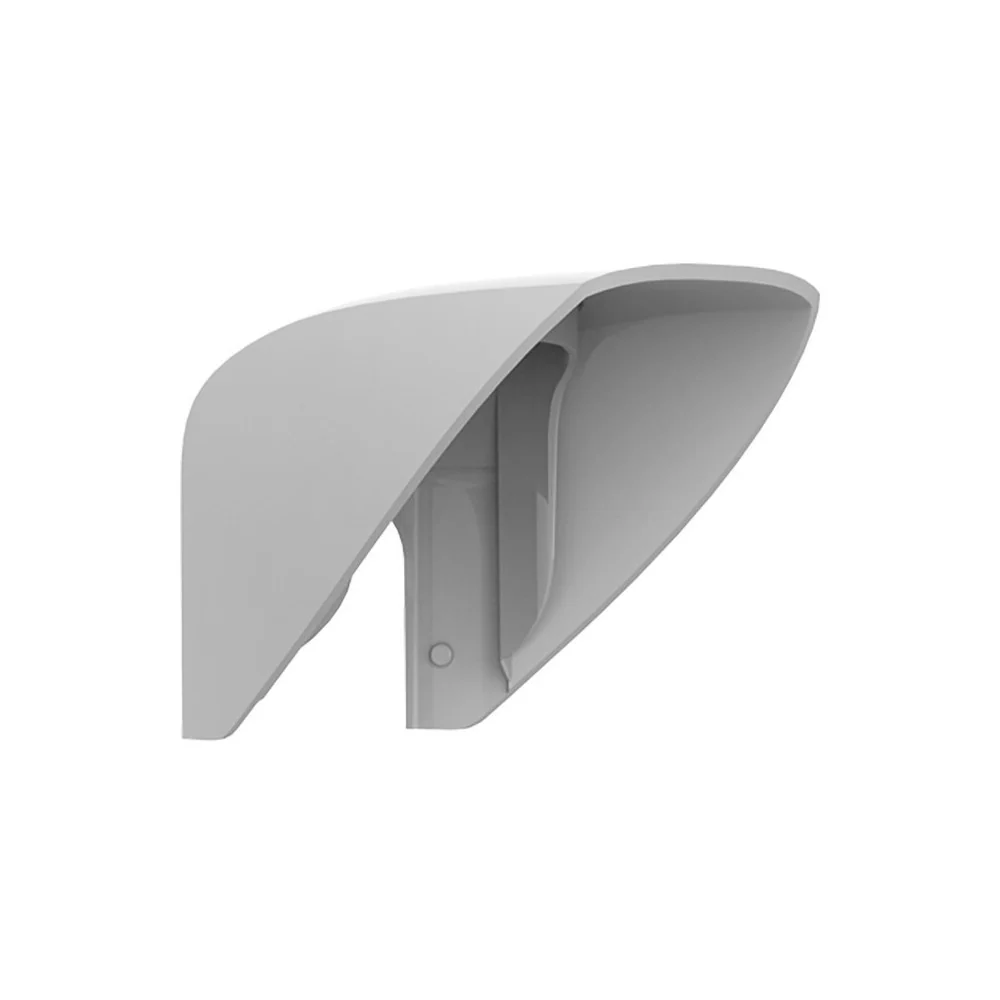
AJAX Hood for MotionProtect Outdoor
Polycarbonate protective visor preventing false alarms from rain and snow, quick Dual Lock installation.
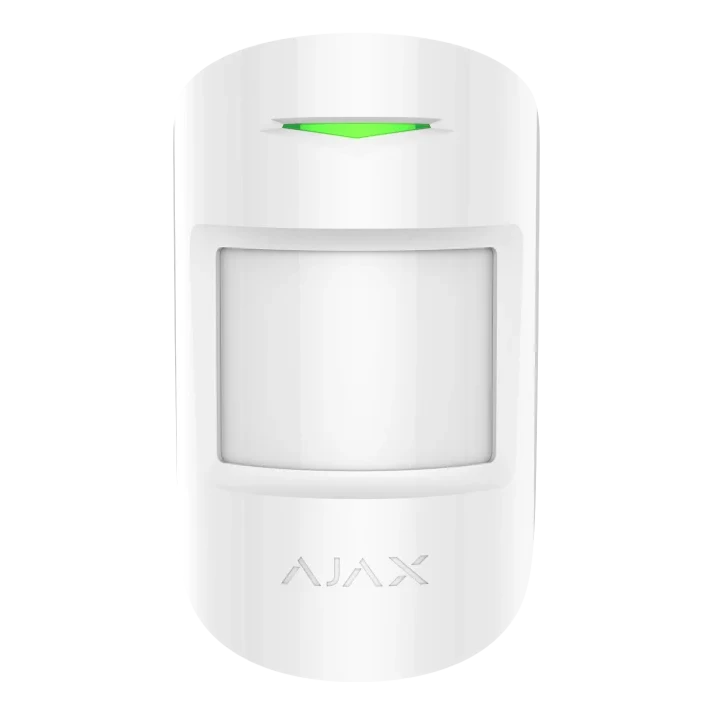
Ajax MotionProtect Plus
Motion detector for rooms, corridors and internal movement areas.
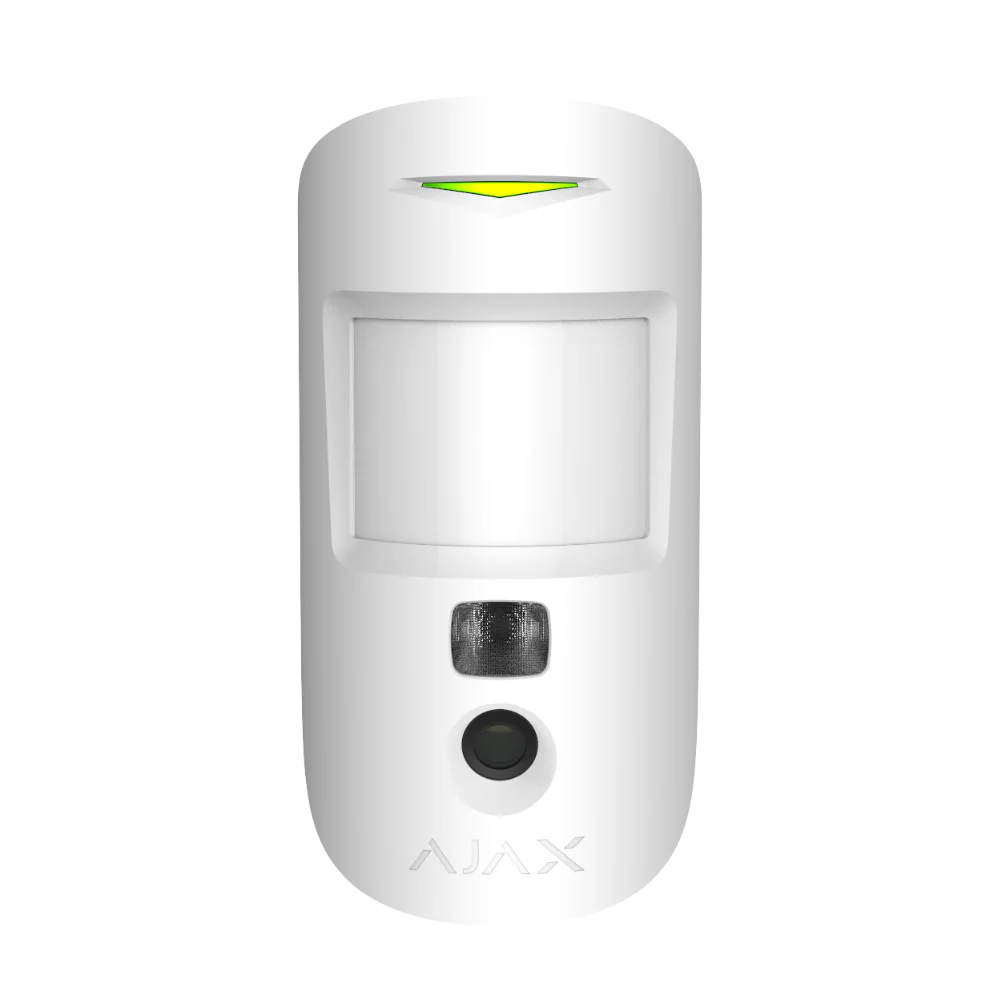
MotionCam PIR with Camera
Motion detector with image verification for alarm events that need fast context.
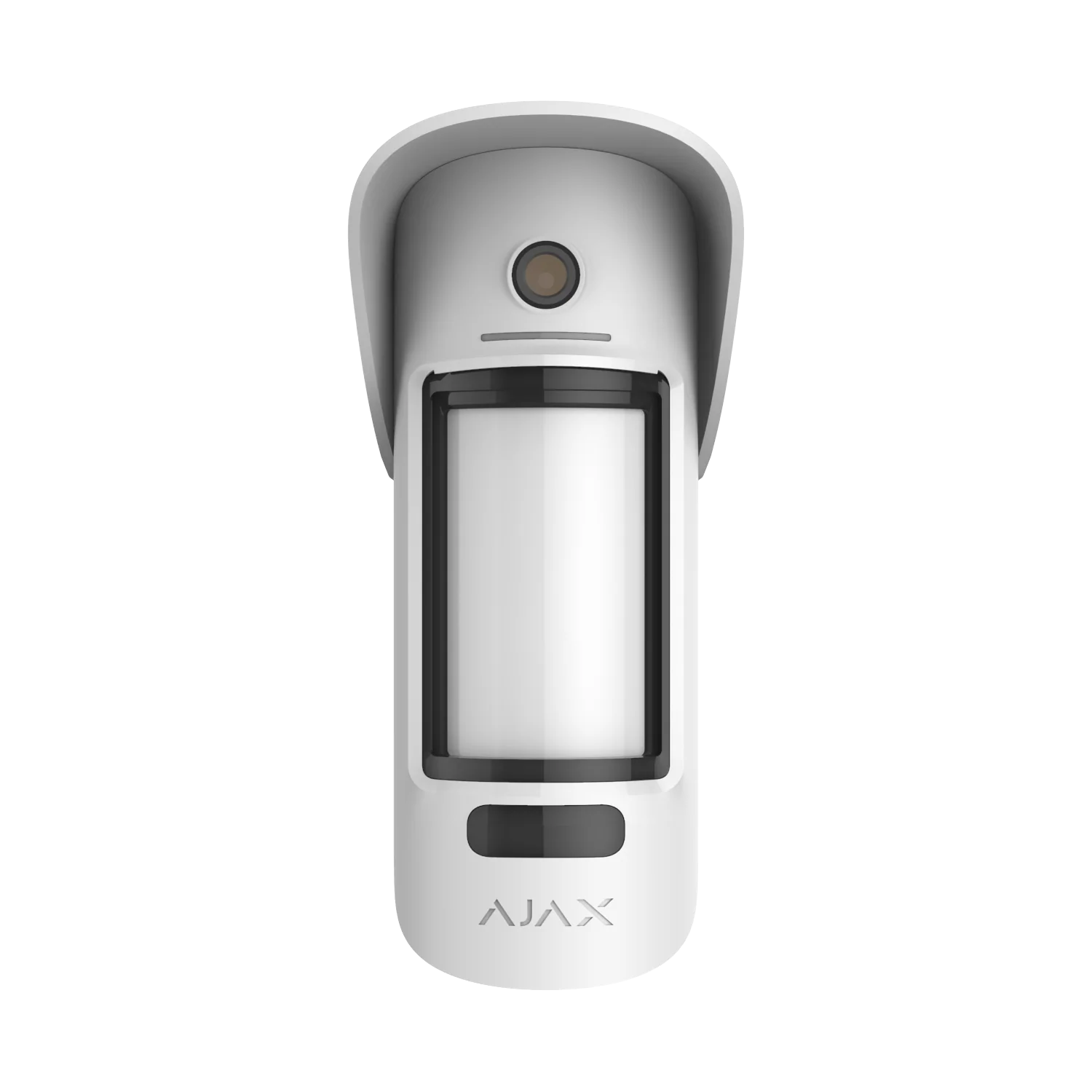
Outdoor Motion Detector with Camera
Outdoor detection for yards, approaches, side paths, gates and external movement zones.
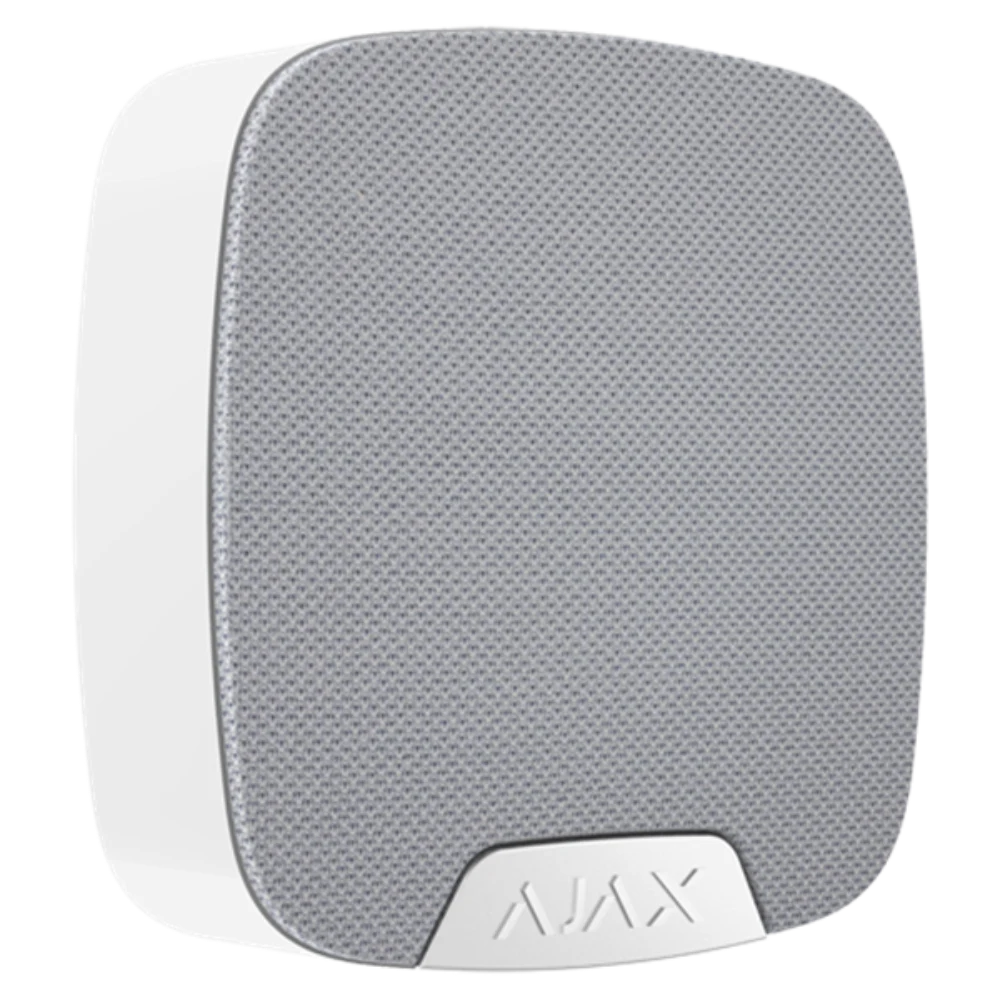
Ajax HomeSiren
Indoor siren for audible alerts and clear alarm indication inside the property.
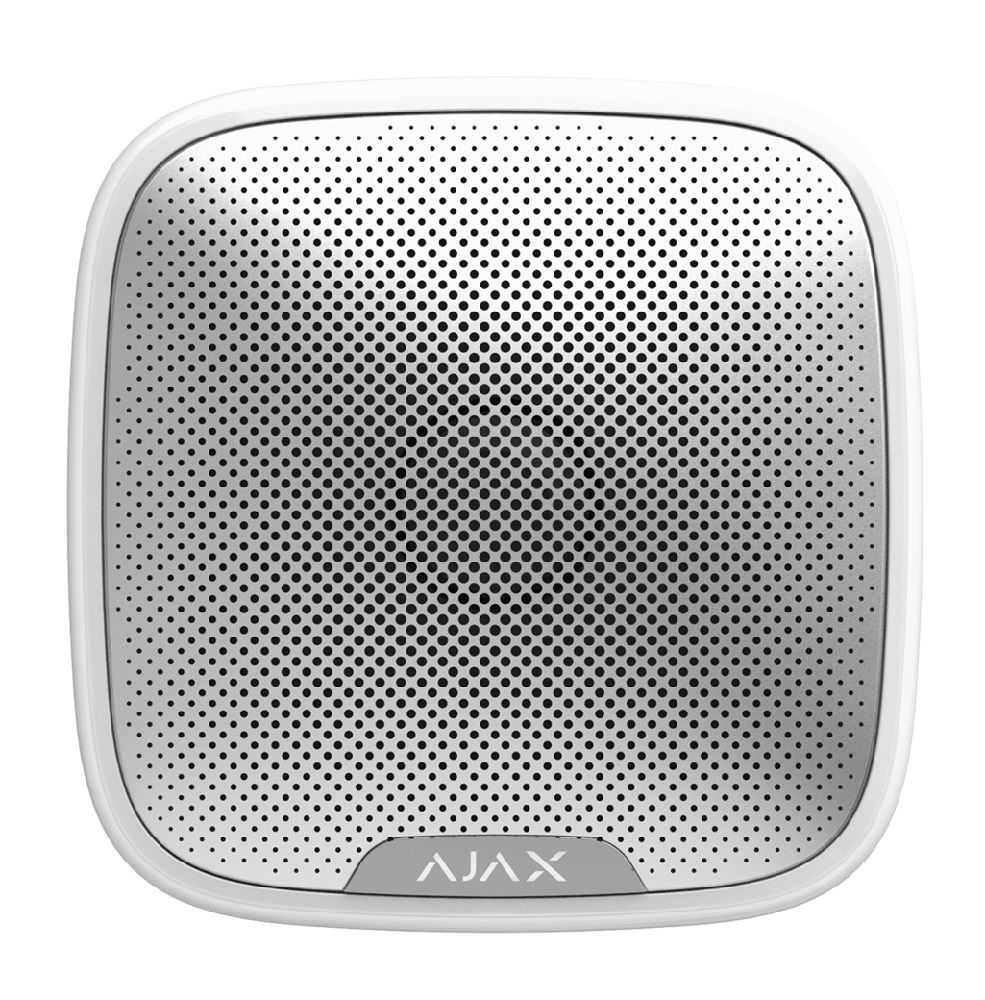
Ajax StreetSiren
Outdoor siren for visible deterrence, alarm indication and tamper-aware protection.
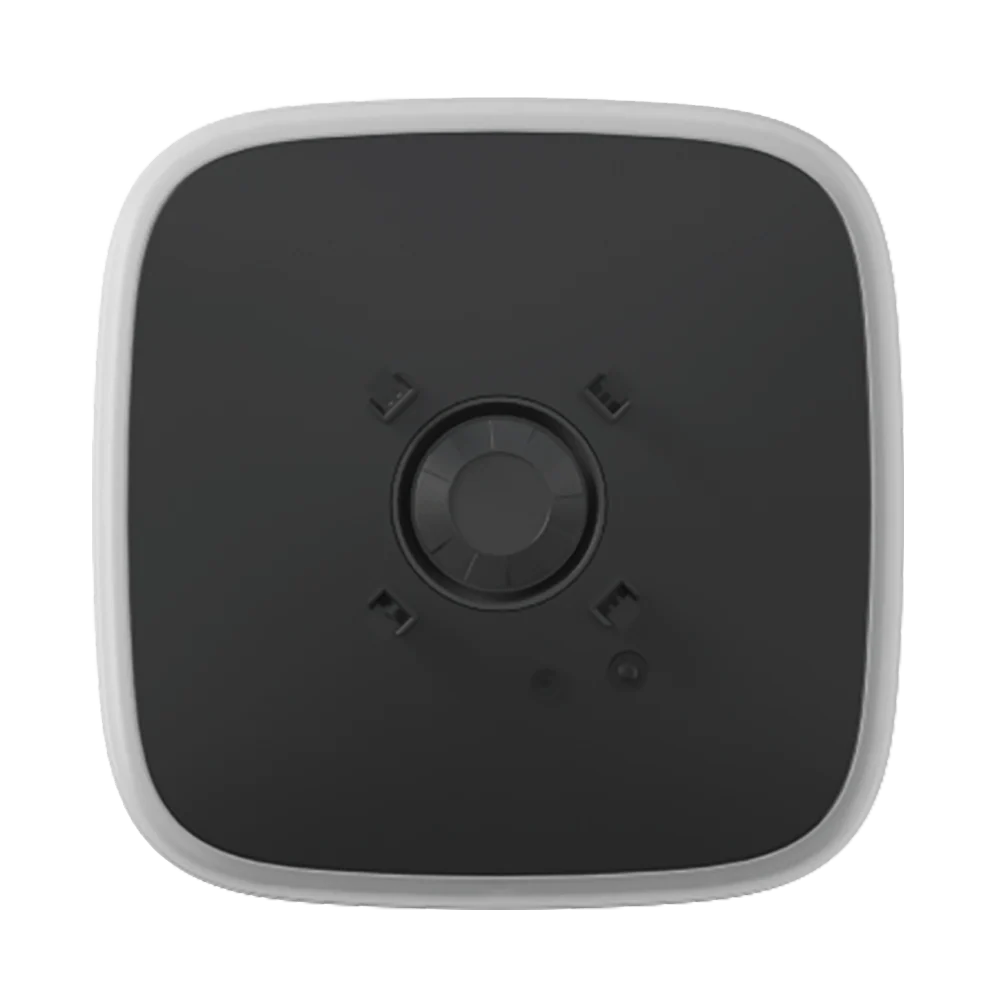
AJAX StreetSiren DoubleDeck Black
Outdoor siren with a customizable black Brandplate for discreet company branding, 85-113dB, IP54.
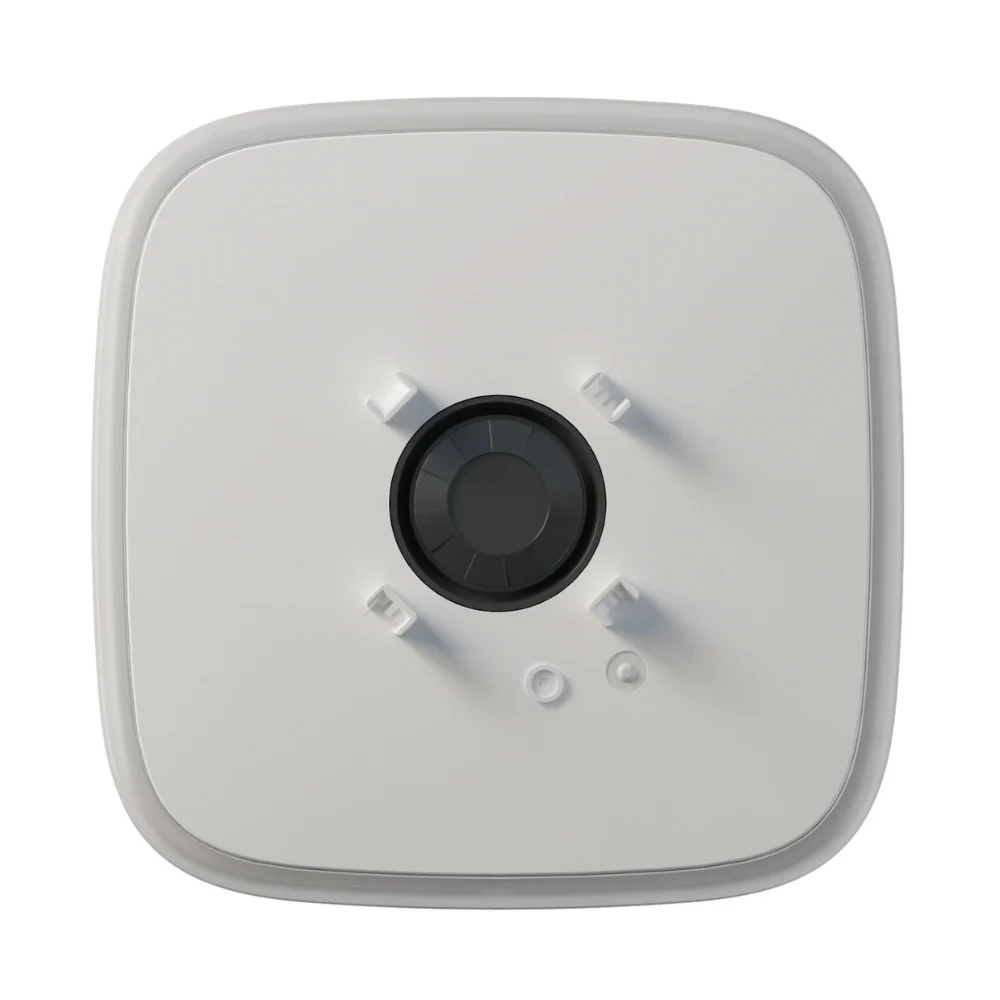
AJAX StreetSiren DoubleDeck White
Outdoor siren with a customizable Brandplate for company branding, 85-113dB, IP54.
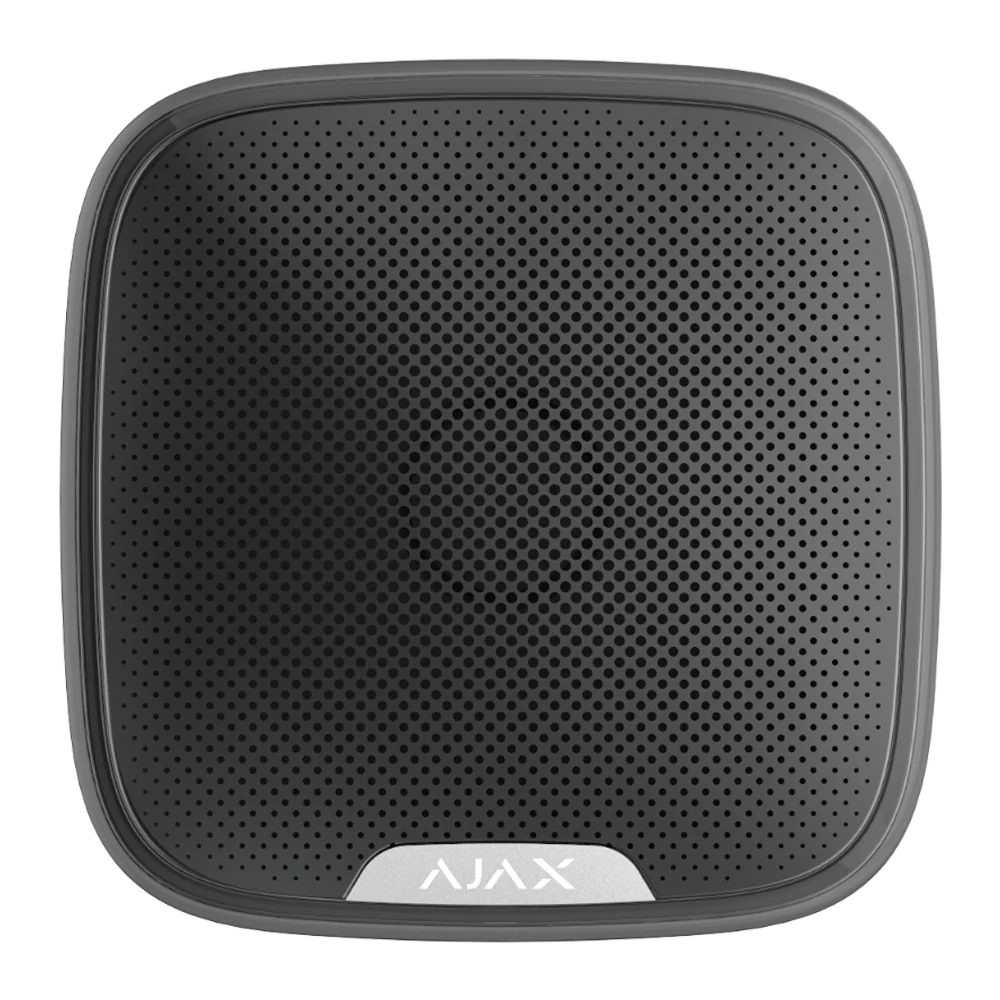
AJAX StreetSiren Jeweller Black
Premium black-finish outdoor siren, 85-113dB, IP54 weatherproof, discreet modern design.
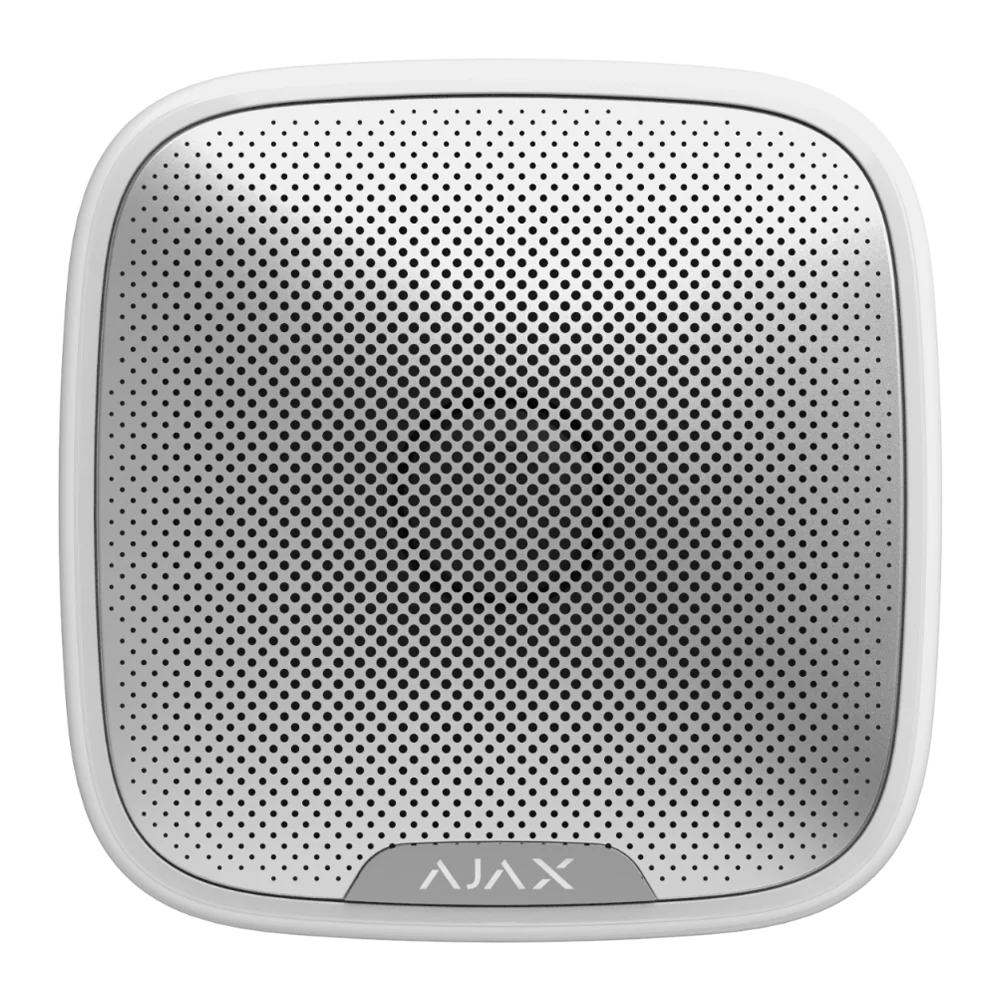
AJAX StreetSiren Jeweller White
Outdoor siren with 85-113dB alarm, IP54 weatherproof, 1,500m range and LED frame.
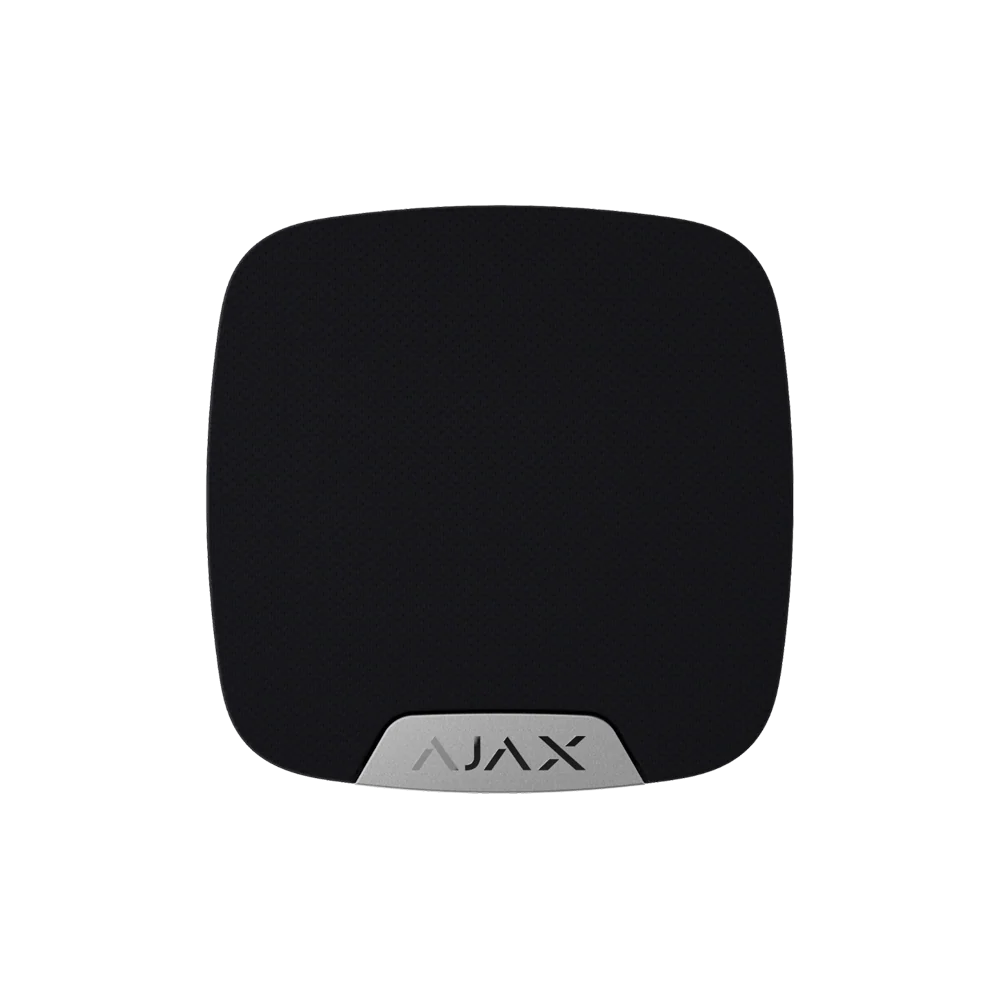
AJAX HomeSiren Jeweller Black
Matte black indoor siren with 80-100dB alarm, chime function and 5-year battery life.
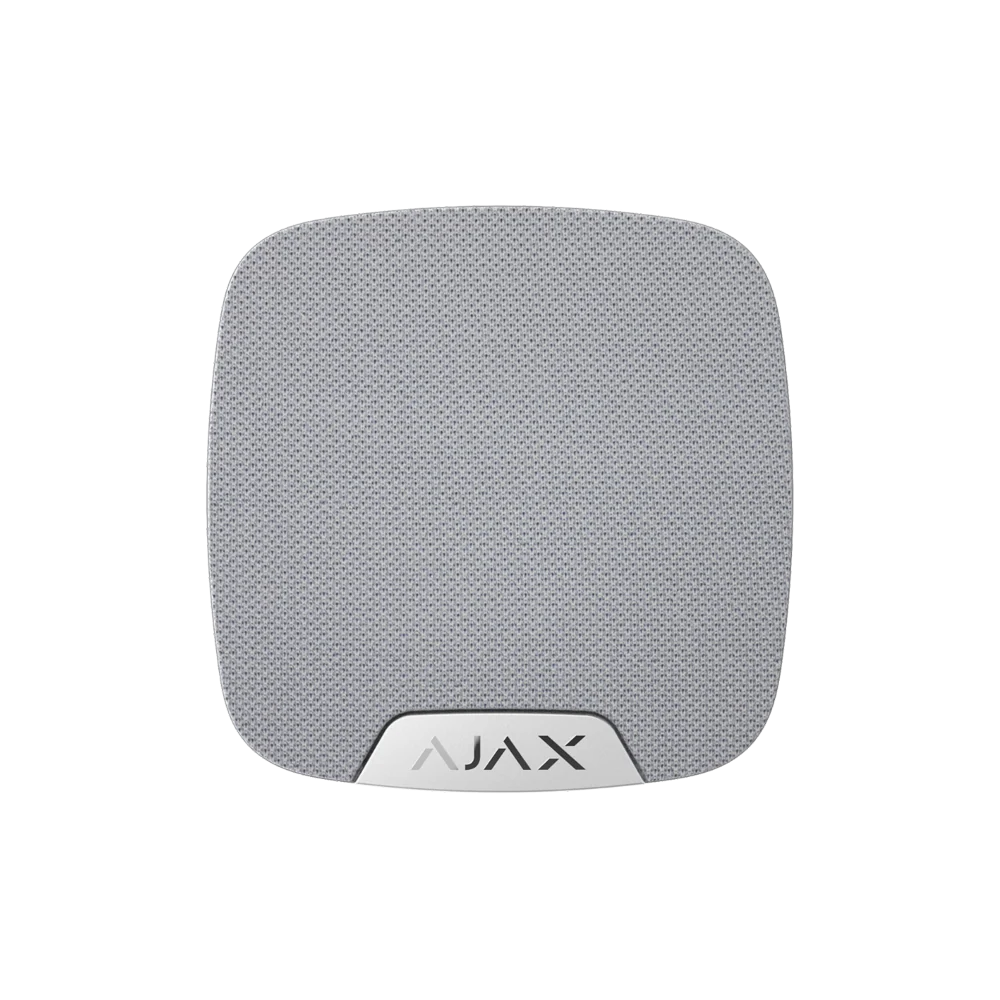
AJAX HomeSiren Jeweller White
White indoor siren with 80-100dB alarm, 2,000m range and 5-year battery life.
Ajax DoubleButton Duress
Panic button for duress alerts, staff safety workflows and urgent manual alarm activation.
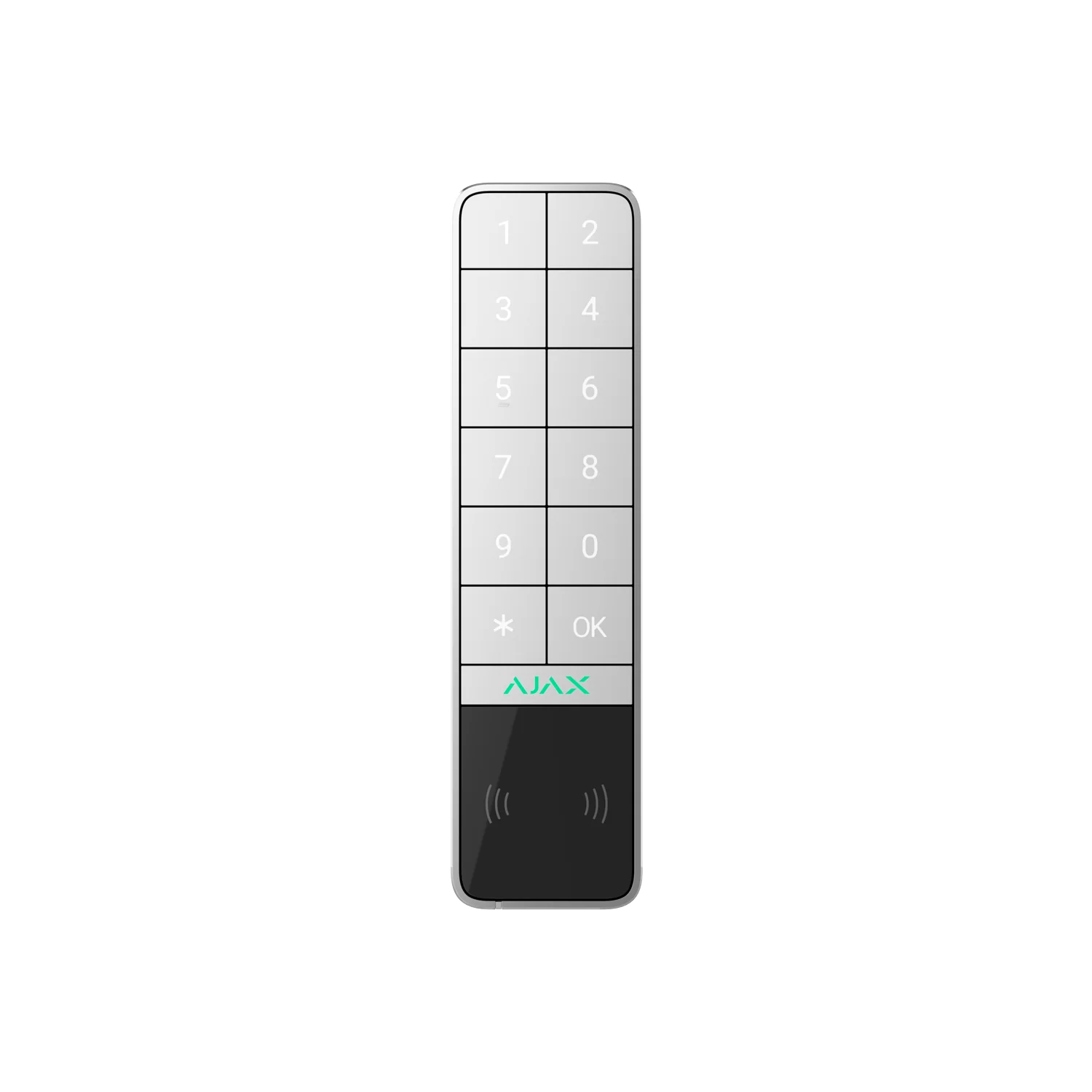
Ajax KeyPad Outdoor Jeweller
Outdoor keypad for supported access-control and alarm-control scenarios.
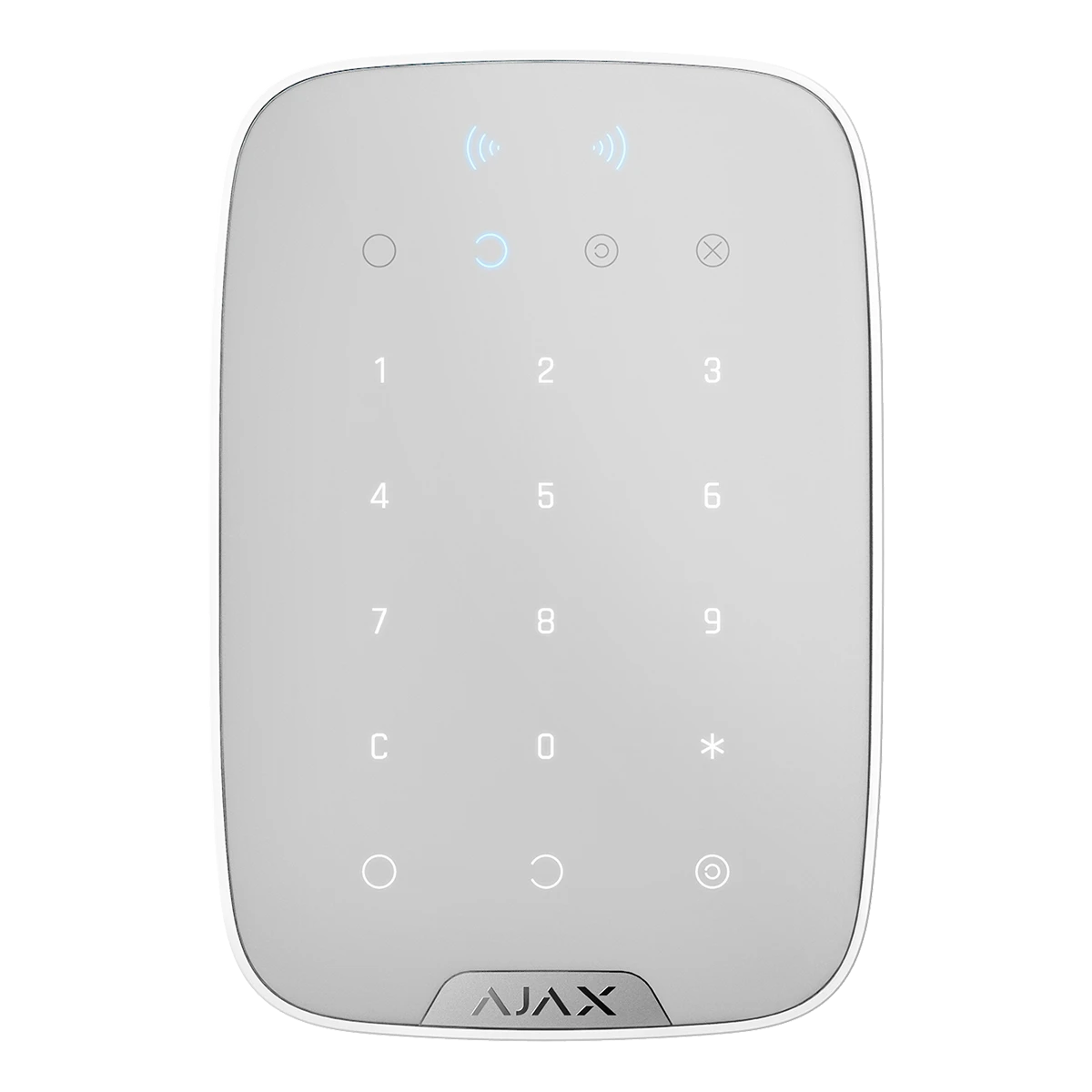
Ajax KeyPad Plus
Keypad for practical daily alarm control, arming, disarming and user access.
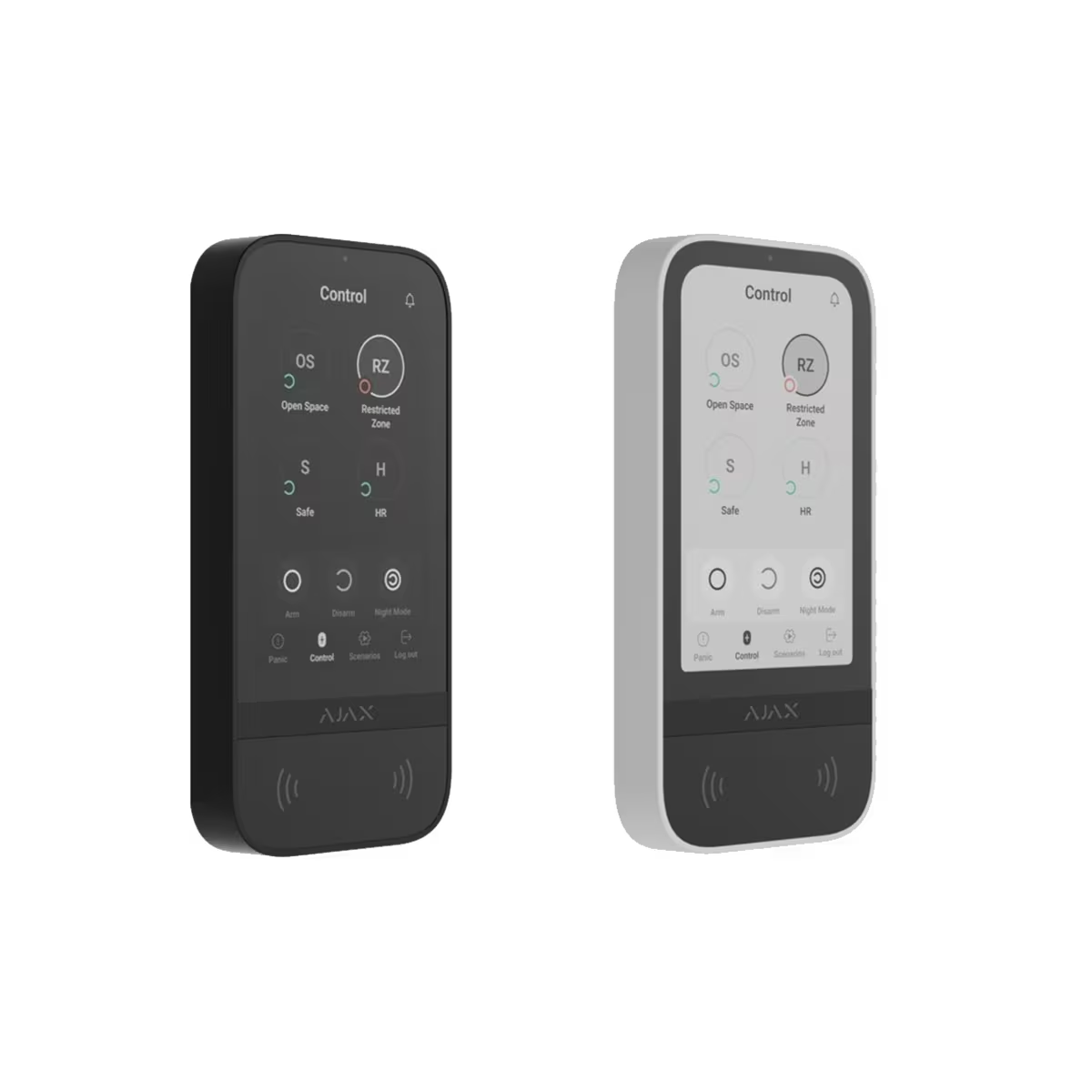
Ajax Touchscreen Keypad
Touchscreen control for system status, arming, disarming and everyday operation.
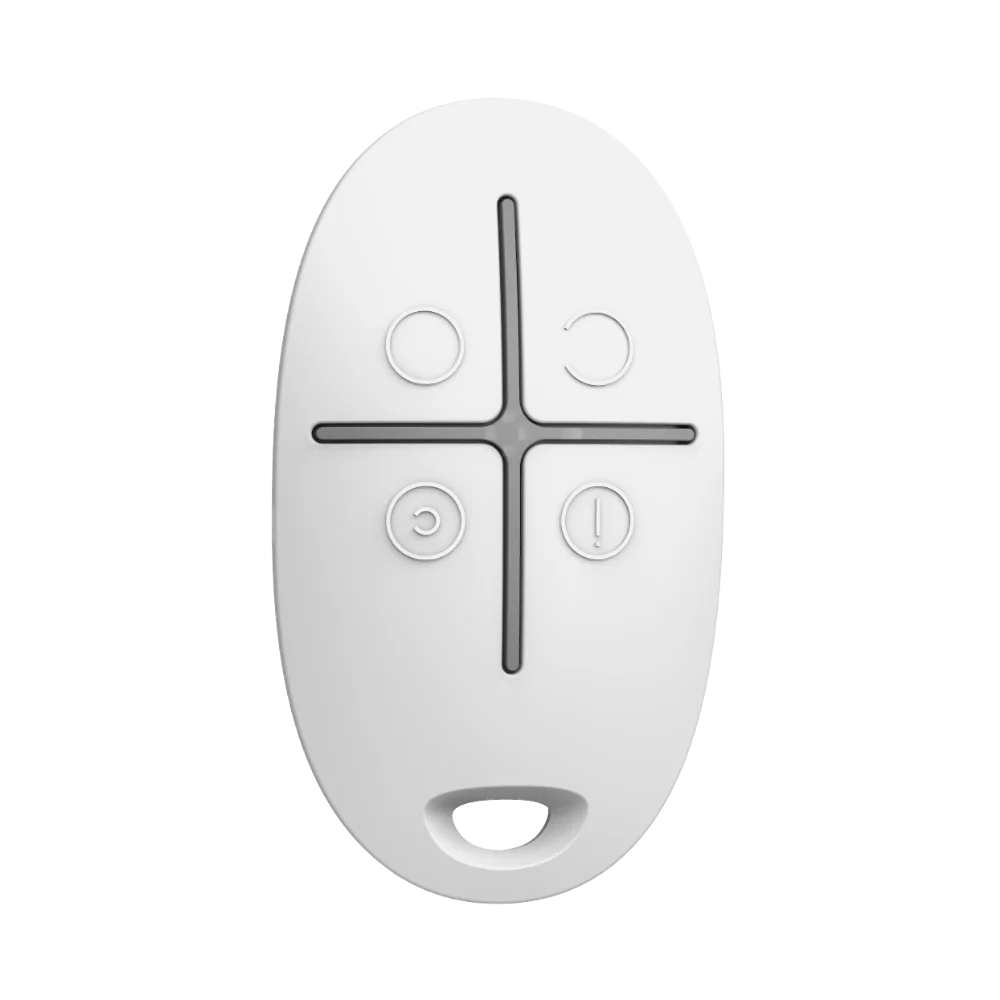
AJAX SpaceControl Key Fob White
Wireless 4-button remote with panic alarm, 1,300m range and 5-year battery.
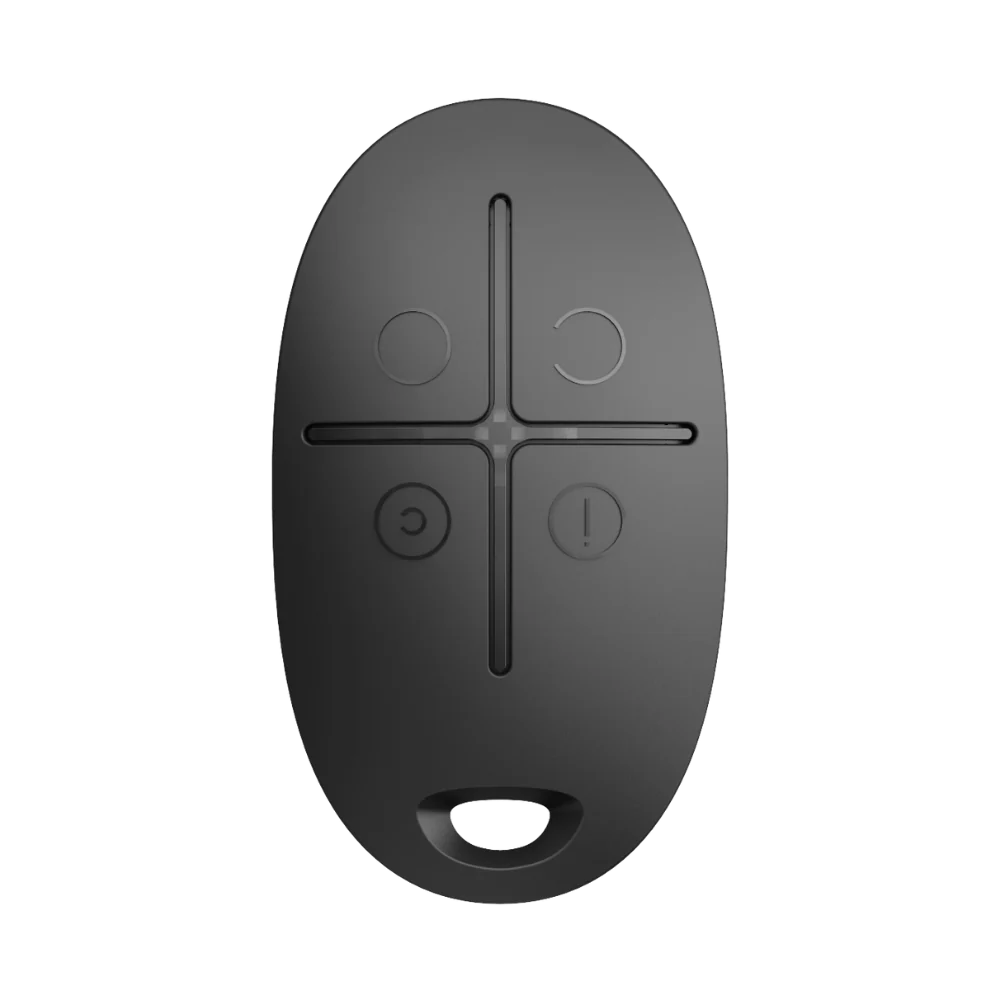
AJAX SpaceControl Key Fob Black
Wireless 4-button remote with panic alarm, 1,300m range and 5-year battery.
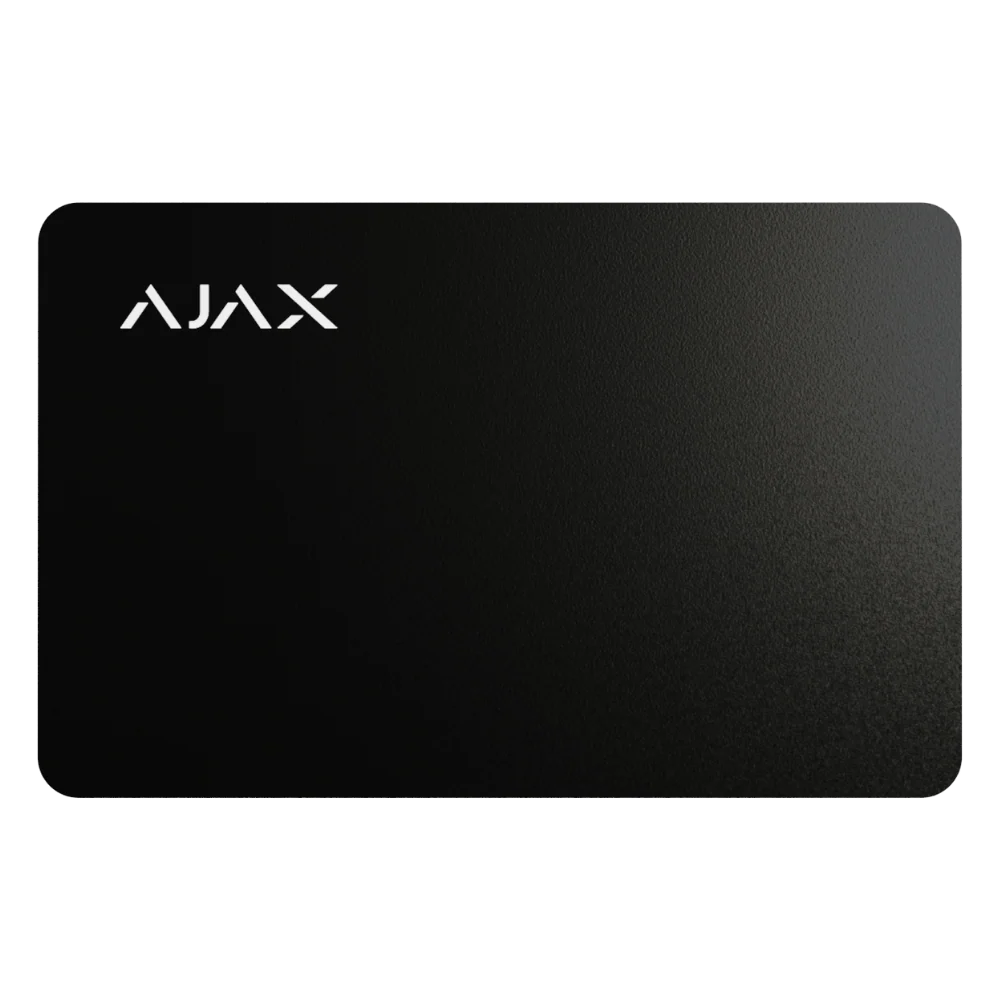
AJAX Pass Black (RFID Access Card)
Credit-card-size contactless RFID access card with DESFire encryption, fits in a wallet.
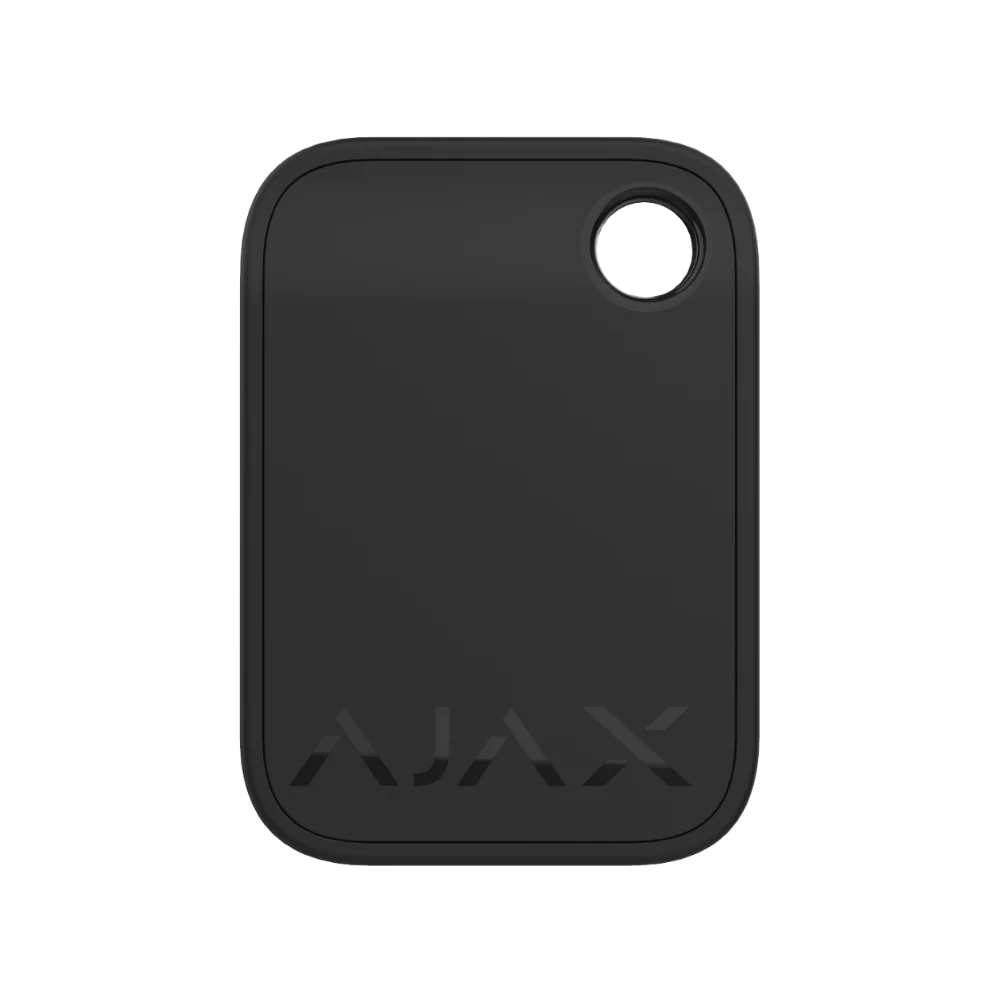
AJAX Tag Black (RFID Key Fob)
Contactless RFID key fob with DESFire encryption and AES-128 security.
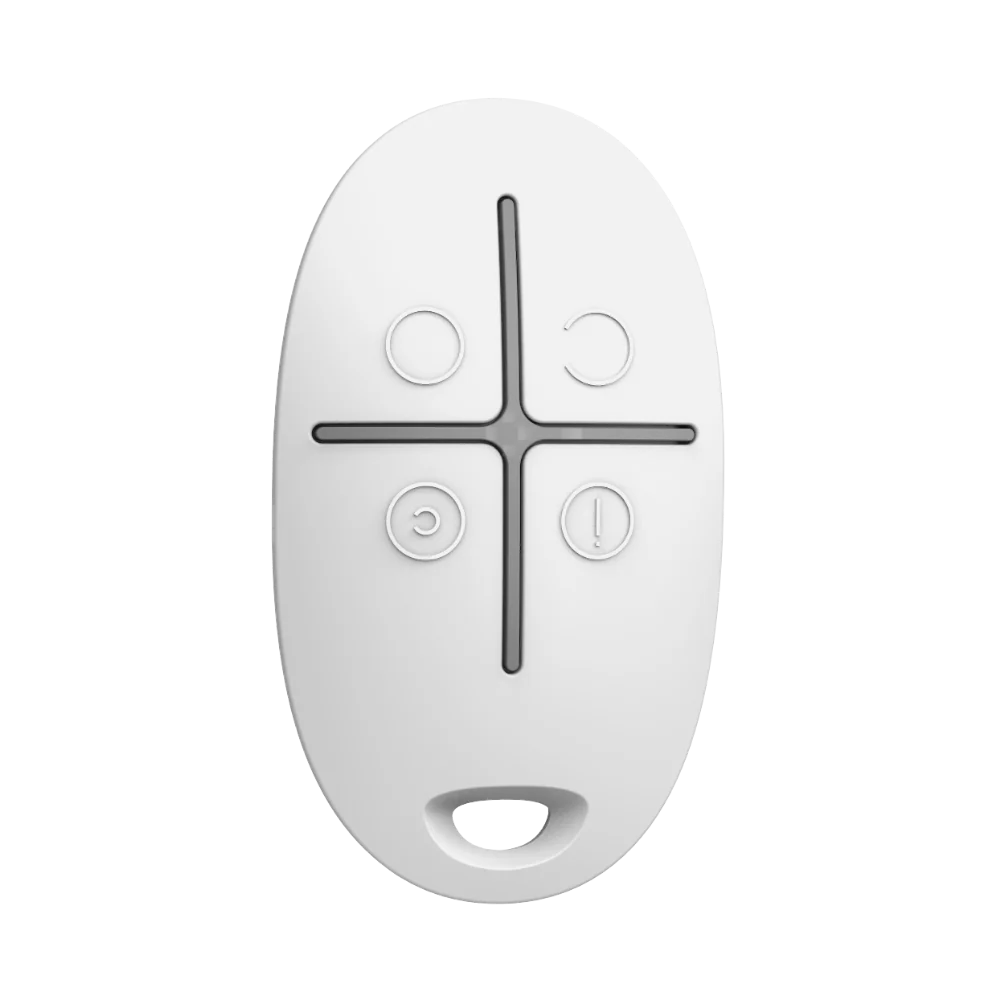
Ajax SpaceControl Remote
Remote control for quick arming, disarming and panic access without opening the app.
Ajax DoorProtect Plus
Opening detector for doors, windows, garages and secondary access points.
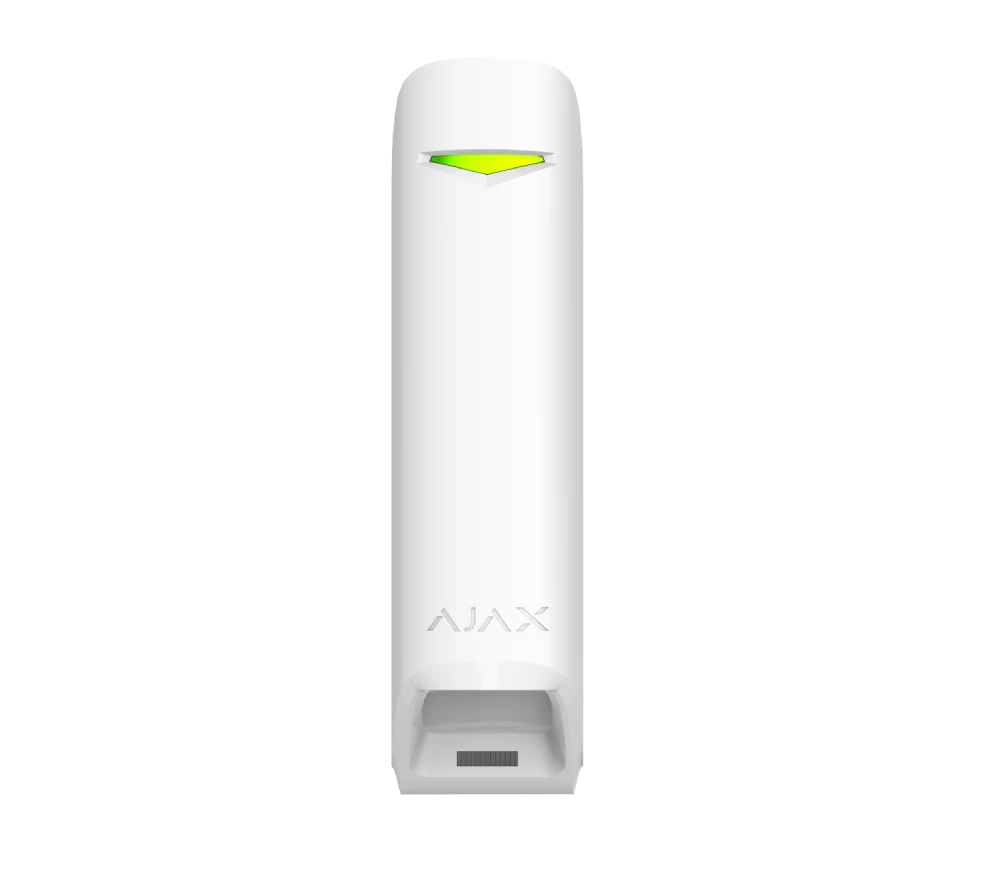
Ajax MotionProtect Curtain
Curtain-style detector for narrow protection zones, façade lines and selected perimeter paths.
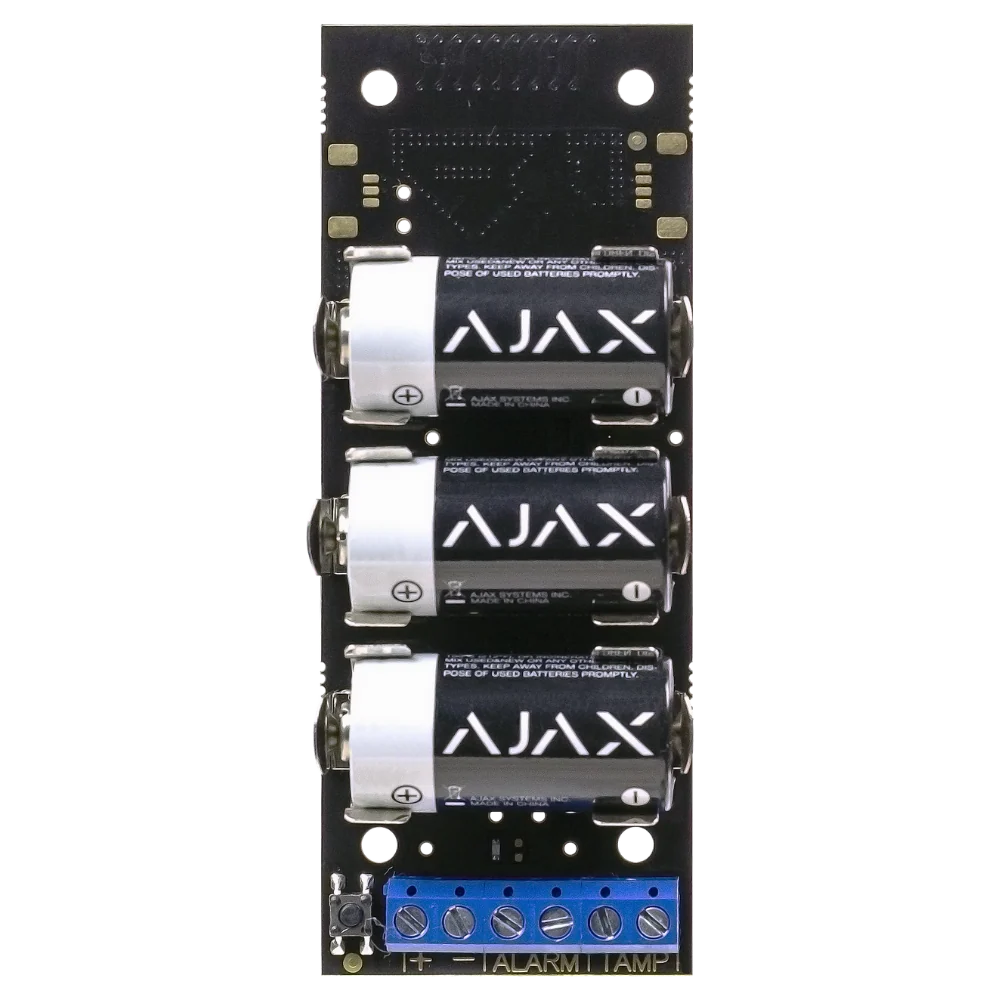
AJAX Transmitter Jeweller
Single-zone integration module for connecting third-party wired detectors, gas sensors and panic buttons to Ajax.
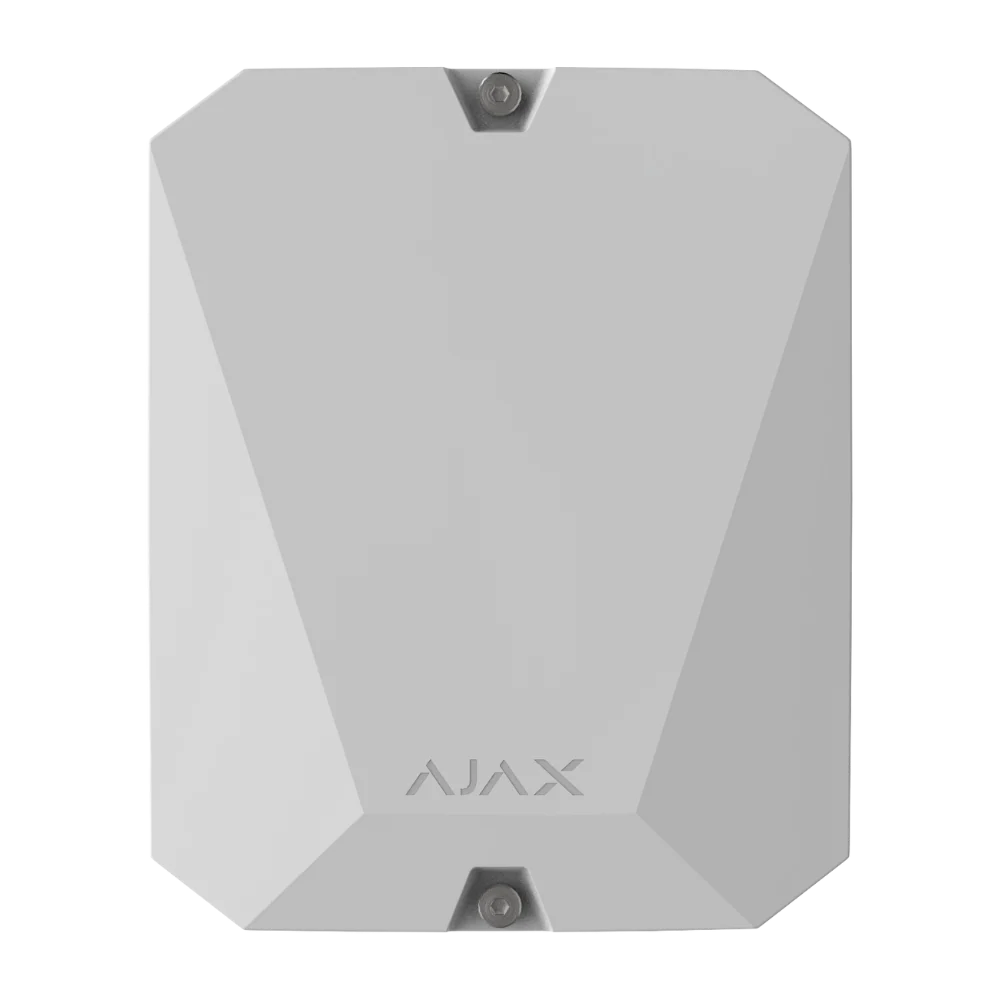
AJAX MultiTransmitter Jeweller
18-zone wired integration module with mains + 12V backup power.
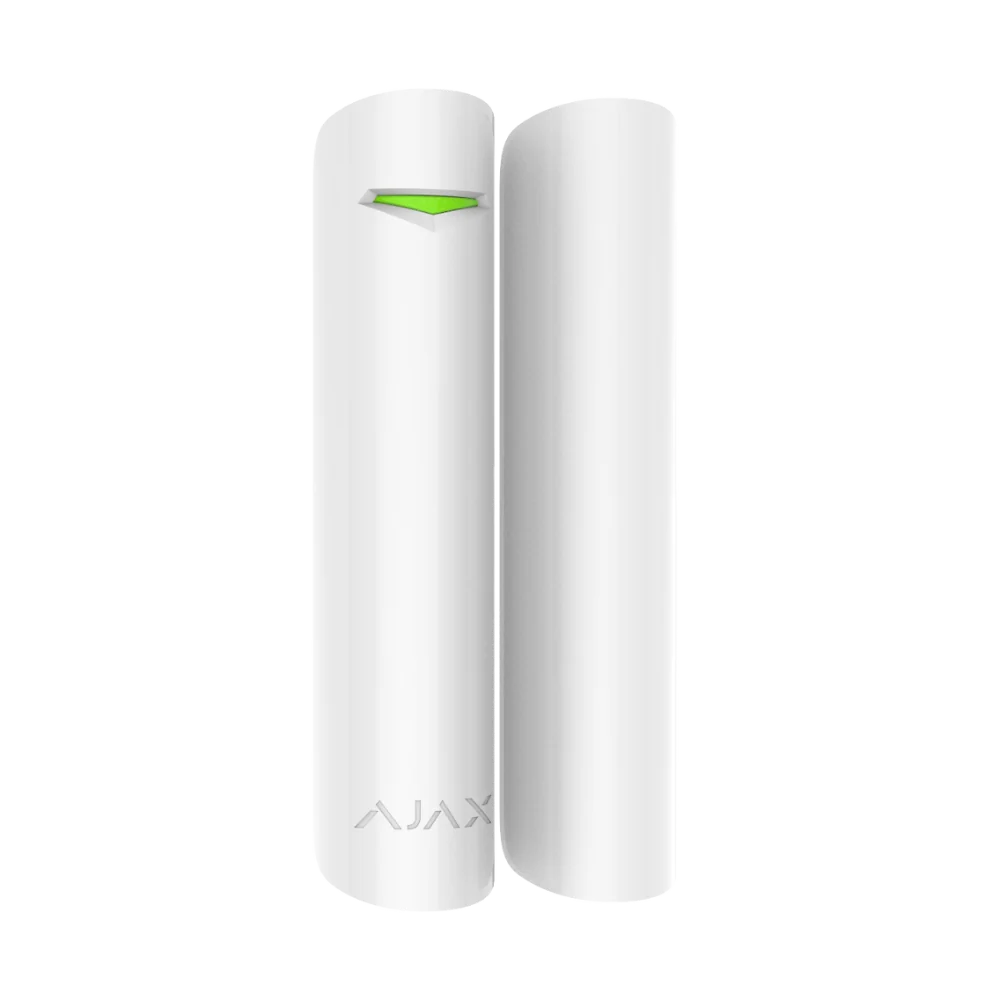
AJAX DoorProtect Plus White
Wireless opening, shock and tilt detector for doors and windows, 5-year battery.
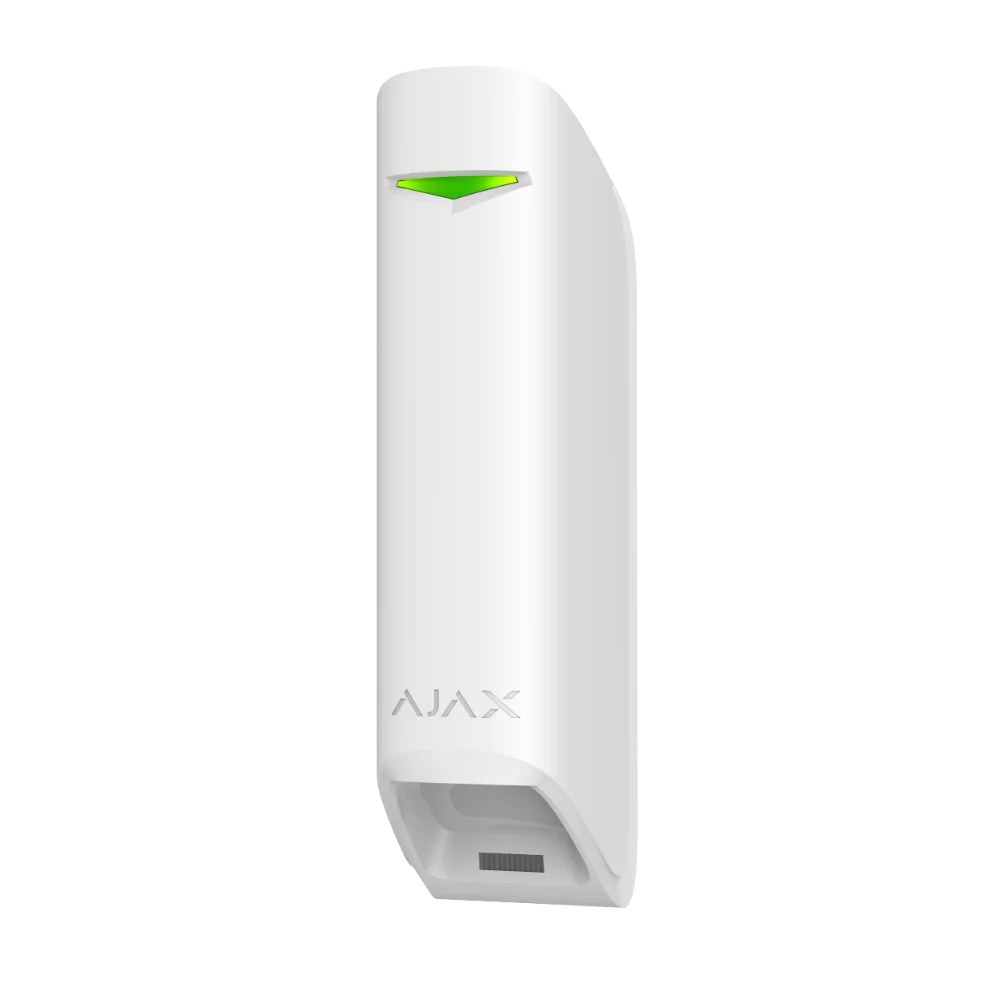
AJAX MotionProtect Curtain White
Narrow-beam 15m curtain detector with dual PIR sensors for perimeter protection.
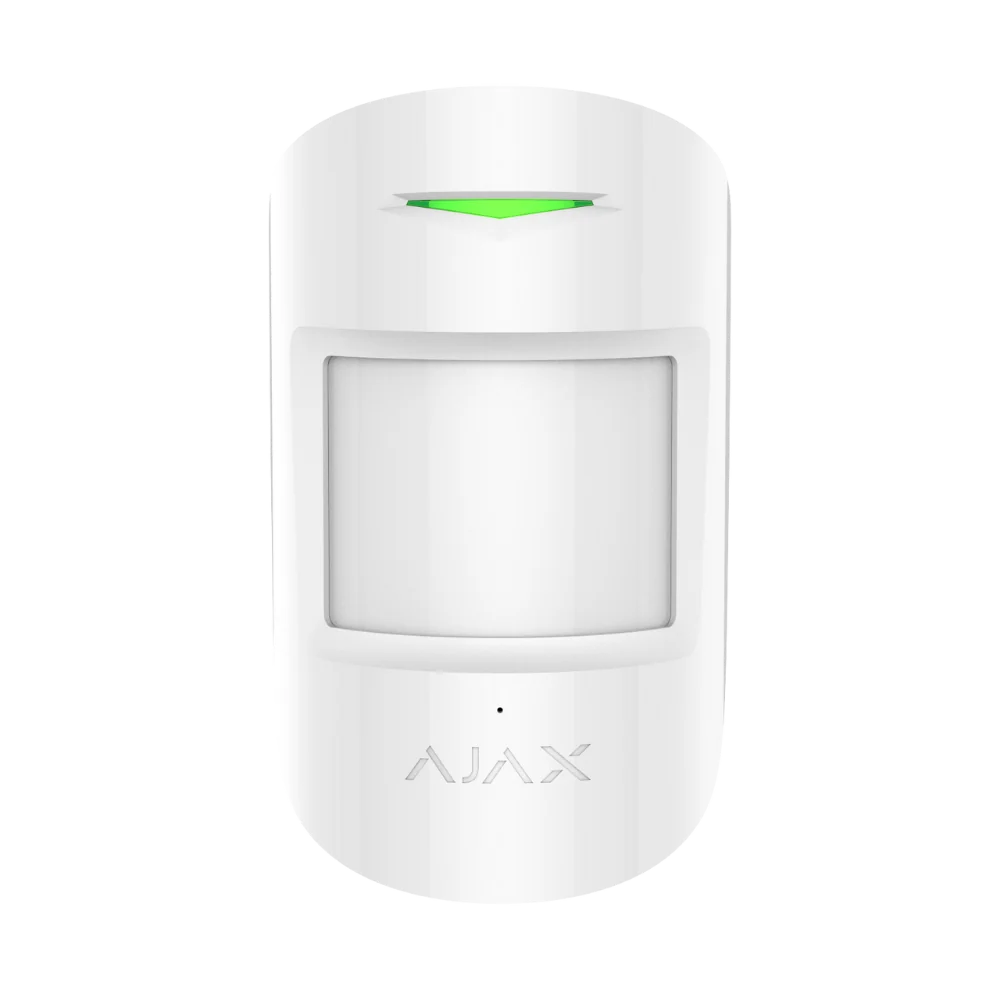
AJAX CombiProtect White
Combined motion and glass-break detector, pet-immune to 20kg, 5-year battery.
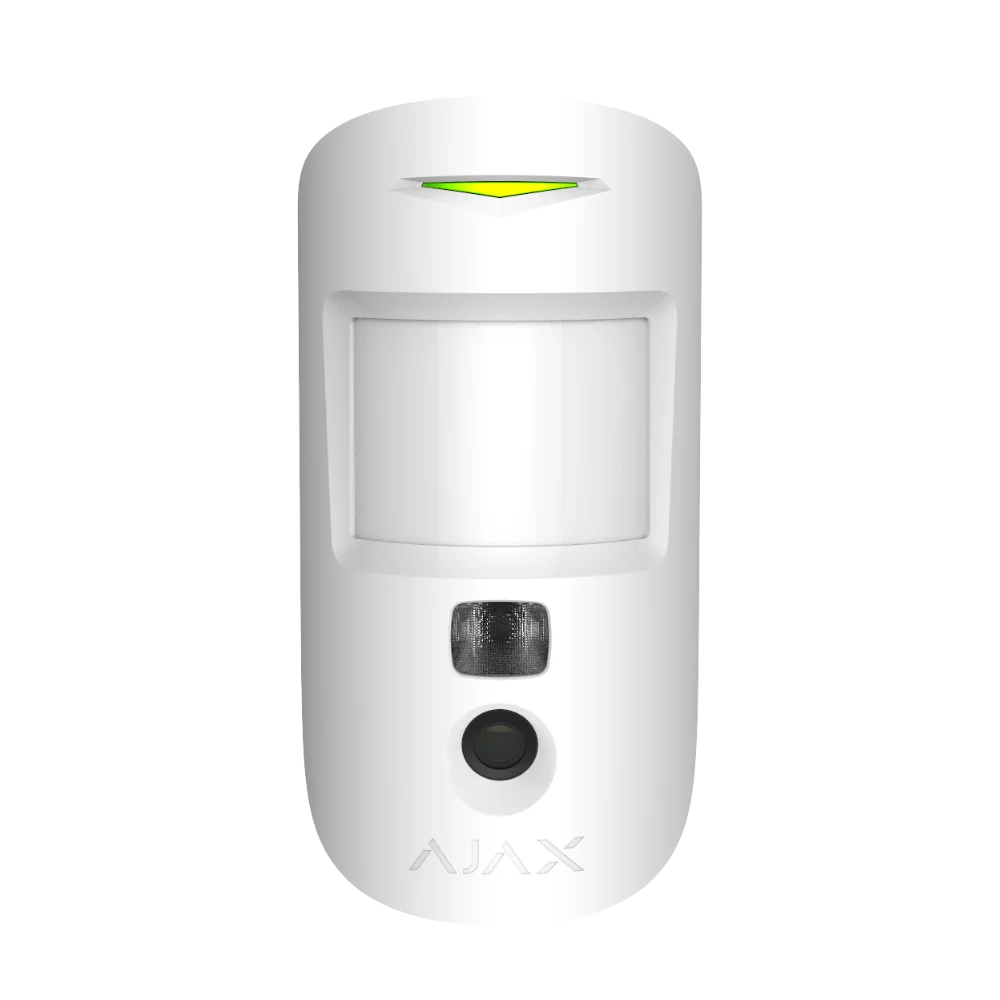
AJAX MotionCam HDR
HDR photo-verification detector for crisp alarm images in bright or dark scenes.
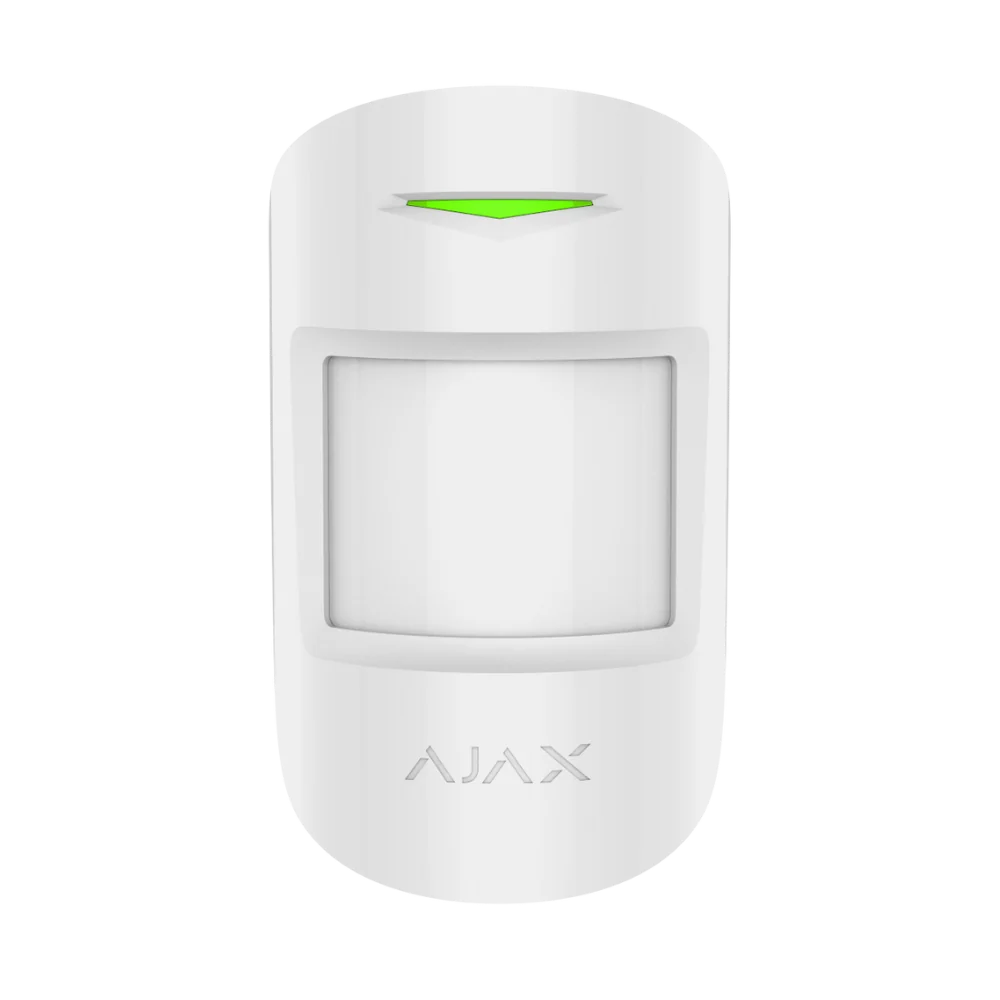
AJAX MotionProtect White (Pet Immune)
Standard indoor PIR motion detector with pet immunity to 20kg and temperature compensation.
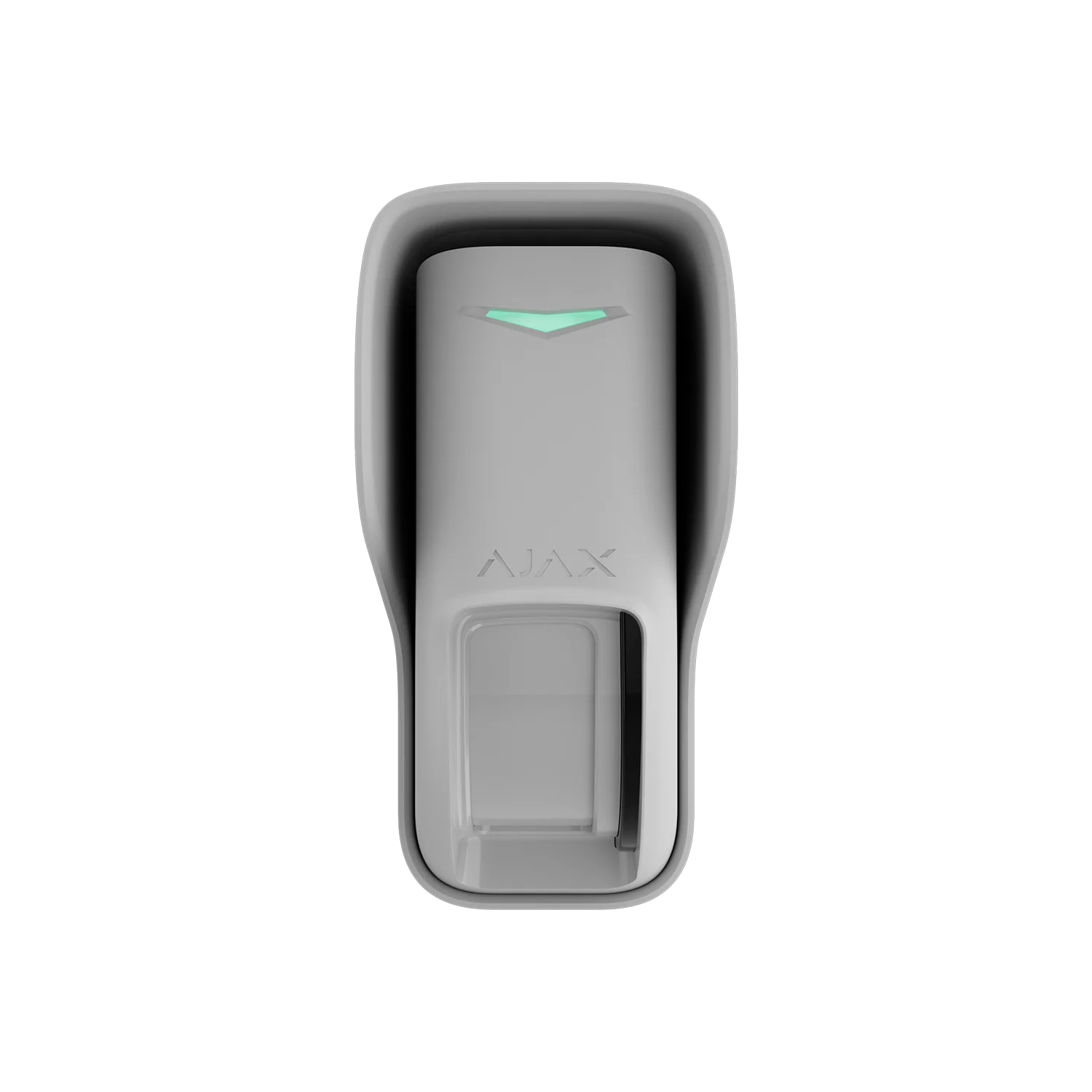
AJAX Curtain Outdoor Jeweller
Outdoor dual-tech (PIR + microwave) detector, 12m range, IP55 weatherproof.
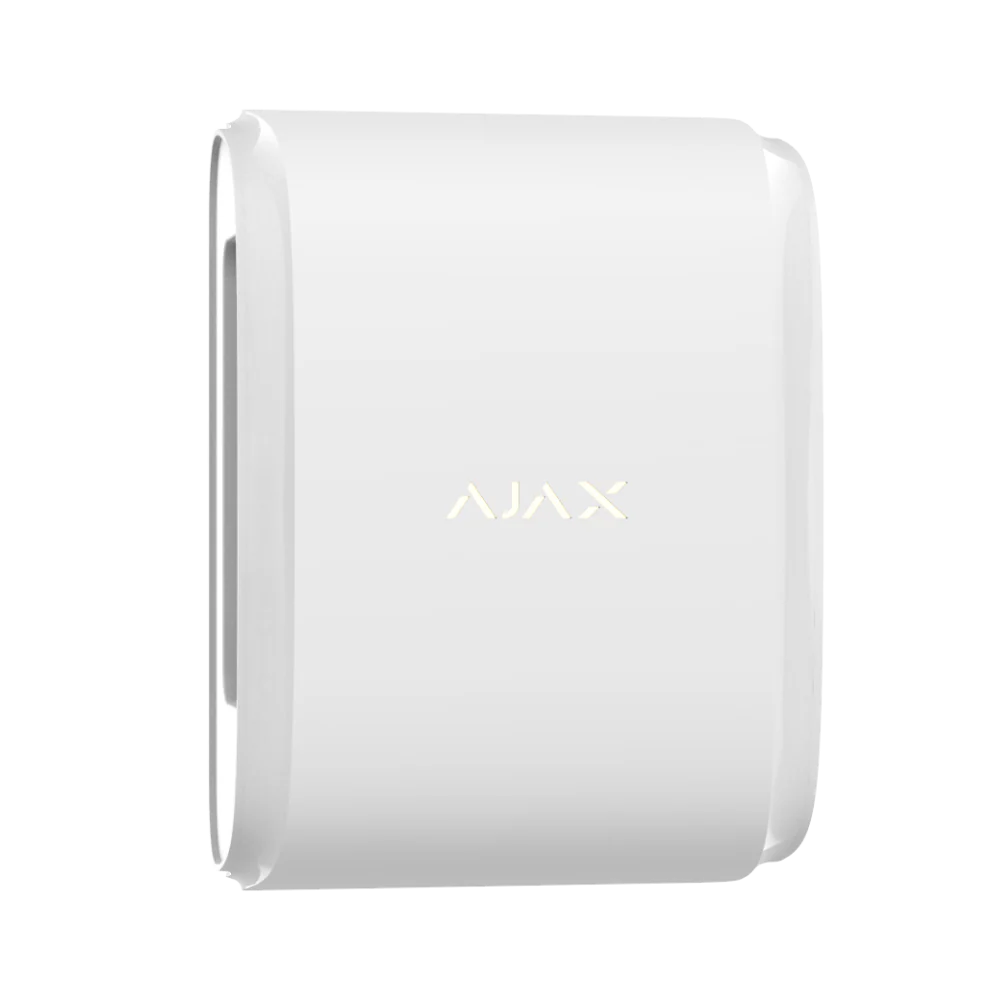
AJAX DualCurtain Outdoor
Dual-beam outdoor curtain detector for gates and entry points, pet-immune to 80cm.
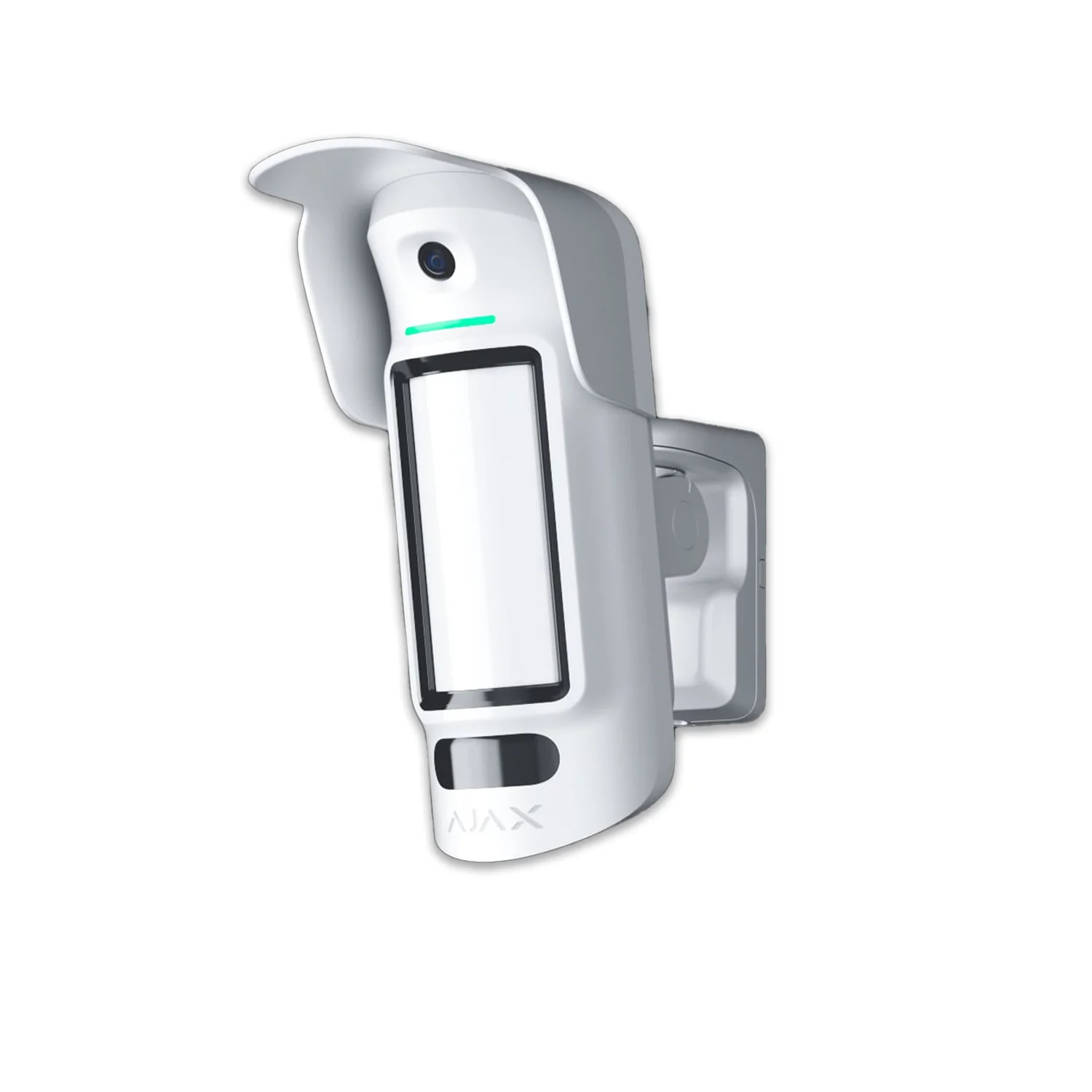
AJAX MotionCam Outdoor HighMount (PhOD)
High-mount outdoor detector for 2–4m installation with extended photo verification.
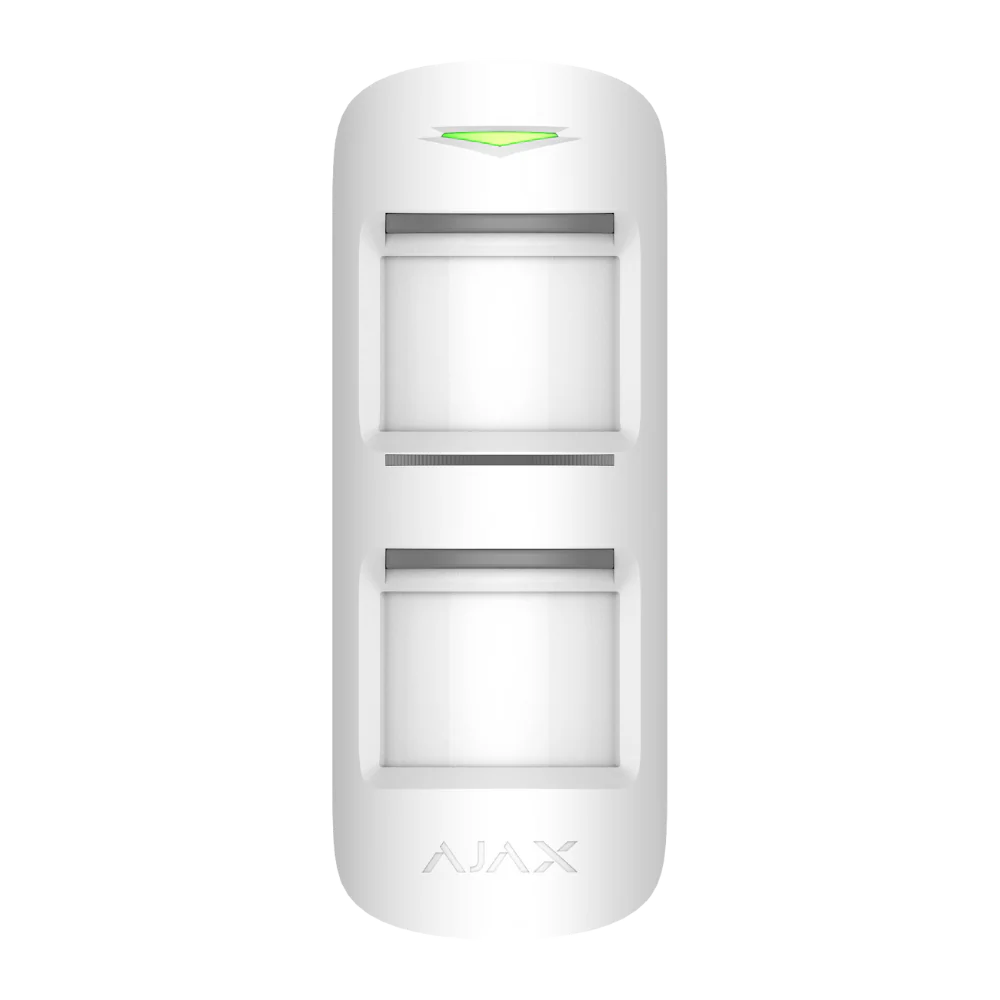
AJAX MotionProtect Outdoor
Advanced outdoor detector with anti-masking, dual PIR sensors and pet immunity to 80cm.
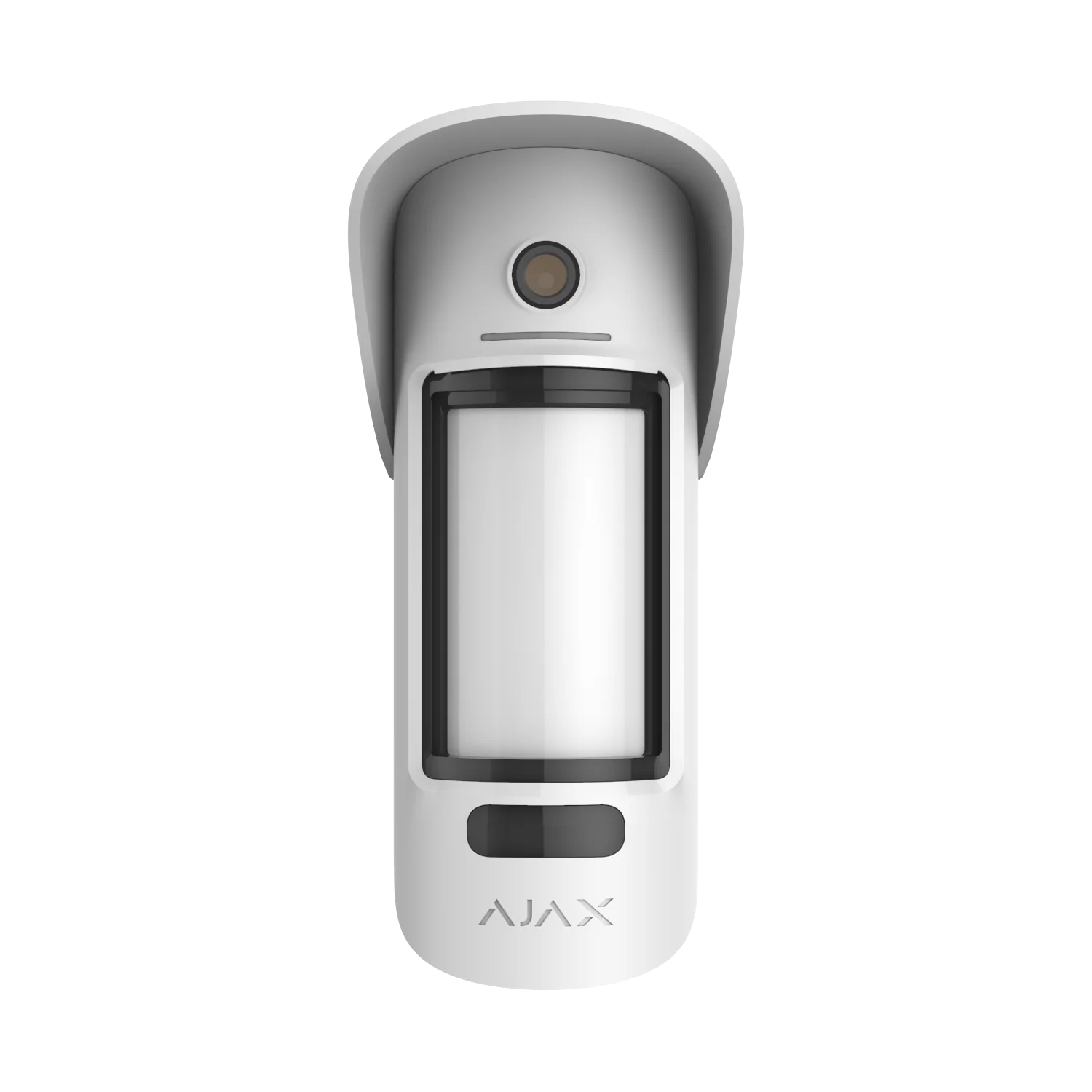
AJAX MotionCam Outdoor with Hood
Outdoor detector with built-in HDR camera for visual verification of alarm events.
AJAX MotionCam A165
PIR detector with built-in camera for photo alarm verification, pet-immune to 20kg — note: this page’s image on the live site is identical to the plain MotionProtect listing, likely a site image mix-up worth fixing.
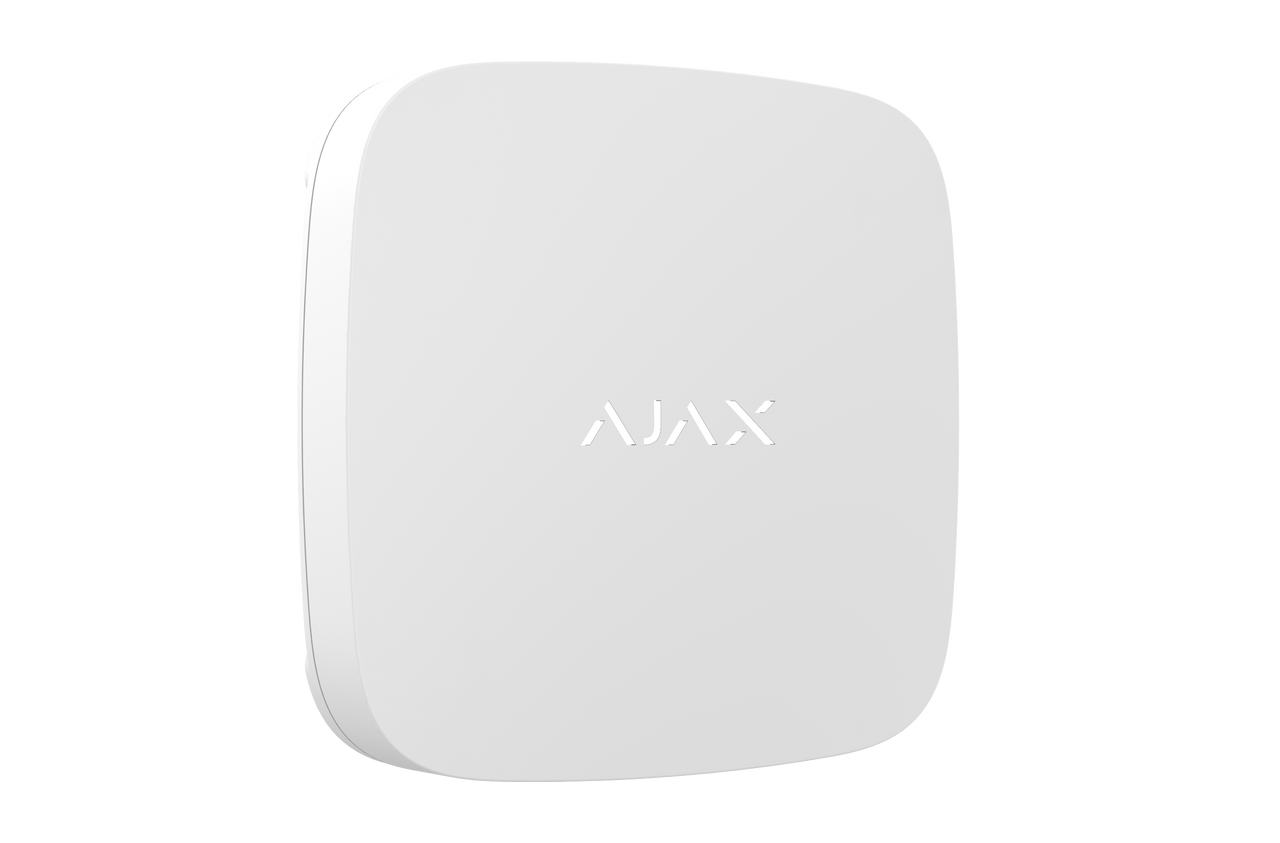
Ajax Water Leak Detector
Leak detector for laundries, bathrooms, kitchens, plant rooms and other water-risk areas.
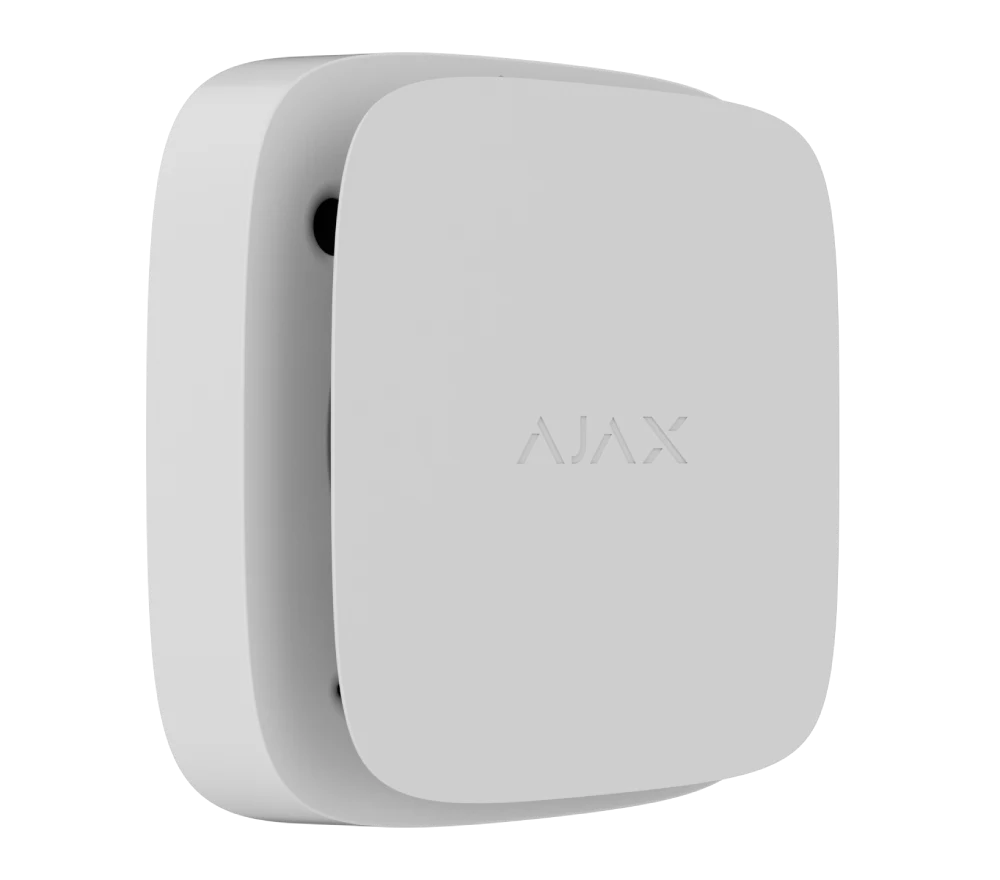
Heat Smoke CO Detector
Safety detector for smoke, heat and carbon monoxide alert planning.
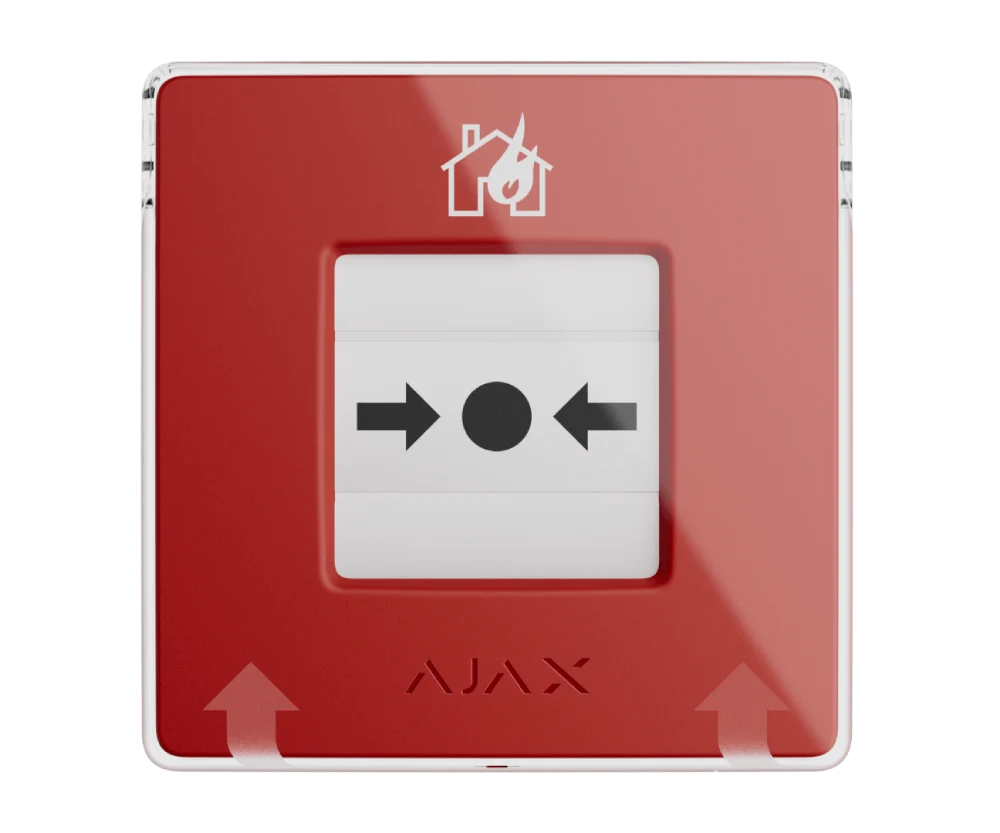
Ajax Manual Call Point Red
Manual trigger device for emergency workflows where a visible call point is required.
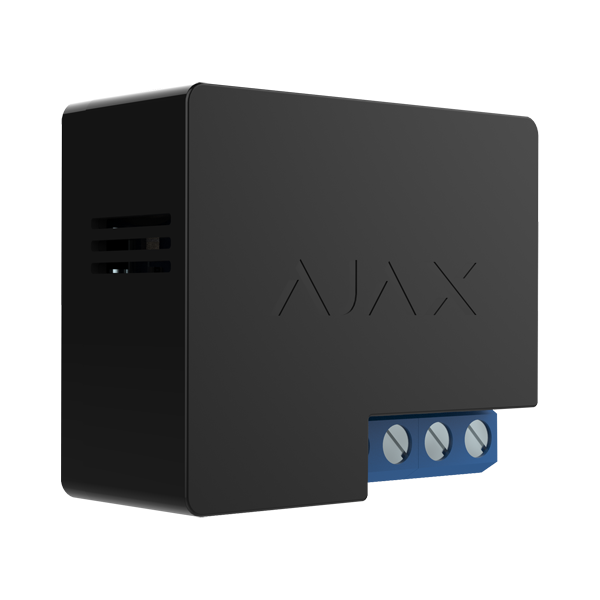
Ajax 12V Dry Contact Relay
Relay for supported automation, triggering and controlled integration with compatible devices.
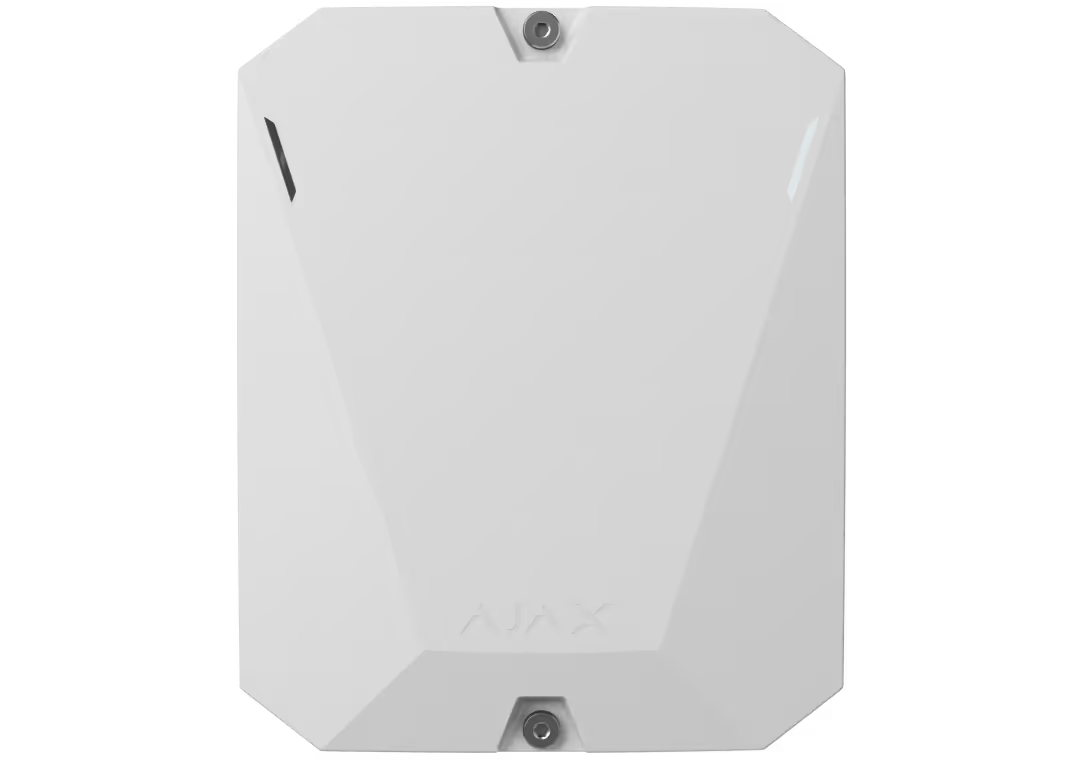
Ajax MultiTransmitter
Integration module for selected wired-device scenarios and hybrid system planning.
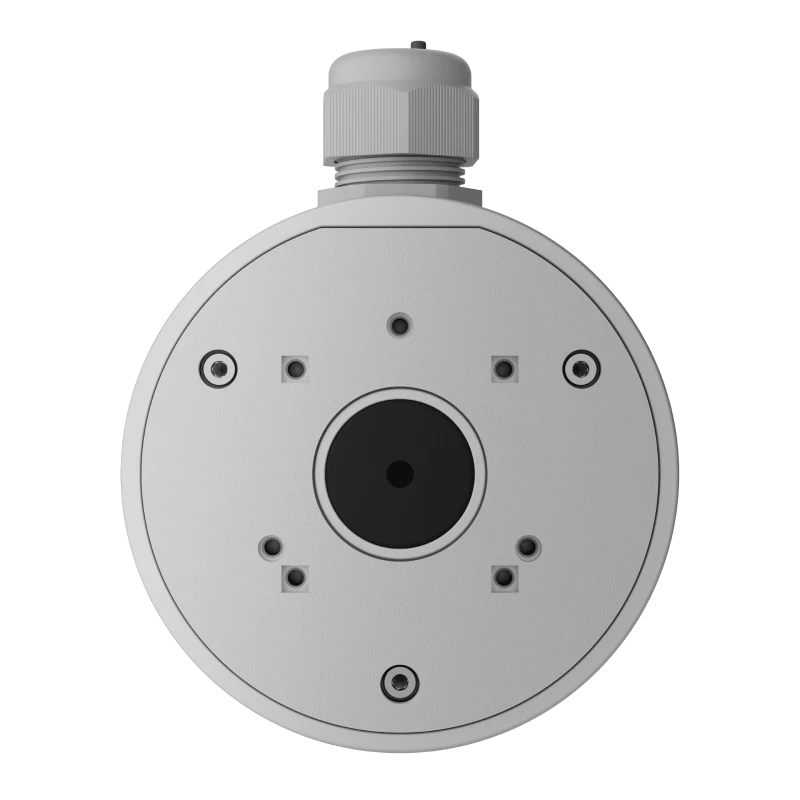
Ajax Camera Junction Box
Mounting accessory for cleaner camera placement and cable management.
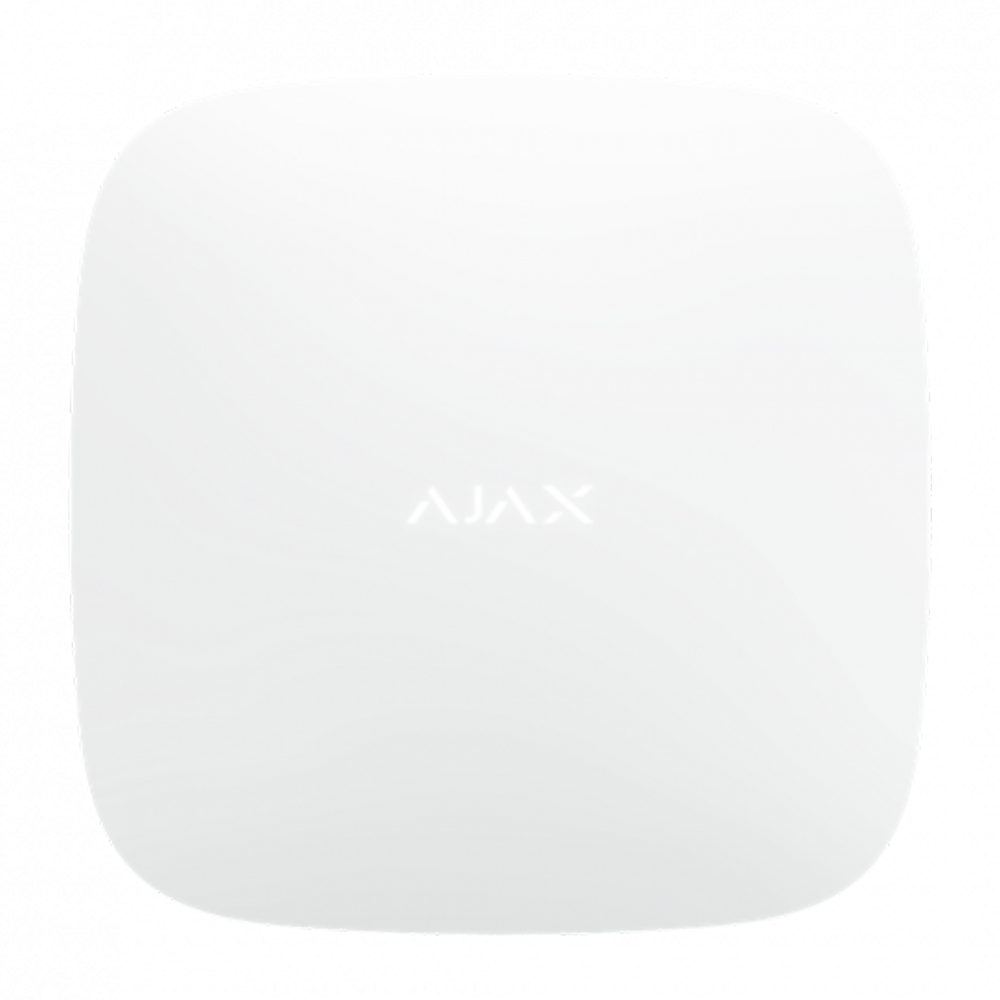
Ajax Hub 2 Plus Control Panel
Advanced hub option for larger systems, more users, more devices and later expansion.
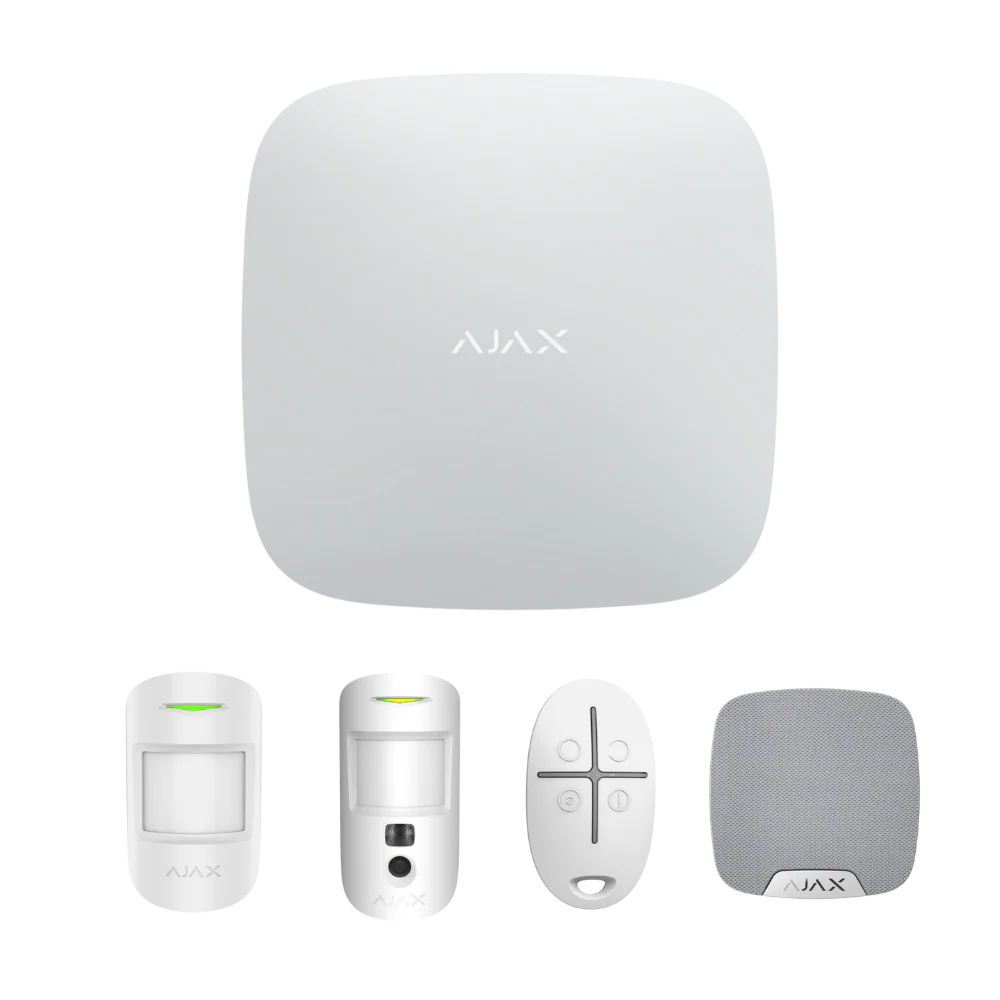
Ajax StarterKit Plus Cam
Starter kit for apartments and smaller properties that need a compact Ajax foundation.
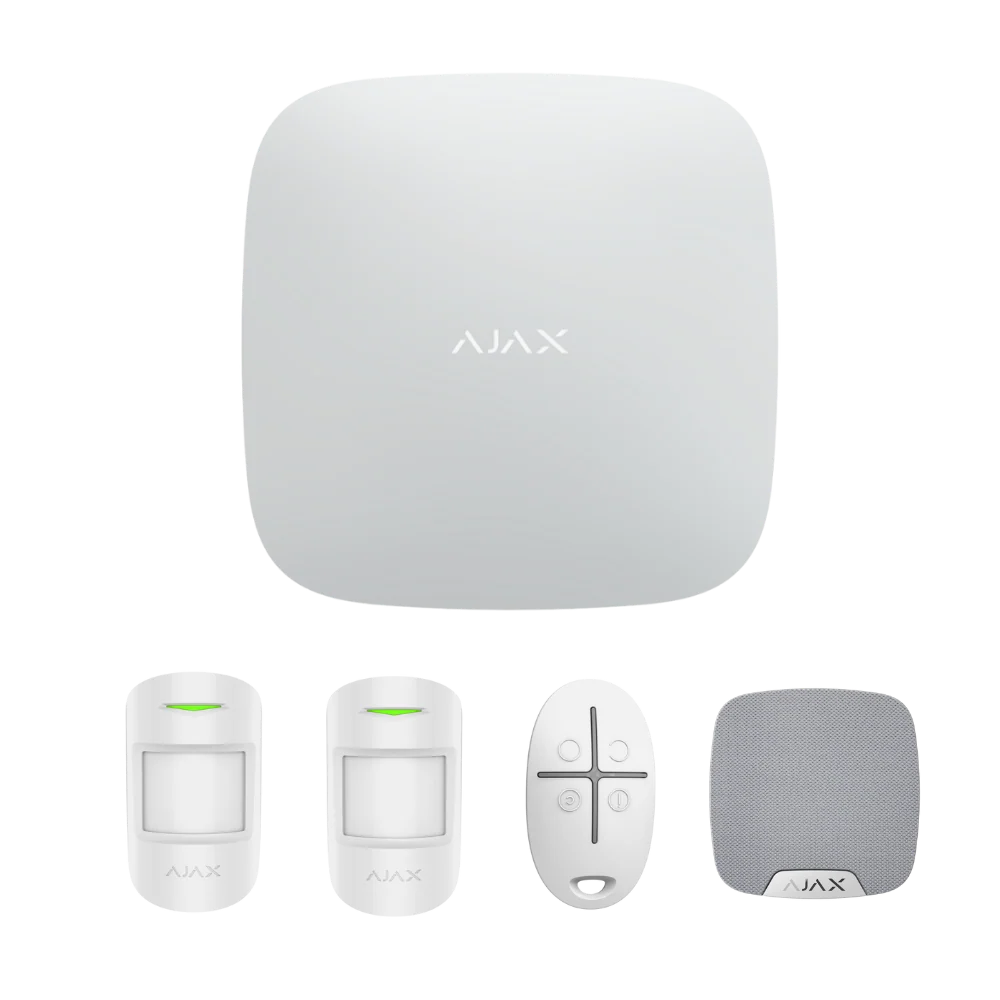
AJAX Starter Kit (Complete Bundle)
Full home security bundle: Hub 2, 2× MotionProtect detectors, SpaceControl remote and HomeSiren.
AJAX 8CH White HDMI NVR
8-channel network video recorder for smaller camera layouts that need local playback and storage.
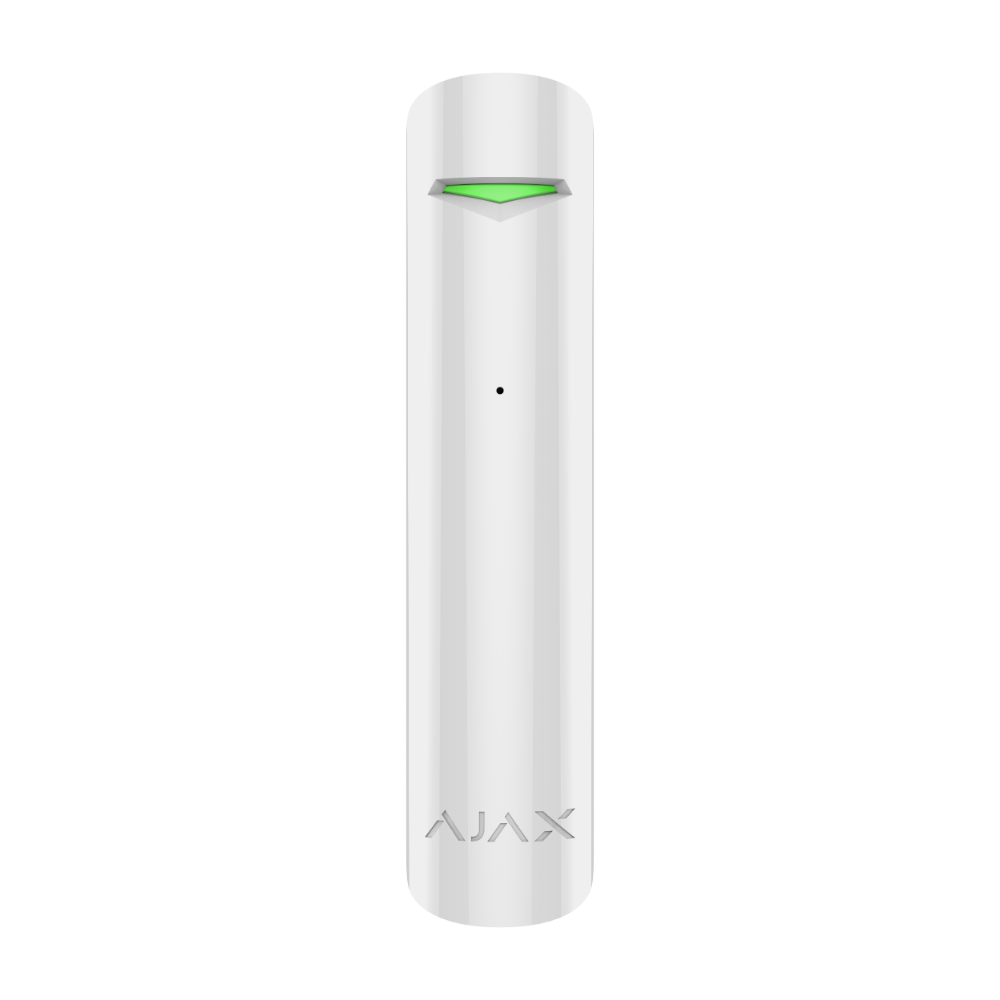
AJAX GlassProtect White
Wireless acoustic glass break detector, DualTone technology, 9m range, 180° angle, 7-year battery.
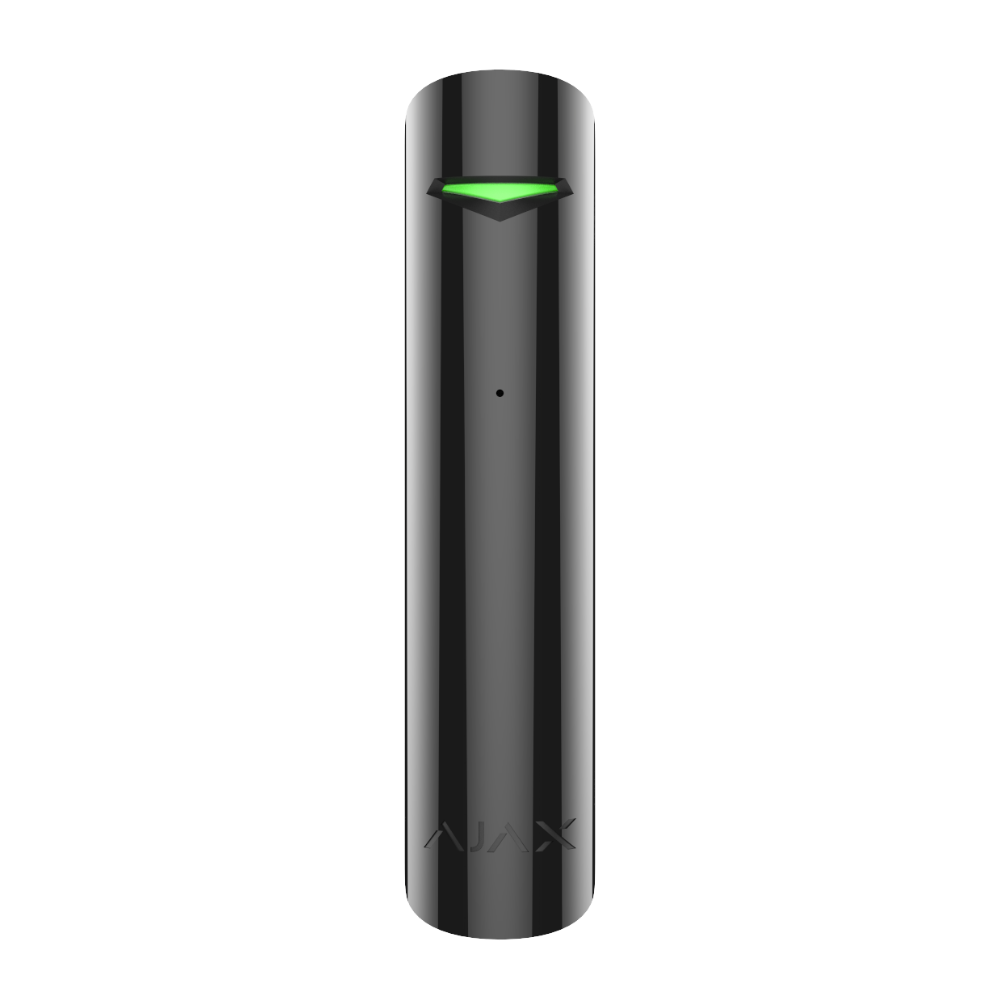
AJAX GlassProtect Black
Wireless acoustic glass break detector, DualTone technology, 9m range, 180° angle, 7-year battery.

AJAX Button White
Compact wireless panic button with Panic, Control and Mute Fire Alarm modes, 5-year battery.
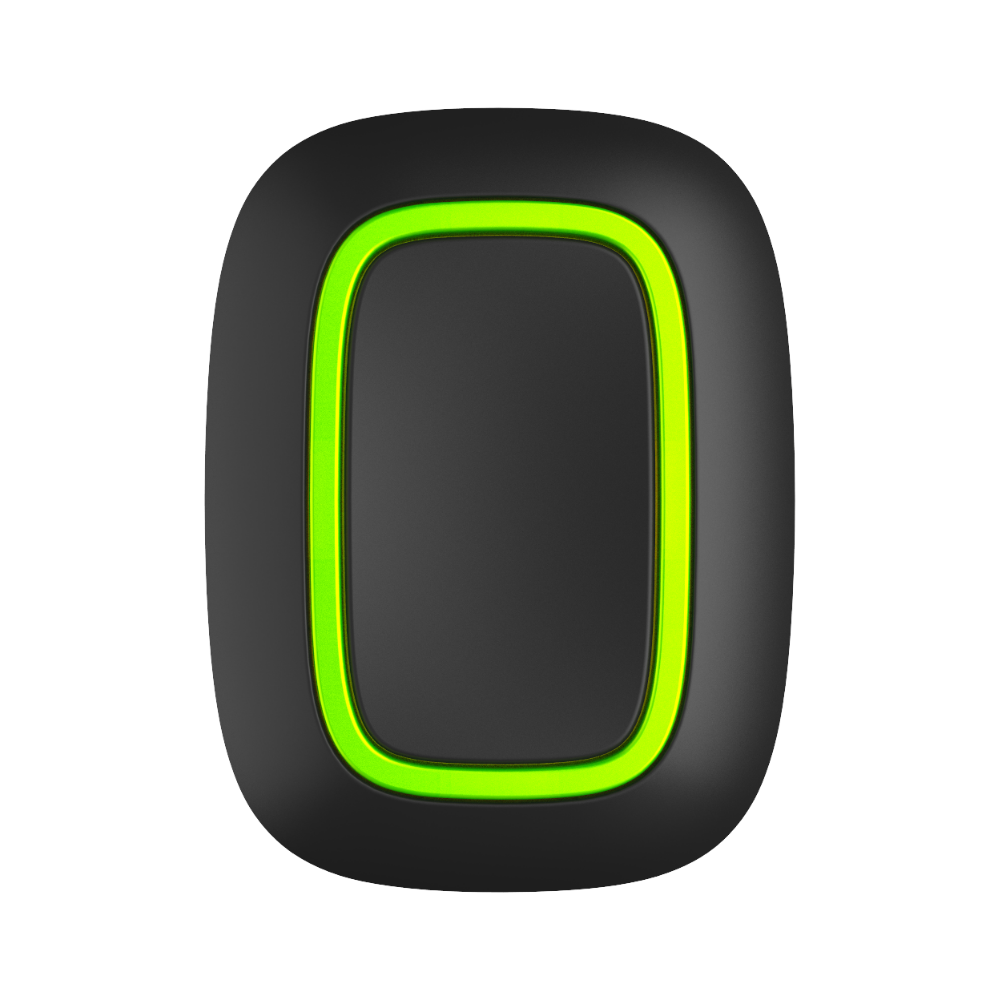
AJAX Button Black
Compact wireless panic button with Panic, Control and Mute Fire Alarm modes, 5-year battery.
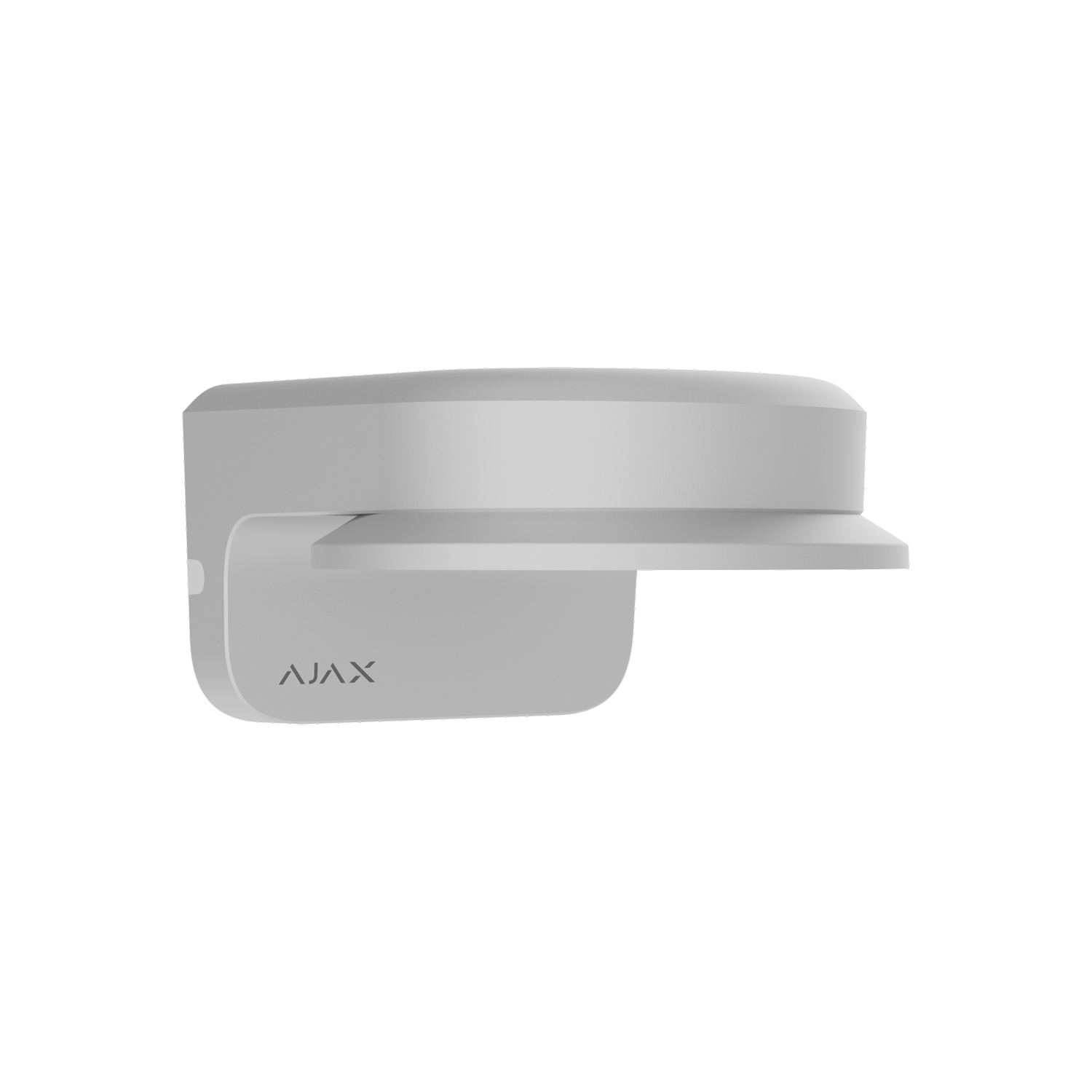
AJAX MountCam A2 White
174mm wall mount with built-in varifocal lens adapter, complete fastener set included.
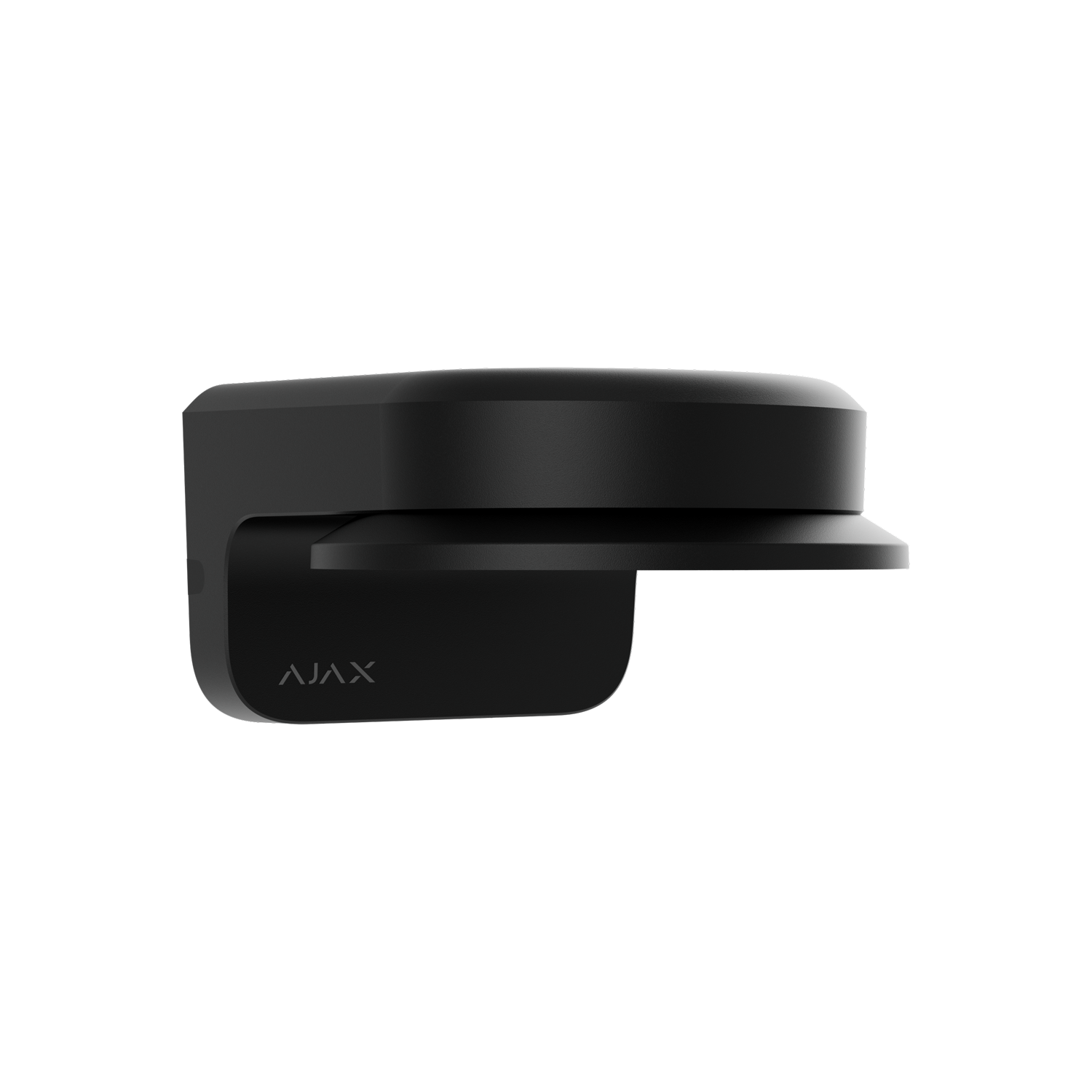
AJAX MountCam A2 Black
174mm wall mount with built-in varifocal lens adapter, complete fastener set included.
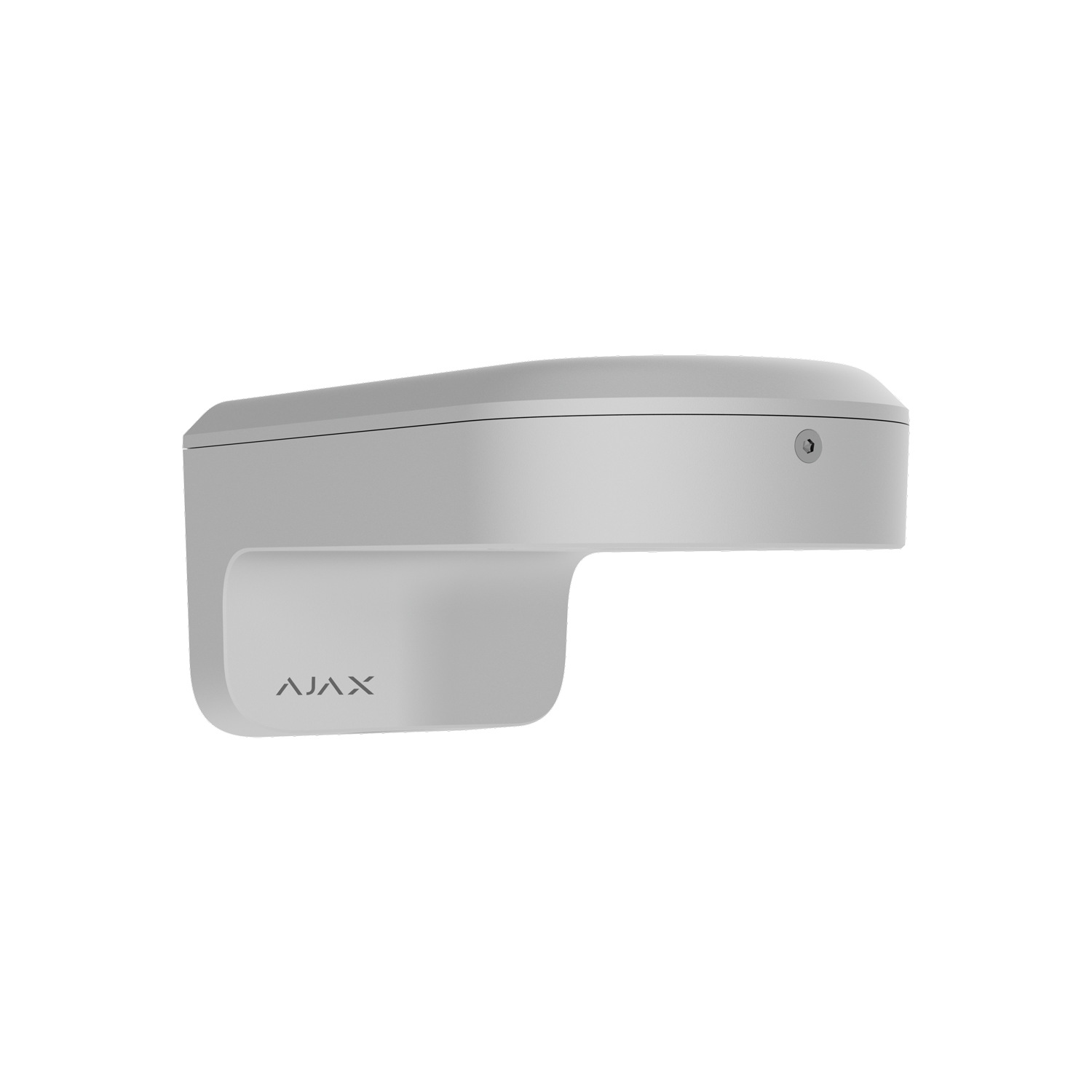
AJAX MountCam B1 White
237mm extended wall mount for fixed-lens cameras, complete fastener set included.
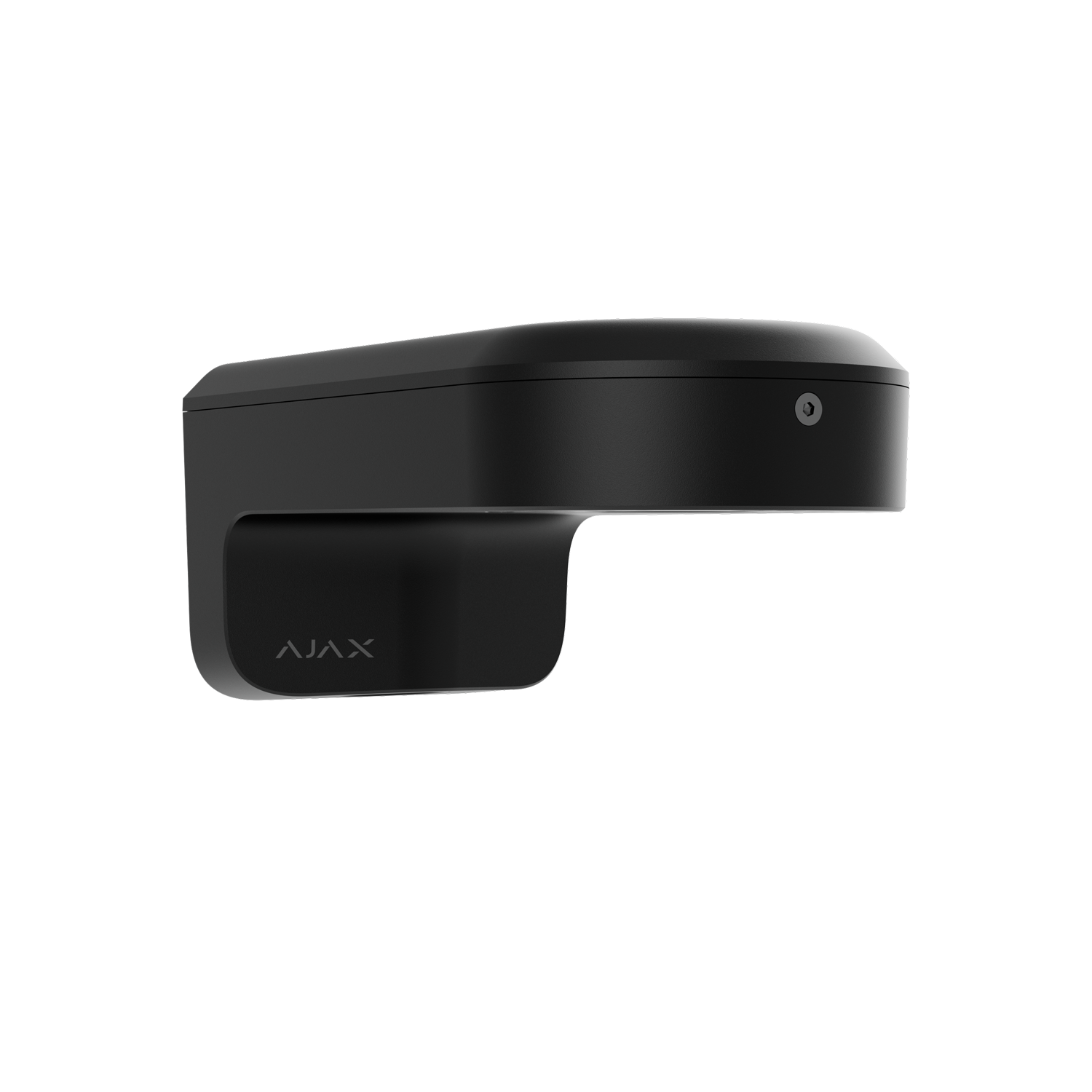
AJAX MountCam B1 Black
237mm extended wall mount for fixed-lens cameras, complete fastener set included.
How to Choose Ajax Devices for a Melbourne Property
Device choice should follow the building. SIPKO checks the hub position, wireless range, power and internet path, app users, entry points, camera views and future add-ons before recommending a practical setup.
The hub needs a secure location with reliable power, internet access and wireless signal. Device capacity, users, verification needs and later expansion should be checked first.
Opening, motion, curtain and outdoor detectors should match actual doors, windows, side paths and internal movement zones. Poor placement can create blind spots or unnecessary alerts.
Camera choice should include viewing angle, mounting height, lighting, network path, NVR channel count, storage target and how much playback history the user expects.

A Practical Way to Compare Ajax Equipment
Compare the system in layers: control, detection, video and expansion. This avoids buying devices that do not solve a site problem.
Choose the hub first
Confirm device capacity, users, arming groups, internet path, mobile backup needs and where the hub can be installed securely.
Map entries and rooms
Match sensors to doors, windows, corridors, garages, side paths and areas that should remain protected when the system is armed.
Check views and storage
Plan cameras around angles, lighting, network access, NVR channels, storage size and how playback will be used after an event.
Leave room to grow
Consider range extenders, sirens, leak detection, fire safety devices and integration modules before the system becomes larger.
What Makes a Complete Ajax System
A reliable Ajax setup is built in layers: control panel, detection, local alerts, video review, recording and selected safety devices. Each layer should match the property layout and the way people will use the system.
Hub, Sensors and Sirens
The hub is the starting point. From there, the device mix should follow the property: front and rear doors, side gates, garage access, windows, corridors, offices, stock rooms and high-risk internal areas.
SIPKO checks signal range, device naming, arming groups and user access so alerts make sense in the app. A larger site may need range extension or separate areas. A smaller property may need fewer devices but more careful placement.


Camera and NVR Options
Ajax cameras are most useful where an alarm event needs visual context: front entries, driveways, garages, stock areas, reception desks and rear access points.
Before choosing a camera or recorder, check the mounting position, field of view, lighting, cabling or network path, recording capacity and whether the user needs live view, visitor monitoring, playback or evidence after an incident.
Safety, Range and Expansion Devices
Ajax can support more than intrusion detection. Leak detectors, heat/smoke/CO detectors, range extenders and integration modules can be added where they solve a real property risk or make the system easier to manage.
These devices should be selected after the core alarm and video requirements are mapped. The goal is a system that can expand without confusing users or forcing unnecessary redesign later.

Where Ajax Devices Usually Fit in the System
These examples keep the selection practical: protect entry points first, add motion detection where it improves coverage, and use video where review or verification is genuinely needed.
Doors, Windows and Garages
Opening detectors help identify real entry events at front doors, rear doors, garage entries, windows and secondary access points.
Rooms, Corridors and Side Paths
Motion and curtain detectors should be placed around traffic paths, likely entry movement and areas where valuables or stock are kept.
Cameras, Doorbells and NVR Recording
Video devices are best used where the user needs to confirm who arrived, what triggered an alert or what happened after an event.
Need Help Choosing Ajax Equipment?
Send SIPKO Security your property type, suburb and the Ajax devices you are considering. We can help compare practical options before you move to installation, repair or upgrade planning.
Ajax Product Catalogue FAQs
Short answers about choosing a hub, detectors, cameras, recording and future expansion.
What Ajax Hub should I choose for a Melbourne home or business?
Which Ajax detectors are usually used for doors, windows and rooms?
When do Ajax cameras or an NVR make sense?
Is this page for installation or product selection?
Ask About Ajax Security Products
Share the devices you are considering and the type of property you want to protect. SIPKO Security can help compare options for product selection, installation planning, upgrade, repair or maintenance.