
Akuvox Intercom & Ajax Alarm Planning
Akuvox intercoms and Ajax alarm systems can work together for Melbourne homes, apartments, offices, and commercial entries. The key is proper planning: Akuvox manages visitor access and communication, Ajax handles intrusion detection and alarm events. Get them right, and they’re a powerful team.
Akuvox Manages
Visitor calls, access credentials (PIN, RFID, QR, facial recognition), door/gate release, mobile answering, and visitor verification before entry.
Ajax Manages
Intrusion detection, door/window sensors, sirens, app alerts, alarm events, user permissions, and 24/7 monitoring (where enabled).
The reliable result comes from correct wiring, compatible devices, stable network design, and a tested user process. We check lock wiring, relay behavior, and network stability before confirming what can be linked or coordinated.
Request a Consultation
Tell us about your project. Do you have an entry intercom in mind? Are you upgrading from an older alarm? Call us if you’d rather talk first.
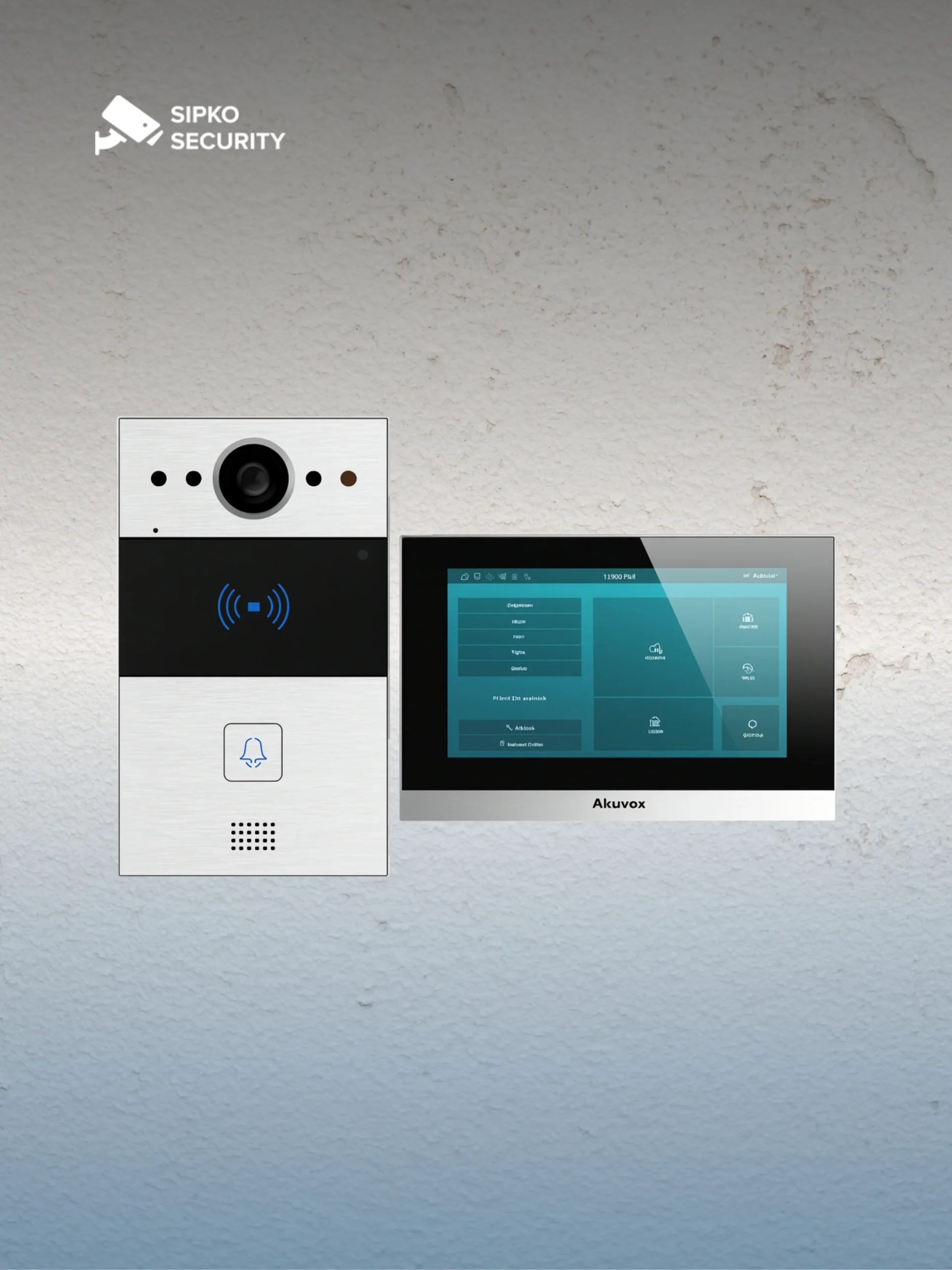
Key Features of Akuvox Intercoms
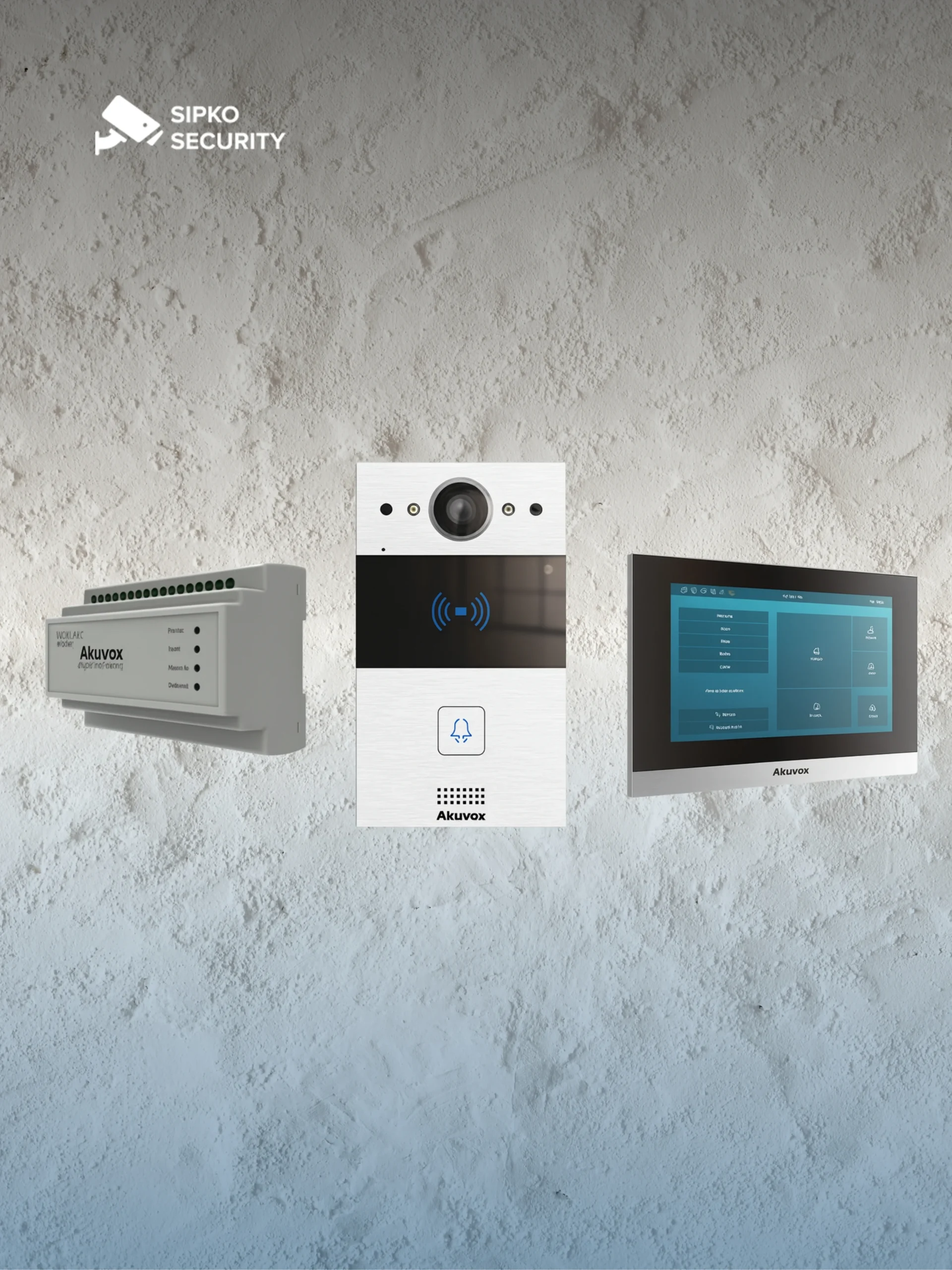
Akuvox intercoms are designed for entry control, visitor communication, and mobile access management in one practical system. The exact feature set depends on your chosen outdoor station, indoor monitor, firmware, and app configuration.
Clear Visitor Audio & Video
HD video, two-way audio and low-light capability help residents or staff verify visitors before releasing a door, gate or lobby entry.
Simple User Operation
Touchscreens, physical buttons, indoor monitors and mobile app access can be matched to your site: family home, shared entrance, reception desk or staff-only door.
Access Control Flexibility
Selected Akuvox models work with RFID, PIN, QR codes, Bluetooth, facial recognition, Wiegand readers and relay outputs for electric strikes or gates.
Useful for Shared Buildings
Multi-user calling, indoor stations and tenant-style entry management make Akuvox suitable for townhouses, apartments, office suites and gated entries.
SmartPlus Cloud Platform
When configured correctly, SmartPlus supports mobile answering, temporary access codes, visitor handling and remote door release for approved users.
Installer-Friendly Planning
SIP calling, network video streams, relay control and third-party wiring options allow Akuvox to fit into broader alarm, camera and access-control projects.
Overview of Ajax Security Systems
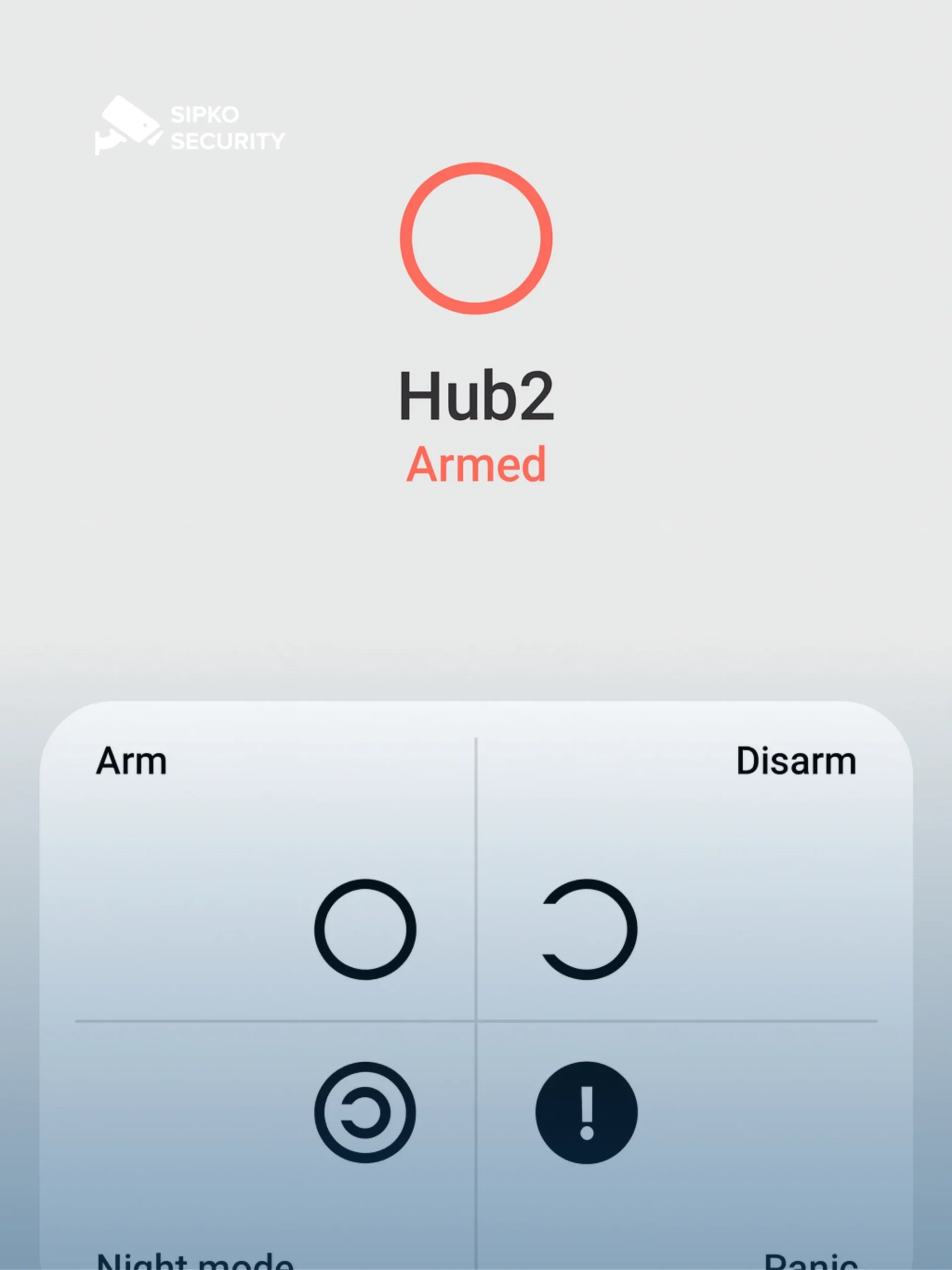
Ajax Systems should be treated as the alarm layer in an Akuvox + Ajax project. It protects the property behind the entry point through sensors, sirens, app alerts, alarm events and user permissions.
Wide Security Device Range
Motion detectors, door contacts, glass-break sensors, sirens, keypads, panic buttons, leak detectors and automation modules can be combined by zone.
Hub-Based Structure
The hub manages devices, user access, alarm events, app notifications and communication with monitoring where that service is enabled.
Wireless Alarm Design
Ajax devices use proprietary radio technologies for communication between the hub and supported devices.
Practical Alarm Review
Photo-enabled detectors and connected camera streams help owners or monitoring teams understand what caused an alarm.
Integration Planning
Ajax relays, scenarios, camera support and selected professional integrations help connect alarms with gates, locks, lighting or site procedures.
Ajax is not just a “wireless alarm”. On a properly designed site, it becomes the event, notification and response layer behind the entry-control setup.
Akuvox + Ajax: Practical Integrated Security
Combining Akuvox intercoms with Ajax security systems makes sense when the site needs both controlled entry and a reliable alarm response. SIPKO plans this as two coordinated layers: Akuvox manages the visitor and door; Ajax manages intrusion events, sirens, app alerts and security zones.
Separate Roles, One Plan
Akuvox should control visitor calls and door release. Ajax should control alarm zones, sirens and notifications. A stable design keeps these responsibilities clear.
Access Events With Alarm Logic
Where suitable, authorised entry, door release or relay activity can be used in a wider alarm workflow. This must be tested on the actual lock, hub, network and user scenario.
Better Event Context
Intercom video helps confirm who used the entry point, while Ajax records alarm events from protected areas such as rear doors, stockrooms, garages or offices.
Network and Cloud Planning
Remote access depends on internet quality, app permissions, cloud settings and device firmware. These details should be checked before promising remote unlocking or monitoring.
Flexible Automation
Relays, dry contacts, supported APIs and installer-defined scenarios can link entry, locks, alerts or lights, but the final method depends on model compatibility.
Professional Handover
A proper handover should confirm users, app access, door release, alarm zones, emergency behaviour and what to do if internet or power is interrupted.
Step-by-Step Guide to Integrating Akuvox with Ajax
Integrating Akuvox with Ajax should start with a site check, not with a generic software promise. The installer needs to confirm the intercom model, lock type, relay behaviour, Ajax hub model, network setup, firmware status and the way users will enter, arm and disarm the property.
electric strike, maglock, gate motor, exit button, power supply and fail-safe or fail-secure requirements.
including relay outputs, access methods, SIP settings, video stream support and cloud/mobile access options.
hub location, protected zones, siren placement, user permissions, app access and whether relay or automation modules are required.
visitor call, staff entry, after-hours entry, forced door, alarm trigger, power loss and internet outage.
Door release, lock timing, alarm arming, notifications, camera view and user permissions should be checked before handover.
The most common mistake is assuming that cloud access equals full integration. A reliable Akuvox + Ajax setup must be verified at the door, at the hub, in the app and during a real alarm test.
Benefits and Real World Applications
The value of Akuvox and Ajax together is clearer control of the entry point, user access and alarm response. The goal is to make daily use simple while keeping the alarm process predictable.
Stronger Entry Control
Akuvox manages visitor access while Ajax protects the building if someone enters, forces a door or triggers a protected zone.
Better Event Context
Intercom video, access logs and Ajax alarm events help understand what happened at or behind the entry point.
Cleaner User Management
Residents, staff, managers and contractors get the correct access level instead of sharing codes or remotes.
Lower False-Alarm Risk
When planned together, users are less likely to trigger the alarm by entering the wrong door or forgetting the process.
Villas, townhouses and apartments benefit from mobile visitor screening, controlled unlocking and alarm coverage around vulnerable entries.
Offices, clinics, warehouses and retail sites can separate public entry, staff entry, stockroom protection and after-hours alarm procedures.
A good system should make security easier to use, not harder. Every user should know where to enter, how to unlock, when the alarm is active and who receives alerts.
Why plan Akuvox intercoms together with Ajax security?
- Clear entry control: Akuvox handles visitor calls, door release and approved access methods.
- Reliable alarm response: Ajax protects doors, rooms, stock areas, garages and after-hours zones.
- Better event context: Video from the entry point helps explain who was at the door before or during an event.
- Cleaner daily use: Staff, residents and managers can follow a simple entry and alarm process.
- Residential & commercial fit: Suitable for homes, apartments, offices, clinics, warehouses and retail entries.
Practical Security Flow
Akuvox controls the entry point. Ajax protects the property behind it. SIPKO checks the lock, relay, hub, app access and alarm zones so the system works in real daily use.






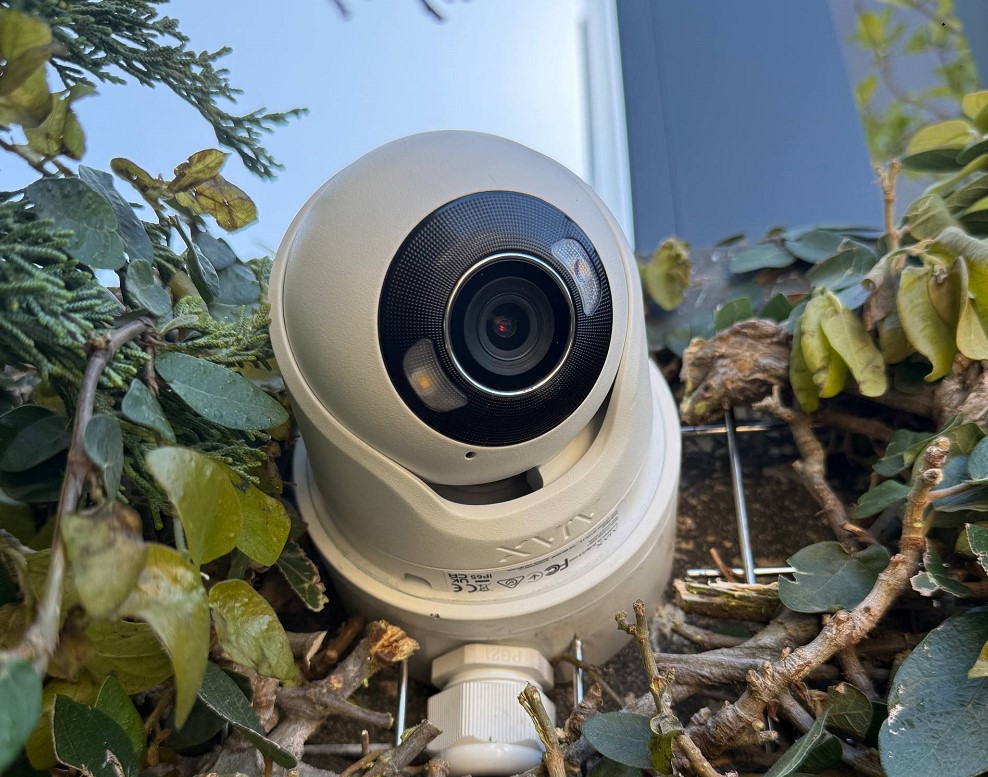
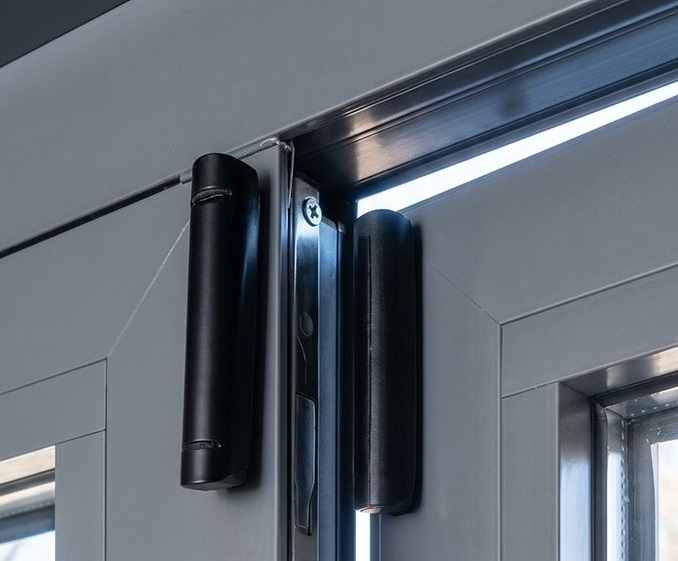
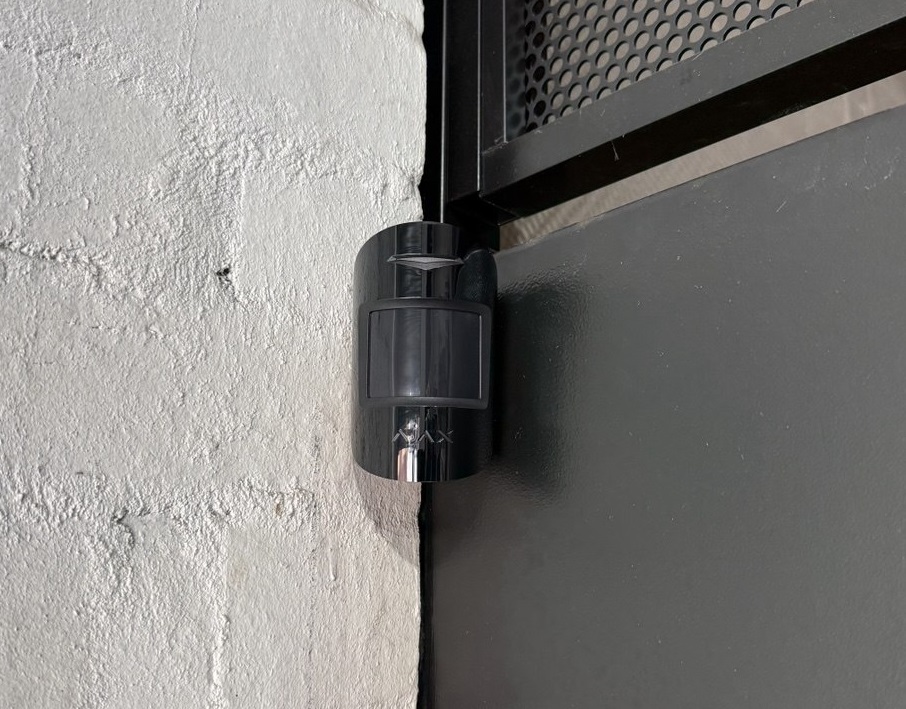
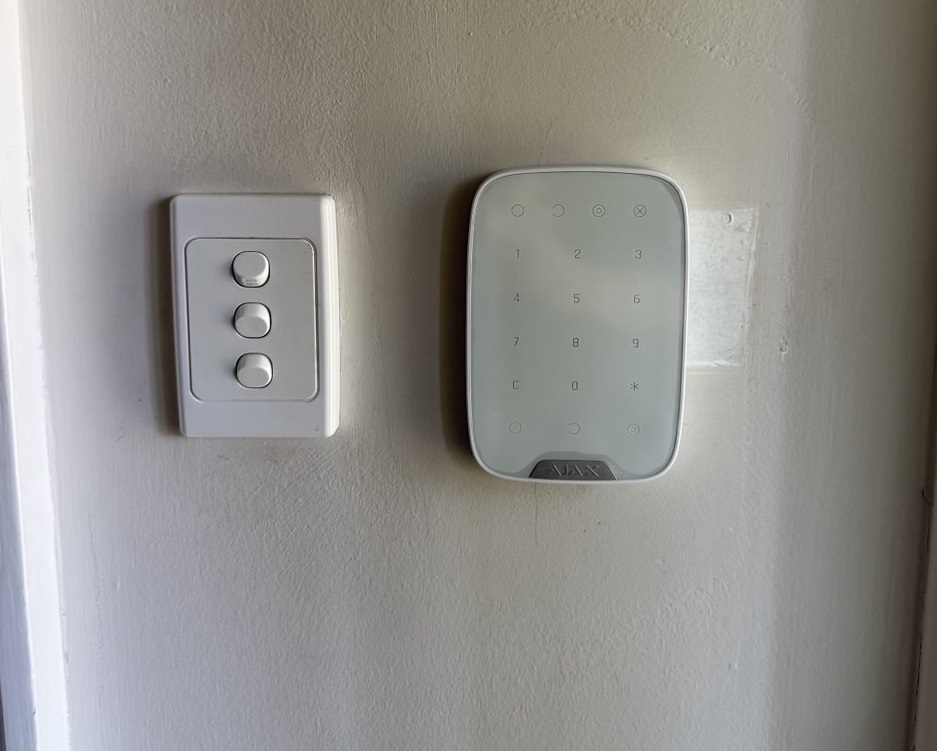
Ajax Security Systems Installed by SIPKO Security in Melbourne
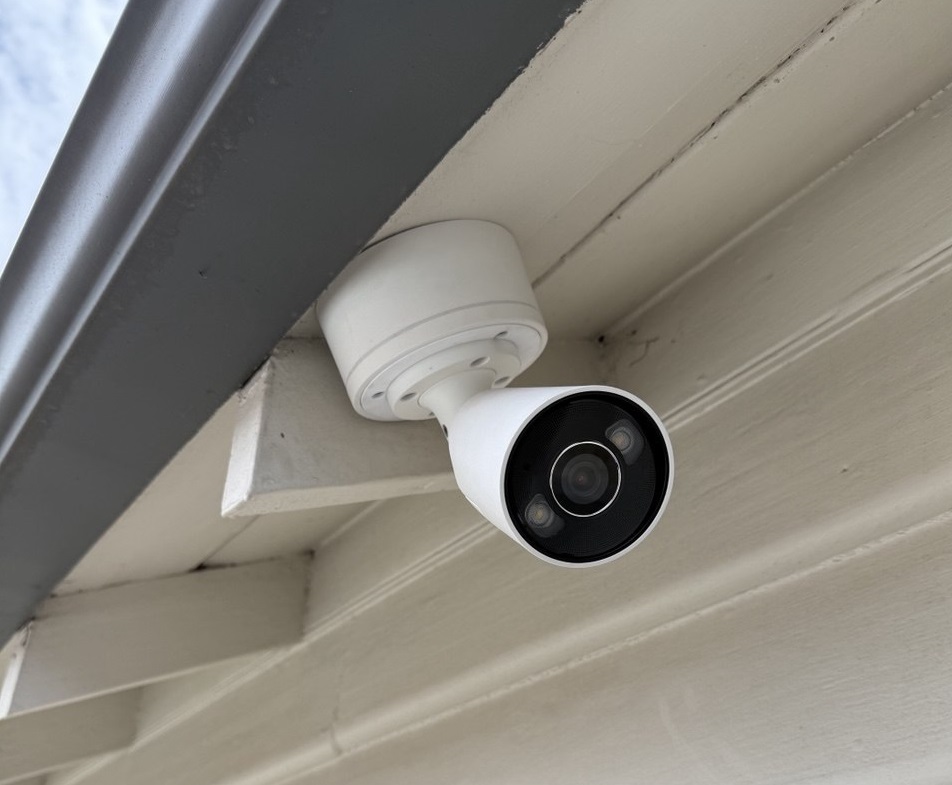
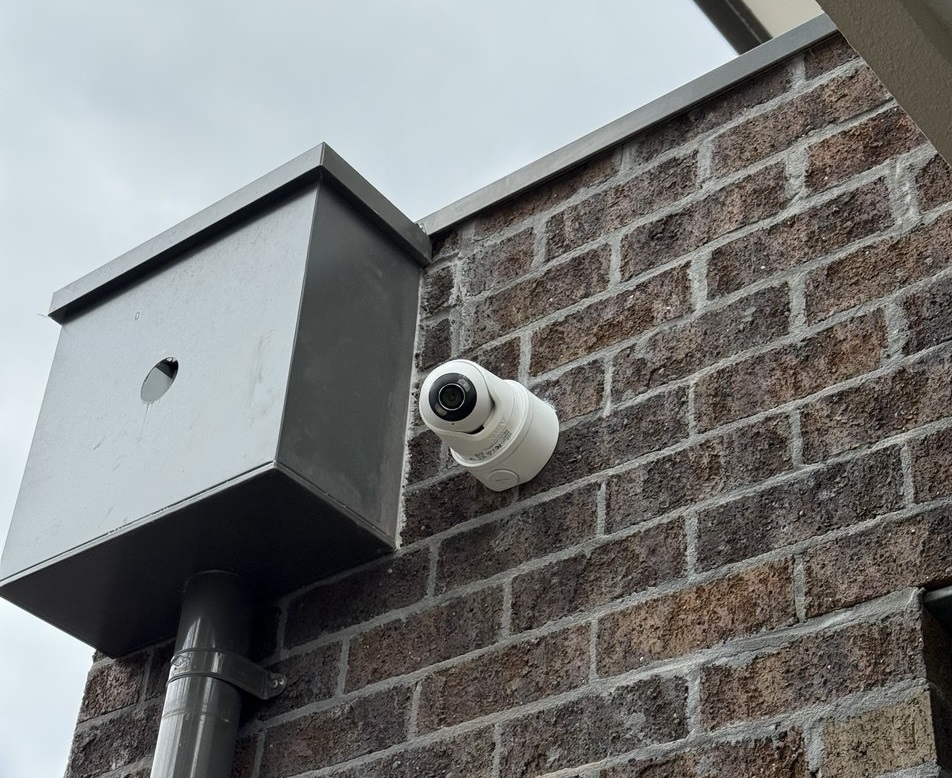
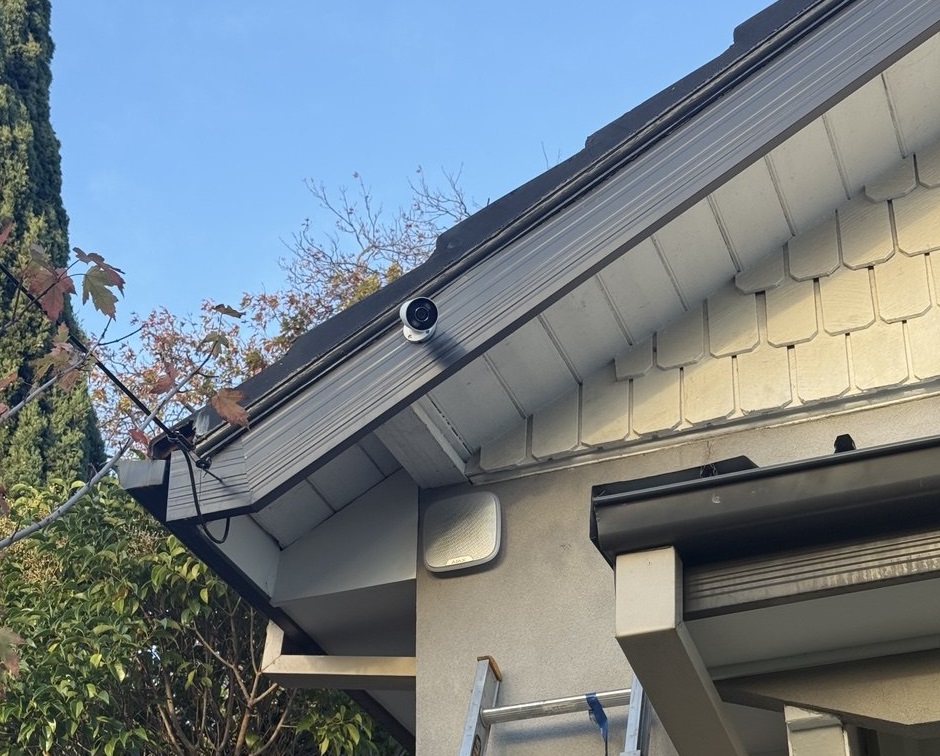
Real Ajax alarm, camera and smart security projects from our Melbourne work.
What Our Clients Say
Frequently Asked Questions
Everything you need to know about planning Akuvox intercoms with Ajax security systems.
1 Can Akuvox intercoms work with Ajax alarm systems?
Yes. Akuvox and Ajax can be planned together on the same property. Akuvox normally manages visitor calls, approved access and door release, while Ajax manages intrusion detection, sirens, app alerts and alarm events.
2 Is Akuvox + Ajax a fully automatic native integration?
Not in every case. SIPKO checks the Akuvox model, relay options, lock wiring, Ajax hub, automation modules, app settings and the required user workflow before confirming what can be linked or coordinated.
3 Will I need extra hardware?
It depends on the door, lock, gate and desired behaviour. Some projects only need configuration and testing. Others may need a relay, power supply, exit button, PoE/network work, lock controller or Ajax automation device.
4 Can Akuvox unlock the door and Ajax protect the same entry?
Yes. Akuvox can be used for visitor communication and door release, while Ajax sensors can protect the same door or nearby areas. The arming and disarming process should be planned so users do not trigger false alarms.
5 Can authorised entry disarm Ajax automatically?
This should not be assumed. In some projects, entry activity, relays or user routines can be designed around the alarm process, but any automatic behaviour must be checked against the actual devices, wiring, permissions and security requirements.
6 Can Ajax alarms appear on Akuvox indoor screens?
This is not something to promise as a default feature. Alarm review is normally handled through the Ajax app, Ajax notifications, sirens, monitoring where enabled, and connected verification devices. Any display or third-party workflow must be confirmed by model and setup.
7 Is professional installation recommended?
Yes, especially where an electric strike, maglock, gate motor, shared entry, commercial site or existing alarm is involved. Professional setup helps avoid wiring issues, poor user permissions, unstable remote access and false alarms.
Ready to Plan Your Akuvox + Ajax Integration?
Let SIPKO Security check your entry point, lock, network and security requirements. We’ll confirm what works and what needs testing before installation.